

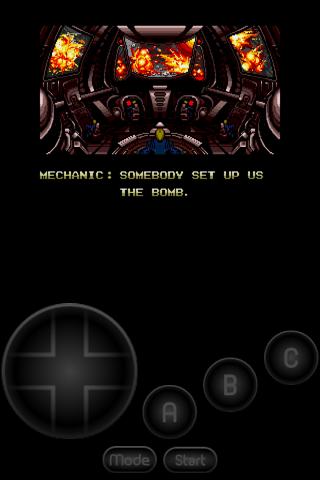
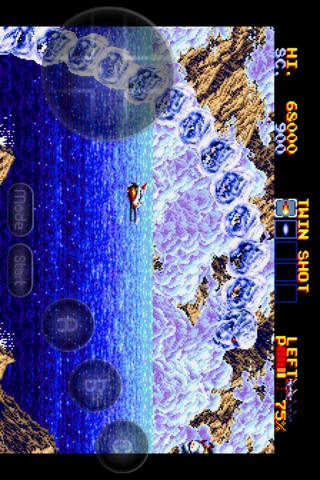
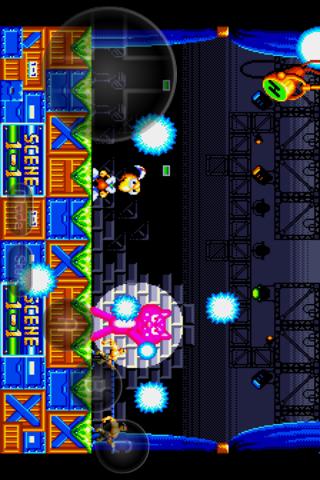
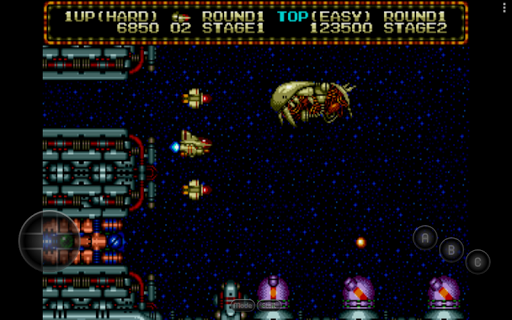
Overview of MD.emu (Genesis Emulator)
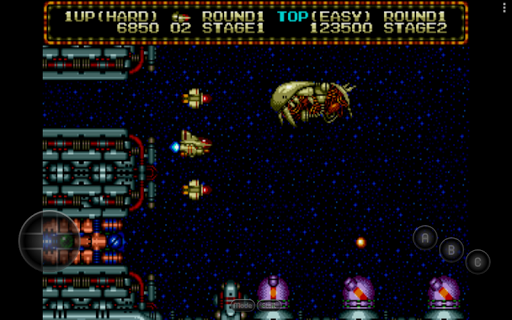
Are you craving the nostalgic experience of playing classic Sega Genesis, Mega Drive, or even Sega CD titles on your modern device? Look no further than MD.emu, a versatile and feature-rich open-source emulator that brings the timeless Sega gaming library to your smartphone or tablet. Designed with a minimalist user interface and optimized for low audio/video latency, MD.emu delivers an authentic retro gaming experience across a wide array of devices, from original Xperia Play phones to cutting-edge gadgets like Nvidia Shield and Pixel phones.
Key Features of MD.emu
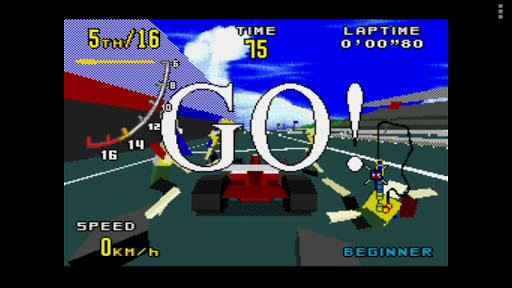
This emulator supports multiple file formats including .bin, .smd, .gen, and .sms. It also accommodates compressed ROM files in ZIP, RAR, or 7Z formats, simplifying your game collection management. One of its standout capabilities is support for the SVP chip, enabling smooth emulation of titles like Virtua Racing that relied on hardware acceleration.
Sega CD Compatibility
Although currently in beta status, the app supports Sega CD emulation through loading .cue or .bin files, provided users supply the appropriate BIOS files for regions such as USA, Japan, and Europe. This feature allows for a more comprehensive Sega console experience, expanding the library of playable titles.
Audio and Controller Support
MD.emu offers support for advanced audio formats including FLAC, Ogg Vorbis, and Wav tracks, ensuring clear and immersive sound. The emulator also supports a 6-button controller layout and a 4-player multitap setup, perfect for multiplayer sessions. For enthusiasts of light gun games, it provides gun support compatible with devices like Menacer and Justifier.
Cheats and Controls
Enhance your gaming experience with cheat code support using the .pat file format, similar to popular emulators like Kega Fusion and Gens. Moreover, users can customize on-screen controls and connect Bluetooth or USB gamepads and keyboards, giving you the flexibility to play your way. The app is compatible with any HID device recognized by your operating system, including Xbox and PlayStation controllers.
Device Compatibility and User Experience
MD.emu is designed to work seamlessly across a broad range of devices. It leverages Android’s storage access framework, allowing you to load ROMs from internal storage, SD cards, or external USB drives. Whether you're using a modern flagship device or an older smartphone, MD.emu adapts to your hardware for optimal performance.
Getting Started and Community Support
Getting started with MD.emu is straightforward. Download the app and follow the intuitive setup wizard—no technical expertise required. The emulator regularly updates to fix bugs and improve stability, ensuring a smooth gaming experience. You can track updates and development progress on GitHub. For troubleshooting or reporting issues, developers encourage users to provide detailed device information along with crash reports or feedback via email or GitHub.
Conclusion: Why Choose MD.emu?
For retro gaming enthusiasts and Sega fans alike, MD.emu stands out as a premium emulator solution that combines high compatibility, low latency performance, and extensive customization options. Its support for a wide variety of device types and ROM formats makes it a versatile choice for those eager to relive the golden era of 16-bit gaming. Whether you want to revisit classic titles like Sonic the Hedgehog, Streets of Rage, or Virtua Racing, MD.emu makes it possible to enjoy these games anytime, anywhere. Its user-friendly interface and comprehensive feature set ensure that both casual gamers and hardcore fans can enjoy a seamless, nostalgic gaming journey.
Pros
- Excellent compatibility with Genesis games
- Customizable on-screen controls
- Supports a variety of cheat codes
- Easy saving and loading of game states
- Fast performance
- Smooth operation on different devices
Cons
- Limited features in the free version
- Occasional minor graphical issues
- No built-in multiplayer support
- Requires external BIOS files
- User interface is not modern











