


FPse for Android Devices
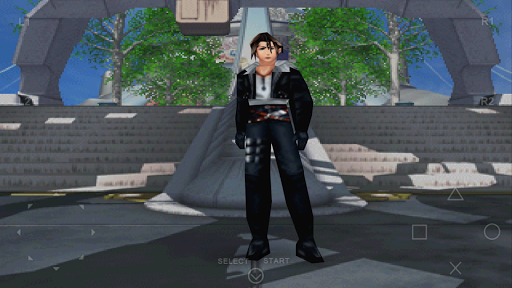
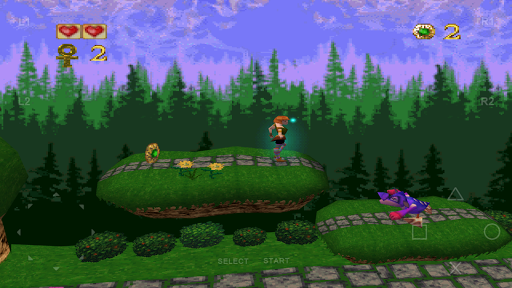
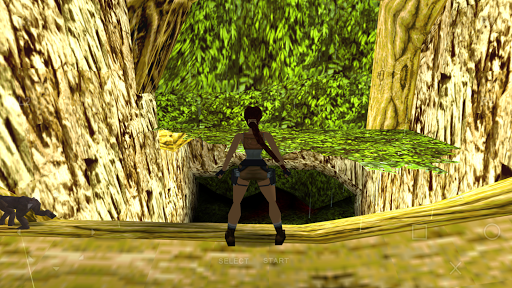
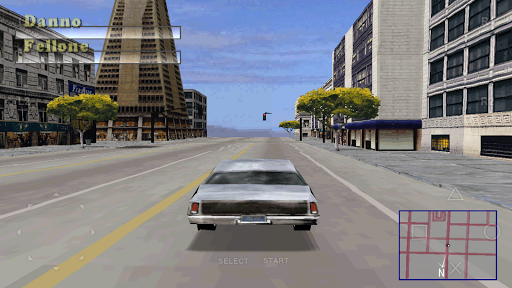
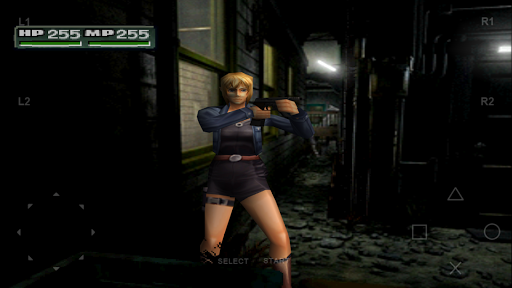
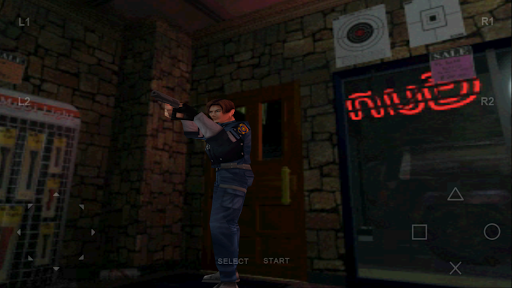
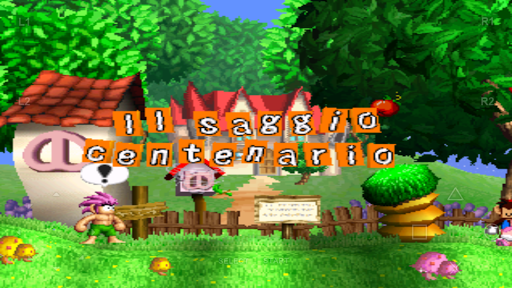
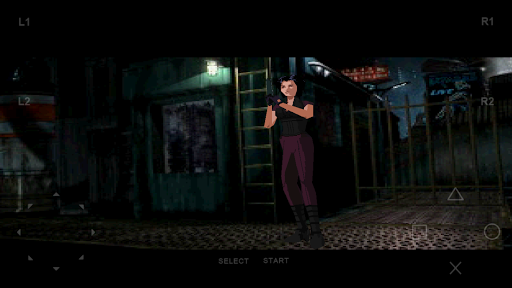
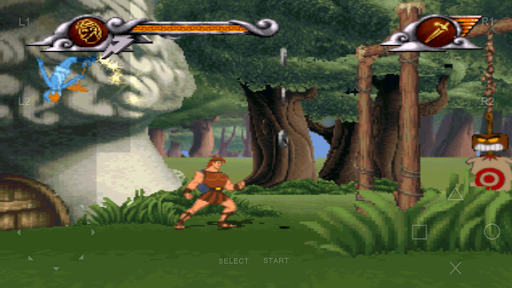
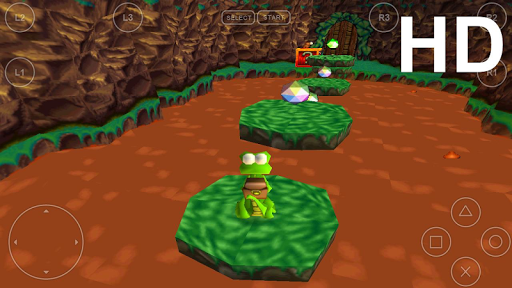
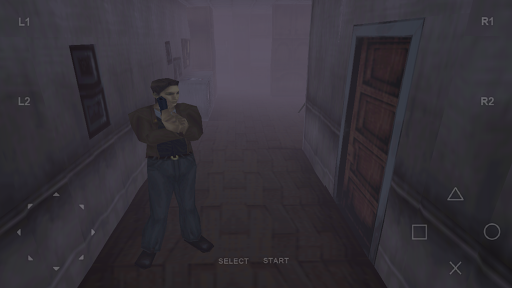
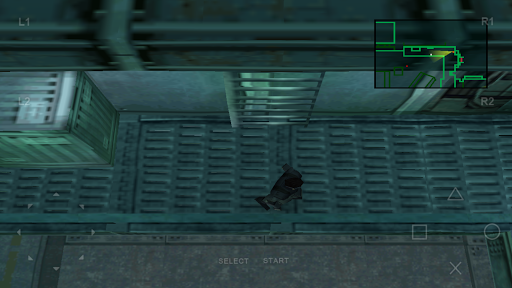
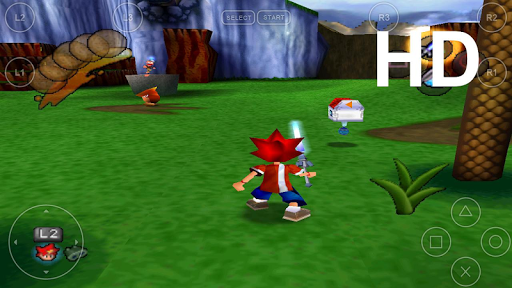
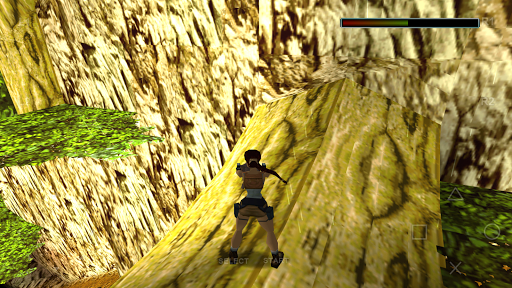
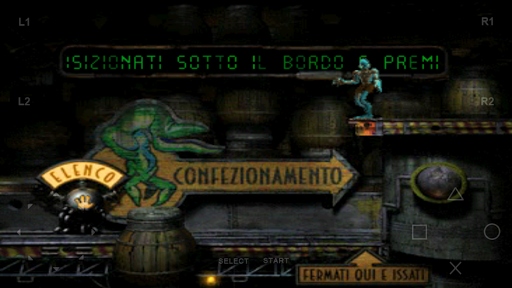
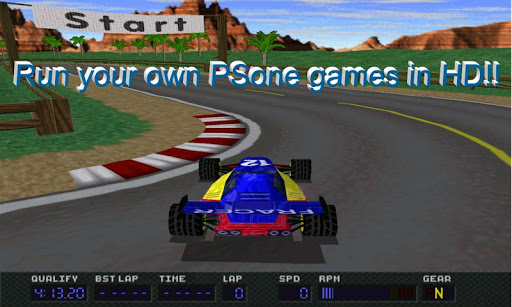
If you're a fan of classic PlayStation games and wish to enjoy them directly on your Android device, FPse is the perfect emulator for you. Renowned as the best, fastest, and most compatible PS1 emulator for handheld devices, FPse transforms your smartphone into a portable PlayStation console. With its high-resolution graphics powered by OpenGL technology, FPse delivers an immersive gaming experience that rivals the original console.
Key Features and Capabilities
Advanced Graphics and Compatibility
FPse employs OpenGL enhancements that enable all PS1 games to be displayed in stunning high resolution, offering outstanding visuals on modern screens. Whether you have an older device or a more recent model, FPse is designed to run seamlessly, providing high performance even on low-end hardware. The emulator supports various disc image formats such as .iso, .bin, .img, .cue, and more, including compressed files like .zip and .rar.
Intuitive Interface and User Experience
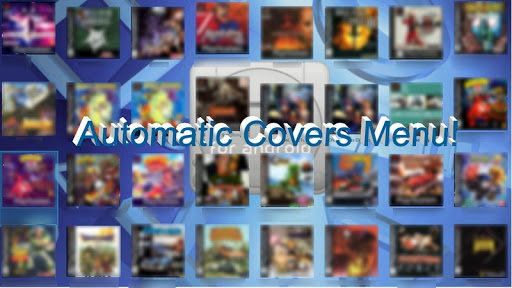
The interface of FPse is user-friendly, featuring automatic scanning of local storage to find your PlayStation games and display their covers. You can tap and hold game icons to access context menus, and the app offers three different menus that showcase game covers and even video samples of gameplay, which FPse can record effortlessly for up to 20 seconds. This makes browsing your game library enjoyable and straightforward.
Enhanced Gameplay Features
FPse boasts high compatibility with a broad array of titles, along with features like save states for quick game saves anytime, and support for audio emulation via .cue files paired with .bin images. The emulator also includes force-feedback for a more tactile experience, external gamepad support, and even innovative features like gun emulation using your finger for shooting games such as Guncon.
Control Options and External Devices
FPse supports up to 10 on-screen gamepads, downloadable directly within the app. It is compatible with a range of controllers including the iControlPAD, Wiimote (via Bluez IME), and even PlayStation controllers like PS3 and PS4. The emulator also offers analog stick emulation and G-sensor support for more immersive gameplay experiences.
Additional Features and Future Extensions
FPse provides a suite of extras such as automatic cheat code search, autofire, and the ability to compress games into one package for easier storage. It supports multiplayer LAN mode with two Android devices, allowing gaming together on compatible titles like Tekken3. Also, with its native support for the NFS protocol, you can load your games directly from NAS or stored on your PC over a network. New features like support for VR glasses and enhanced shader effects further elevate the gaming experience.
Performance and Compatibility
Designed to operate on Android versions from 2.3 to 8, FPse delivers smooth gameplay across a variety of devices. Its software renderer can even run in high definition up to 4x native resolution. Moreover, the emulator supports external plugins via OpenGL, ensuring that your gaming setup remains customizable and future-proof. With options like automatic polygon shaking correction and support for compressed files, FPse ensures a stable, high-quality experience for all PlayStation classics.
Conclusion
FPse for Android transforms your mobile device into a powerful retro gaming console. Its extensive list of features—including superior graphics, broad game compatibility, multiplayer options, and controller support—makes it an exceptional choice for playing PlayStation 1 games on the go. Whether you're a nostalgic gamer or new to the classics, FPse offers an authentic and versatile way to relive your favorite titles anytime, anywhere. Dive into your favorite games, enjoy cutting-edge visuals, and rediscover the golden era of PlayStation gaming with FPse.
Pros
- Excellent compatibility with PS1 games
- Customizable control options
- Smooth rendering quality for graphics
- Supports multiple file formats
- Receives regular updates and support
Cons
- Setup process can be complex
- Limited features available for free
- Occasional application crashes
- Requires BIOS file to run games
- Does not support cloud saving











