



- Category Social
- Developer KAKAO Corp
- Available on PC
- OS Windows 10 version 0.0 or higher
- Keyboard Integrated Keyboard
- Mouse Integrated Mouse
- Memory 4 GB
- languages English, Japanese, Korean
Seamless Communication at Your Fingertips
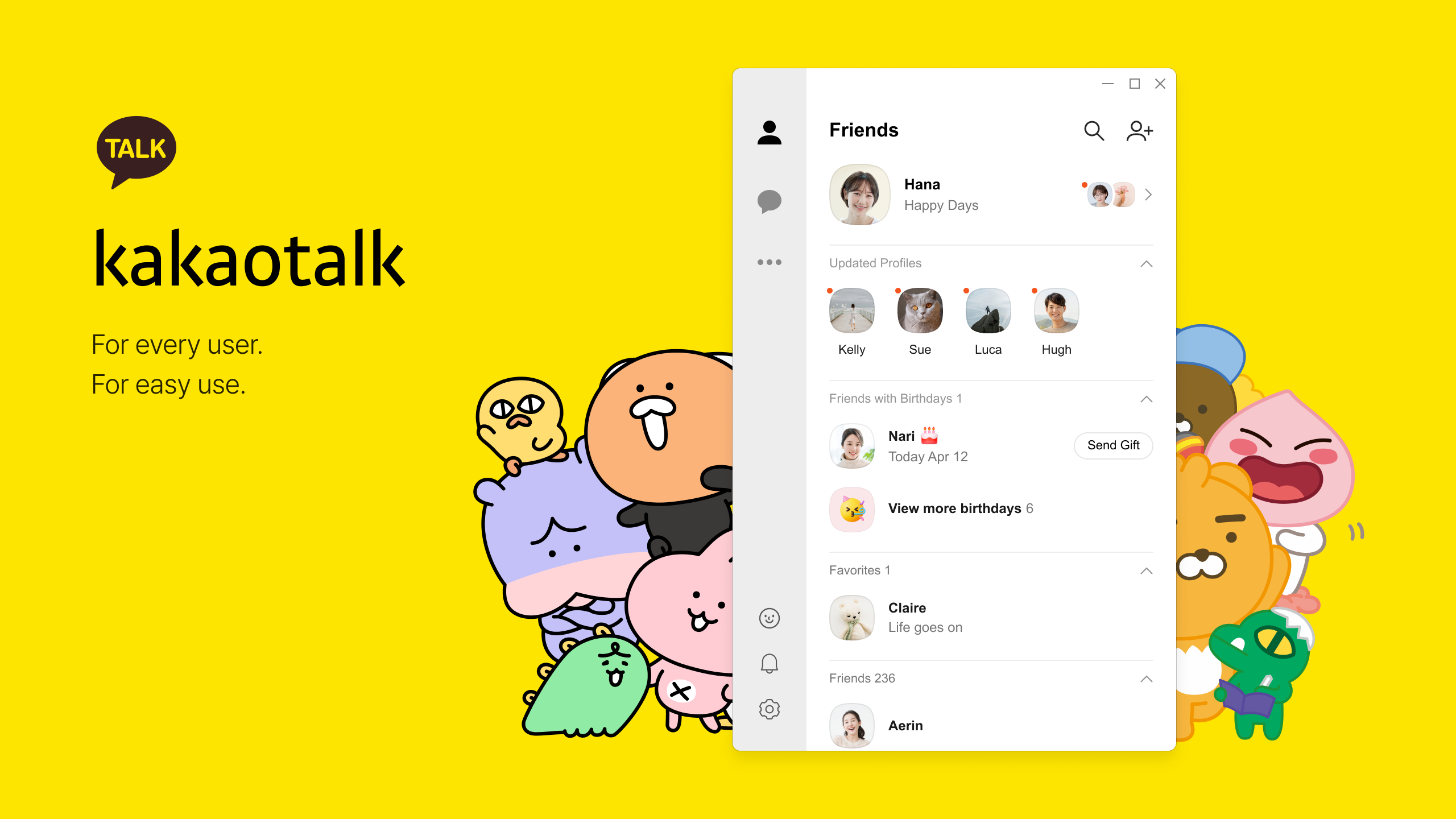
kakaoTalk for Windows is a dedicated desktop client that brings the beloved messaging experience from your smartphone straight to your PC, allowing users to stay connected effortlessly across devices.
About the Developer and Core Features
Developed and published by KAKAO Corp., a leading South Korean tech company renowned for their innovative communication platforms, this app aims to provide a smooth desktop messaging experience. Its main highlights include synchronized chat history across devices, robust contact management tools, and secure authentication processes. Tailored for individuals who rely heavily on messaging for personal or professional communication, kakaoTalk for Windows caters to users seeking efficiency and ease of use in their daily interactions on desktop.
Brightening Up Your Desktop Messaging Experience
Getting Started with a Fresh Desktop Feel
Launching kakaoTalk on Windows feels like opening a familiar chat room on a larger, more comfortable table. The interface design is clean, intuitive, and resembles its mobile counterpart but optimized for larger screens. From the initial setup, users will appreciate its straightforward login process, facilitated by seamless account synchronization. The learning curve is gentle, making it accessible even for first-time desktop app users, while offering enough customization to satisfy power users.
Core Functionality: Keeping Connections Alive
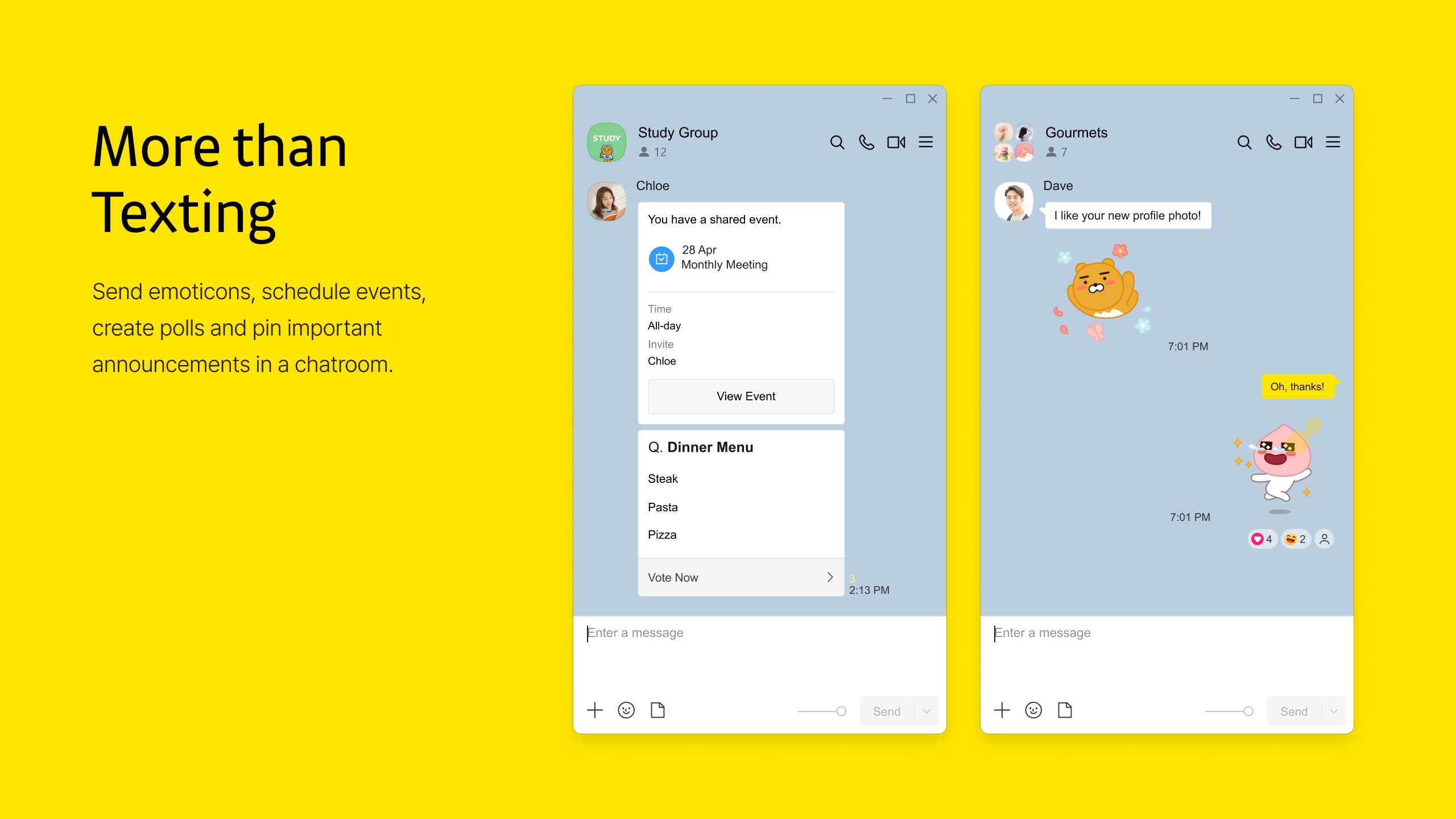
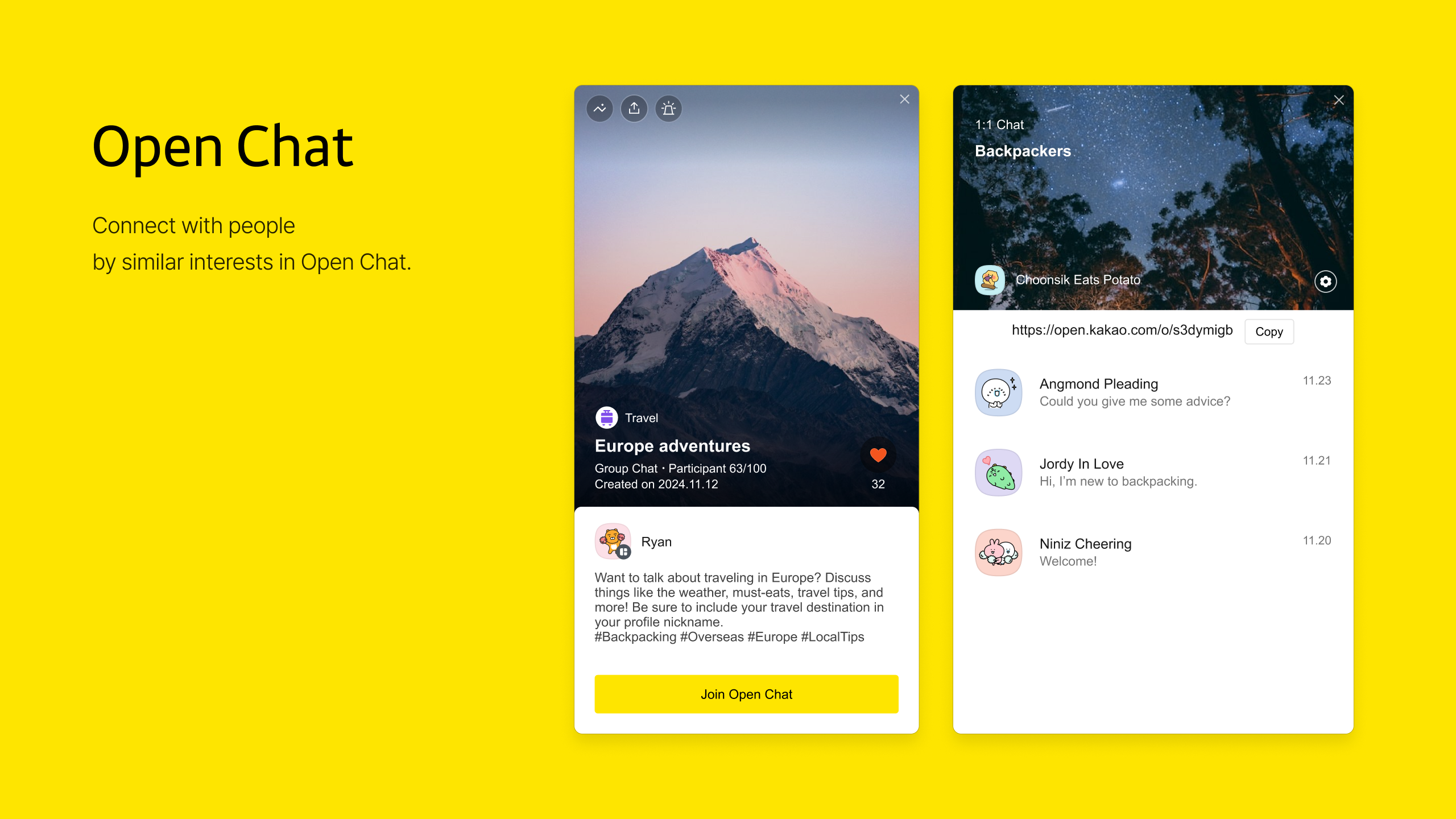
The app excels at maintaining real-time, lag-free communication. Thanks to efficient synchronization algorithms, chat histories are consistently updated across your devices, ensuring no message gets lost. The contact management system is also noteworthy—offering smart suggestions and easy addition of new contacts, helping you discover connections quickly, whether through social media integration or phone contacts. Furthermore, the app's connection discovery feature allows users to find friends who are using kakaoTalk, even if they haven't exchanged contact IDs directly, creating a more organic way to expand your network.
Enhanced User Experience and Unique Features
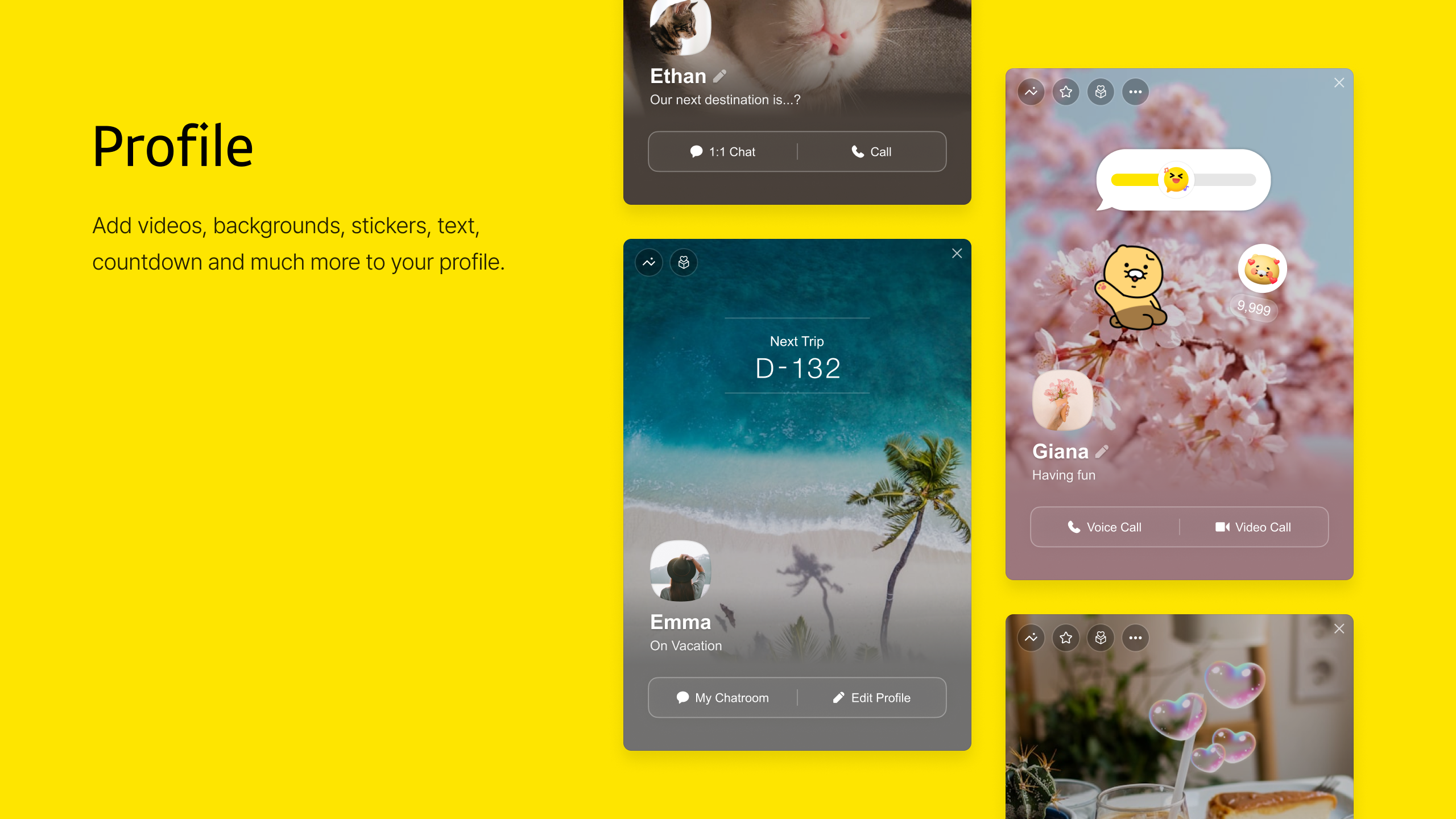
Navigation within kakaoTalk for Windows is smooth, akin to gliding through a well-tuned vehicle. The interface incorporates subtle animations and well-placed icons that make interactions feel natural without overwhelming the user. The app's most distinctive features lie in its profile customization and authenticity verification. Unlike many social messaging apps that use generic profiles, kakaoTalk offers detailed profile personalization—allowing users to verify their identity, adding a layer of trust and authenticity in conversations. This is particularly beneficial for professional or community-oriented use, where reputation matters. Additionally, the connection discovery mechanism fosters genuine interactions by suggesting contacts based on mutual connections or shared interests, setting it apart from standard social platforms that rely solely on contact lists.
Final Recommendations
Overall, kakaoTalk for Windows stands out as a solid, user-friendly messaging client with thoughtful features aimed at enhancing connection authenticity and discovery. It's especially recommended for existing kakaoTalk users looking to extend their messaging experience to the desktop environment without missing out on familiar features. For newcomers or users who prioritize profile authenticity and seamless connection discovery, this app provides a compelling desktop option. While it may not entirely replace mobile messaging for features like media sharing on the go, it serves as an excellent companion that keeps your conversations flowing smoothly and securely—making it a valuable tool in your digital communication toolbox.
Pros
- Intuitive User Interface
- Reliable Messaging Services
- Strong Multimedia Support
- Cross-Platform Compatibility
- Regular Updates
Cons
- Limited Customization Options
- Occasional Slow Load Times
- Limited Language Support
- Notification Management Is Basic
- Some Features Require Internet Connection