


- Category Puzzle & trivia
- Developer Stephen Toub
- Available on PC
- OS Windows 8 or higher
- languages English (United States)
Introducing Sudoku Classic for Windows: A Crisp and Clean Take on a Timeless Puzzle
In the realm of digital puzzles, Sudoku Classic for Windows by Stephen Toub offers a straightforward, refined experience that appeals to both seasoned enthusiasts and casual players seeking mental stimulation without unnecessary distractions. It distills the classic Sudoku gameplay into a sleek interface, making it a reliable choice for anyone craving a quick mental workout or a relaxing session.
Who's Behind the Puzzle? Developer and Main Features
Developed and published by Stephen Toub, a name associated with clarity and simplicity in app design, Sudoku Classic for Windows brings a focused approach to the traditional Sudoku game. The app emphasizes core puzzle-solving mechanics with special attention to user experience. Key features include:
- Multiple difficulty levels: Ranging from easy to expert, allowing players to gradually hone their skills or challenge themselves anew.
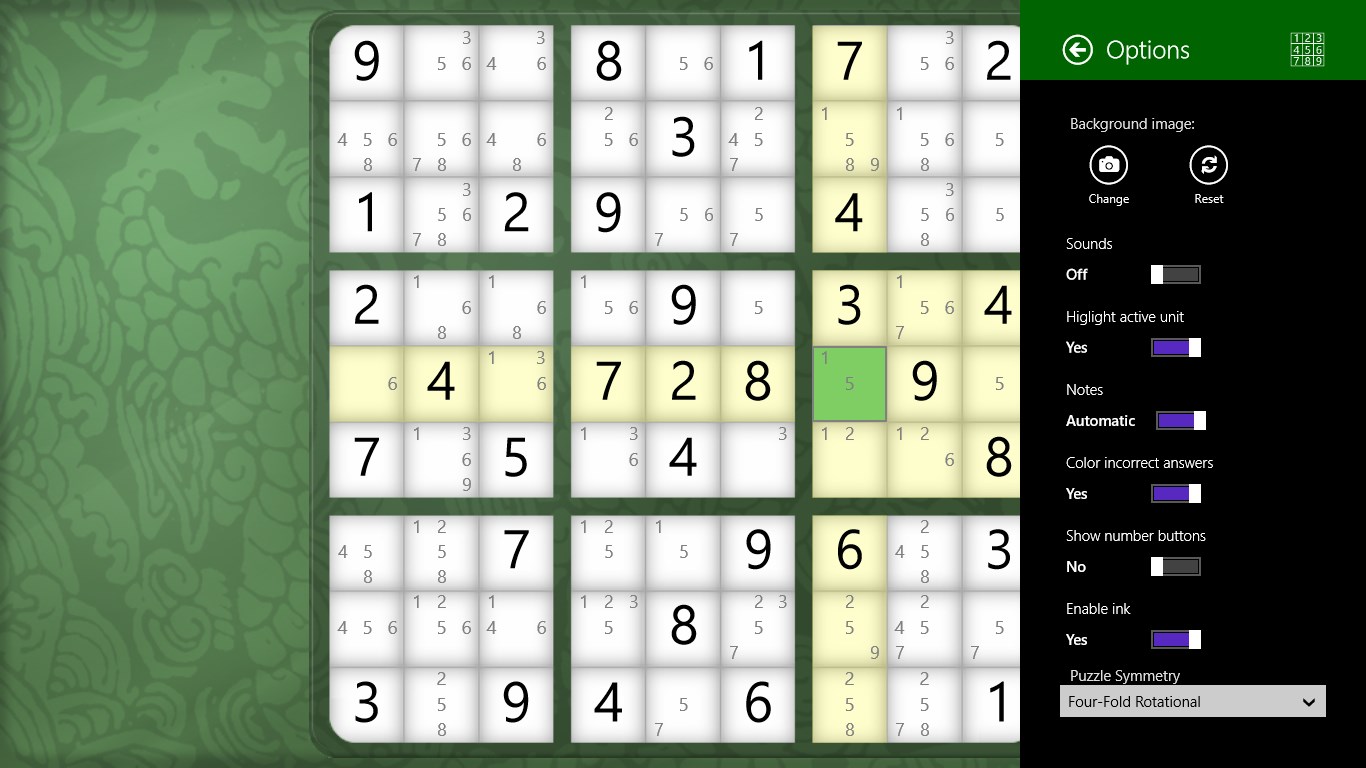
- Auto-error detection: Helps players identify mistakes instantly, preventing frustration and encouraging learning.
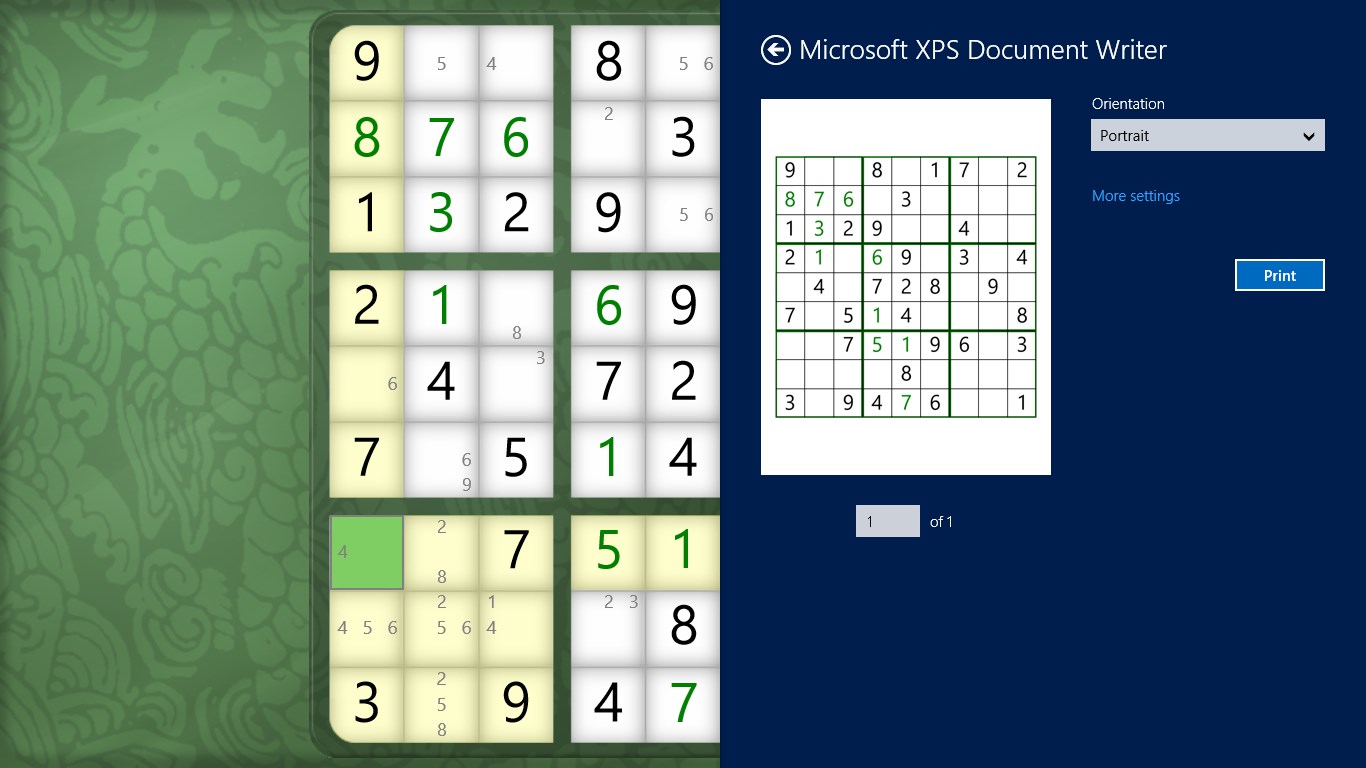
- Save and resume: Seamlessly continue puzzles from where you left off, perfect for busy schedules.
- Clean, distraction-free UI: Puts the puzzle front and center, free from intrusive ads or clutter.
Targeting puzzle fans who appreciate classic gameplay with streamlined features, this app aims to be a go-to for both quick rounds and extended solving sessions.
A Closer Look: Engaging Gameplay and User Experience
Sleek Interface That Keeps It Simple
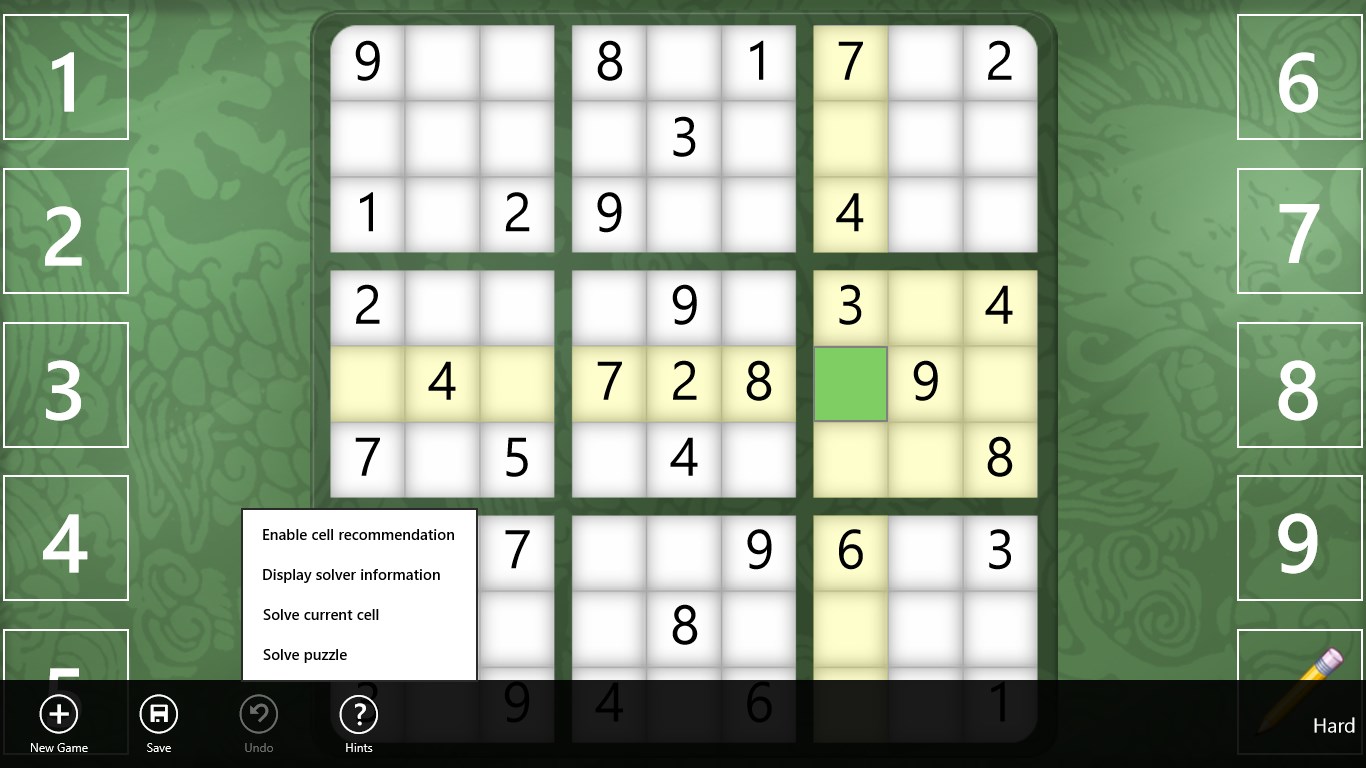
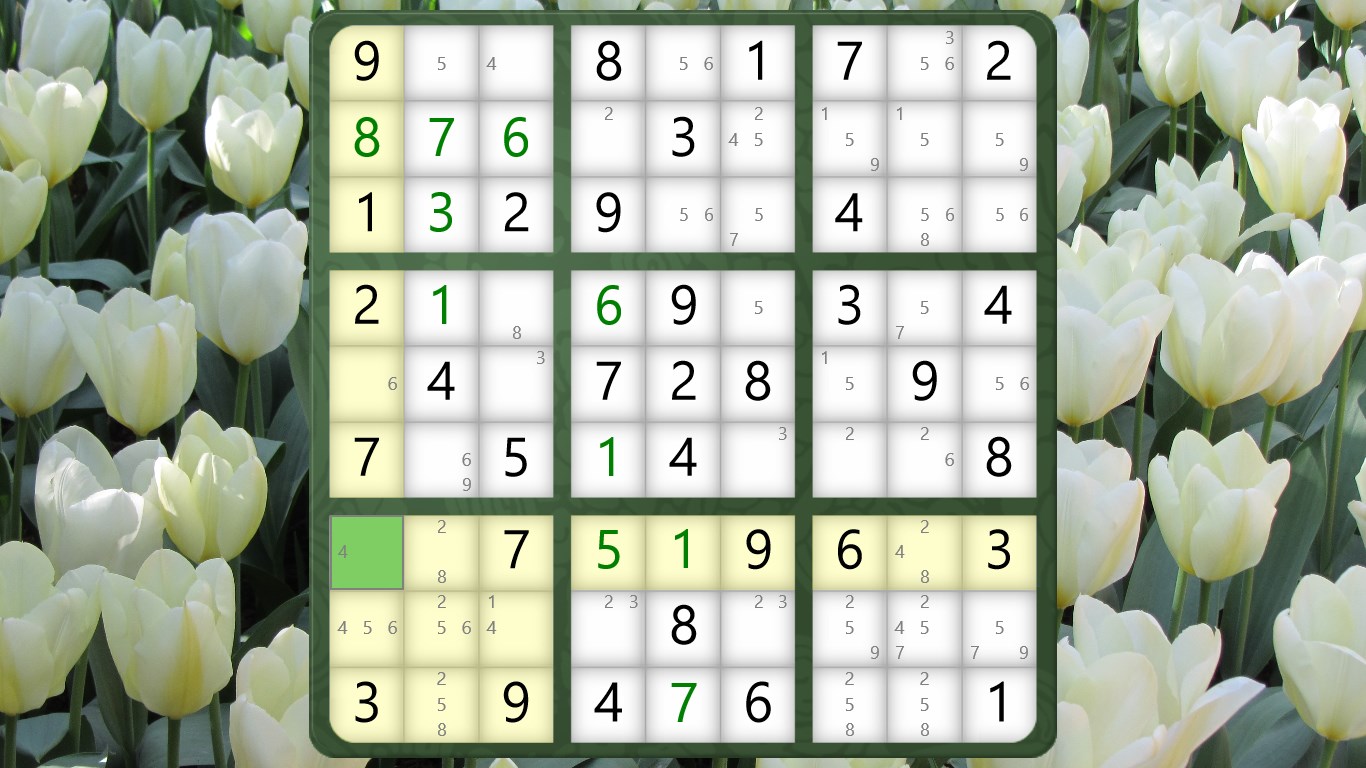
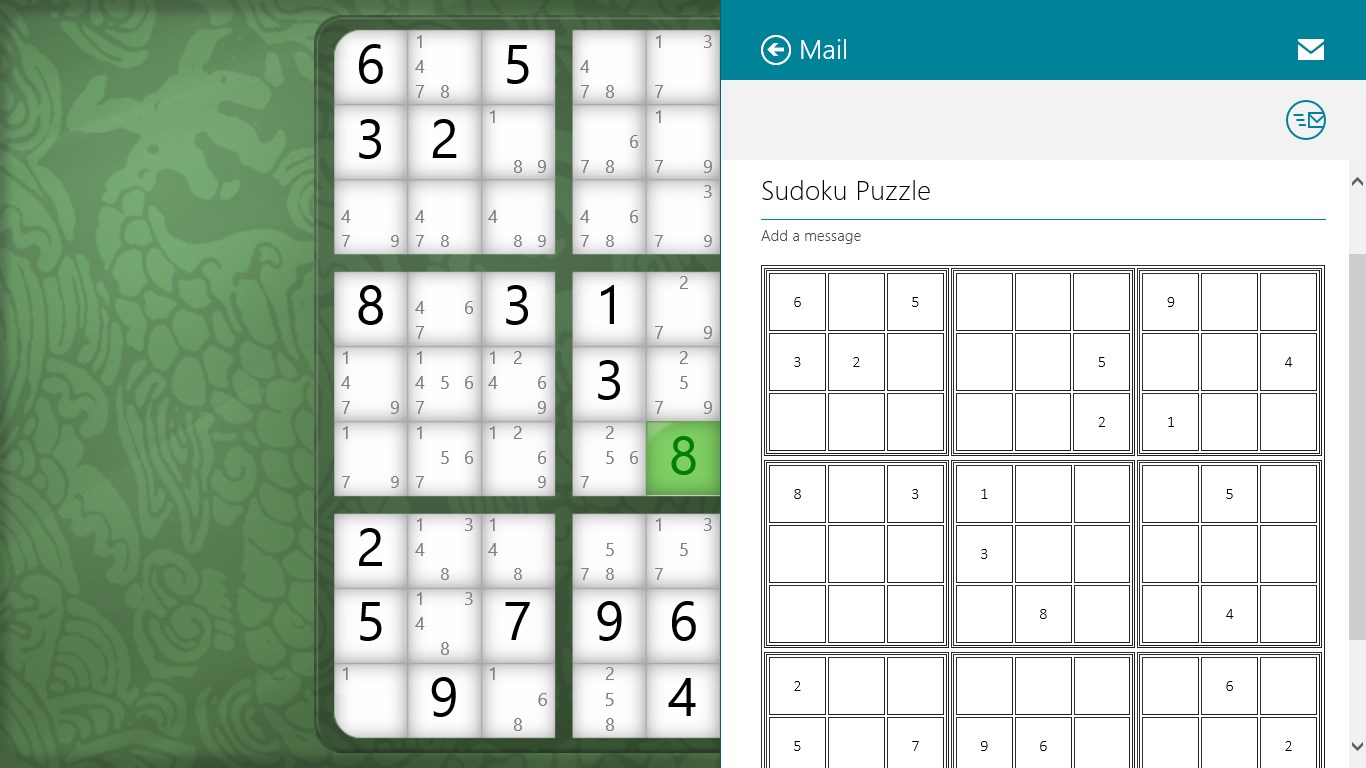
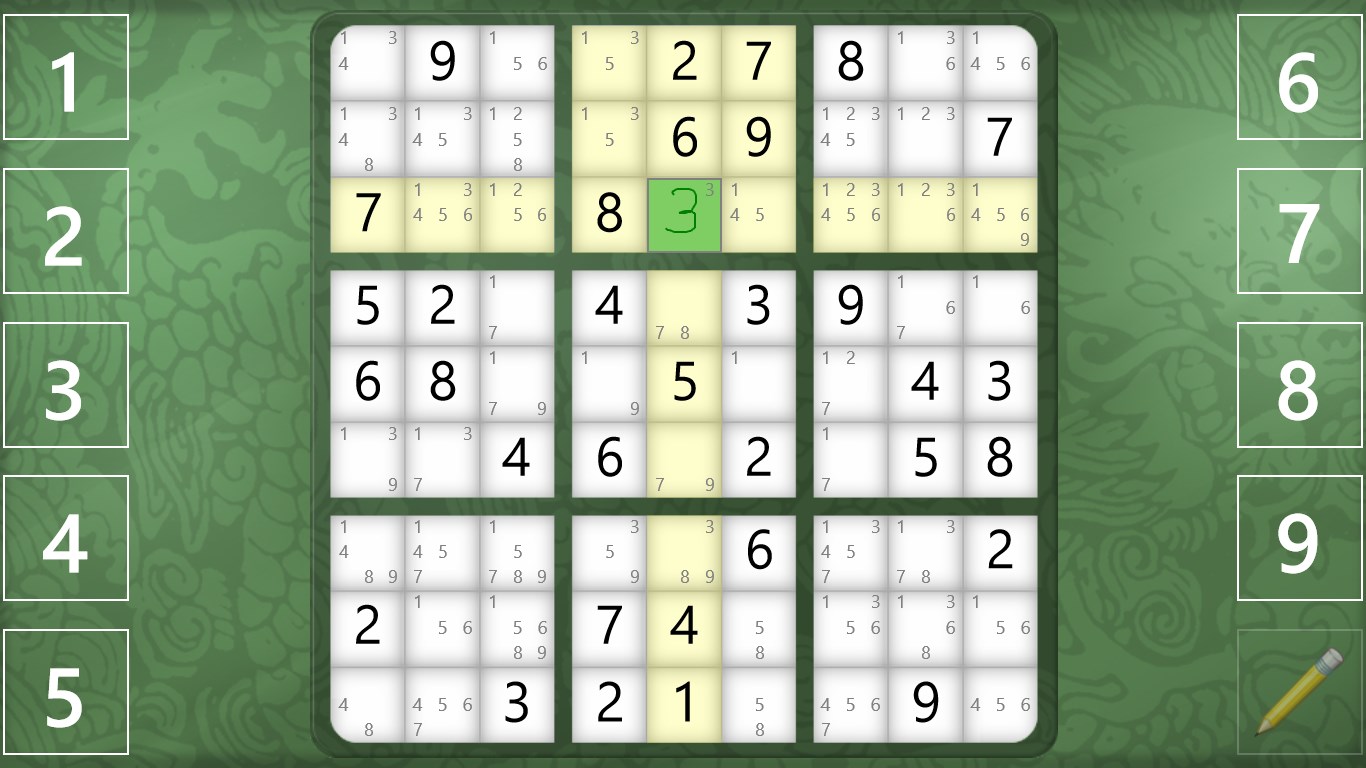
The first thing you'll notice upon launching Sudoku Classic is its minimalist design—think of it as a smooth glass surface that highlights the puzzle, much like a pristine skating rink invites your feet. The interface is intuitive, with large, clearly labeled buttons for numbers and a clean grid layout that adapts effortlessly to different screen sizes. There are no distracting animations or colors to overpower the focus; instead, a calming palette and logical layout make the game inviting and accessible to all ages.
Fluid Operation and Gentle Learning Curves
Playing Sudoku here feels like sliding into a well-worn leather armchair—comfortable and familiar. Inputting numbers is responsive, with immediate visual feedback. The app offers helpful tools like pencil marks, making tentative notes for complex puzzles, and the auto-error detection ensures you can learn from missteps without frustration. For newcomers, there's a gentle onboarding process explaining game mechanics, and for veteran players, the difficulty sliders provide the right challenge without feeling daunting. Overall, the experience is silky smooth, with no lag or hiccups even during intricate puzzles.
Unique Features Setting It Apart From the Crowd
While many Sudoku apps exist, Sudoku Classic for Windows distinguishes itself with two particularly notable strengths. Firstly, its minimalist, distraction-free design caters to purists who cherish the traditional puzzle experience without clutter. Secondly, the auto-error detection stands out as an educational tool—helping players recognize patterns and avoid repeating mistakes, transforming gaming into a learning journey.
This balance of simplicity and helpfulness, combined with adjustable difficulty, makes it not just a game but a tool for mental sharpening. Unlike more flashy versions that might prioritize graphics over gameplay, this app respects the classic puzzle mechanics and enhances them with thoughtful features designed to facilitate both fun and growth.
Final Thoughts: A Solid Choice for Sudoku Enthusiasts
If you're seeking a straightforward, no-nonsense Sudoku app that respects tradition while offering just enough modern polish, Sudoku Classic for Windows is a commendable choice. Its minimalist design, smooth operation, and helpful features make it suitable for quick puzzles during a coffee break or longer sessions to keep your mind sharp. Though it doesn't reinvent the wheel, it fine-tunes the classic experience with subtle enhancements that most players will appreciate. I'd recommend it especially for purists or anyone who values clarity and focus in their puzzle games. For casual players or those new to Sudoku, its gentle learning curve and error detection make it a friendly environment to develop skills and enjoy the timeless challenge.
Pros
- Intuitive User Interface
- Variety of Difficulty Levels
- Auto-Save Functionality
- Hint System
- Additional Puzzle Modes
Cons
- Limited Customization Options
- In-App Advertisements
- Lack of Daily Challenges
- Limited Offline Features
- Basic Graphics