








Discover the Power of Microsoft Teams: Your All-in-One Collaboration Platform
Whether you're managing a community event, collaborating on a project with teammates, or simply connecting with friends and family, Microsoft Teams is designed to streamline your communication and productivity. This comprehensive app integrates communities, chats, channels, meetings, file storage, tasks, and calendars—all in one easy-to-use platform. With Microsoft Teams, you can effortlessly connect, share ideas, and accomplish your goals, regardless of whether you're working from home, in the office, or on the go.
Easy Setup and Intuitive Interface
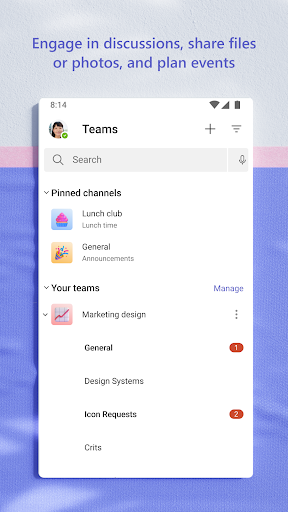
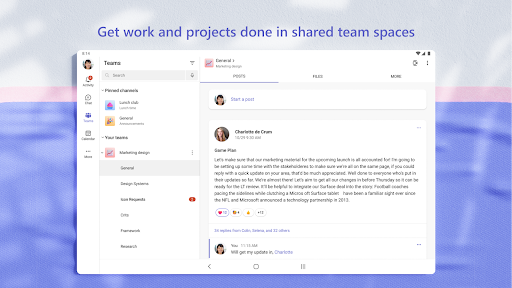
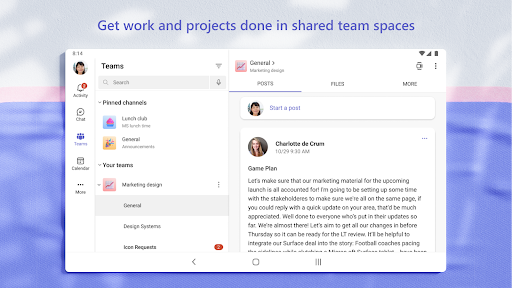
Getting started with Microsoft Teams is straightforward. Simply download the app from your device's app store, sign in with your Microsoft account, and you're ready to begin. The sleek, user-friendly interface features organized channels and tabs, allowing you to locate necessary tools effortlessly. Whether you're tech-savvy or new to collaboration apps, Microsoft Teams makes navigation simple and efficient.
Key Features That Make Microsoft Teams Stand Out
One of the most remarkable aspects of Microsoft Teams is its seamless integration with other Microsoft Office applications. You can access Word, Excel, and PowerPoint files directly within the platform, enabling real-time collaboration. Imagine editing a document simultaneously with team members—it's as if everyone is in the same room, share notes, and provide feedback instantly.
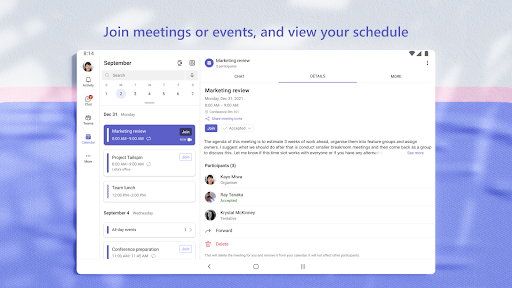
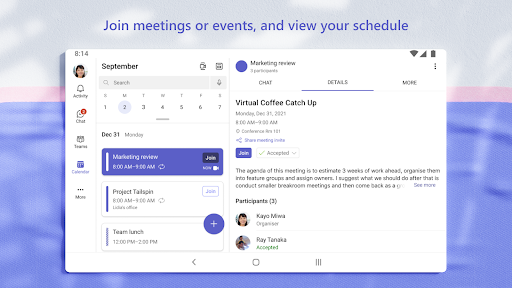
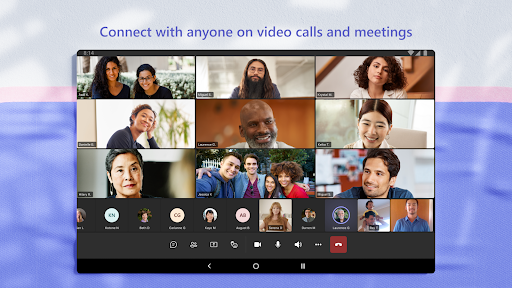
Another highlight is the powerful video conferencing capability. Whether you're hosting a team meeting, conducting a virtual presentation, or catching up with friends, Microsoft Teams offers high-quality video and audio calls. Screen sharing functions enhance presentations and troubleshooting sessions, making remote collaboration smooth and productive.
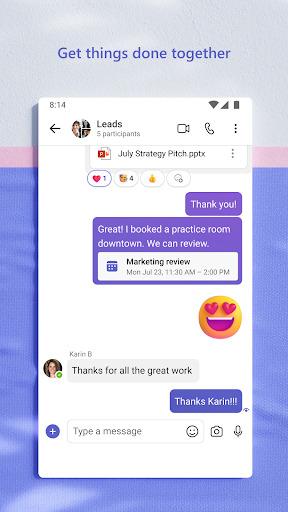
The platform also excels in communication with its integrated chat feature. Send quick messages, share multimedia files like photos and videos, or @mention team members to draw attention. All conversations are stored within the app, eliminating the need to juggle multiple messaging platforms and helping you stay organized.
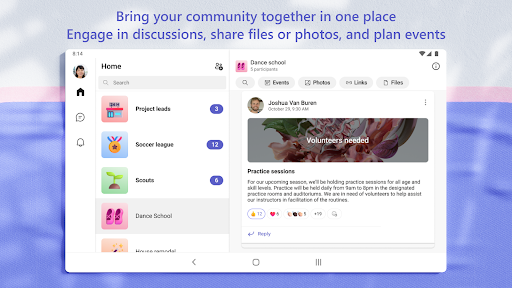
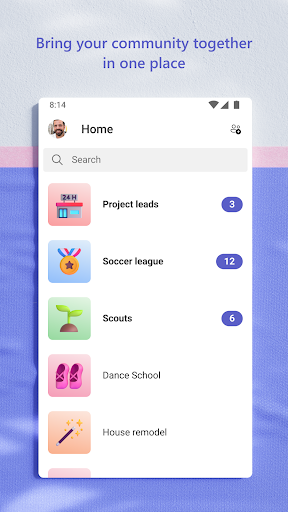
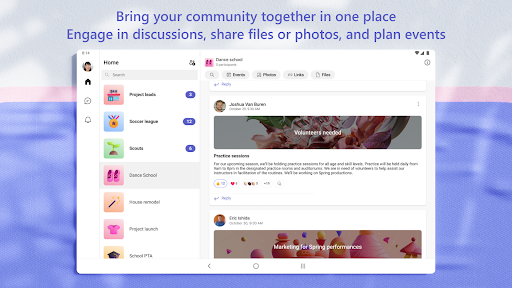
Furthermore, Microsoft Teams supports creating dedicated communities—groups organized around specific topics, interests, or projects. These communities facilitate focused discussions, resource sharing, and planning. You can easily manage access to information, ensuring the right people have the appropriate level of access, even as team rosters change.
To keep your projects on track, task management tools like shared to-do lists, assignments, and due dates are built-in. Assign tasks, monitor progress, and check off completed items—all within the same platform. This ensures everyone remains aligned and accountable.
Enhanced Security and Control
Security is a top priority with Microsoft Teams. Enterprise-grade encryption and compliance features provide peace of mind while collaborating on sensitive information. Community owners can moderate discussions, remove inappropriate content, and manage membership to keep environments safe for all users.
Whether you're a small team or a large enterprise, Microsoft Teams offers the security and control necessary to protect your data. Trusted by organizations worldwide, it adheres to industry standards and integrates seamlessly with the broader Microsoft 365 ecosystem.
Why Choose Microsoft Teams?
If you're seeking a versatile, secure, and feature-rich collaboration platform, Microsoft Teams is an excellent choice. Its ability to unify communication channels—chat, video, meetings, and file sharing—eliminates the need for multiple apps. Whether managing work projects, planning community activities, or coordinating personal events, Microsoft Teams adapts to your needs. Plus, its continuous updates and improvements mean you'll always have access to the latest tools for effective teamwork.
Embrace the Future of Collaboration with Microsoft Teams
In today's fast-paced world, staying connected and organized is essential. Microsoft Teams empowers you to work smarter, communicate effortlessly, and collaborate securely from anywhere. Its integration with the entire Microsoft 365 suite, robust security features, and user-friendly interface make it a standout platform for individuals, teams, and organizations alike. Whether you're managing a remote workforce, coordinating community events, or simply keeping in touch with loved ones, Microsoft Teams is your all-in-one solution for seamless collaboration.
Pros
- Seamless integration with Office 365 suite.
- High-quality video and audio calls.
- Customizable team channels.
- Strong security and compliance features.
- Real-time collaboration on documents.
Cons
- Complex setup for non-technical users.
- Occasional notification delays.
- Limited customization options for UI.
- Requires a stable internet connection.
- Storage limitations on the free plan.