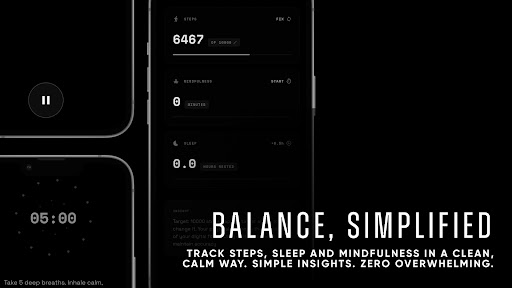
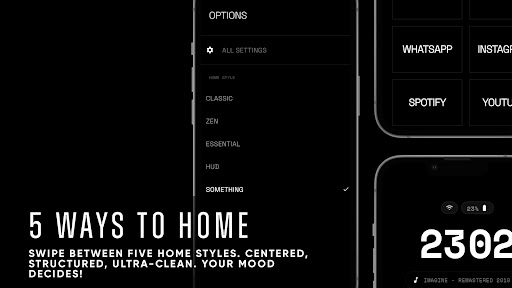
Reclaim Your Focus. Simplify Your Life.
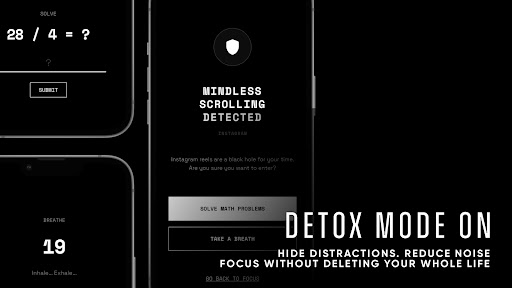
Are you overwhelmed by a sea of colorful icons and constant notifications? Discover MINIMAA: Minimalist Launcher, a premium and thoughtfully designed launcher that transforms your smartphone into a tool for intentionality rather than distraction. Inspired by the "Dumbphone" philosophy and digital minimalism, MINIMAA aims to help you break free from mindless scrolling and reclaim valuable hours of your day.
Why Choose MINIMAA?
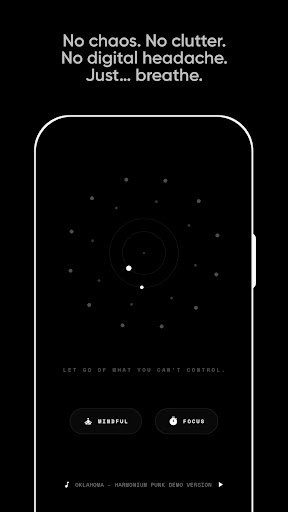
Unlike most launchers built to keep you glued to your device, MINIMAA is crafted to help you disconnect. By removing the visual “sugar” of colorful icons and cluttered grids, it minimizes the dopamine triggers that often lead to phone addiction. This approach encourages a more peaceful and focused smartphone experience, fostering digital well-being and mindful usage.
Key Features
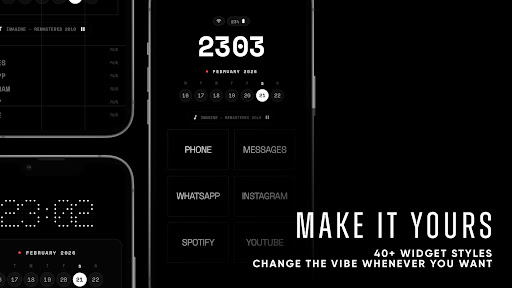
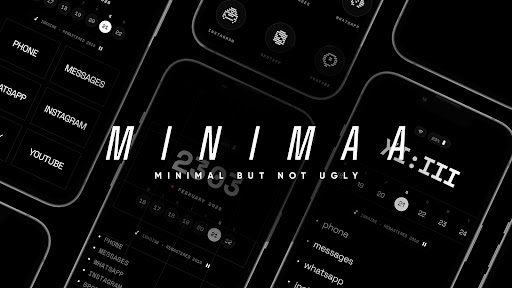
- Inky Black Aesthetic: Designed for OLED screens to reduce battery consumption and eye strain.
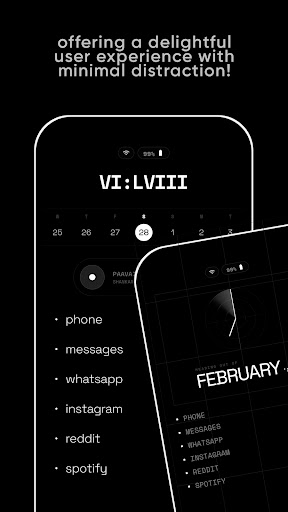
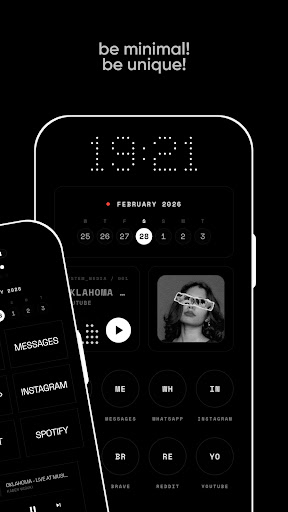
- Text-Based Interface: Eliminates icons, providing a clear and distraction-free navigation experience.
- App Hiding: Maintains your home screen as a sanctuary. Easily hide distracting social media apps and access them only when needed.
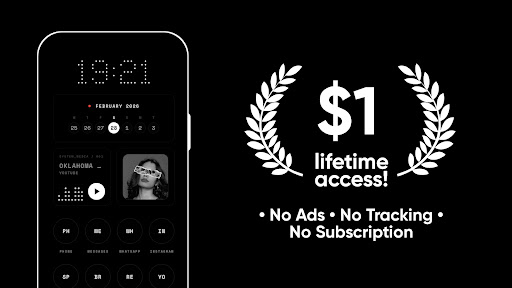
- Privacy First: No trackers, no data collection, and no ads. Your smartphone remains truly yours.
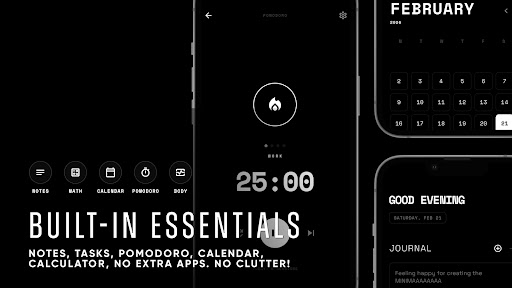
- Lightweight & Fast: Built for speed with a small footprint, ensuring no lag and maximum focus.
Perfect For
- Digital Minimalists: Those seeking a zen and simplified mobile experience.
- ADHD & Neurodivergent Users: Designed to reduce cognitive load and sensory overwhelm.
- Productivity Enthusiasts: Spend less time searching and more time doing.
- Digital Detox Seekers: The ideal companion for anyone aiming to curb screen addiction.
Accessibility & Privacy
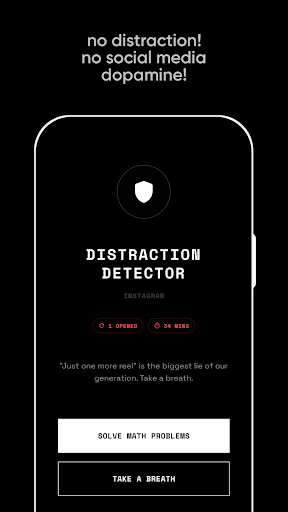
MINIMAA offers an optional Web Detox feature that utilizes Android’s Accessibility Service API. When enabled, this service detects the currently opened website in supported browsers and compares it against a user-defined list of distracting sites. If a match is found, MINIMAA displays a focus prompt. Importantly:
- The service does not record keystrokes.
- The service does not capture screen content.
- No data is stored, collected, or transmitted.
- All processing occurs locally on your device.
- The feature is completely optional and can be disabled anytime in Android system settings.
Please note: MINIMAA is not designed as an accessibility tool for users with disabilities.
Pros
- User-friendly interface that is easy to navigate
- Offers a wide range of features to enhance user experience
- Reliable performance with minimal bugs
- Regular updates and improvements based on user feedback
- Excellent customer support service
Cons
- High subscription cost compared to similar apps
- Limited customization options for advanced users
- Requires a stable internet connection for optimal use
- Some features are only available in premium version
- Occasional slow response times during peak hours