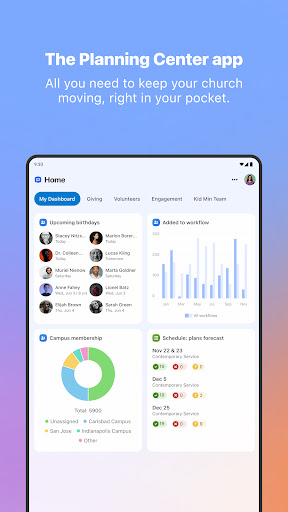
Planning Center: Your All-in-One Ministry Management App
Planning Center is a comprehensive mobile and web application designed to streamline and centralize your ministry operations. From your morning check-in to afternoon follow-ups, this app serves as your home base for managing various aspects of church activities and programs. Its intuitive interface and robust features help pastors, staff, and volunteers stay organized, collaborate efficiently, and keep everything running smoothly.
Key Features of Planning Center
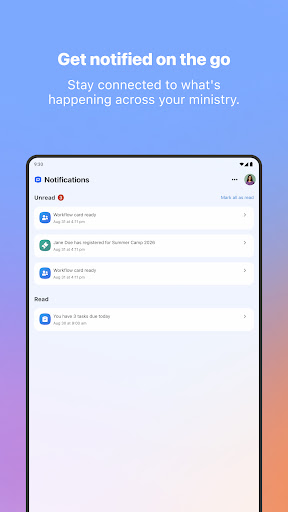
• Notifications from Every Product
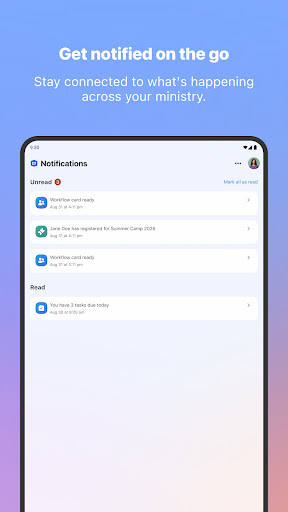
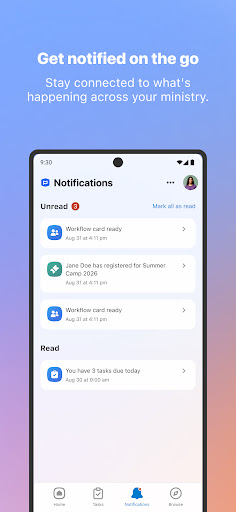
Stay updated with push notifications for schedule requests, workflow updates, calendar approvals, and more. This means you'll no longer need to wonder which app to check for important alerts, as all notifications are delivered directly to your device, ensuring you remain informed at all times.
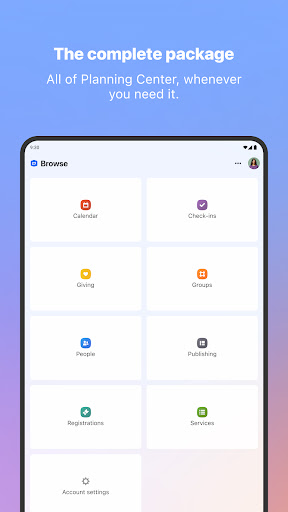
• Browse All Planning Center Products
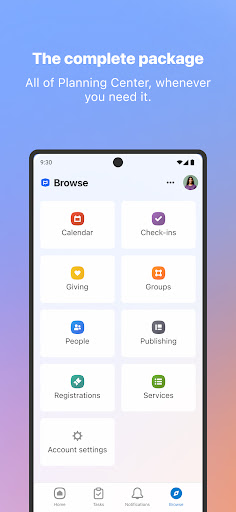
Easily access all core features like Services, Groups, Giving, People, and Check-Ins straight from the app. This seamless integration eliminates the hassle of switching between multiple browser tabs or apps, allowing you to manage every aspect of your ministry smoothly from one place.
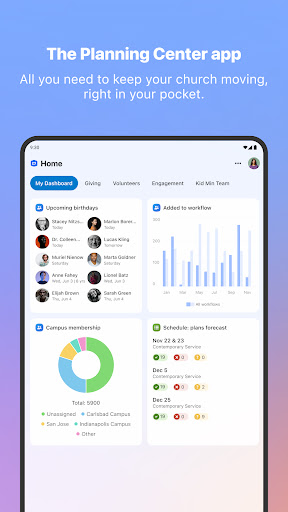
• Your Home Dashboard
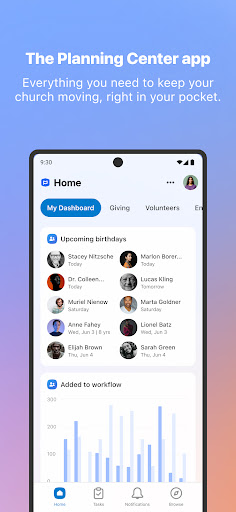
The Planning Center Home dashboard acts as your personalized landing page. Its action-oriented widgets highlight urgent tasks and pending items that require your attention, helping you prioritize effectively and get to work faster.
• Task Management for Efficiency
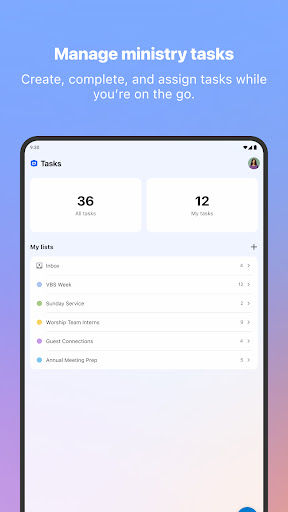
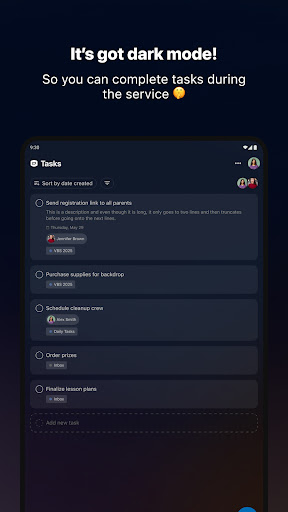
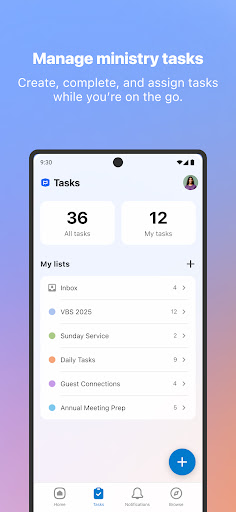
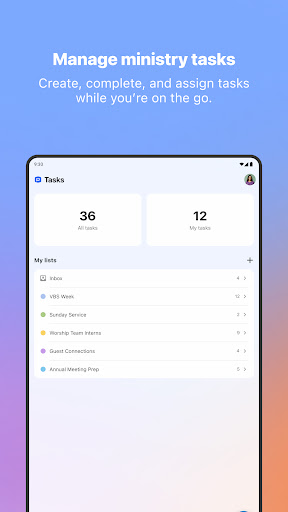
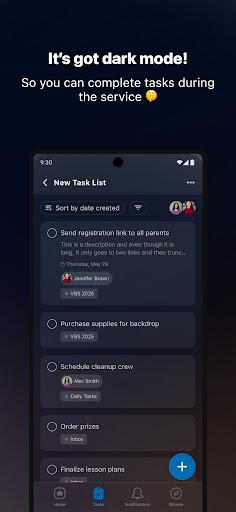
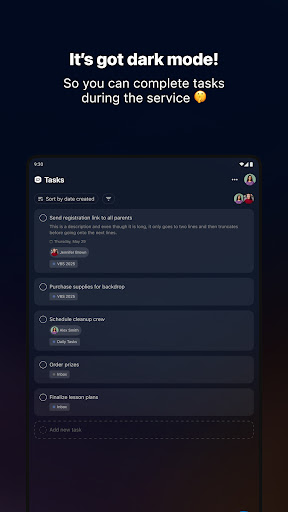
Coordinate with your team using tasks: create, assign, and complete tasks with specific due dates and details. The app enables you to manage task lists collaboratively, ensuring that responsibilities are clear and projects stay on track between Sundays.
• Task List Templates
For recurring or similar projects, use task list templates to quickly generate new task sets. This feature saves time and maintains consistency across different ministry activities.
• Mobile Gestures
Enjoy the convenience of mobile gestures — swipe to reveal quick actions, or press-and-hold to reorder tasks and items. These intuitive controls make managing your schedule and tasks effortless on the go.
Requirements and Support
To access the full features of the Planning Center app, you need to log in with an existing Planning Center account. Any changes or updates made through the web or mobile versions are automatically synchronized, ensuring everyone stays on the same page.
Have questions, encounter issues, or want to suggest new features? Simply visit your profile page by tapping your avatar and select the "Contact Support" link. Support responses are typically provided within approximately 1 business hour, making it easy to get assistance when needed.
Pros
- User-friendly interface that simplifies navigation
- Extensive library of features catering to various needs
- Regular updates that add new functionalities and improvements
- Strong customer support providing prompt assistance
- High level of customization options available
Cons
- Some features may require a steep learning curve for new users
- Occasional bugs that can affect performance
- Limited compatibility with certain devices or platforms
- Premium features are behind a paywall, requiring additional purchases
- Performance may decline with extensive usage or data overload