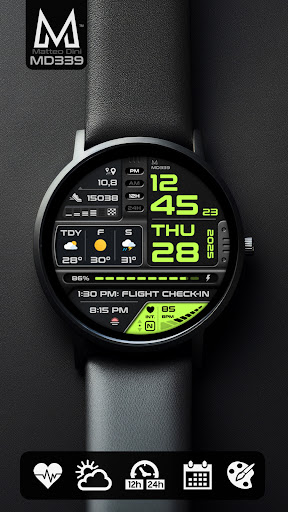
Introduction to MD339 Digital Watch Face
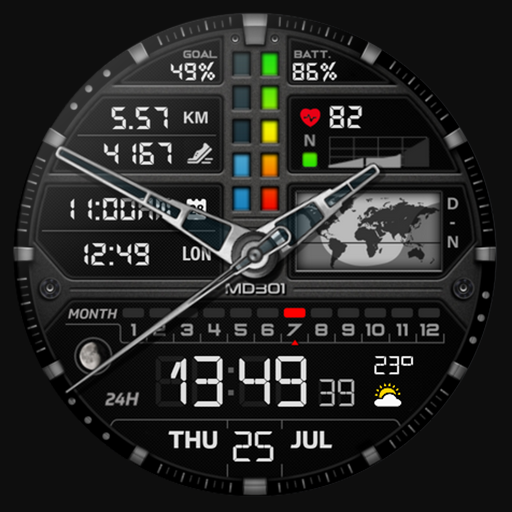
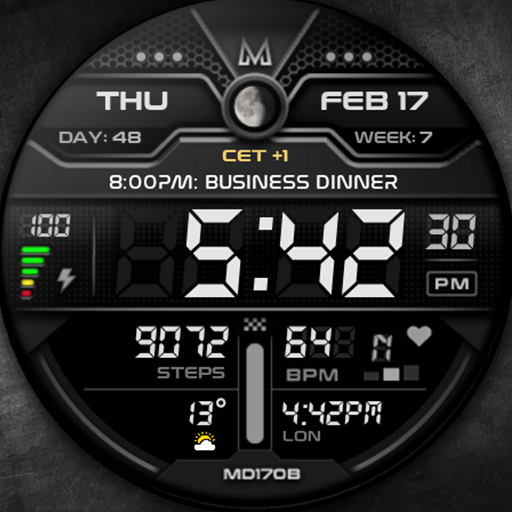
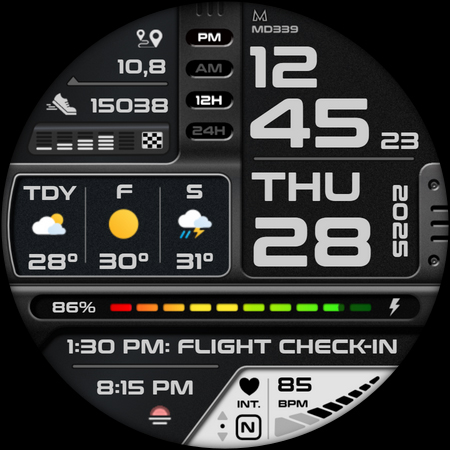
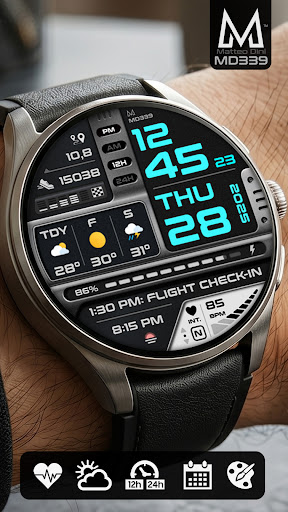
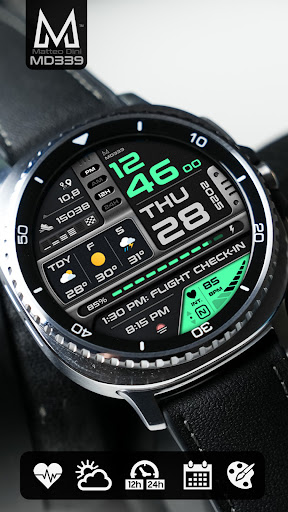
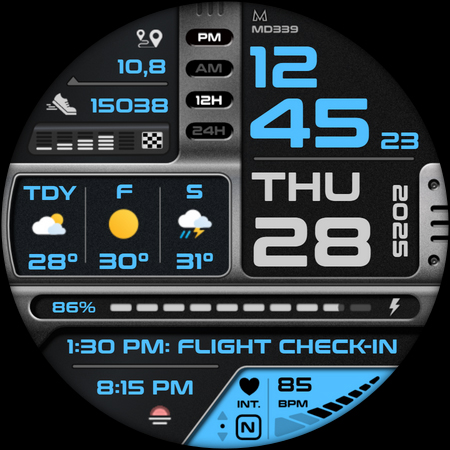
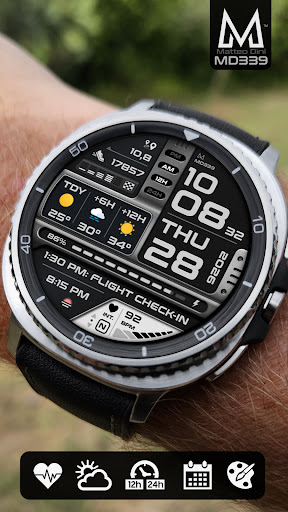
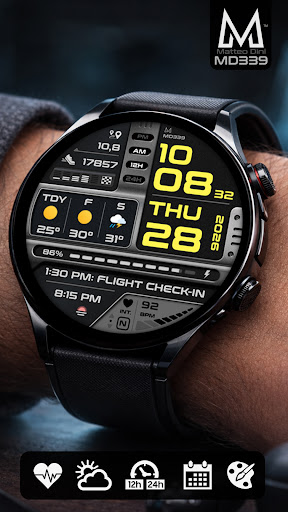
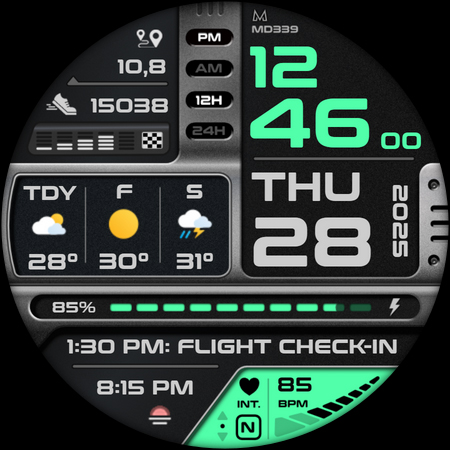
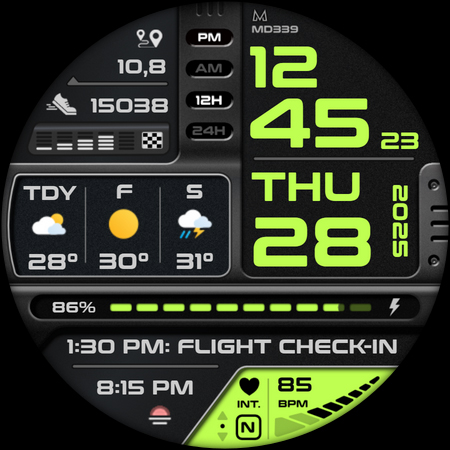
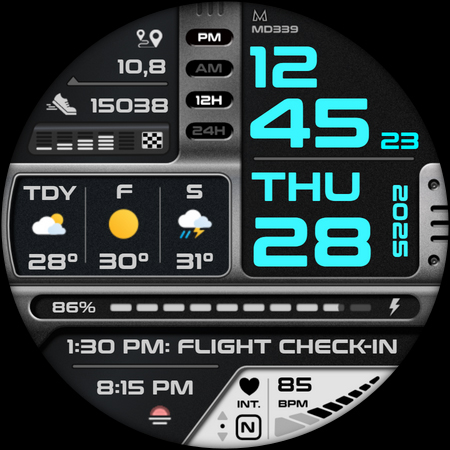
The MD339 Digital Watch Face offers a modern and highly customizable digital watch experience for Wear OS devices. Designed to meet the latest standards required by Google Play, this advanced watch face combines sleek design with comprehensive features that cater to users who want to monitor their health, weather, and daily activities at a glance. Whether you're a fitness enthusiast, a busy professional, or someone who appreciates a stylish digital display, the MD339 watch face enhances your smartwatch with a variety of useful data and personalization options.
Key Features of MD339 Digital Watch Face
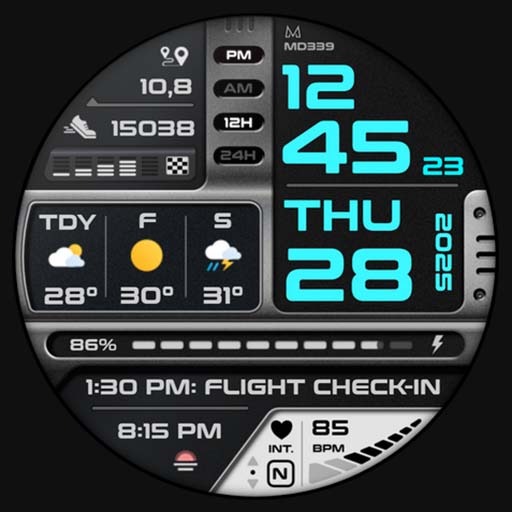
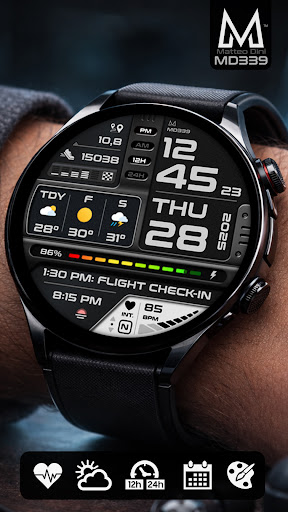
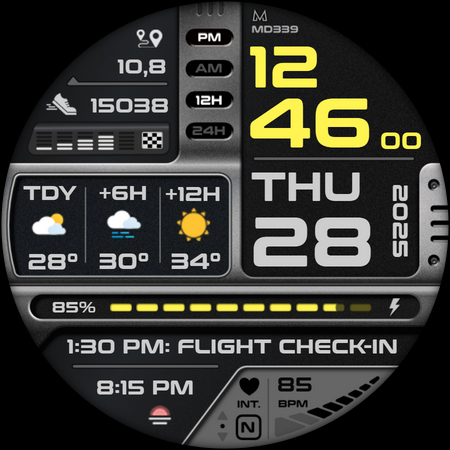
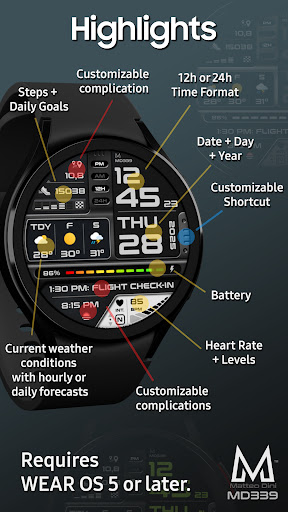
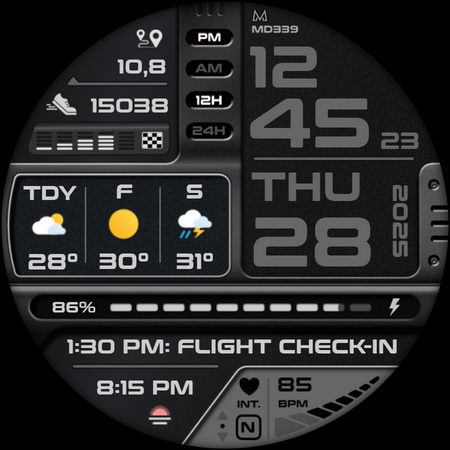
This watch face brings in numerous innovative features to keep you connected and informed. It includes 6 preset app shortcuts and 1 customizable shortcut, allowing quick access to your favorite functions like calendar, battery status, heart rate measurement, alarms, steps tracker, and weather. Plus, you can add three customizable complications for displaying data such as barometer, distance walked, calories burned, UV index, chance of rain, and more.
Weather and Forecast Capabilities
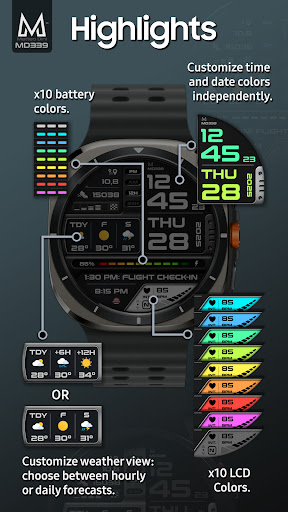
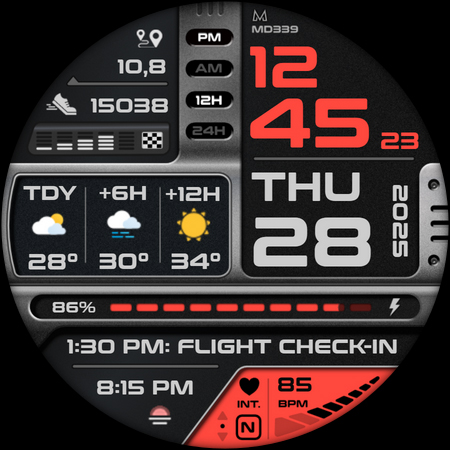
The MD339 watch face leverages your smartwatch’s built-in weather provider to display current conditions and forecast data. You can choose between hourly and daily forecasts, with options to see the next 2 days or the upcoming 6 or 12 hours, based on your preferences. The temperature can be shown in Celsius or Fahrenheit, matching your phone settings. Please note, due to limitations in Samsung and Google weather services, daily weather forecasts may not display data between 00:00 and 07:00. This issue has been reported and cannot be fixed directly, but users can switch to hourly forecasts temporarily.
Device Compatibility and Limitations
Compatible with all Wear OS devices running API Level 34+ (Wear OS 5 and above), including models like Samsung Galaxy Watch 4-8, Ultra, and Pixel Watch. Note: Customers with older Galaxy Watch 4 or 5 models may experience customization issues due to hardware limitations. We do not recommend installing the watch face on these models. If issues occur after installation, please contact support for guidance.
Customization Options
Personalizing your MD339 watch face is simple. To customize:
- Touch and hold the screen on your watch.
- Tap the 'customize' option.
- Time and date colors
- Complication fonts
- Battery indicator color
- Heart rate display color
- Light or dark themes
Additional Features and External Dependencies
Because complications are sourced from external apps, installing extra complications may be necessary to access data like distance, Bitcoin, or other metrics. These external apps are outside the control of the watch face developer. You can enhance functionality by installing compatible external complications if needed.
Weather Data Notes and Limitations
The watch face relies on your watch's internal weather provider. Keep in mind that weather data may occasionally be unavailable due to provider limitations. Also, daily weather forecasts may not be available during certain hours (early morning), but hourly forecasts are unaffected. On Galaxy Watches, the weather shortcut links to Samsung’s default weather app, whereas on other devices like the Pixel Watch, the forecast will still prominently display on the watch face.
Support and Community Interaction
For support or assistance with installing additional complications, users can reach out via email. Stay connected and updated on new watchfaces and features by subscribing to the newsletter, or follow MDwatchfaces on Facebook, Instagram, or join the community on Telegram. Visit the official website at matteodinimd.com for more information.
Conclusion
The MD339 Digital Watch Face is a feature-rich, customizable, and sleek digital watch face designed to provide users with instant access to health metrics, weather updates, and personal data. Its compatibility with the latest Wear OS devices ensures broad usability, while its advanced customization options allow each user to tailor their watch experience perfectly. Despite some limitations with older galaxy watch models, the app has been optimized for newer hardware to deliver a seamless and engaging smartwatch experience for users seeking efficiency, style, and functionality.
Pros
- Offers a user-friendly interface that simplifies navigation and usage.
- Provides a wide range of features that enhance functionality and user experience.
- Ensures quick access to important tools, saving time and effort.
- Regular updates improve stability and incorporate new features based on user feedback.
- Strong customer support helps resolve issues promptly.
Cons
- Some features may require a steep learning curve for new users.
- Performance can be affected by devices with limited hardware capabilities.
- Occasional bugs or glitches may interrupt seamless usage.
- Certain premium features are locked behind paywalls, limiting full access without subscription.
- Updates may introduce temporary compatibility issues with existing systems.