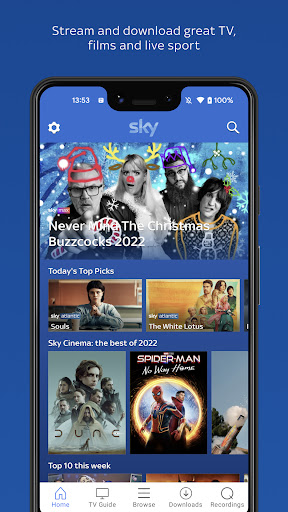
Sky Go: Your Ultimate Entertainment Companion for TV, Films, and Live Sport
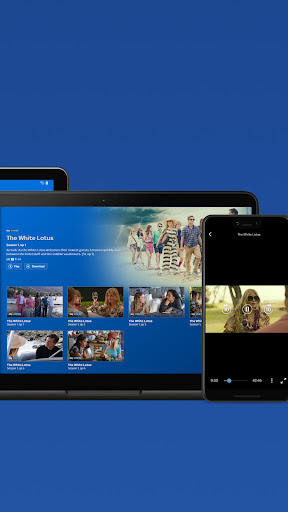
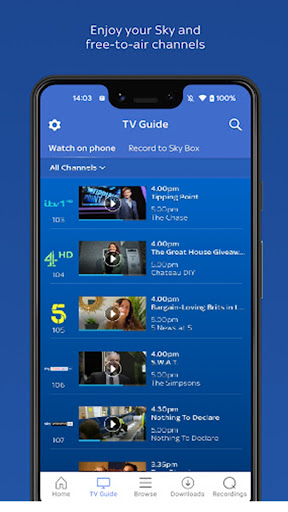
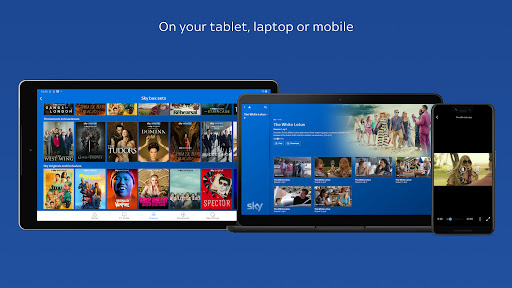
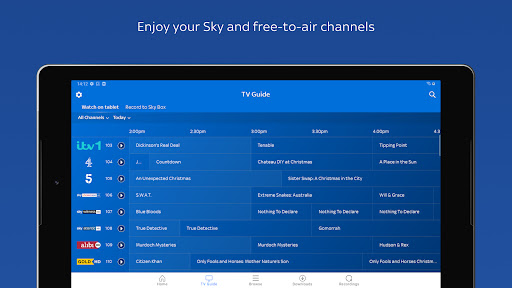
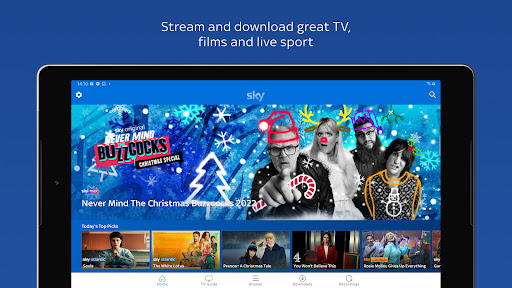
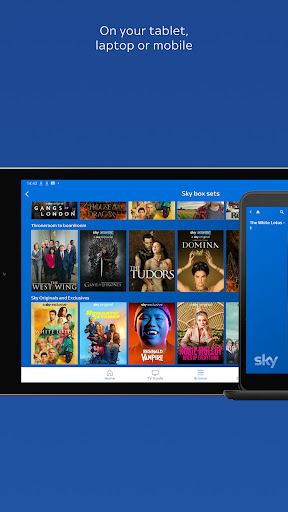
Imagine carrying an entire universe of television, blockbuster films, and electrifying live sport in your pocket. That’s exactly what the Sky Go app delivers. Whether you’re lounging on your sofa, commuting on a train, or hiding away in the garden shed, Sky Go brings unmissable content to your mobile, tablet, or laptop. With a simple swipe, tap, or click, you can stream or download Sky channels, plus free-to-air favourites like ITV, Channel 4, and 5. This isn’t just a streaming service—it’s your personal TV hub, available anywhere you have an internet connection.
Take Sky TV Beyond Your Living Room
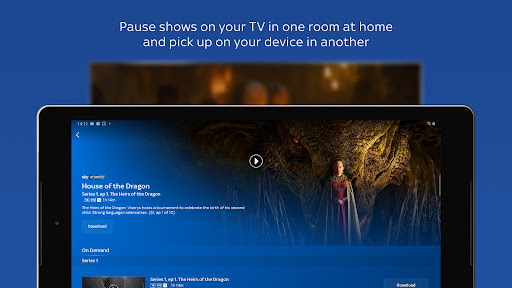
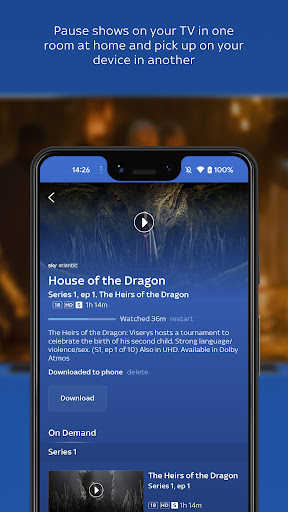
One of the standout features of Sky Go is the freedom to take your Sky TV subscription with you around your home. Start watching a show on your main TV in the living room, then pause it and seamlessly pick it up on your device in the bedroom, bathroom, or even the garden shed. This multi-room flexibility makes the Sky Go app a game‑changer for households with different viewing habits. No more fighting over the remote—just grab your tablet and continue exactly where you left off.
Download or Stream – You Decide
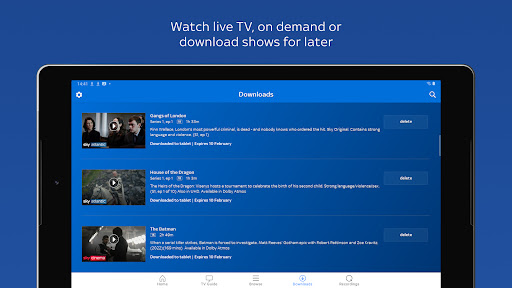
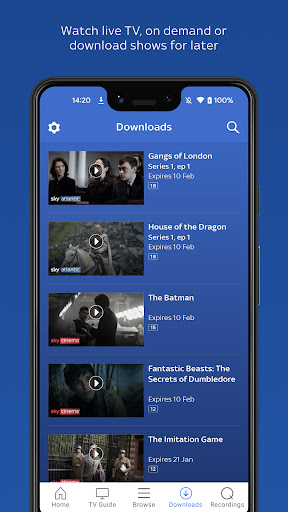
Not sure if your Wi‑Fi will hold up during your daily commute? No problem. Sky Go lets you download movies, shows, sport, and whatever else you fancy directly to your device. That means you can enjoy your favourite content offline, perfect for plane journeys, train rides, or any time you’re on the go. And if you’re connected to broadband, 3G, 4G, or 5G, you can stream live TV or on‑demand programmes instantly. The best part? Sky Go is available to Sky TV customers at no extra cost—it’s already included in your subscription.
Stream Without Eating Your Mobile Data
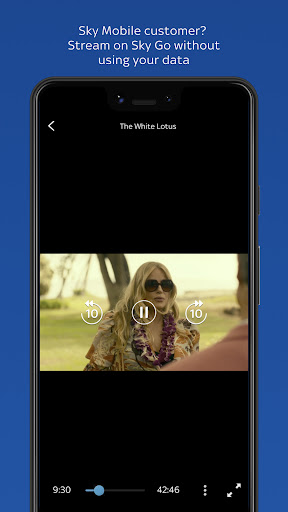
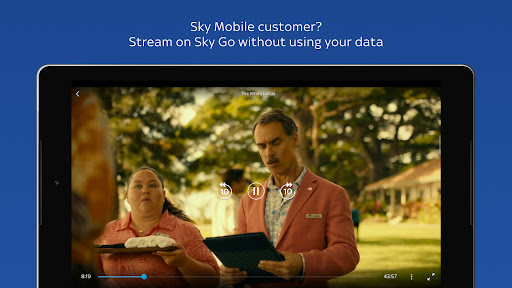
For Sky Mobile customers, there’s an extra treat: you can stream to your heart’s content on Sky Go without using your mobile data allowance. Yes, you read that right. As long as you have an active Sky Mobile airtime plan with at least 50Mb of data, your Sky Go streaming won’t touch your data cap. This is a game‑changer for anyone who loves watching live sport or catching up on box sets while out and about. Just be aware that advertisements before or within on‑demand content may use a small amount of data, but overall, this feature makes the Sky Go app one of the most data‑friendly streaming platforms available.
What Can You Watch on Sky Go?
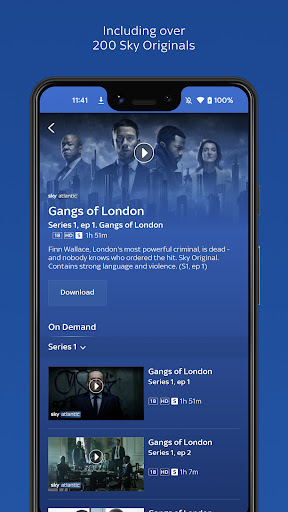
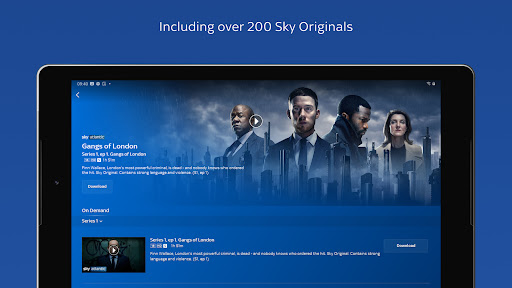
The content library is vast and varied. You’ll get all your favourite Sky channels, plus free‑to‑air networks like ITV, Channel 4, and 5. From live Premier League football and Formula 1 to blockbuster movies, award‑winning dramas, and reality hits, the Sky Go app covers every taste. You can watch live TV as it airs, dive into on‑demand libraries, or download shows for offline viewing. The exact selection depends on your specific Sky TV subscription, so the more channels you have, the more you can stream or download.
Important Things to Know
Sky Go is designed exclusively for Sky TV customers. You’ll need a compatible device and a broadband or mobile internet connection (charges may apply if you’re not on Sky Mobile’s zero‑data plan). Some live TV programmes may be unavailable, and content availability can vary by device. Allow up to 24 hours for your Sky TV account to be activated after signing up. If you ever decide to cancel, you’ll need to give 31 days’ notice. Sky Box Office events or rentals are not included. For a full list of compatible devices and software requirements, check the official sky.com help pages.
Enhanced Viewing with Smart Tracking
Your experience on the Sky Go app is continuously improved using technologies like Adobe Analytics and Conviva. The app also tracks individual usage to serve relevant advertisements. Sky employs digital rights management and copy protection to ensure the security of all content, including ads, which are provided by Sky and its content partners. ITV channels are available only in the UK. For complete details on how your information is used, you can read Sky’s privacy notice at sky.com/privacy.
Why Sky Go Stands Out
In a crowded streaming market, Sky Go differentiates itself with genuine flexibility and added value. The ability to pause on one screen and resume on another, download content for offline enjoyment, and—for Sky Mobile customers—stream without data charges makes it a top choice for UK households. Whether you’re a sports fanatic, a film buff, or a box‑set binger, the Sky Go app transforms your device into a portable cinema. Best of all, it’s included at no extra cost with your Sky TV subscription. So why wait? Start streaming, downloading, and discovering your next favourite show today.
```
Pros
- Stream live Sky TV channels directly on your mobile device
- Download select TV shows and movies for offline access
- Access live sports events such as Premier League and Formula 1
- Catch up on programs missed within the past 7 days
- Intuitive interface with straightforward navigation
Cons
- Mandatory active Sky TV subscription required
- Restricted to viewers in the United Kingdom only
- Some Sky channels are not accessible via the app
- Certain content may suffer from buffering or streaming problems
- Unable to record live TV directly from the app