


- Category Business
- Developer In A Day Development
- Available on PC, Mobile
- OS Windows 10 version 17763.0 or higher
- languages English (United States)
Introducing the 10bii Financial Calculator for Windows
In the vast landscape of financial tools, the 10bii Financial Calculator for Windows stands out as a versatile, user-friendly solution tailored for students, professionals, and finance enthusiasts. Developed by In A Day Development, this application aims to emulate the trusted financial calculator experience right on your desktop, enhancing your efficiency and confidence in handling complex financial computations.
Core Features That Make It Shine
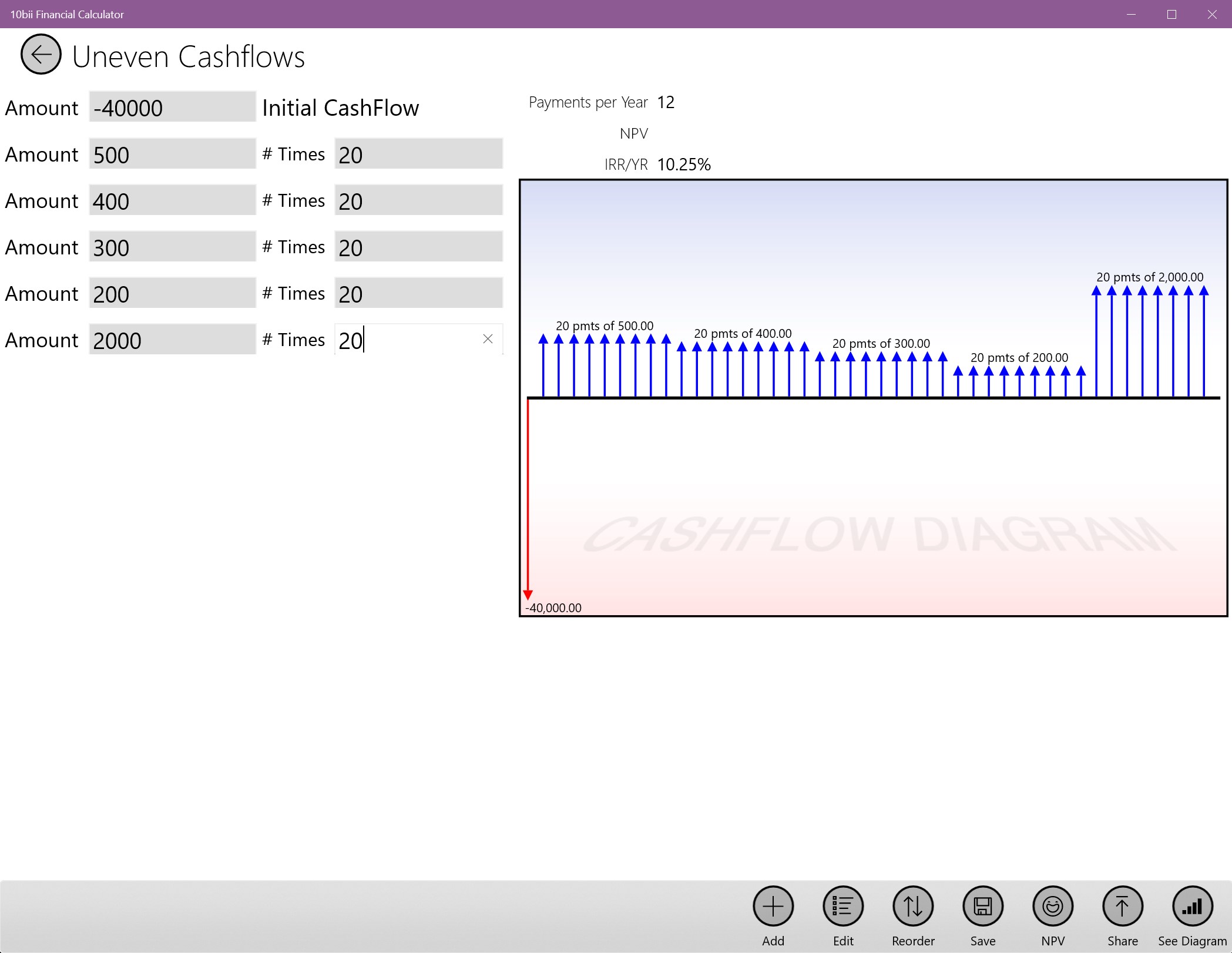
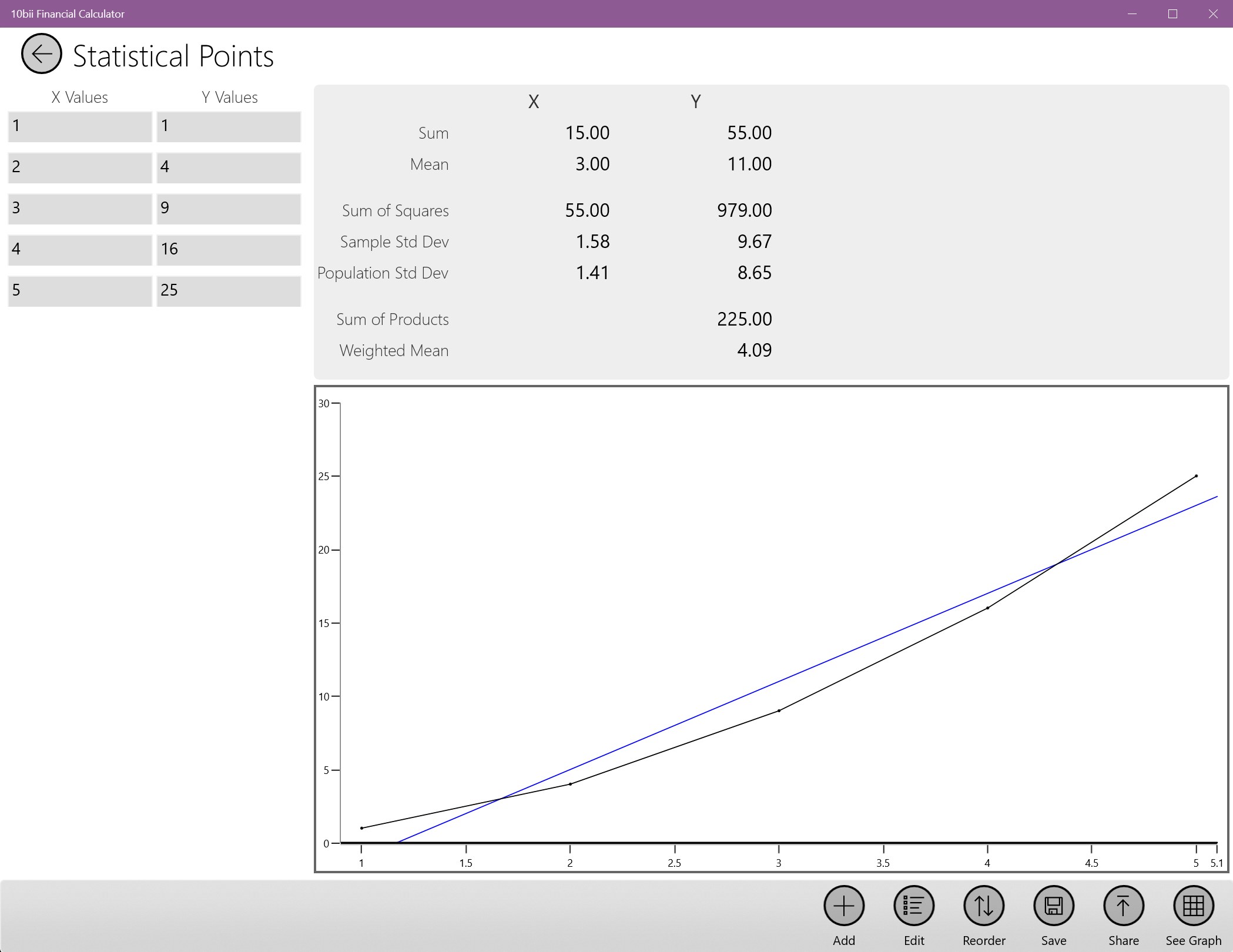
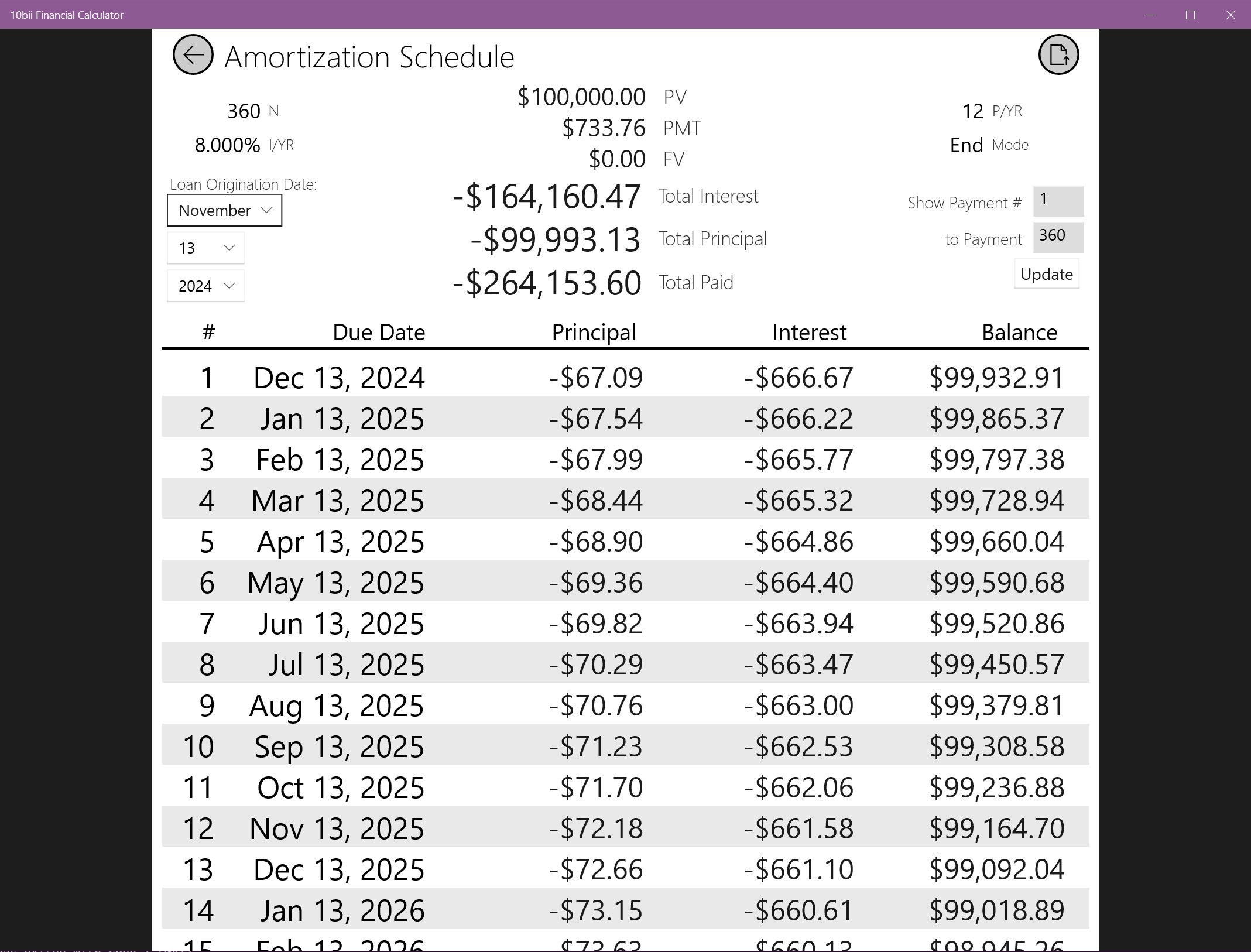
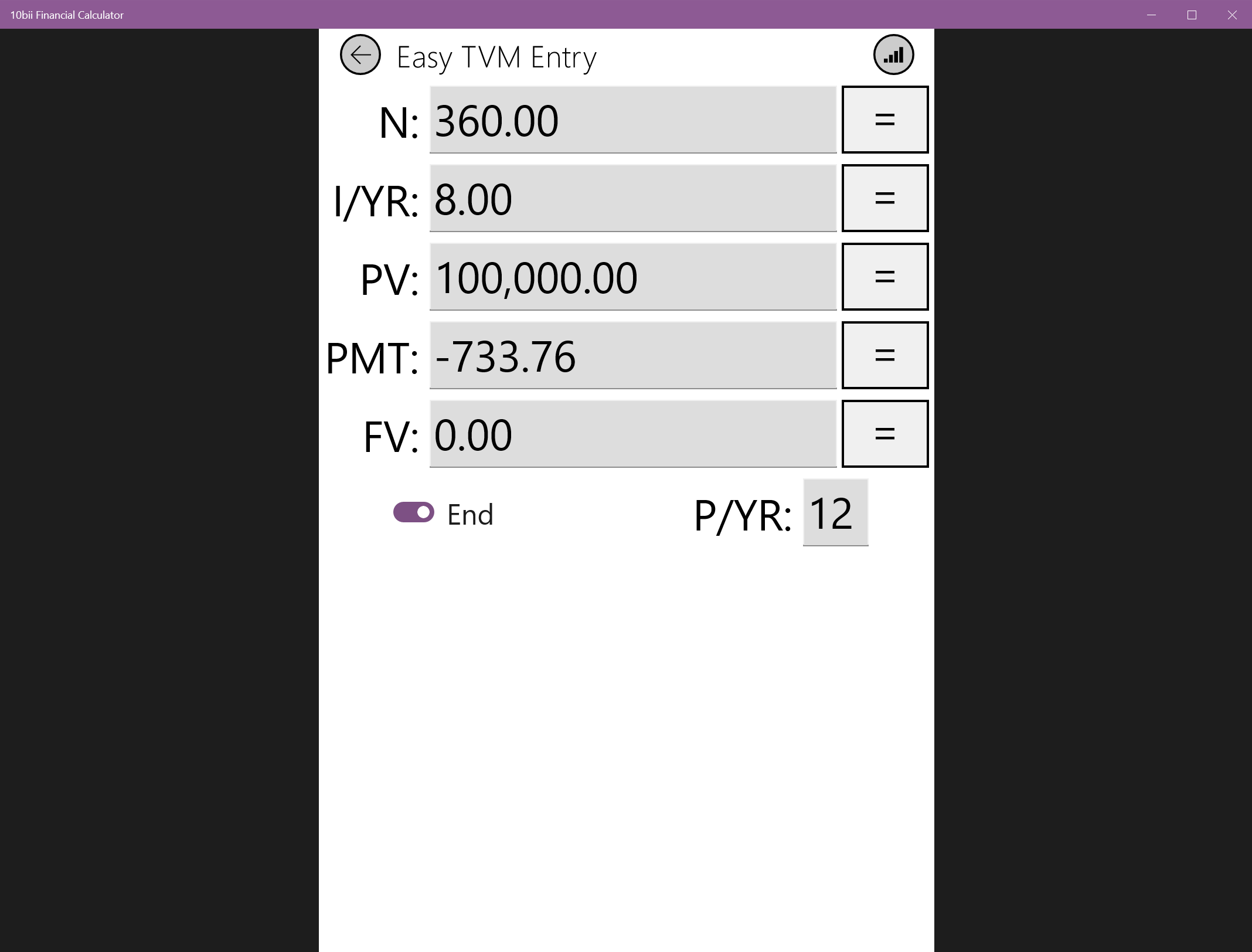
Serving as a comprehensive financial calculation toolkit, 10bii offers several standout features. Firstly, it simplifies cash flow analysis and time value of money calculations, making intricate financial formulas accessible and manageable. Secondly, it provides built-in functions for bond, loan, and mortgage calculations, streamlining what would otherwise be tedious manual work. Thirdly, its support for statistical analyses adds a layer of depth, allowing users to handle data-driven decision-making seamlessly. Lastly, the app's ability to save and retrieve calculation presets saves users time during repetitive tasks, fostering productivity.
Intuitive Design and User Experience
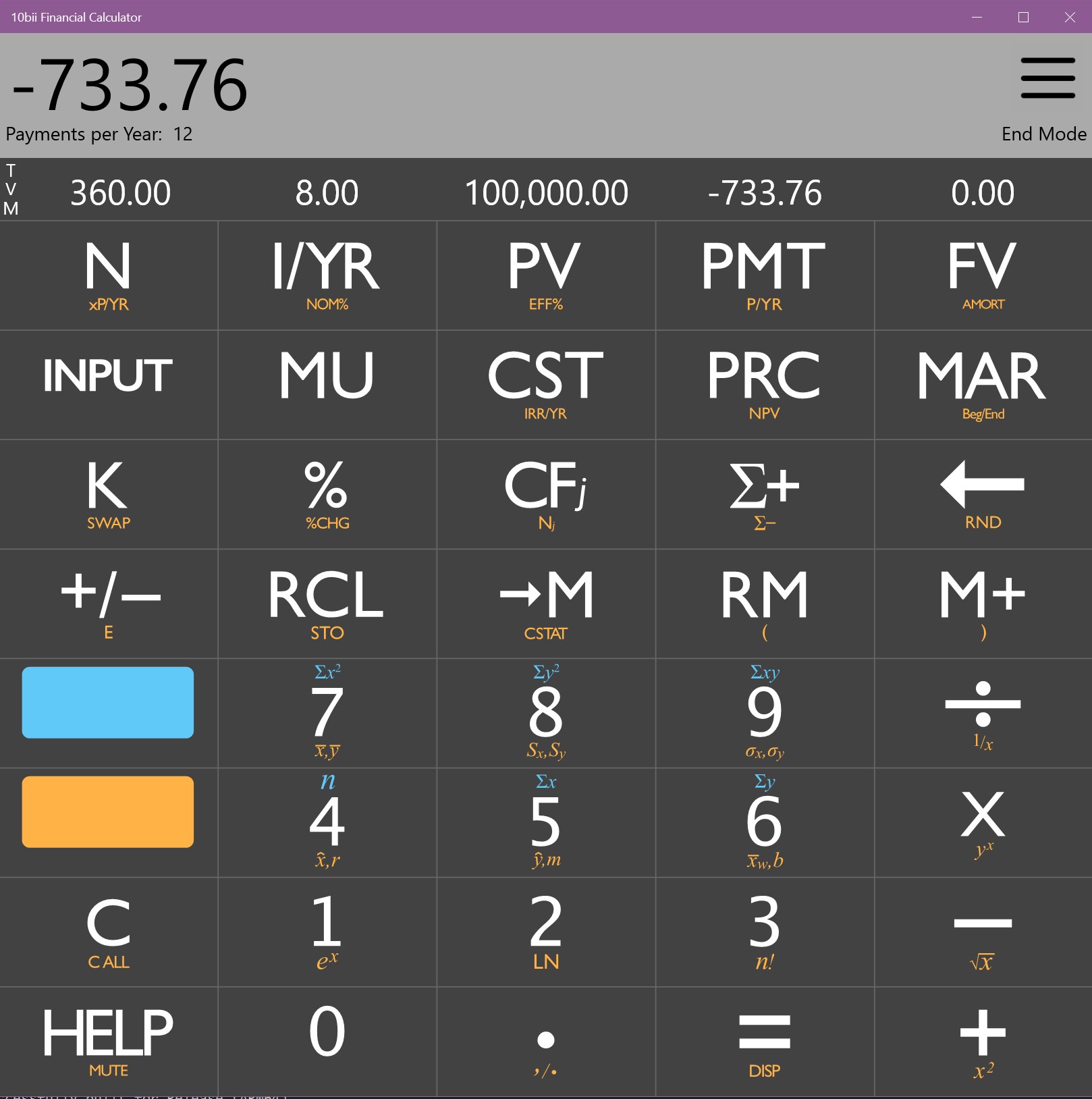
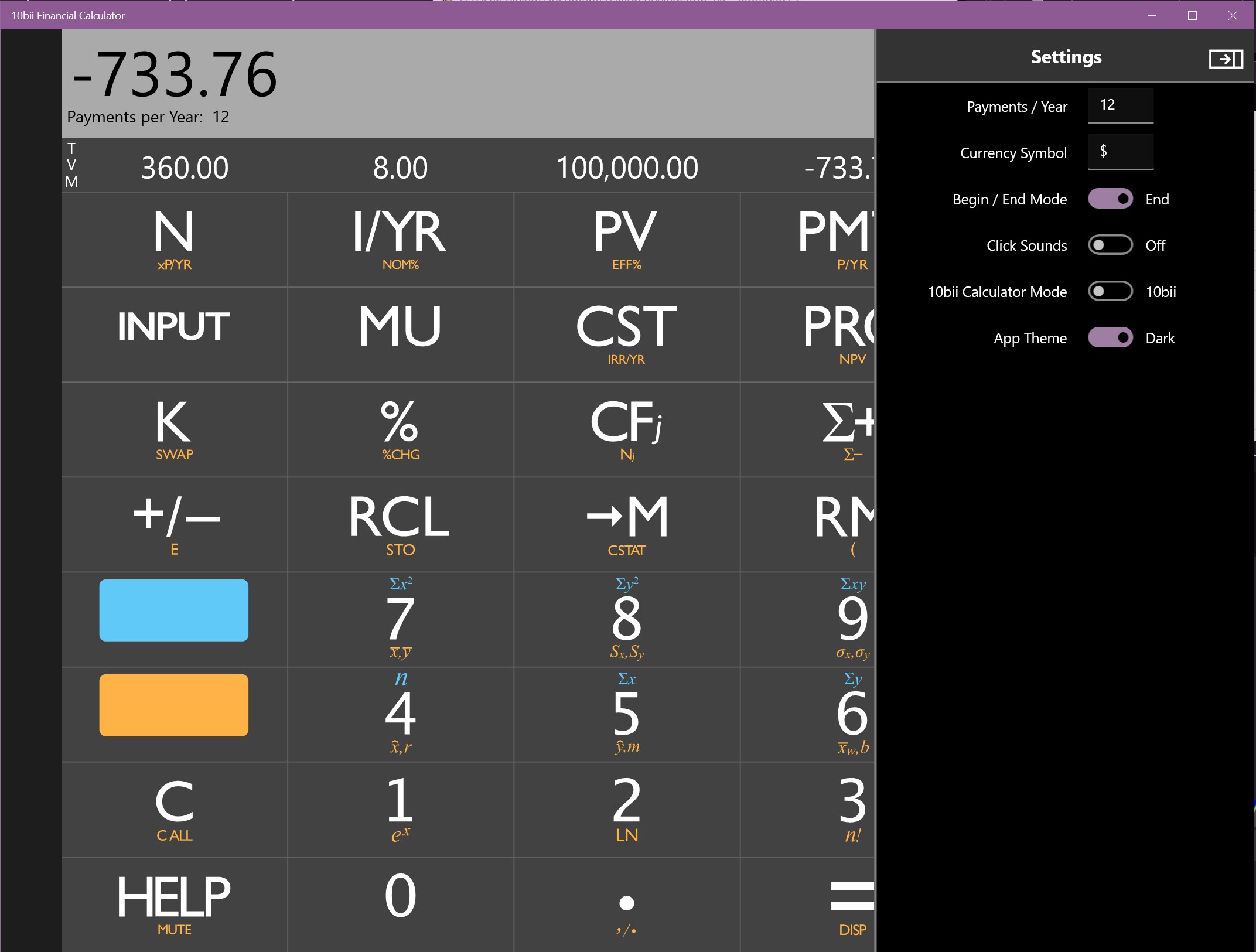
Imagine opening a financial calculator app and feeling like you're stepping into a well-organized digital toolkit — that's exactly what 10bii delivers. Its interface is clean, with clearly labeled buttons and modes, mimicking the physical calculator experience but with the added benefit of digital convenience. Navigating through various functions feels natural, thanks to logically grouped features and a straightforward layout. The responsiveness of the interface ensures smooth operation, even when juggling multiple calculations. While new users might need a few moments to familiarize themselves with the array of features, comprehensive tooltips and an intuitive design help flatten the learning curve, making it accessible for both beginners and seasoned finance professionals.
Differentiation in the Business App Arena
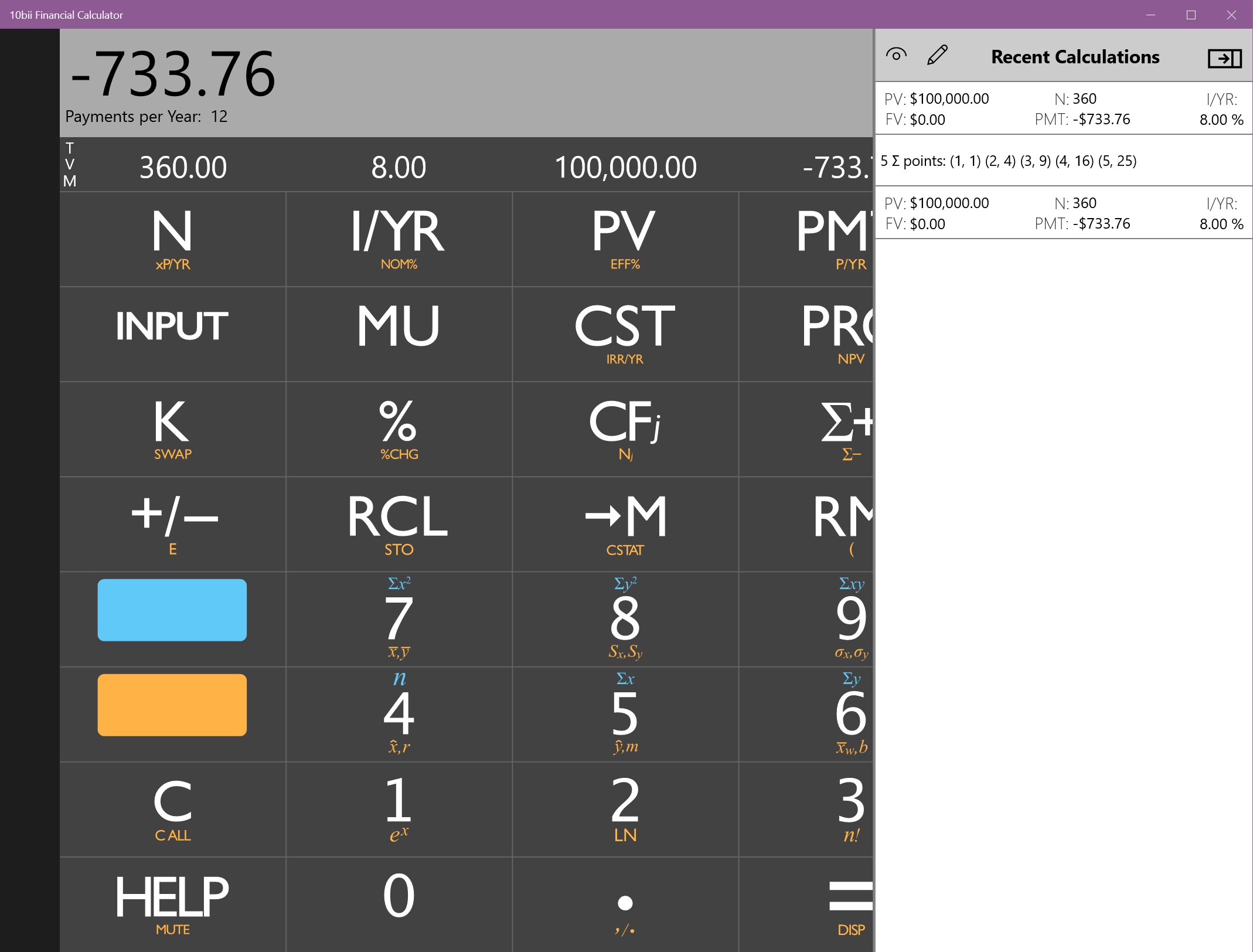
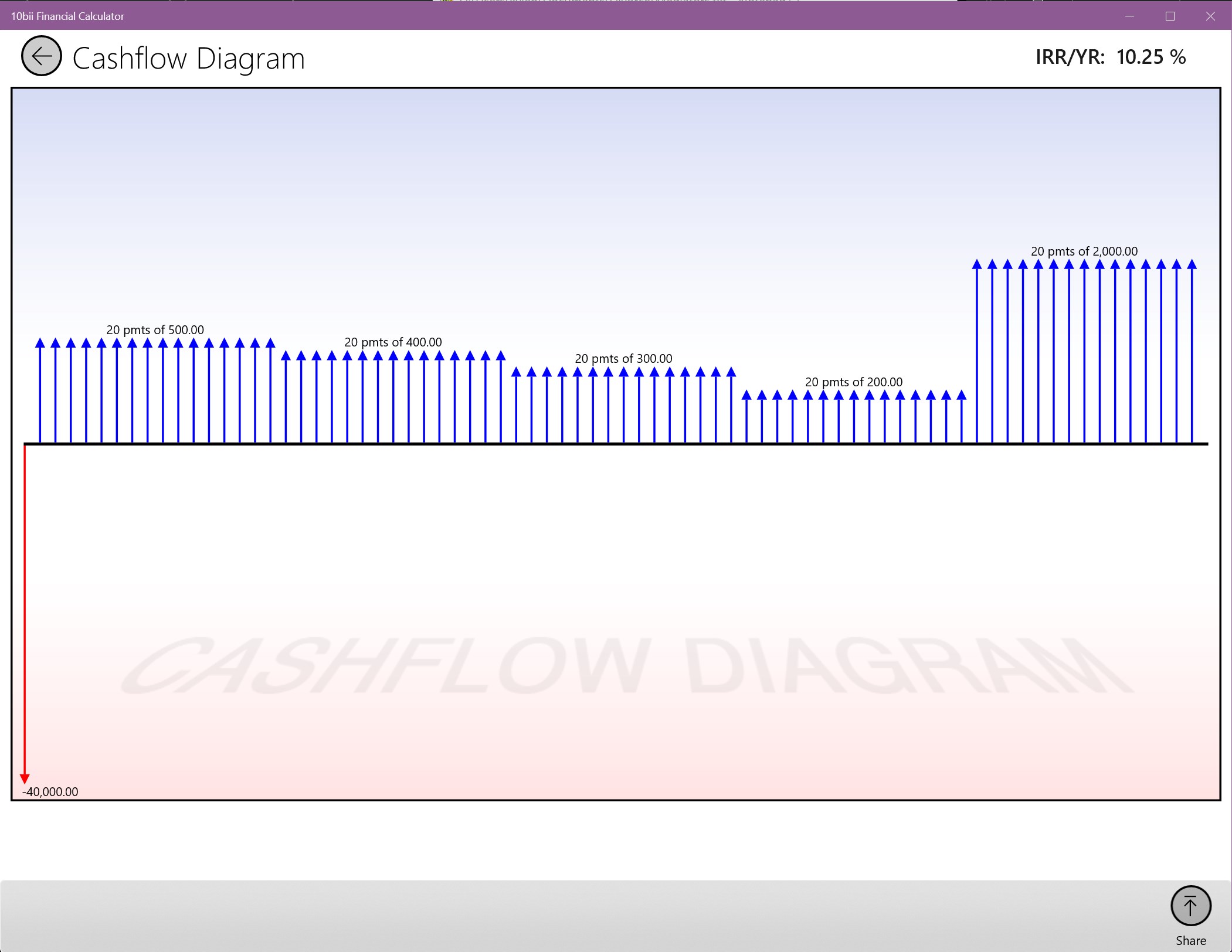
Unlike many other financial calculators that focus narrowly on singular functions, 10bii emphasizes collaborative work and task management, setting it apart from competitors. For instance, its ability to save multiple calculation scenarios allows teams to share templates and results easily, facilitating transparent discussions and collaborative analysis. Additionally, the app supports exporting calculations and data charts, enabling better integration into reports or presentations. This focus on collaborative features makes 10bii particularly well-suited for educational settings or team environments where coordination and consistency are vital. These attributes are its unique selling points, enabling users not just to perform calculations but to manage and share their financial insights effortlessly.
Final Thoughts and Recommendations
All in all, 10bii Financial Calculator for Windows presents itself as a reliable companion for anyone dealing with financial calculations regularly. Its blend of usability, depth of features, and collaborative capabilities make it a noteworthy choice in the realm of financial tools. I'd recommend it particularly for finance students, educators, and small business owners who value accuracy and efficiency without fuss. While it might not replace advanced financial software for heavy-duty analysis, it definitely fills a niche for accessible, feature-rich, and collaborative financial calculations. Give it a try if you're looking for a practical, no-nonsense calculator that can grow with your financial literacy and professional needs.
Pros
- User-Friendly Interface
- Comprehensive Functionality
- Offline Access
- Customizable Settings
- Regular Updates
Cons
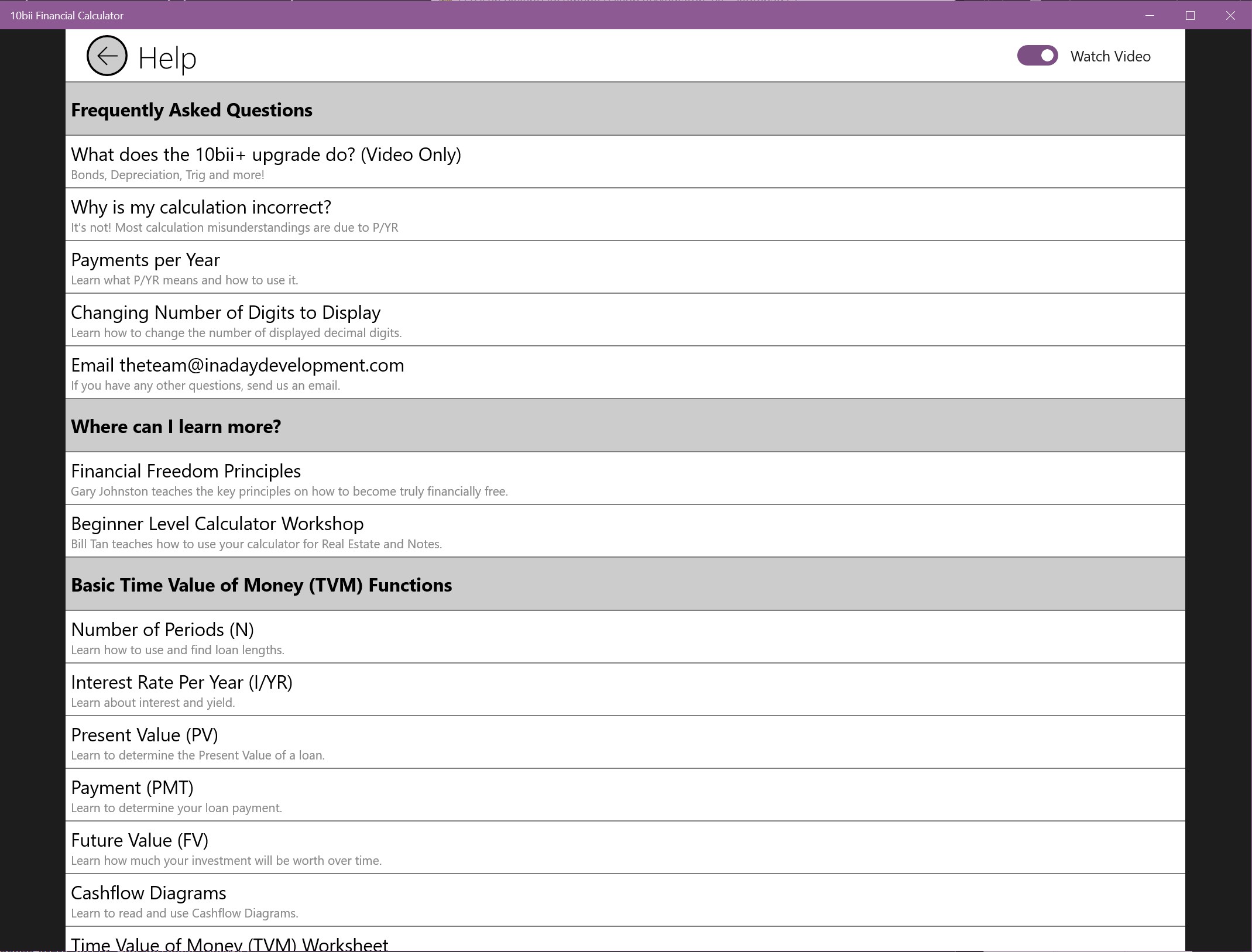
- Limited Tutorial Content
- Occasional Slow Response on Older Devices
- Basic Graphing Capabilities
- Subscription Model for Advanced Features
- Import/Export Options are Basic











