
- Category Card & board
- Available on PC
- OS Windows 10 version 17763.0 or higher
- languages English, English (United States)
A Peaceful Escape with 123 Free Solitaire for Windows
If you're on the hunt for a straightforward yet charming digital solitaire experience, 123 Free Solitaire for Windows offers just that—a calming, no-frills card game that fits neatly into any downtime. Designed by TreeCardGames, this app aims to bring classic solitaire to your desktop without the clutter or complicated features of modern casual games.
Simple Elegance Meets User-Friendly Design
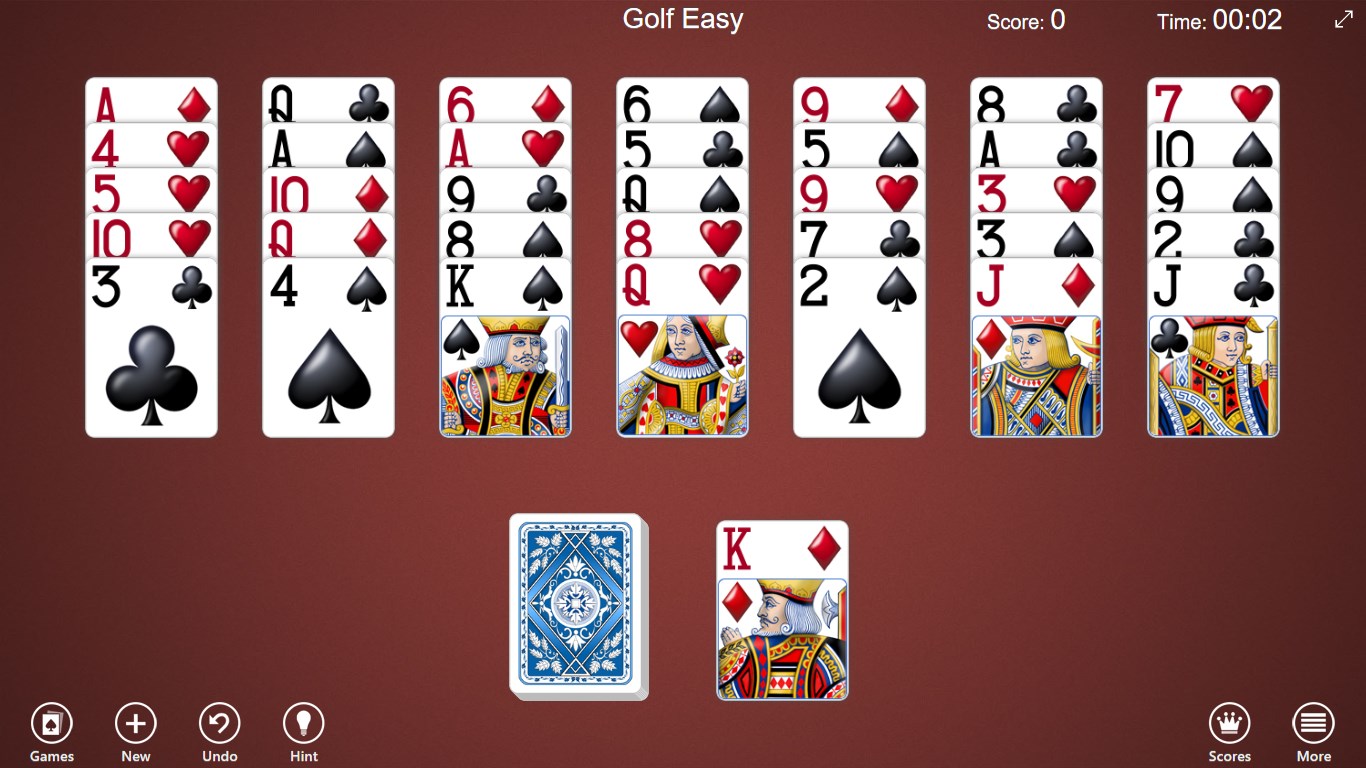
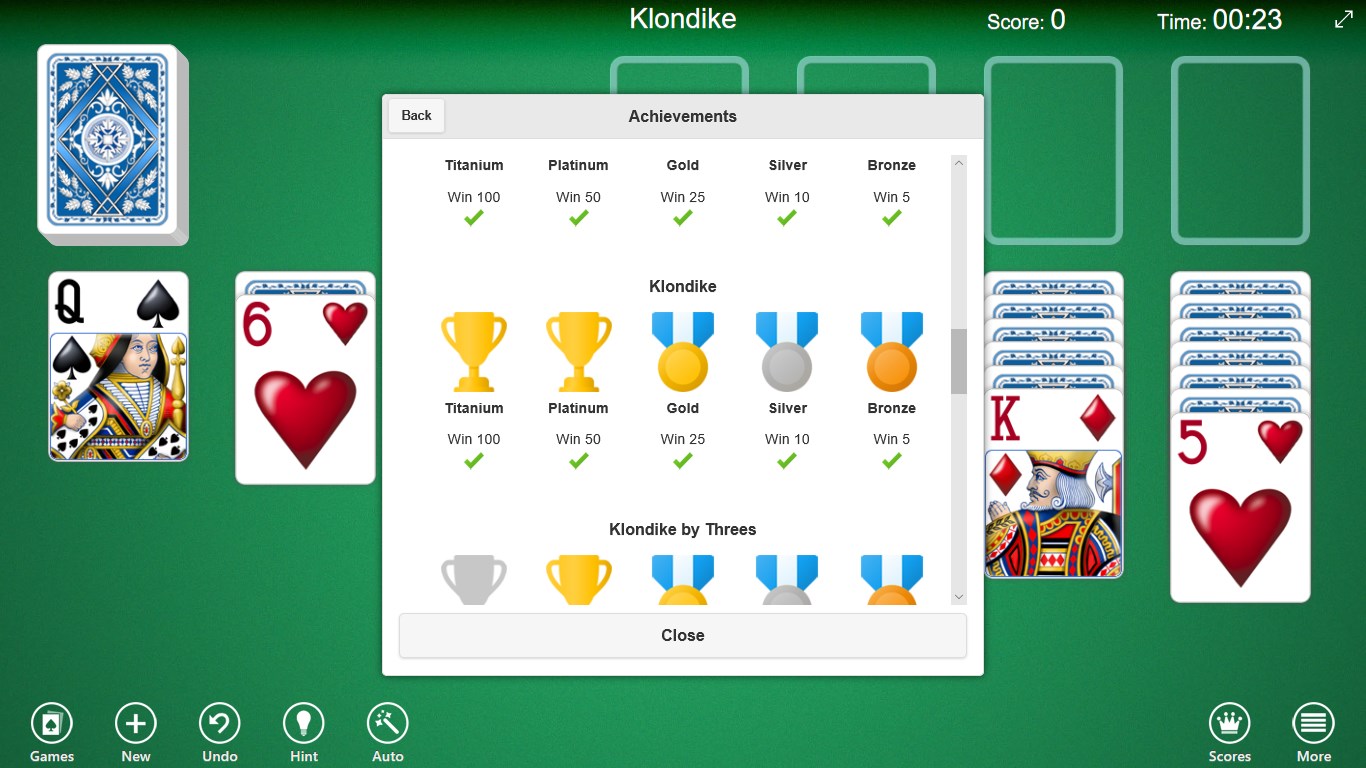
At first glance, the interface of 123 Free Solitaire is like stepping into a cozy, well-loved library—clean, organized, and inviting. The color palette is soothing, gently guiding your eyes without overwhelming, while intuitive navigation makes finding your next move feel as natural as shuffling playing cards on a lazy Sunday afternoon. This simplicity ensures that users—whether beginners or seasoned solitaires—can jump right into gameplay without a steep learning curve, promising quick access and seamless interaction.
Core Features That Keep the Deck Moving
Classic Solitaire Variants at Your Fingertips
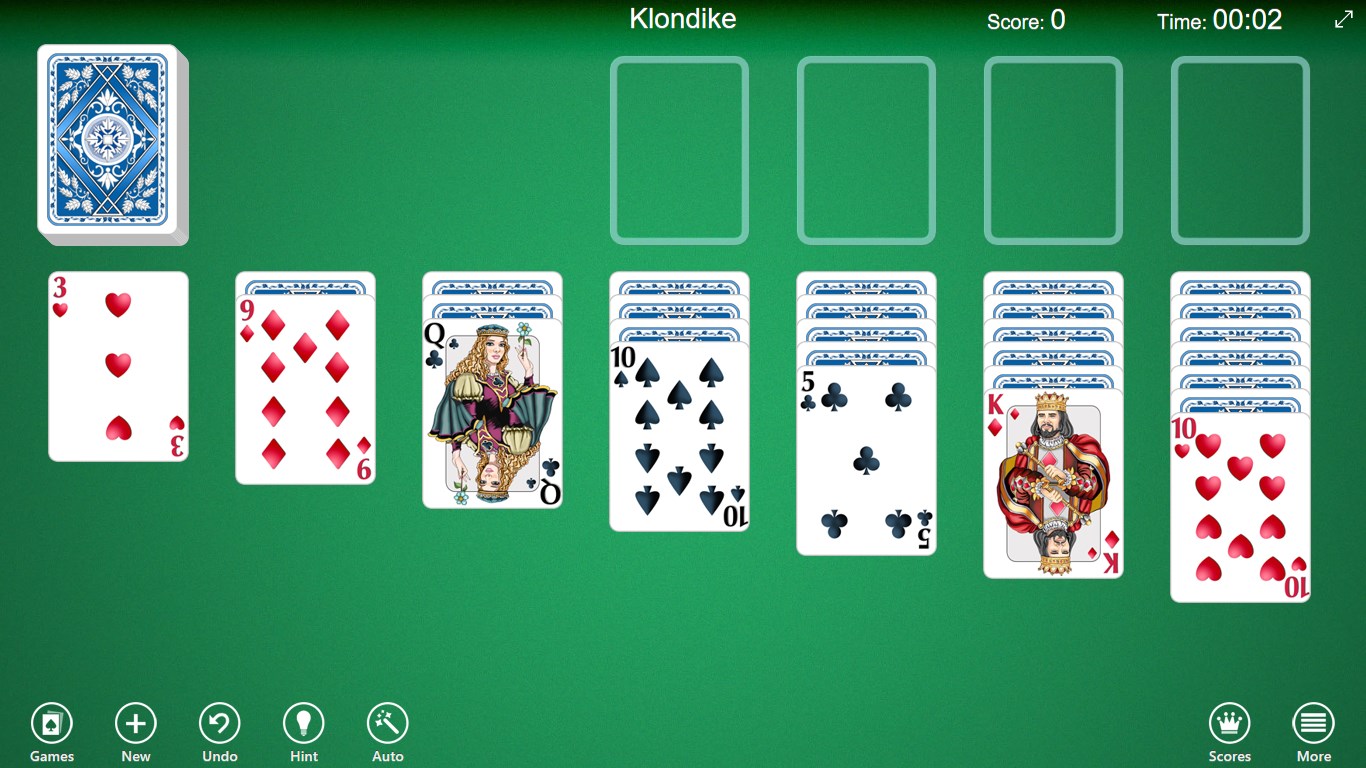
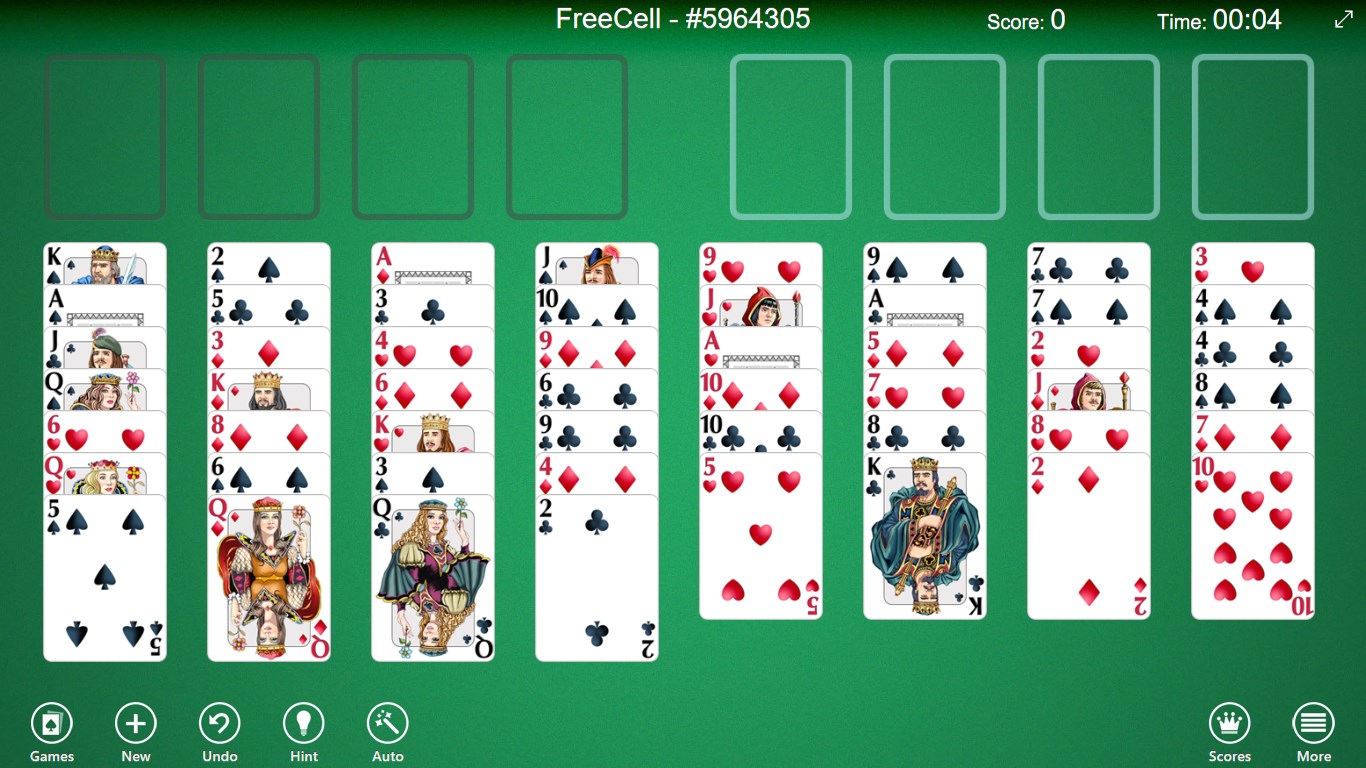
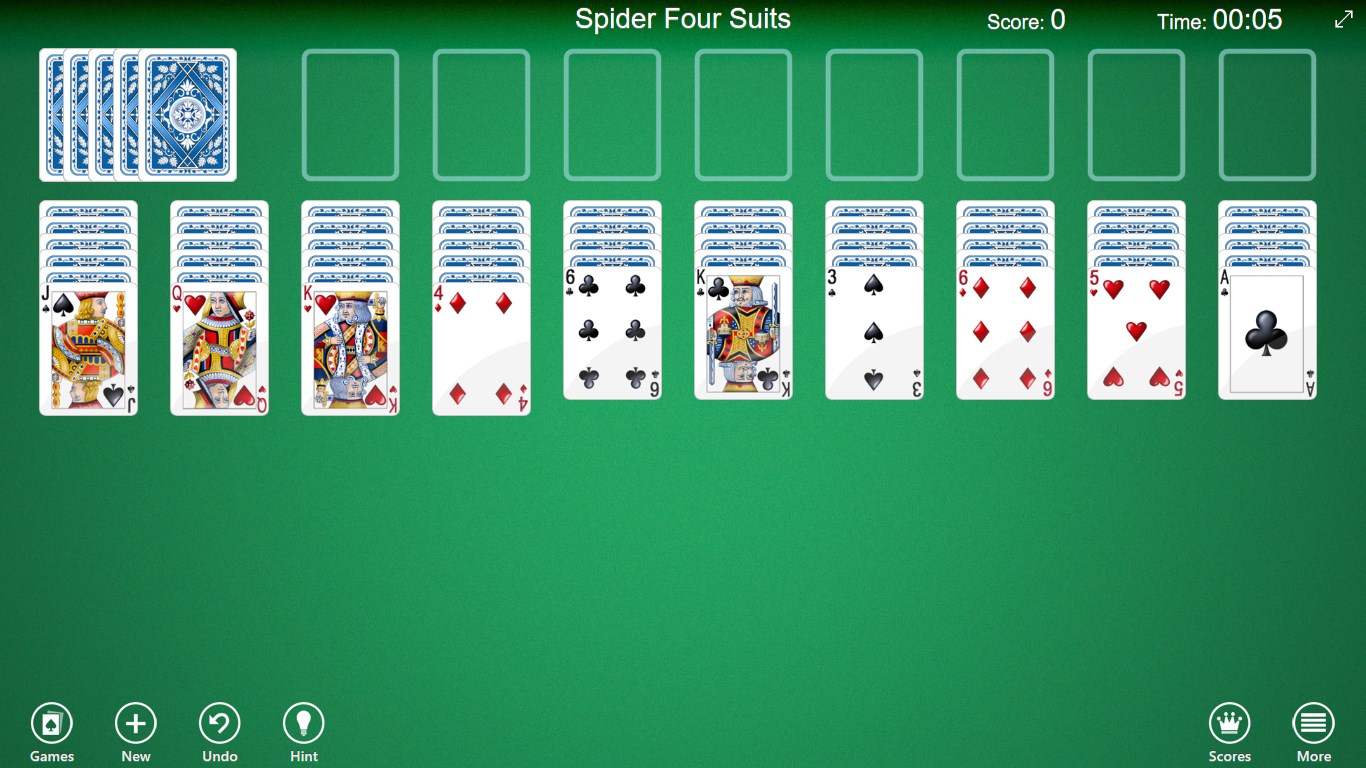
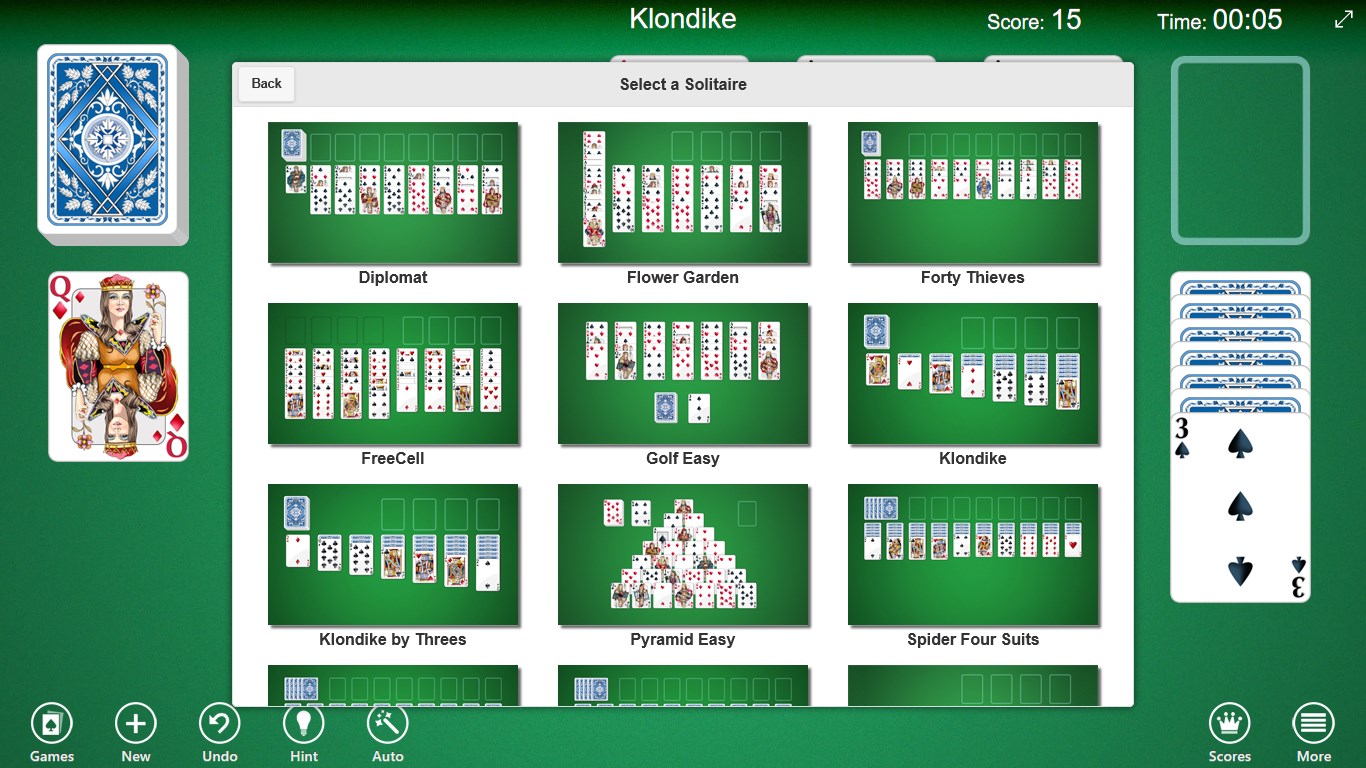
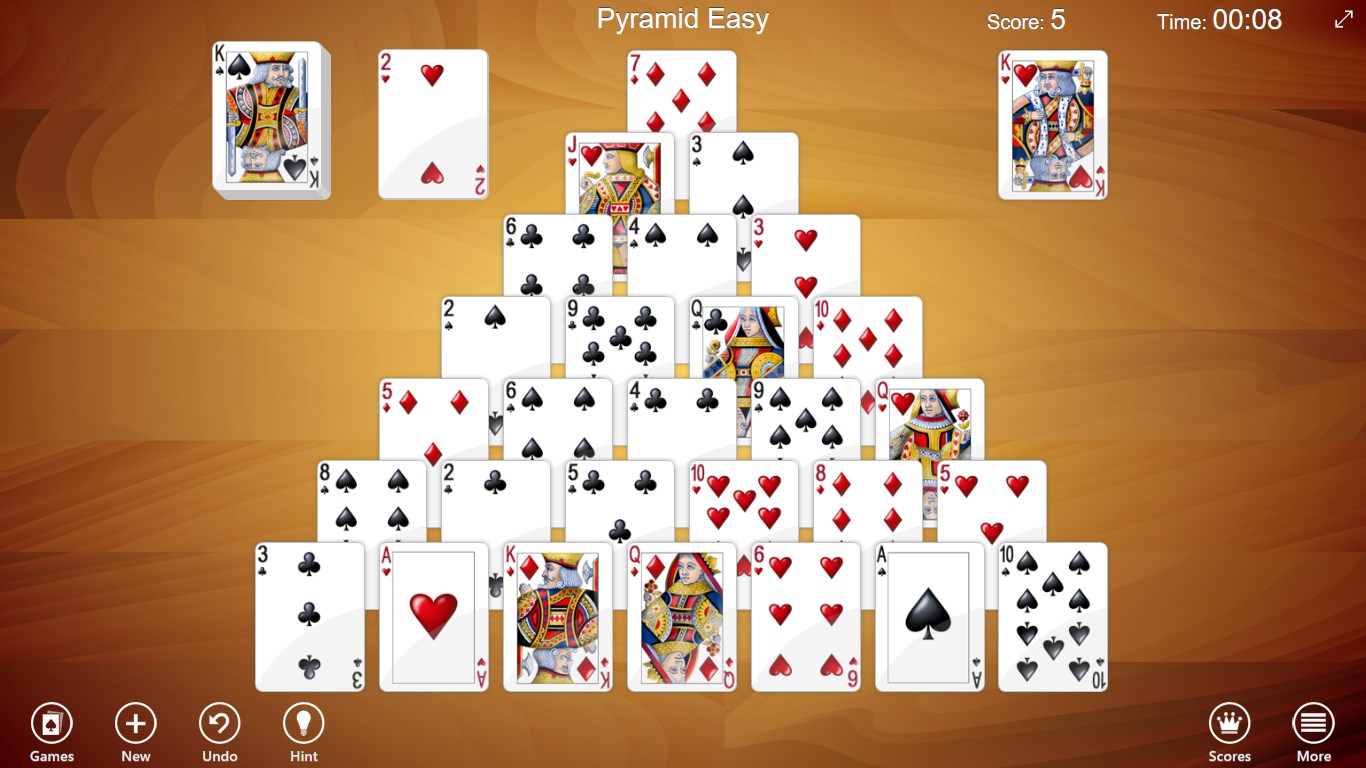
The app offers the traditional Klondike Solitaire, which most players recognize instantly, alongside other popular variants like Freecell and Spider. This variety means you're not stuck in a single style—there's enough diversity to keep your interest alive whether you're seeking a relaxing puzzle or a brain teaser. Each game maintains the familiar rules but with subtle tweaks to keep it fresh and engaging.
Ease of Play with Customization Options
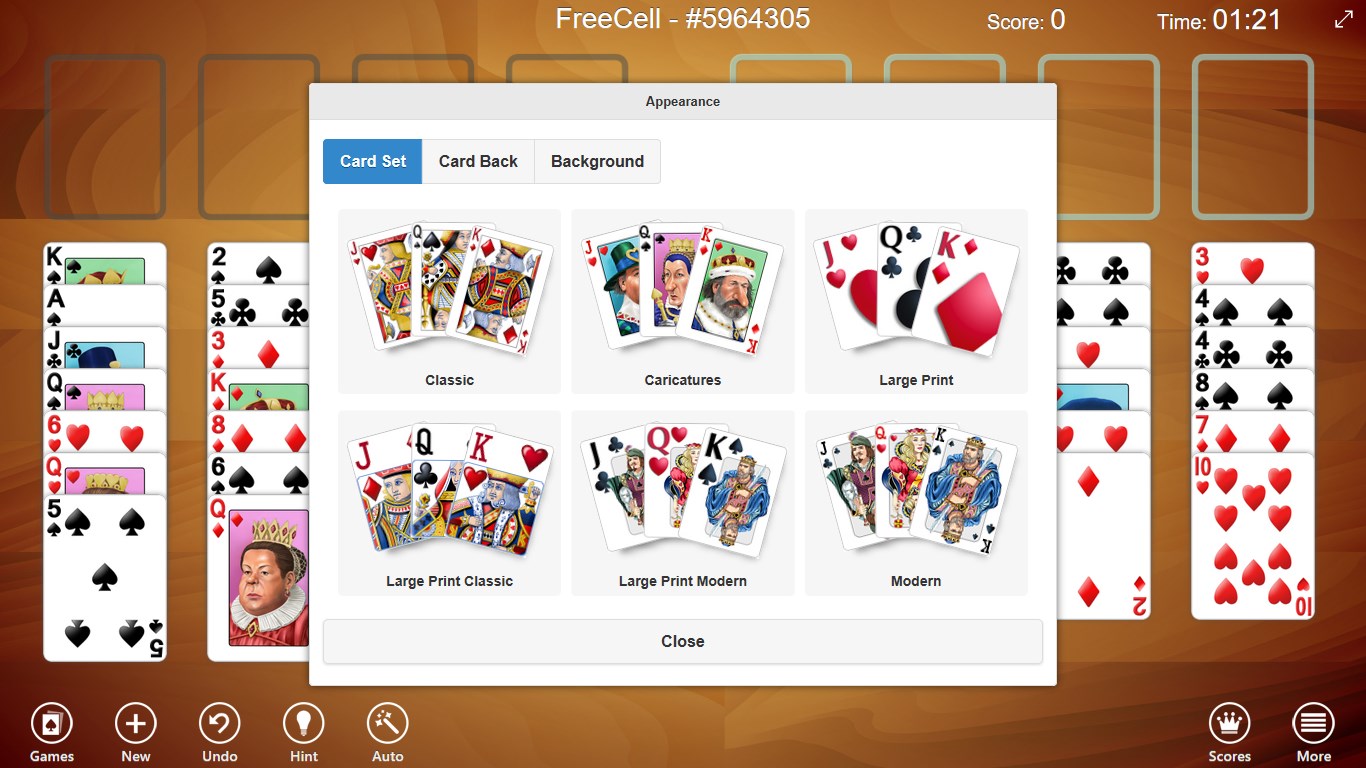
One of the most notable features is the customization of card decks and backgrounds. Want a dark theme for late-night gaming or a classic blue deck for nostalgia? 123 Free Solitaire lets you tailor the visuals to match your mood. Additionally, the game intelligently saves your progress, so you can pause your session anytime and resume exactly where you left off—a real boon for busy days or quick breaks.
An Experience That Stays True to the Classics
The smooth graphics and responsive controls ensure that your moves feel instantaneous—think of gently shuffling cards on a wood table, satisfying yet unobtrusive. The game responds well across all typical inputs, with drag-and-drop motions feeling fluid and precise. For newcomers, the learning curve is gentle—just a few taps and drags, and you're mastering the game in no time. Veteran players will appreciate the clean layout and the absence of intrusive ads or complicated menus, making gameplay straightforward and focused.
Standing Out in the Card Game Crowd
Compared with other solitaire apps laden with bells and whistles—such as animated backgrounds, scoring systems, or social sharing features—123 Free Solitaire keeps things simple and focused on the pure joy of the card game. What sets it apart is its emphasis on accessibility and comfort, offering a clutter-free environment that invites you to unwind rather than distract you. Its lightweight design ensures quick load times and smooth operation, even on older Windows systems, making it a reliable choice for all users.
Final Thoughts and Recommendations
All considered, 123 Free Solitaire for Windows is an excellent choice for anyone seeking a classic, no-nonsense solitaire experience. It excels in providing a distraction-free environment, customizable visuals, and a range of popular game variants—all wrapped in an elegant, user-friendly interface. For casual players looking to relax, improve their solitaire skills, or enjoy a familiar pastime, this app delivers reliably. I would recommend it especially for those who appreciate straightforward gameplay without the fuss of extra features. Whether you're a seasoned solitaire enthusiast or a newcomer seeking simple entertainment, this app could become your go-to daily dose of card-playing calm.
Pros
- User-friendly interface
- Multiple Solitaire variations
- Offline access
- Customizable themes
- Progress tracking
Cons
- Limited game modes
- Ads displayed during gameplay
- Basic graphics and animations
- Limited customization options
- No multiplayer functionality











