

- Category Photo & video
- Developer Dreamoji
- Available on PC
- OS Windows 10 version 19041.0 or higher
- languages Afrikaans, Albanian, Amharic, Arabic, Armenian, Bangla, Basque, Belarusian, Bulgarian, Chinese (Simplified), Chinese (Traditional), Croatian, Czech, Danish, Dutch, English (United States), Estonian, Filipino, French, Galician, Georgian, German, Greek, Gujarati, Hebrew, Hindi, Hungarian, Icelandic, Irish, Italian, Japanese, Kannada, Kazakh, Khmer, Kinyarwanda, Korean, Latvian, Lithuanian, lo, Luxembourgish, Macedonian, Malayalam, Maltese, Maori, Marathi, Nepali, Norwegian, Odia, Polish, Portuguese, Punjabi, Romanian, Russian, Sinhala, Slovak, Slovenian, Spanish, Swedish, Tamil, Telugu, Thai, Ukrainian, Urdu, Vietnamese, Welsh
Introducing 123 Photos: Your All-in-One Photo Tool for Windows
123 Photos: View, Edit & Convert is a versatile Windows application designed to streamline your photo management experience. Whether you're a casual user or a photography enthusiast, this app aims to simplify viewing, editing, and converting images all within a user-friendly environment.
Developed by Dreamoji, a Dedicated Team with Vision
Dreamoji is a passionate software developer specializing in intuitive multimedia applications. Their focus on creating accessible and efficient tools is evident in 123 Photos, which combines core photo functions into a cohesive and easy-to-navigate platform. With a commitment to user satisfaction, Dreamoji continues to refine its offerings based on user feedback.
Key Features That Make 123 Photos Stand Out
- All-in-One Photo Management: View, edit, and convert images in a single app—eliminating the need for multiple programs.
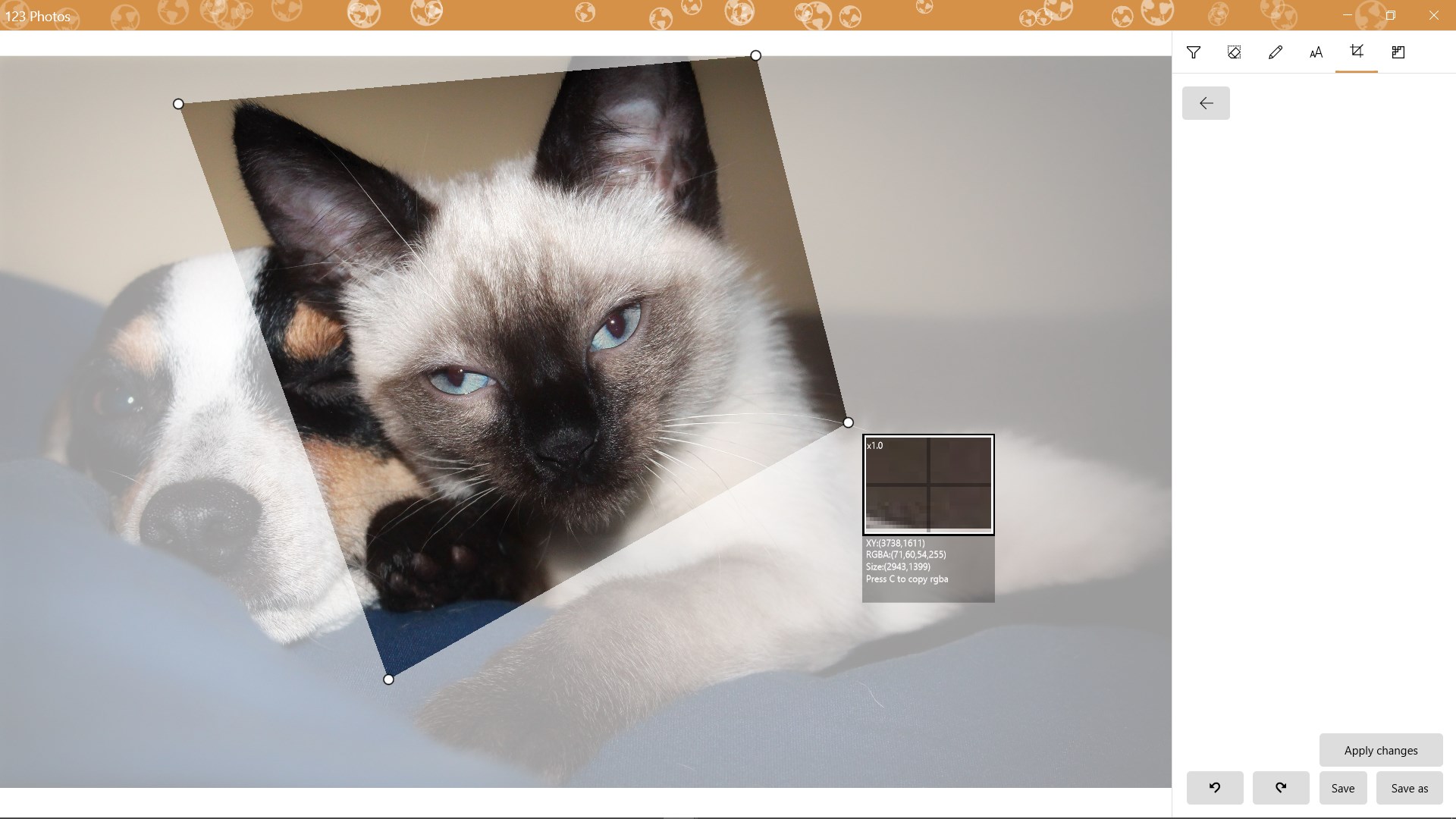
- Intuitive Editing Suite: Basic editing tools like cropping, resizing, and adjusting brightness and contrast are accessible yet powerful enough for quick enhancements.
- Efficient Image Conversion: Supports batch converting images between formats, making it easier to prepare photos for different platforms or uses.
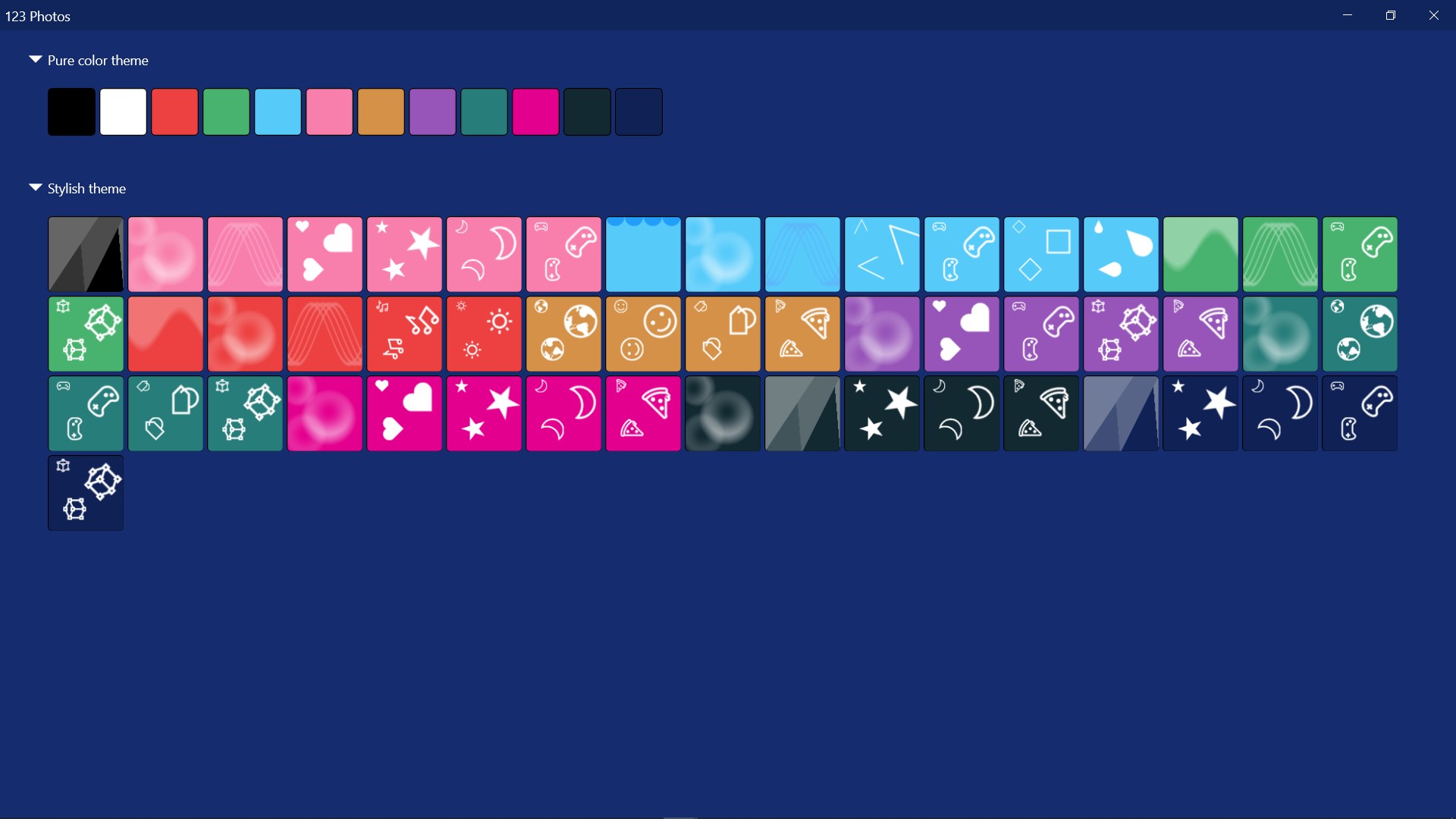
- User-Friendly Interface: A clean, straightforward layout that accommodates both beginners and experienced users.
Unpacking 123 Photos — A Practical Perspective
Imagine you're sorting through a cluttered digital photo album—frustrating, isn't it? Now picture having a reliable companion that helps you organize, tweak, and prepare your images effortlessly. That's precisely what 123 Photos offers, wrapped in a lightweight yet robust package. Let's step into its world and explore what makes this app tick.
Sleek and Simple Interface — No PhDs Needed
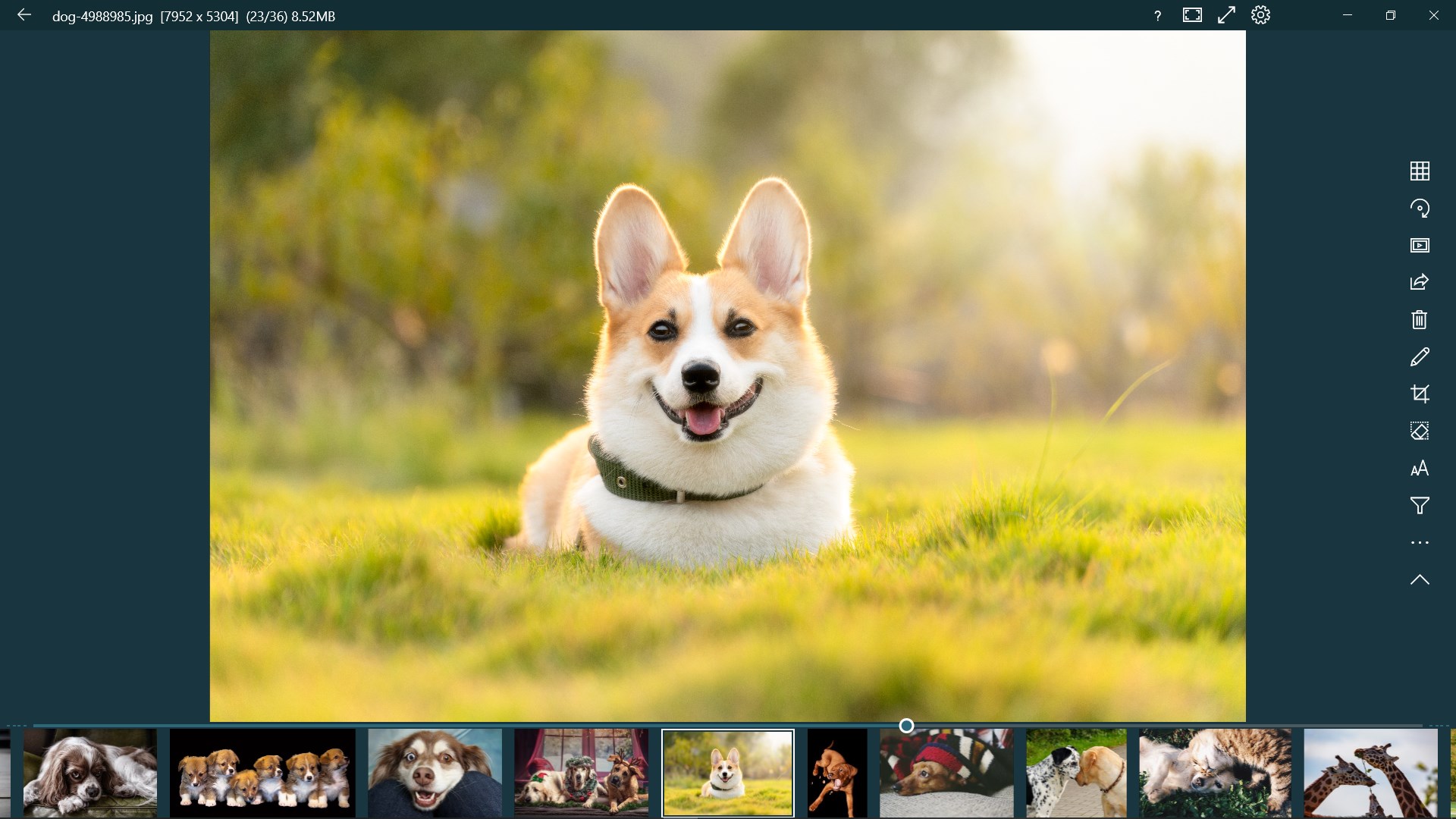
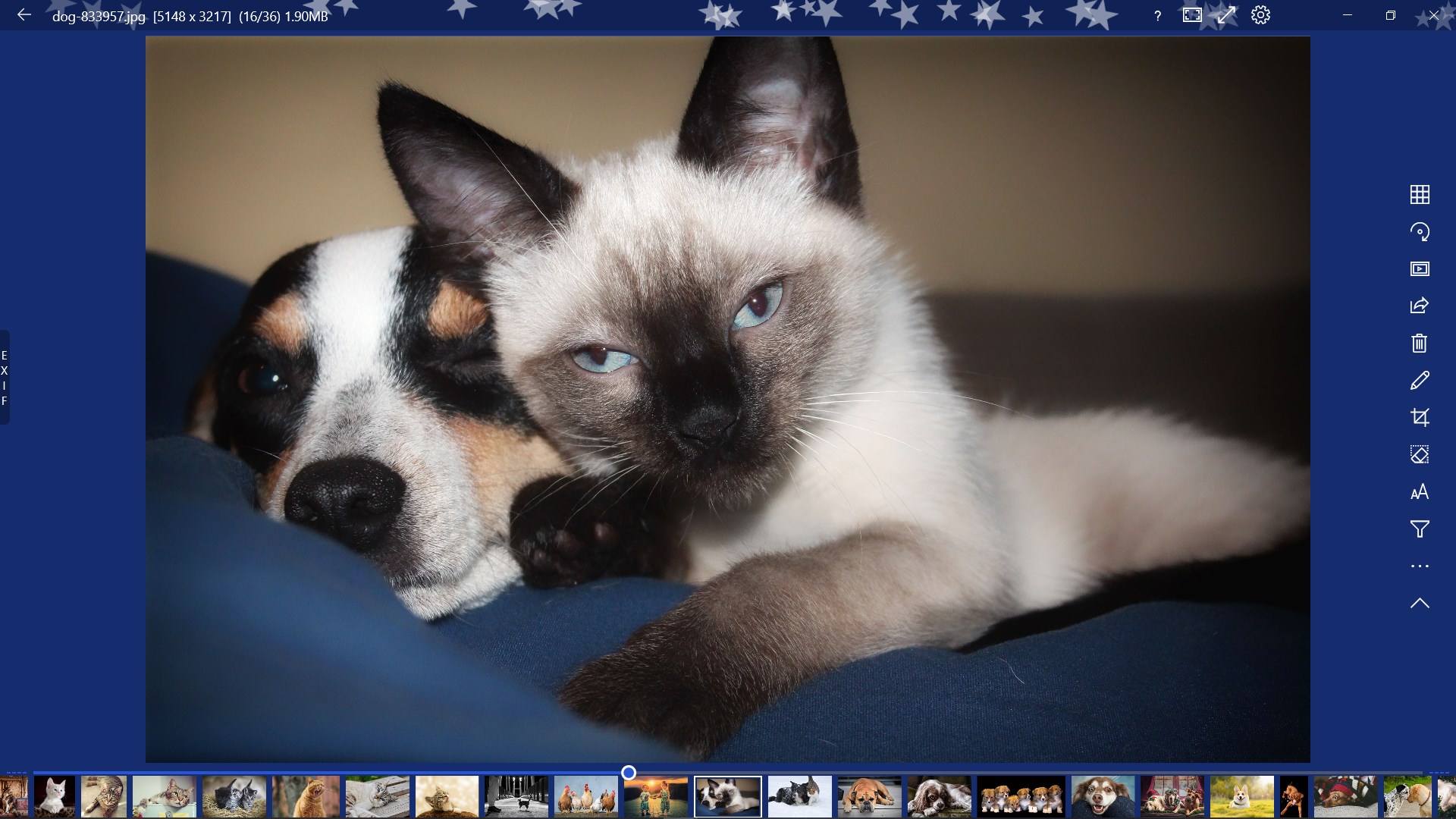
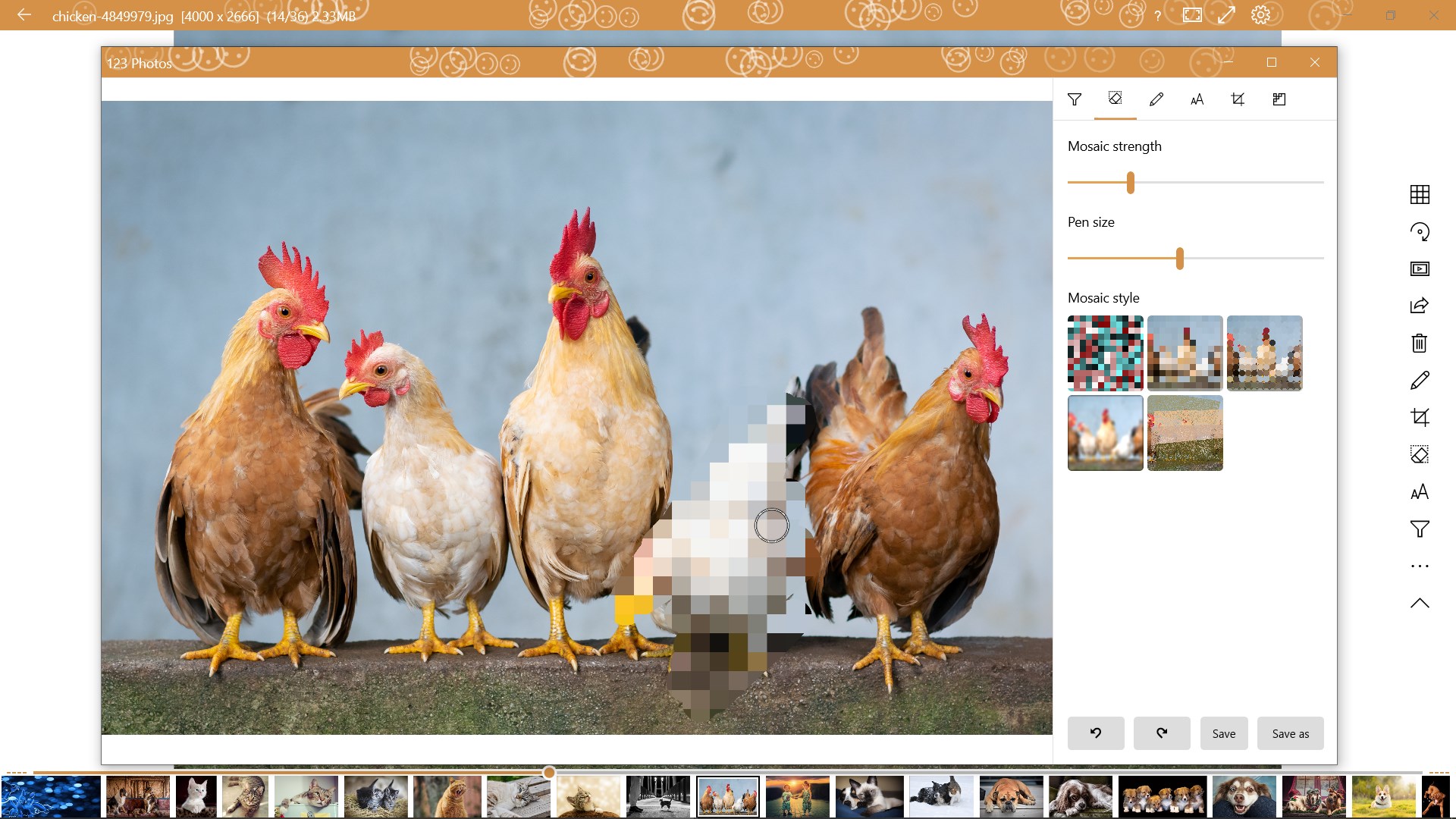
The first thing that strikes you when opening 123 Photos is its clean interface. It's akin to walking into a neatly organized workshop—everything in its place, waiting for your command. The navigation is intuitive; icons and menus are straightforward, making it accessible even if you're not tech-savvy. The app's layout minimizes clutter, which reduces the learning curve significantly. Whether you're quickly browsing thumbnails or diving into detailed editing, the process feels smooth—almost like gliding over freshly waxed flooring.
Core Functionality Deep Dive: View, Edit, Convert
Viewing and Organizing Images
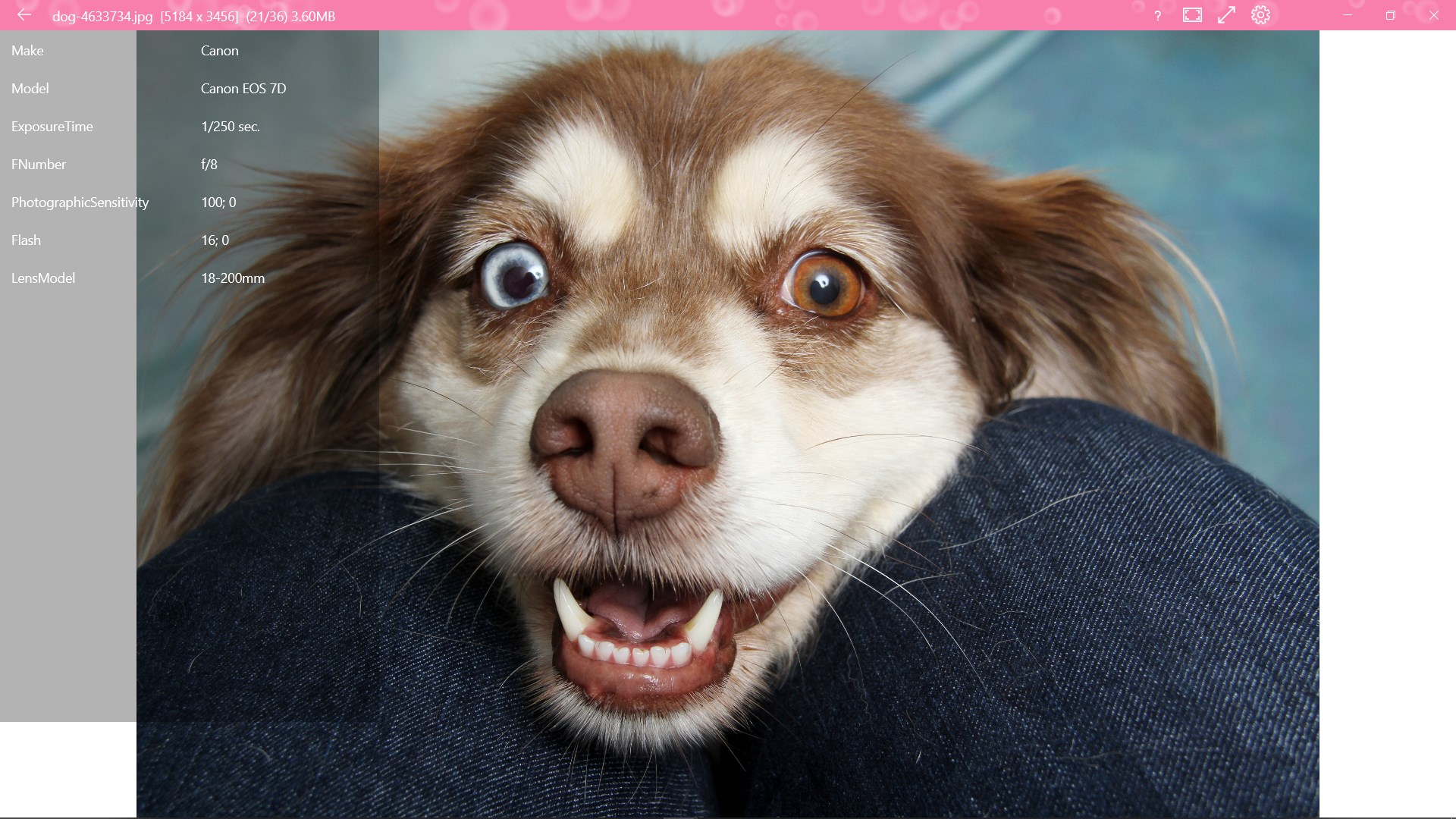
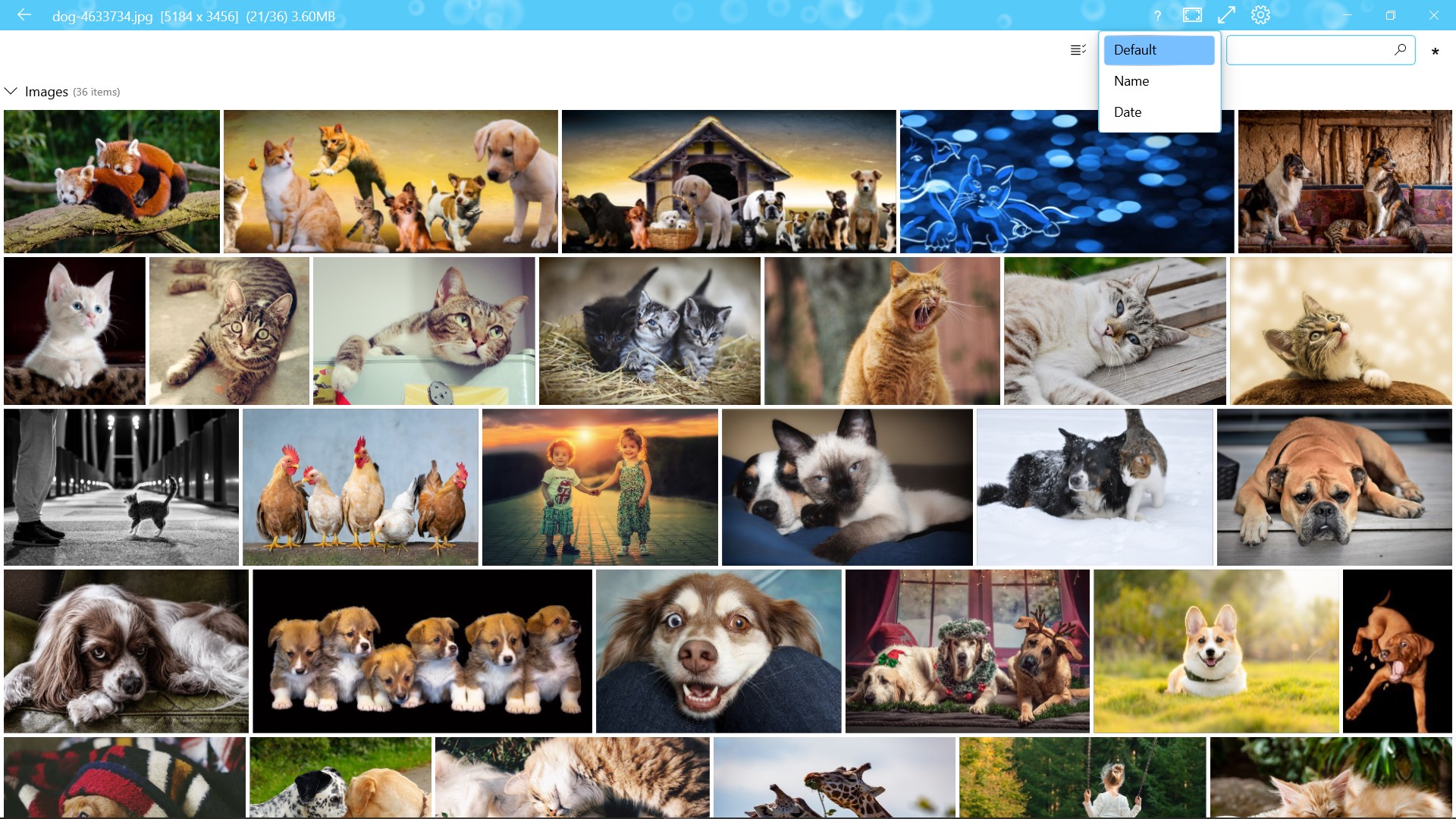
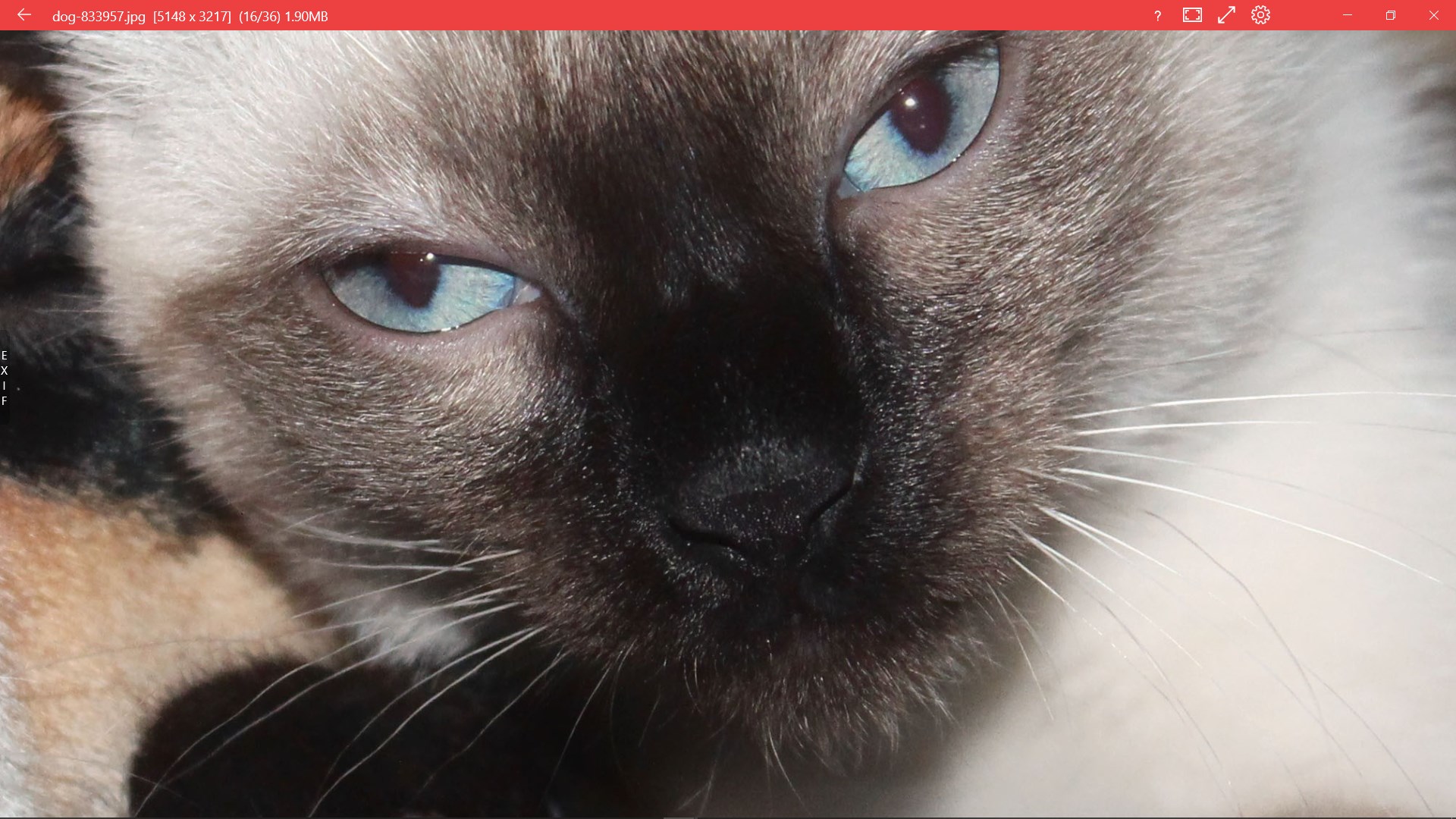
Starting with image viewing, the app supports a broad range of formats, allowing you to flick through your photos effortlessly. Thumbnail previews are snappy, and the full-screen mode offers a distraction-free experience. Basic organization tools, such as creating albums and sorting images, help keep your digital photos neat. This makes it a convenient all-in-one viewer—think of it as your digital photo album to hold all your cherished memories in one place.
Edit With Precision, Not Complexity
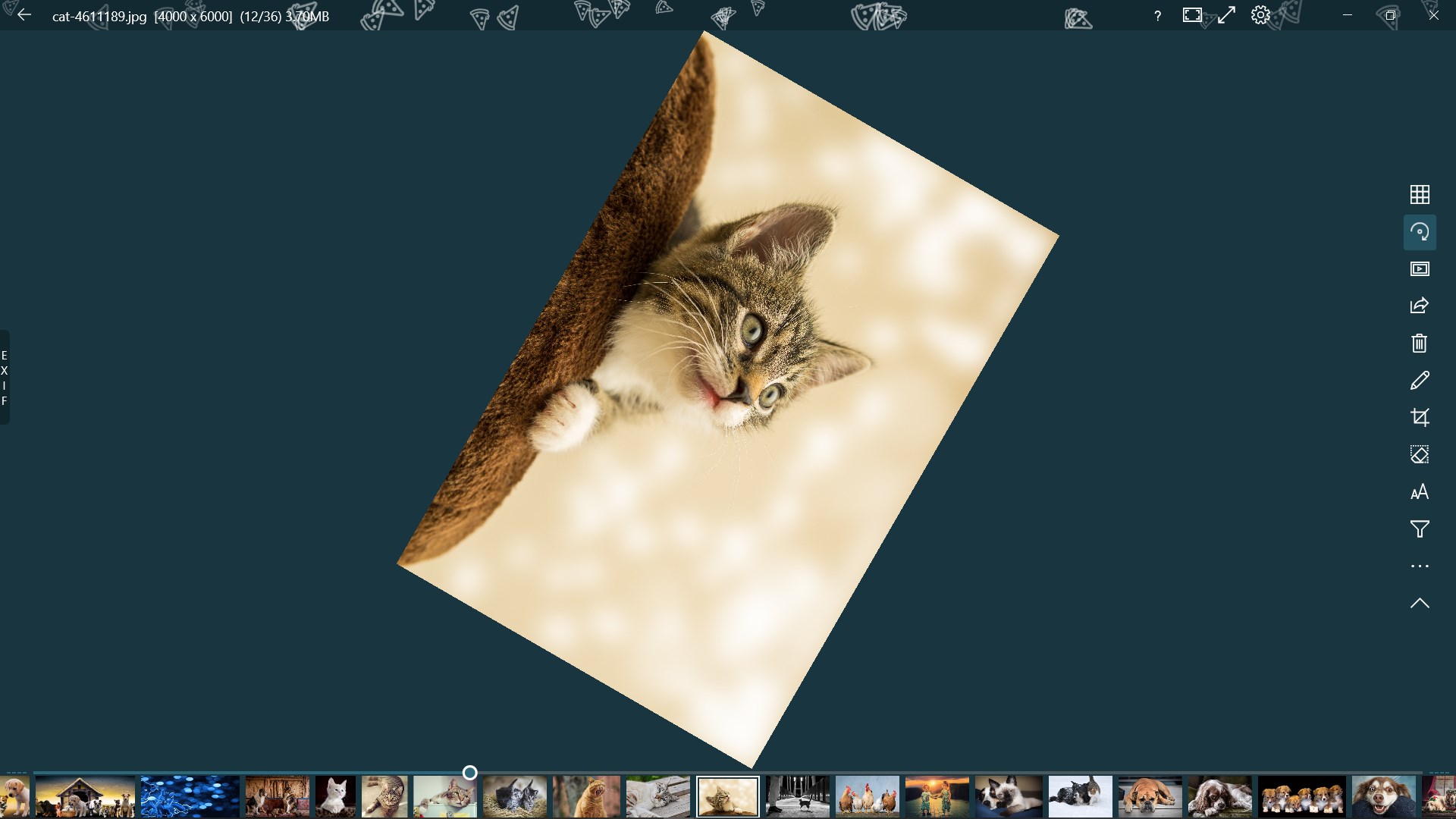
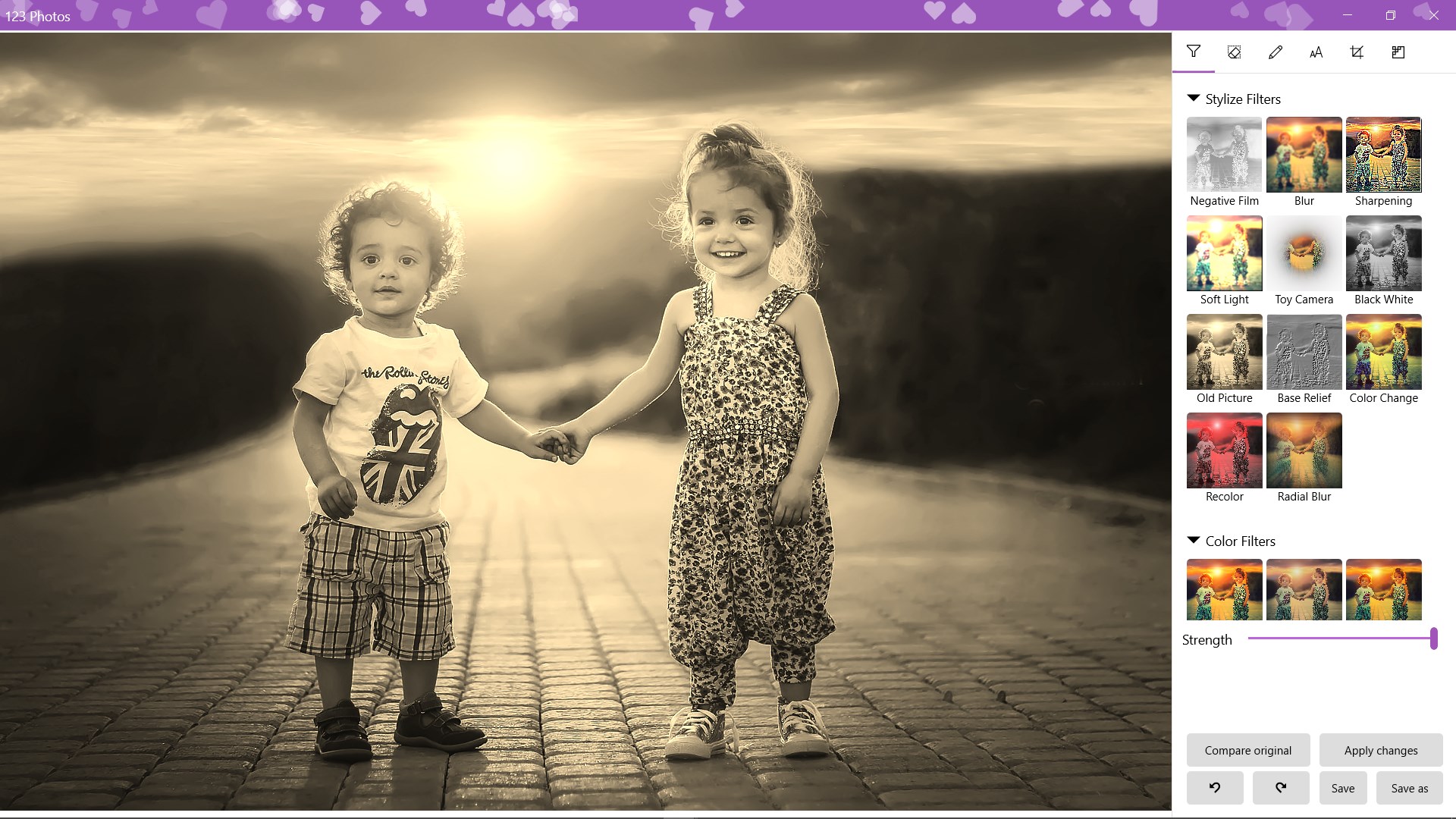
The editing suite is refreshingly straightforward. Think of it as a digital photo studio that's easy to step into—no intimidating toolbars, just essential editing options. You can crop images precisely, adjust lighting, rotate, or apply simple filters—perfect for quick touch-ups or preparing images for sharing. While it doesn't overwhelm with advanced features like layers or masks, it provides just enough control for casual edits, making it approachable for users unfamiliar with complex software.
Seamless Batch Image Conversion
The standout feature here is batch converting images, a real timesaver. Imagine having a dozen or more photos in different formats—123 Photos can convert them all to your preferred type with just a few clicks. This function is particularly useful for preparing images for web upload, printing, or other specific needs. The conversion process is quick and maintains image quality, demonstrating the app's efficiency and reliability. It's like having a personal photo-processing factory at your fingertips.
The Unique Edge and Suitability
Compared to other photo apps like IrfanView or FastStone, 123 Photos emphasizes simplicity and all-in-one functionality without sacrificing core features. Its unique selling point is the seamless integration of viewing, editing, and converting within a single, accessible interface. It's particularly well-suited for users who want a straightforward tool that bridges the gap between basic photo viewing and light editing—think of it as your digital Swiss Army knife for pictures.
Final Thoughts and Recommendations
Overall, 123 Photos stands out as a reliable, easy-to-use application for Windows that combines essential photo management features into a clean, approachable interface. It's an excellent choice for hobbyists, small business owners, or anyone needing quick edits and format conversions without diving into complex software. If you're seeking a tool that simplifies your photo workflow while delivering dependable performance, this app earns a solid recommendation. For those who require advanced editing capabilities or extensive photo organization features, exploring other specialized software might be worth considering. But as a light, versatile photo companion, 123 Photos is definitely worth a try.
Pros
- User-Friendly Interface
- Versatile Editing Tools
- Fast Conversion Options
- Seamless Integration with Microsoft Ecosystem
- Lightweight and Efficient
Cons
- Limited Advanced Editing Features
- Occasional Stability Issues
- Basic Conversion Options Only
- Minimal Organizational Features
- Limited Output Quality Settings











