

- Category Security
- Developer AgileBits, Inc. dba 1Password
- Available on PC
- OS Windows 10 version 19041.0 or higher
- languages English (United States)
1Password for Windows: Your Personal Digital Vault Reinvented
1Password for Windows stands out as a robust, user-friendly password management solution designed to seamlessly secure your digital life. Developed by AgileBits, Inc., this application offers a compelling blend of security, convenience, and modern design, making it a go-to tool for individuals and professionals alike who seek to organize and safeguard their passwords and sensitive data effortlessly.
Core Features That Elevate Your Security Game
1. All-in-One Vaulting and Autofill
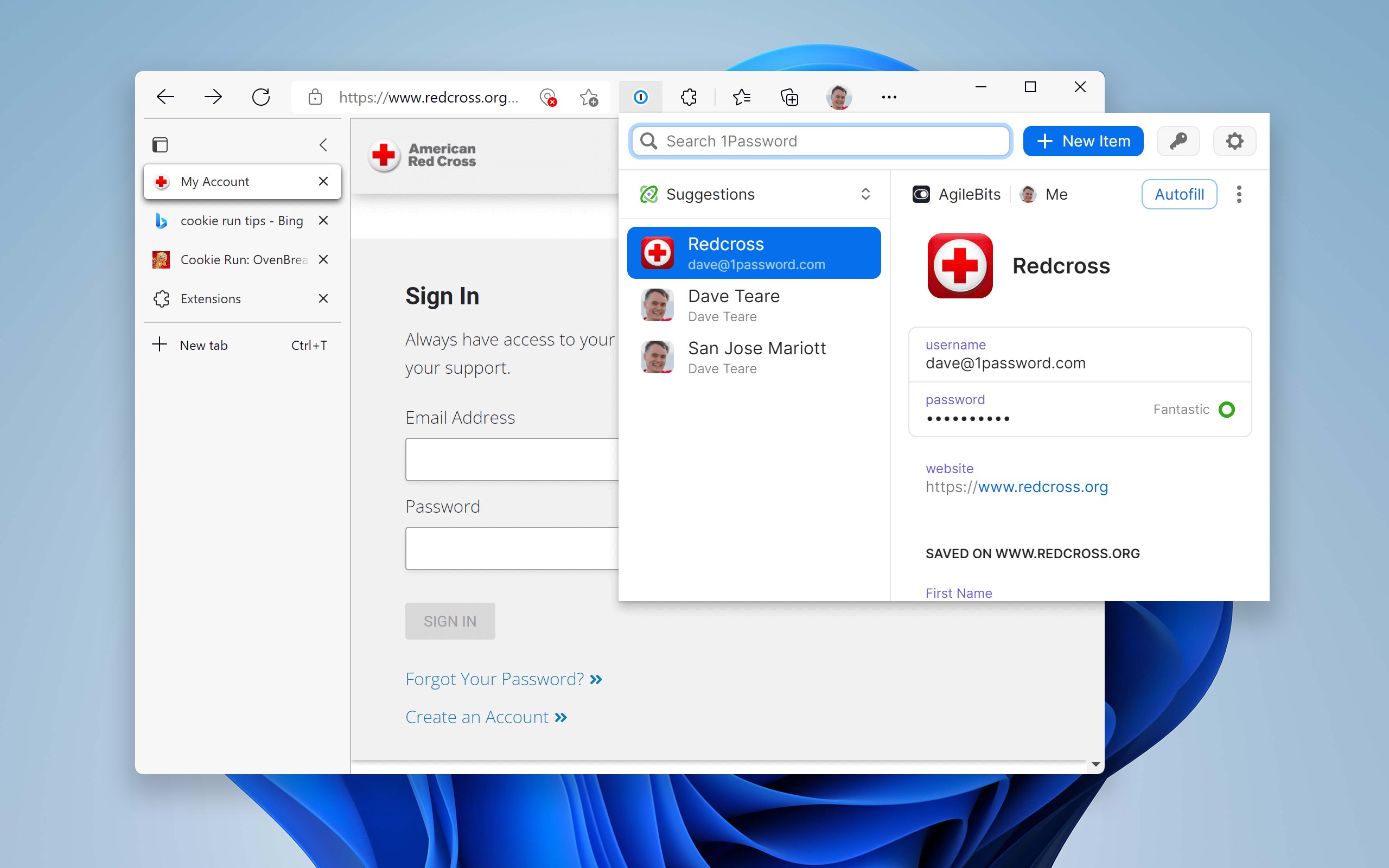
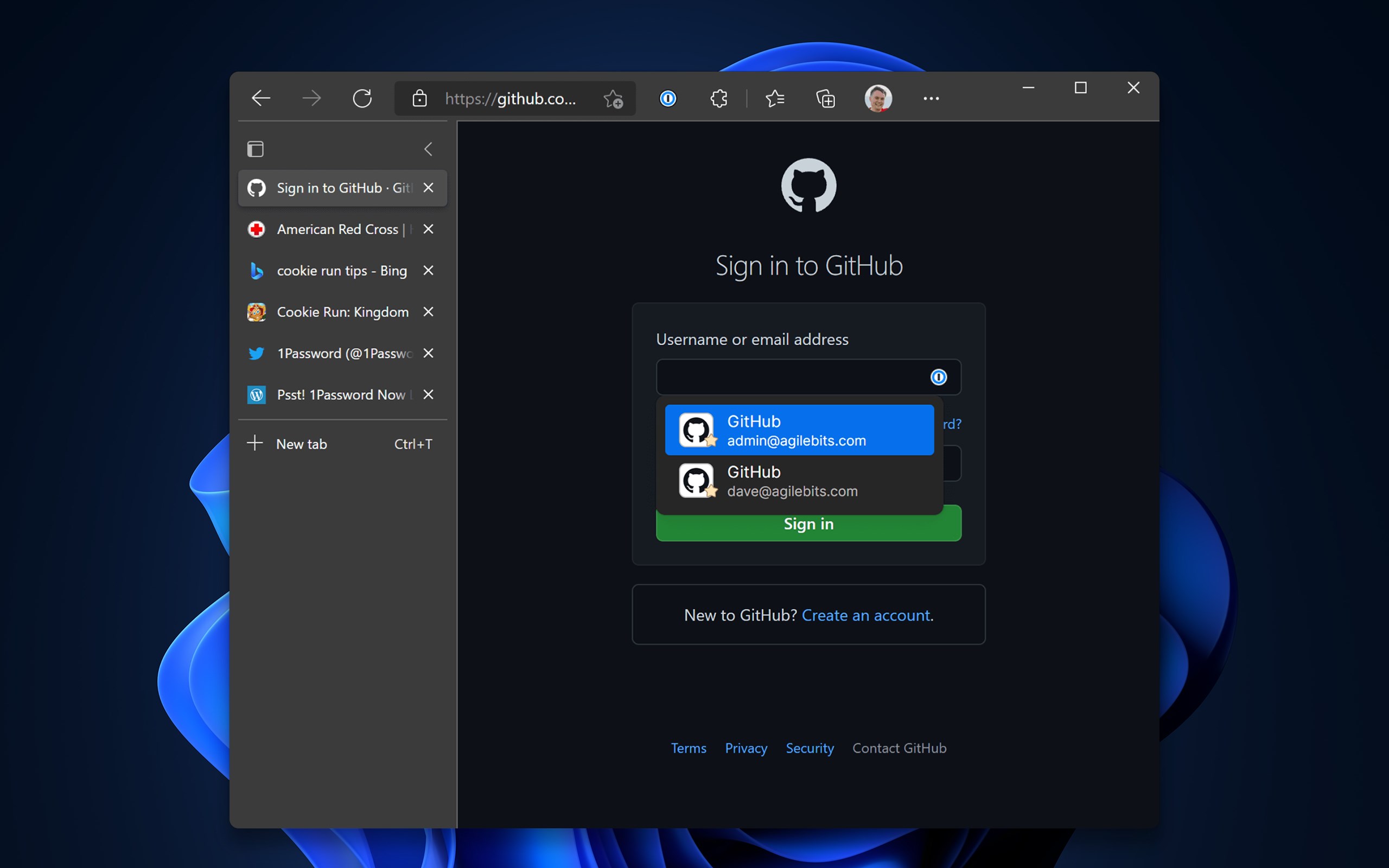
Think of 1Password as your digital safety deposit box, effortlessly storing not just passwords but also credit card details, secure notes, and even documents. Its seamless autofill capability integrates smoothly with browsers and apps, meaning you can log into your favorite sites or apps with just a couple of clicks—eliminating the chaotic mental scramble of remembering dozens of passwords daily.
2. Watchtower Security and Password Monitoring
One of 1Password's standout features is its integrated Watchtower, which continuously scans your stored passwords against known data breaches and vulnerabilities. It's like having a vigilant security guard scrutinize your digital keys, alerting you when any of them are weak, reused, or compromised, thus keeping your online persona resilient against evolving threats.
3. Secure Sharing and Access Control
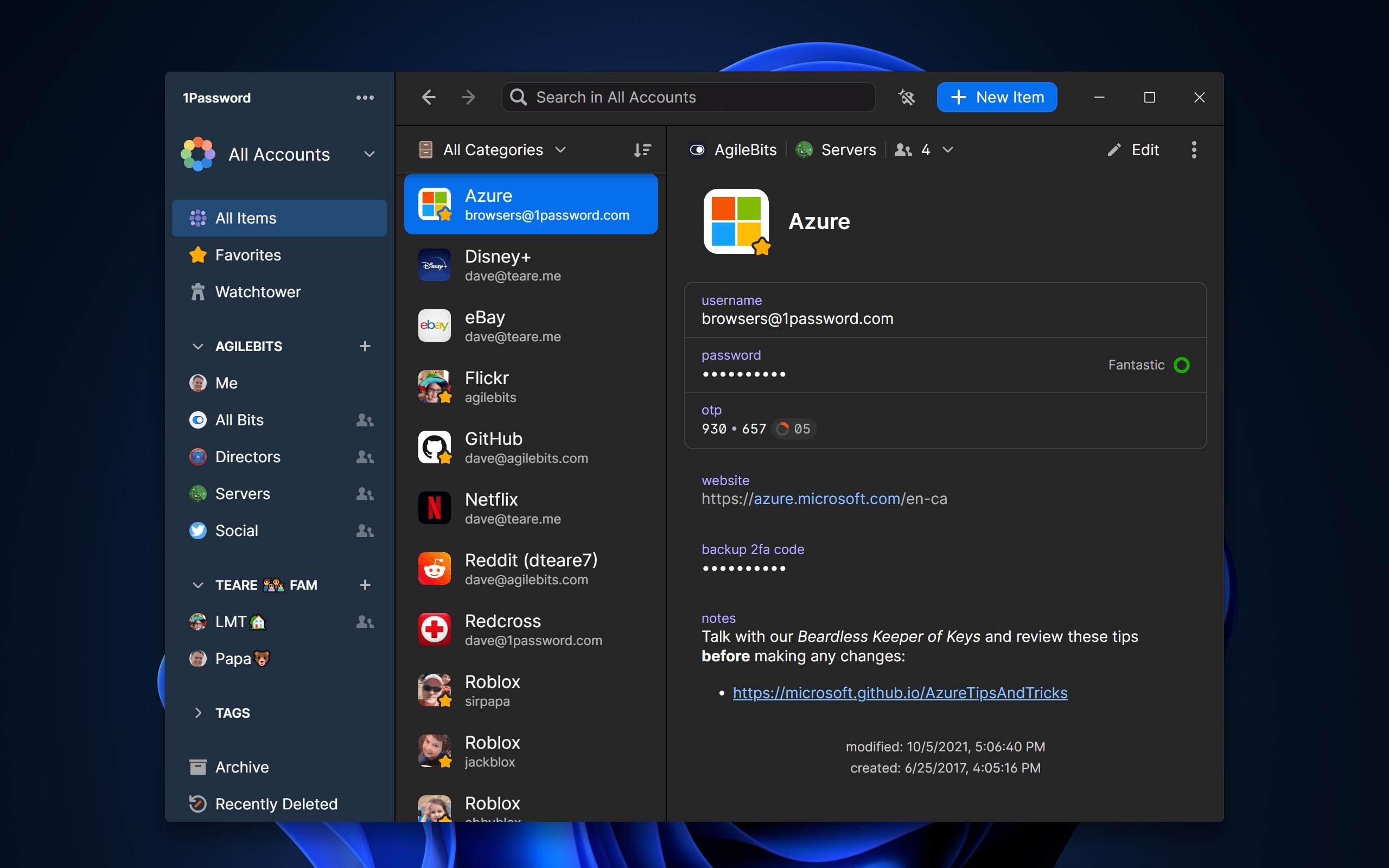
Want to share passwords or sensitive information securely within a family or team? 1Password's sharing features allow you to do so with granular control, preserving privacy without sacrificing convenience. Its ability to manage multiple vaults enables different access levels—perfect for separating work from personal data.
Intuitive Design and User Experience
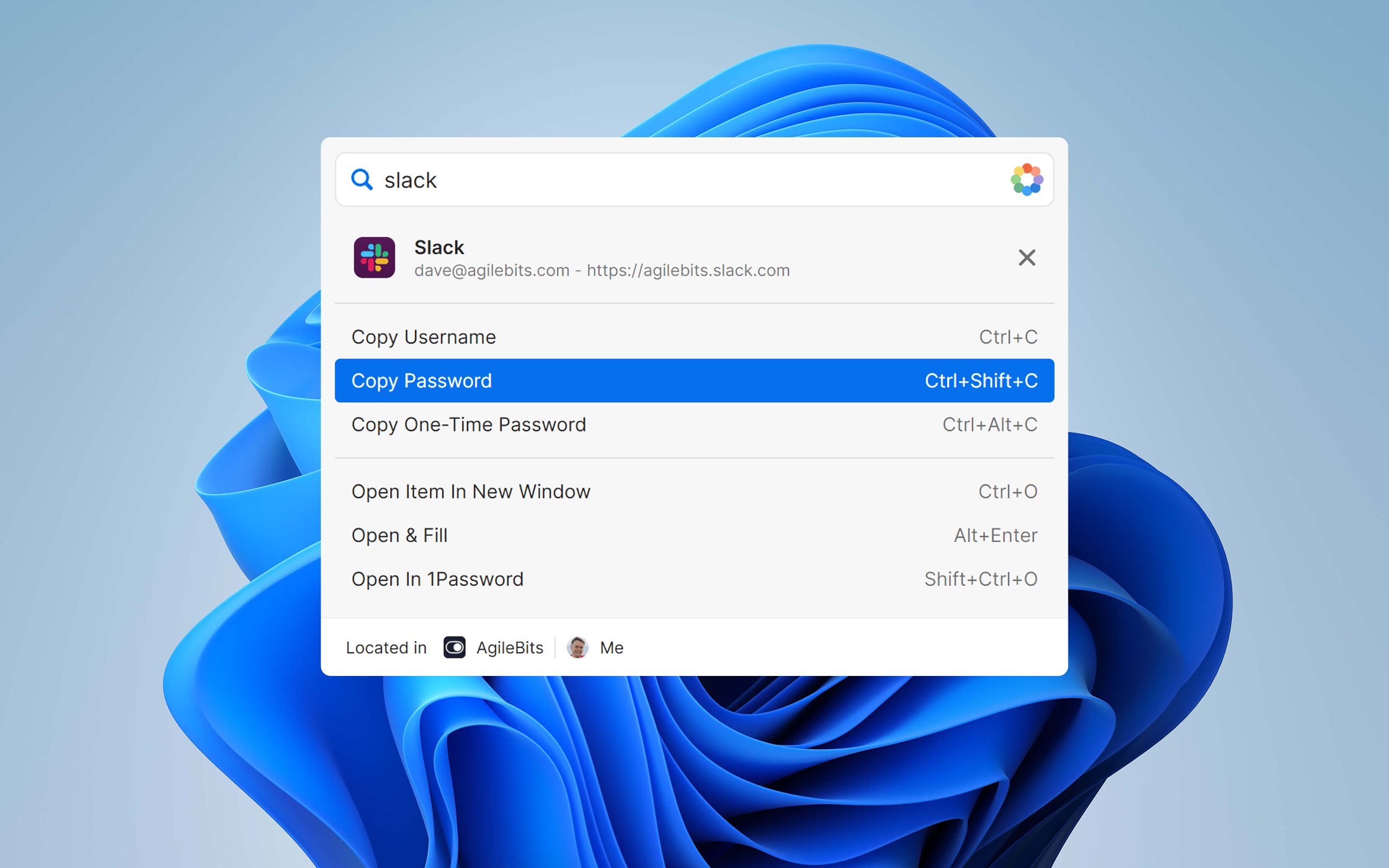
From the moment you launch 1Password for Windows, you're greeted with a clean, modern interface that's as inviting as a well-organized workspace. Navigating through your vaults feels natural, akin to flipping through a neatly arranged filing cabinet. The app's responsiveness is impressive; actions such as adding new entries, searching, or autofilling are snappy, almost instantaneous, creating a frictionless experience.
Learning curve? Minimal. Even first-time users find the system intuitive, aided by clear labels and straightforward workflows. The master password setup once done feels like creating your personal digital master key, unlocking all the treasures securely stored within without confusion or unnecessary complexity.
What Makes 1Password Unique in a Crowded Market
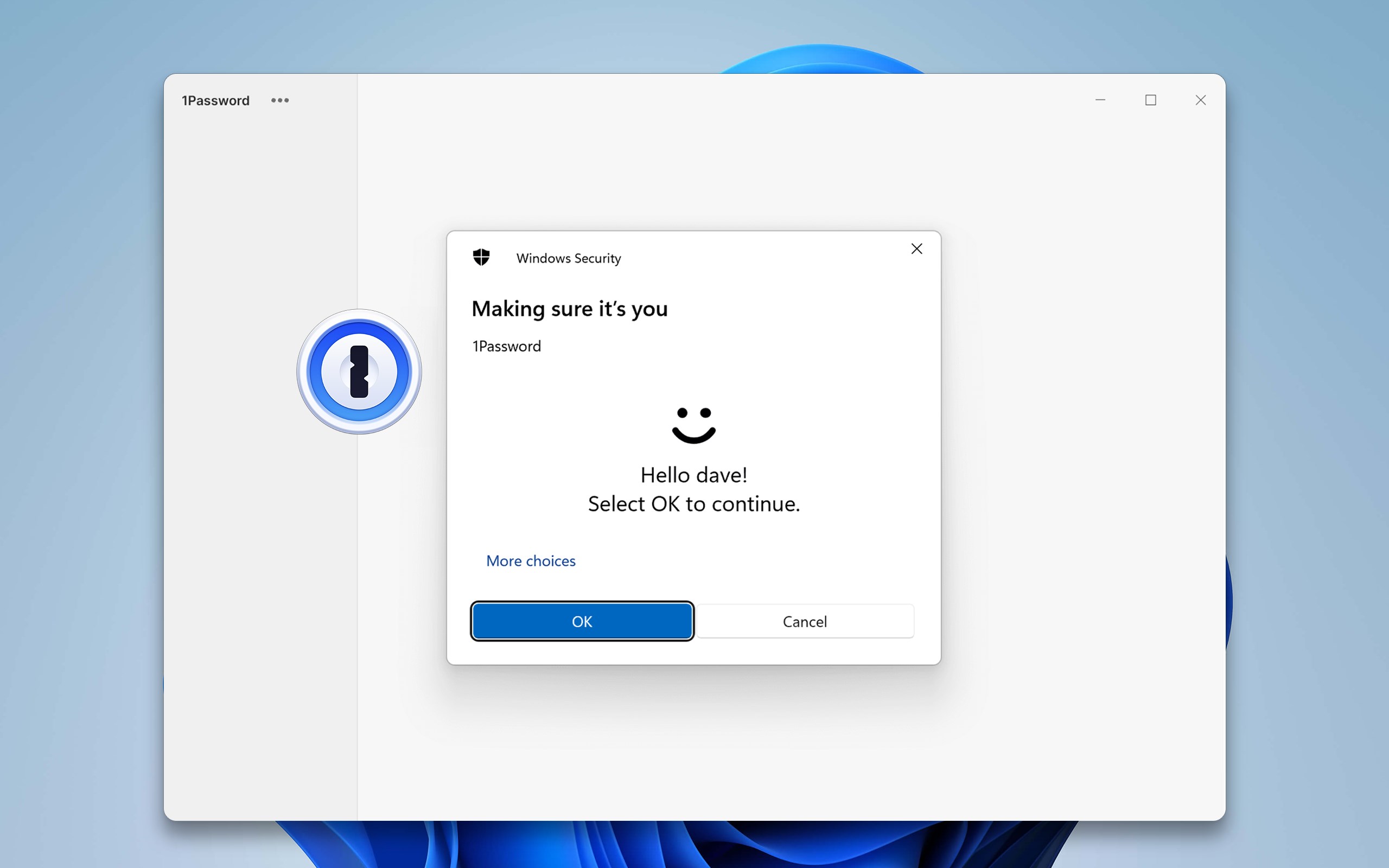
Compared to other security tools, 1Password excels with its emphasis on usability coupled with high-end security. Its modular vault system allows for tailored access management, making it particularly suitable for business environments, while its security auditing tools provide peace of mind for individual users. The app's integration with hardware security keys and biometric login options further reinforce its commitment to versatile, layered protection— a step above many competitors that rely solely on password-based authentication.
Another distinct advantage is its cross-platform ecosystem. Whether you're on Windows, Mac, Android, or iOS, your passwords and vaults sync effortlessly, ensuring your digital keys are always accessible yet secure, regardless of device. This ecosystem cohesion turns managing passwords from a chore into a well-oiled routine, much like having a personal security assistant always within reach.
Final Verdict: A Trustworthy Choice for Secure Management
I would confidently recommend 1Password for Windows to anyone serious about online security without sacrificing ease of use. Its strongest points—comprehensive security monitoring and a sleek, user-centric design—set it apart from many peers. Whether you're an everyday internet user, a freelancer juggling multiple passwords, or part of a team managing sensitive data, 1Password simplifies the complex world of digital security with grace.
For best results, leverage its multi-device syncing and security alerts to stay vigilant. It's not just an app—it's your invisible digital bodyguard, quietly working to keep your online presence safe and sound.
Pros
- Strong Security Features
- User-Friendly Interface
- Multiple Device Syncing
- Additional Security Tools
- Secure Password Generation
Cons
- Premium Subscription Cost
- Limited Free Features
- Initial Setup Can Be Complex
- Occasional Sync Delays
- Limited Customization Options











