
- Category Card & board
- Developer Third Floor Games
- Available on PC
- OS Windows 8.1 or higher
- languages English (United States)
A Charming Twist on Classic Spider Solitaire for Windows
3rd Floor Spider Solitaire for Windows by Third Floor Games offers a polished, engaging take on the timeless card game, integrating modern touches with traditional gameplay.
About the App: Making Card Games Simpler and More Enjoyable
Blending a classic card game with a contemporary interface, this application aims to bring the familiar Spider Solitaire experience to new audiences on Windows PCs. Developed and published by Third Floor Games, the app takes a straightforward approach to game design while emphasizing smooth gameplay and visual clarity. Its core strengths include user-friendly controls, customizable difficulty levels, and an intuitive interface—catering to both casual players and seasoned card game enthusiasts. Targeting a broad audience—ranging from casual gamers to dedicated solitaire fans—the app provides an accessible way to relax and challenge oneself in a familiar digital setting.
Engaging and Accessible Gameplay
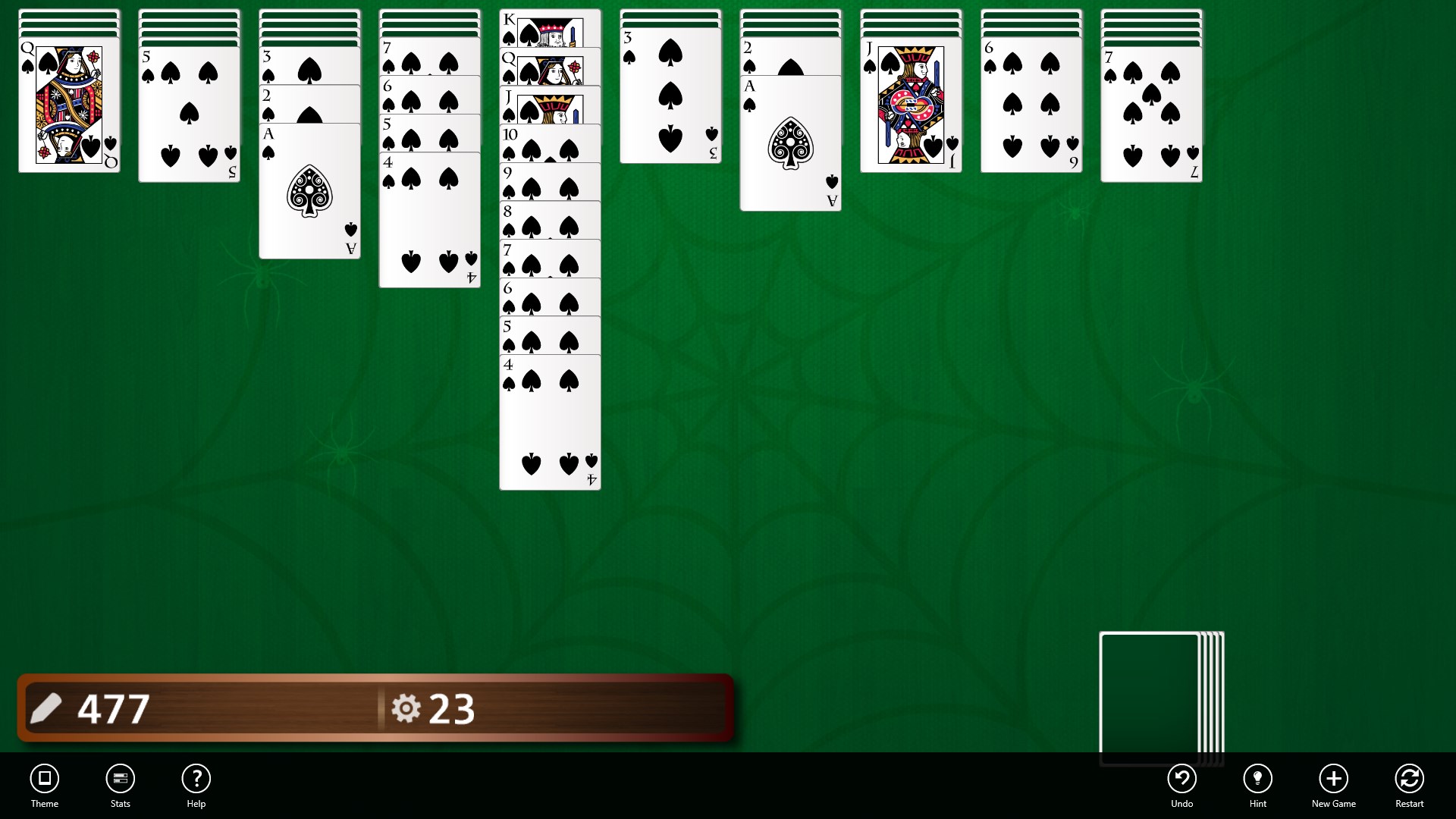
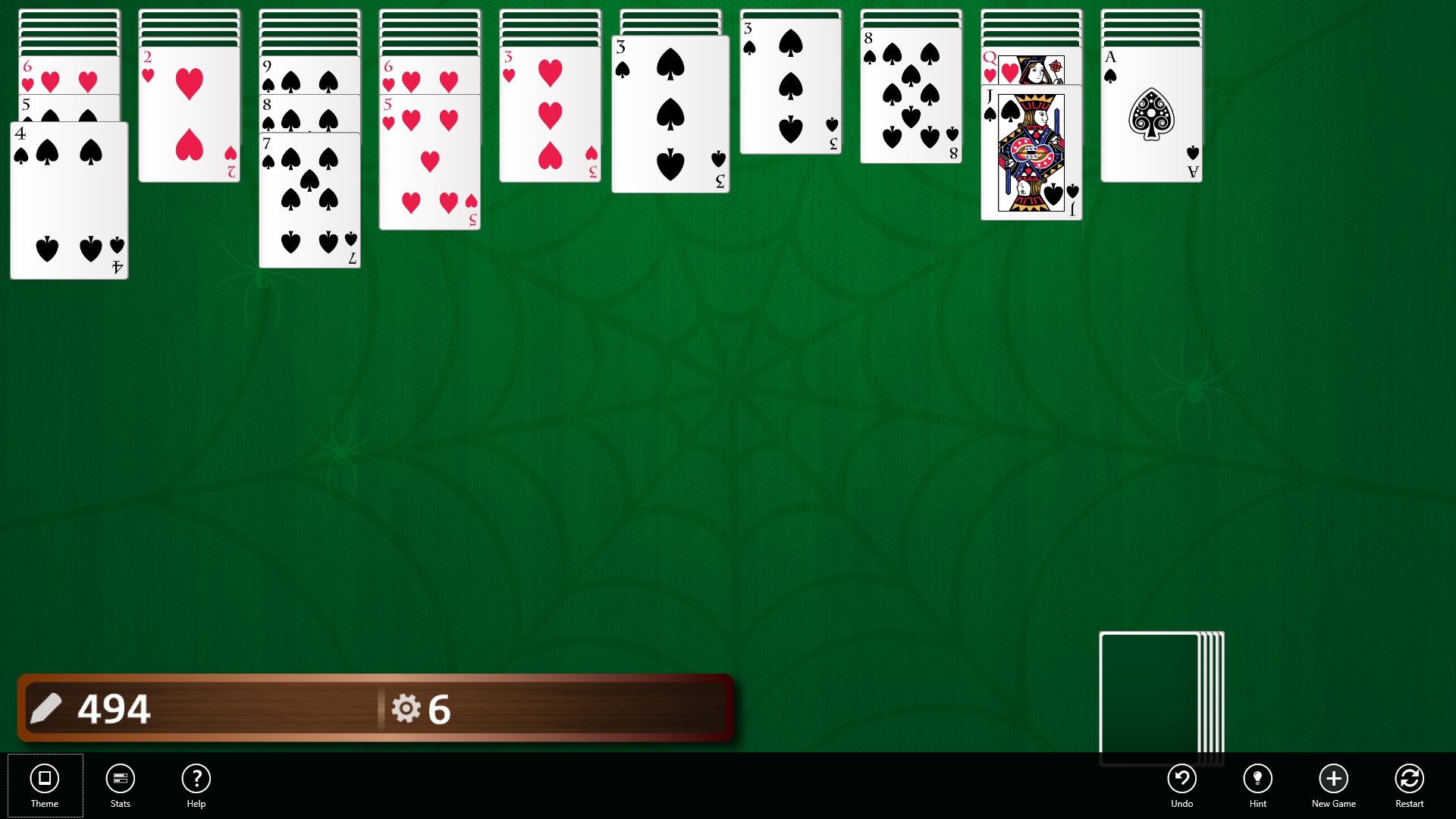
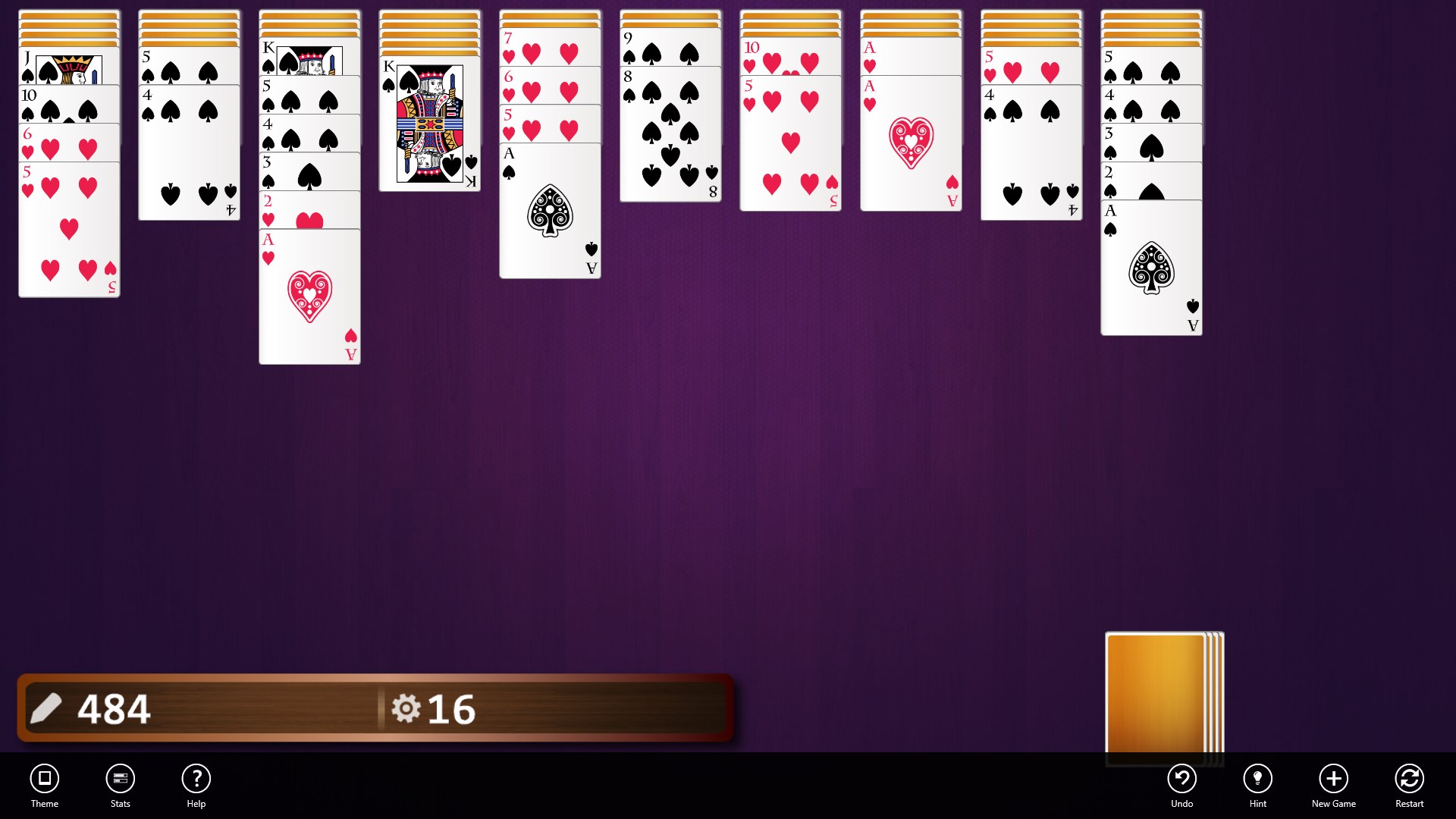
Launching the game feels like opening a deck of well-shuffled cards laid out neatly on a desk— inviting and straightforward. The initial impression is of a clean, uncluttered interface that invites players of all skill levels to jump right in. The game's standout feature is its smooth, responsive interaction, where sliding and stacking cards feel as effortless as riffling through a physical deck on a cozy weekend afternoon. It's designed to eliminate frustration and foster focus, making each move satisfying and intuitive.
Core Functionality: Clean Interface and Personalization
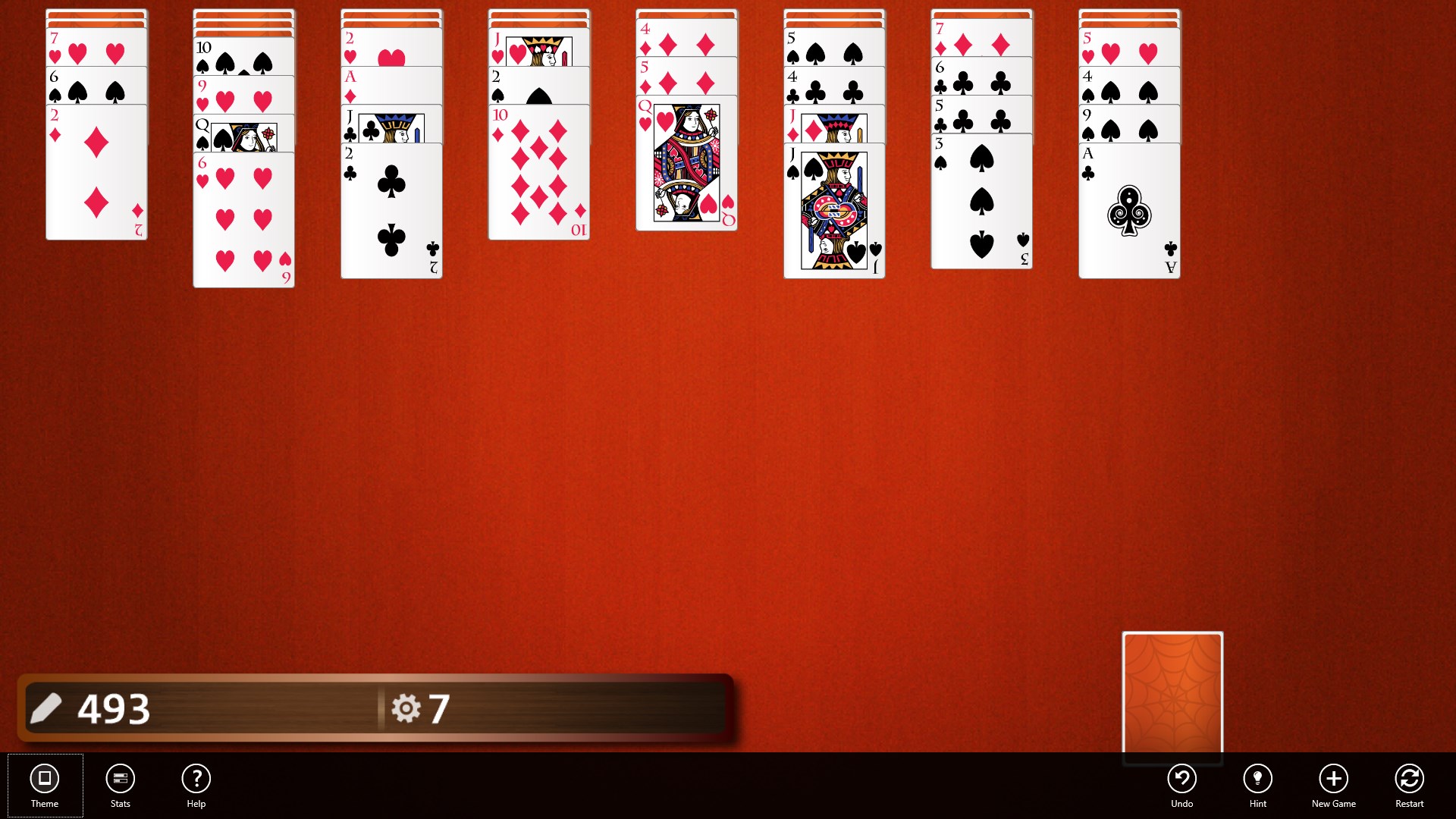
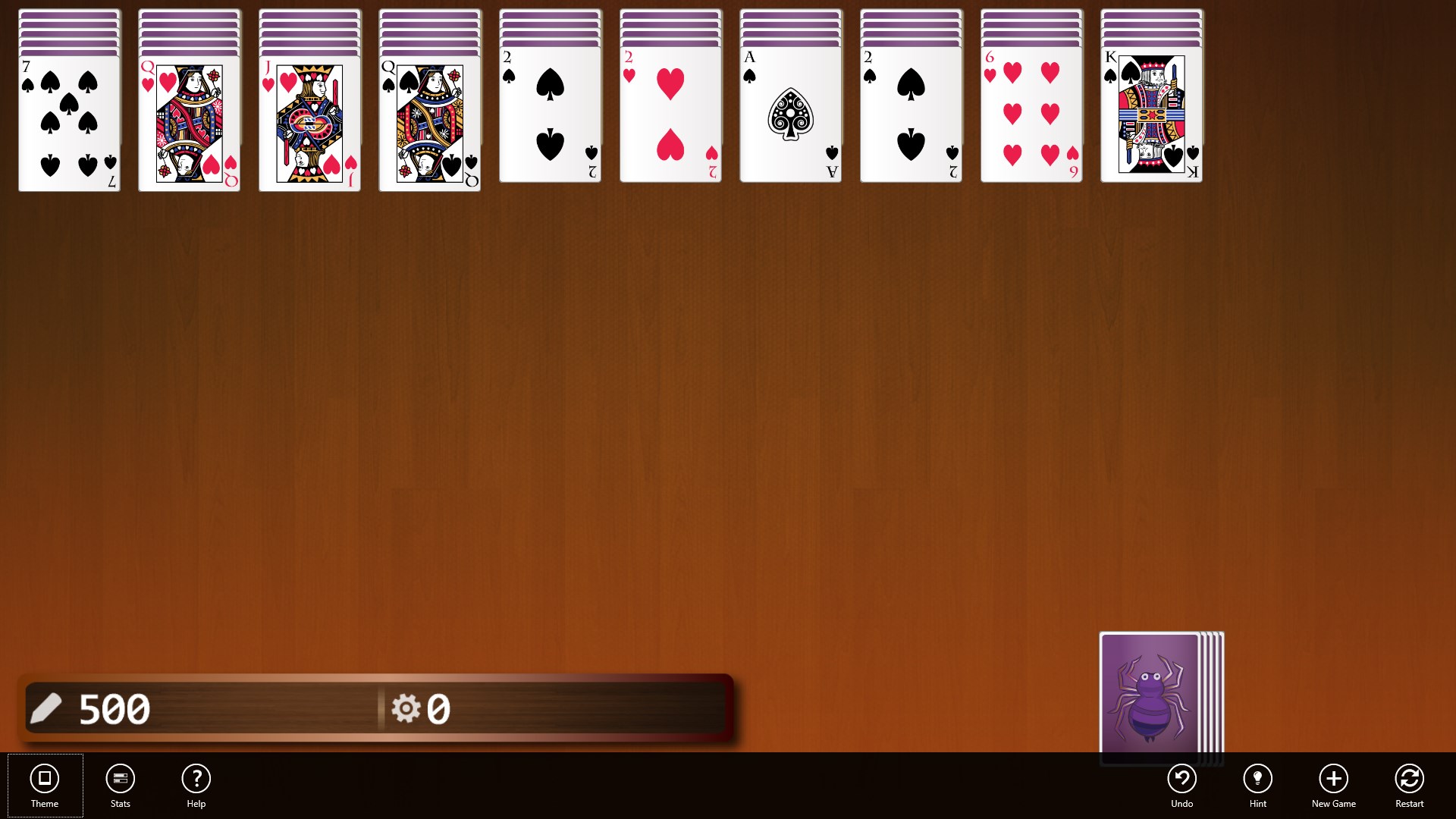
The interface strikes a balance between aesthetics and usability. Its minimalistic design features crisp card graphics that are easy on the eyes, even during long gaming sessions. Customization options such as adjustable difficulty levels, deck styles, and game themes enable players to tailor the experience to their preferences. Navigating menus is seamless, with simple icons guiding players through options like undo, hints, and reshuffling—ensuring players spend less time fiddling with settings and more time enjoying the game.
Core Functionality: Robust Gameplay Options and Performance
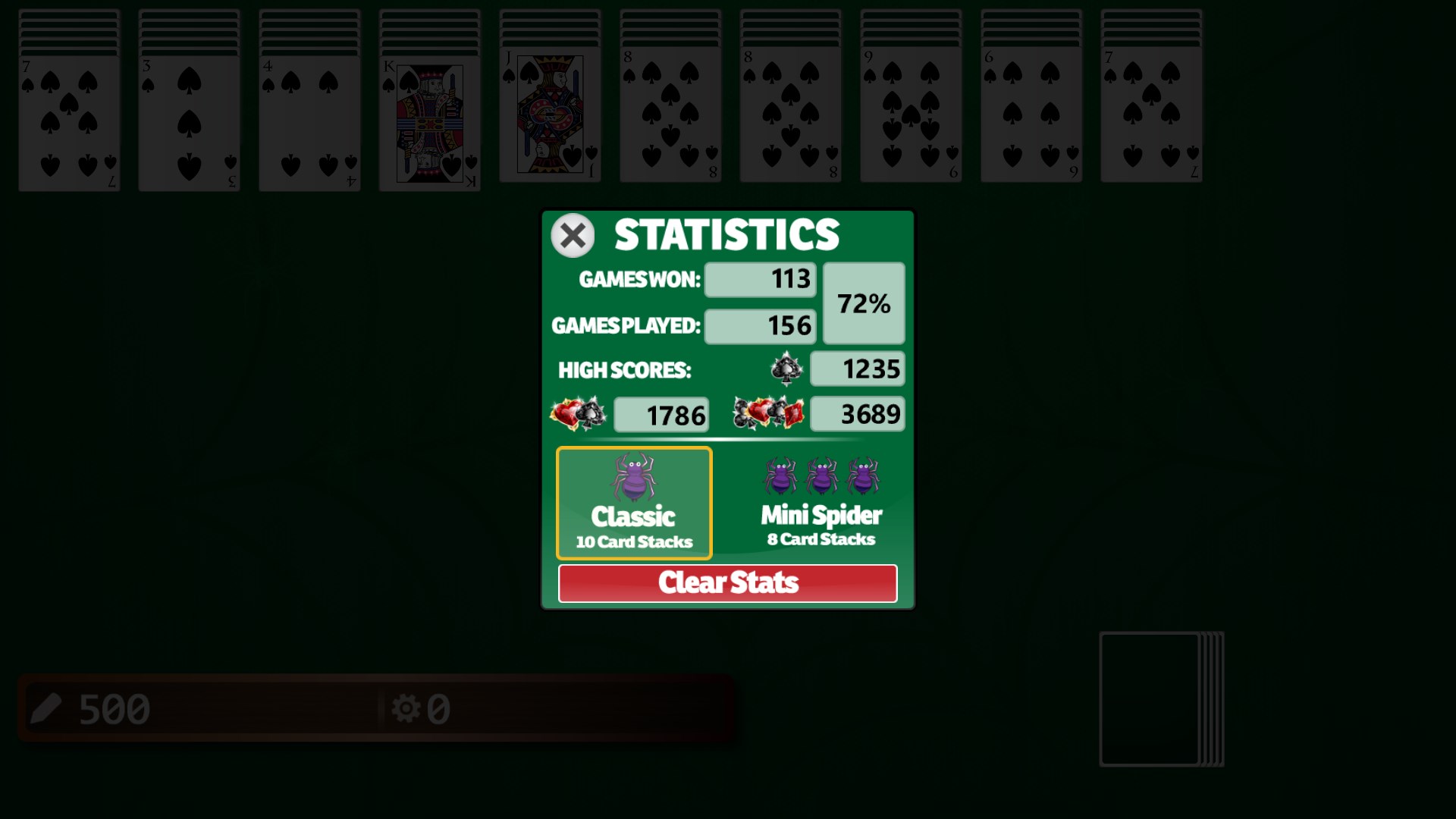
The game shines brightest when it comes to its core gameplay mechanics. It offers several difficulty modes, from beginner-friendly to more challenging configurations, accommodating players at different skill levels. The implementation of a smart hint system helps new players learn the ropes without feeling overwhelmed, while advanced players can appreciate the absence of intrusive ads or unnecessary distractions. Throughout testing, the game maintained fluid performance, with no noticeable lag even during complex multi-move sequences, which is vital for maintaining immersion and flow.
Experience: A User-Friendly Digital Card Table
Playing 3rd Floor Spider Solitaire feels like having a trusted friend's handcrafted card table right on your desktop—easy to access, well-organized, and comfortable. The learning curve is gentle yet rewarding, with tutorial prompts that gently guide newcomers without interrupting seasoned players' flow. The controls respond swiftly, making it feel like you're shuffling cards with real precision. The game's design favors clarity; the cards are sizeable enough to distinguish easily, and the serene color palette minimizes visual fatigue, perfect for prolonged gaming sessions.
What Sets It Apart: Subtle Elegance and Customization
Unlike many other card apps that lean heavily on flashy animations or overly complex interfaces, this game offers a quiet sophistication rooted in clarity and control. Its greatest distinction lies in its refined customization options—allowing players to choose between multiple deck styles, themes, and difficulty settings—enabling a personalized game that can evolve with your skill level. Additionally, the absence of disruptive ads and the inclusion of a helpful hint system set it apart as a considerate digital version of a classic game, focusing on the pure enjoyment of play rather than flashy distractions.
Final Recommendations: A Solid Choice for Card Game Lovers
If you're seeking a Windows card game that combines traditional gameplay with modern sensibilities, 3rd Floor Spider Solitaire is worth a try. Its smooth performance, customizable features, and elegant design make it a reliable companion for quiet afternoons or daily mental exercises. While it may not introduce groundbreaking innovations, its understated sophistication and user-centered approach make it a commendable choice for both casual players and avid solitaires alike. For anyone who appreciates a well-crafted, accessible, and thoughtfully designed game, this app earns a warm recommendation—think of it as a calming, digital version of shuffling a deck just for yourself.
Pros
- Intuitive User Interface
- Smooth Gameplay
- Daily Challenges
- Customizable Themes
- Low Device Resource Usage
Cons
- Limited Game Modes
- No Offline Mode
- Basic Graphics
- In-App Ads
- Limited Tutorial Assistance











