

- Category Entertainment
- Available on PC
- OS Windows 10 version 0.0 or higher
- Keyboard Integrated Keyboard
- Mouse Integrated Mouse
- languages Chinese (Simplified), Chinese (Traditional), Czech, Dutch, English, Finnish, French, German, Italian, Japanese, Korean, Polish, Portuguese, Russian, Spanish, Swedish, Turkish
A Clear Window into High-Quality Video Downloads
If you're tired of buffering, low-resolution streams, or clunky download processes, 4K Video Downloader Plus for Windows offers a streamlined solution for downloading your favorite videos in stunning 4K quality. Think of it as your personal media vault—accessible, efficient, and easy to navigate, all bundled into a user-friendly app.
About the App and Its Developer
4K Video Downloader Plus is an intuitive tool designed specifically for Windows users aiming to easily save videos from popular platforms. Developed by InterPromo GMBH, a reputable software publisher known for creating user-centric media management tools, the app focuses on providing a reliable and straightforward video downloading experience.
Its main highlights include supporting various video and audio formats, downloading entire playlists or channels seamlessly, and maintaining high quality even during compression. Targeted mainly at casual users, content creators, and professionals looking to archive or offline-view videos, this app caters to anyone wanting quick and high-definition video access without fuss.
A Fresh Take on Video Downloading: A User-Friendly Companion
Imagine sitting comfortably with a cup of coffee, browsing your favorite streaming sites, and effortlessly saving videos for later—this is the kind of experience 4K Video Downloader Plus aims to offer. Its clean interface and simple steps make it feel like having a helpful assistant ready to do the heavy lifting, turning what used to be a technical task into a breeze.
Powerful Download Capabilities - Quality and Convenience in Harmony
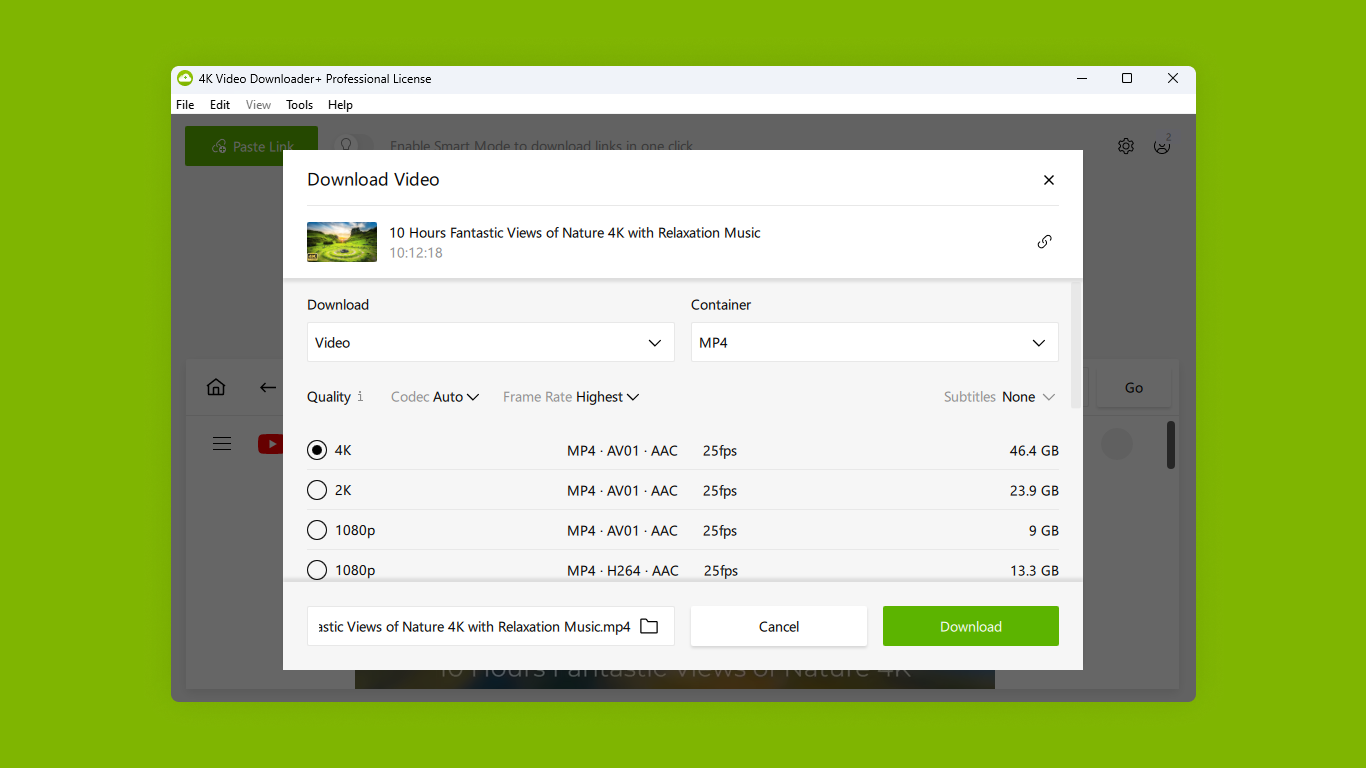
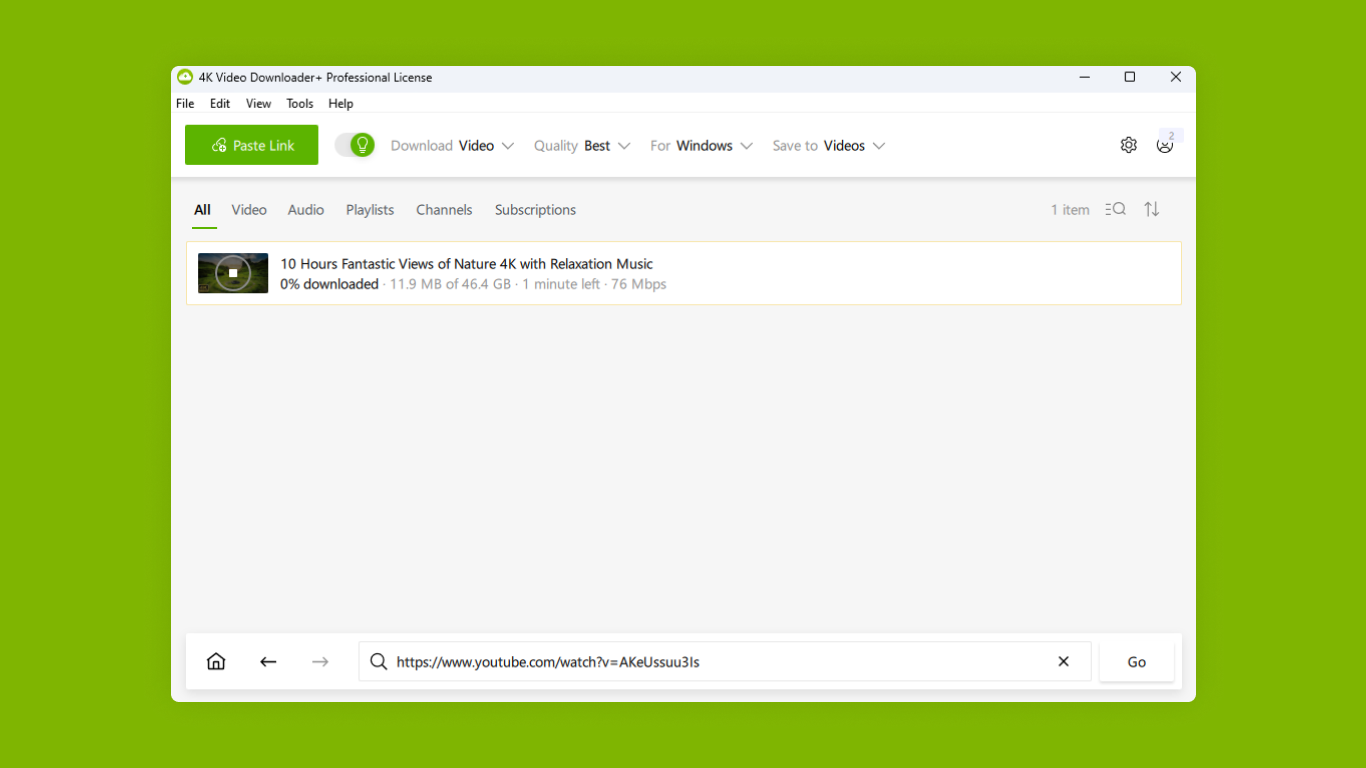
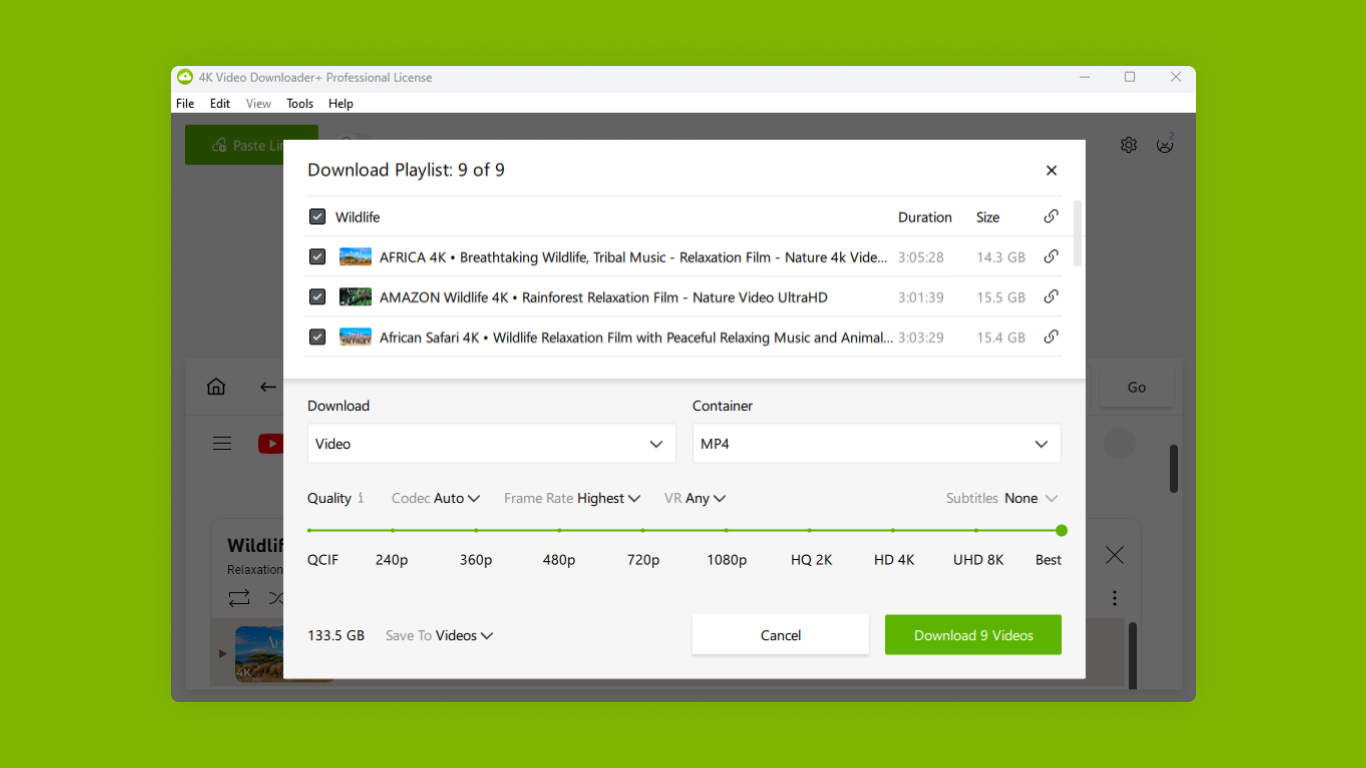
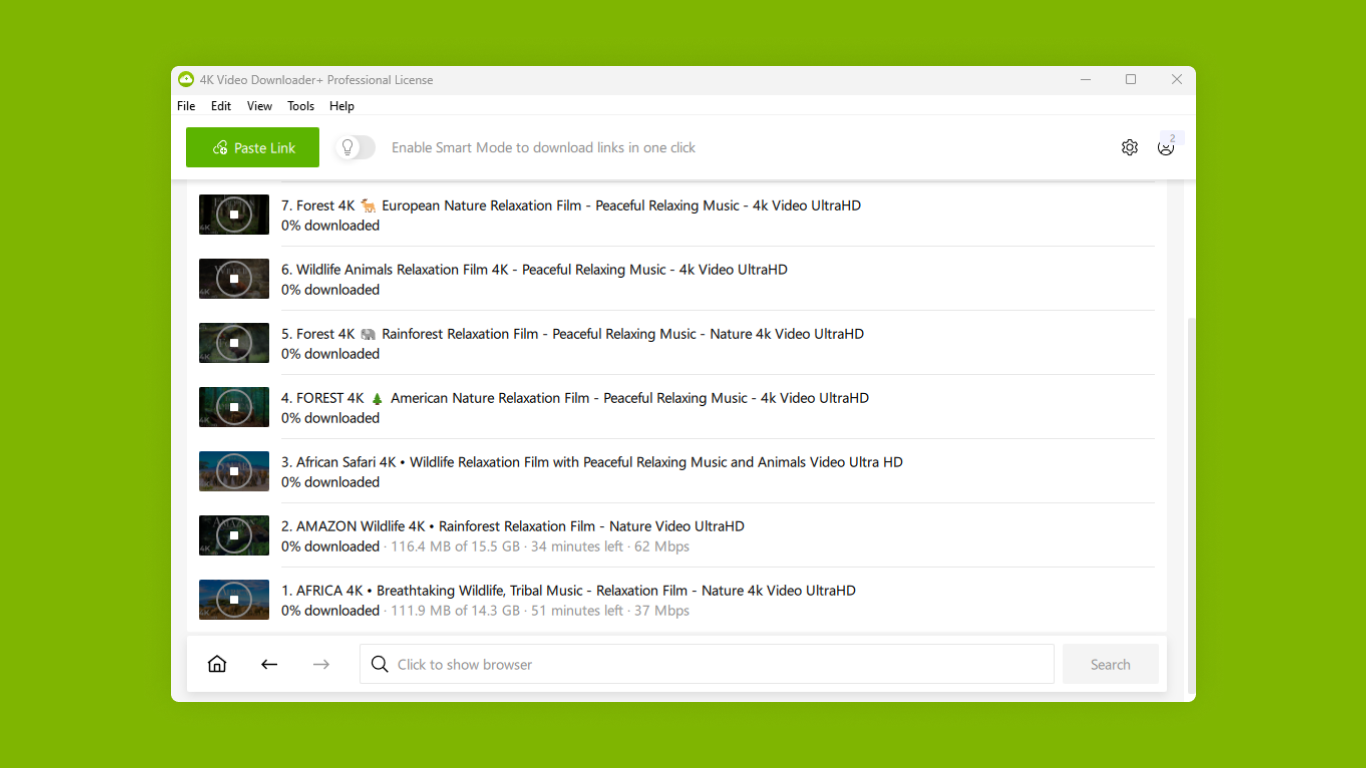
This app's core strength lies in its ability to download videos in 4K resolution—delivering stunning clarity that rivals what you see on high-end screens. It supports multiple formats, including MP4, MKV, and MP3, enabling users to choose the best format suited for their devices. The process is straightforward: just copy the video URL, paste it into the app, select the quality and format, and hit download. For users with large playlists or channels, it can batch download entire lists, saving significant time and effort. The app also preserves subtitles and metadata, making your offline collection almost like the original online experience.
Elegant Interface Meets Smooth User Experience
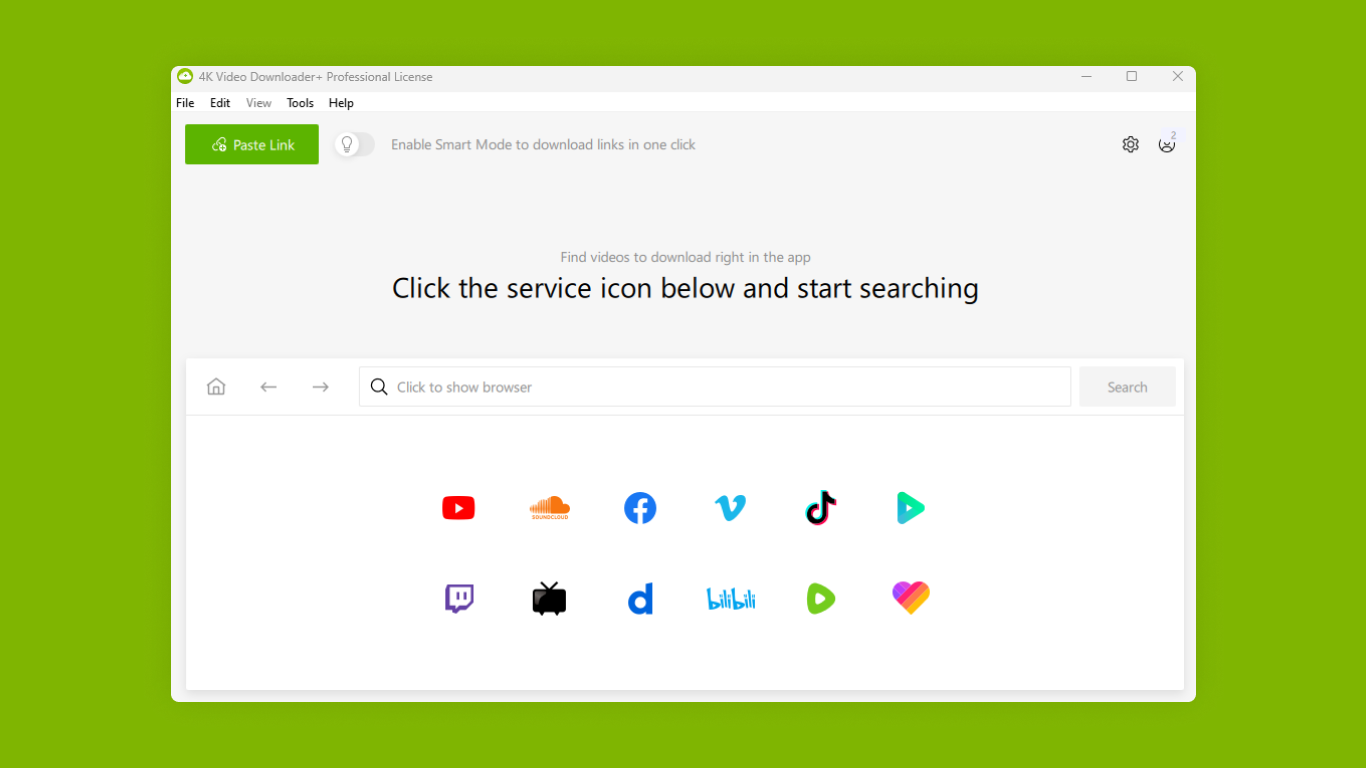
The interface of 4K Video Downloader Plus strikes a perfect balance—clean, intuitive, and unobtrusive. On opening the app, you're greeted with a simple input field for URLs and clear options for quality and format settings. The workflow flows naturally, with minimal learning curve. Whether you're a tech novice or a seasoned user, you'll find the navigation logical and straightforward. The app performs well with quick response times and stable performance, even during larger downloads, ensuring a frustration-free experience.
Uniqueness in the Landscape of Video Downloaders
What sets 4K Video Downloader Plus apart from other video-downloading applications lies in its robust support for high-resolution videos and its ability to handle entire playlists efficiently, making it a practical choice for power users. Unlike many competitors that may focus solely on individual videos, this app's playlist and channel downloading features resemble a curated media library at your fingertips. Additionally, its ability to preserve subtitles and metadata ensures that downloaded content remains context-rich. When evaluating personalized recommendation algorithms or content discovery features, many similar apps fall flat—relying heavily on algorithms to suggest content rather than offering unique download capabilities. In contrast, 4K Video Downloader Plus's focus on quality, batch processing, and format flexibility makes it a standout for users who prioritize high-quality offline viewing without gimmicks or distractions.
Final Verdict: Solid, Reliable, and User-Centric
Considering its features, ease of use, and focus on high-definition downloads, I'd recommend 4K Video Downloader Plus for Windows to anyone in need of a dependable tool for offline media. While it may not offer the bells and whistles of entertainment-centric apps, its core strengths—especially the support for ultra HD videos and efficient playlist handling—make it a valuable asset for media enthusiasts and professionals alike. Whether for archiving favorite videos or preparing content for offline viewing, this app delivers a straightforward, high-quality experience that's worth trying out.
Pros
- High-quality 4K video downloads
- Easy-to-use interface
- Supports multiple platforms
- Batch download feature
- Built-in format conversion
Cons
- Limited free usage
- Occasional download failures
- Watermark on free version outputs
- Limited editing features
- Occasional interface lag











