




- Category Puzzle & trivia
- Developer Smart Project Gmbh
- Available on PC
- OS Windows 10 version 10240.0 or higher
- DirectX Version 10
- Mouse Integrated Mouse
- DirectX Version 9
- Memory 300 MB
- Keyboard Not specified
- languages English (United States)
Introducing 5 Differences Online for Windows
Imagine sitting comfortably at your desk, mind fully engaged in a vibrant puzzle universe where every click uncovers a new layer of challenge—that's what 5 Differences Online offers. This colorful and immersive spot-the-difference game is designed to tantalize your brain with its charming visuals and engaging gameplay, all wrapped into a sleek Windows app.
Developer and Core Highlights
Developed by Smart Project GmbH, a company known for crafting user-friendly and innovative applications, 5 Differences Online delivers a fresh take on the classic puzzle genre. Its main features include:
- Dynamic Visual Variants: A vast library of beautifully crafted images across diverse themes—from serene landscapes to lively cityscapes, ensuring every session feels new and exciting.
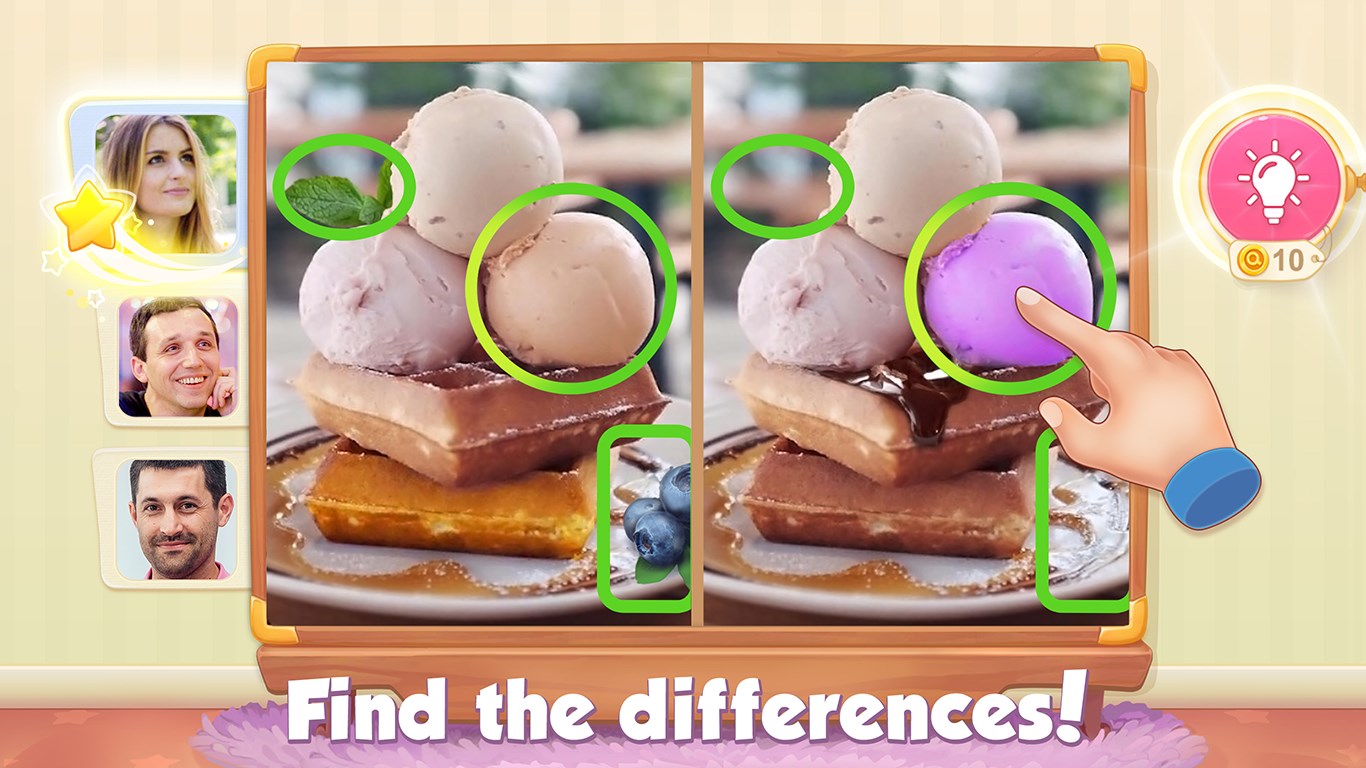
- Intuitive Gameplay Mechanics: Simple yet engaging, players click on differences between two images, making it accessible for all ages and skill levels.
- Time and Hint Systems: Built-in timers for added challenge and hints for moments when you're stumped, fostering both competitiveness and friendly support.
- Progress Tracking: Keeps a record of your achievements, encouraging continued play and mastery.
The target audience spans puzzle enthusiasts, casual gamers, and anyone seeking a brain-teasing distraction during breaks or relaxing evenings.
A Closer Look at Gameplay and User Experience
From the moment you launch 5 Differences Online, it greets you with a bright, inviting interface—think of it as walking into a lively gallery of eye-catching artwork ready to challenge your perceptual skills. The design strikes a perfect balance between aesthetic appeal and usability, with clear icons and smooth navigation guiding you effortlessly through the game.
Visuals and Interface Design
The app's visuals are crisp and colorful, with each image meticulously designed to draw your eye to intriguing details. The interface is straightforward—large buttons and minimal clutter mean you spend less time figuring out how to play and more time enjoying the puzzles. The theme selection menu is neatly organized, allowing quick access, which enhances the overall experience, especially for players who like to jump from one theme to another.
Gameplay Fluidity and Learning Curve
Performance-wise, 5 Differences Online runs smoothly on modern Windows systems, with responsive controls that react instantly to your clicks. The game's learning curve is gentle—beginners can quickly grasp the mechanics, while veteran players can challenge themselves with timed modes or limited hints. The puzzles gradually increase in difficulty, encouraging you to hone your observational skills at your own pace.
What Makes 5 Differences Online Stand Out?
Compared to other puzzle and trivia apps, this game's most distinguishing feature is its combination of visually stunning images with a seamless, distraction-free interface that makes gameplay feel more like flipping through an interactive art gallery than solving a typical online puzzle. Additionally, its flexible difficulty settings and extensive image library ensure that players of varying skill levels can find suitable challenges, making it a truly inclusive experience.
Another unique aspect is the app's emphasis on user engagement through progress tracking and hints, which help keep players motivated without feeling overwhelmed. This thoughtful design approach sets it apart from many similar apps that often sacrifice user support for pure challenge.
Final Thoughts and Recommendations
All in all, 5 Differences Online for Windows is a reliable and engaging puzzle app that combines beautiful visuals with user-friendly mechanics. It's especially recommended for those who enjoy relaxing yet stimulating activities that test your attention to detail. Whether you're looking to pass the time during a commute or seeking a casual mental workout, this app delivers quietly effective entertainment.
Given its well-balanced difficulty, attractive interface, and thoughtful features, I'd suggest giving it a try—particularly if you appreciate puzzles that feel more like exploring an art collection than just clicking differences. It's a solid choice for puzzle lovers of all ages who want a fun, approachable game that's easy to pick up but offers enough challenge to keep you hooked.
Pros
- User-friendly interface
- Vast app selection
- Seamless Microsoft Store integration
- Secure purchasing process
- Frequent updates and improvements
Cons
- Occasional app download speed delays
- Limited regional content access
- Inconsistent update notifications
- Some app categories lack advanced filtering
- Limited offline access to some content











