

- Category Productivity
- Developer OMTRIM
- Available on PC
- OS Windows 10 version 17134.0 or higher
- languages English (United States), German
Introducing 7 ZIP-RAR Ultimate for Windows: Your All-in-One Compression Companion
7 ZIP-RAR Ultimate for Windows, developed by OMTRIM, positions itself as a powerful yet user-friendly archive management tool designed to streamline your file compression and extraction tasks with efficiency and ease.
Core Features That Make Files Play Nice
Seamless Multi-Format Support
This application shines in its ability to handle a wide array of archive formats—ranging from popular ZIP and RAR files to less common formats like 7z, TAR, and GZ. Its robust compatibility means users can open, create, and manage virtually any compressed archive encountered, eliminating the need for multiple specialized tools.
Intelligent Batch Processing & Repair Tools
Managing large batches of files becomes a breeze with its batch compression and extraction capabilities, saving users countless clicks. Additionally, it offers built-in repair functions for corrupted archives—akin to a digital first aid kit—restoring damaged files efficiently, which is a standout feature in maintaining workflow continuity.
Enhanced Security & Encryption Features
Security is a key aspect, and this tool doesn't disappoint. It supports AES-256 encryption standards, allowing users to password-protect sensitive data seamlessly, ensuring that privacy isn't compromised during sharing or storage. The integration of these security measures is straightforward and doesn't require steep technical knowledge.
User Experience: Intuitive and Streamlined
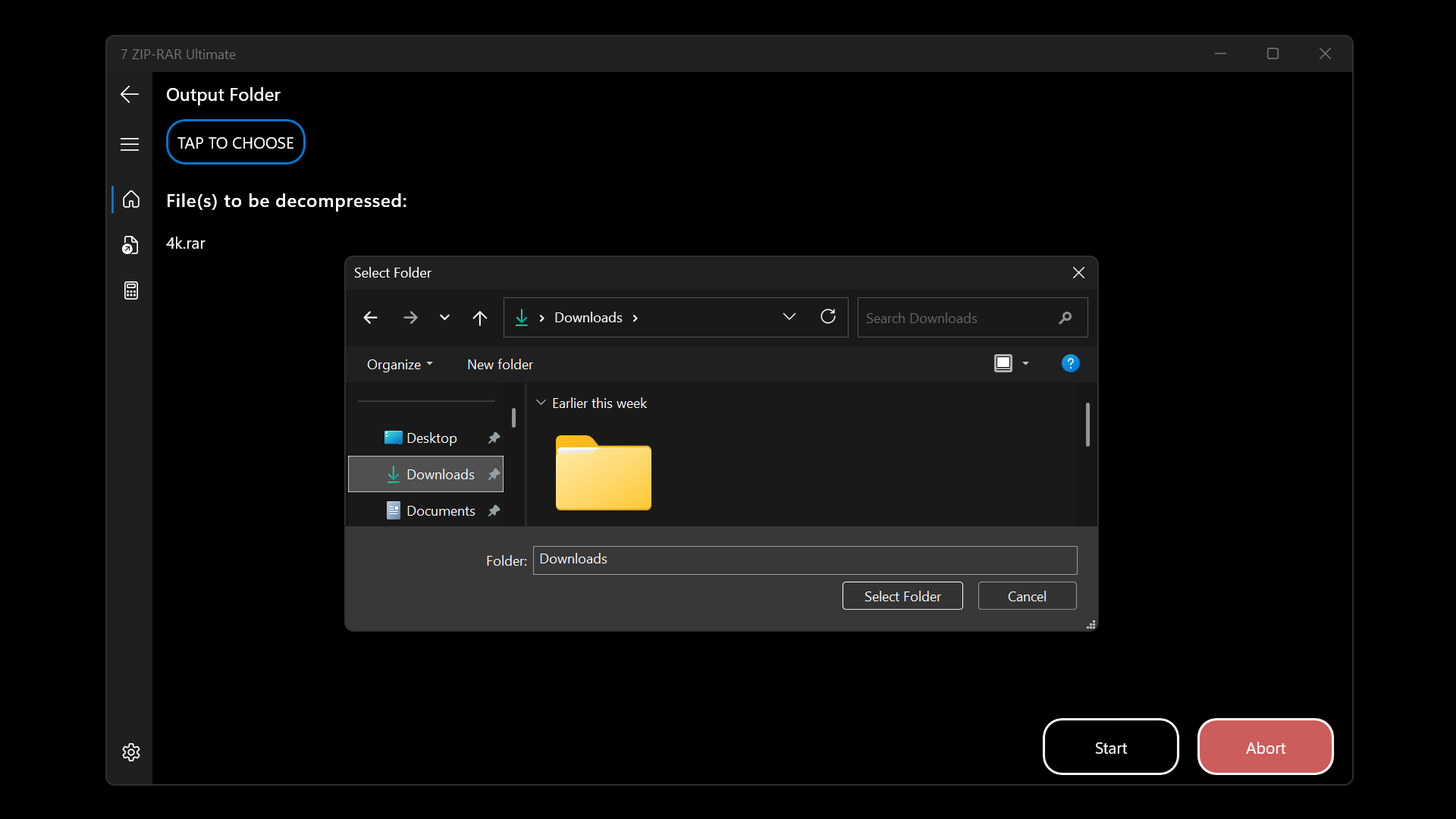
From the moment you open 7 ZIP-RAR Ultimate, the interface welcomes you with a clean and organized layout—it's like stepping into a well-organized toolbox. Navigating through features is intuitive; the design reduces cognitive load similar to having a personal assistant guiding your workflow. Tasks such as compressing files or extracting archives are accomplished with a few clicks, and drag-and-drop functionality further accelerates operations.
Compared to many traditional compression tools, the learning curve here is gentle—beginners can quickly adapt, while power users appreciate the depth of options available at their fingertips. Responsiveness is smooth, with minimal lag, giving a feeling of reliability and professionalism.
What Sets It Apart From Competitors
While many archive tools focus solely on core compression features, 7 ZIP-RAR Ultimate emphasizes boosting workflow efficiency through its comprehensive multi-format support combined with smart batch processing and repair capabilities. It reduces the mental and operational overhead by integrating advanced features into a single unified interface—think of it as a Swiss Army knife tailored for file management.
Its ability to repair damaged archives is particularly noteworthy, offering a pragmatic solution that prevents workflow interruptions—an asset for professionals dealing with large, critical data sets. Unlike some competitors that sacrifice simplicity for feature depth, OMTRIM's offering strikes a balance, ensuring users are never overwhelmed but always empowered.
Final Thoughts: A Recommended Tool for Every User's Digital Toolbox
If you're tired of juggling multiple apps or feeling bogged down by complicated workflows, 7 ZIP-RAR Ultimate presents itself as a trustworthy companion. Its particular strengths in multi-format compatibility, repair functions, and a user-friendly interface make it suitable for both casual users and professionals seeking efficiency.
Overall, I recommend giving it a try if you want a straightforward yet versatile archive solution that integrates seamlessly into your digital workflows. Whether you're compressing large datasets, sharing sensitive files, or cleaning up corrupted archives, this application is poised to enhance your productivity—think of it as your reliable co-pilot in the often chaotic world of file management.
Pros
- Powerful compression and extraction capabilities
- User-friendly interface
- High compression ratios
- Fast processing speeds
- Seamless integration with Windows
Cons
- Limited trial period or watermarking in free version
- Occasional compatibility issues with newer Windows updates
- Lack of detailed tutorials or support documentation
- Minor interface lag during heavy file operations
- Some advanced features require a paid upgrade











