
- Category Card & board
- Developer Absolute Games
- Available on PC, Mobile, Surface Hub
- OS Windows 10 version 10240.0 or higher
- DirectX Version 10
- languages English (United States)
Introducing Abradoodle Bingo for Windows
Fresh, fun, and engaging—Abradoodle Bingo for Windows offers a delightful twist on the classic bingo game, bringing digital entertainment to players of all ages. Developed by Absolute Games and published by Abradoodle, this app aims to deliver a seamless, interactive experience wrapped in lively visuals and intuitive gameplay.
Core Features That Make It Stand Out
Vibrant and User-Friendly Interface
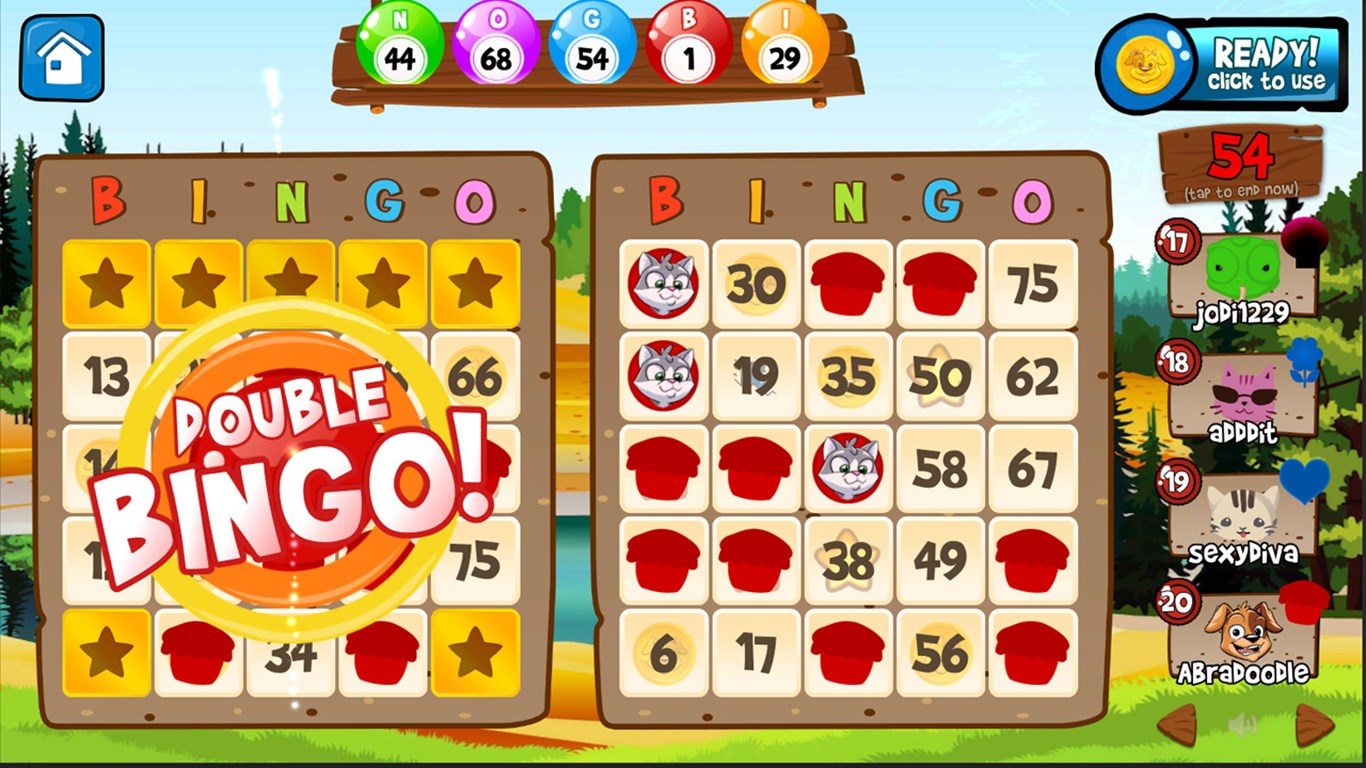
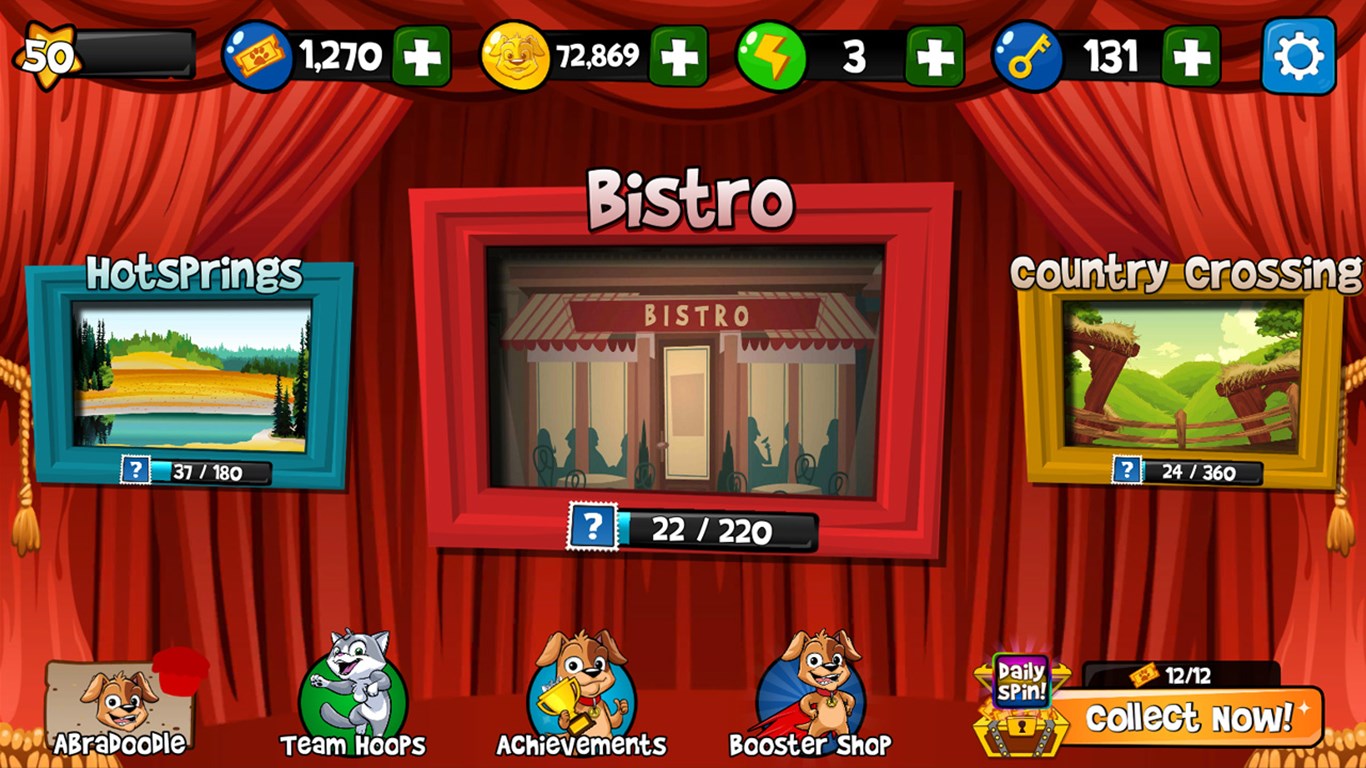
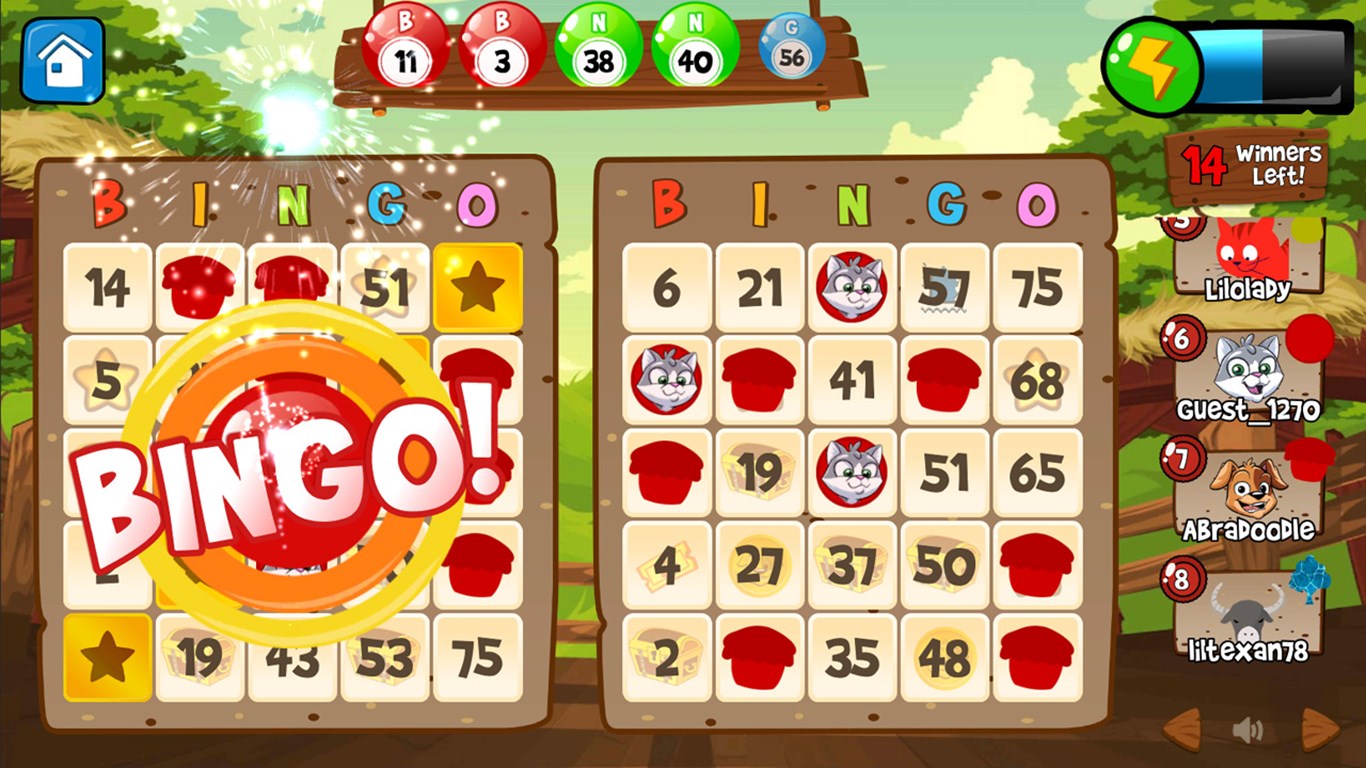
The first thing you'll notice is the colorful, cheerful design that immediately evokes the joyful spirit of traditional bingo halls. The interface is clean and neatly organized, making navigation feel like a breeze—even for first-time users. Bright buttons and clear labels ensure players can jump right into the game without any hiccups.
Customizable Bingo Games and Themes
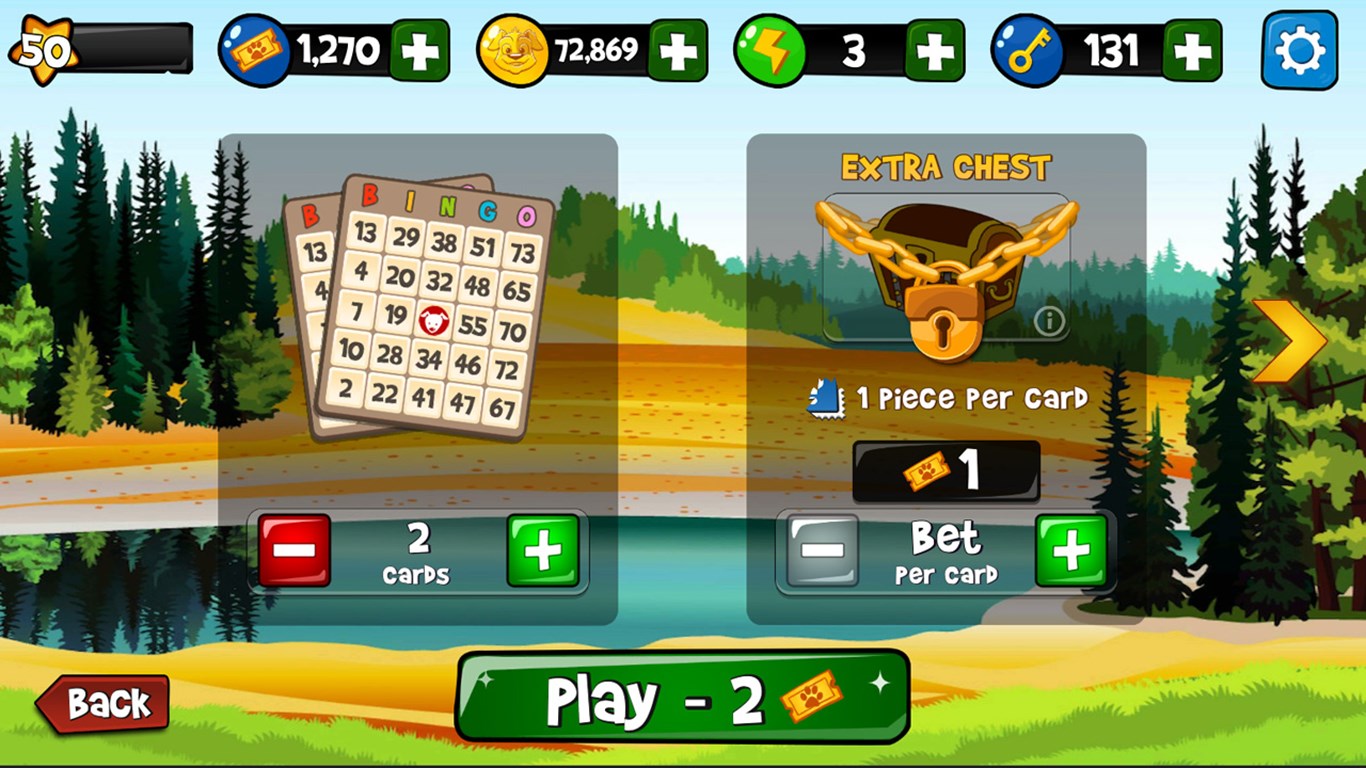
One of Abradoodle Bingo's most compelling features is its ease of customization. Players can select different game modes, adjust the number of cards, or even create their own themes—ranging from classic numbers to whimsical designs. This flexibility keeps the game fresh and tailored to individual preferences, making it suitable for casual play or more social, party-style gatherings.
Engaging Multiplayer Options
Unlike many traditional bingo apps, Abradoodle Bingo emphasizes social interaction through multiplayer mode. You can join or host rooms to play with friends, family, or fellow enthusiasts worldwide. Real-time voice chat integration adds a layer of camaraderie, transforming a solitary pastime into an engaging group activity. This social aspect makes it particularly appealing for virtual gatherings or live events.
User Experience and Performance
Playing Abradoodle Bingo feels akin to stepping into a lively bingo hall without leaving your living room. The game's responsiveness is commendable; animations are smooth, and transitions occur seamlessly, even on mid-range hardware. The learning curve is gentle—new users quickly grasp how to select, mark, and call out numbers, thanks to clear on-screen prompts and straightforward controls.
The interface design fosters an inviting atmosphere, emphasizing accessibility. The game adapts well to different screen sizes, ensuring a consistent experience whether played on a laptop or a larger monitor. Overall, for an app that aims to be fun yet accessible, Abradoodle Bingo delivers a polished and enjoyable user interface.
What Sets Abradoodle Bingo Apart?
While there are numerous digital bingo games on the market, Abradoodle Bingo's distinctive edge lies in its rich customization options and lively multiplayer environment. Unlike many competitors that offer static or single-player experiences, this app emphasizes community and personalization, making each game session feel unique. The ability to create themed cards and the inclusion of voice chat elevate it beyond standard offerings, transforming a simple game into a social experience you can share with friends or meet new players online.
Final Verdict and Recommendations
Overall, Abradoodle Bingo for Windows proves to be a well-crafted, engaging choice for fans of Bingo or anyone seeking a lighthearted digital pastime. Its key strengths—intuitive design, customization capabilities, and multiplayer features—offer both casual players and social enthusiasts a compelling reason to give it a try.
We recommend this app especially for those who enjoy interactive group games and want an appealing digital rendition of a beloved classic. Whether you're hosting a virtual bingo night or simply looking for some quick fun, Abradoodle Bingo stands out as a friendly, versatile option worth exploring. Just remember to invite your friends—it's best enjoyed with company!
Pros
- Engaging and colorful interface
- Educational content with fun gameplay
- User-friendly navigation
- Wide variety of themed bingo cards
- Progress tracking features
Cons
- Limited content variety in free version
- Occasional app crashes on older devices
- Ads can be intrusive during gameplay
- Lack of voice narration options
- Limited customization features for teachers and parents











