

- Category Education
- Available on PC, Mobile, Surface Hub, HoloLens
- OS Windows 10 version 17763.0 or higher
- languages English (United States)
Acellus for Windows: A Modern Approach to Personalized Learning
Designed by GoldKey Corporation, Acellus for Windows is an educational application that leverages innovative technology to deliver personalized, accurate, and engaging learning experiences for students of various ages and backgrounds.
Studio-Quality Content with Authority at Its Core
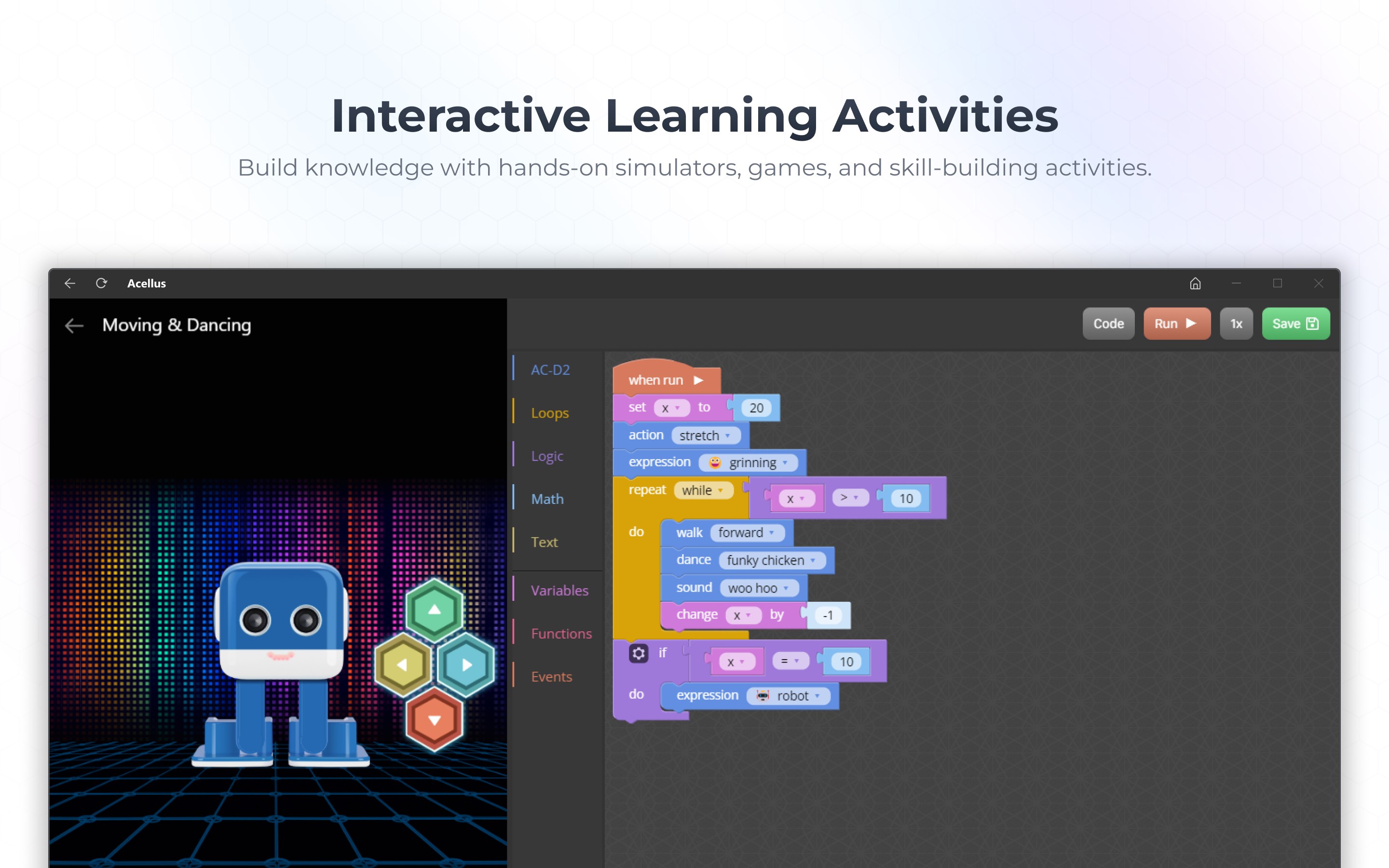
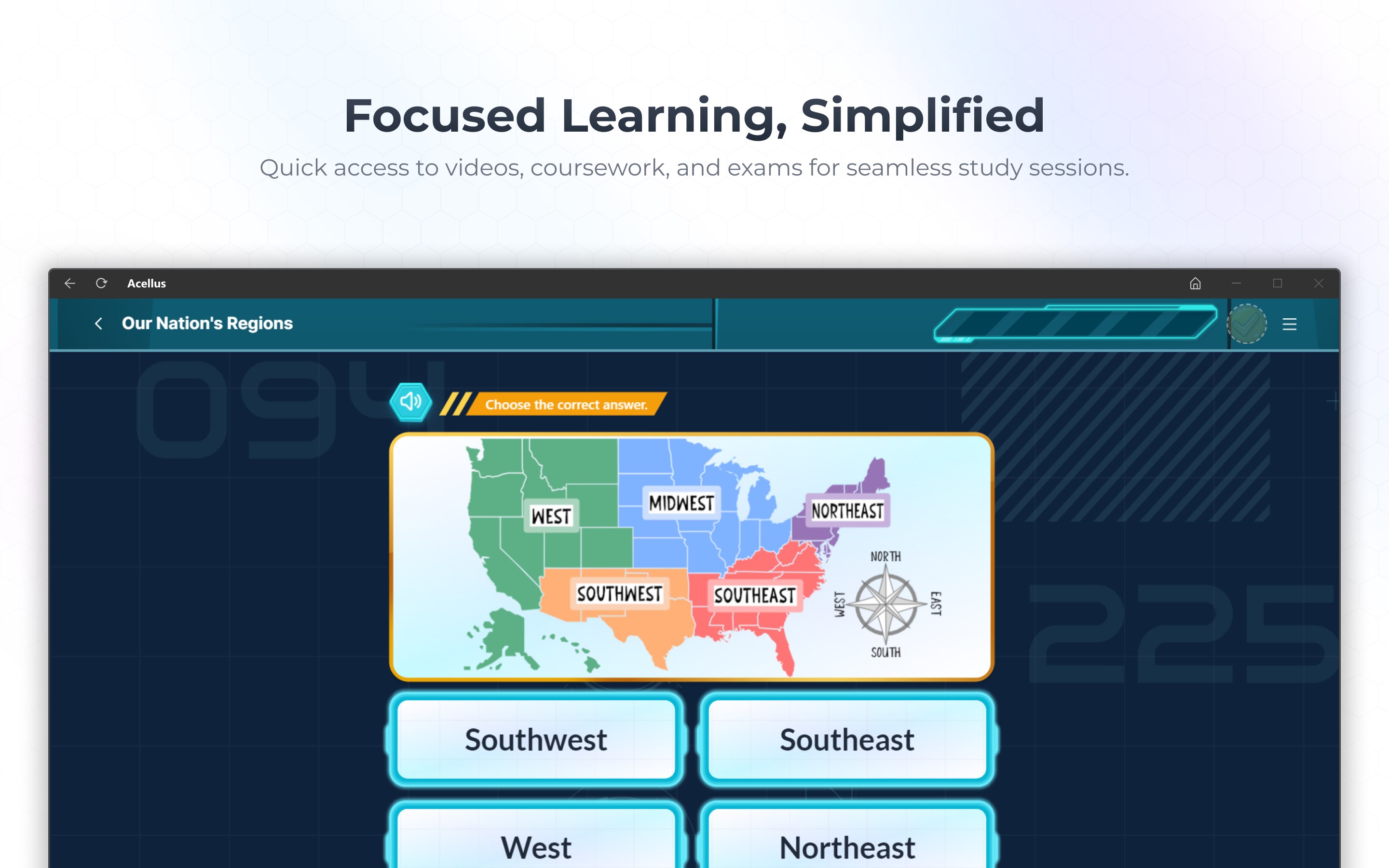
One of Acellus's standout features is its commitment to delivering content that is both accurate and authoritative. Unlike many other educational apps that rely on user-generated content, Acellus partners with certified educators to develop curriculum modules. This ensures that learners are accessing reliable information, mimicking the experience of having a personal professor guiding them through each lesson. The platform's rich multimedia content—video lectures, interactive quizzes, and real-world applications—makes complex subjects like math, science, and social studies both accessible and engaging, much like a well-curated digital classroom.
Tailored Learning Paths for Every Student
The app shines brightest with its personalized learning paths, a feature that truly sets it apart in the crowded EdTech marketplace. Think of Acellus as a GPS for your educational journey; it assesses a student's existing knowledge, learning pace, and areas for improvement before charting a customized course. This adaptivity ensures that students aren't stuck slogging through topics they already master nor overwhelmed by difficult content. It's like having a dedicated tutor who fine-tunes lessons to fit each individual's unique learning rhythm, fostering greater motivation and better retention.
User Experience: Seamless, Intuitive, and User-Friendly
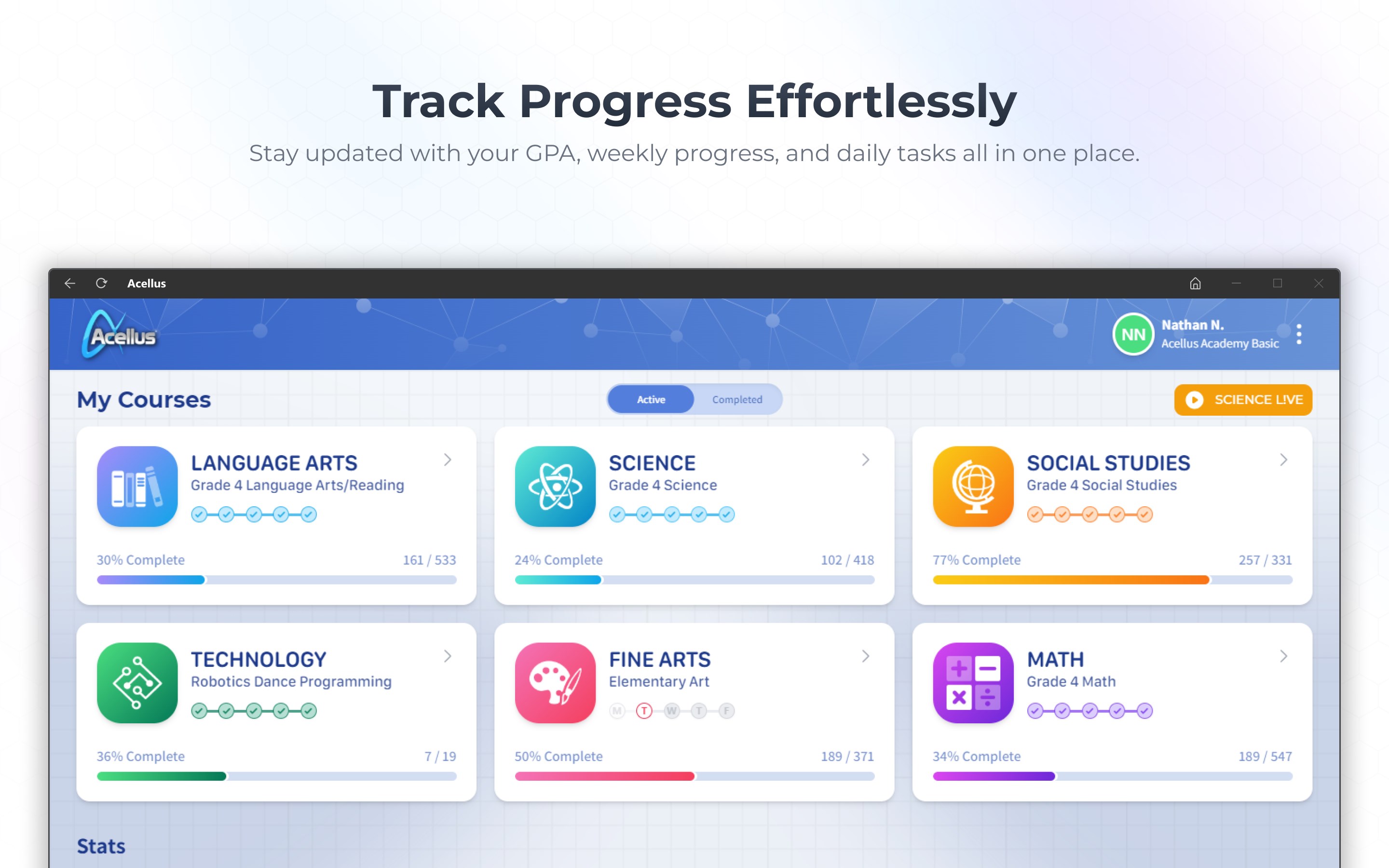
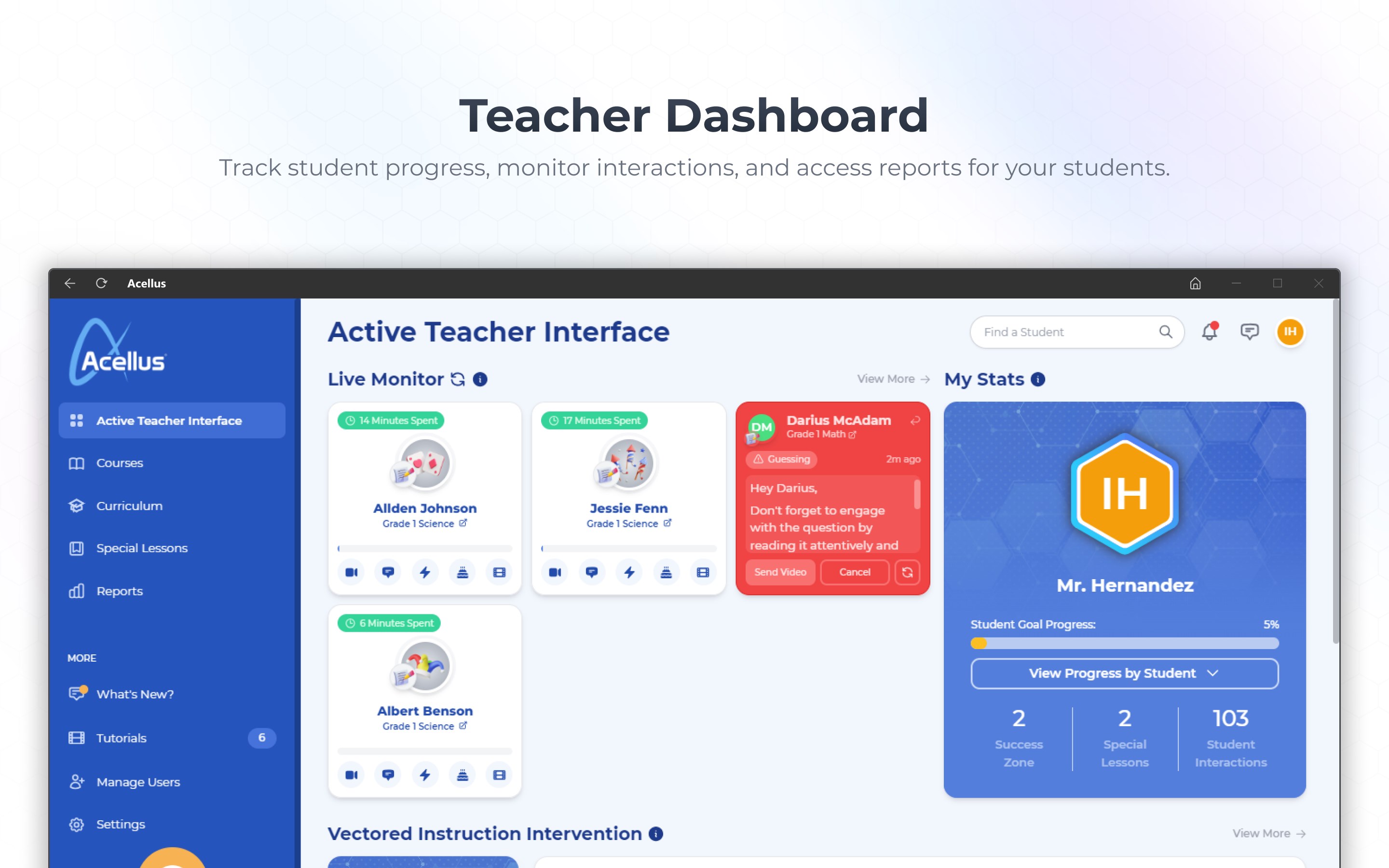
From the moment you open Acellus for Windows, the interface feels polished and inviting—imagine stepping into a sleek, modern classroom where everything is within arm's reach. Navigation is straightforward; students can easily jump between lessons, track their progress, and access supplementary materials without fuss, thanks to intuitive menus and clear icons. The app runs smoothly on a variety of Windows devices, offering a lag-free experience that minimizes frustration. The learning curve is gentle enough for beginners, yet robust enough to challenge advanced students, making it accessible across age ranges and skill levels.
Comparison and Unique Selling Points
When stacked against other educational apps like Khan Academy or Edgenuity, Acellus distinguishes itself with its emphasis on content authority and the deep personalization engine. While many platforms offer static content or one-size-fits-all lessons, Acellus's adaptive learning paths continually adjust to optimize student engagement and mastery. Its well-curated, expert-reviewed curriculum ensures content credibility—crucial for parents and educators concerned with accuracy. Moreover, the app's integration of multimedia content and assessments makes it more than just a passive reading tool; it actively involves students in their educational journey.
Final Verdict & Recommendations
Overall, Acellus for Windows emerges as a compelling choice for those seeking a trustworthy, adaptable, and engaging educational platform. It is especially suitable for homeschooling families, schools looking to supplement their curricula, and students aiming for self-paced, personalized learning. I would recommend it to anyone who values content credibility and personalized education pathways—that rare combination that can transform online learning from a chore into a tailored, rewarding experience. Whether you're a parent supporting your child's education or a student eager to set your own pace, Acellus offers a solid, professional tool worth exploring.
Pros
- Comprehensive curriculum coverage
- User-friendly interface
- Interactive learning tools
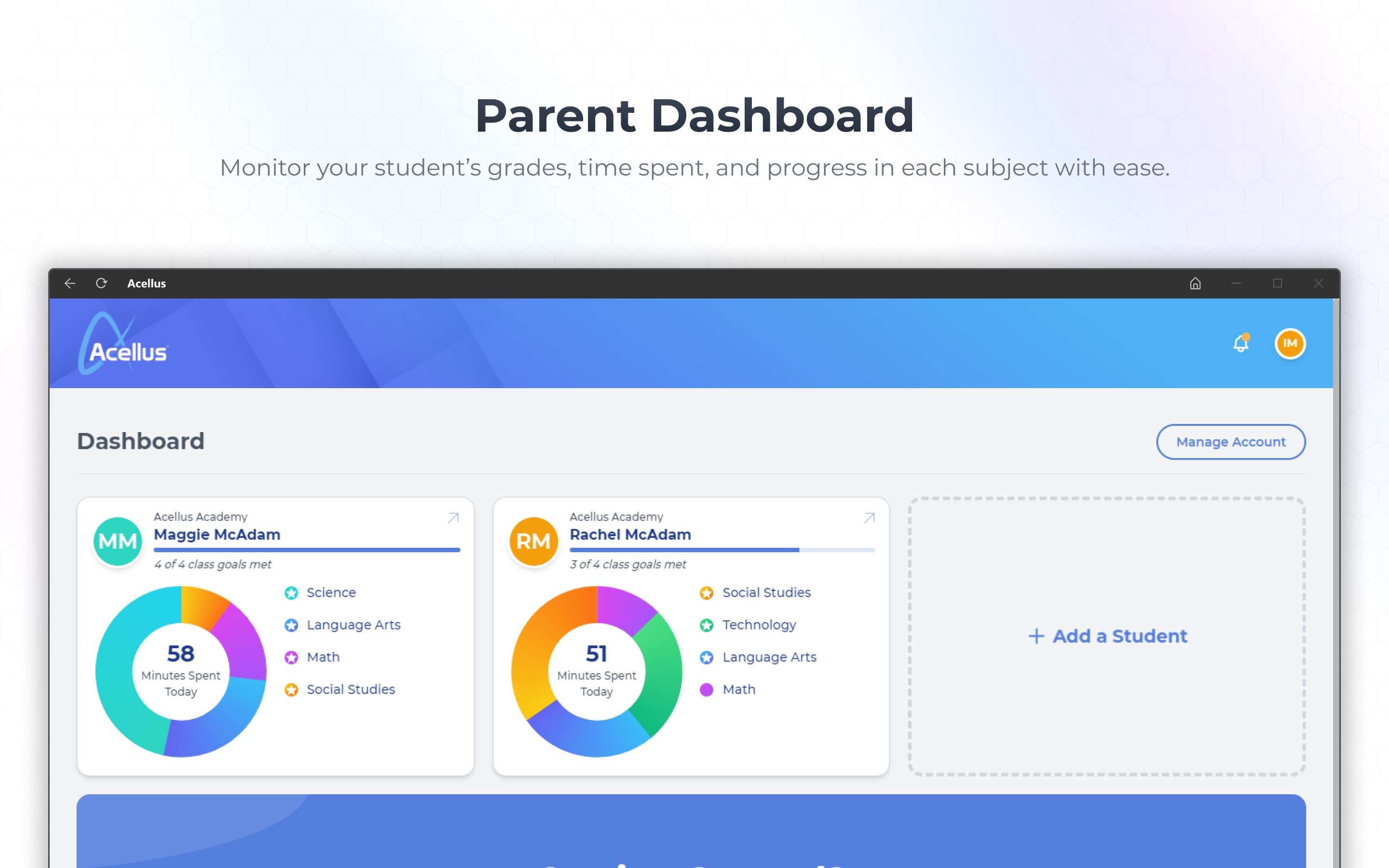
- Progress tracking capabilities
- Offline access option
Cons
- Occasional lag or crashes during intensive usage
- Limited customization options for assessments
- Inconsistent synchronization across devices
- Navigation difficulty for new users
- Limited language options beyond English











