

- Category Card & board
- Developer Win8 Poker Card Games
- Available on PC
- OS Windows 8.1 or higher
- languages Albanian, Arabic, Azerbaijani, Belarusian, Bulgarian, Catalan, Chinese (Simplified), Chinese (Traditional), Chinese (Traditional, Hong Kong SAR), Croatian, Czech, Danish, Dutch, English (United Kingdom), English (United States), Estonian, Filipino, Finnish, French, German, Greek, Hebrew, Hindi, Hungarian, Indonesian, Italian, Japanese, Kazakh, Korean , Latvian, Lithuanian, Macedonian, Malay, Norwegian (Bokmål), Persian, Polish , Portuguese (Brazil), Portuguese (Portugal), Romanian, Russian, Serbian (Latin) (Serbia and Montenegro (Former)), Slovak, Slovenian (Slovenia), Spanish, Spanish (Mexico), Spanish (Spain), Swedish, Thai, Turkish, Ukrainian, Uzbek, Vietnamese
Discover the Classic Solitaire Experience on Windows with Aces FreeCell Solitaire
Aces FreeCell Solitaire for Windows offers a polished, enjoyable take on the timeless card game, blending simplicity with engaging gameplay designed for both casual players and Solitaire enthusiasts.
About the Developer and Key Features
Developed and published by Win8 Poker Card Games, this application aims to bring a clean and user-friendly FreeCell experience directly to your Windows device. The app's standout features include a smooth and intuitive interface, multiple game modes catering to varying skill levels, and robust undo and hints to assist players when needed. Its focus on accessibility and seamless gameplay makes it a compelling choice for fans of classic card games. The target audience predominantly comprises casual gamers, card game aficionados, and users seeking a relaxing pastime on their Windows PCs.
Sprightly Gameplay and User Interface: A Seamless Journey
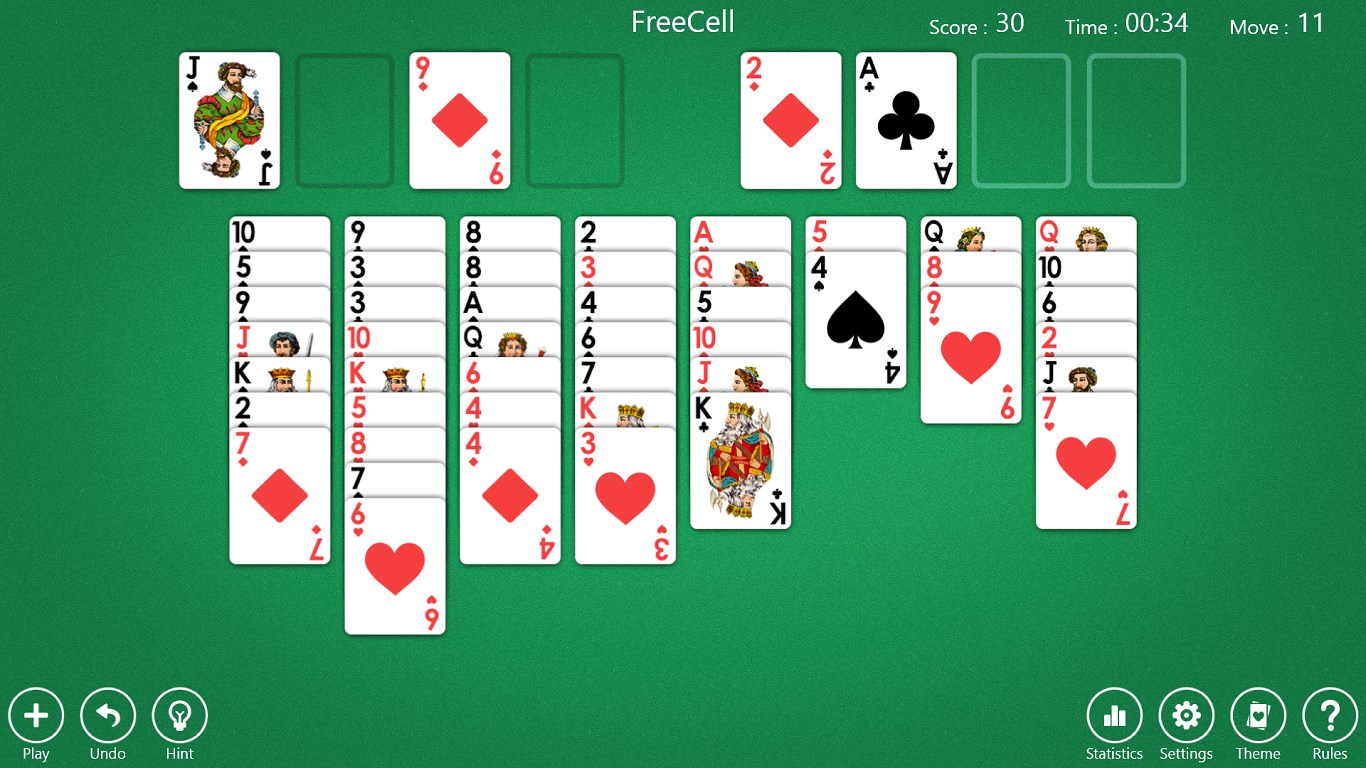
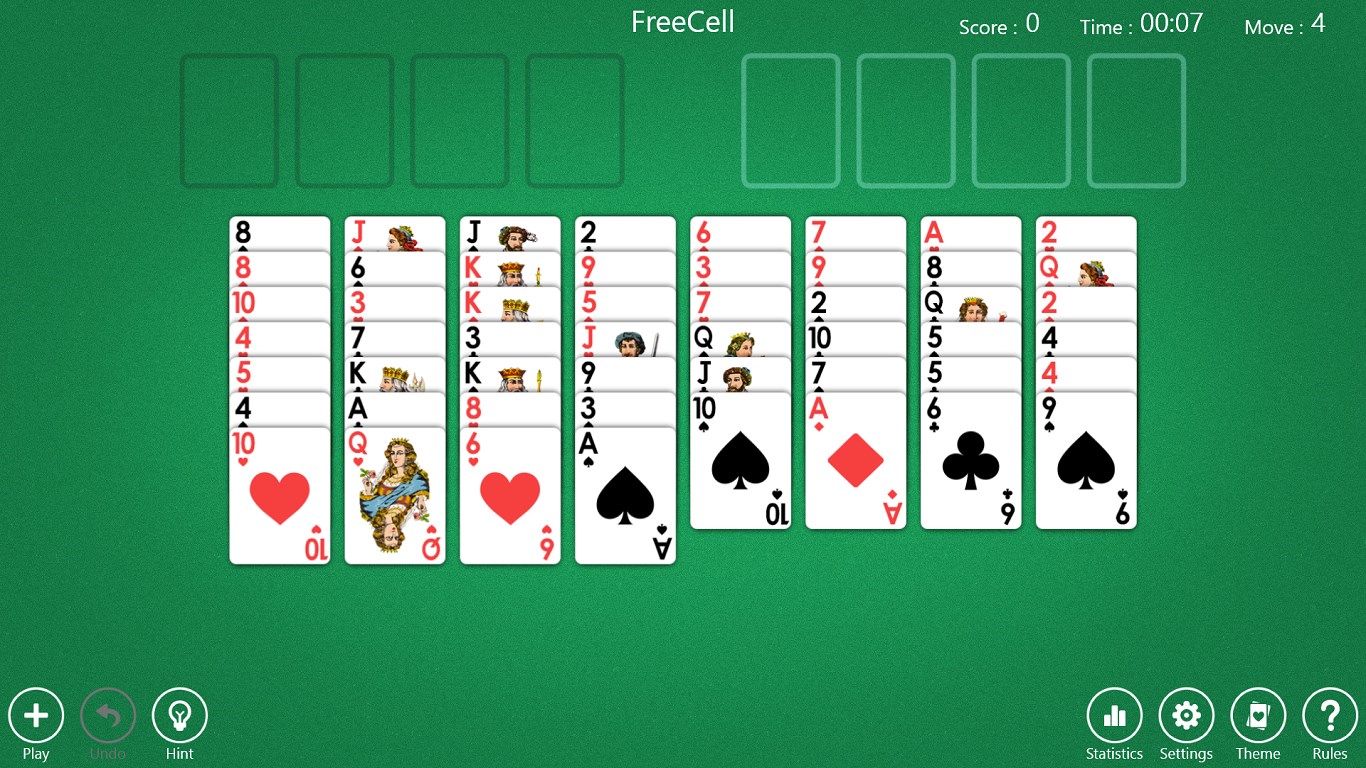
From the moment you launch Aces FreeCell Solitaire, you're greeted with a crisp, colorful interface that transports you into a digital card table—imagine sitting at a cozy café with a deck of cards spread out in front of you. The design strikes a balance between aesthetic appeal and clarity, ensuring that players can focus on the game without distraction. Navigation feels effortless thanks to clean menus and touch-friendly controls, making it suitable for both mouse and touch screen users. The app's responsiveness is notable, with smooth card moves and minimal lag, creating a sense of flow akin to shuffling real cards but without the fuss of physical setup.
Core Functionalities: Smart Features that Enhance Playability
Multiple Game Modes and Customization
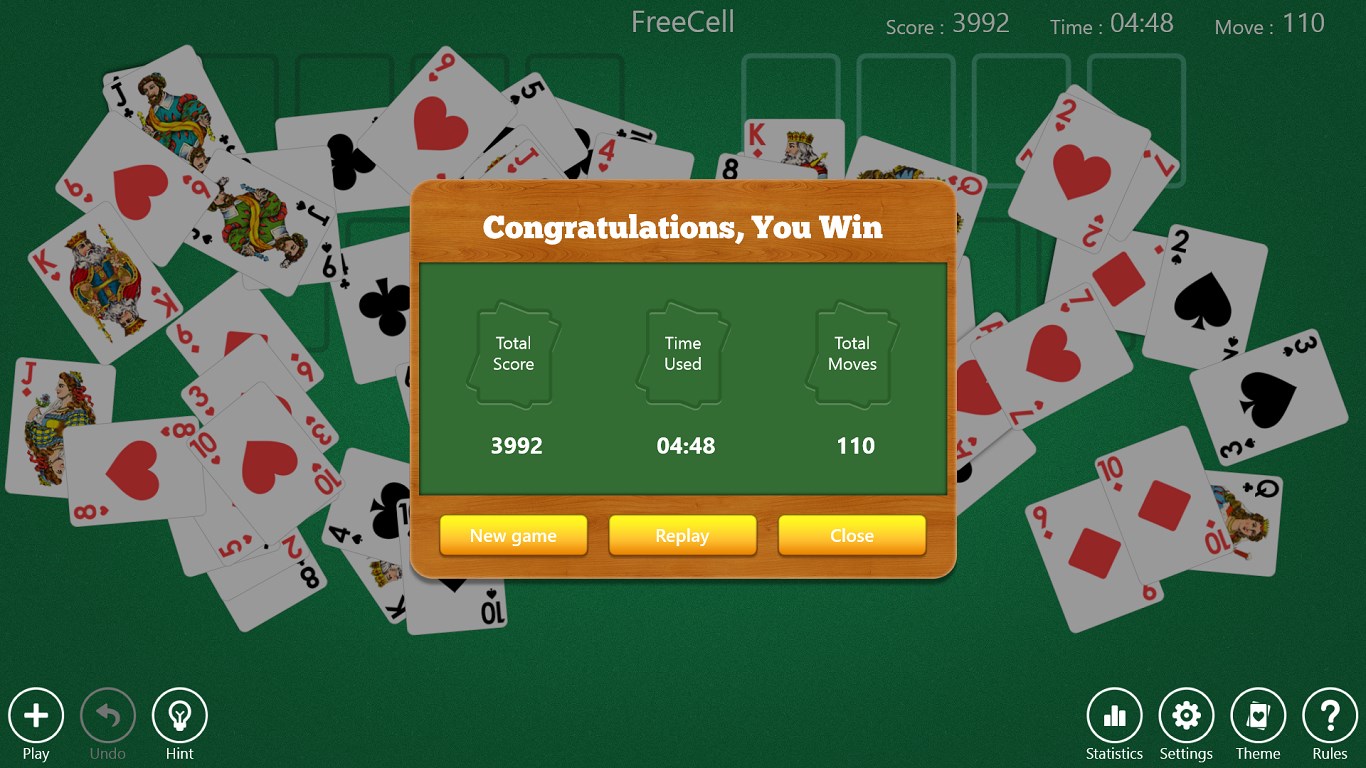
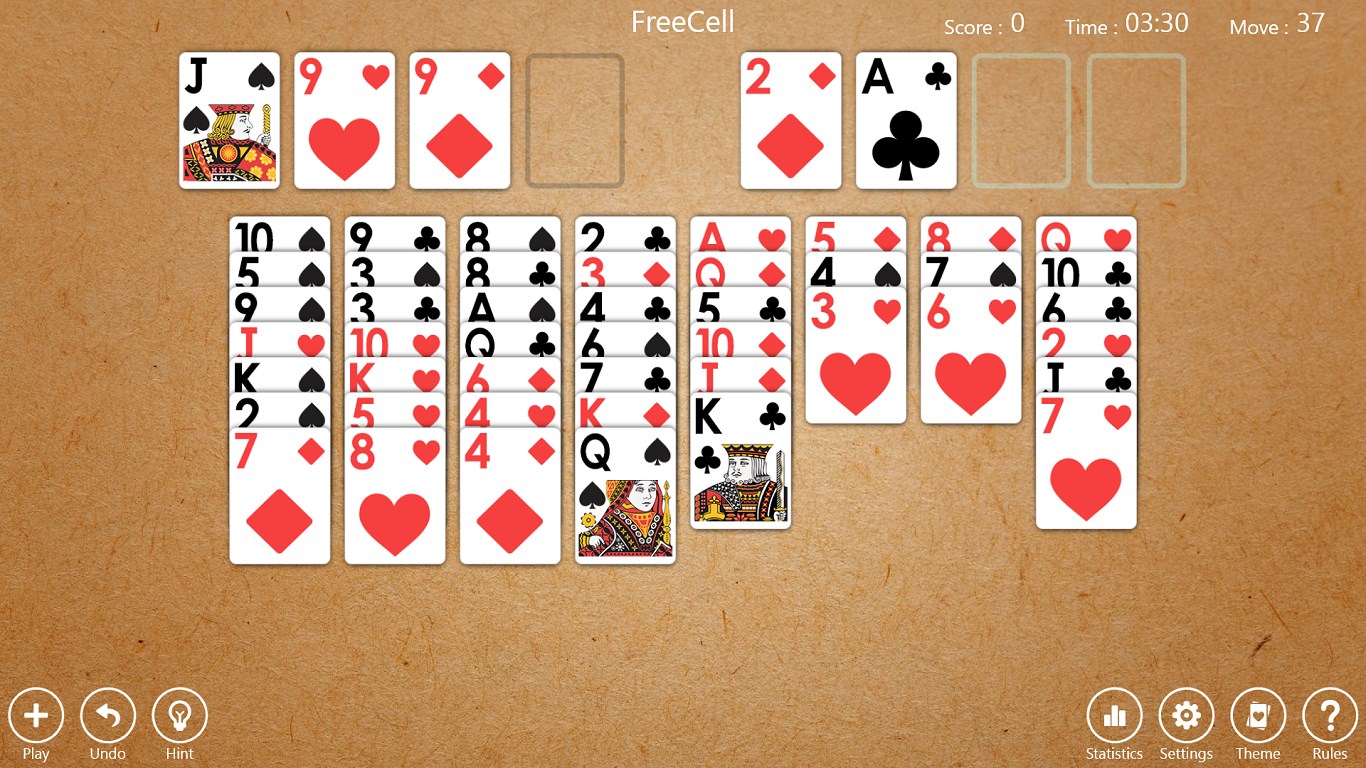
Aces FreeCell offers several game variants, empowering players to choose the difficulty and style that best suits them. Whether you're in the mood for a quick round or a more complex challenge, the app adapts seamlessly. Customizable settings—such as card back designs and background colors—further personalize your gameplay environment, making each session uniquely yours.
Assistance Tools and Replay Options
One of the app's most distinctive strengths lies in its helpful assistive features. The built-in hints guide you through uncertain moves, reducing frustration for newcomers and encouraging strategic thinking. Additionally, the undo function allows players to revisit past moves, fostering an exploratory and stress-free experience. These tools mimic the gentle coaching of a seasoned card player sitting beside you, offering confidence and learning opportunities.
Comparison and Unique Advantages
Unlike many other card apps that often emphasize flashy animations or overly complex interfaces, Aces FreeCell keeps things straightforward yet engaging. Its emphasis on a clutter-free layout paired with intelligent assistance sets it apart. The app's balance between challenge and support means beginners can learn easily while veterans can still enjoy strategic depth. The optional themes and customization options add a layer of personalization that elevates it above more generic solitaire apps, making it feel like a digital extension of your personal card table.
Final Thoughts and Recommendations
Overall, Aces FreeCell Solitaire for Windows delivers a refined, pleasant experience well-suited for casual play or quick mental refreshers. Its intuitive design, helpful features, and clean aesthetic collectively create a compelling package. Though it may not reinvent the wheel of FreeCell, its thoughtful touches and user-friendly approach make it a dependable choice. I recommend it especially to those who appreciate a classic card game with modern polish and helpful assistance tools. Whether you're a dedicated solitaire player or just looking for a relaxing game during your break, this app is worth a try—consider it your faithful digital deck waiting to be shuffled.
Pros
- Intuitive interface
- Smooth gameplay performance
- Offline accessibility
- Multiple game backgrounds and themes
- Additional hints and undo options
Cons
- Limited game modes
- Infrequent updates on new features
- Ads appear during gameplay
- Customization options could be expanded
- Help section could be more detailed











