

- Category Security
- Developer AdAvoid Ltd
- Available on PC, Mobile, Surface Hub, HoloLens
- OS Windows 10 version 15063.0 or higher
- languages English (United States)
Introduction: A Fresh Take on Ad Blocking for Windows
For anyone tired of intrusive ads disrupting their browsing experience, AdBlocker Ultimate for Windows offers a promising solution. Designed by AdAvoid Ltd, this app aims to seamlessly filter out unwanted ads while ensuring a safe and smooth internet journey. Whether you're a casual browser or a power user, finding a tool that efficiently enhances your online environment is nothing short of essential. Let's dive into what makes this ad blocker stand out and how it might fit into your daily digital routine.
Core Features That Make a Difference
1. Intelligent Ad Filtering & Customization
AdBlocker Ultimate employs advanced filtering algorithms that distinguish between benign content and disruptive ads. You can enjoy a clean browsing space without missing out on essential website elements. Moreover, it allows users to customize filter lists or add exceptions, giving you full control over your online experience—a bit like having a personal digital gatekeeper at your service.
2. Privacy & Security Enhancement
Beyond just blocking ads, this app also prioritizes your privacy by blocking tracking scripts and malicious domains. It's akin to installing a security fence around your digital life, safeguarding against potential threats while browsing, which is particularly valuable in today's landscape riddled with privacy concerns.
3. Lightweight & User-Friendly Interface
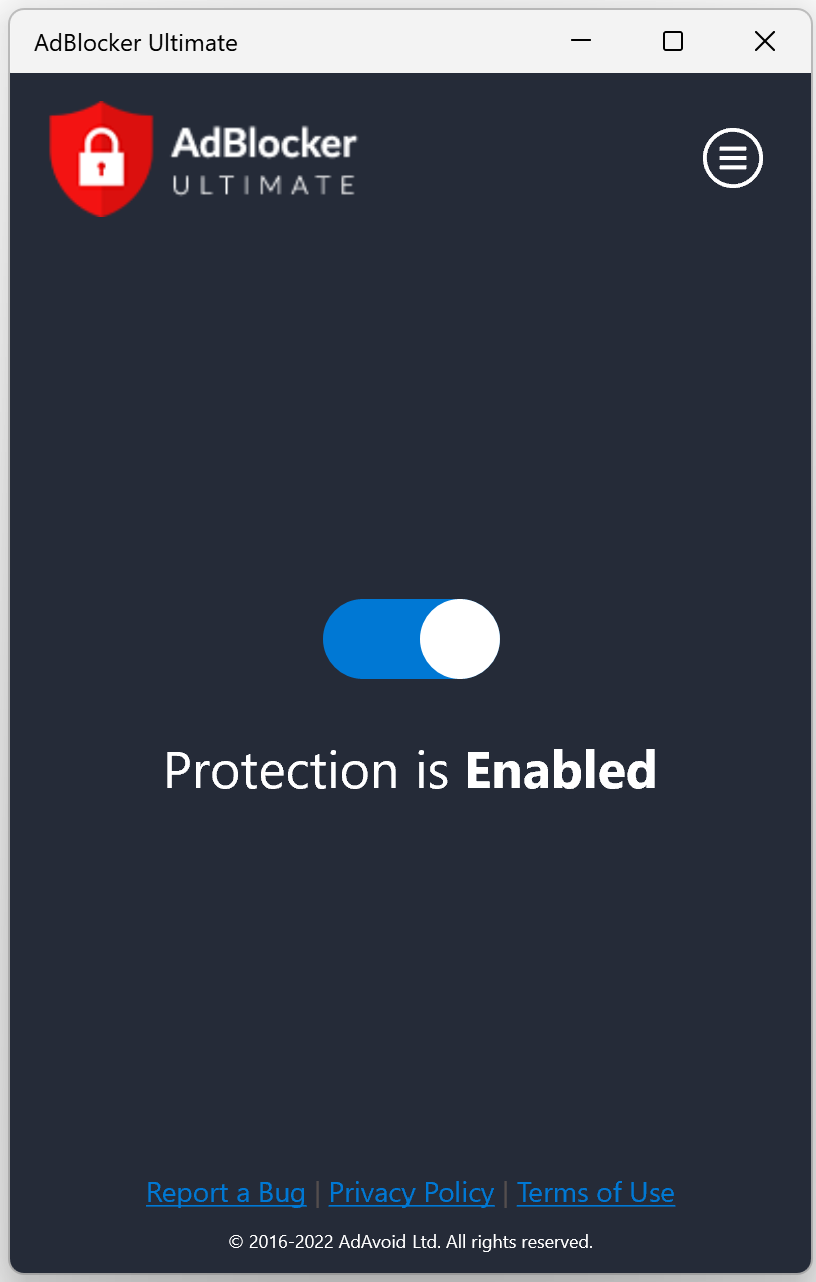
Developed with simplicity in mind, the interface resembles a minimalist dashboard—sleek, intuitive, and easy to navigate. The app operates smoothly without causing lag or unnecessary resource use, making it suitable even for older PCs or those who prefer a clutter-free experience.
Design, Usability, and User Experience
The interface of AdBlocker Ultimate strikes a harmony between functionality and aesthetics. Upon launch, users are greeted with straightforward options and clear status indicators, like a friendly dashboard inviting users to take charge of their ad-blocking preferences. The setup process is minimal—almost as if the app is silently working behind the scenes, allowing users to forget it's there.
In terms of operation, the app performs with impressive fluidity. Browsing feels smoother due to the efficient filtering process, and switching settings or updating filters requires just a few clicks. The learning curve is gentle; even those unfamiliar with ad blockers will find it accessible, much like navigating a well-designed car dashboard that feels familiar from the start.
Overall, the user experience resonates with a trustworthy, hassle-free vibe. The app's performance ensures that you're not sacrificing speed for security—ad blocking happens quietly in the background, allowing you to focus on what truly matters: your content.
What Sets It Apart in a Crowded Field?
While many ad blockers flood the market with similar promises, AdBlocker Ultimate differentiates itself with its emphasis on transparency and customization. It doesn't rely solely on pre-built filter lists but also enables users to fine-tune their blocking rules, making it suitable for diverse browsing habits. Moreover, it combines ad blocking with enhanced privacy features—acting not just as a shield against clutter but as a guardian of your online identity.
Compared to other security-focused solutions, AdBlocker Ultimate is less intrusive and more lightweight. It complements existing security applications without duplicating efforts, providing an unobtrusive layer of protection that enriches rather than complicates your browsing experience.
Final Verdict and Recommendations
Considering its balanced approach—offering robust ad blocking, privacy protection, and user-friendly design—I would confidently recommend AdBlocker Ultimate for Windows to users seeking a straightforward yet effective tool. It's particularly advantageous for those who want more control over their browsing environment without dealing with convoluted settings or sacrificing device performance. For anyone tired of interruptions or concerned about online privacy, this app presents a reliable option worth trying out.
In summary, AdBlocker Ultimate stands out as a practical, non-intrusive solution that prioritizes user control and safety. If you're looking for a tool that quietly and efficiently keeps your browsing clean and secure, this is one to consider—think of it as a courteous digital gatekeeper who ensures your online journey remains smooth and safe every step of the way.
Pros
- Effective Ad Blocking
- User-Friendly Interface
- Lightweight and Fast
- Customizable Filters
- Regular Updates
Cons
- Limited Free Features
- Potential False Positives
- Compatibility Issues on Certain Browsers
- Limited Customer Support
- Ad-Blocking Limitations on Some Websites










