

- Category Security
- Developer Adguard Software Limited
- Available on PC
- OS Windows 10 version 0.0 or higher
- Keyboard Integrated Keyboard
- Mouse Integrated Mouse
- languages English, Finnish, French, German, Greek, Hebrew, Hungarian, Danish, Dutch, Czech, Croatian, Chinese (Simplified), Chinese, Bulgarian, Belarusian, Armenian, Arabic, Indonesian, Italian, Japanese, Korean, Macedonian, Norwegian, Persian/Farsi, Polish, Portuguese (Brazil), Portuguese (Portugal), Romanian, Russian, Serbian, Slovenian, Slovak, Spanish, Swedish, Turkish, Ukrainian, Vietnamese
Introducing AdGuard — A Robust Shield for Your Windows Browsing
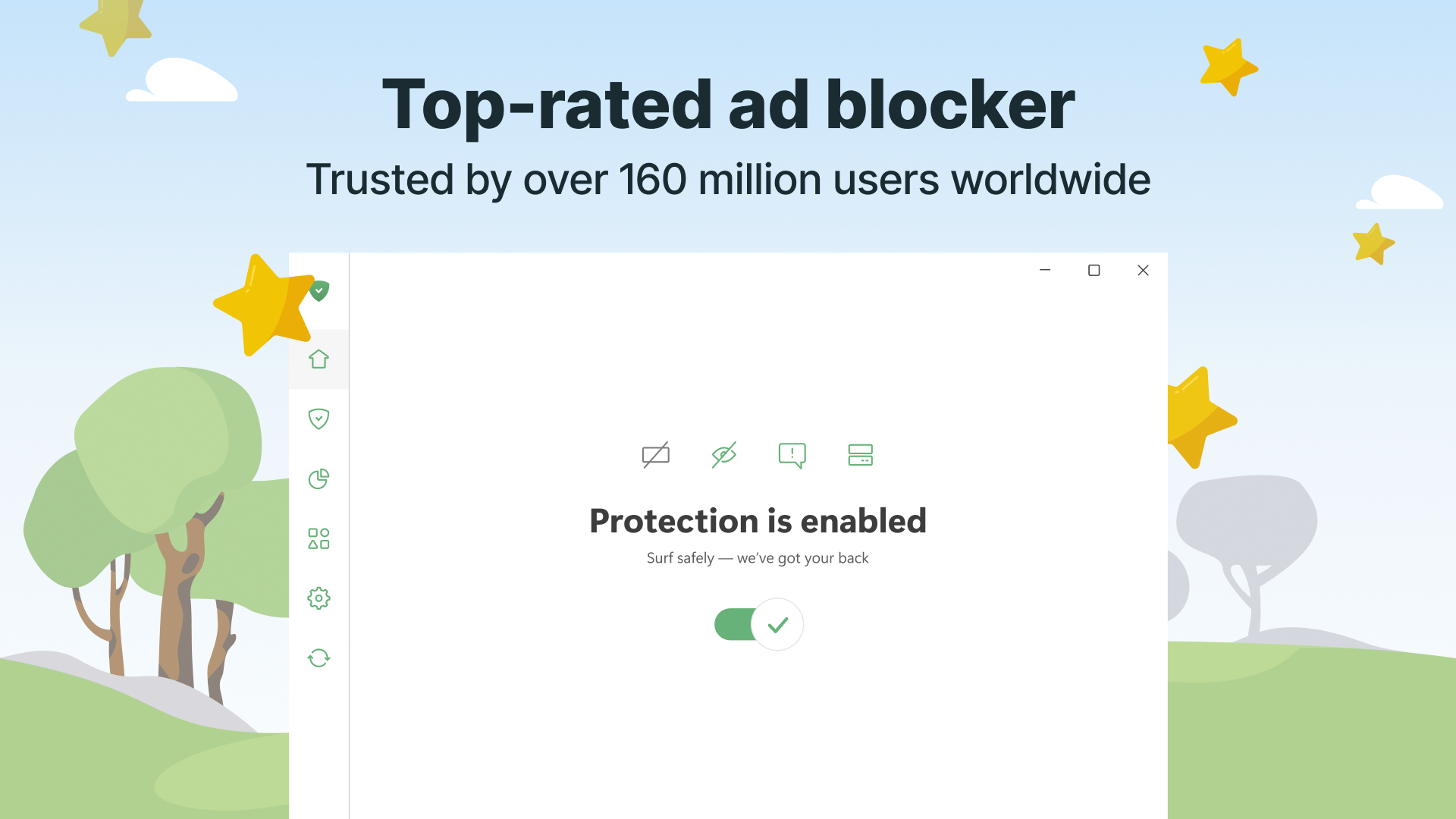
AdGuard — adblock&privacy for windows is a comprehensive privacy and ad-blocking solution designed to enhance your browsing experience by blocking unwanted ads and protecting your online data. Its elegant integration with Windows makes it an appealing choice for those seeking a seamless safeguard against digital nuisances.
About the Developer and Main Features
Developed by Adguard Software Limited and published by AdGuard, this application reflects the company's long-standing expertise in internet security and privacy tools. Its core features include:
- Advanced Ad Blocking: Blocks intrusive ads across websites, reducing clutter and improving page load times.
- Enhanced Privacy Protection: Shields personal data from trackers, malware, and phishing attempts, ensuring safer browsing.
- Smart Filtering and Customization: Offers flexible filtering options and user-defined rules for tailored browsing security.
- Browser Compatibility: Integrates smoothly with various browsers without impacting usability.
Targeted at privacy-conscious users, casual browsers, and even professionals looking for a dependable browsing companion, AdGuard provides a straightforward yet powerful layer of protection for everyday internet activities.
Vivid First Impressions and User Interface
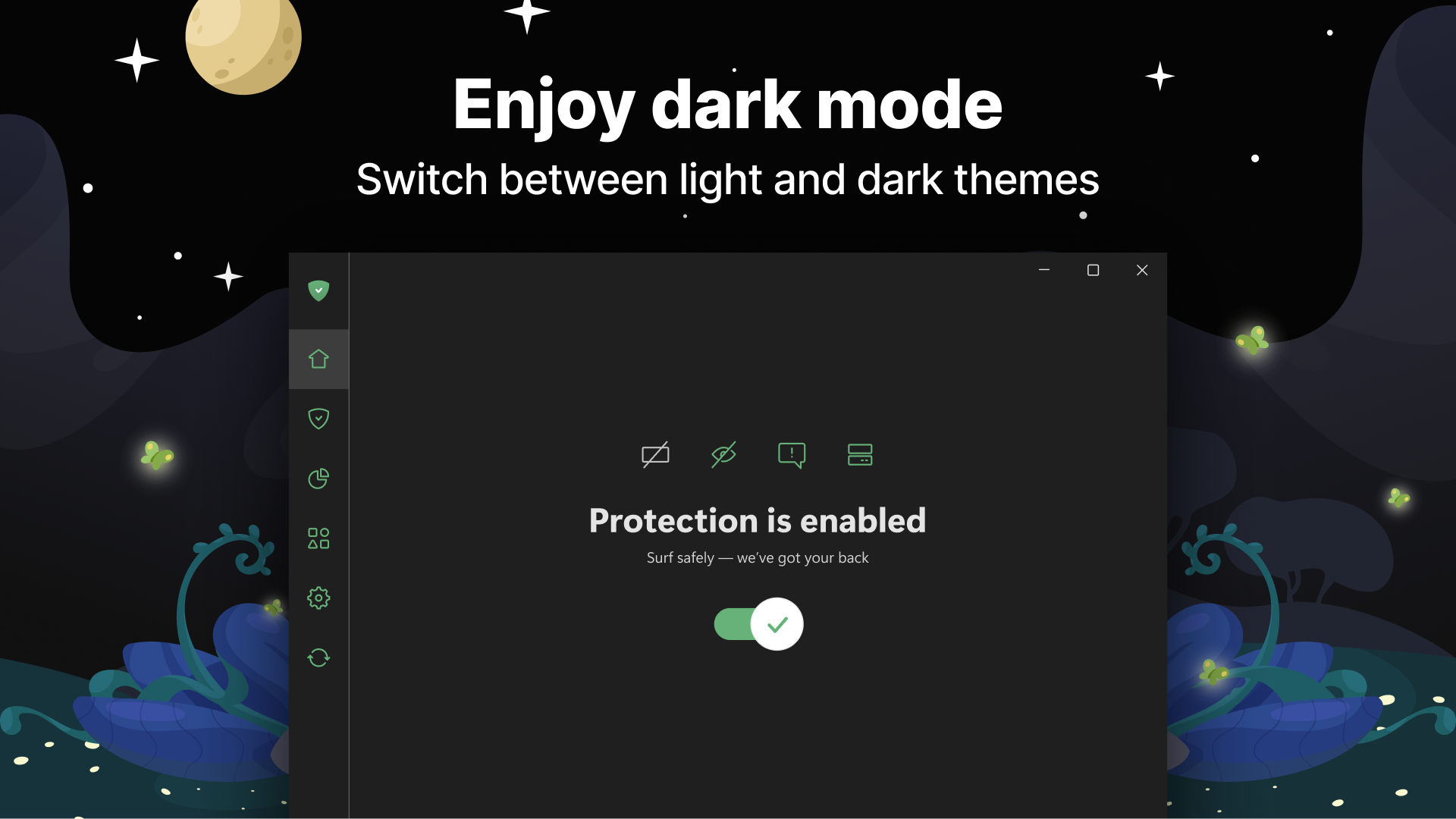
Imagine opening a high-tech control panel on a spaceship—clean, intuitive, and ready to empower your browsing journey. AdGuard's interface embodies this futuristic minimalism, presenting essential controls without overwhelming clutter. Its dark theme with bright accents is easy on the eyes, perfect for long sessions of digital navigation. Navigation feels like flipping through well-organized compartments—smooth, predictable, and efficient. For newcomers, the learning curve is gentle, thanks to clear labels and guided prompts, making it accessible even for those less tech-savvy.
The Heart of the App: Core Functionalities Explored
Powerful Ad Blocking — Say Goodbye to Digital Clutter
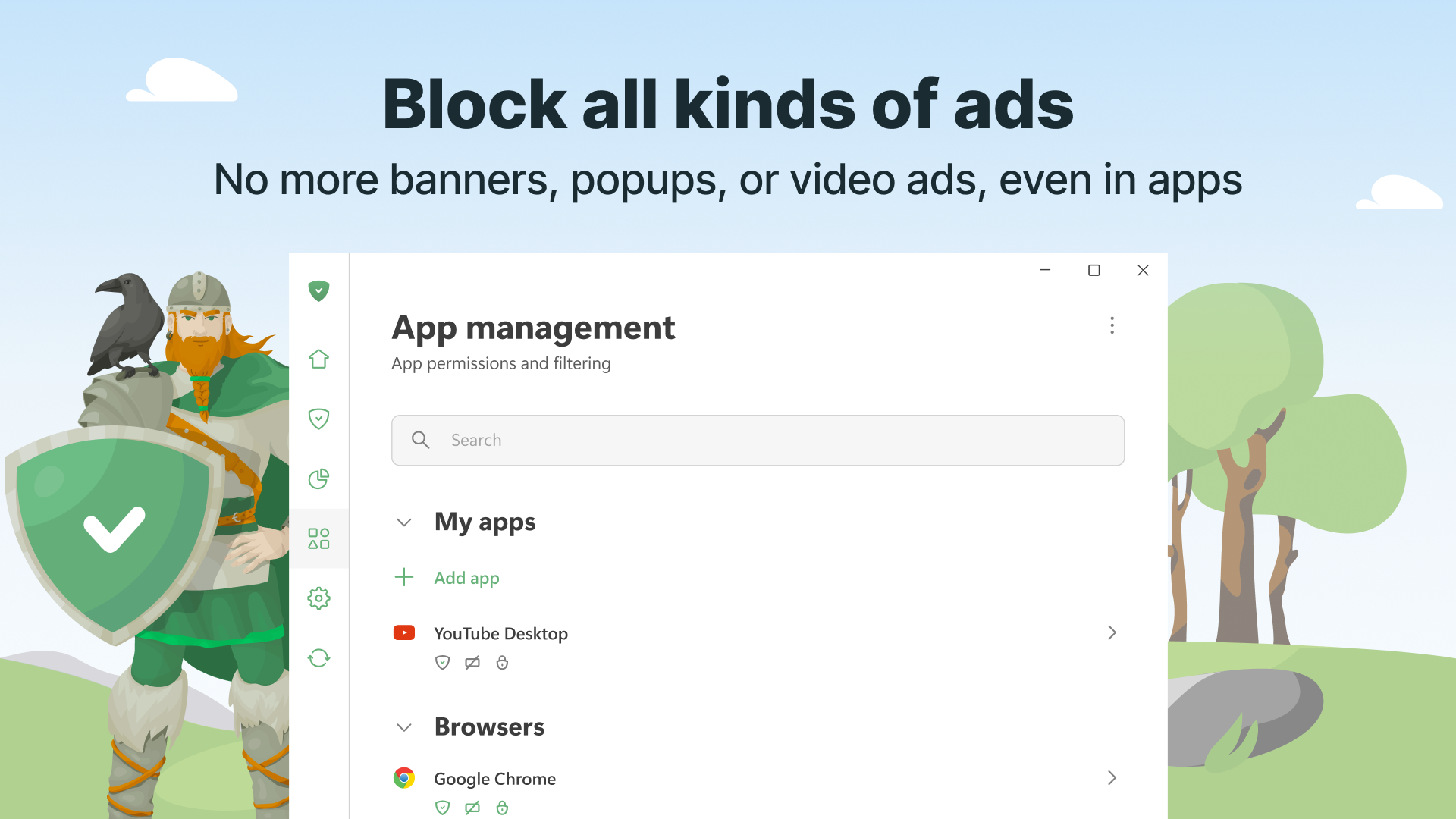
At its core, AdGuard excels at blocking ads before they even appear. It filters out banners, pop-ups, and video ads, turning your web experience into a cleaner, faster environment. Unlike some lightweight blockers that merely hide ads, AdGuard actively prevents their download, which conserves bandwidth and improves page responsiveness. Its filtering rules are regularly updated, ensuring that the newest intrusive ads are kept at bay. For users frustrated by endless interruptions, this feature transforms browsing into a more focused activity—like having a personal gatekeeper at your digital gate.
Privacy Defense — Your Digital Fortress
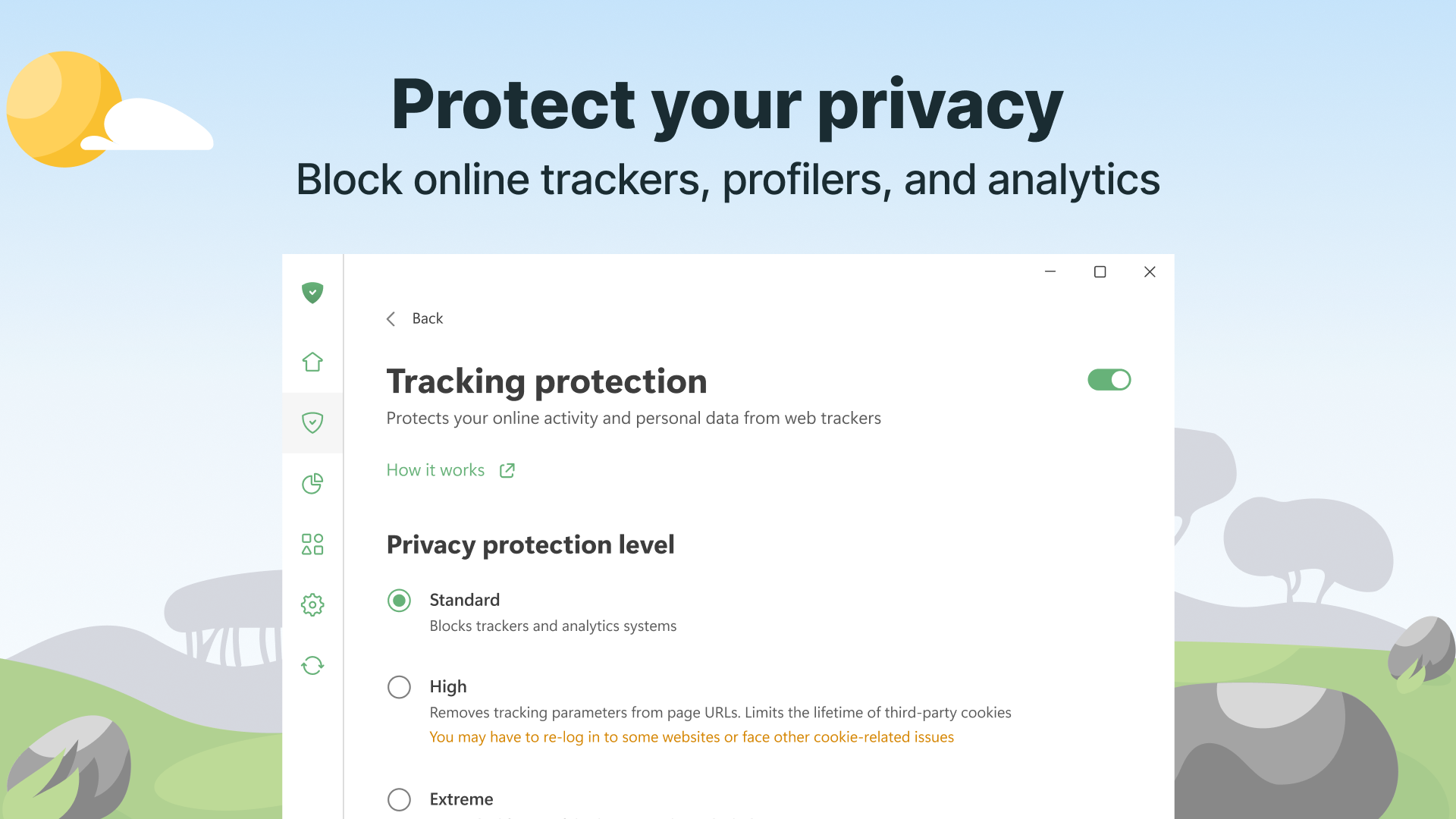
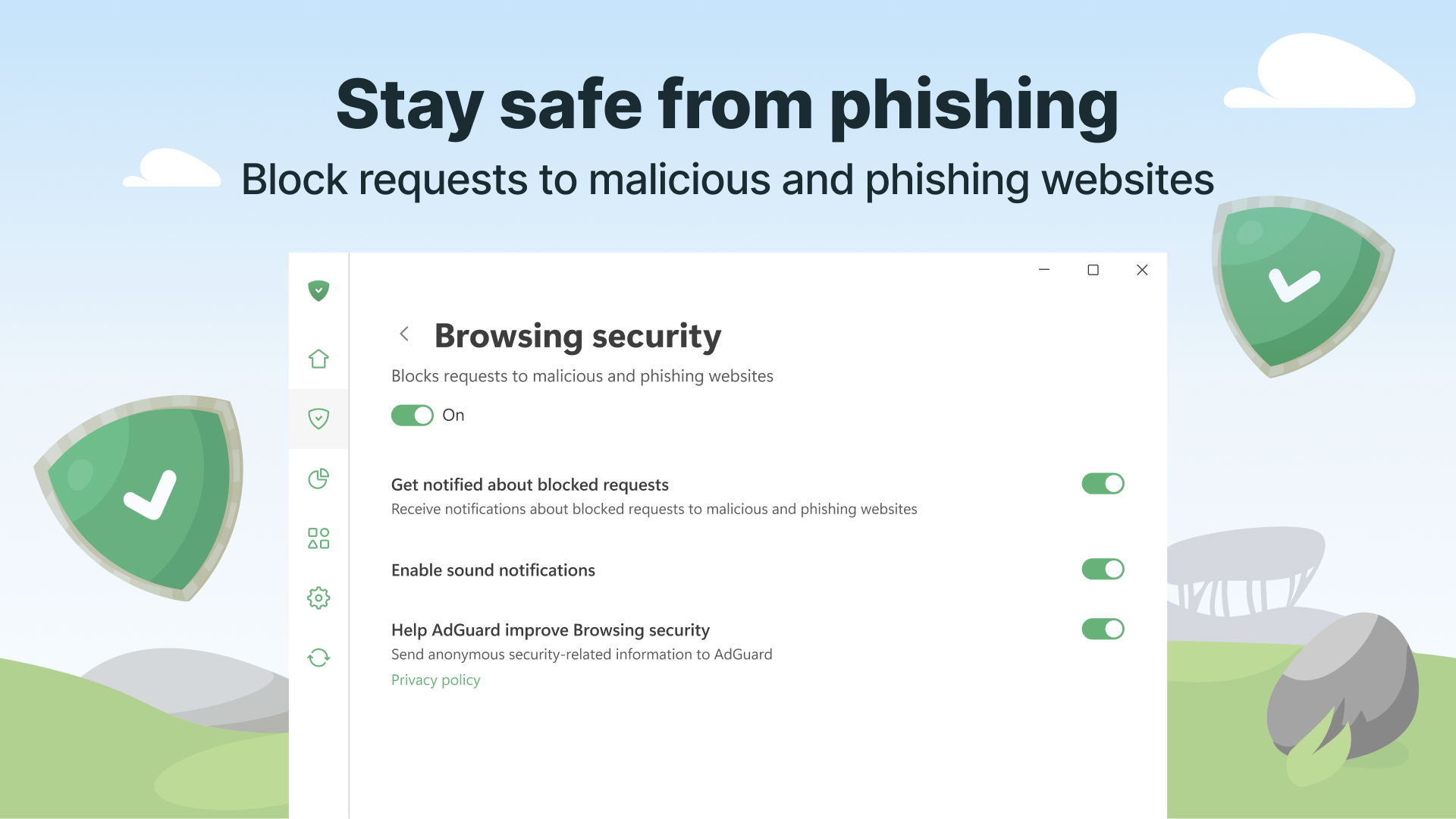
AdGuard doesn't just stop at ads; it acts as a vigilant bodyguard for your online data. Its tracker blocking capability prevents third-party entities from monitoring your behavior across websites. It blocks malicious sites, phishing attempts, and malware downloads—turning your routine internet surfing into a safer journey. The Security Guard mode can be toggled easily, giving you the choice to relax your defenses when necessary, making it flexible and adaptive to different situations. This layer of privacy protection is particularly valuable amidst rising concerns over data breaches and identity theft.
Custom Filters and User Control — Your Browsing, Your Rules
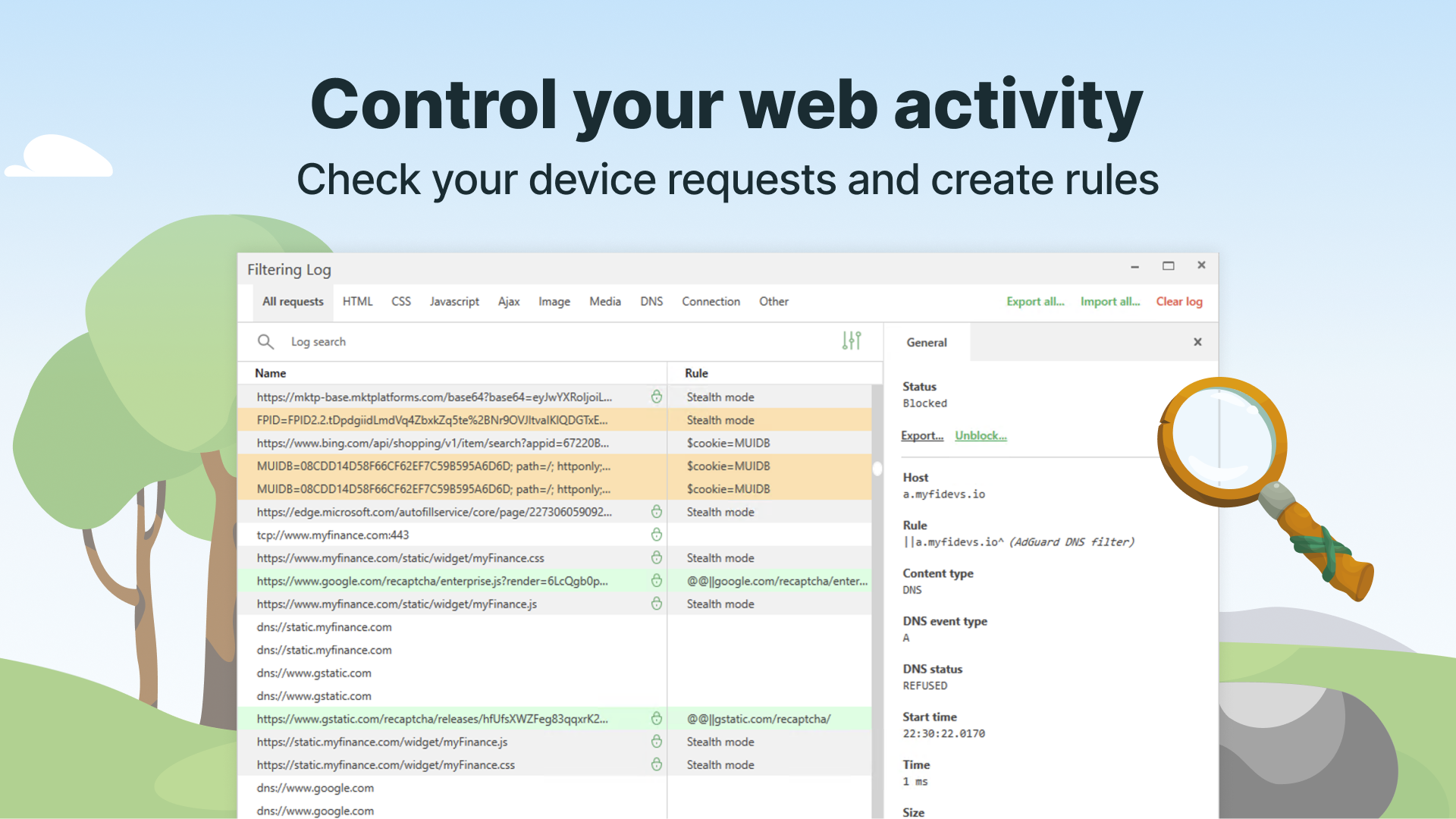
Beyond the standard protections, AdGuard shines with its customizable filtering system. You can create specific rules or subscribe to filter lists tailored for particular regions or content types. A user-friendly rule editor acts like a personal command center, allowing advanced users to fine-tune their browsing environment. This feature turns AdGuard into more than just an off-the-shelf tool; it becomes a personalized security assistant that adapts to your needs.
Performance, Experience, and Unique Selling Points
Running quietly in the background, AdGuard provides a smooth operational flow without noticeable delays—a testament to its efficient coding. The app feels like a well-oiled machine, balancing robust security with responsiveness. Compared to other security suites, AdGuard's standout feature is its dedicated ad-blocking engine combined with privacy shields, rather than relying solely on general firewall or antivirus components. This focused approach yields a more streamlined experience—less bloat, more clarity. Moreover, its compatibility with multiple browsers ensures that you get consistent protection regardless of your preferred platform.
Final Verdict: Is It Worth Your Trust?
Considering its strong feature set, intuitive interface, and focused protection, I'd recommend AdGuard — adblock&privacy for Windows to anyone seeking a reliable, easy-to-use safeguard for daily browsing. Its most distinctive advantage lies in its ability to combine ad-blocking with privacy features in a lightweight package, making it suitable even for those unfamiliar with complex security tools. For users prioritizing a clutter-free, private online environment, this app is definitely worth trying. Just remember, like any tool, it's most effective when complemented by safe browsing habits—I'd give it a solid thumbs-up for integrating powerful protections seamlessly into your Windows experience.
Pros
- Effective Ad Blocking
- Strong Privacy Protection
- Easy to Use Interface
- Customizable Filters
- Multi-Platform Support
Cons
- Limited Free Functionality
- Occasional False Positives
- Compatibility Issues with Some Browsers
- Learning Curve for Advanced Settings
- Update Frequency Variability











