

- Category Productivity
- Developer Adobe Inc.
- Available on PC
- OS Windows 10 version 0.0 or higher
- Keyboard Integrated Keyboard
- Mouse Integrated Mouse
- Memory 4 GB
- languages Chinese (Simplified), Chinese (Traditional Chinese), Czech, Danish, Dutch, English, Finnish, French, German, Hungarian, Italian, Japanese, Korean, Norwegian, Polish, Portuguese (Brazil), Russian, Slovak, Slovenian, Spanish, Swedish, Turkish, Ukrainian
Introducing Adobe Acrobat Reader DC for Windows: Your Essential PDF Companion
Adobe Acrobat Reader DC for Windows is a versatile and reliable application designed to view, annotate, and manage PDF documents efficiently. It serves as an indispensable tool for anyone needing seamless PDF interaction, from students to professionals seeking a clutter-free way to handle digital documents.
Developer and Core Features
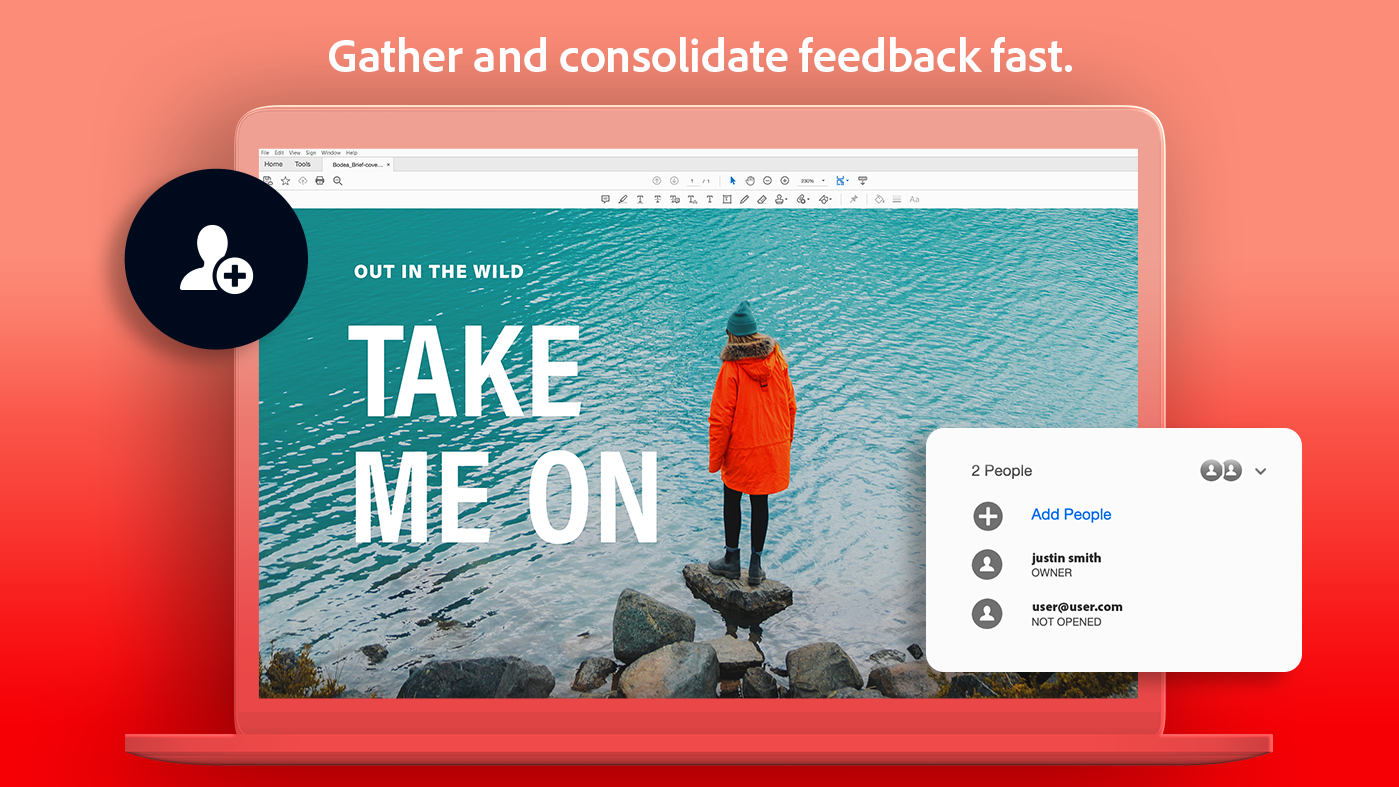
Developed by Adobe Inc., a leader in digital document solutions, Acrobat Reader DC emphasizes user-centric design and robust performance. Its primary features include intuitive PDF viewing, comprehensive annotation tools, form filling capabilities, and secure document sharing options. Notably, it offers integration with Adobe's cloud services, facilitating easy access across devices, and enhanced security measures to safeguard your sensitive information.
Engaging and User-Friendly Experience
Imagine opening a PDF is like unrolling a sleek, perfectly folded map — ready to guide you effortlessly through your information landscape. Acrobat Reader DC accomplishes this with its clean, well-organized interface that eliminates clutter, allowing focus on the content rather than on navigating the tool itself. The app's responsiveness ensures smooth scrolling and swift rendering of complex documents, making even lengthy reports feel less daunting.
Core Functionality Breakdown
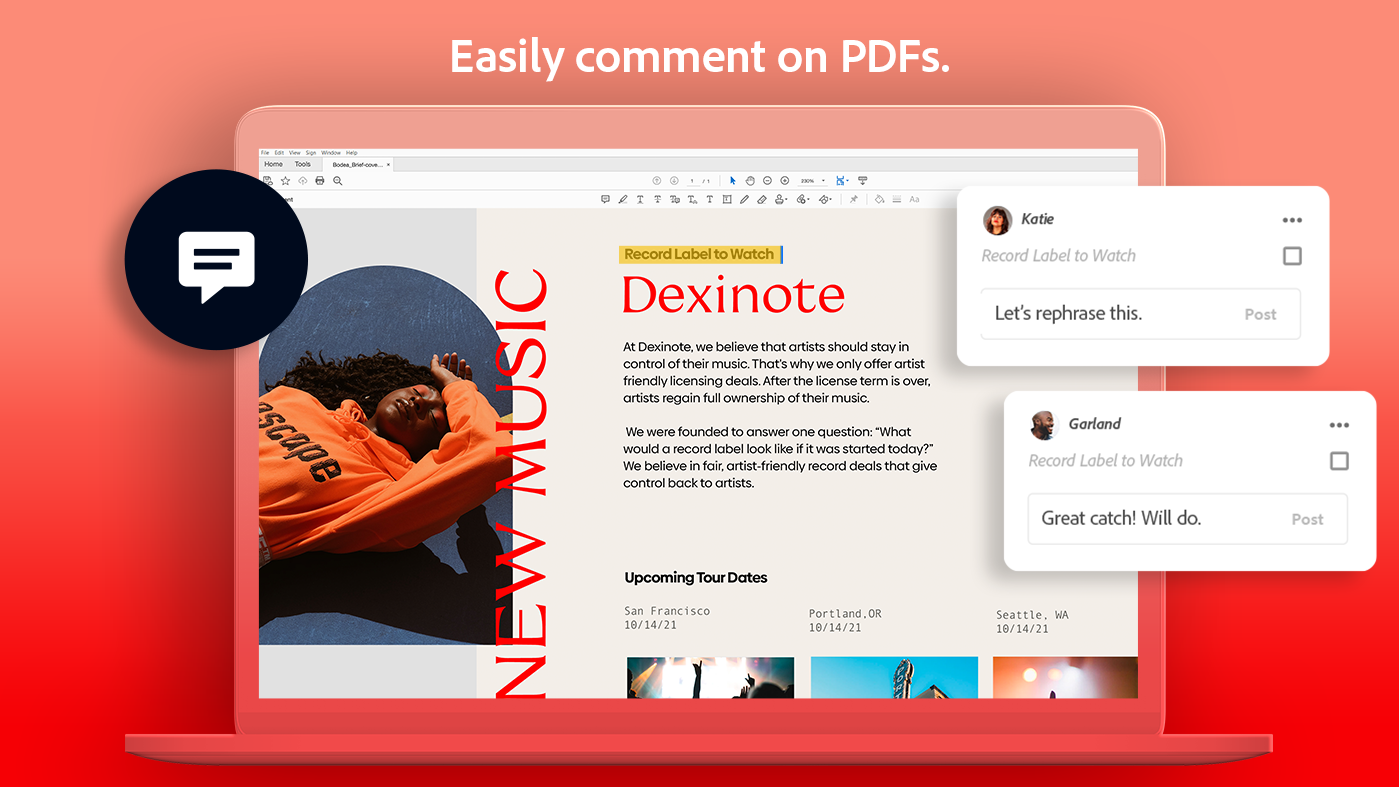
The standout feature of Acrobat Reader DC is its powerful annotation suite. Whether highlighting key points, adding sticky notes, or drawing on documents, users can personalize PDFs to enhance comprehension and collaboration. The toolset is intuitive, with icons that clearly convey their function, enabling both casual users and power users to adapt quickly without an extensive learning curve.
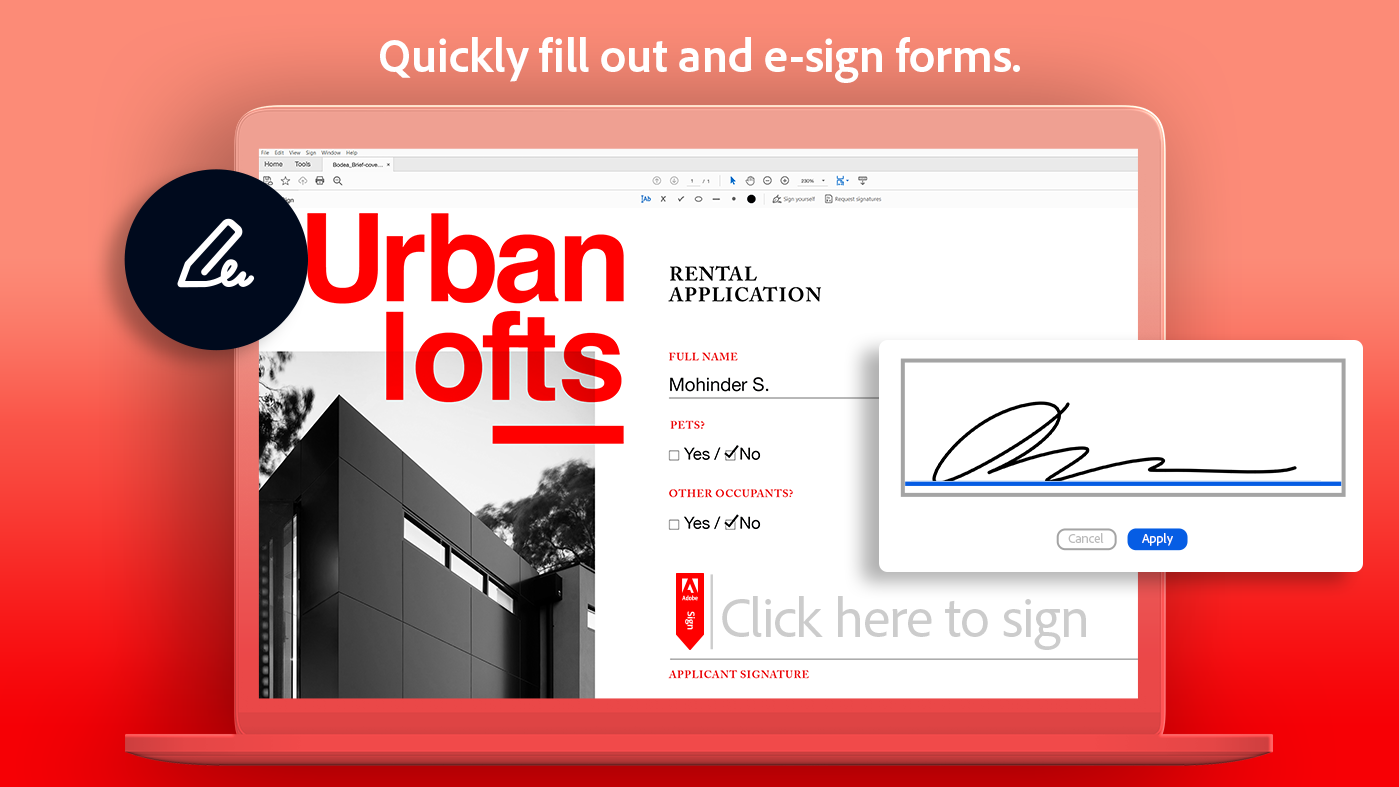
Another noteworthy aspect is its PDF form filling and signing capabilities, which streamline workflows for business professionals. Completing forms or obtaining signatures digitally is as straightforward as a few clicks, transforming what once was a scanned paper trail into instant, eco-friendly digital transactions.
Beyond these, the application's integration with Adobe Document Cloud allows for effortless document sharing and synchronization across devices. This seamless workflow integration reduces cognitive load by minimizing the need to switch between different apps or platforms, thereby enabling users to stay focused on their tasks.
How Does It Stand Out from the Crowd?
Unlike many productivity apps that overload users with features, Acrobat Reader DC strikes a fine balance by prioritizing core functionalities that directly impact workflow efficiency. Its standout advantage lies in reducing cognitive load — by providing a focused, clutter-free environment for PDF tasks — and avoiding unnecessary complexity. The app's design caters to quick, intuitive interactions, making it easy to incorporate into daily routines without extensive training or frequent disruptions.
It also integrates deeply with existing Adobe ecosystem tools, offering a smoother, more cohesive experience for users already engaged with Adobe's services. This integration reduces your mental effort to manage multiple document workflows, positioning Acrobat Reader DC as a central hub for your PDF needs.
Final Thoughts and Recommendations
Overall, Adobe Acrobat Reader DC for Windows earns a solid recommendation for both casual users and professionals who require reliable PDF viewing, annotation, and form handling. Its thoughtful design minimizes unnecessary complexity, focusing instead on streamlining common document workflows. If your work involves frequent PDF interactions, this app offers a robust, user-friendly solution that can genuinely enhance your productivity.
While it might lack some advanced editing features found in premium PDF editors, its strengths in annotation, form management, and workflow integration make it an indispensable tool for everyday use. Recommended for anyone seeking a straightforward yet powerful PDF companion that keeps cognitive load low and efficiency high.
Pros
- User-friendly interface
- Comprehensive annotation tools
- Cloud integration support
- Fast performance
- Free basic features
Cons
- Limited editing capabilities
- Occasional sync delays
- Ads shown in free version
- Limited form filling features
- Occasional stability issues











