
- Category Productivity
- Developer Adobe
- Available on PC
- OS Windows 10 version 0.0 or higher
- Keyboard Integrated Keyboard
- Mouse Integrated Mouse
- Memory 2 GB
- languages English, Czech, Danish, German, Spanish, Finnish, French, Italian, Japanese, Norwegian, Dutch, Polish, Portuguese, Russian, Swedish, Turkish, Chinese (Simplified), Chinese (Traditional Chinese), Korean
Adobe Creative Cloud for Windows: A Gateway to Seamless Creative Workflow
Adobe Creative Cloud for Windows is a comprehensive suite designed to streamline digital creation, seamlessly linking tools, resources, and services to empower designers, photographers, and content creators alike.
Who's Behind the Magic?
Developed by Adobe Inc., a titan in digital media and creativity software, this application leverages years of expertise to deliver an integrated creative experience optimized for Windows users.
Key Features That Make a Difference
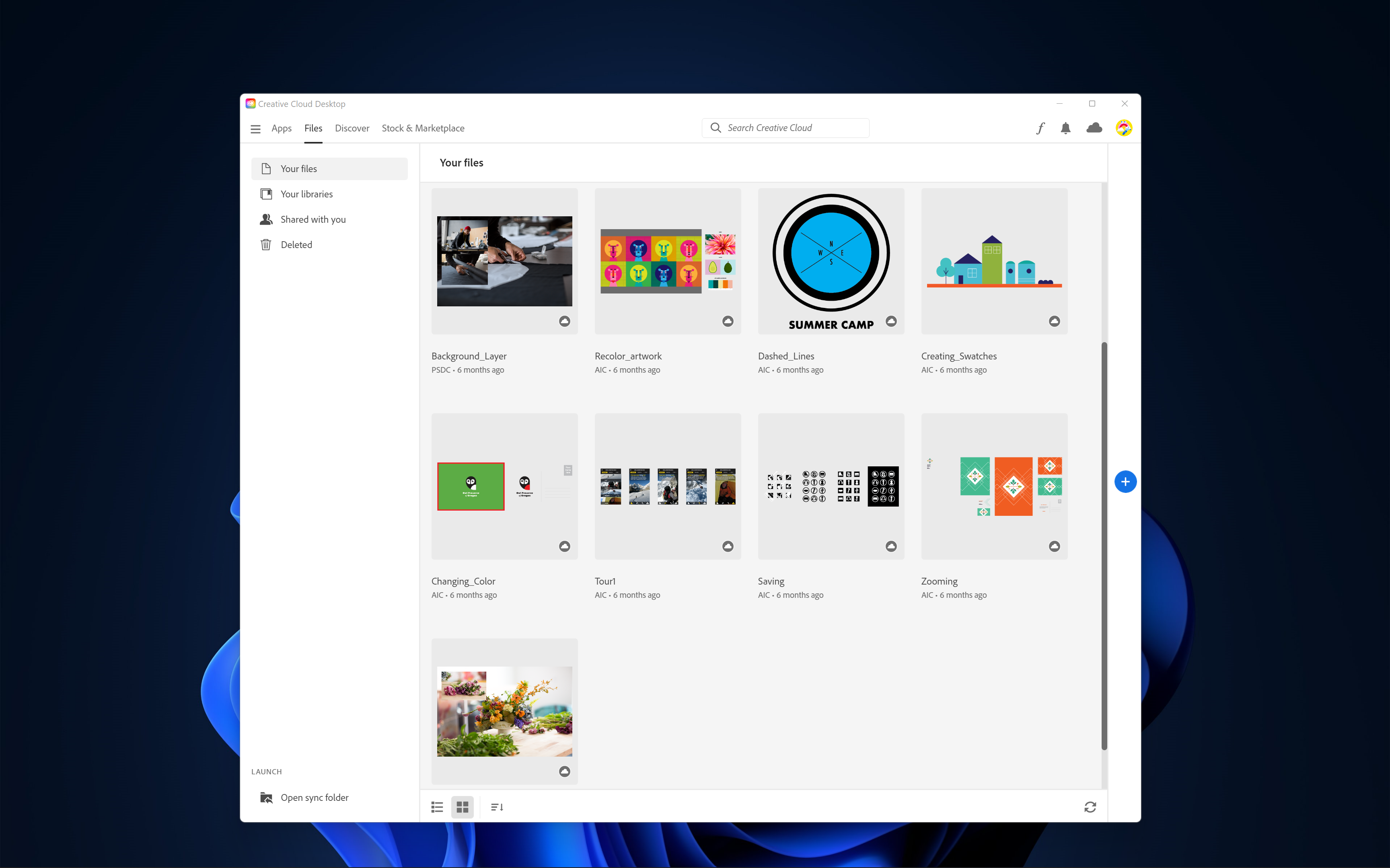
- Centralized Cloud Integration: Effortlessly sync and manage assets across devices, facilitating a fluid workflow without the hassle of manual transfers.
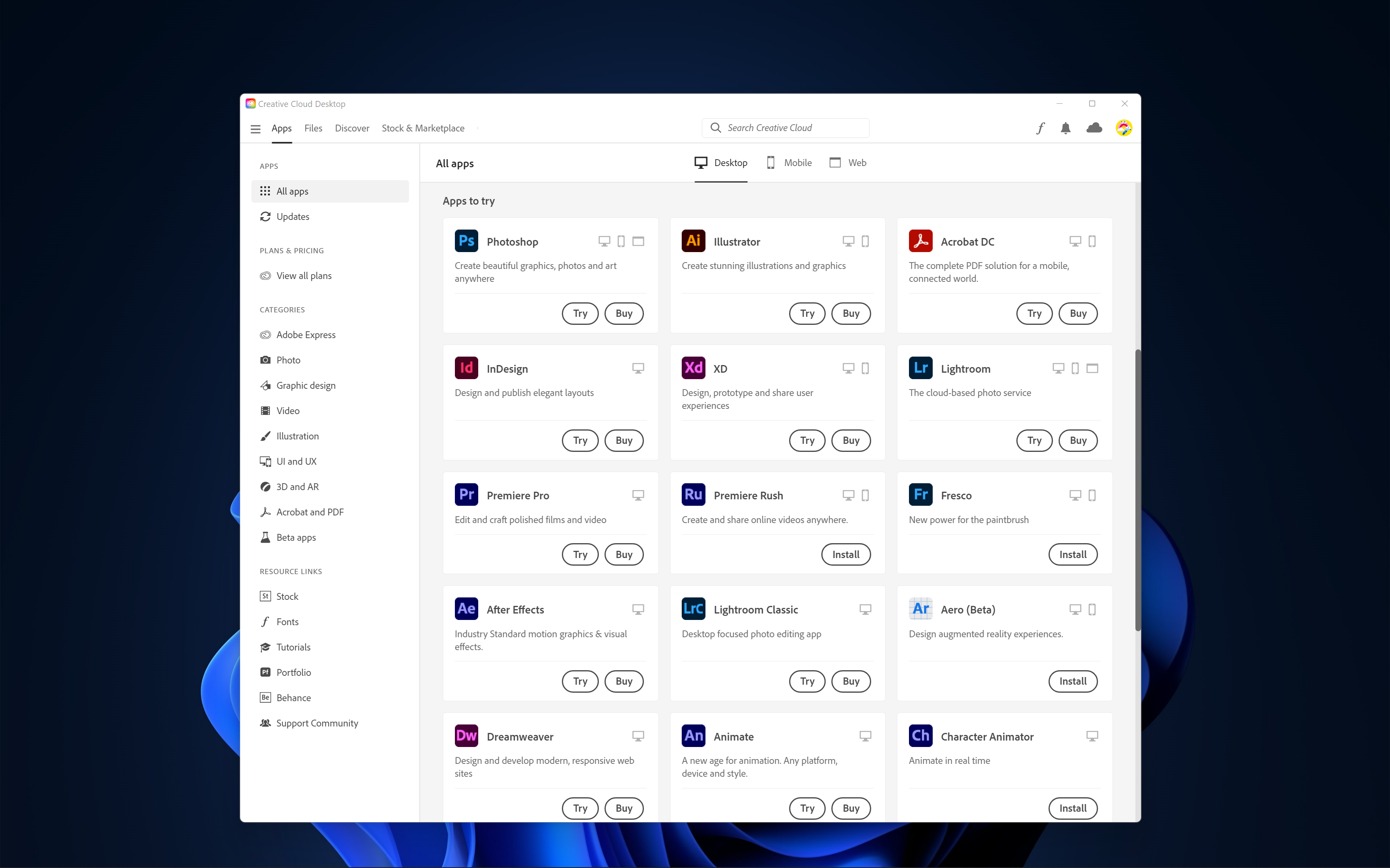
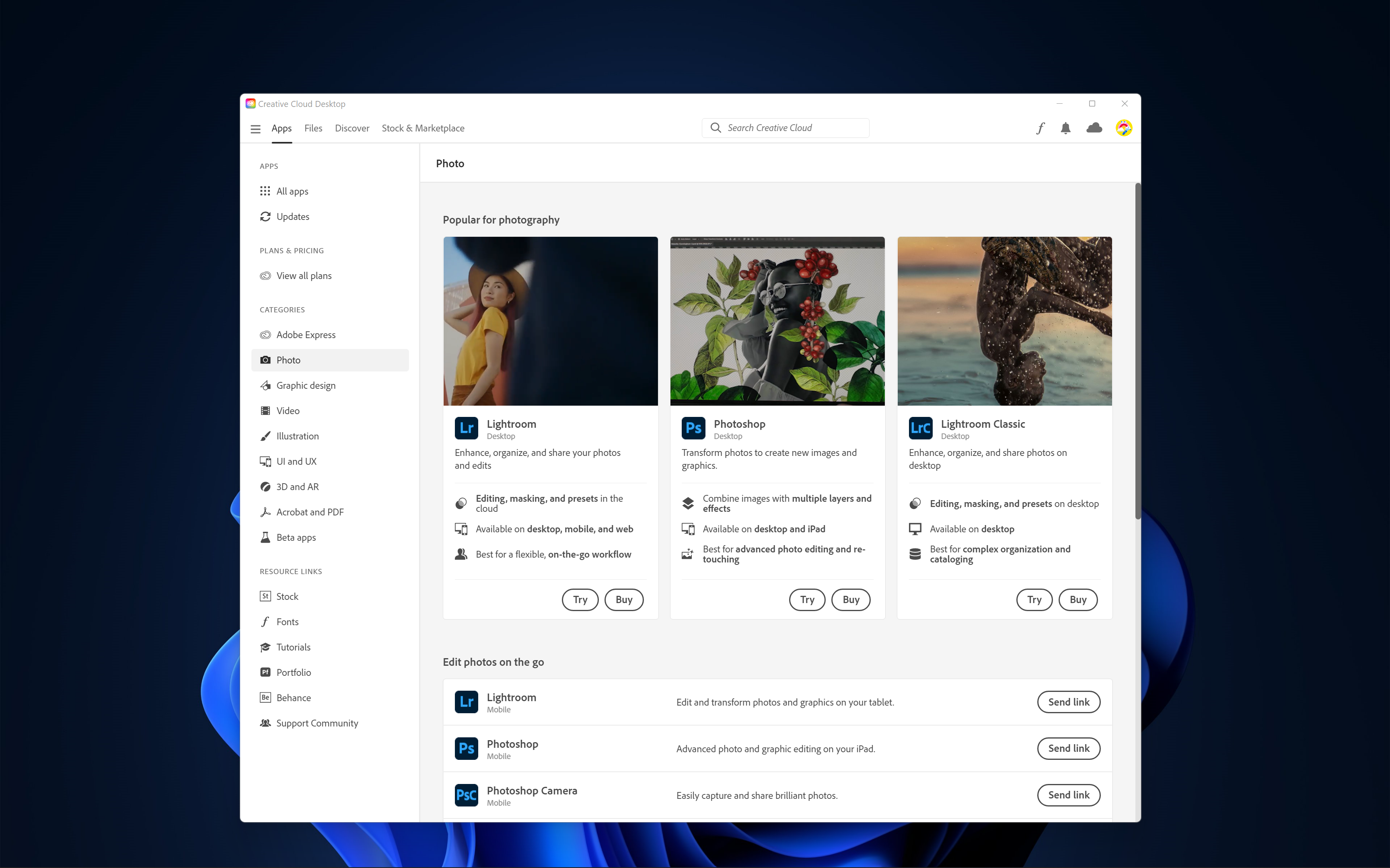
- Easy Access to Creative Tools: Access to a vast library of Adobe apps—such as Photoshop, Illustrator, and Premiere Pro—directly from the desktop environment, boosting productivity.
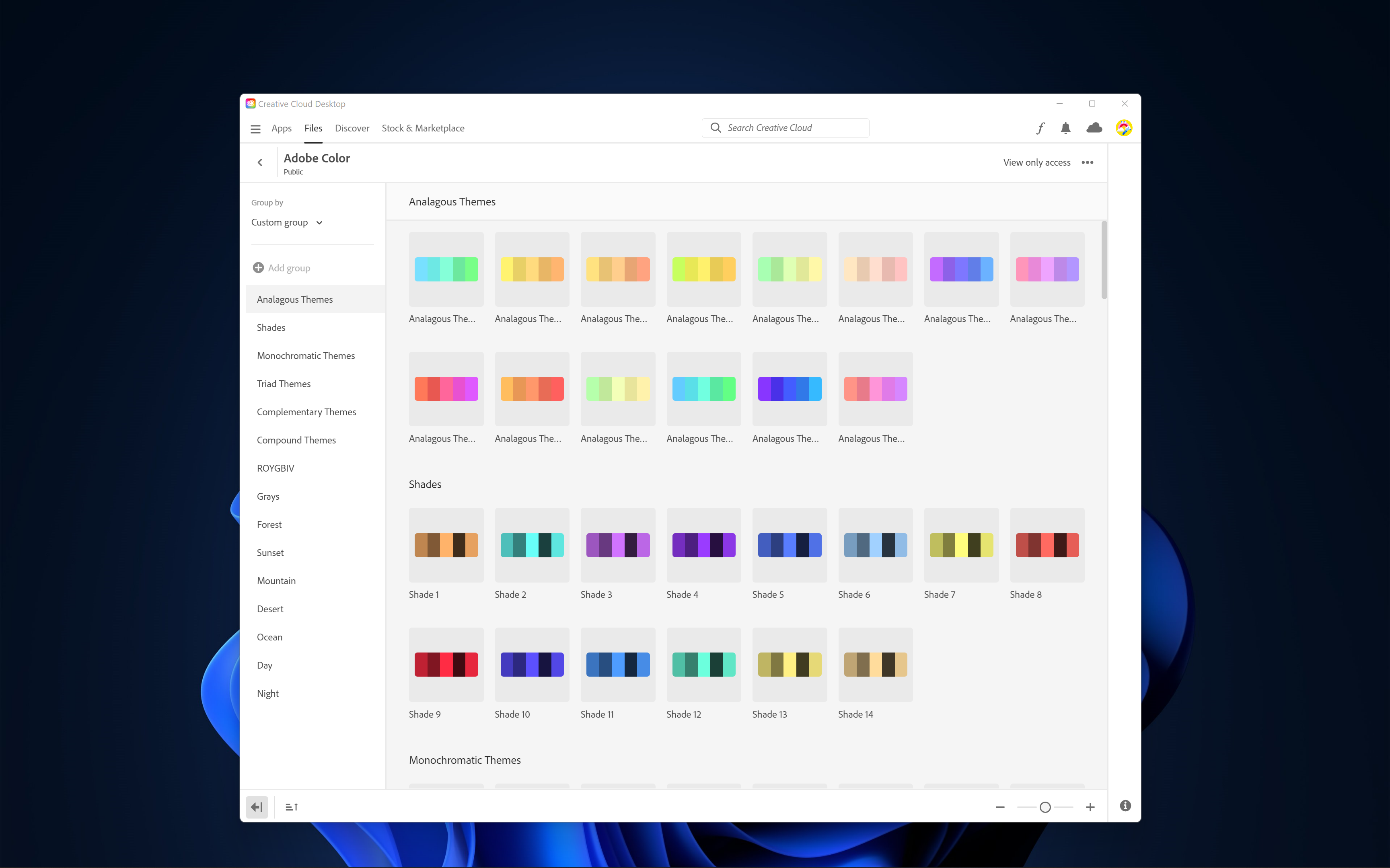
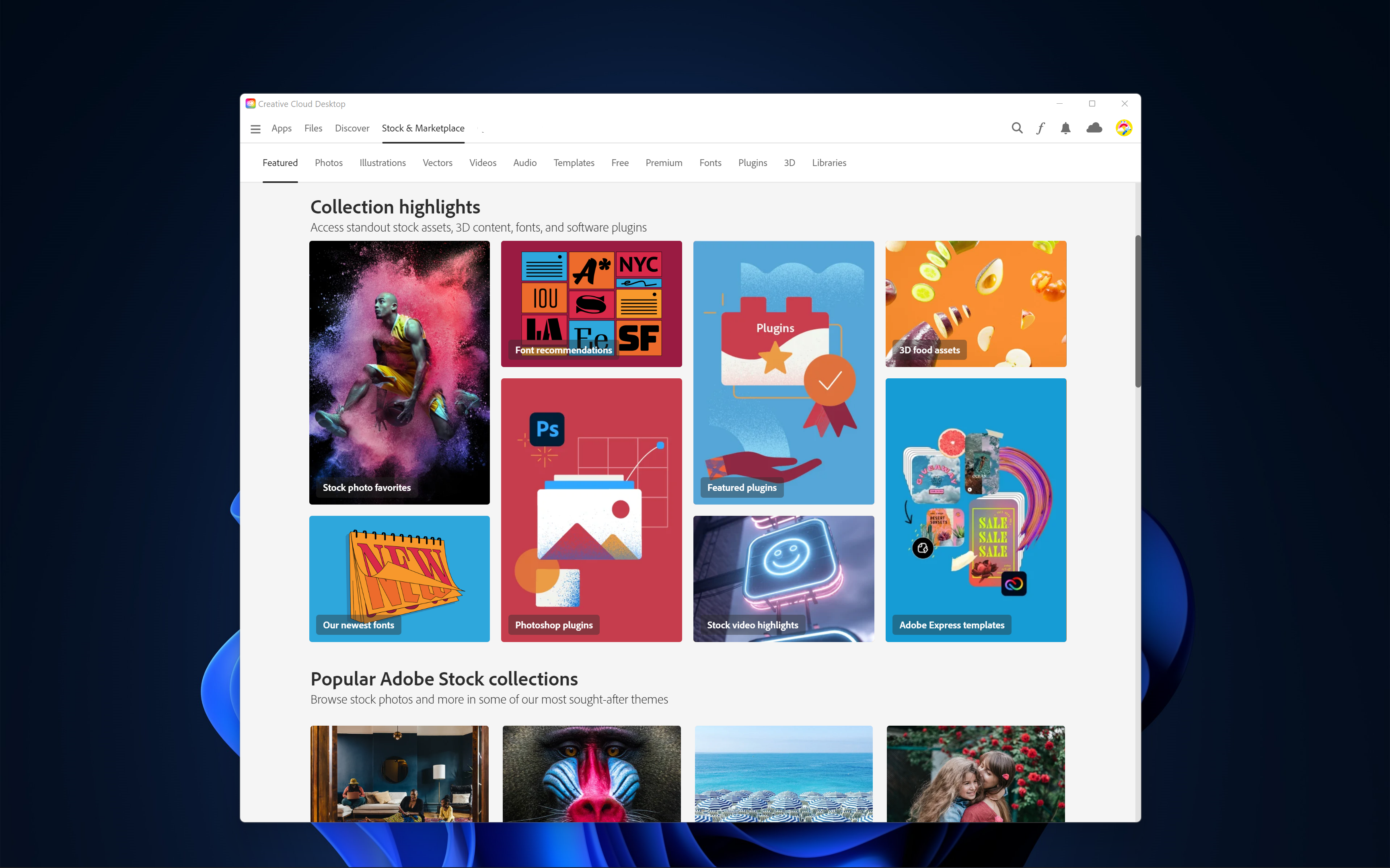
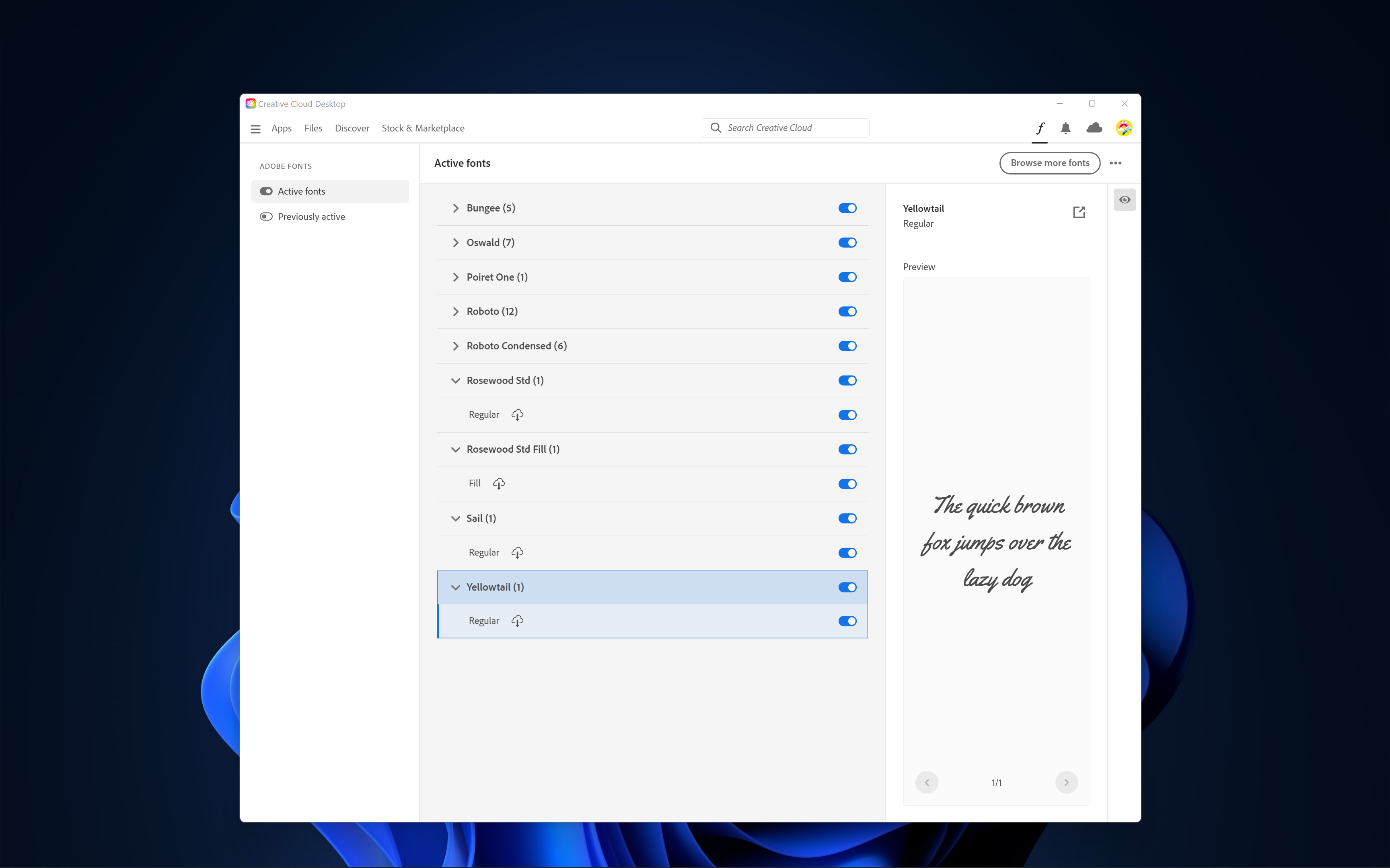
- Resource and Font Management: Integrated environment for managing fonts, templates, and stock assets, eliminating the need for third-party tools.
- Cloud Storage & Collaboration: Real-time sharing and co-editing capabilities enable teams to stay aligned, regardless of location.
Immersive User Experience and Performance
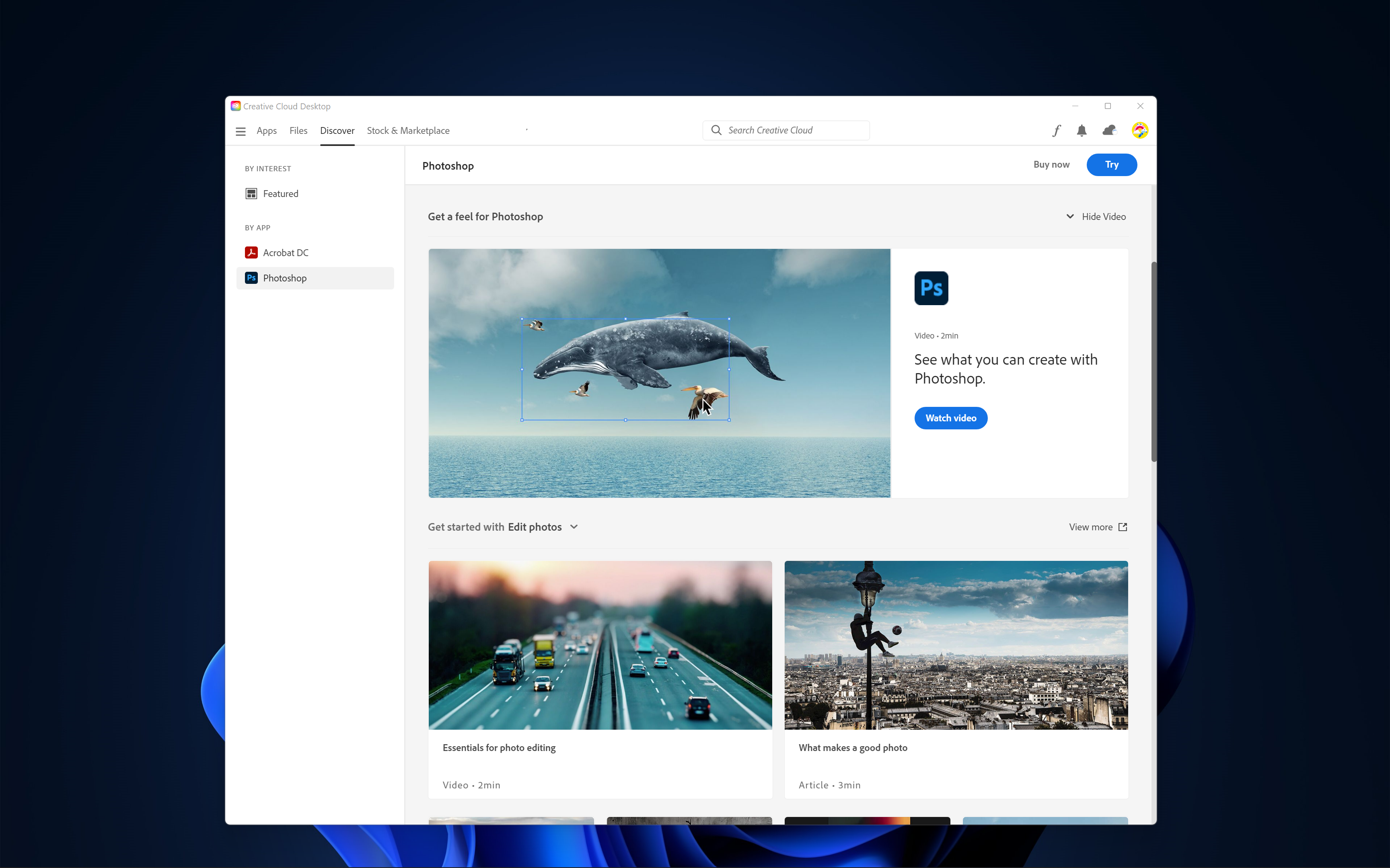
Upon launching Creative Cloud on Windows, users are welcomed into a sleek, intuitive interface that feels like stepping into a digital art studio. The dashboard is well-organized, with large icons and clear labels—imagine walking into a well-organized workshop, where every tool is within arm's reach. The app operates smoothly, with minimal loading times, even when managing large asset libraries or launching resource-intensive Adobe programs.
The learning curve is gentle; seasoned creatives will find advanced features accessible, while newcomers can navigate basic functions with ease. This balance makes Creative Cloud not just a tool, but a reliable partner in creative endeavors.
Unique Advantages in a Crowded Market
Compared to other productivity suites, Adobe Creative Cloud's standout is its deep integration focused on workflow efficiency and cognitive load reduction. Unlike standalone apps that can feel disconnected, Creative Cloud acts as a central hub—think of it as your creative command center—where assets, tools, and collaboration are all interconnected seamlessly. Its cloud-based infrastructure reduces the mental clutter often caused by juggling multiple files, apps, and versions.
This focus on reducing cognitive strain sets it apart; users can concentrate on their creative process rather than navigating complex menus or managing multiple subscriptions. The platform's ability to maintain a consistent, synchronized environment across devices is akin to having an assistant that knows your workspace intimately, ensuring you spend less time organizing and more time creating.
Recommendations and Usage Tips
Overall, Adobe Creative Cloud for Windows earns a strong recommendation for professional creatives and serious hobbyists who value integration and efficiency. For those already invested in Adobe's ecosystem, it's a natural extension that enhances productivity and collaboration. Beginners, meanwhile, will appreciate its organized interface and the wealth of resources at their fingertips.
To maximize its benefits, we suggest setting up synchronized asset folders and exploring the collaborative features early on. While some may find the subscription model a commitment, the payoff in streamlined workflow and resource access makes it worthwhile for ongoing projects.
In conclusion, Adobe Creative Cloud for Windows isn't just a suite of apps—it's an integrated environment designed to ease your creative journey, allowing you to focus on what truly matters: bringing your ideas to life.
Pros
- Comprehensive Creative Tools
- Cloud Sync and Storage
- Regular Updates and New Features
- Unified Subscription Model
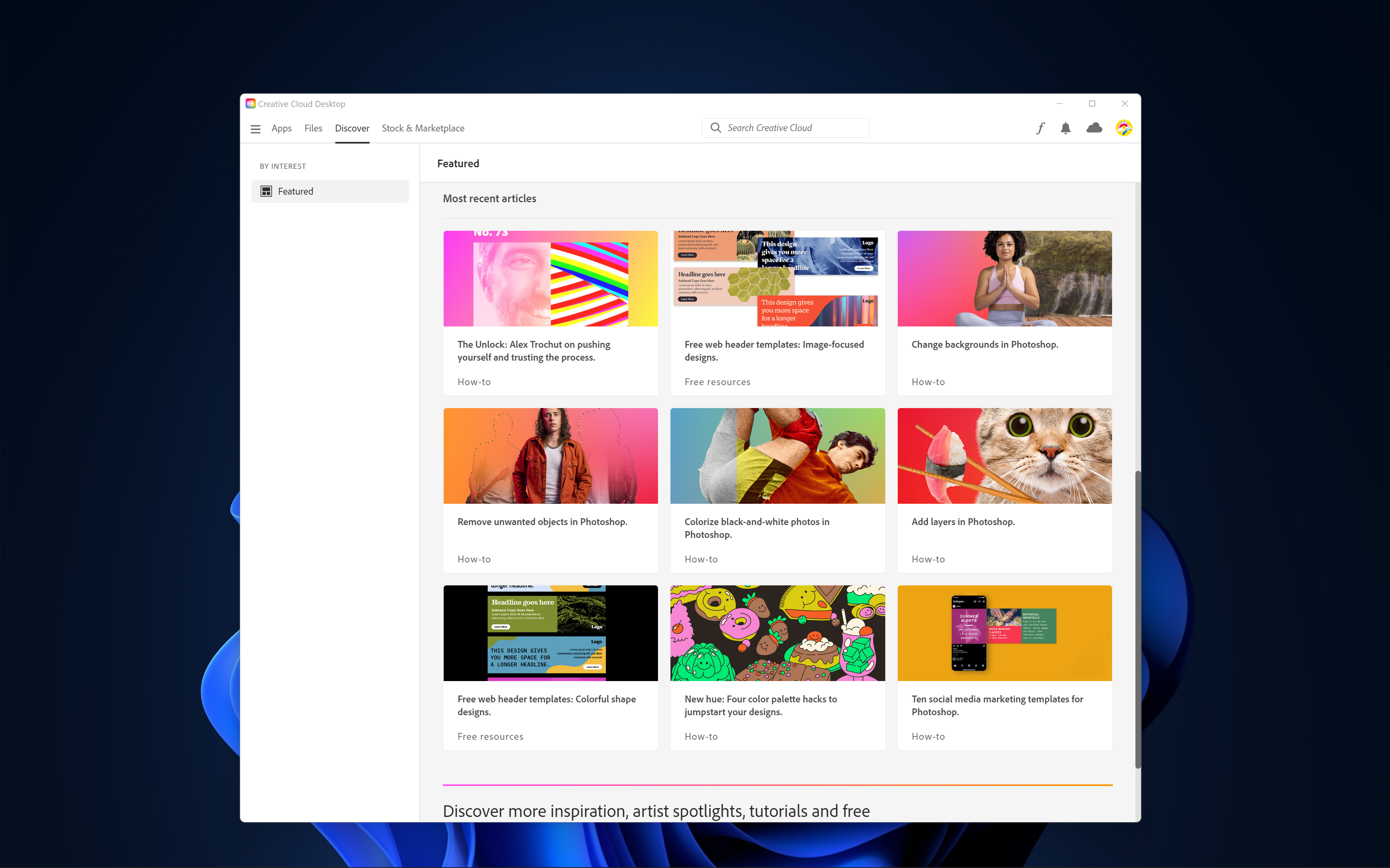
- Extensive Tutorials and Resources
Cons
- High Subscription Cost
- Initial Download Size is Large
- System Requirements are Heavy
- Occasional Cloud Connectivity Issues
- Learning Curve for Beginners











