


- Category Photo & video
- Developer Adobe, Inc.
- Available on PC
- OS Windows 10 version 0.0 or higher
- Keyboard Integrated Keyboard
- Mouse Integrated Mouse
- Memory 8 GB
- DirectX DirectX 12 API, Hardware Feature Level 11
- languages Chinese (Simplified), Chinese (Traditional Chinese), Dutch, English, French, German, Italian, Japanese, Korean, Norwegian, Polish, Portuguese, Russian, Spanish, Swedish, Thai
Unveiling Adobe Lightroom for Windows: A Powerhouse for Photographers
Imagine having a professional darkroom right on your desktop—Adobe Lightroom for Windows offers just that, providing photographers and hobbyists alike a comprehensive toolkit to elevate their images with precision and finesse. Developed by Adobe Inc., this application merges powerful editing features with an intuitive interface, making complex editing tasks feel like a breeze.
Core Functionality Highlights That Make Lightroom Stand Out
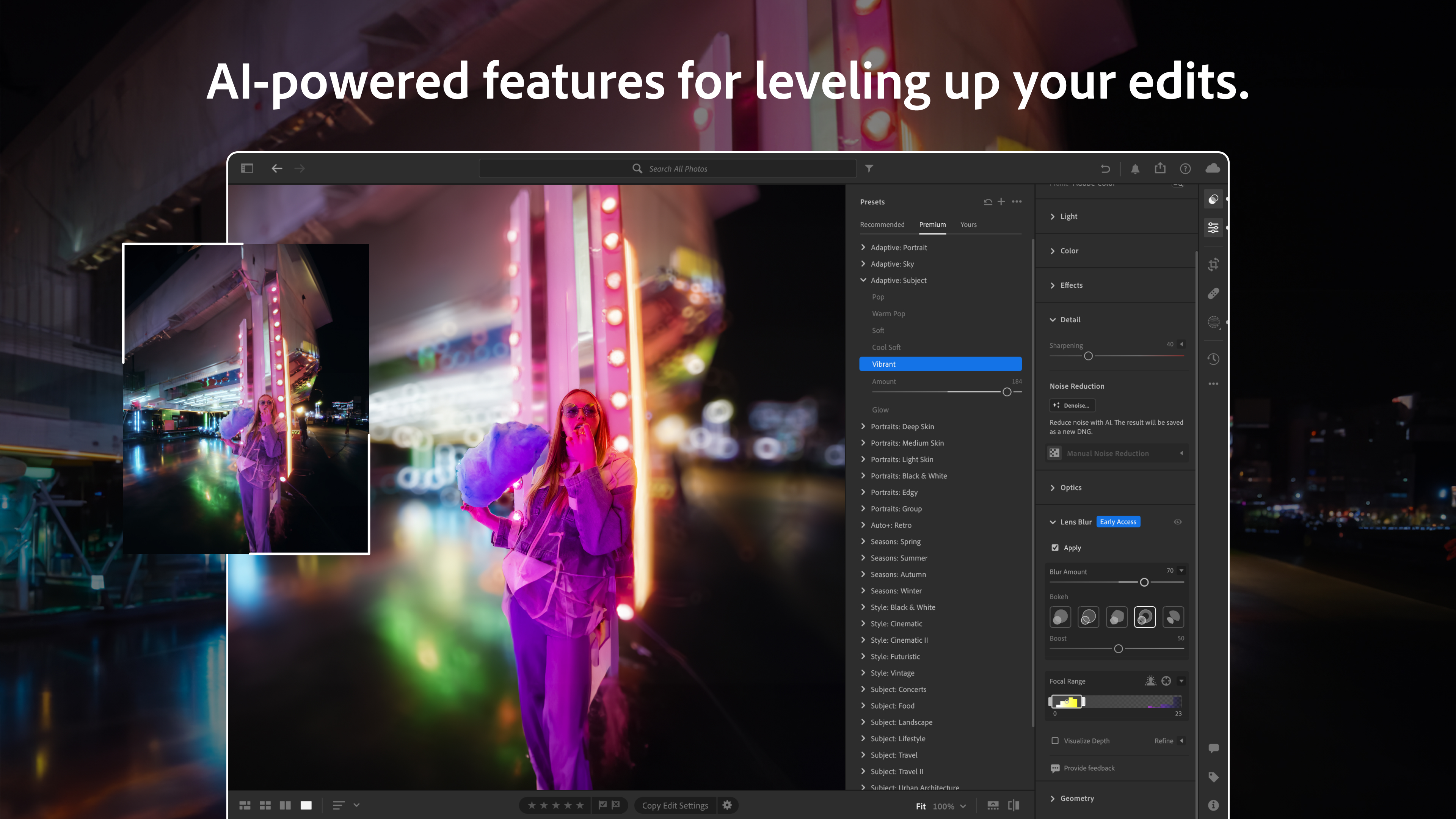
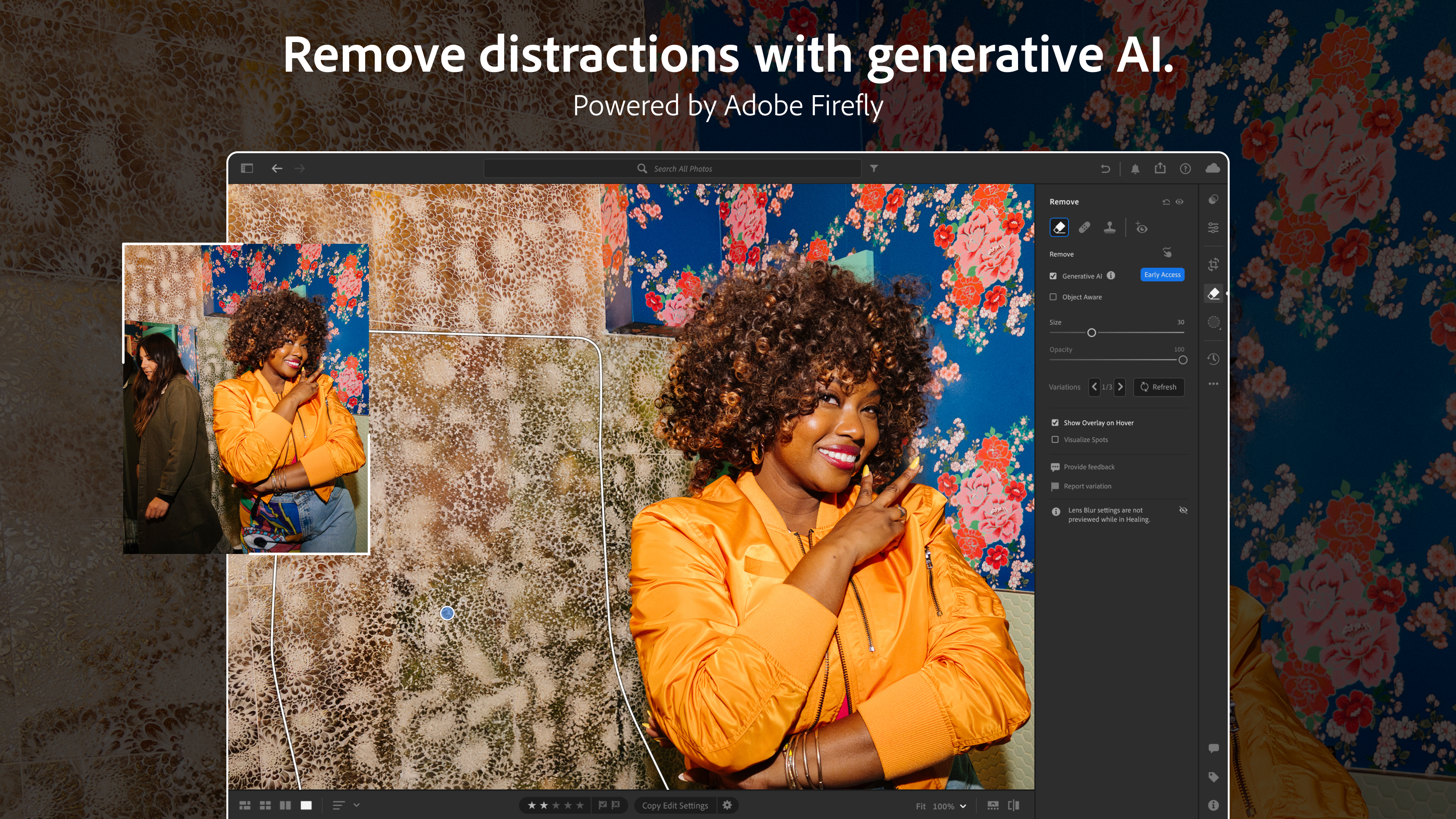
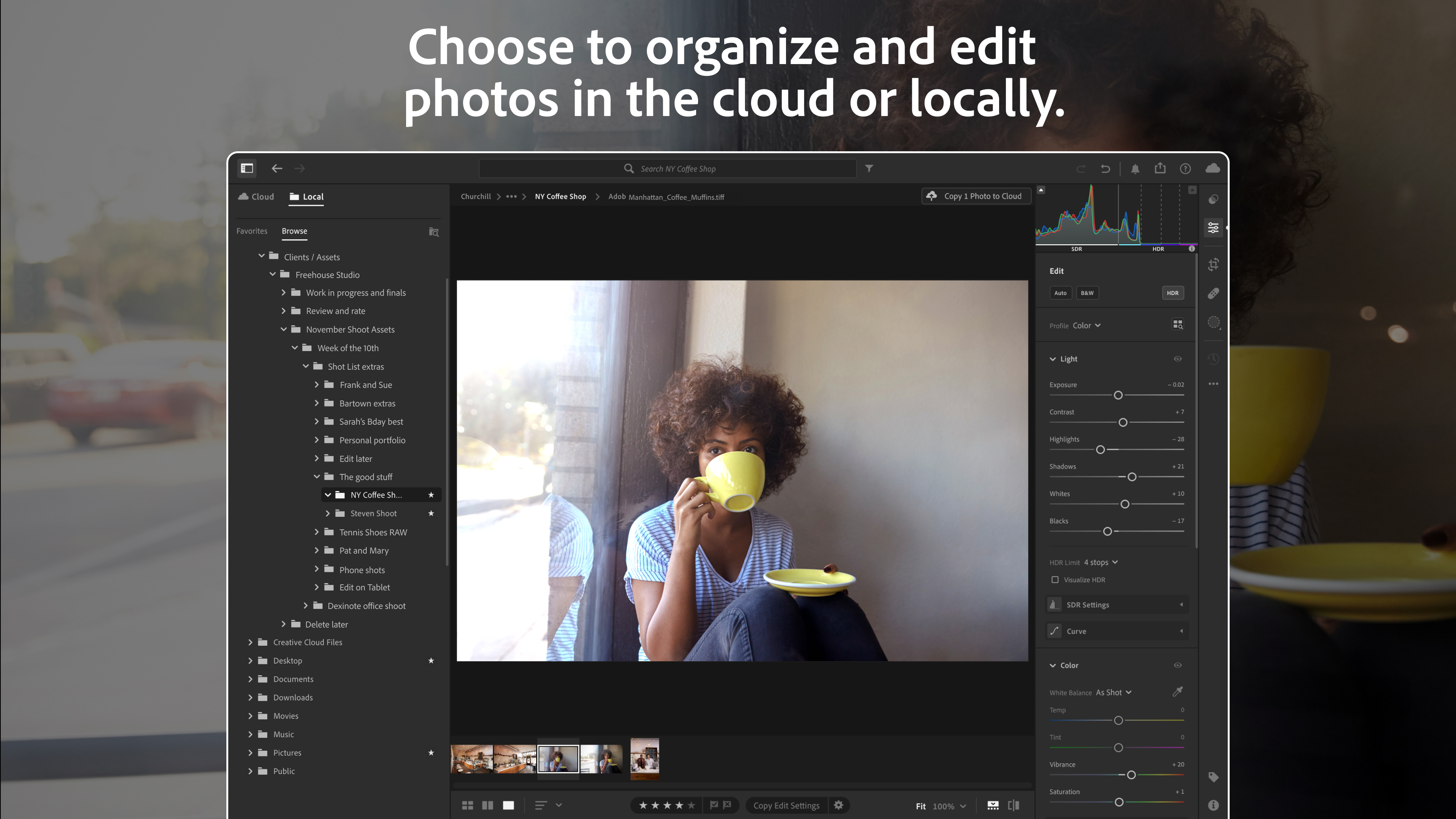
At the heart of Lightroom's appeal are its robust features—non-destructive editing, AI-powered auto adjustments, and seamless cloud integration—all wrapped in an accessible package. These tools empower users to craft stunning visuals without steep learning curves.
Editing Versatility with Precision Control
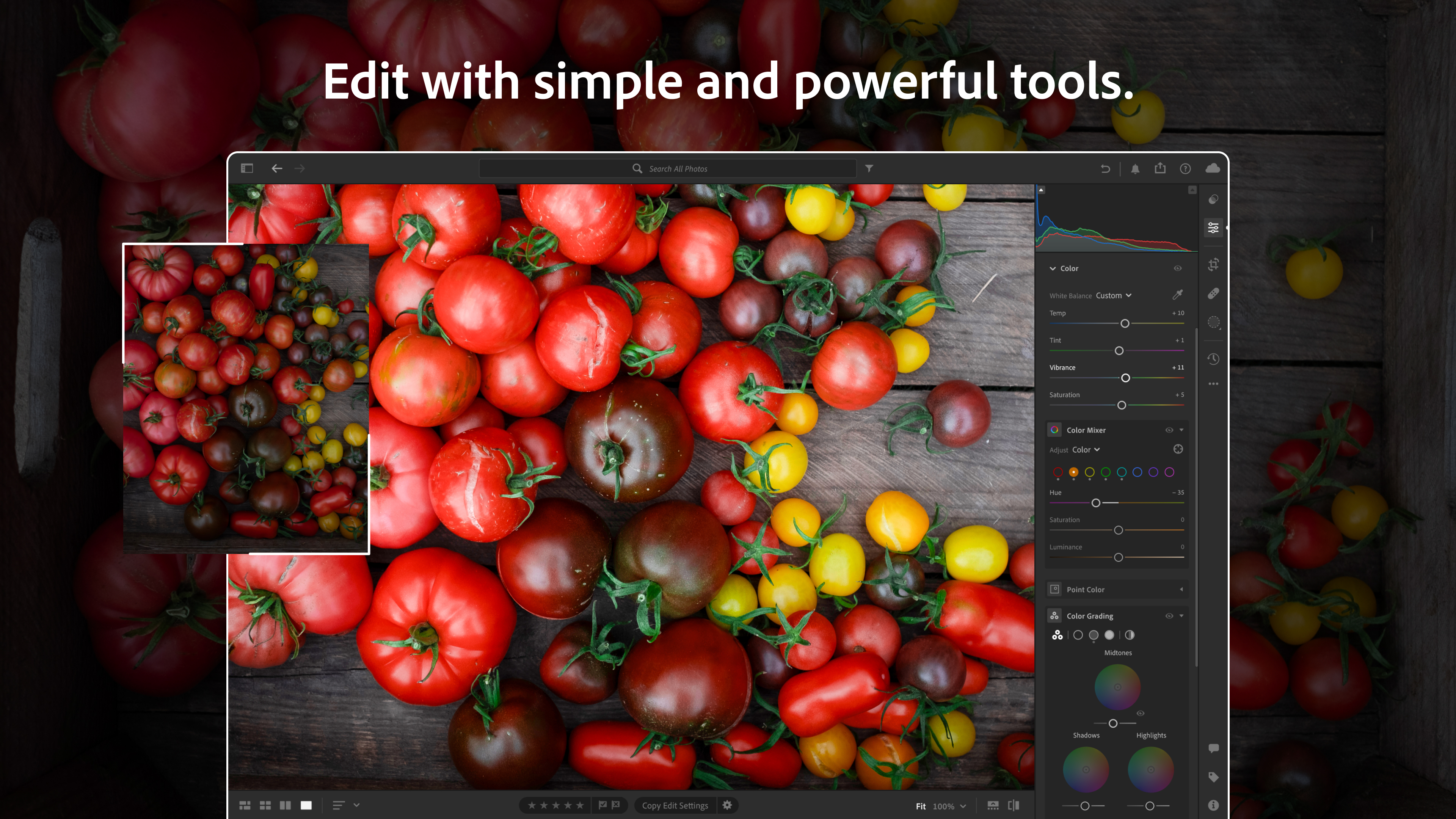
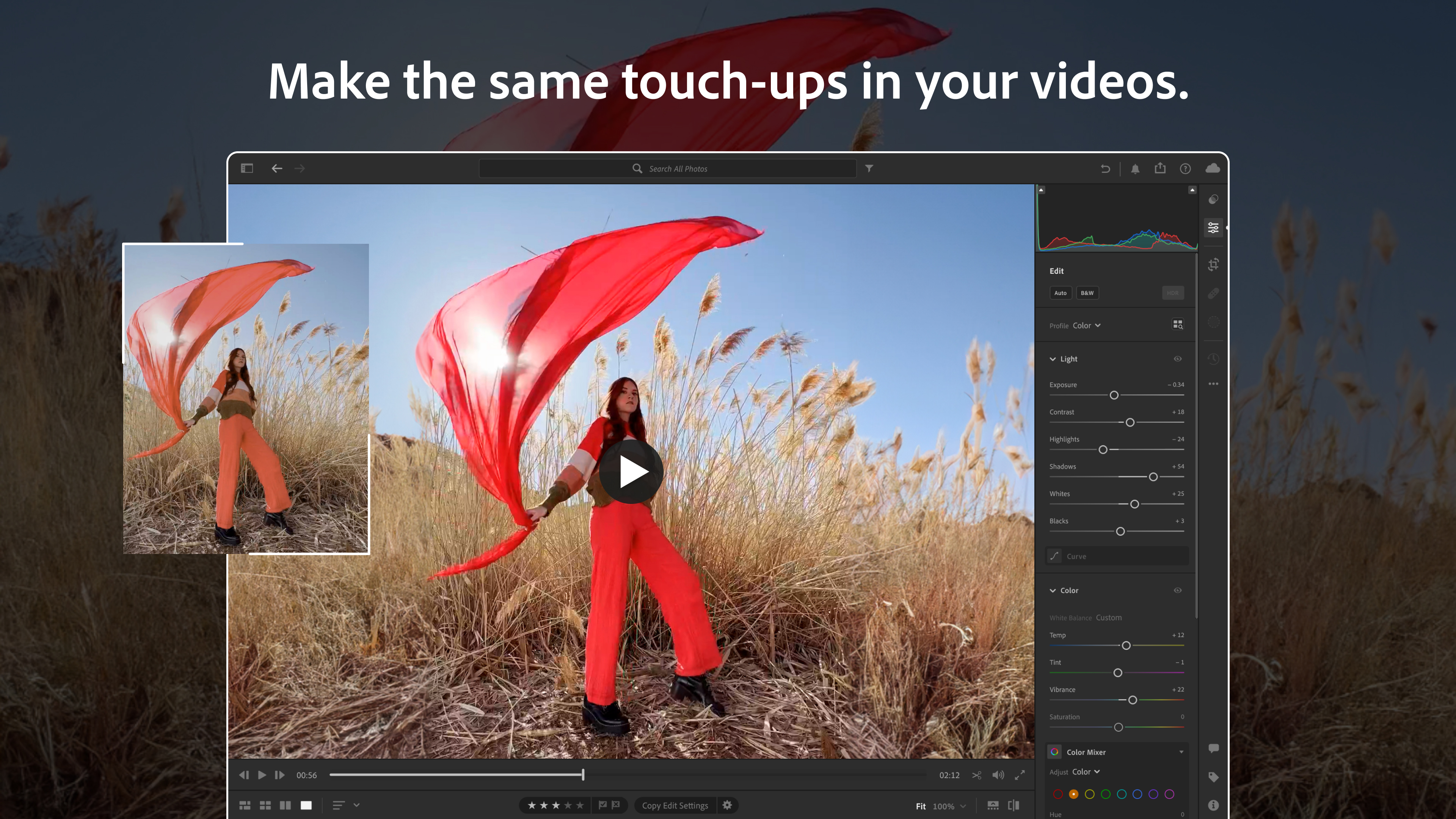
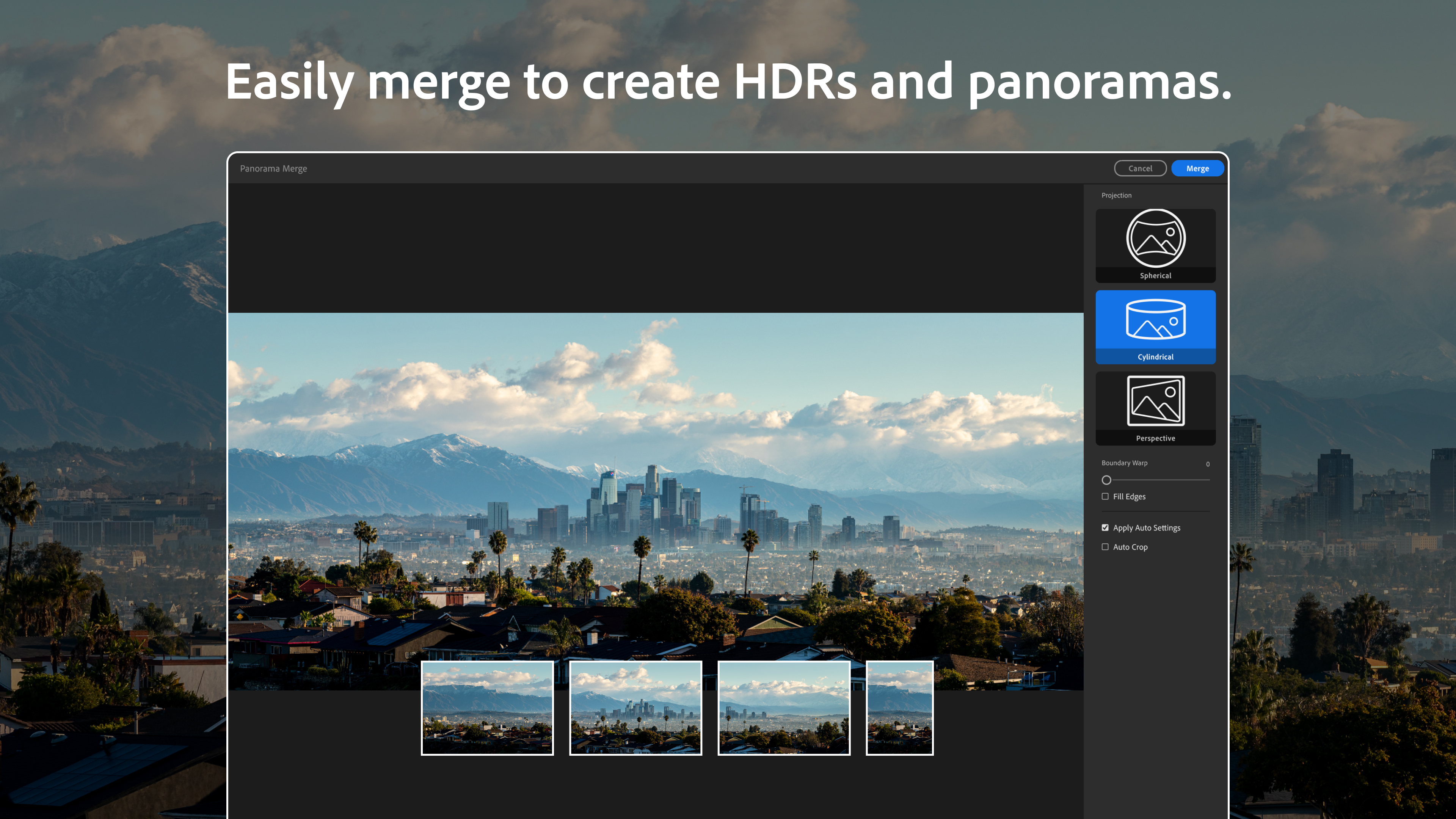
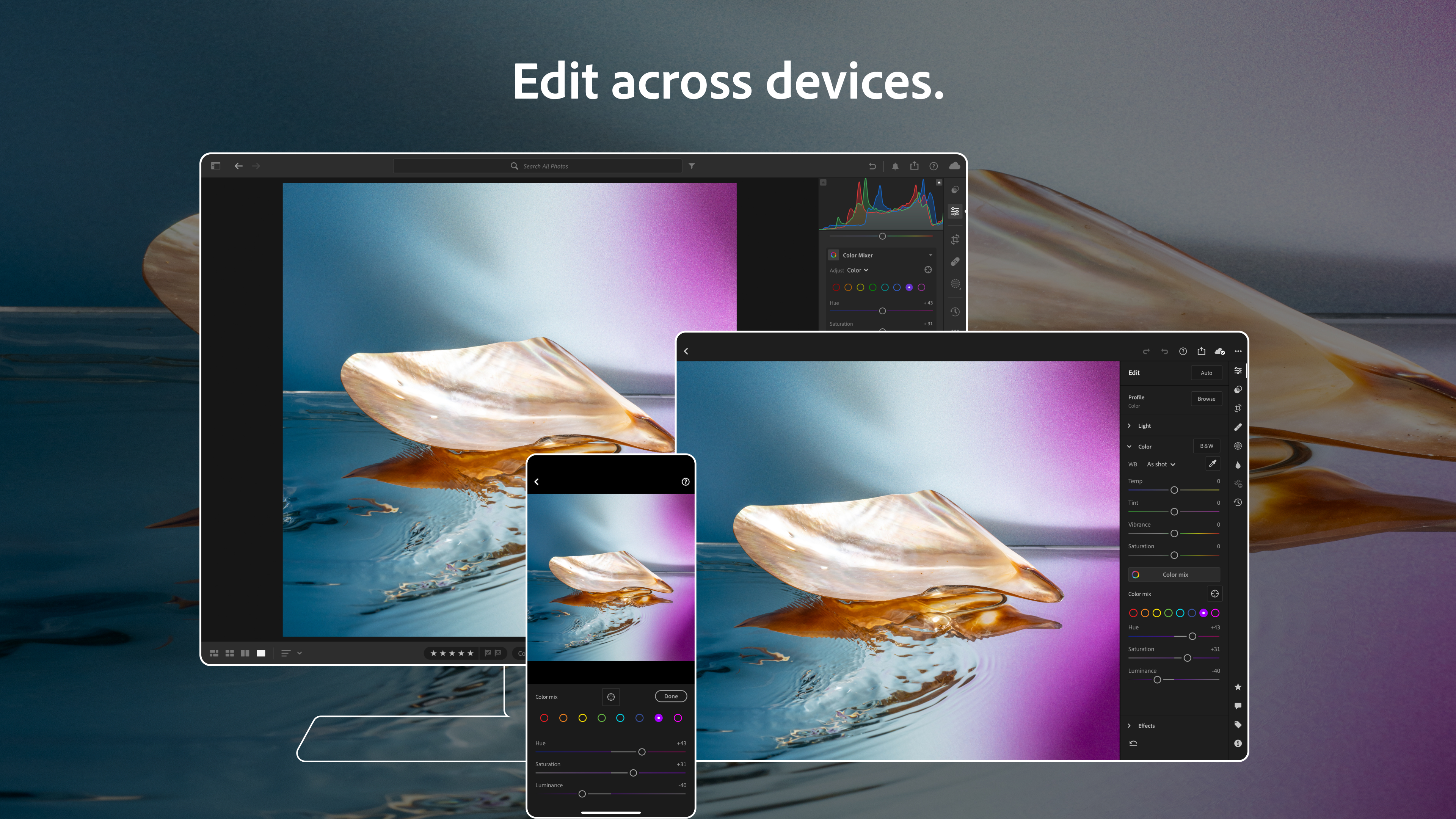
Lightroom excels in offering a broad spectrum of editing options—from basic tweaks like exposure, contrast, and color balance to advanced adjustments such as tone curves and HSL sliders. The interface mimics a painter's palette, allowing users to fine-tune every aspect of their photos visually. Moreover, it supports batch editing, which is a lifesaver for photographers handling multiple images simultaneously, maintaining consistency and saving time.
Smart Auto and AI Features Elevate Your Workflow
One of Lightroom's most compelling aspects is its intelligent auto adjustments, powered by Adobe's Sensei AI technology. This feature analyzes your photo and suggests optimal settings, helping beginners achieve professional-looking results swiftly. It's like having a seasoned editor by your side, making quick decisions about light and color, yet retaining full control for those who want to tweak further.
Sleek User Interface and User Experience
The application's interface strikes a fine balance—clean, uncluttered, yet packed with tools. Navigation is smooth, even on mid-range hardware, thanks to optimized performance. The learning curve is gentle enough for newcomers, yet comprehensive enough to satisfy seasoned photographers who crave detailed control. Guided tutorials and contextual help further ease onboarding, turning the software into an engaging creative partner rather than a daunting tool.
What Sets Lightroom Apart from Similar Apps?
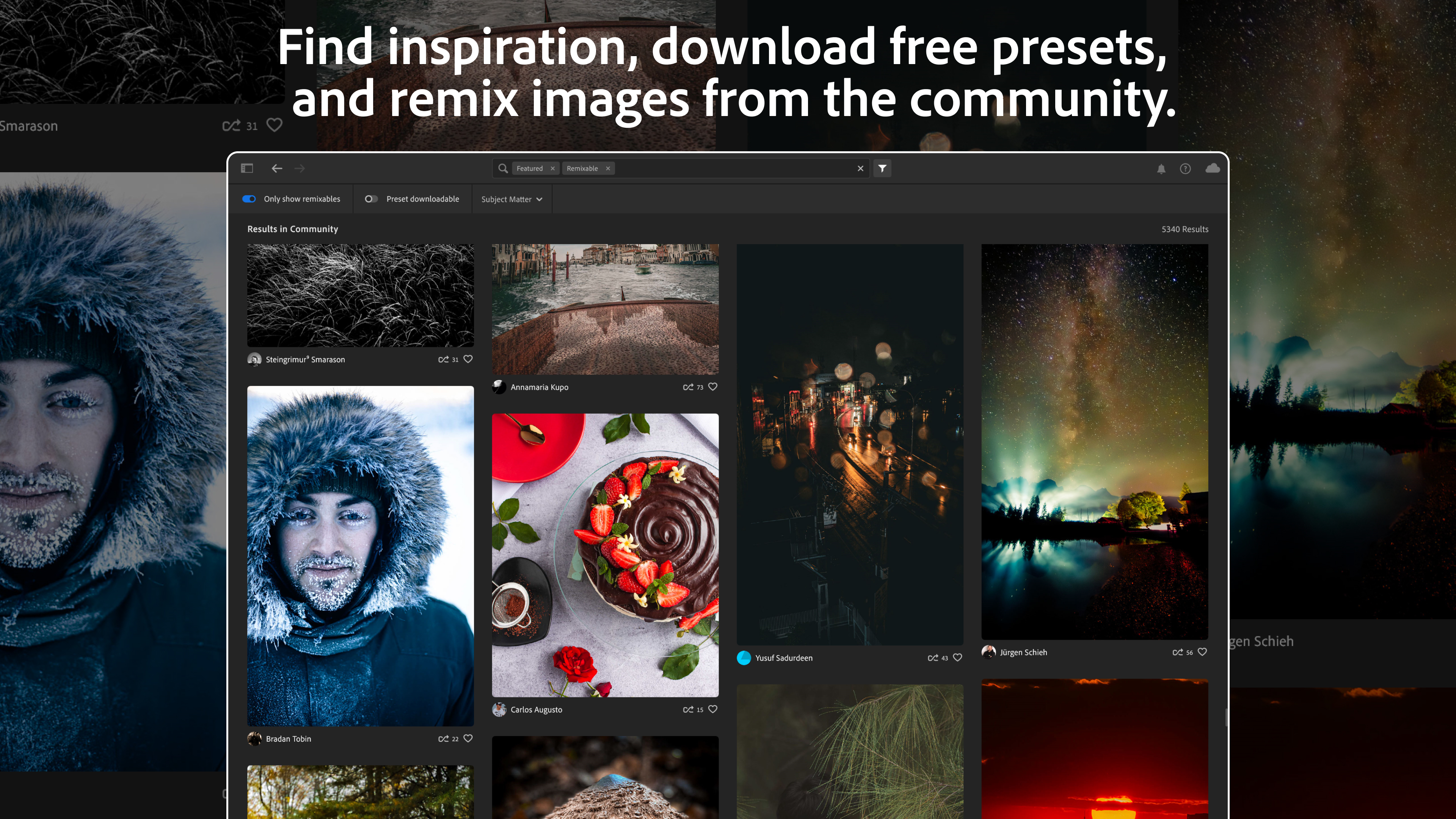
Compared to other photo editing apps like Capture One or DxO PhotoLab, Lightroom's most distinctive advantage lies in its tight integration within the Adobe Creative Cloud ecosystem. This connectivity allows for effortless syncing across devices, cloud storage, and access to Adobe's thriving community and resources. Plus, its non-destructive editing model ensures your original photos remain unaltered—a vital feature for professional workflows. The recent AI-powered auto adjustments are also notably sophisticated, making quick edits both effective and accessible. Furthermore, Lightroom's emphasis on a streamlined, user-friendly interface makes it easier for amateurs to jump in without feeling overwhelmed.
Final Thoughts and Recommendations
Overall, Adobe Lightroom for Windows is a highly capable, thoughtfully designed application that strikes a fine balance between professional-grade features and user-friendly experience. If you're looking for a versatile photo editor that can grow with your skills—whether you're a hobbyist or a semi-professional photographer—Lightroom is definitely worth exploring. Its standout features, especially the intelligent auto adjustments and seamless cloud integration, make it a particularly appealing choice for those who want efficient, high-quality results without a steep learning curve.
While it might not replace more specialized editors for niche tasks, Lightroom's breadth and depth make it a reliable, all-in-one solution for most photo editing needs. I recommend giving it a try, especially if you're already embedded in the Adobe ecosystem or intending to develop a consistent photo editing workflow. With its professional tools and approachable design, Lightroom could very well become your go-to photography companion.
Pros
- User-Friendly Interface
- Powerful Editing Tools
- Cloud Integration
- Advanced AI Features
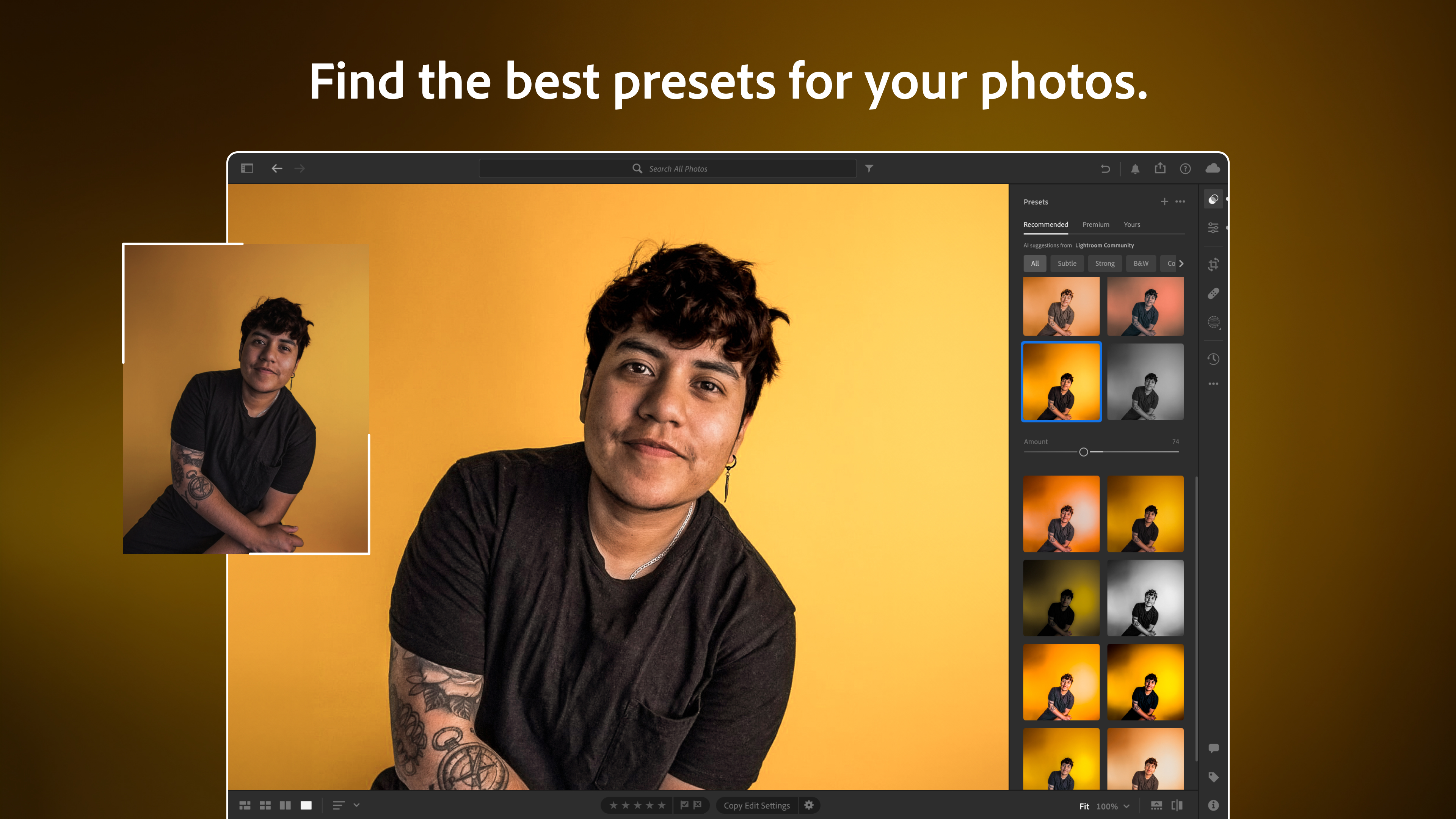
- Extensive Presets and Support
Cons
- High Subscription Cost
- Occasional Lag and Crashes
- Limited Offline Capabilities
- Learning Curve for Advanced Tools
- Storage Requirements











