
- Category Photo & video
- Developer Adobe
- Available on PC
- OS Windows 10 version 0.0 or higher
- Keyboard Integrated Keyboard
- Mouse Integrated Mouse
- Memory 8 GB
- DirectX DirectX 12 API, Hardware Feature Level 12
- languages Arabic, Chinese (Simplified), Chinese (Traditional Chinese), Czech, Danish, Dutch, English (United Kingdom), English (United States), Finnish, French, French (Canada), German, Hebrew, Hungarian, Italian, Japanese, Korean, Norwegian, Polish, Portuguese (Brazil), Russian, Spanish, Swedish, Swedish (Finland), Turkish, Ukrainian
Adobe Photoshop for Windows: A Professional's Digital Canvas
Adobe Photoshop stands as the gold standard in digital image editing, offering a comprehensive suite of tools tailored for creative professionals, hobbyists, and anyone serious about visual composition. With its latest iteration on Windows, it continues to refine its position as an indispensable powerhouse for photo manipulation, graphic design, and artistic expression.
Developer and Core Features
Developed by the renowned Adobe Inc., this application benefits from decades of experience in crafting industry-leading creative software. Its principal features include advanced layering capabilities, AI-powered selection tools, and seamless integration with Adobe's Creative Cloud ecosystem. These features enable users to push their creativity to new heights with precision and efficiency. Designed to cater to both beginners and experts, the app's intuitive interface bridges complex functionalities with user-friendly navigation.
Introduction: Unlocking Creativity with Every Click
Imagine stepping into a digital workshop where every tool you need is at your fingertips, ready to transform a simple photo into a captivating masterpiece. Whether you're retouching a portrait or designing intricate graphics, Adobe Photoshop for Windows offers a playground of possibilities. Its rich feature set is like a versatile toolbox where every tool serves a purpose, waiting to help you craft visually stunning projects with confidence and ease.
Powerful Editing Tools and Core Functionality
1. Precision of AI-Enhanced Selections and Masking
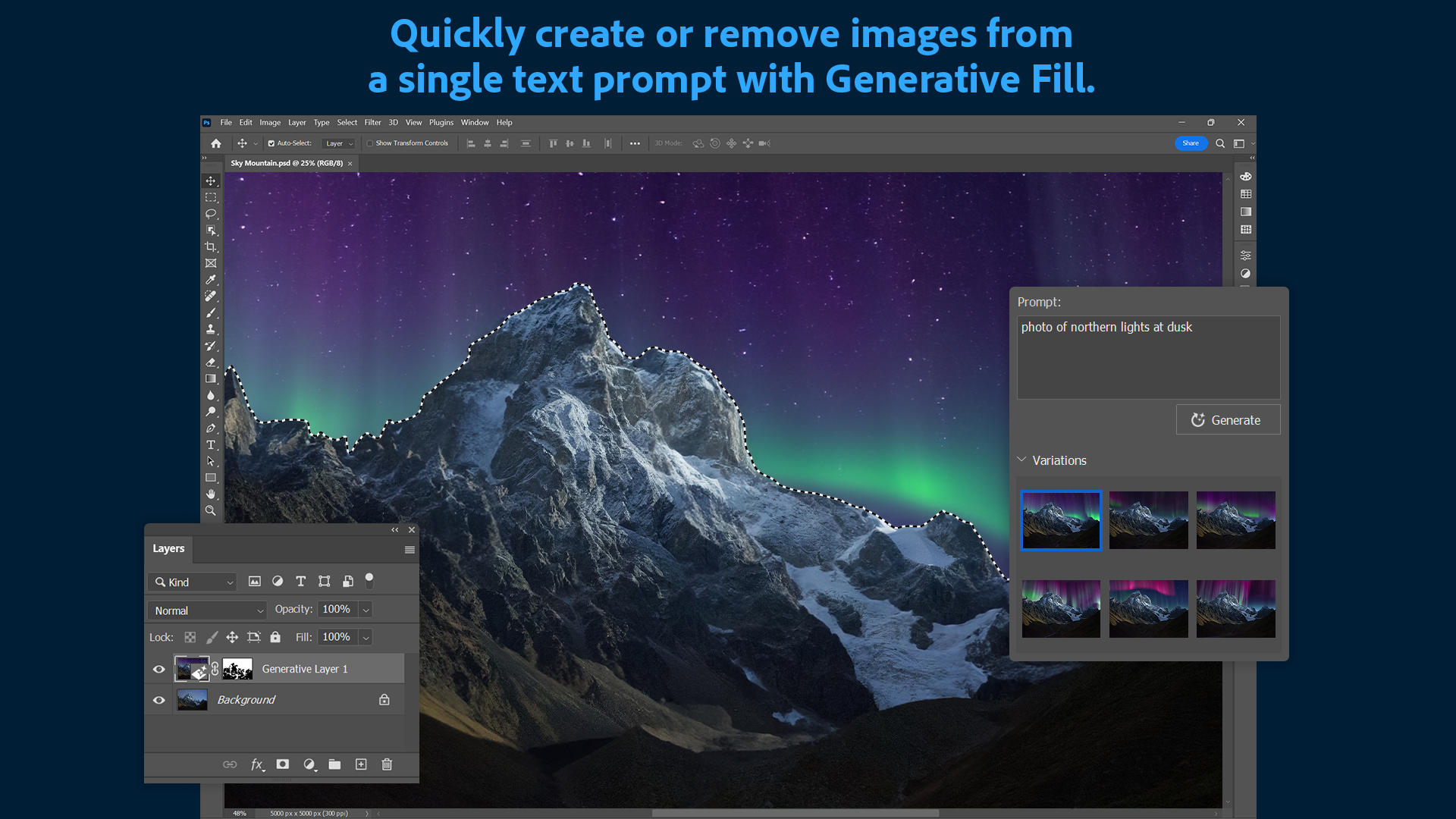
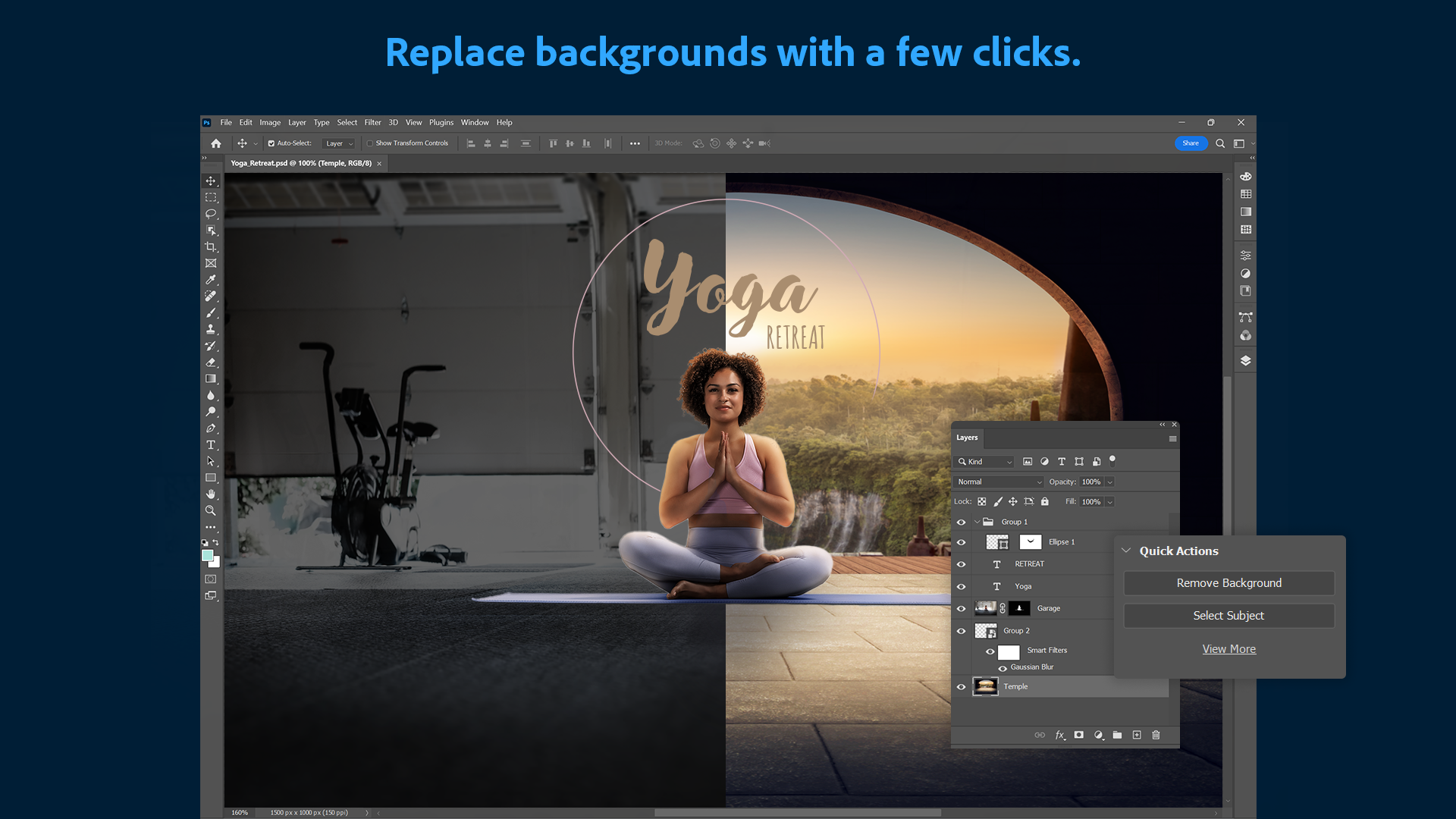
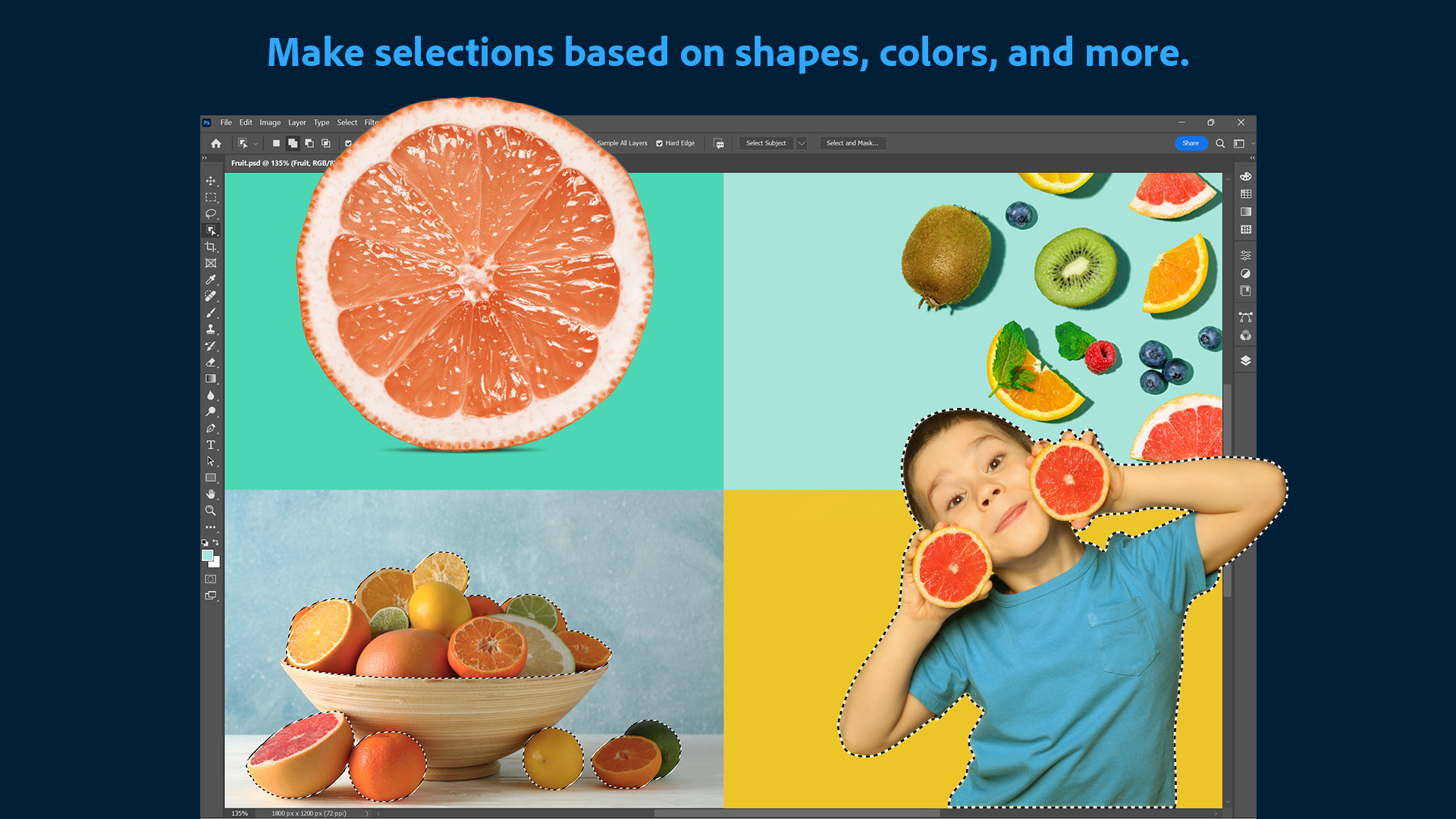
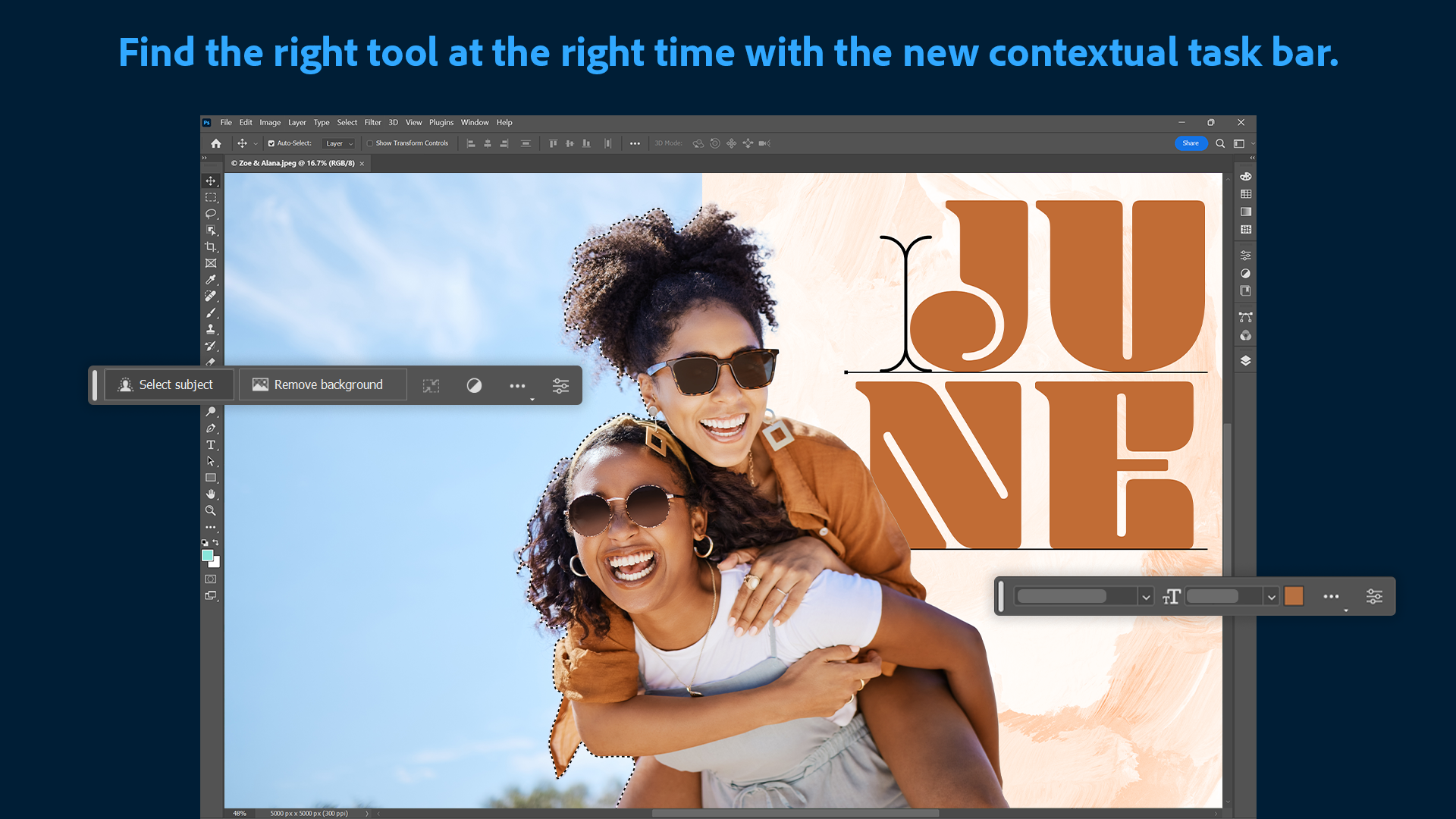
The standout feature making headlines is Adobe's AI-driven selection technology, such as 'Select Subject' and 'Object AI', which automatically identifies and isolates elements within images. This is like having a robotic assistant that quickly and accurately pinpoints complex objects — from hair strands to intricate jewelry — saving countless hours of manual masking. For professionals working on detailed retouching or composite images, this tool accelerates workflows without compromising quality.
2. Dynamic Layer Management and Non-Destructive Editing
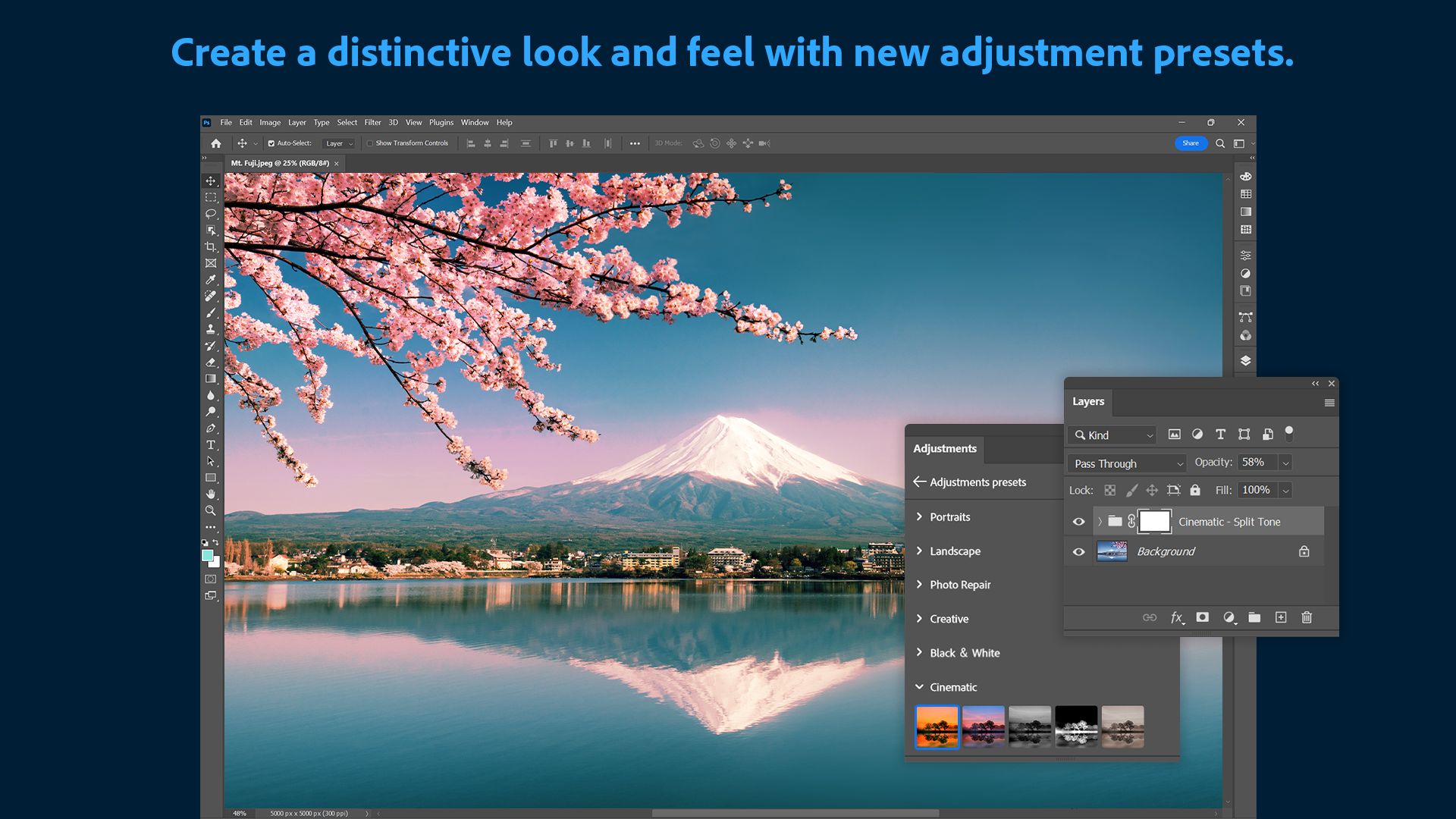
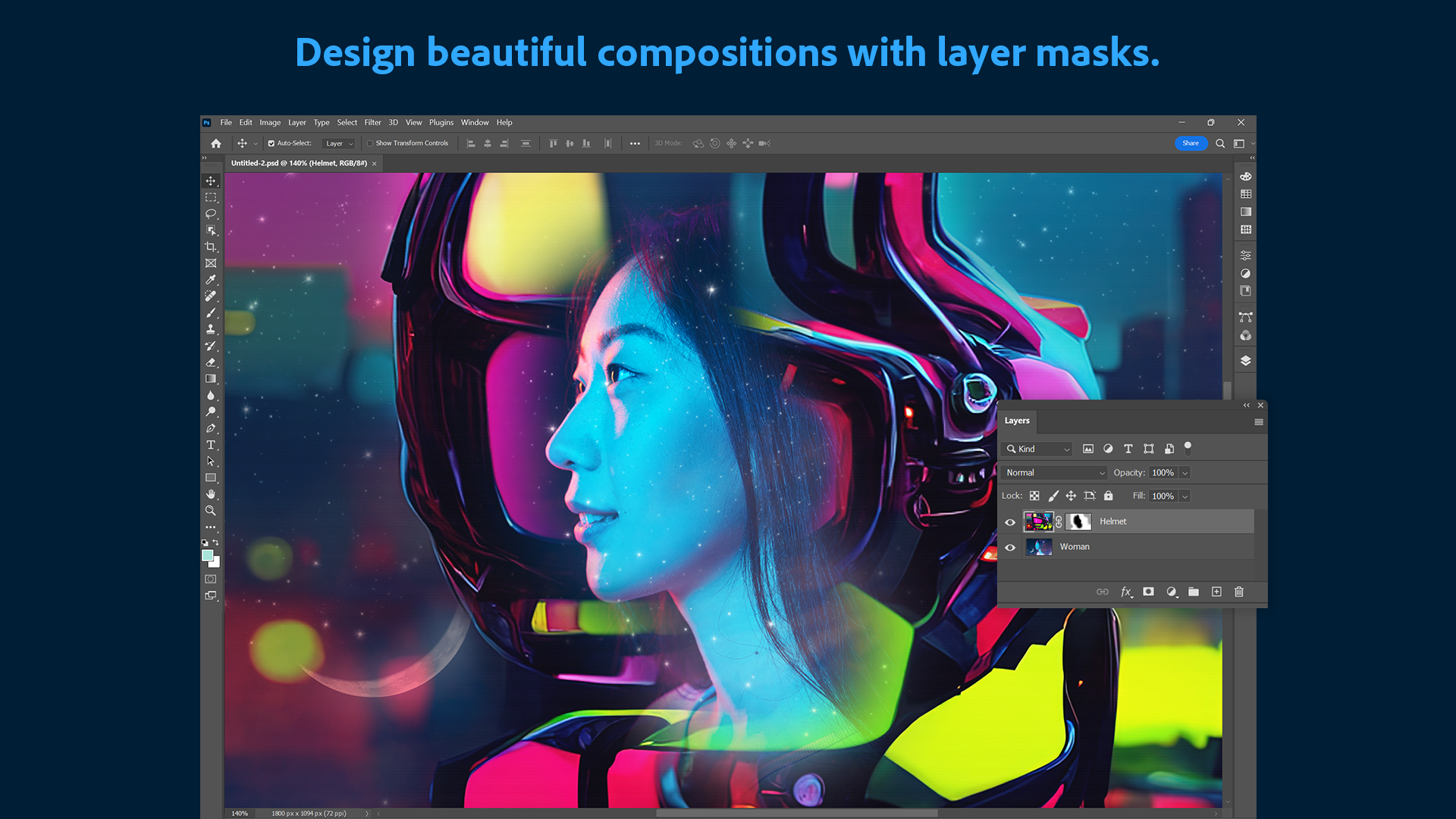
Layers are the backbone of complex image editing, and Photoshop's enhancements in this area are remarkable. Users can now effortlessly manipulate multiple layers with improved organization, grouped adjustments, and non-destructive filters. Imagine stacking transparent sheets where each layer can be edited or hidden independently—this flexibility empowers users to experiment boldly, knowing they can revert or modify at any stage. This feature is especially valuable for intricate projects that demand meticulous control.
3. Seamless Integration and Cloud-Based Collaboration
One of Photoshop's remarkable advantages is its integration with Adobe Creative Cloud. This symbiosis allows quick access to cloud-stored assets, fonts, and brushes, as well as effortless sharing and collaboration. Picture collaborating with a team across different continents, all working on the same canvas in real time. This connectivity transforms Photoshop from a solo tool into a collaborative atelier, making it ideal for creative teams and freelance professionals alike.
User Experience: Interface, Performance, and Learning Curve
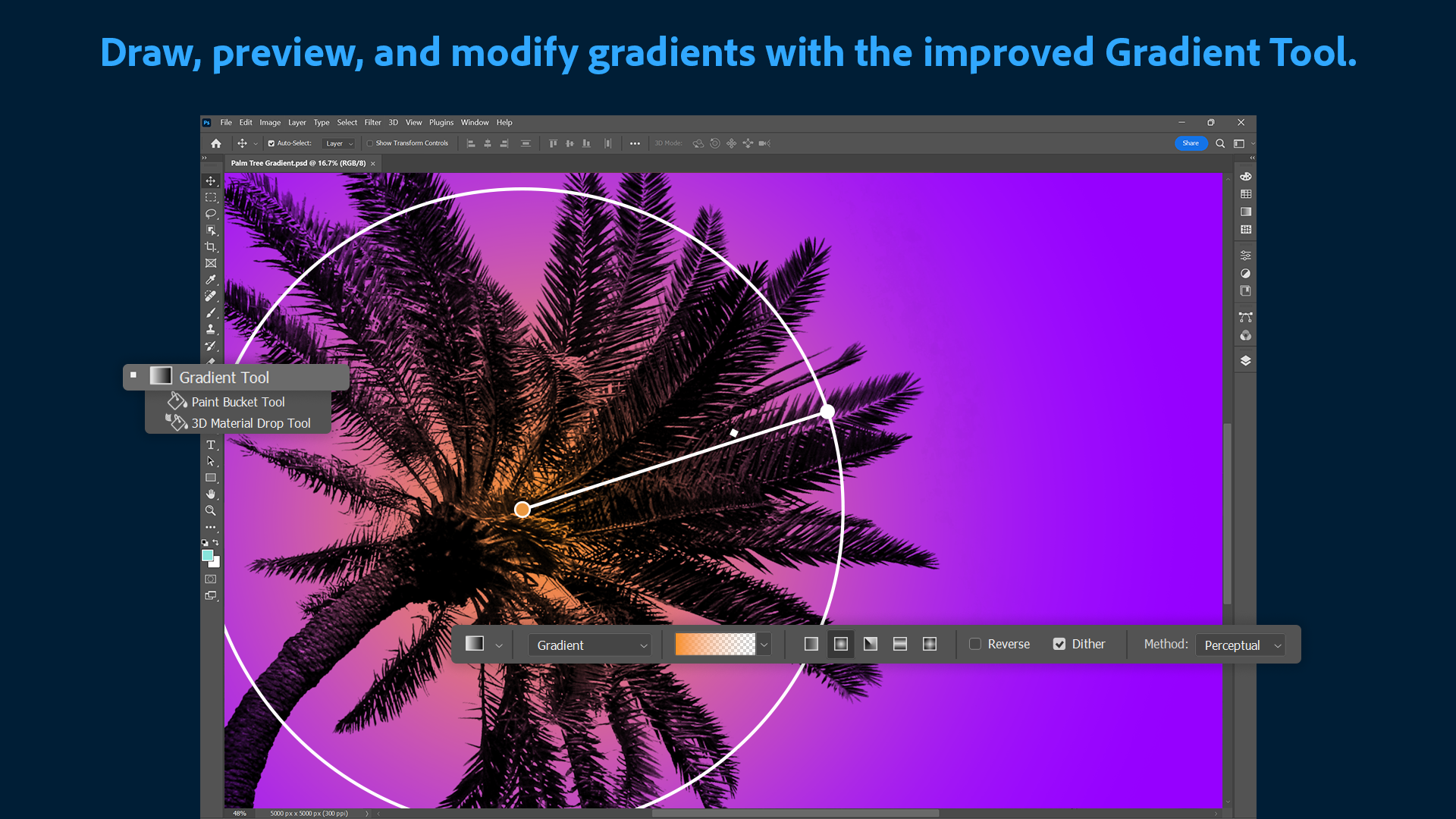
The interface balances sleek modern design with accessible controls, akin to a well-organized artist's studio. The workspace can be customized to fit individual workflows, ensuring that vital tools are always within arm's reach. In terms of performance, the app demonstrates smooth operation, even when handling large, multi-layered projects, thanks to optimized hardware acceleration. For newcomers, the learning curve might seem steep at first—yet, with abundant tutorials and guided features, users can gradually master the essentials while exploring advanced techniques. Experienced users will appreciate the depth of control and precision offered by the interface's layered complexity.
Differentiation: What Sets Photoshop Apart?
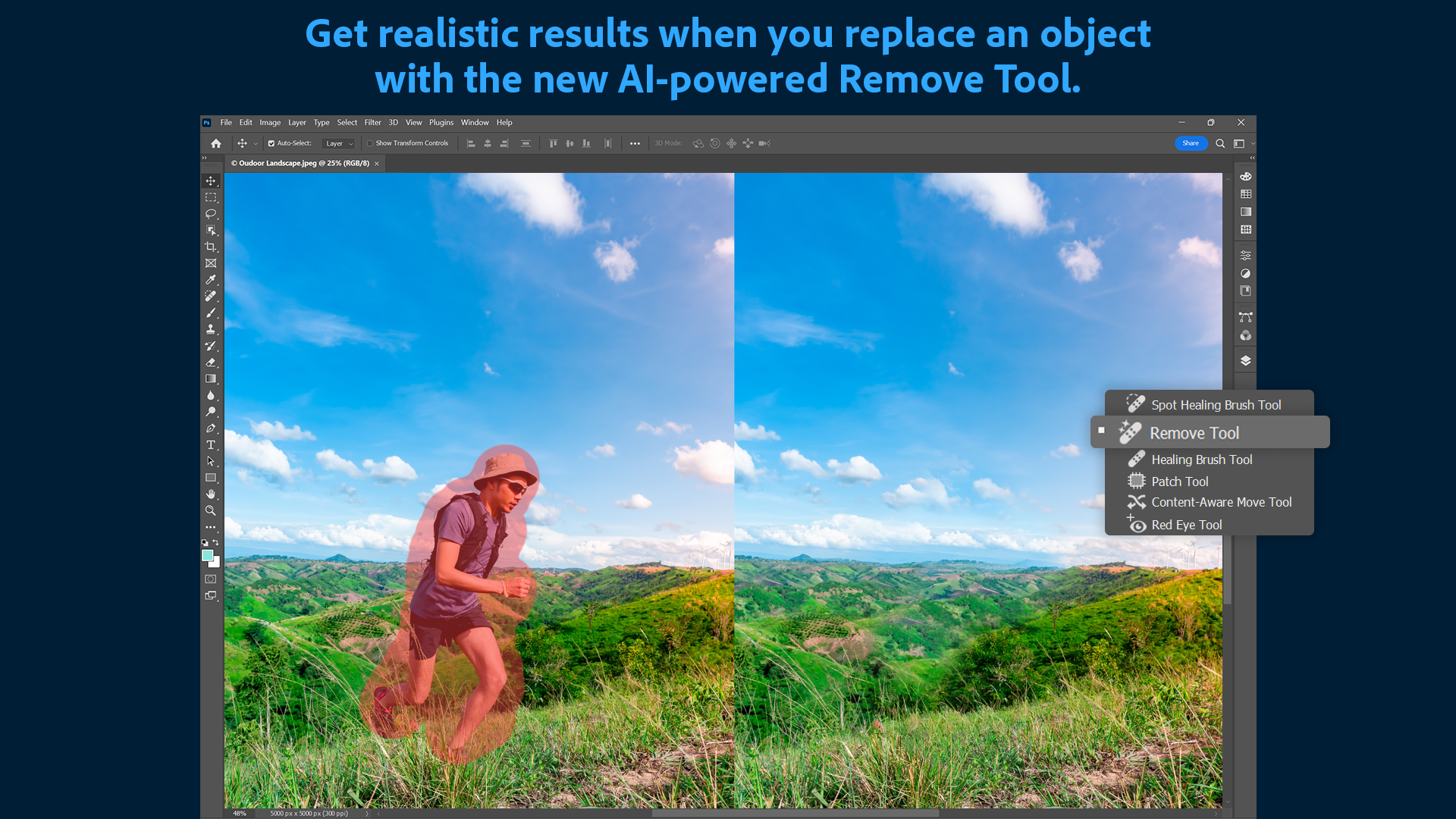
Compared to other photo editing tools, Photoshop's most unique advantage is its unparalleled depth of features combined with AI-powered automation. It's not just about manual edits; it's about leveraging smart technology to streamline workflows. The AI-powered object selection and content-aware fill, for example, enable quick corrections that once would have taken hours. Moreover, its extensive ecosystem of plugins, brushes, and templates offers endless customization options. This richness makes Photoshop not just a tool, but an ecosystem where creativity and technological innovation converge, providing a level of control and flexibility unmatched by simpler apps.
Final Verdict and Recommendations
Adobe Photoshop for Windows remains a highly capable, professional-grade image editing platform. Its most compelling features—the intelligent selection tools and the robust layer management—are game-changers that set it apart from many competitors. For users looking to produce high-quality images, whether for professional portfolios, commercial projects, or personal art, this application warrants serious consideration.
If you're willing to invest time into learning its extensive features, Photoshop offers a rewarding experience that can elevate your creative projects. For casual users or those seeking straightforward editing, however, the learning curve may be a bit steep, and lighter alternatives could be more suitable.
Overall, I recommend Adobe Photoshop for Windows to serious creatives and professionals seeking a comprehensive, reliable, and deeply versatile editing environment. Its innovative AI tools and seamless workflow integrations make it an essential staple in any digital artist's toolkit.
Pros
- Powerful editing tools
- Extensive plugin and brush support
- High-quality output
- Regular updates and improvements
- Integrated Adobe ecosystem
Cons
- Steep learning curve
- High subscription cost
- Resource-intensive performance
- Occasional stability issues with large files
- Limited vector editing capabilities











