

- Category Photo & video
- Developer Adobe
- Available on PC
- OS Windows 10 version 0.0 or higher
- Keyboard Integrated Keyboard
- Mouse Integrated Mouse
- Memory 8 GB
- DirectX DirectX 12 API, Hardware Feature Level 12
- languages Czech, Dutch, English (United States), French, German, Italian, Japanese, Polish , Spanish (Spain), Swedish, Portuguese (Brazil)
Adobe Photoshop Elements 2026 for Windows: A Friendly Companion for Creative Editing
Designed as an accessible yet powerful photo editing tool, Adobe Photoshop Elements 2026 for Windows offers amateur photographers and casual creators a streamlined way to bring their visual ideas to life without the overwhelming complexity of its professional sibling.
Meet the Developer and Core Highlights
Developed by Adobe Inc., a global leader in creative software, Photoshop Elements 2026 continues the brand's tradition of blending innovation with user-friendly interfaces. The app's main features include intelligent photo organization powered by AI, an intuitive guided editing experience, and versatile automatic adjustments that cater to both beginners and hobbyists. Its targeted user base comprises photography enthusiasts, students, and social media content creators seeking efficient editing solutions that don't require advanced technical skills.
A Fun and Engaging Entry into Photo Editing
Imagine opening a photo editor that greets you like an old friend—ready to transform your everyday snapshots into dazzling images with just a few clicks. Photoshop Elements 2026 feels exactly like that. Whether you're tidying up family vacation photos or adding creative flair to social media posts, this app offers a welcoming environment where technical hurdles are replaced with simple, guided steps. The charm lies in how it makes editing approachable without diluting the quality of your creations.
Powerful Core Features That Spark Your Creativity
Smart Organization with AI-Powered Tagging and Search
Say goodbye to endless scrolling—Photoshop Elements 2026 employs advanced AI to help you organize photos effortlessly. The application automatically tags images based on content—think of it as having a digital assistant that recognizes your pet, landscape, or birthday party. Sorting through thousands of files feels less like a chore and more like a breeze, freeing up your time for what truly matters: creating amazing visuals.
Guided Edits for Flawless Results
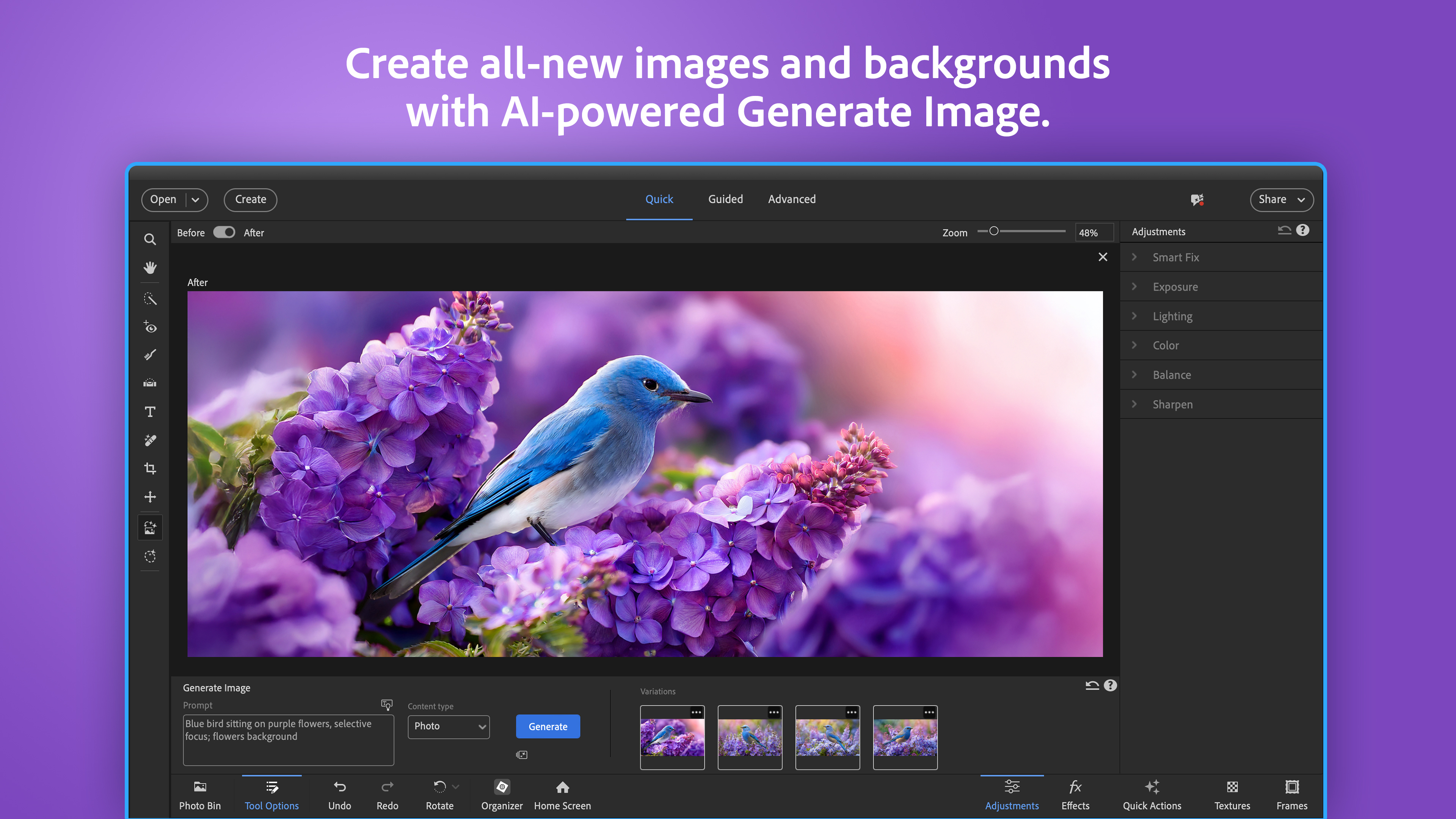
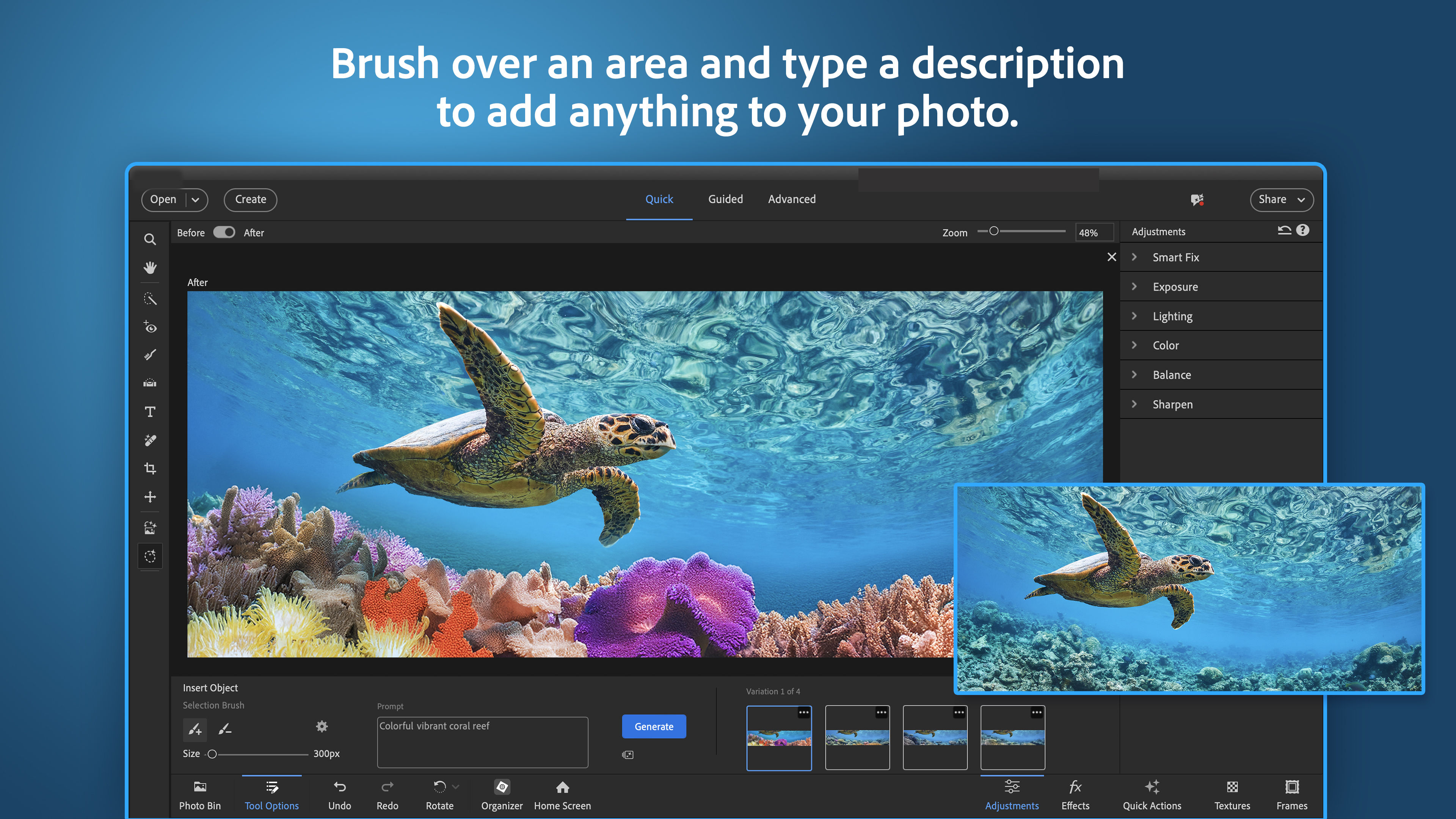
This feature essentially acts as a friendly coach, walking you through editing steps with clear instructions and real-time previews. Want to make a dull landscape pop or smooth out skin imperfections? Guided edits break down complex processes into manageable actions, making professional-looking results achievable even for novices. The variety of templates and effects inspire experimentation while ensuring you won't get lost in complicated menus.
Automatic Enhancements and Creative Filters
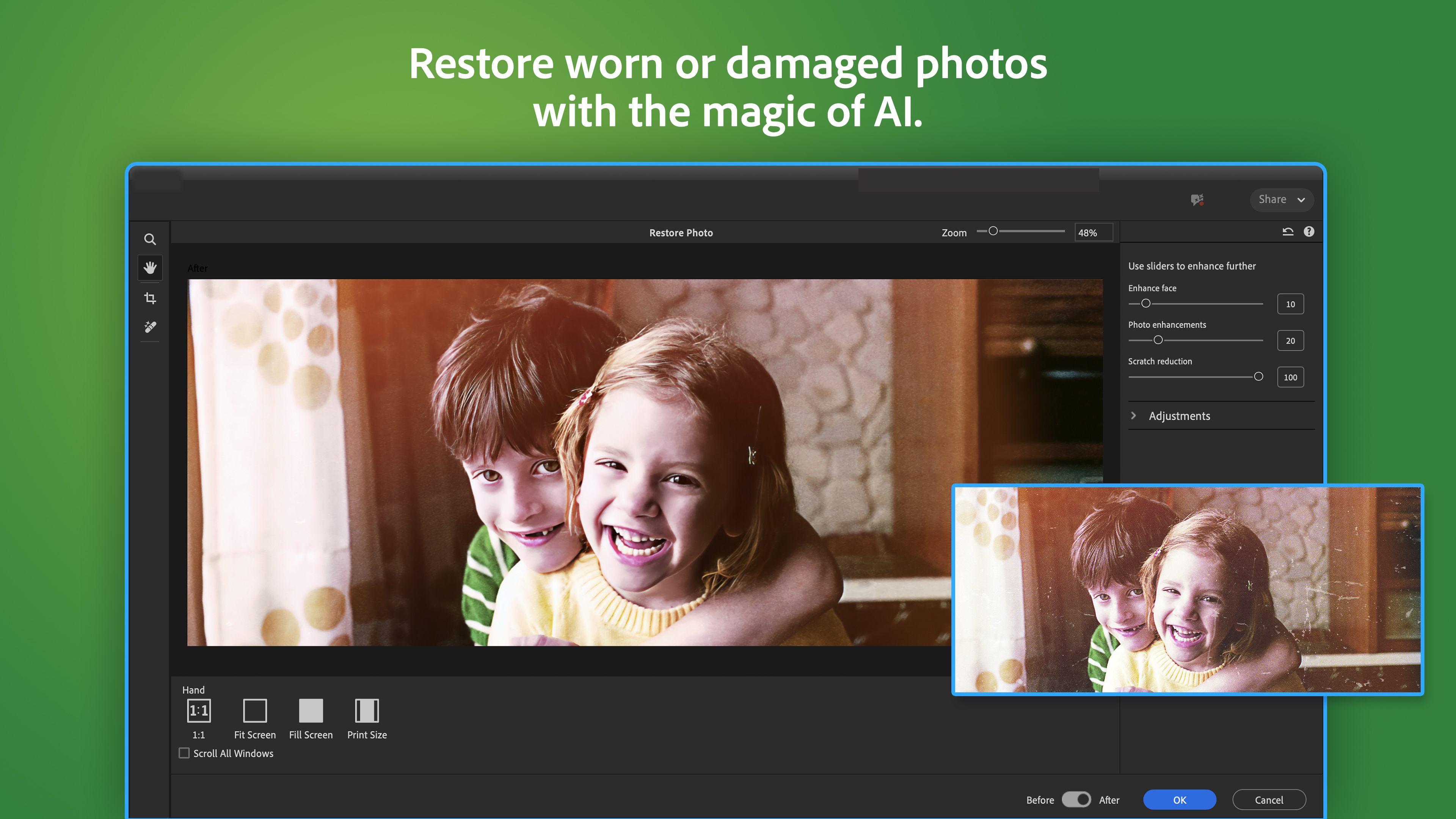
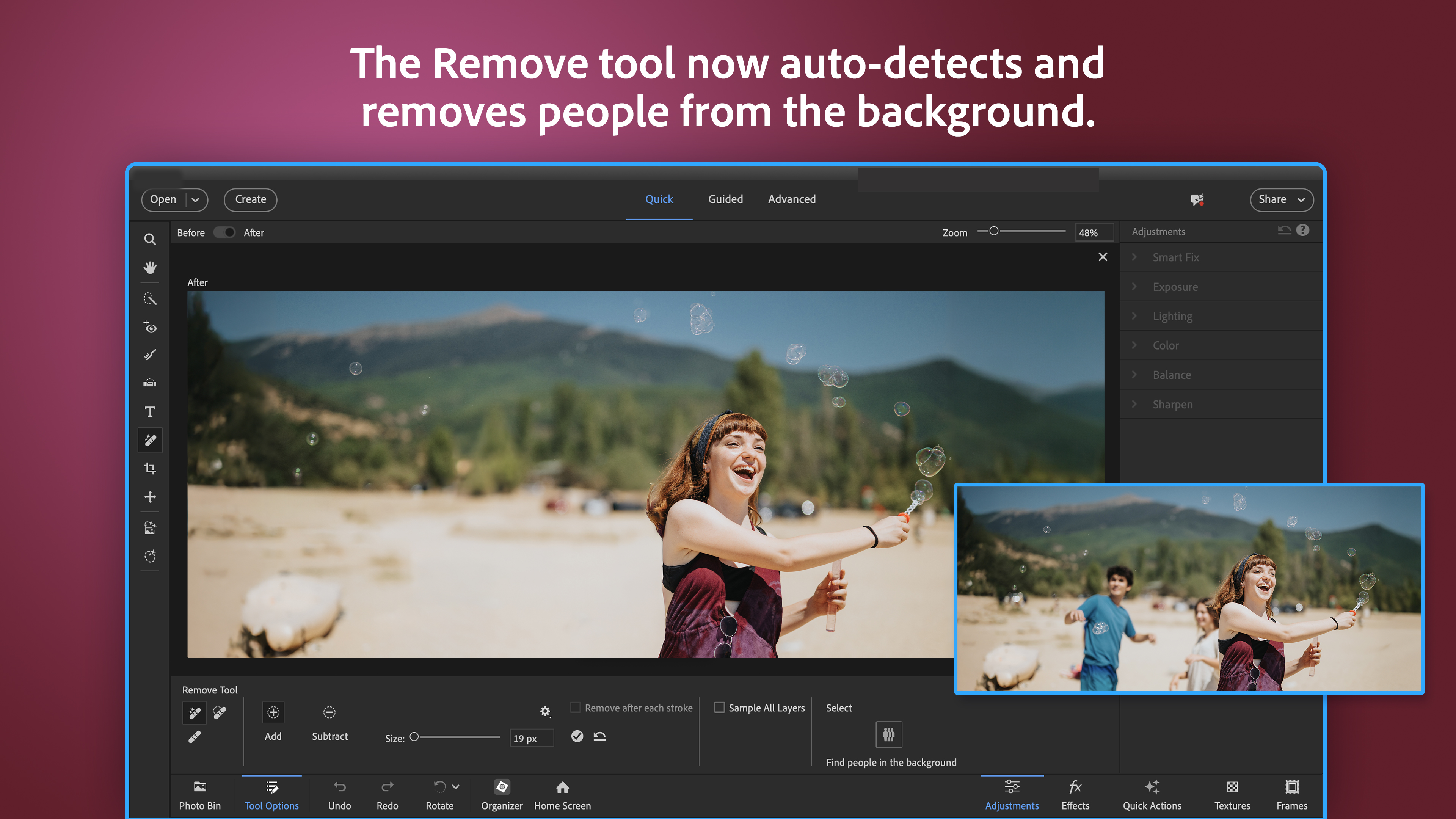
If you prefer to keep things quick and simple, the app's automatic adjustments are a real treasure. From optimizing lighting conditions to sharpening details, these one-click fixes deliver instantly noticeable improvements. Pair that with a diverse set of filters—vintage, cinematic, artistic—and you have a toolbox that sparks creativity without the steep learning curve.
Design, Usability, and Uniqueness
The interface of Photoshop Elements 2026 strikes a balance between simplicity and functionality. The layout is clean and organized, akin to a neatly arranged workshop where every tool is within arm's reach. Navigation is smooth, with fluid transitions that make editing feel seamless rather than clunky. The learning curve, thanks to guided tutorials and contextual tips, is relatively gentle—ideal for those new to photo editing or transitioning from basic apps.
What sets this software apart from other photo editing apps is its intelligent automation combined with comprehensive guided editing. Unlike free apps that often compromise on quality or paid platforms that can be intimidating, Photoshop Elements 2026 offers a harmonious blend of smart features and approachable design. Its ability to automatically recognize photo content and suggest relevant edits truly caters to users seeking quick yet high-quality results—making it more than just a basic editor, but a creative partner.
Final Thoughts and Recommendations
All in all, Adobe Photoshop Elements 2026 for Windows stands out as a practical yet capable photo editing solution. If you're someone who wants to breathe new life into your photos with ease and enjoy guided assistance along the way, this app is highly recommended. It manages to be both accessible for beginners and rich enough in features to satisfy casual hobbyists. While it may not replace professional tools for complex projects, it's an excellent choice for everyday photo fun, smart organization, and creative exploration.
In summary, Photoshop Elements 2026 is like a friendly workshop where powerful tools are simplified and made inviting. Whether you're preparing photos for sharing or exploring your creative side, this software offers the perfect balance of simplicity and sophistication—making your photography journey both enjoyable and rewarding.
Pros
- Intuitive User Interface
- Powerful Editing Tools
- Fast Performance
- Extensive Creative Resources
- Seamless Integration with Adobe Ecosystem
Cons
- Limited Compatibility with Older Systems
- Occasional Export Lag
- Limited Advanced Features Compared to Full Photoshop
- Occasional Software Crashes on Large Files
- Subscription-Based Pricing Model











