

- Category Photo & video
- Developer Adobe
- Available on PC
- OS Windows 10 version 0.0 or higher
- Keyboard Integrated Keyboard
- Mouse Integrated Mouse
- Memory 8 GB
- DirectX DirectX 12 API, Hardware Feature Level 11
- languages English (United States), French, German, Japanese, Italian, Swedish, Polish, Dutch, Czech, Portuguese (Brazil), Spanish (Spain)
Introducing Adobe Photoshop Elements & Premiere Elements 2026 for Windows
Combining powerful photo editing and video creation tools into an all-in-one package, Adobe Photoshop Elements & Premiere Elements 2026 aims to make digital creativity accessible and enjoyable for everyday users.
About the Developer and Core Features
Developed by Adobe Inc., a global leader in creative software, this suite focuses on simplifying advanced editing workflows while maintaining high-quality outputs. Its main highlights include AI-driven photo and video enhancements, intuitive interface design, and guided edits that help users of all skill levels craft professional-looking results effortlessly. Designed primarily for hobbyists, home users, and aspiring content creators, it seeks to empower ordinary users to unleash their creativity without steep learning curves.
Bright Beginnings: A Fun and Friendly Foreword
Imagine you're in your cozy corner, camera in hand, ready to give your photos and videos a fresh new look. Suddenly, Adobe's latest suite feels like a helpful friend—knowledgeable, approachable, and always ready to lend a hand. Whether you're editing vacation photos or creating a family video montage, this program aims to turn your simple clicks into eye-catching masterpieces, all with a gentle guiding touch that takes the intimidation out of complex editing tools.
Powerful yet Intuitive Photo and Video Editing Features
AI-Powered Enhancements: Your Digital Magic Wand
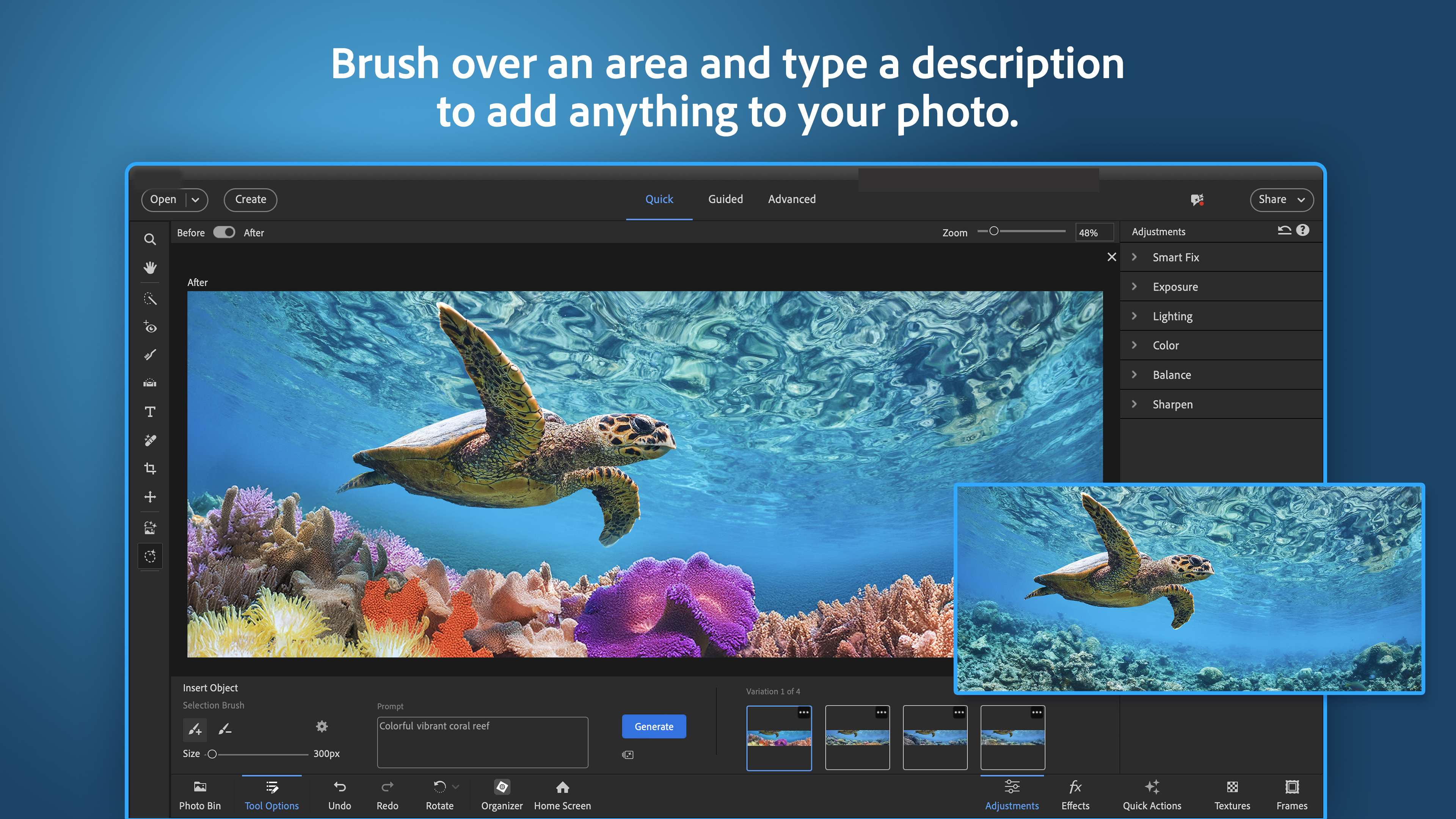
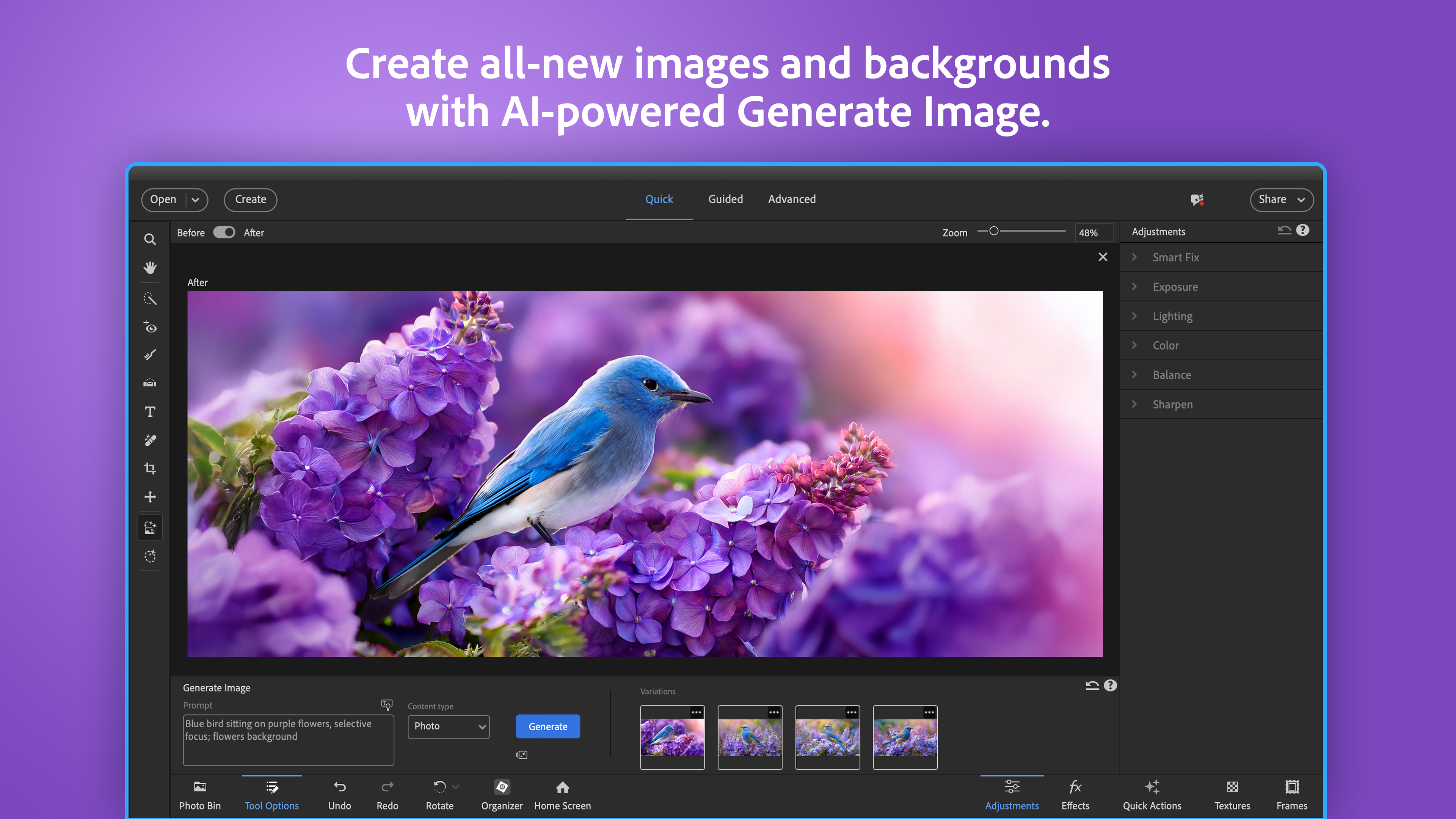
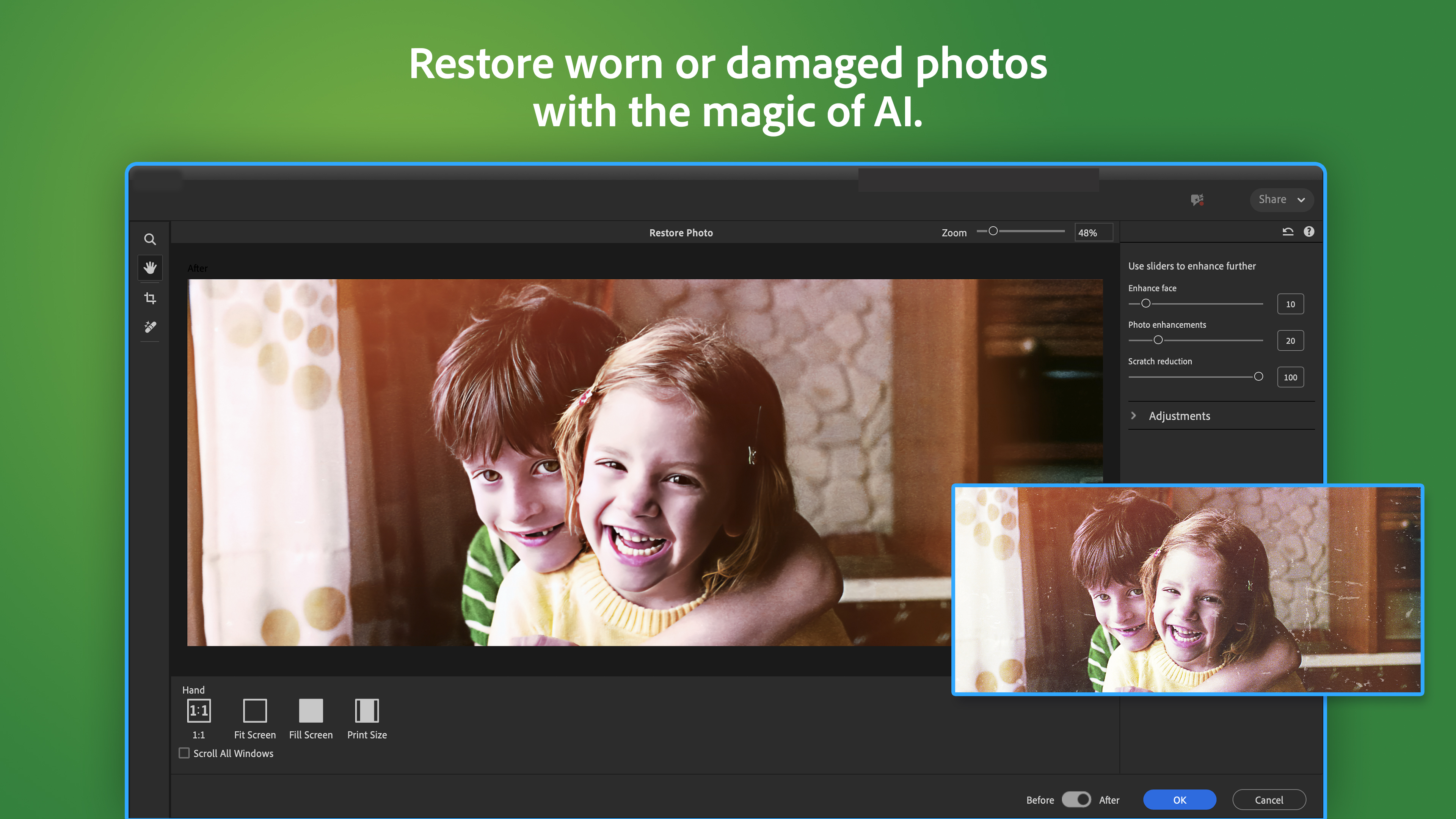
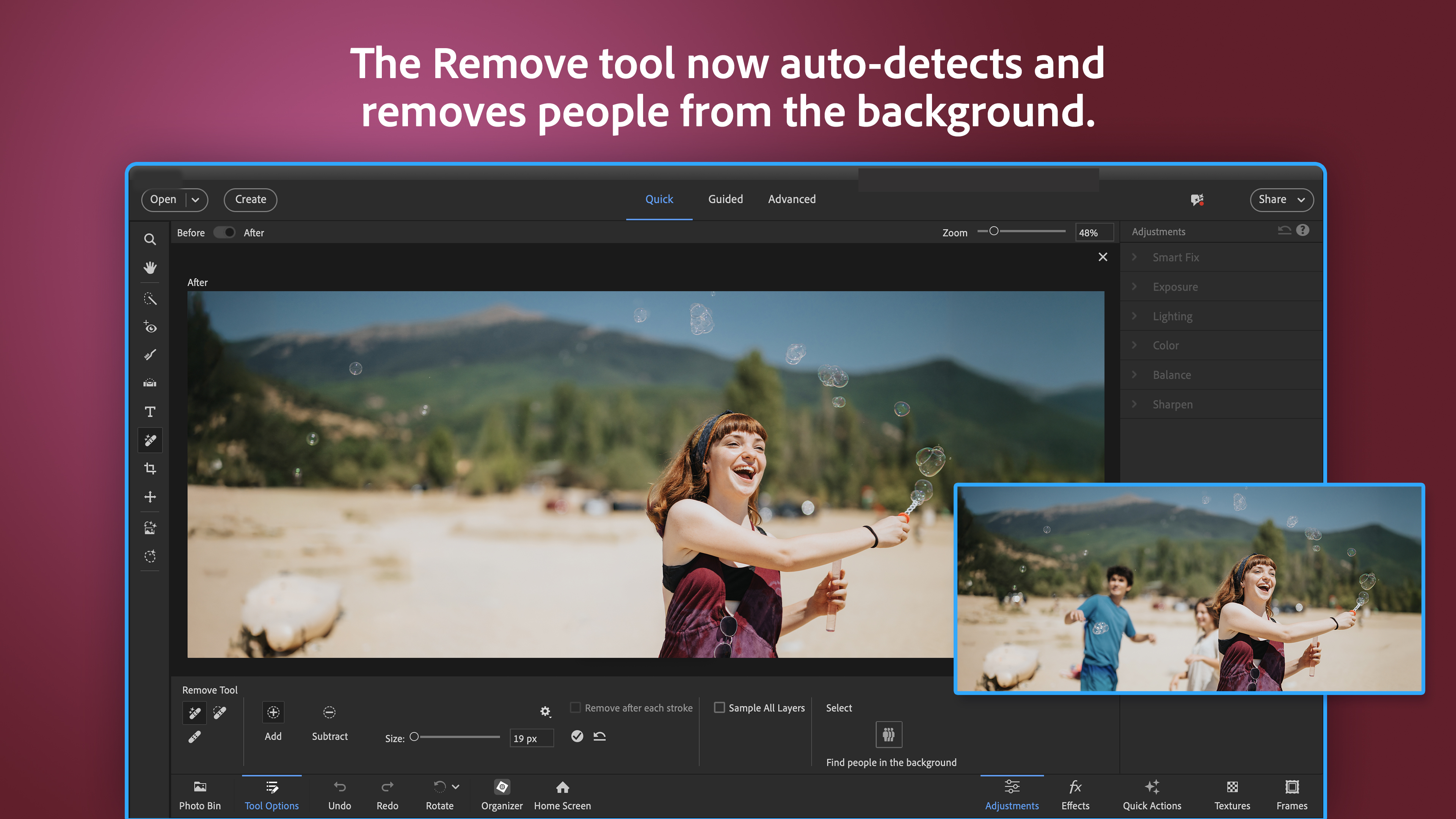
One of the standout features of Adobe Photoshop Elements 2026 is its robust AI-driven capabilities. The "Auto Creations" and "Guided Edits" utilize intelligent algorithms to analyze images and videos, offering suggestions like sky replacements, portrait smoothing, and scene enhancements. Picture taking a sunset shot that's slightly underexposed—then pressing a single button to bring out vibrant colors and details. This keeps the editing process simple but effective, perfect for users who don't want to delve into complex settings yet crave professional-level results.
Streamlined Interface and Workflow
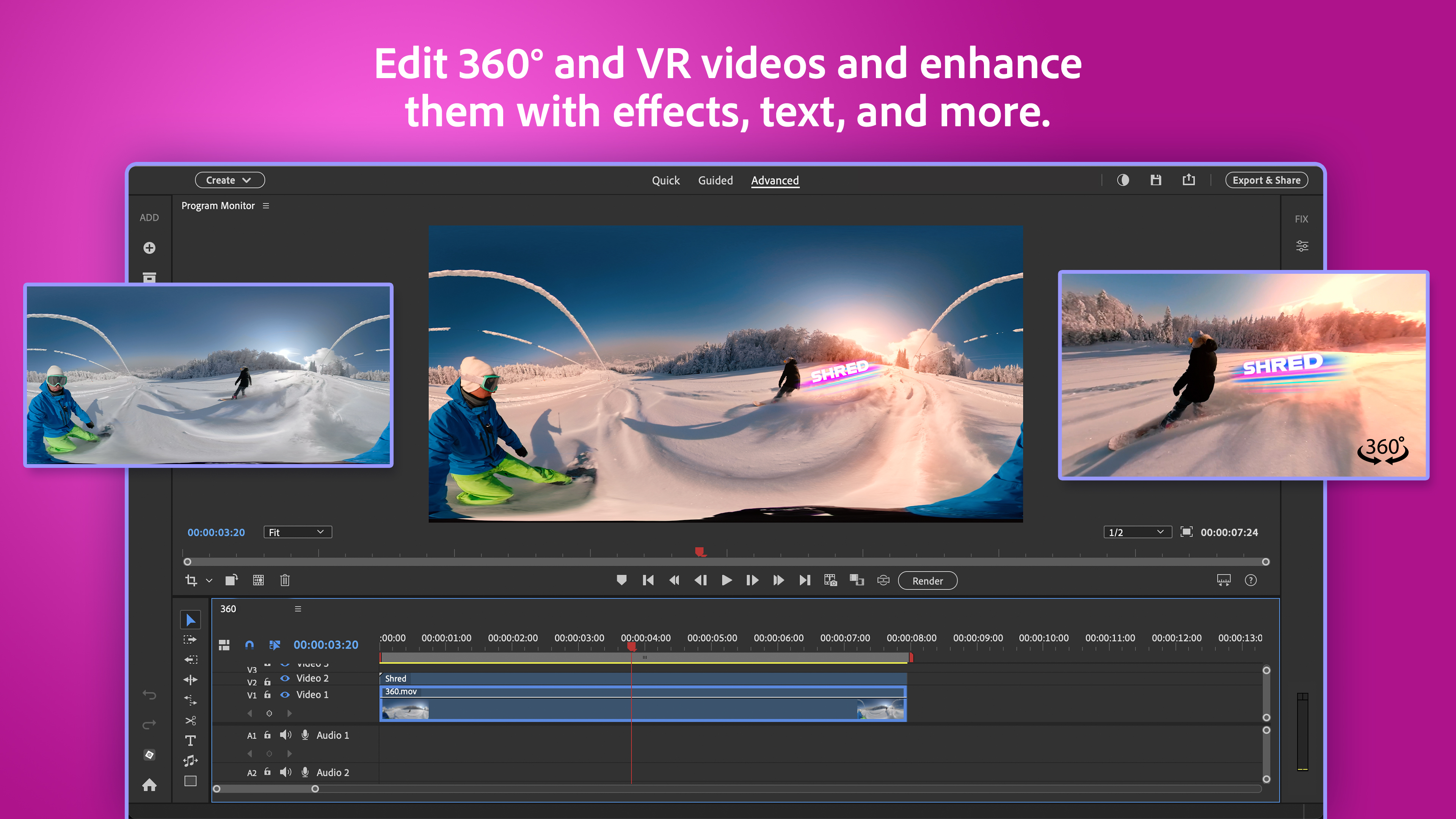
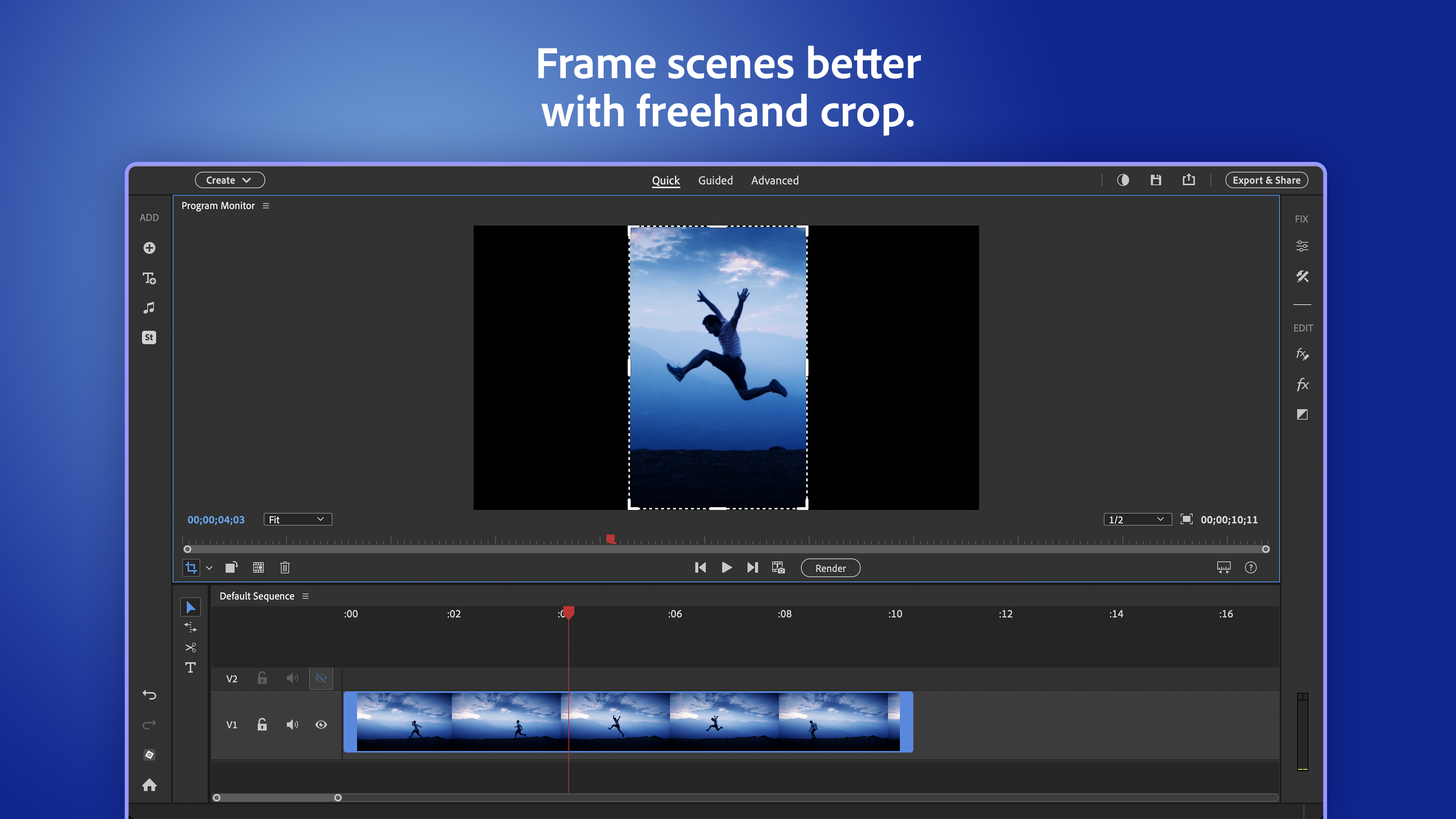
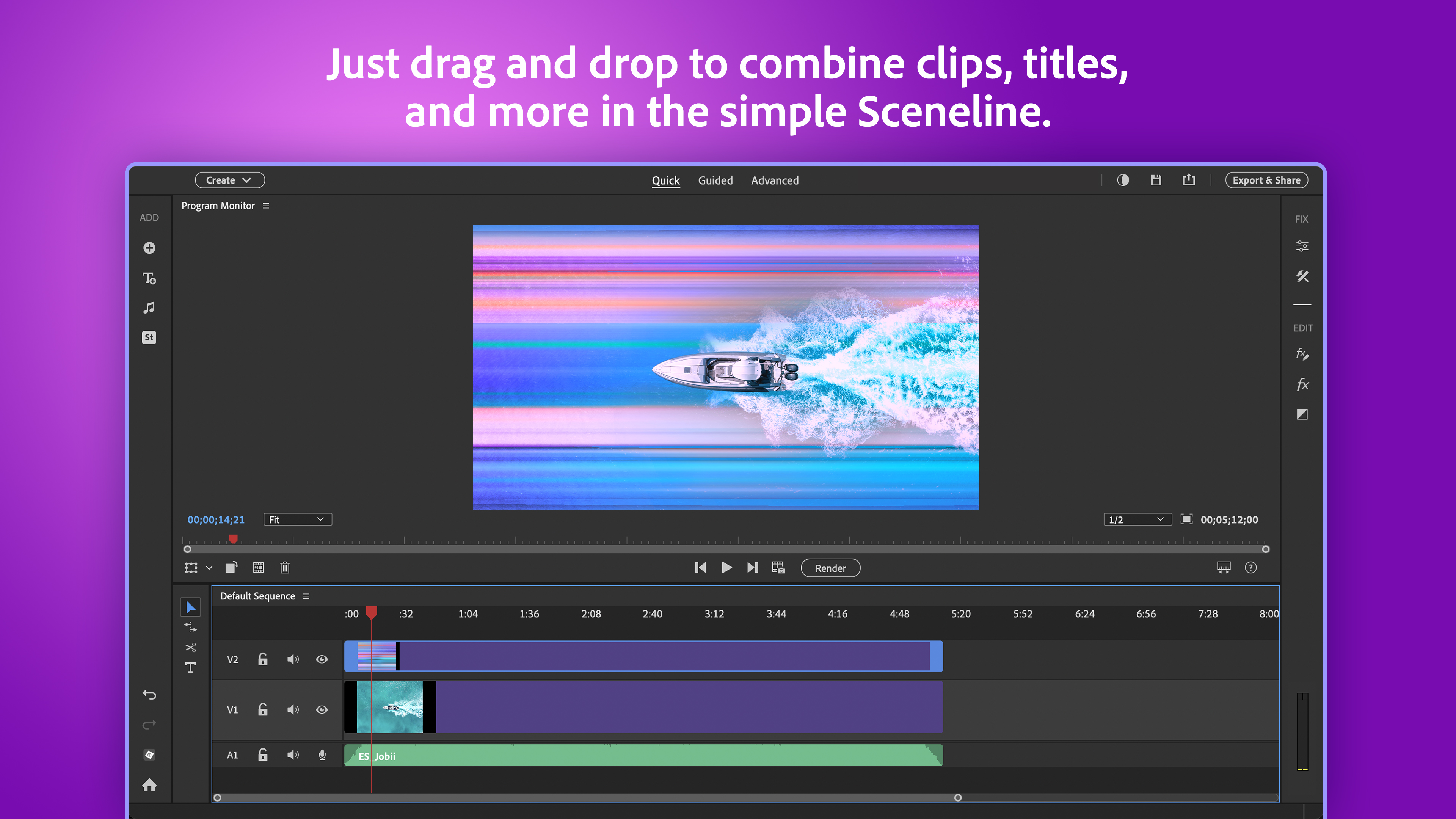
Bright and organized, the user interface resembles a friendly workspace rather than a cluttered control room. Files are easy to locate, and tools are logically grouped, making navigation feel natural. The "Quick Edit" mode offers straightforward adjustments—crop, straighten, brighten—like quick fixes from a friendly neighbor. More detailed projects can utilize "Expert Mode," where you can fine-tune every parameter at your own pace, yet the transition between modes remains smooth. Overall, responsiveness is solid, with minimal lag, ensuring your creativity isn't hampered by sluggishness.
Guided Edits and Learning Curve
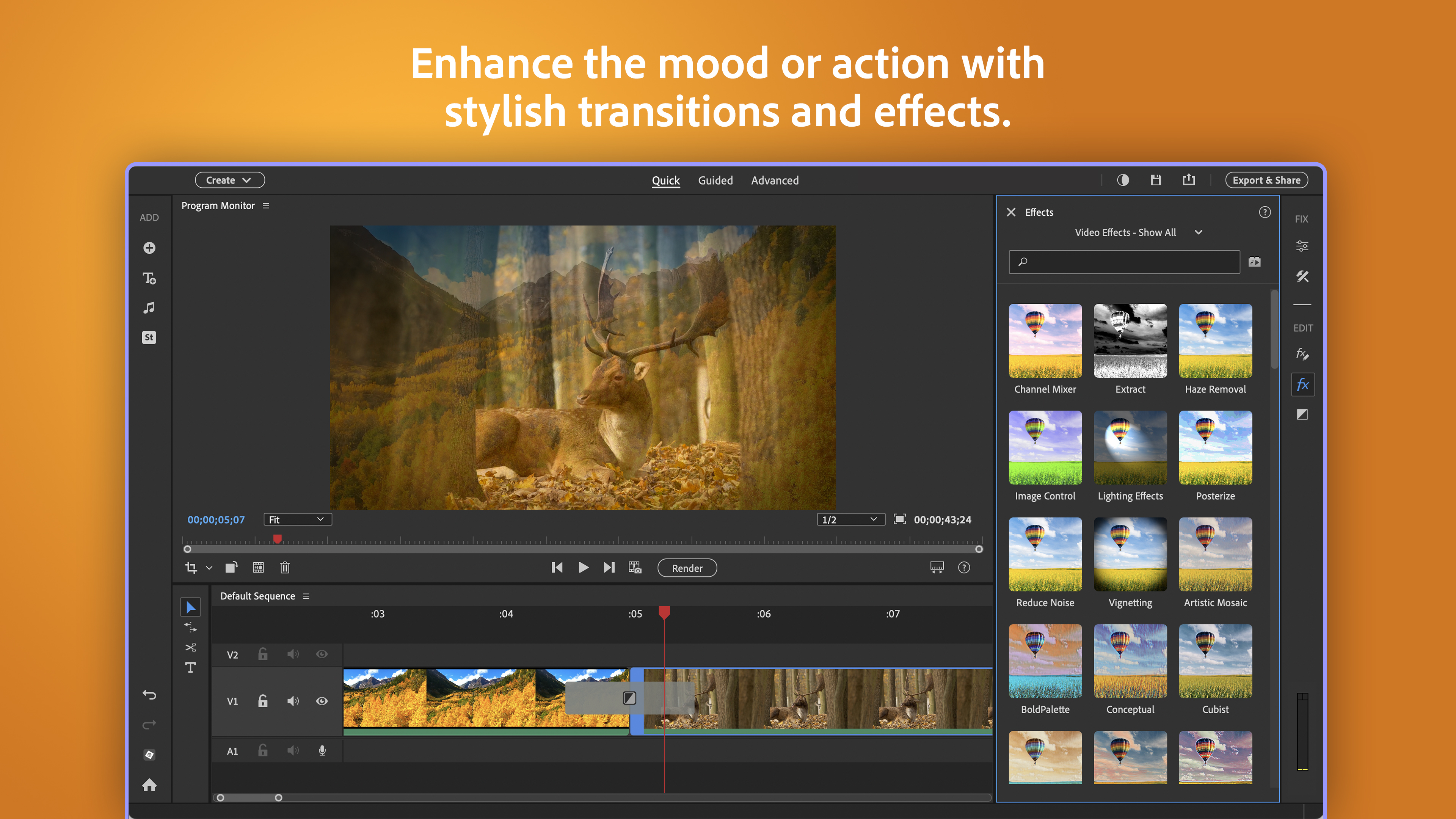
What truly makes this suite inviting is its dual approach—automatic suggestions for beginners and more detailed options for advanced users. The guided workflows act like a friendly coach, walking you through each step, whether you want to create a fun collage or apply cinematic effects to your videos. For newcomers, this lowers the barrier to entry, while seasoned editors appreciate the quick access to refined tools. The learning curve is gentle, allowing users to see instant results and gradually explore more sophisticated features at their own pace.
What Sets It Apart From Competitors?
While many photo and video editors boast similar features, Adobe's secret sauce lies in its smart AI enhancements combined with seamless integration between photo and video workflows. The unique “Auto Creations” feature automatically generates themed collages, slideshows, or video montages based on your media—saving time and inspiring ideas. Additionally, the guided edits provide hands-on learning while producing polished outputs, giving this suite a playful yet professional edge. Unlike some rivals that can feel overly complex or limited, Adobe's balanced approach ensures both casual users and semi-pros find their groove effortlessly.
Final Verdict and Recommendations
All in all, Adobe Photoshop Elements & Premiere Elements 2026 offers a well-rounded, user-friendly platform that bridges the gap between casual editing and creative pursuit. Its strongest points—AI-powered enhancement and guided workflows—are particularly appealing for those who want high-quality results without the steep learning curve. If you're seeking a versatile tool that aids your creative projects with intelligent suggestions and intuitive design, this suite is definitely worth trying out.
For casual hobbyists, family archivists, or budding content creators, I would recommend giving this software a spin. Its blend of automation and manual control makes it a reliable companion on your creative journey—much like having a friendly, skilled assistant by your side. For experienced professionals seeking advanced features beyond this suite's scope, Adobe's full professional tools might be more appropriate, but for everyday magic, this is a compelling choice.
Pros
- Intuitive user interface
- Robust photo editing features
- Comprehensive video editing options
- Regular updates and improvements from Adobe
- Integrated guided edits and tutorials
Cons
- Large system requirements
- Occasional slow rendering times
- Limited advanced features compared to professional versions
- Pricing may be high for casual users
- Bug issues reported in certain updates











