

- Category Photo & video
- Developer Adobe
- Available on PC
- OS Windows 10 version 0.0 or higher
- Keyboard Integrated Keyboard
- Mouse Integrated Mouse
- Memory 8 GB
- DirectX DirectX 12 API, Hardware Feature Level 12
- languages Czech, Dutch, English (United States), French, German, Italian, Japanese, Polish , Spanish (Spain), Swedish, Portuguese (Brazil)
Introducing Adobe Premiere Elements 2026 for Windows
Imagine a user-friendly video editing companion that transforms your everyday footage into polished memories—welcome to Adobe Premiere Elements 2026, a software designed to make video editing accessible for enthusiasts and casual creators alike. Crafted by the renowned Adobe team, this application continues the tradition of delivering powerful yet approachable editing tools tailored for personal storytelling and creative expression.
Key Features That Make a Difference
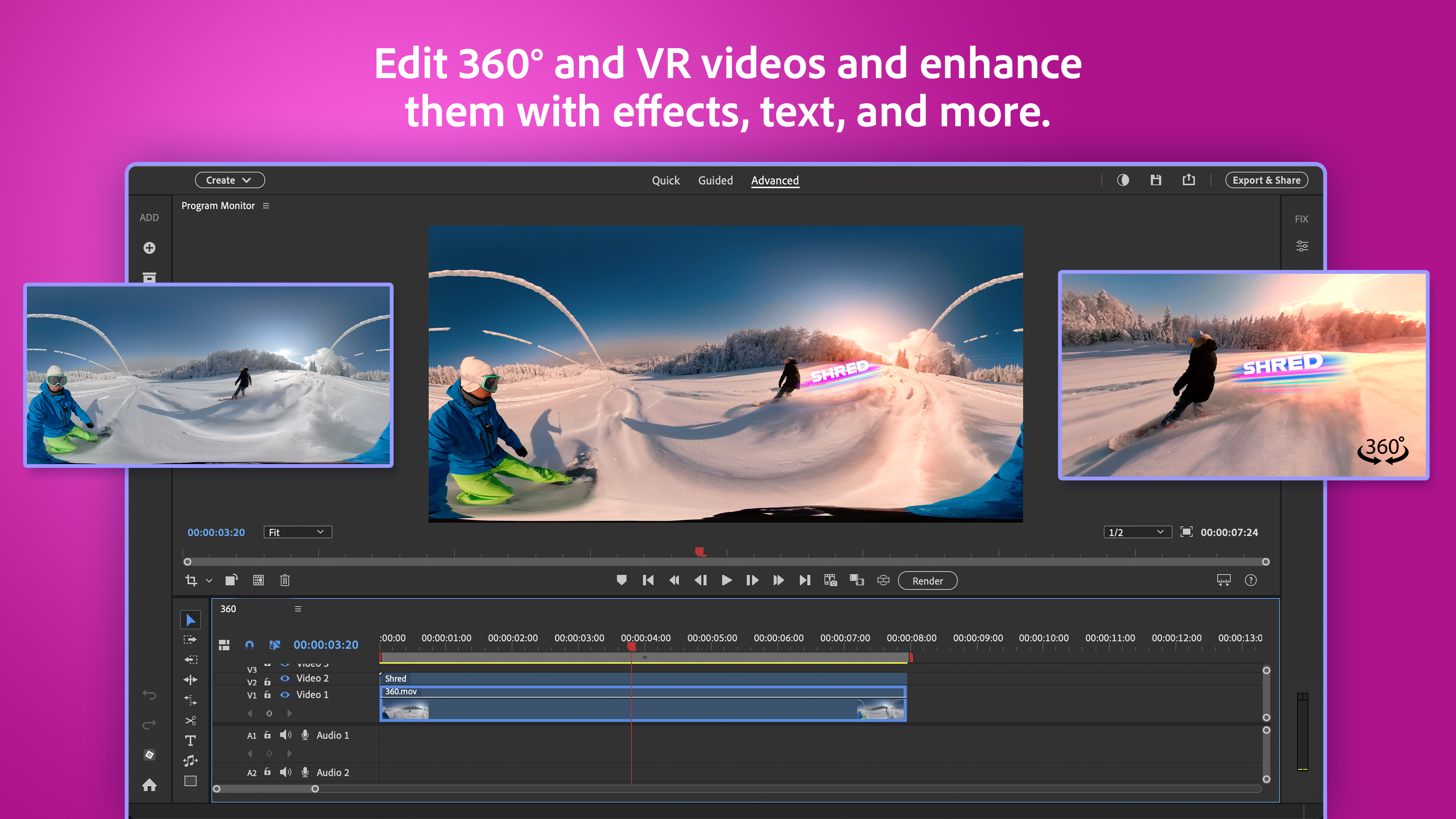
Adobe Premiere Elements 2026 offers a suite of innovative features aimed at simplifying the editing process while delivering professional quality results. Notably, it emphasizes automation, guided edits, and artistic filters—features that help both beginners and seasoned hobbyists craft captivating videos without a steep learning curve. The integration of AI-driven tools stands out, providing intelligent scene detection, auto-montage creation, and smart tag suggestions that save time and enhance creativity.
An Intuitive Interface That Welcomes Creativity
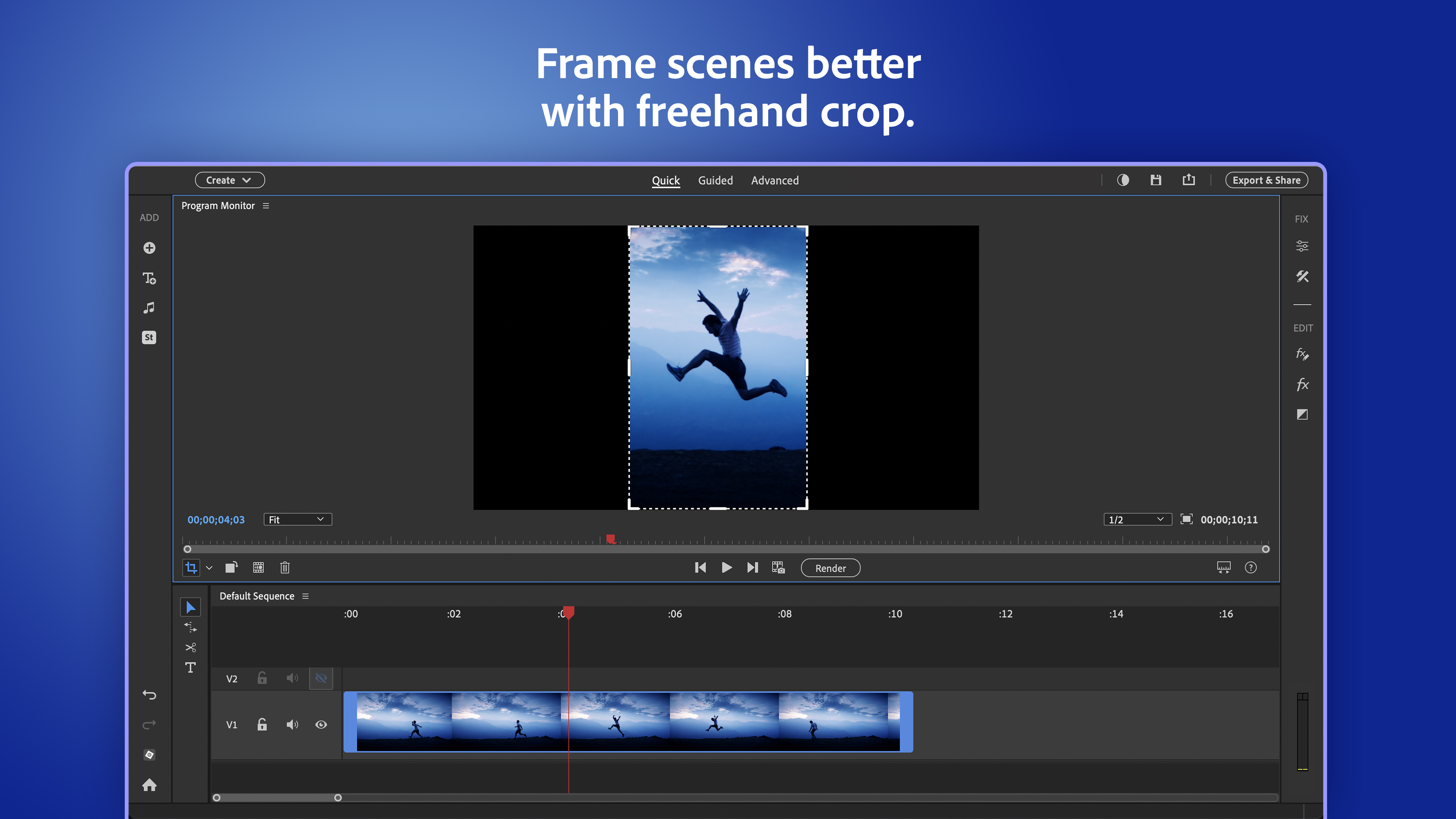
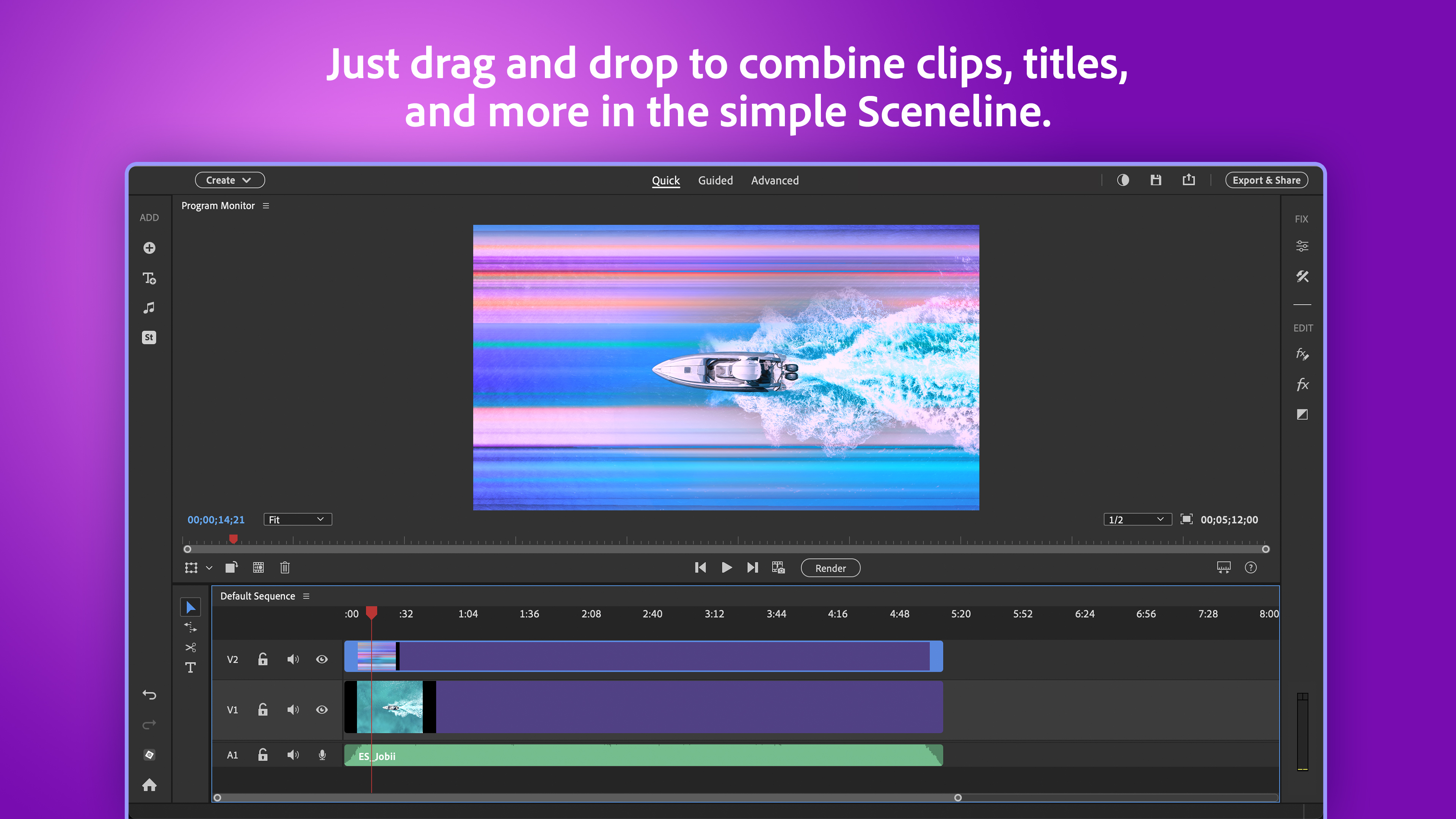
One of the first things you'll notice is its friendly, modern interface. Think of it as a well-organized workspace where everything you need is within arm's reach, much like a neatly arranged artist's desk. The layout is sleeker compared to previous versions, with clearly labeled menus and a customizable workspace that adapts to your editing style. Navigating through your clips, effects, and editing tools feels seamless, inspiring confidence as you begin to craft your videos.
Streamlined Editing with Powerful Automation
Ever wished editing could be as easy as pressing a button? Adobe Premiere Elements 2026 introduces several AI-powered features that do just that. The ‘Auto Montage' function enables you to create memorable highlight reels instantly—simply select your clips, and the software intelligently arranges and edits the content, with optional music and transitions. This is especially useful for quick projects or when inspiration strikes unexpectedly. Moreover, scene detection helps you quickly locate key moments within lengthy recordings, making editing sessions more efficient and less tedious.
Creative Enhancements and Unique Tools
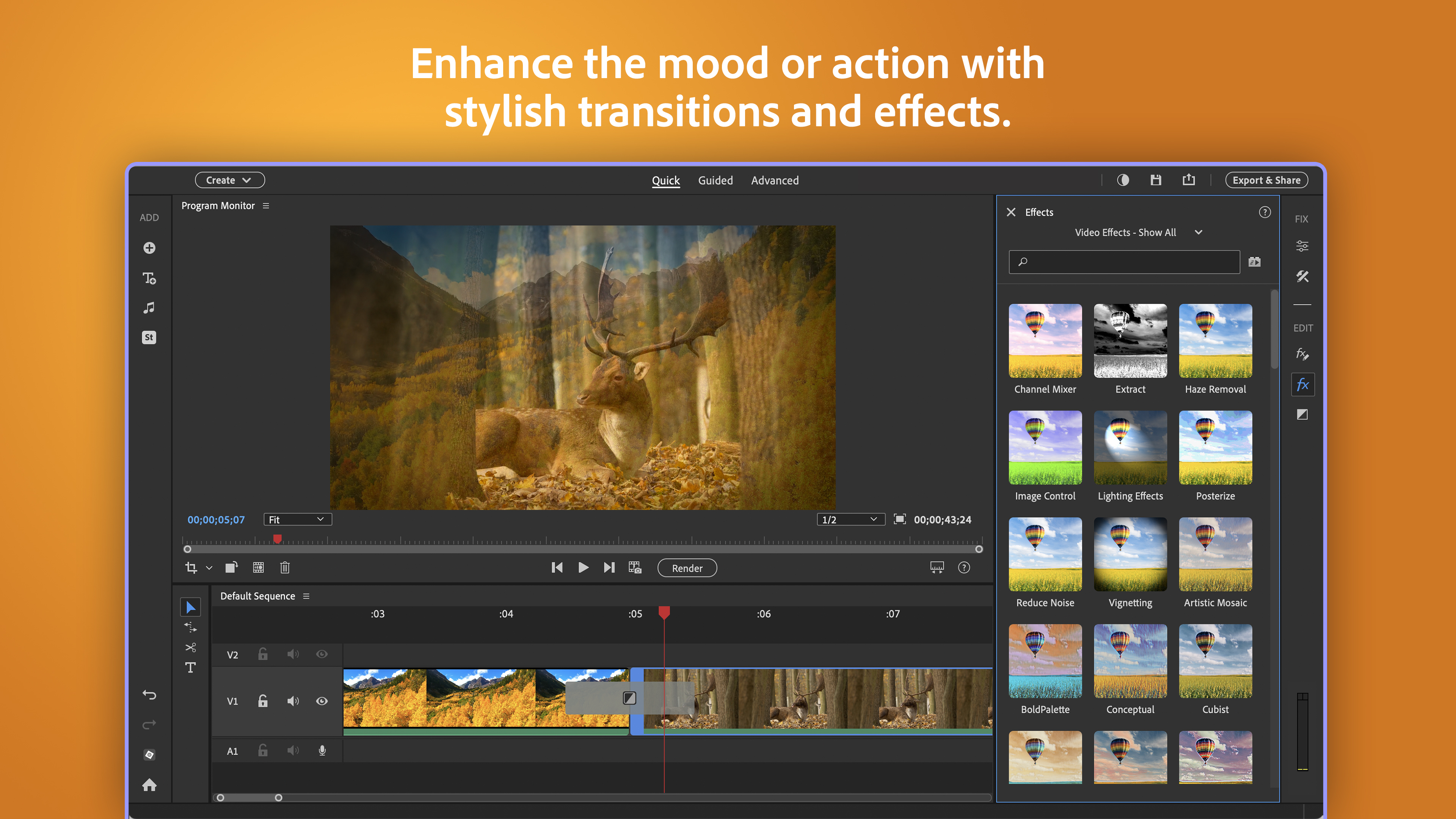
Beyond basic editing, Premiere Elements 2026 shines with its visual flair tools. The ‘Stylize' filters and ‘Artistic Effects' act as your digital paintbrushes, transforming ordinary footage into cinematic masterpieces. What sets it apart is its emphasis on guided edits—the interface walks you through complex effects step-by-step, which is like having a friendly instructor by your side. This not only democratizes advanced editing but also nurtures creativity without intimidation. Additionally, the smart tagging feature makes organizing clips a breeze, ensuring that your projects stay tidy even as they grow in complexity.
User Experience: Friendly, Smooth, and Accessible
Using Premiere Elements 2026 feels akin to assembling a jigsaw puzzle—every piece clicks into place with minimal fuss. The application boasts smooth performance, with real-time previews that keep the creative flow uninterrupted. Its learning curve is gentle enough for newcomers but still robust for those seeking deeper mastery. Tutorials and guided edits are readily available, acting as helpful signposts as you navigate through your editing journey. Overall, it strikes a balance between ease of use and powerful capability, making it an excellent choice for casual videographers.
Differentiating from Similar Video Editors
Compared to other consumer-friendly video editors like iMovie or Davinci Resolve's simplified modes, Premiere Elements 2026 emphasizes AI-driven automation paired with guided, step-by-step creative tools. Its standout feature is the ‘Auto Montage'—a quick-start option that can generate compelling edits without manual intervention—saving users hours of manual trimming and transition placement. Additionally, Adobe's emphasis on ease of learning, combined with powerful artistic filters, distinguishes it as a more creative and accessible alternative for beginners who want to produce aesthetically pleasing videos without sacrificing quality or flexibility.
Final Thoughts and Recommendations
If you're a casual videographer looking for an approachable yet potent editing tool, Adobe Premiere Elements 2026 is highly worth considering. Its focus on automation and guided editing makes it particularly suitable for users who prioritize quick results and creative exploration. For those seeking a friendly entry into more advanced editing features with room to grow, this version offers a gentle learning curve paired with impressive capabilities. While it may not replace professional-grade software for high-end projects, it strikes an admirable balance for personal use and creative endeavors. I'd recommend giving it a try—think of it as your digital Swiss Army knife for memorable video projects.
Pros
- User-Friendly Interface
- Rich Editing Features
- Fast Performance with Hardware Acceleration
- Wide Format Support
- Integrated Templates and Effects
Cons
- High System Requirements
- Occasional Stability Issues
- Limited Export Options for Free Use
- No Multilingual Support in UI
- Learning Curve for Advanced Features











