

- Category Security
- Developer IObit
- Available on PC
- OS Windows 10 version 0.0 or higher
- languages Arabic, Bulgarian, Chinese (Simplified), Chinese (Traditional Chinese), Croatian, Czech, Danish, Dutch, English, Finnish, French, Georgian, German, Greek, Hebrew, Hungarian, Indonesian, Italian, Japanese, Korean, Malay, Norwegian, Polish, Portuguese (Brazil), Portuguese (Portugal), Romanian, Russian, Serbian (Cyrillic), Serbian (Latin), Slovak, Slovenian, Spanish, Swedish, Turkish, Ukrainian, Vietnamese
An Overview of Advanced SystemCare Ultimate for Windows
Advanced SystemCare Ultimate for Windows, developed by IObit, is a comprehensive security and system optimization tool designed to keep your PC running smoothly and securely. Combining antivirus protection with performance tune-up features, this application aims to provide users with a one-stop solution for maintaining their Windows systems effectively.
Who Is It For? The Target Audience
Primarily targeted at general Windows users who desire an easy-to-use yet powerful all-in-one toolkit, Advanced SystemCare Ultimate appeals to both tech novices and experienced users seeking a straightforward way to safeguard and boost their computers without juggling multiple applications. Small business owners, home users, and anyone looking to combine security with system maintenance will find this software relevant.
A Dynamic Entry into System Optimization and Security
Imagine your PC as a bustling city that needs regular patrols and upkeep—Advanced SystemCare Ultimate acts as both the vigilant security guard and the diligent city planner, ensuring everything runs efficiently without unnecessary interruptions. Its intuitive design and robust features make protecting and cleaning your system less like a chore and more like a hands-on game.
Core Functionality 1: Dual Antivirus and Security Shield
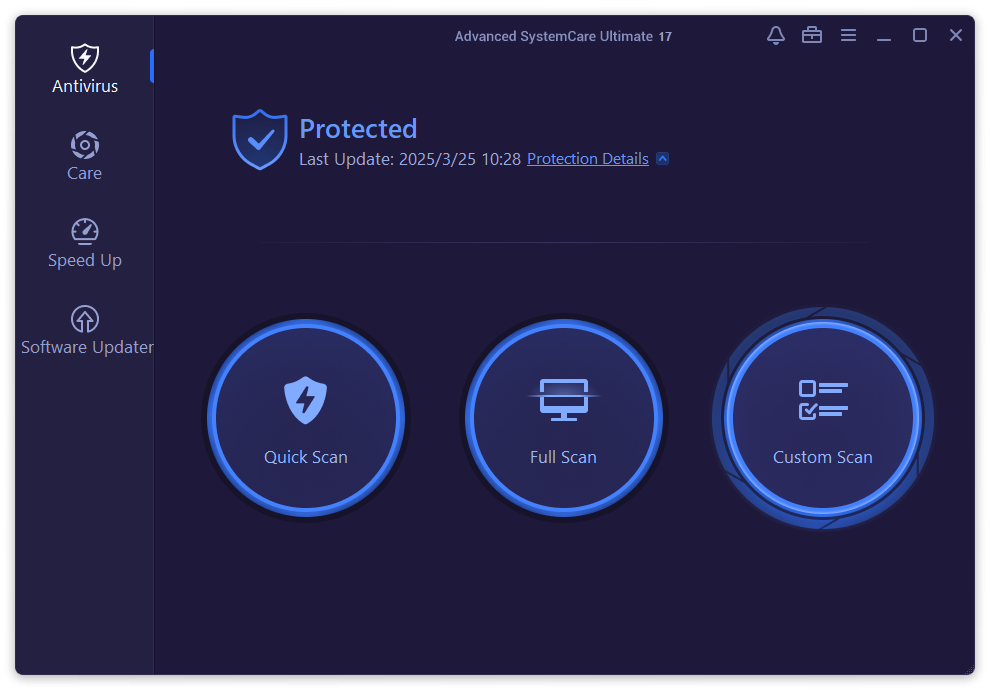
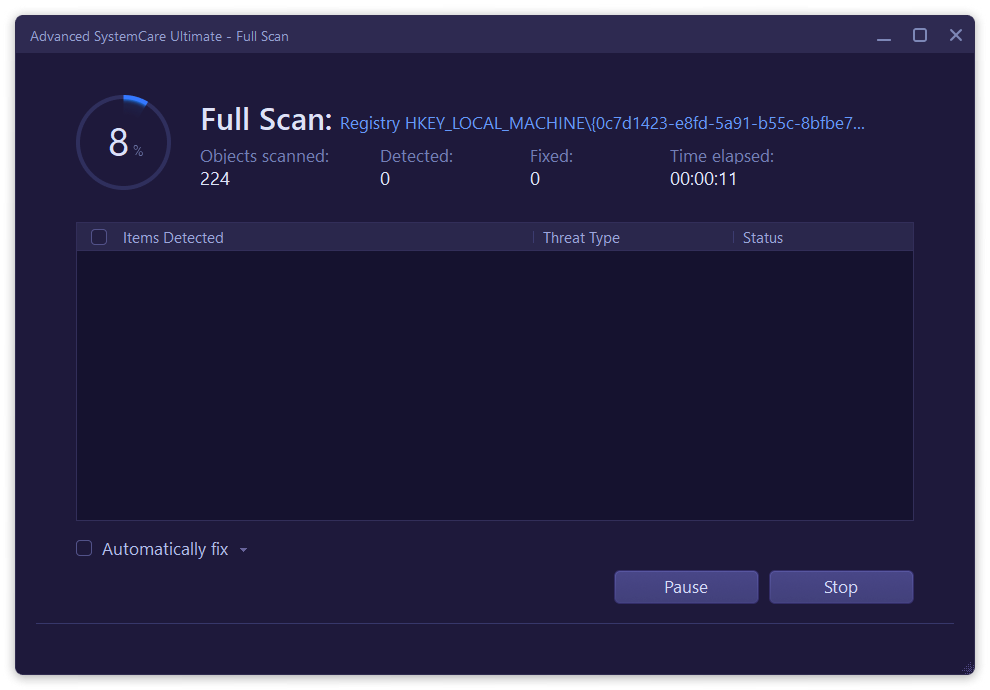
The standout feature of Advanced SystemCare Ultimate is its integrated antivirus engine that provides real-time protection against malware, viruses, and spyware. Unlike some tools that merely tune your system, this one actively scans, blocks, and removes threats with a smart, layered defense mechanism. What sets it apart is its seamless integration—designating your PC's security needs with minimal fuss, effectively acting as a security 'bodyguard' that never sleeps.
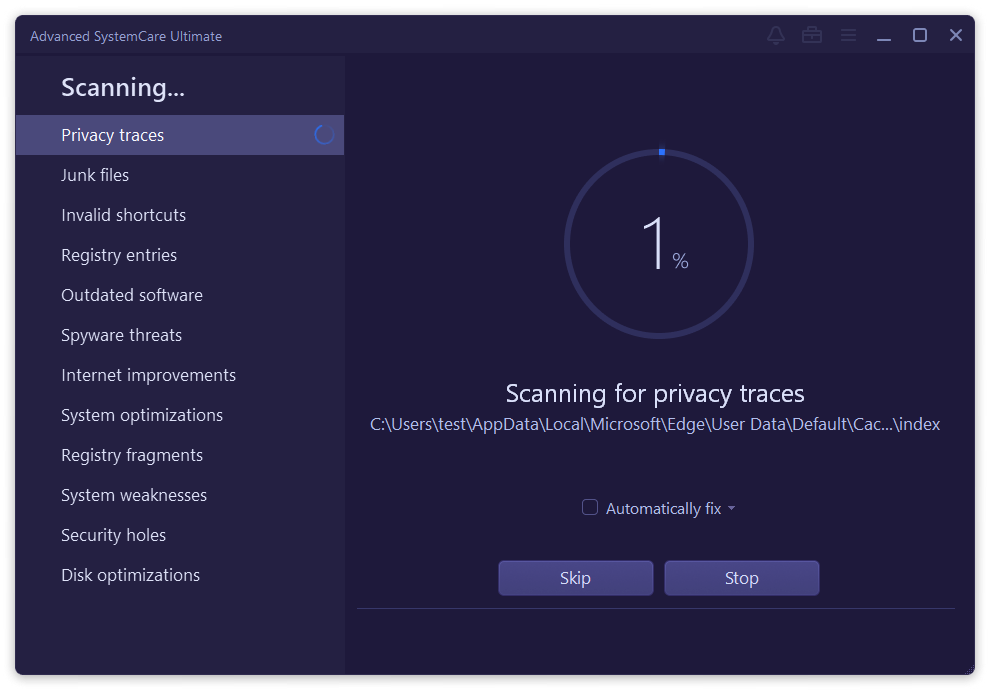
Moreover, its "Smart Scan" option swiftly detects vulnerabilities, outdated drivers, and malicious files, all in a clean, guided interface. This dual approach ensures your system isn't just fast but also fortified, giving peace of mind amid increasing cyber threats.
Core Functionality 2: System Tune-Up and Performance Boosting
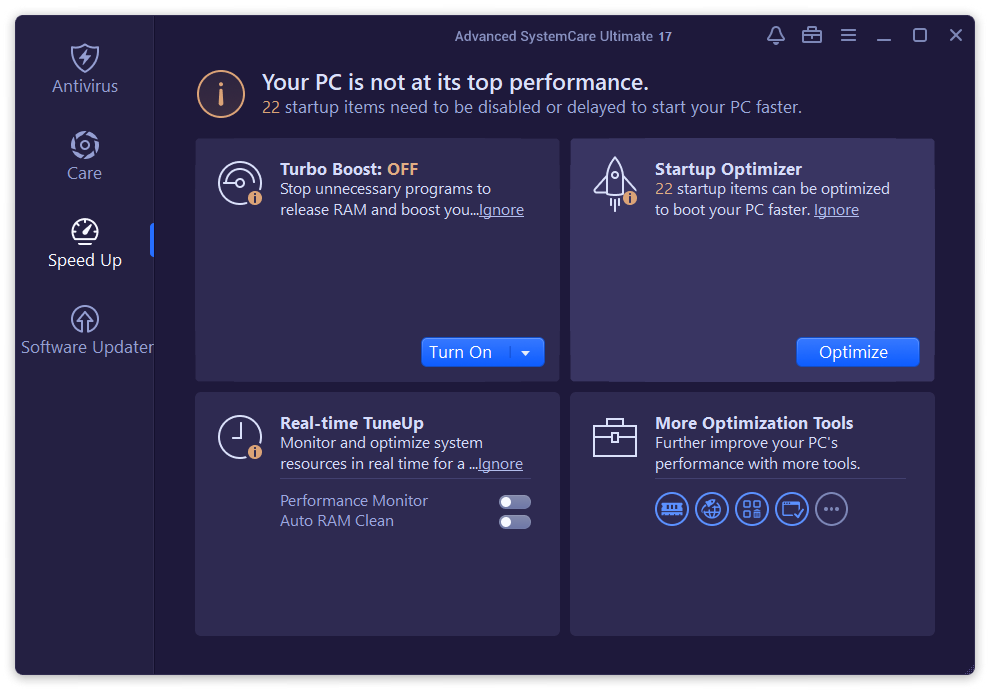
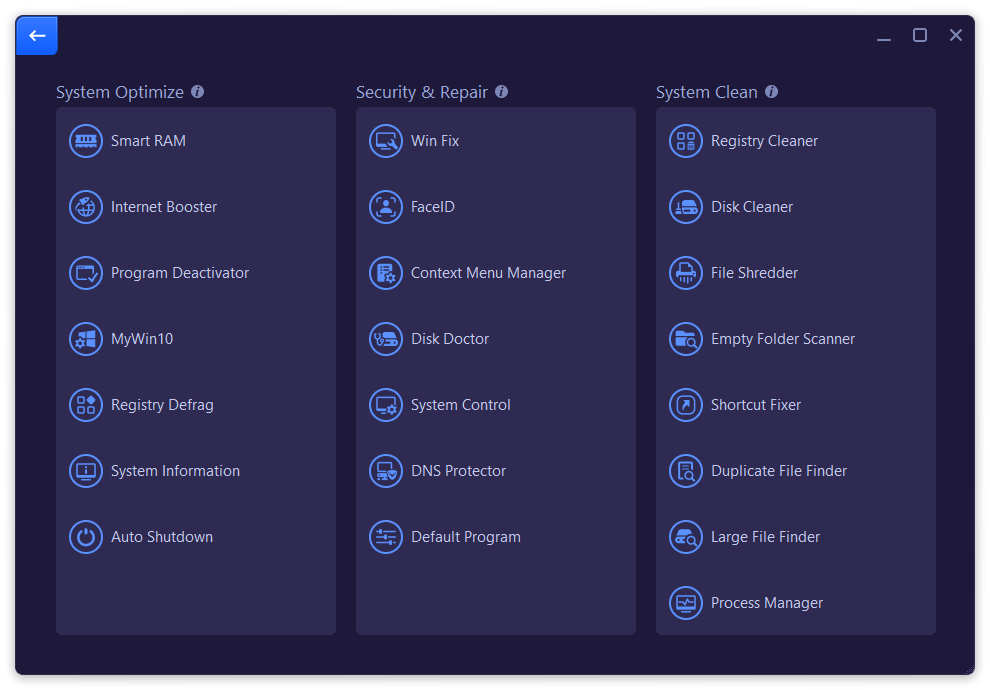
The second pillar of Advanced SystemCare Ultimate is its powerful system optimization features. With tools like Junk File Cleaning, Registry Fixing, and Startup Optimization, it helps breathe new life into sluggish computers. Think of it as giving your PC a thorough healthcare check-up—removing the debris and tightening the loose screws that slow down your machine.
The interface guides users through simple one-click fixes or more detailed customization, accommodating both beginners and tech-savvy users. Its real-time monitoring also alerts you to ongoing system issues, making maintenance an ongoing yet unobtrusive process.
Design, Usability, and User Experience
From a usability perspective, Advanced SystemCare Ultimate presents a sleek, clutter-free interface, reminiscent of a well-organized dashboard—easy to navigate even for those unfamiliar with system maintenance tools. The operation is smooth and responsive; clicking through options feels fluid, and scans commence swiftly without perceptible lag.
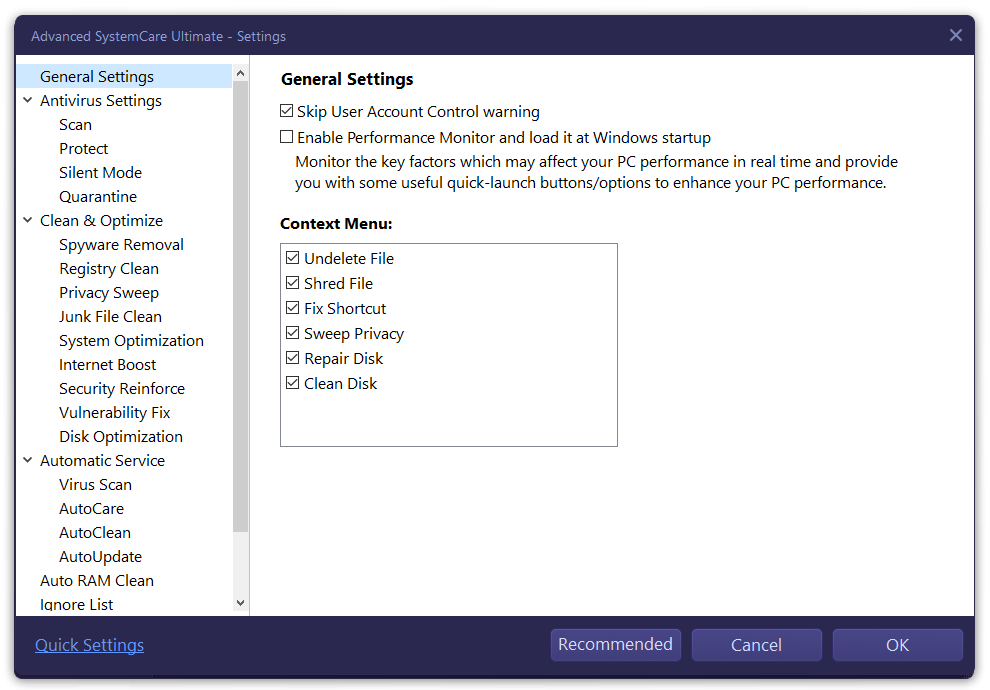
Learning curve is gentle, thanks to clear labels and guided wizards. For beginners, the automatic scans and recommendations serve as friendly tutorials, while advanced users can dive into detailed settings with ease. Overall, the app balances complexity and simplicity beautifully, making routine security and maintenance feel less like a tech headache and more like a manageable daily routine.
What Truly Sets It Apart?
One of the most distinctive features of Advanced SystemCare Ultimate is its combination of security and system optimization in a single package, eliminating the need for multiple standalone tools. Its real-time malware protection woven seamlessly into system cleanup routines ensures that security doesn't come at the expense of performance—something many security suites overlook. Additionally, its preemptive vulnerability fixes and driver update modules act proactively, reducing the chances of system crashes or slowdowns.
Compared to typical antivirus or cleaner tools, this integrated approach offers a holistic experience where security enhancements are directly linked with performance improvements—much like having both a security guard and a mechanic working together to keep your PC in top shape.
Recommendation and Usage Suggestions
If you seek a straightforward, all-in-one tool to safeguard and optimize your Windows PC, Advanced SystemCare Ultimate is worth considering. It is particularly beneficial for users who prefer simplicity without sacrificing depth—offering robust security features alongside system tune-up tools in a single interface. However, power users who desire granular control or expert-level customization may find some of its features somewhat automated.
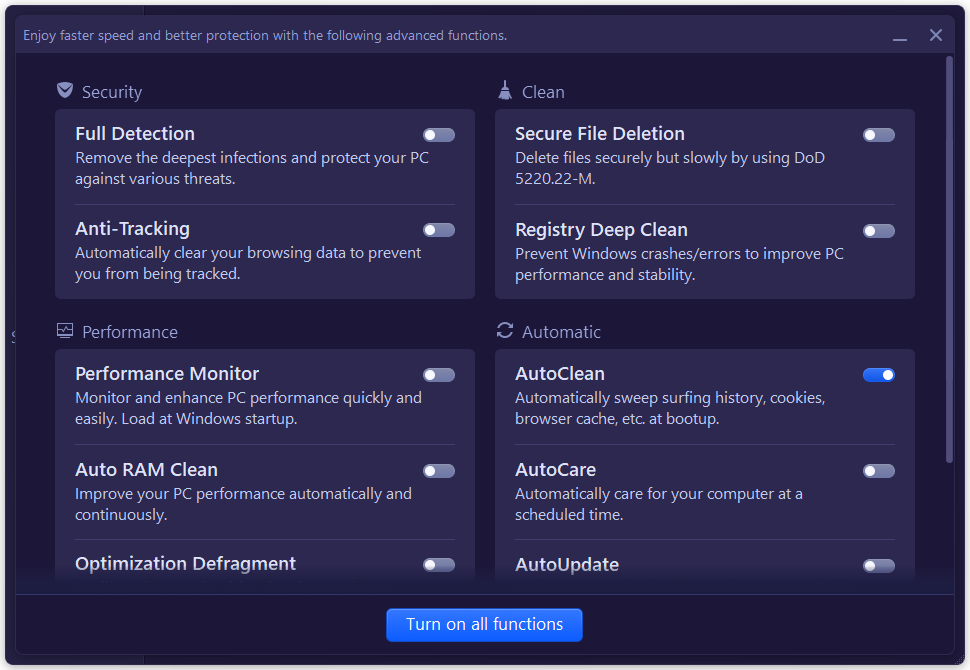
For optimal results, I recommend running scheduled scans weekly, keeping the program updated, and utilizing the real-time protection for continuous security. For casual users, enabling automatic cleaning and security features will maintain system health effortlessly, making this app a reliable digital handyman at your fingertips.
In conclusion, Advanced SystemCare Ultimate stands out as a balanced, user-friendly solution that harmoniously blends security and performance. It's like having a vigilant guardian and a caring maintenance technician rolled into one—making it a compelling choice for everyday Windows users seeking peace of mind and a smoother computing experience.
Pros
- Comprehensive security features
- System optimization capabilities
- User-friendly interface
- Automatic updates
- Lightweight design
Cons
- Occasional false positives
- Premium features require subscription
- Can be resource-intensive during scans
- Interface may be cluttered for beginners
- Limited support for some regional languages











