
- Category Personalization
- Developer Exceed Technologies LLP
- Available on PC
- OS Windows 10 version 19041.0 or higher
- languages Chinese (Simplified), English, English (United States), French, German, Italian, Japanese, Korean
Aesthetic Themes - Desktop Customization for Windows: A Fresh Take on Personalizing Your PC
Imagine transforming your mundane desktop into a vibrant canvas that reflects your personality and style—all with just a few clicks. That's precisely what Aesthetic Themes offers, making customization both accessible and enjoyable for Windows users seeking to elevate their workspace experience. Developed by Exceed Technologies LLP, this app aims to bridge the gap between functional utility and aesthetic appeal, providing a suite of tools designed to refresh your desktop environment seamlessly.
About the Developer and Core Features
Exceed Technologies LLP is a forward-thinking team dedicated to crafting user-centric applications that enhance digital interactions. With Aesthetic Themes, their goal is to empower Windows users with versatile personalization options that are both visually engaging and easy to implement.
The app's main features include:
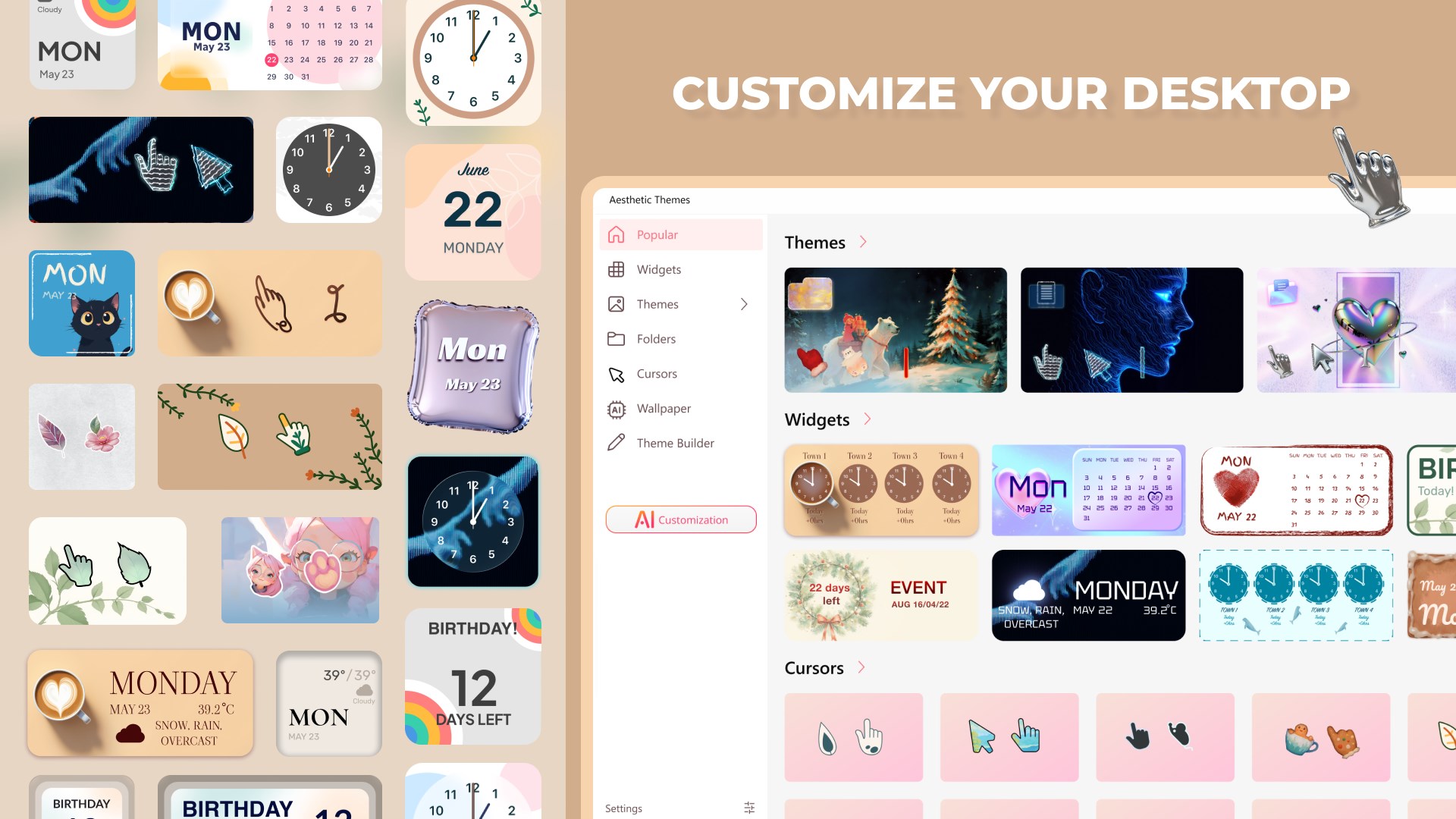
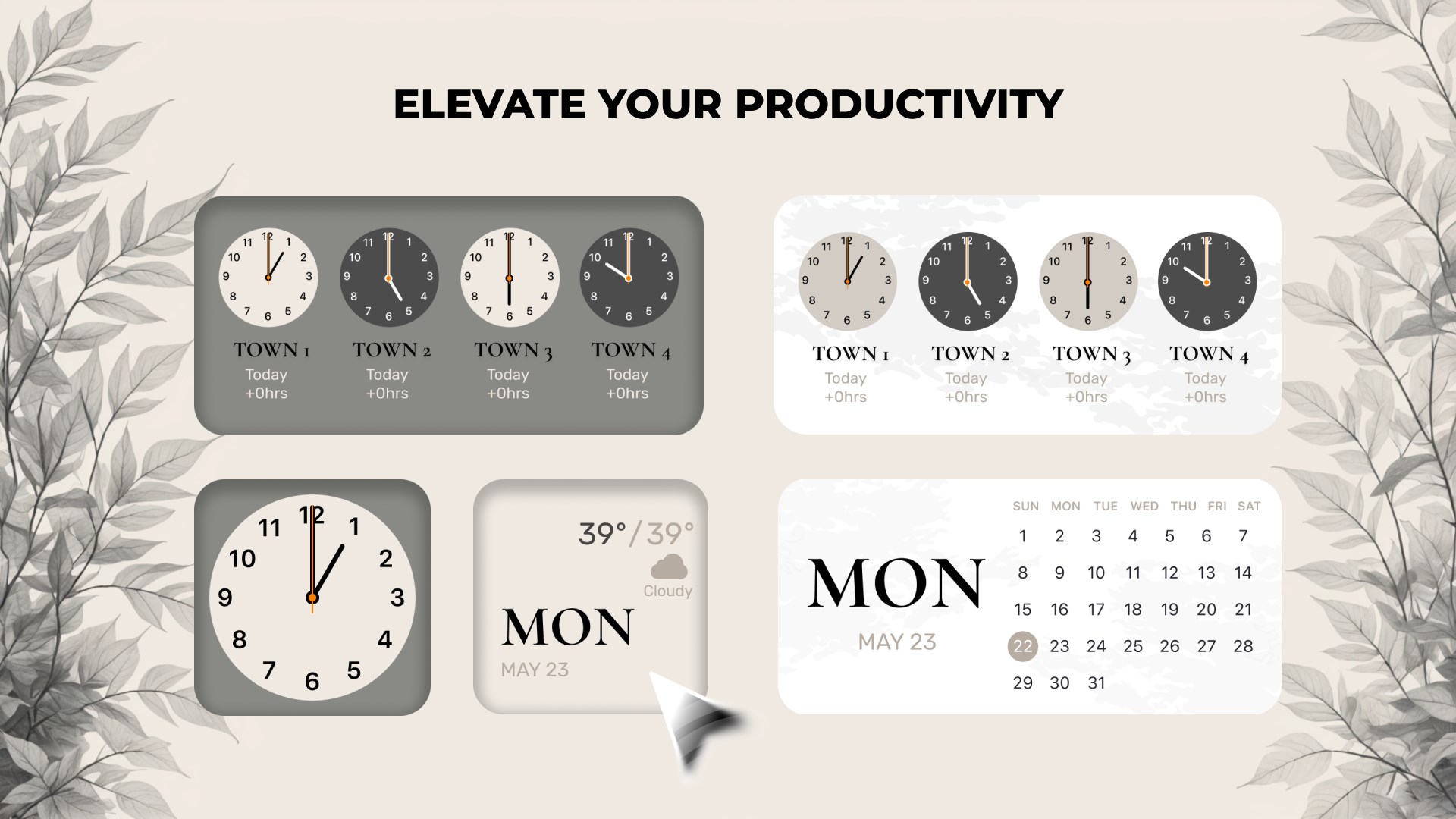
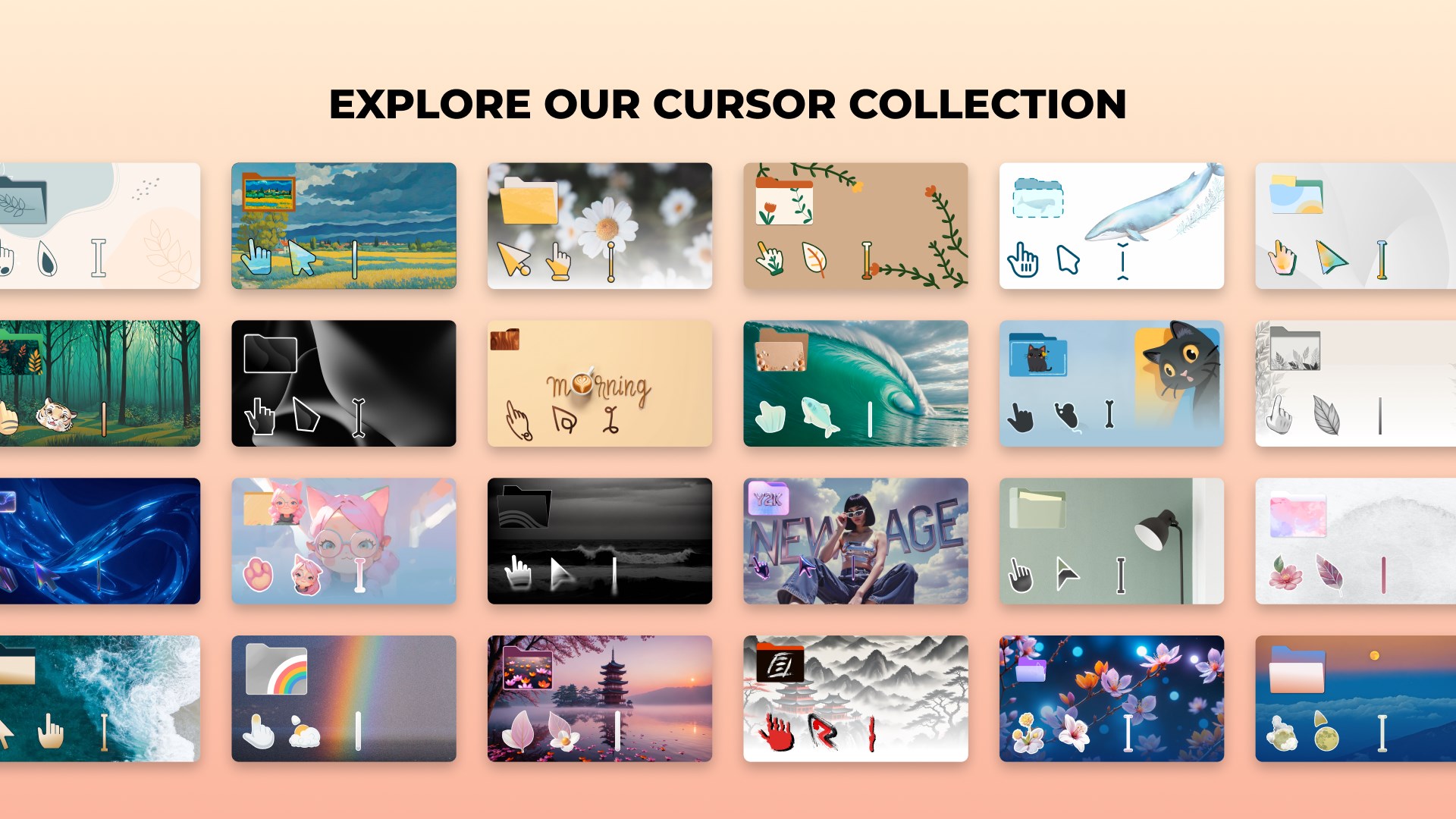
- Extensive Theme Library: Access to a wide array of pre-designed themes catering to different tastes, from minimalistic elegance to vibrant artistry.
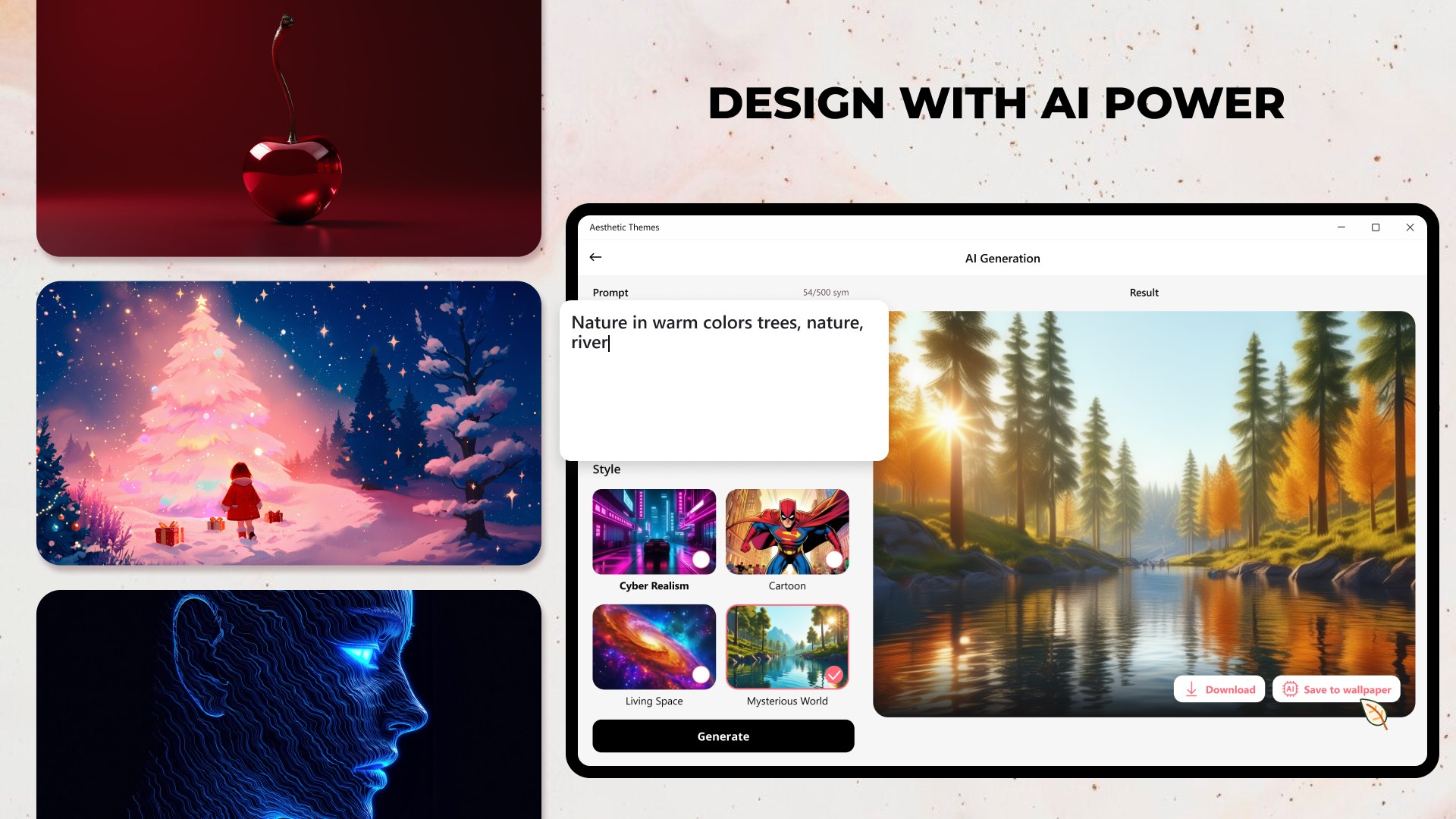
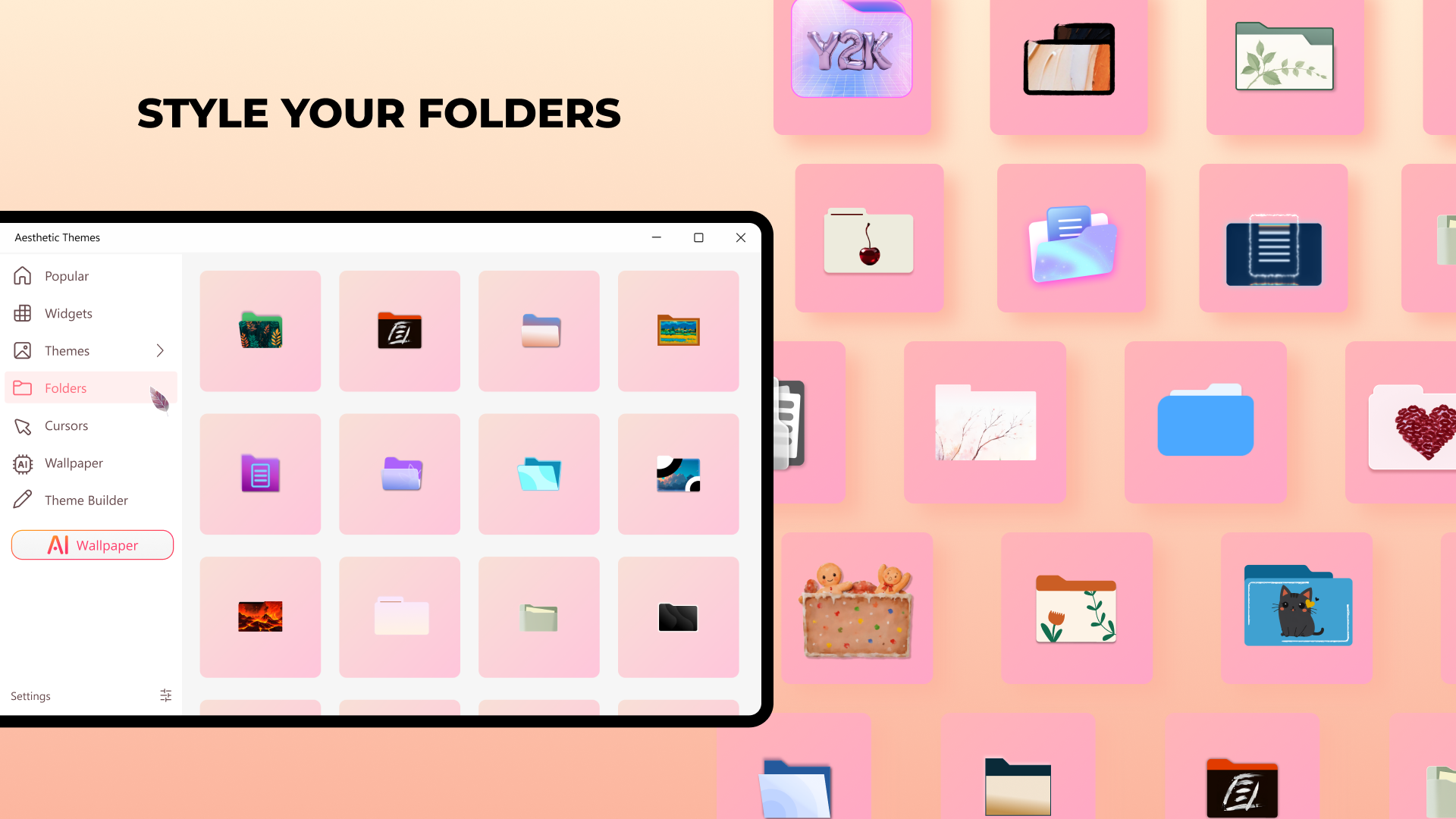
- Custom Wallpaper and Icon Support: Easily apply personalized wallpapers and icons, enabling a truly unique desktop environment.
- Automatic Theme Switching: Set themes to change automatically based on time of day or specific event triggers, adding dynamic flair to your workspace.
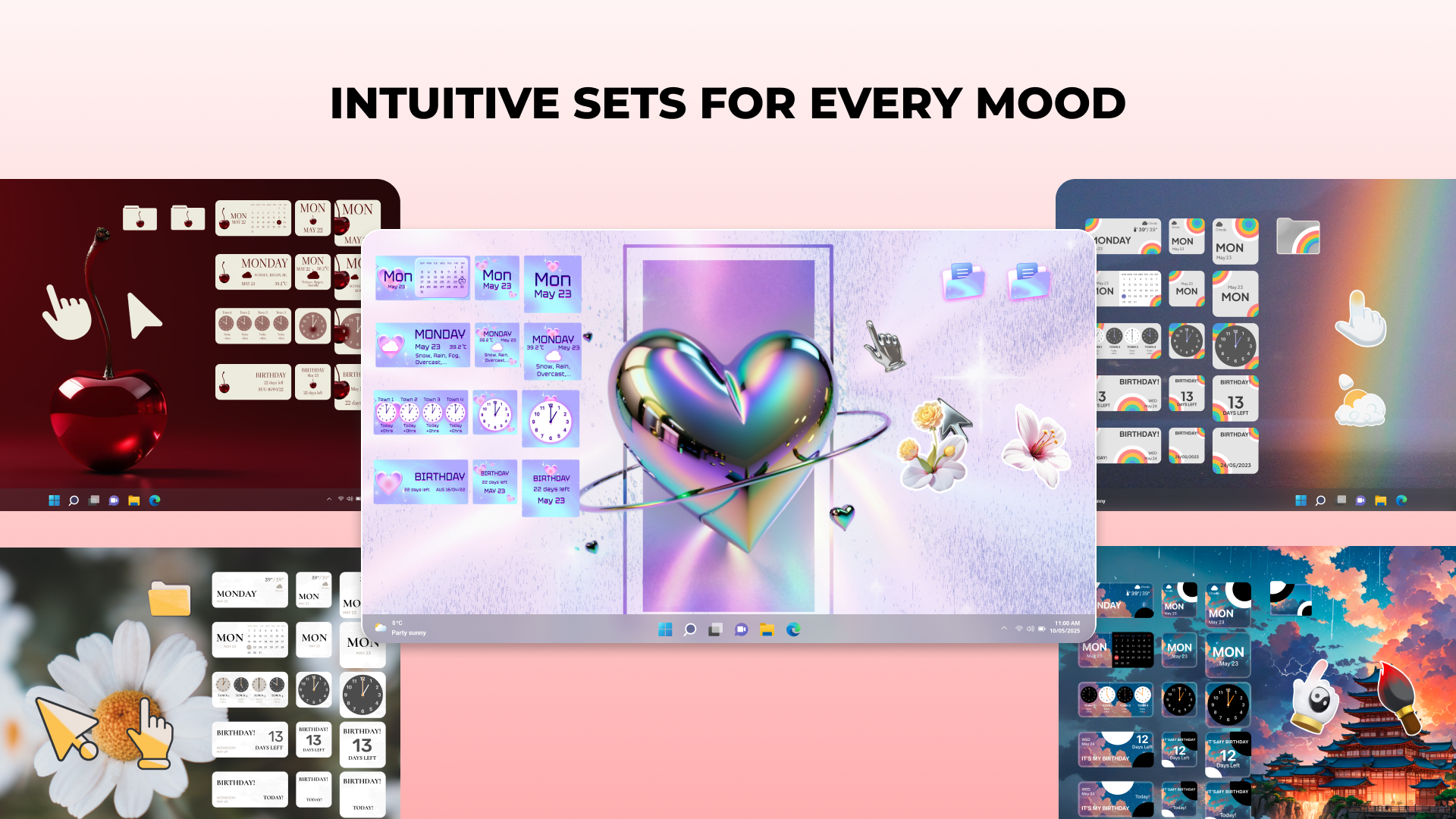
- Compatibility with Existing Themes: Seamlessly blend new themes with Windows' native customization options for a harmonious look.
Designed with a target audience in mind, Aesthetic Themes appeals to casual users who want quick style upgrades, as well as more engaged enthusiasts who desire detailed personalization and dynamic visual effects.
Vivid Introduction to Visual Verve
Stepping into the world of desktop personalization with Aesthetic Themes feels like entering a boutique atelier for your PC—every click and swipe unveils a new artistic possibility. Picture your desktop as a blank canvas, ready to be painted with a palette that speaks to you. Whether you're a student seeking an inspiring study space or a creative professional wanting your workspace to reflect your vibe, this app promises to turn your digital environment into something that energizes your day.
Elegant Theme Selection and Customization
The core allure of Aesthetic Themes lies in its rich library of visual styles. Navigating through the menu feels like strolling through an art gallery—each theme carefully curated with attention to detail and coherence. Users can preview themes in real-time, making it easier to pick one that resonates. Once selected, applying themes is straightforward, akin to swapping out a piece of clothing—quick, intuitive, and satisfying.
The app shines particularly in its support for custom wallpapers and icons. Imagine being able to set a scenic mountain photo as your background, complemented by matching folder icons that evoke a rustic charm or high-tech sleekness, depending on your mood. This level of personalization makes your desktop not just a workspace but a reflection of your personality.
Seamless User Experience & Unique Dynamic Features
Interface design within Aesthetic Themes is a breath of fresh air—clean, organized, and thoughtfully laid out. The simplicity allows users of all levels to navigate without a steep learning curve. Switching themes or tweaking settings is as smooth as gliding on ice; transitions are quick, and the app remains responsive even with extensive customization options enabled.
Now, what sets Aesthetic Themes apart from other personalization apps? Its most distinctive feature is the **Automatic Theme Switching**—think of it as your desktop's daily outfit changer. Set it once, and your desktop will effortlessly adapt its look throughout the day, aligning with your mood or schedule without any manual fuss. Additionally, the app's design ensures that themes are compatible with Windows' built-in features, avoiding confusing conflicts or display issues—a common gripe among customizers.
Is It Worth Your Time? Recommendations & Usage Tips
If you're someone who enjoys tweaking your desktop for a fresh look, Aesthetic Themes offers a compelling package. Its intuitive interface minimizes the learning curve, making customization an enjoyable endeavor rather than a chore. For users seeking dynamic visual experiences that evolve with your day, this app's automatic switching feature could be a game-changer.
However, those looking for highly specialized themes or very advanced customization might find the options somewhat limited compared to more complex tools—though it's worth noting that the app balances feature set and usability effectively.
Overall, I recommend Aesthetic Themes to Windows users who appreciate aesthetic cohesion, occasional style updates, and those curious about dynamic desktop personalization. It's like having a professional stylist for your PC—nothing too overwhelming, yet enough to make a difference in your daily digital life.
Pros
- Extensive Theme Collection
- User-Friendly Interface
- Regular Updates
- Customizable Elements
- Lightweight and Fast
Cons
- Limited Free Themes
- Inconsistent Theme Quality
- Occasional Compatibility Issues
- Lack of Custom Theme Creation Tools
- Limited Support for Older OS Versions











