

- Category Photo & video
- Developer Tuguoba
- Available on PC
- OS Windows 10 version 17763.0 or higher
- Keyboard Integrated Keyboard
- Mouse Integrated Mouse
- Memory 6 GB
- DirectX Not specified
- languages Chinese (Simplified), Chinese (Traditional), Dutch, English (United States), French, German, Japanese, Korean, Portuguese (Brazil), Russian, Spanish
AI Video Faceswap for Windows: An Innovative Tool for Face Swapping in Videos
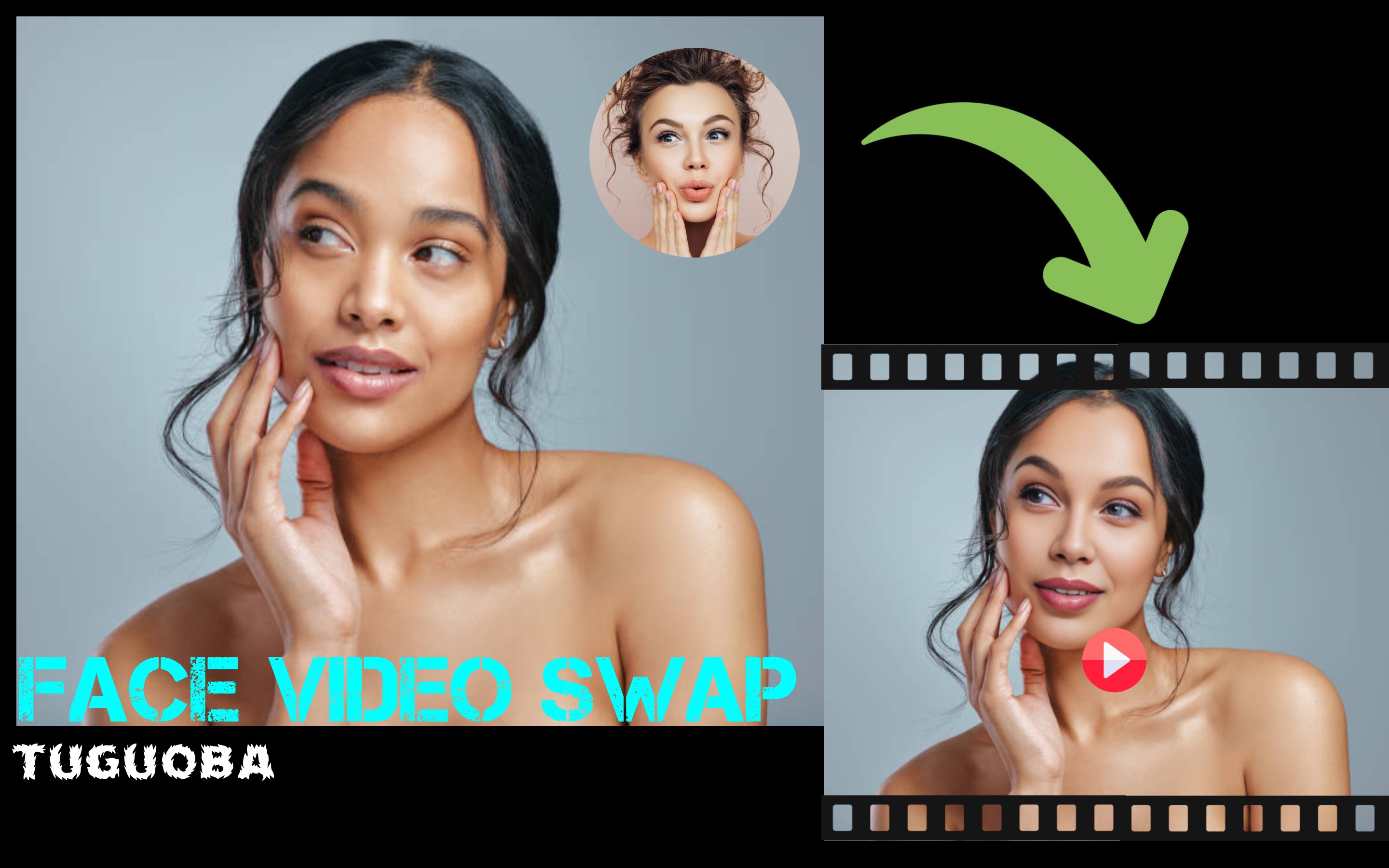
AI Video Faceswap for Windows, developed by Tuguoba, stands out as a user-friendly application that leverages artificial intelligence to enable seamless face swapping in videos. Whether you're a content creator, hobbyist, or simply curious about face manipulation technology, this app offers a compelling mix of features designed to make video editing intriguing and accessible.
Who's Behind the Curtain: Developer and Target Audience
Produced by Tuguoba, a team committed to creating approachable AI-powered tools, AI Video Faceswap is tailored to users who want to explore face swapping without diving into complex software. Its primary audience includes video enthusiasts, social media influencers, and digital artists eager to experiment with personal or professional projects—ranging from prank videos and creative clips to more serious applications like education or training.
Features That Make It Pop: What Sets the App Apart
- Advanced Face Swapping Algorithm: At the core, the app uses sophisticated AI to produce realistic face swaps, even preserving facial expressions and movements, which elevates the authenticity of the output.
- Real-Time Video Processing: Users can import their videos and see the face swap results quickly, thanks to optimized processing that minimizes lag—making editing feel more like a live operation than a cumbersome task.
- User-Friendly Interface: Designed for ease of use, the interface guides users through the process intuitively, reducing the learning curve for beginners while offering enough control for advanced users.
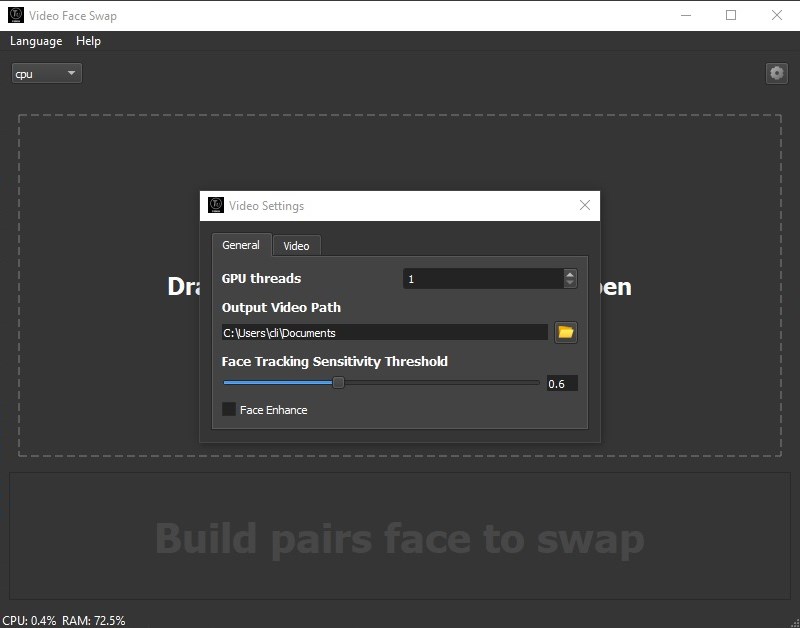
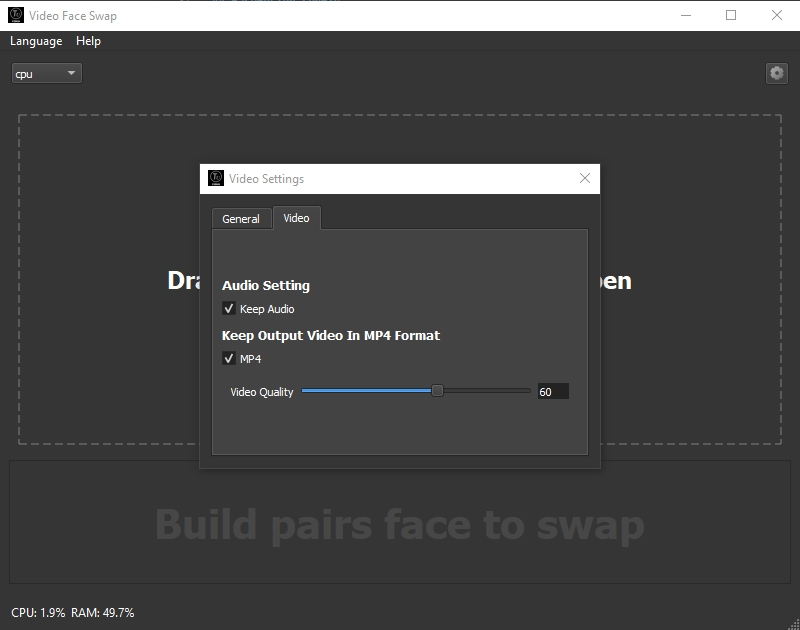
- Customizable Output Settings: The application allows adjusting parameters such as swapping precision, video resolution, and output format, catering to different project needs and device capabilities.
Experience and Usability: Making the Complex Simple
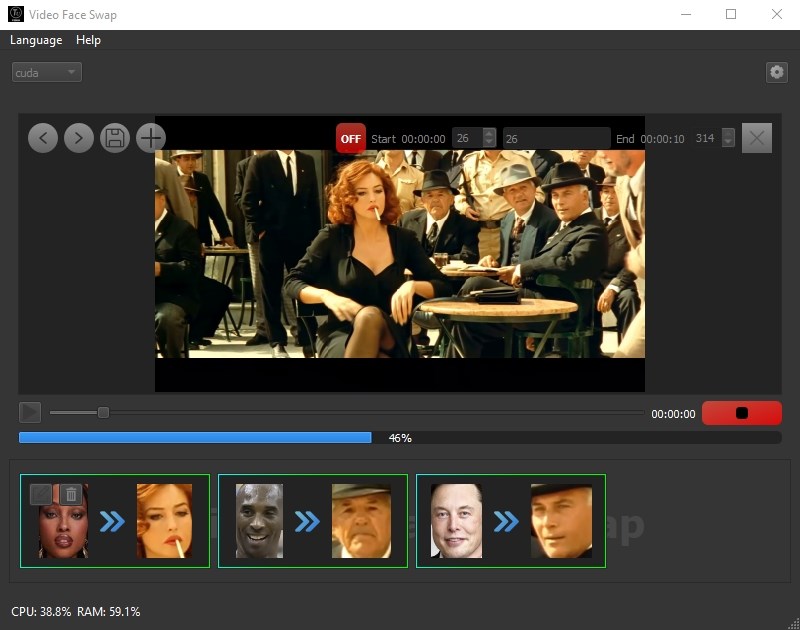
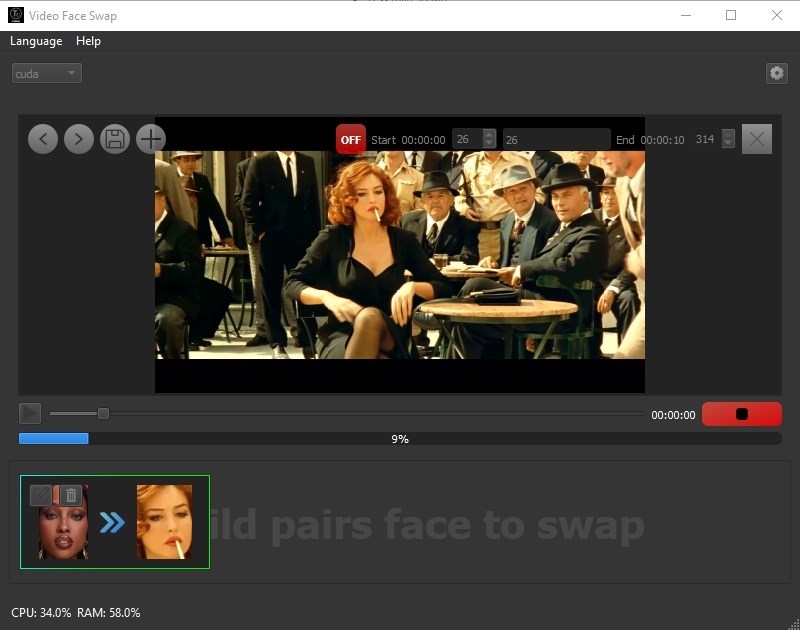
Once you open AI Video Faceswap, you're greeted with a clean, uncluttered interface that resembles a friendly workshop rather than a high-tech lab. Importing a video is straightforward—drag-and-drop or browse through folders. The real magic happens when selecting the faces; the app intelligently detects faces within the video, highlighting them for easy selection. Processing times are impressively quick, especially considering the AI's complexity, and the preview feature allows instant review, much like having a magic mirror.
The learning curve is gentle. Even users with minimal technical background can pick up the app within minutes thanks to guided prompts and straightforward controls. For seasoned editors, the customizable options provide a sense of mastery, enabling fine-tuning of swap quality and output formats. The overall experience feels smooth—no jarring delays, crashes, or confusing menus—making it feel more like a trustworthy companion in your creative adventure.
What Makes It Unique? Standout Advantages in a Crowded Field
Compared to other facial editing apps, AI Video Faceswap shines particularly in its ability to handle high-quality videos while maintaining realistic facial expressions and movements—something that many simpler apps struggle with. Its real-time processing feature means you can see changes unfold almost instantly, which is a significant advantage over more sluggish tools. Additionally, the app's balance between powerful AI capabilities and an approachable interface positions it as a beginner-friendly yet sophisticated option.
Final Thoughts: To Swap or Not to Swap?
Overall, I would recommend AI Video Faceswap for Windows as a reliable and effective tool for face swapping, especially if you're looking for a balance between ease of use and high-quality results. It's best suited for casual content creators and hobbyists who want a tool that works out of the box without sacrificing realism. Serious professionals might find its customization options somewhat limited, but for most users, it offers enough depth and speed to turn creative ideas into reality.
In short, if you're curious about exploring face swaps in videos and need a straightforward, reasonably powerful app, AI Video Faceswap deserves a spot in your toolkit. Just remember: with great power comes great responsibility—use it ethically and responsibly!
Pros
- Intuitive user interface
- High-quality face swap results
- Fast processing speed
- Supports multiple video formats
- Built-in privacy features
Cons
- Limited face swap accuracy in complex scenes
- Requires high-performance hardware
- Watermark on free version
- Limited editing tools
- Occasional lag during processing











