- Category Racing & flying
- Developer Xombat Development
- Available on PC, Mobile, Surface Hub, HoloLens
- OS Windows 10 version 17763.0 or higher
- DirectX Version 9
- Memory 2 GB
- Mouse Not specified
- languages English (United States)
Introducing Airline Manager for Windows: Your Virtual Airport Empire
If you're passionate about aviation management and aspire to run your own airline, Airline Manager for Windows offers an engaging simulation experience that puts you in the pilot's seat—from scheduling flights to managing crew and routes. Developed by Xombat Development and published by Trophy Games ApS, this app delivers a comprehensive airport and airline management simulation, perfect for aviation enthusiasts and strategy gamers alike.
Key Features That Take Off
Realistic Airline Operations
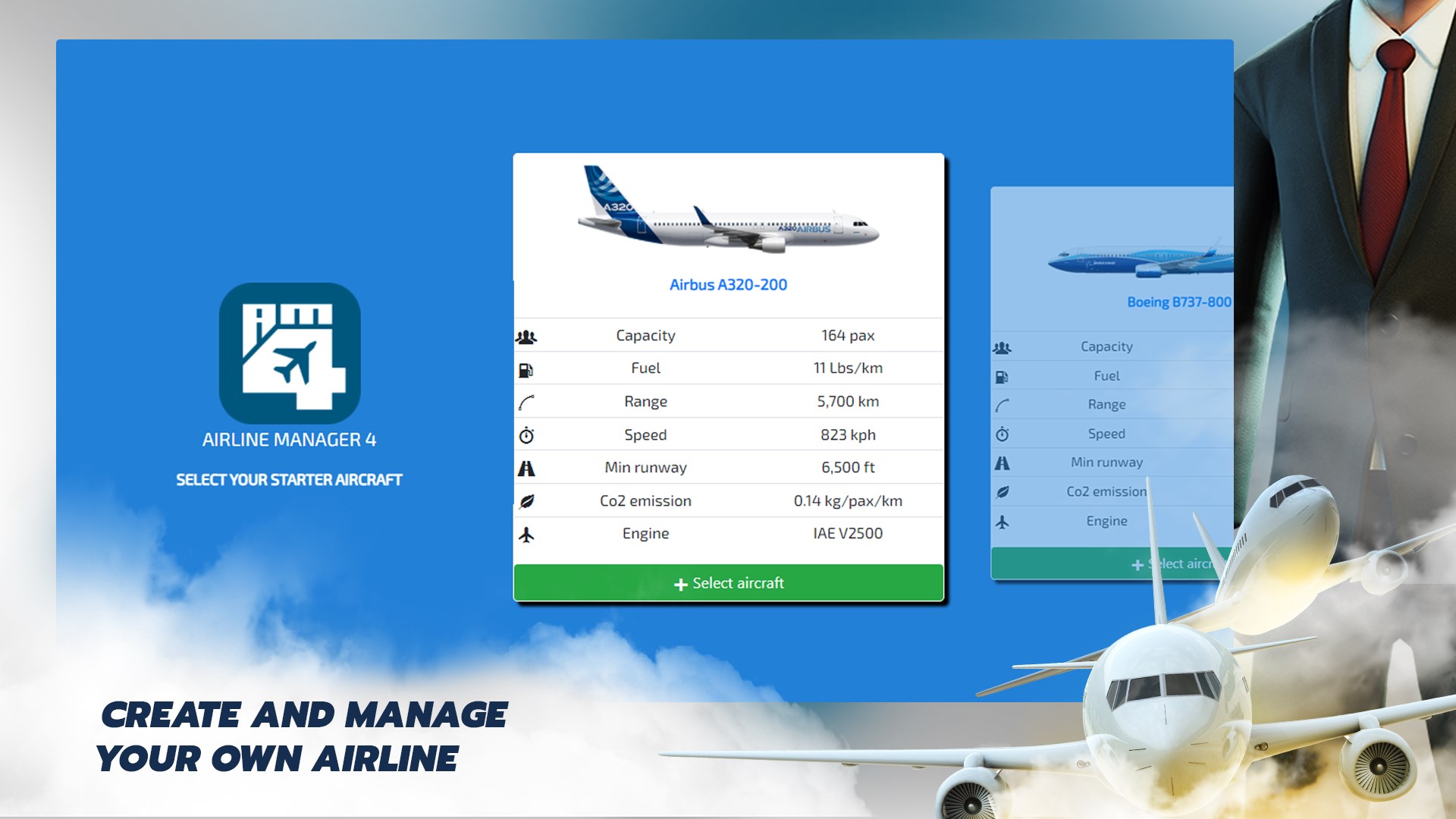
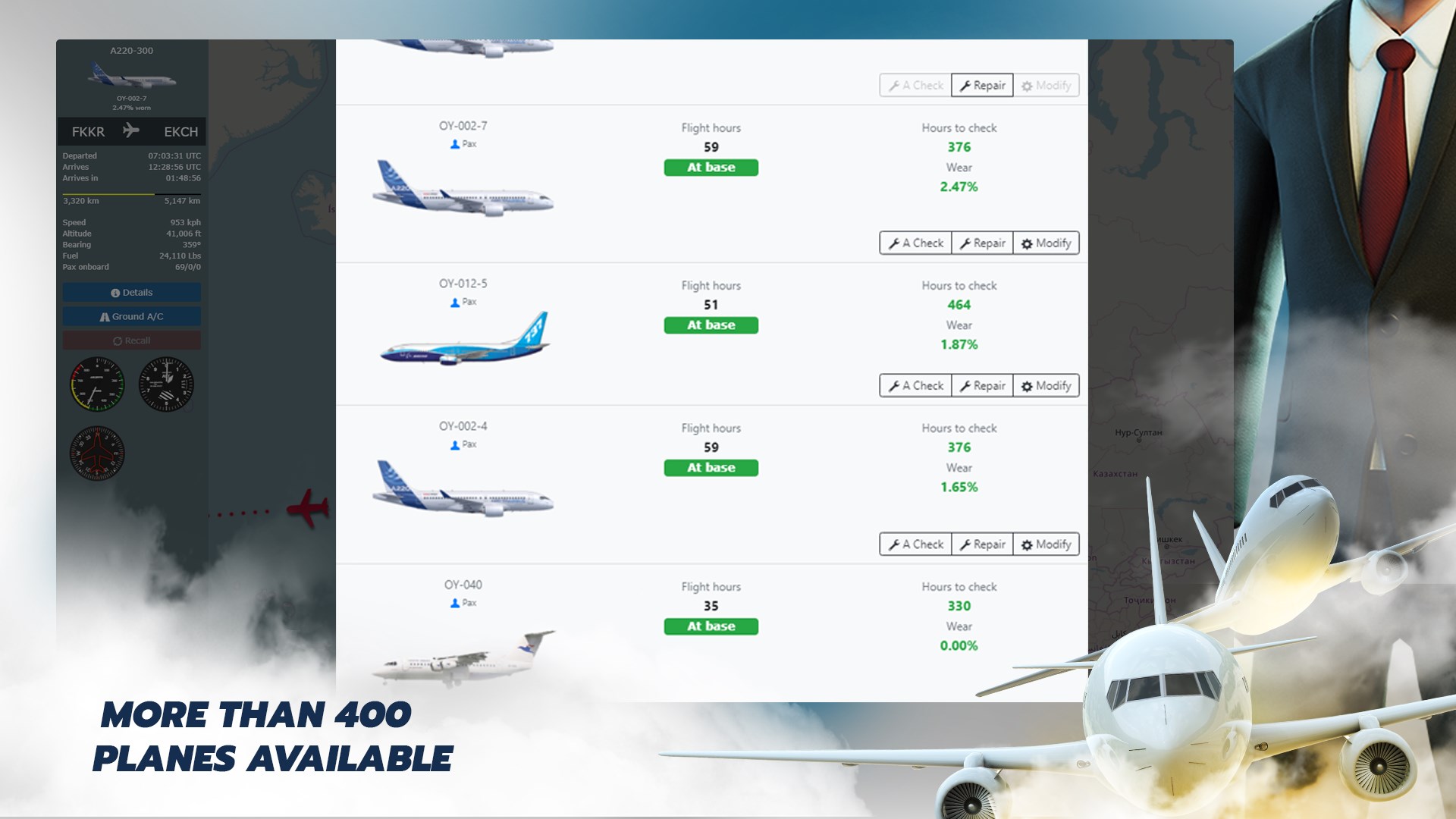
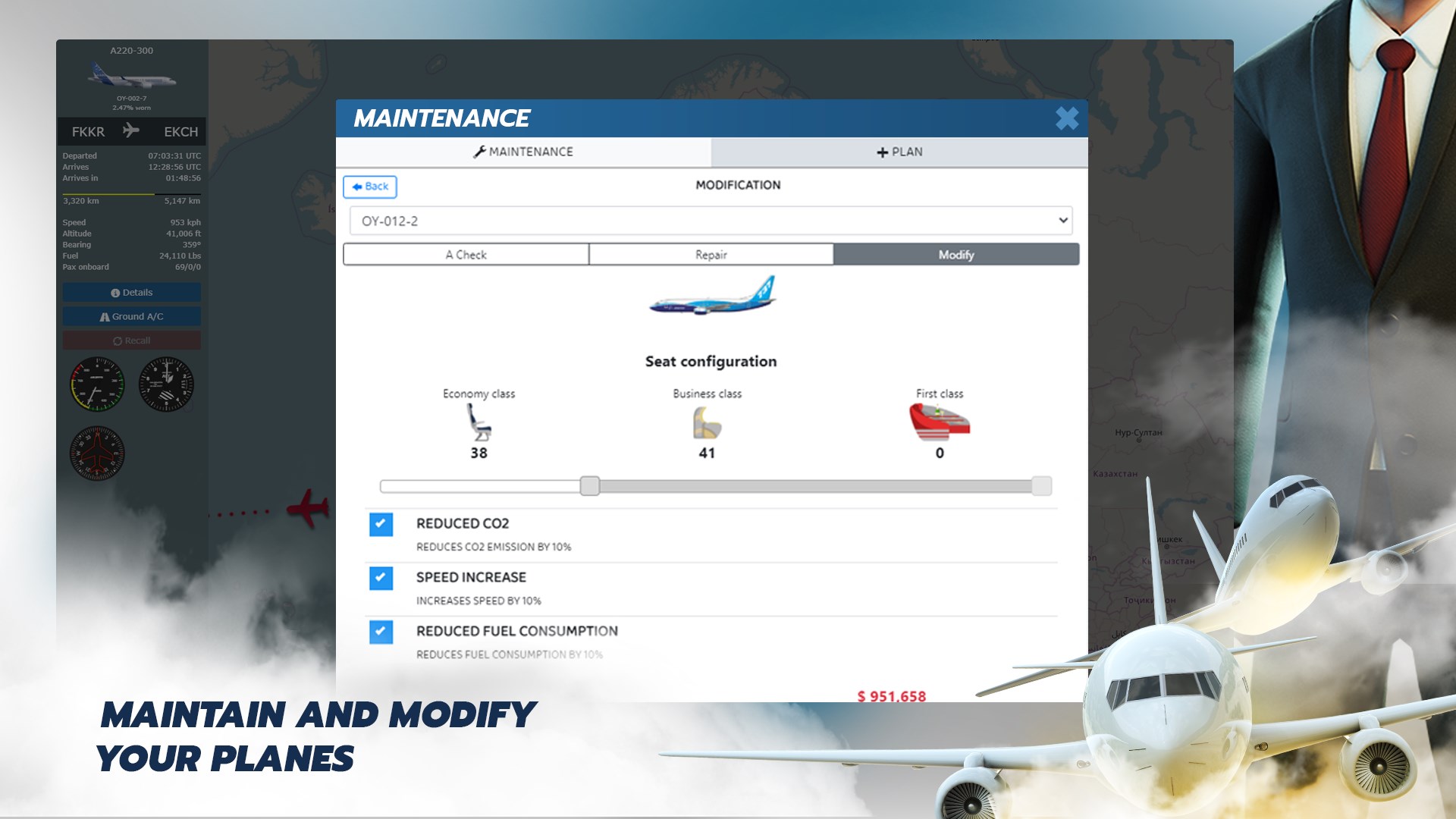
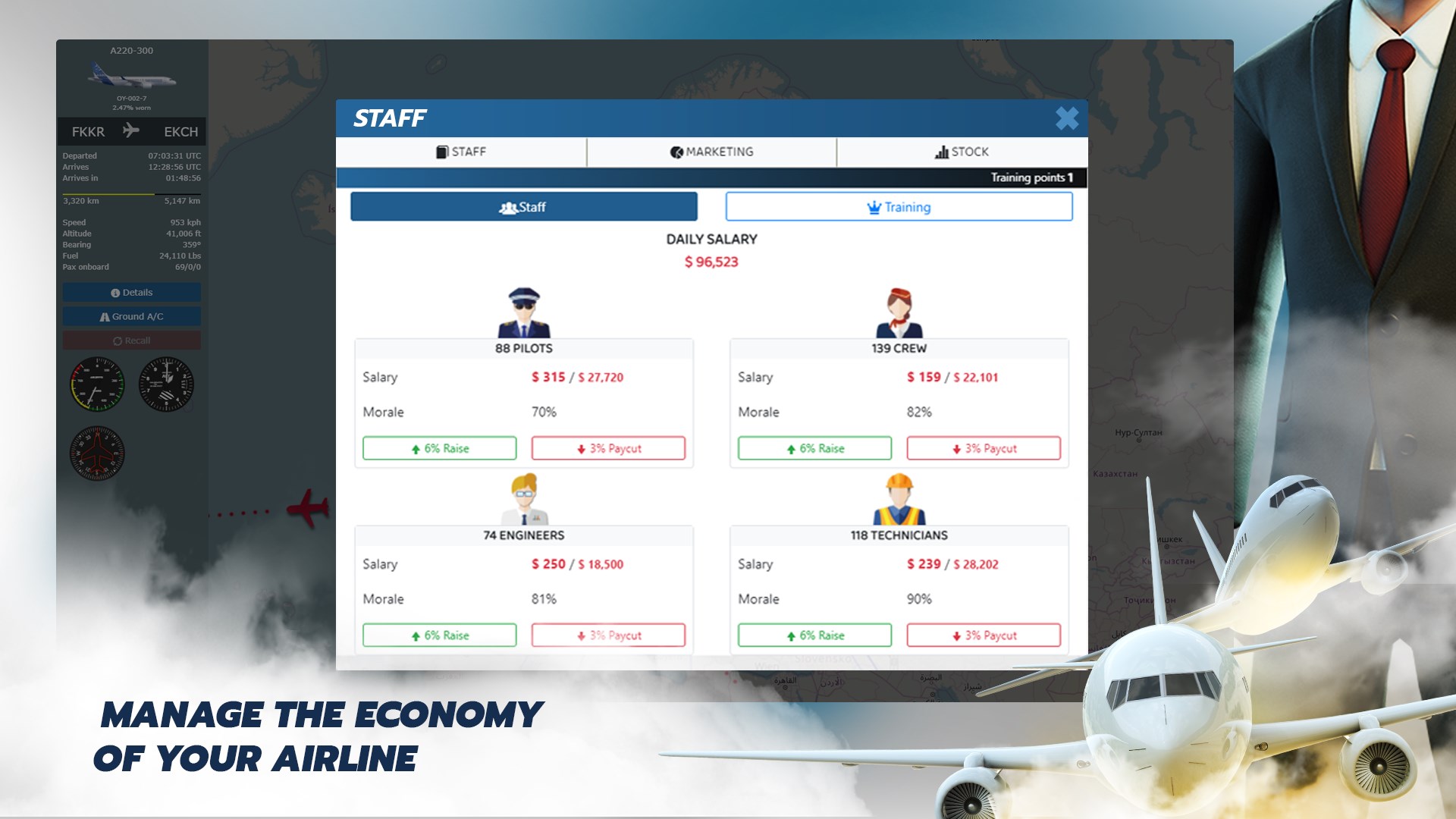
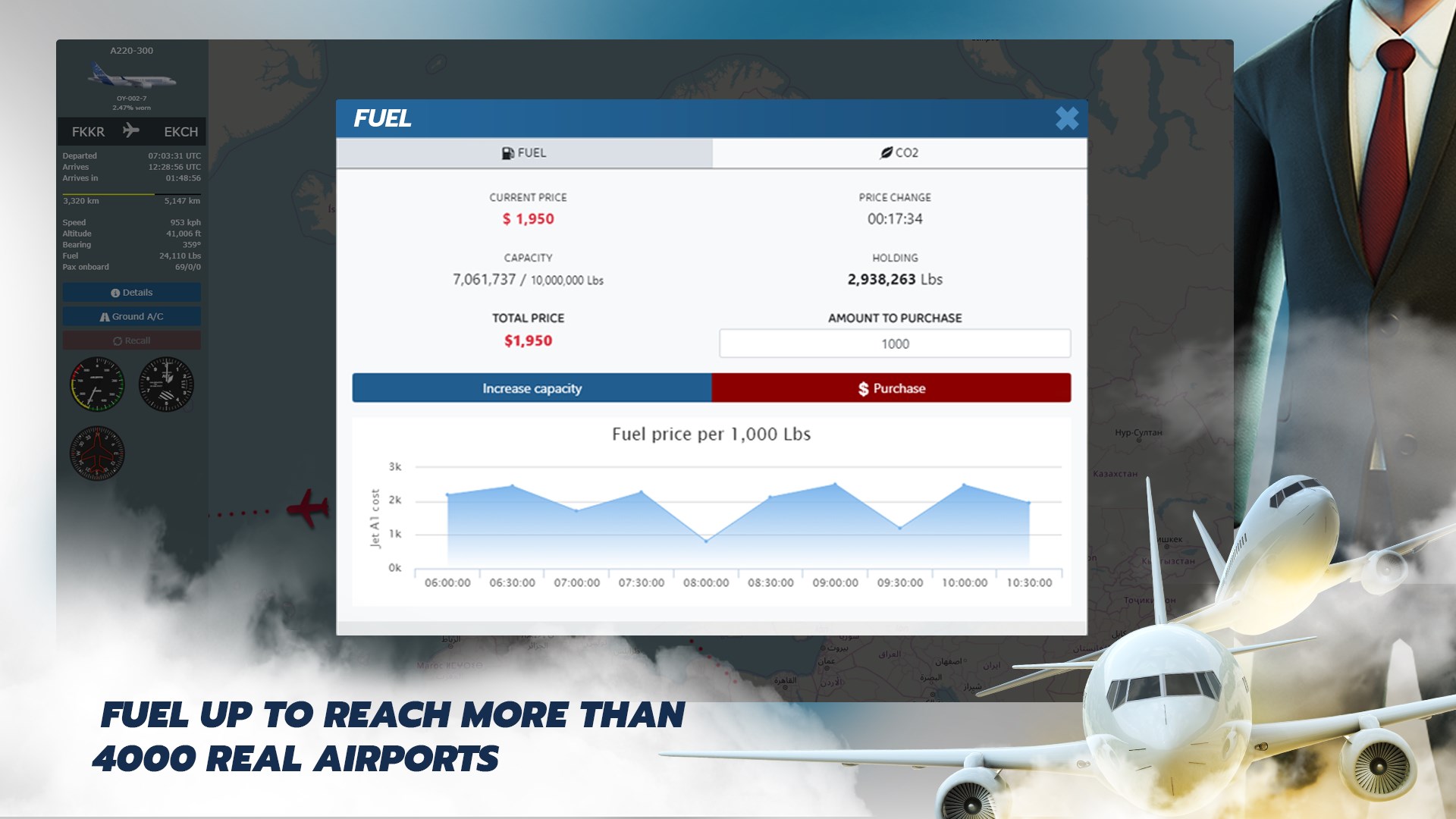
This app provides an in-depth managerial experience, allowing players to oversee every aspect of their airline—from fleet selection, route planning, and ticket pricing to handling maintenance and crew management. The simulation's depth offers a compelling challenge to optimize operations and grow your airline's reputation and profits.
User-Friendly and Intuitive Interface
Designed with clarity and ease of navigation in mind, the interface resembles a sleek control tower, blending visual appeal with practical layout. Menus and controls are logically organized, making complex management tasks accessible even for newcomers. The game features smooth transitions and responsive controls, ensuring a seamless, immersive experience.
Dynamic Flight and Route Management
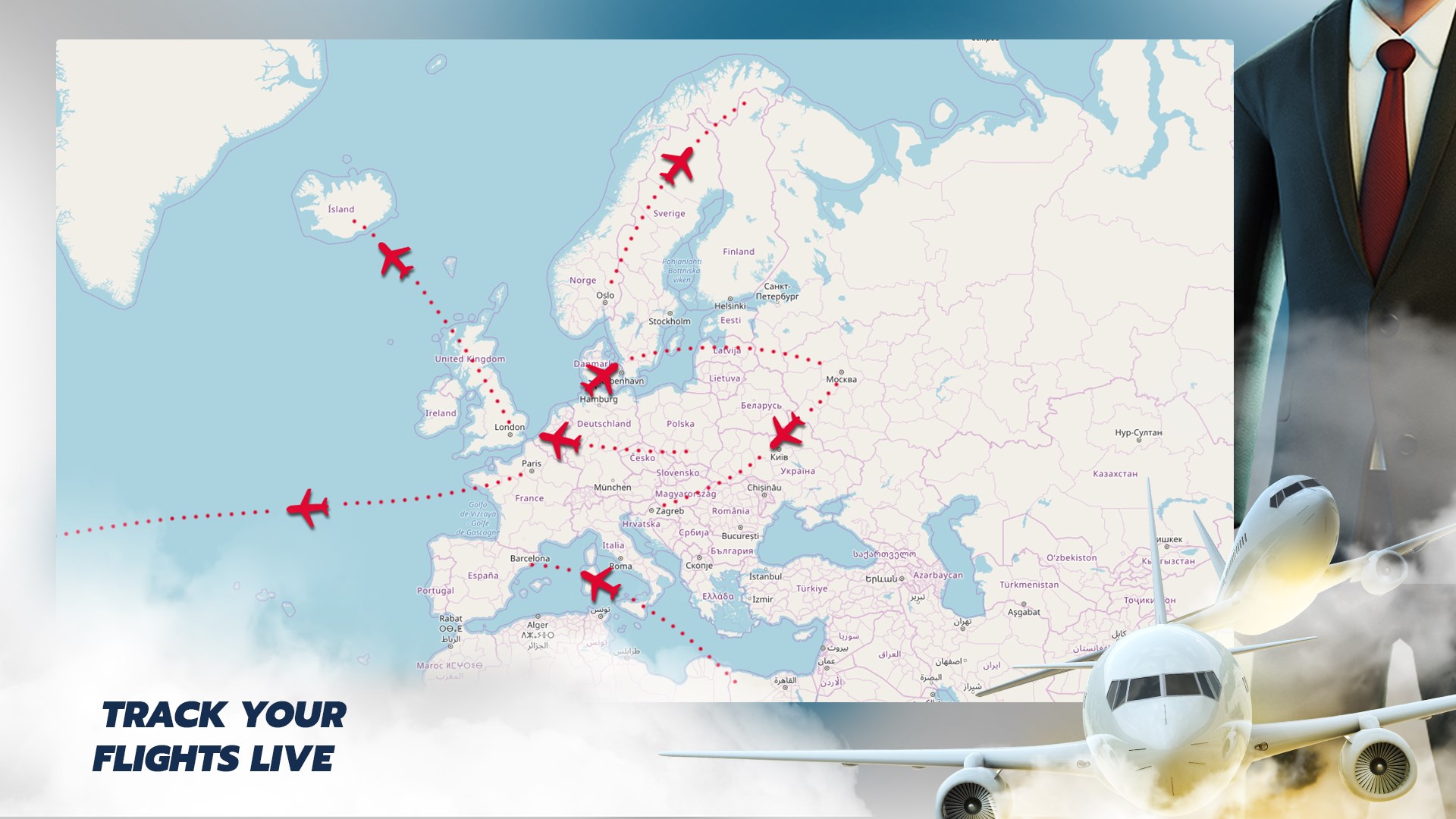
One of the app's standout features is its dynamic route system. Players can experiment with different flight paths, adjust schedules based on demand, and watch their strategies impact profitability and customer satisfaction. The real-time data feedback allows for strategic decision-making akin to managing a real-world airline. This feature elevates the simulation from static to interactive, fostering deeper engagement.
Delving Deeper into the Experience
From the moment you launch Airline Manager, you're greeted with a visually appealing cockpit-esque interface that invites exploration. The color palette and iconography mimic actual airline dashboards, making each decision feel authentic. The learning curve is moderate—intuitive enough for casual gamers but layered enough to satisfy serious simulation fans seeking mastery.
Managing daily operations—whether adjusting flight schedules or maintaining aircraft—feels like orchestrating a complex ballet. The app responds swiftly to commands, minimizing lag and maximizing immersion. The tutorial system gently guides newcomers through core functions without overwhelming them, ensuring a smooth onboarding process.
What Sets It Apart in the Racing and Flight Genre?
Unlike typical airline or racing games that focus solely on speed or casual management, Airline Manager's real strength lies in its depth and realism. Its detailed economic model, alongside the strategic flexibility of route planning and fleet management, provides a layered experience. The app's most distinctive feature is its advanced route optimization system that encourages players to analyze demand patterns and adapt their strategies accordingly—much like real airline executives do. This level of strategic depth sets it apart from more simplistic or arcade-style simulators.
Final Verdict and Recommendations
Airline Manager for Windows is a well-crafted simulation that balances complexity with accessibility. It's especially recommended for those intrigued by airline logistics and airport management, offering a nuanced experience without excessive complexity. If you're fascinated by aviation economics, route strategy, and fleet optimization, this app is worth adding to your collection. Casual users seeking quick thrills might find it a tad detailed but still rewarding.
Overall, I'd rate it a confident “thumbs up” for simulation lovers and strategic thinkers. Start small, learn the intricacies of your airline's ecosystem, and gradually expand your empire—this app makes the journey engaging and educational. Happy flying!
Pros
- User-friendly interface
- Realistic flight scheduling
- Comprehensive fleet management
- In-depth economic system
- Regular updates and new content
Cons
- Limited tutorial for new players
- Occasional lag during large fleet management
- In-app advertisements disrupt gameplay
- Limited multiplayer features
- Some advanced features require in-app purchases