

- Category Photo & video
- Developer Chengdu BoostVision Technology Co., Ltd
- Available on PC
- OS Windows 10 version 17763.0 or higher
- languages Chinese (Simplified), Chinese (Traditional Chinese), English, French, German, Japanese, Portuguese, Spanish
Introducing AirMirroring: Your Ultimate Screen Mirroring Companion for Windows
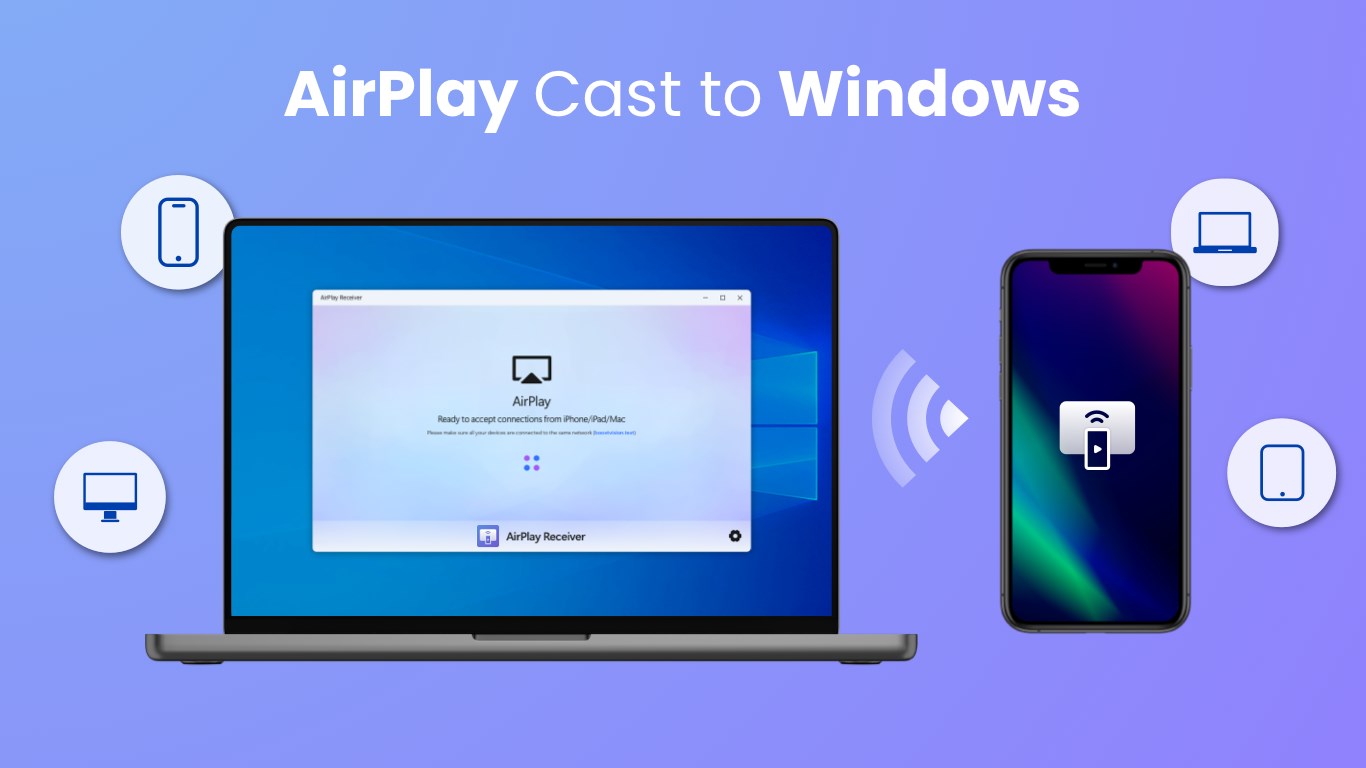
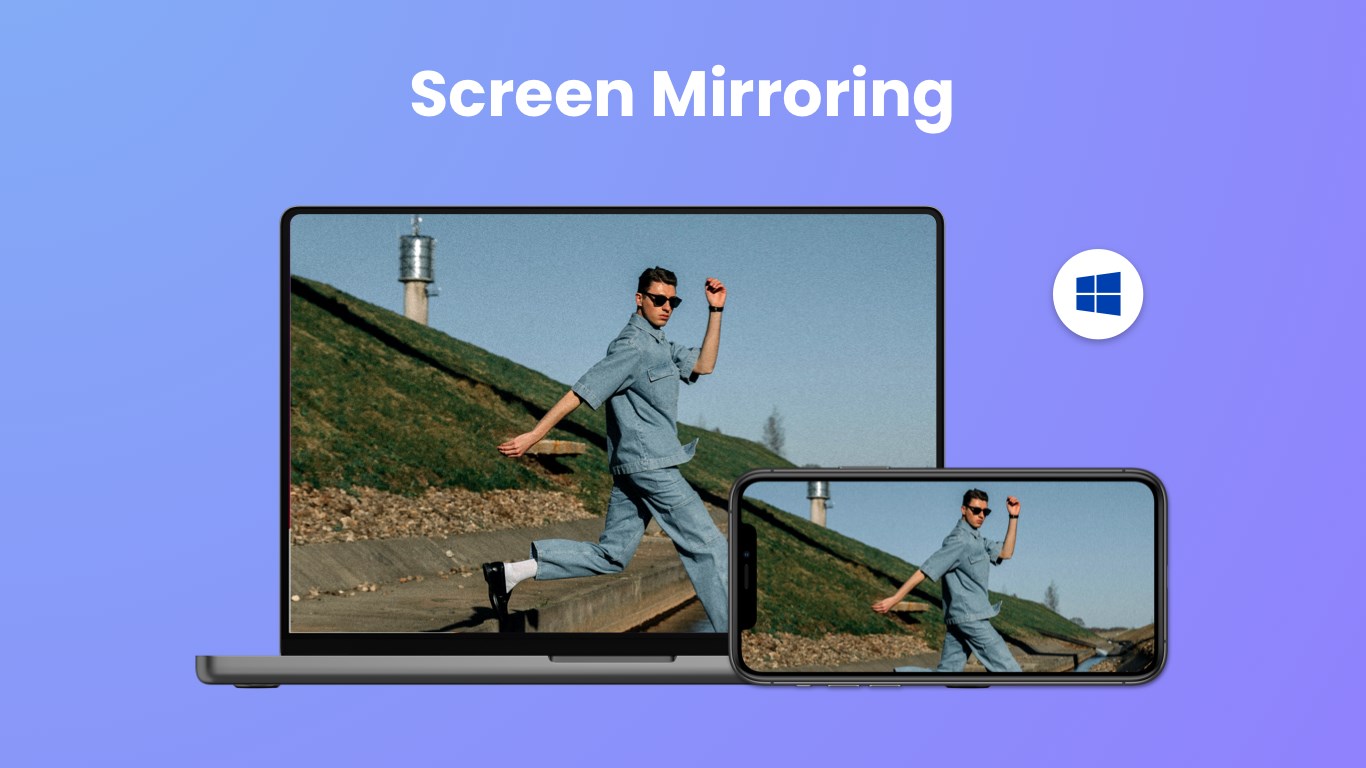
AirMirroring - Screen Mirroring & Cast for Windows is a versatile application designed to seamlessly project content from your devices onto your Windows screen. Whether you're giving a presentation, sharing media with friends, or mirroring your smartphone's content for work, this app aims to deliver a smooth and user-friendly experience without the fuss. Developed by Chengdu BoostVision Technology Co., Ltd., it's tailored for users seeking reliable and straightforward screen casting solutions.
Who's It For? The Perfect Audience for AirMirroring
This application targets a broad spectrum of users—from tech enthusiasts and remote workers to educators and casual media sharers. Professionals who frequently give presentations will appreciate its quick setup and stable connection, while families and friends love its ability to effortlessly mirror screens during gatherings. It's especially beneficial for those who want a simple, no-nonsense tool to enhance their digital sharing experience.
Why AirMirroring Stands Out in the Crowd
What makes AirMirroring particularly appealing is its straightforward approach combined with powerful features. Unlike many similar apps that are either overly complicated or underperforming, this tool strikes a fine balance—delivering reliability without overwhelming users with unnecessary options. Its ability to support multiple device types and maintain a steady connection makes it a reliable choice—even for novice users stepping into the world of screen mirroring.
Elegant Design and Intuitive Experience
The app's interface is sleek and clean, reminiscent of a well-organized control panel. It's designed for users to pick up quickly; expect minimal clutter and clear instructions that guide you through the connection process as if you're setting up a new gadget with a friendly assistant. The operation flows smoothly, with almost no lag, which is often the Achilles' heel of screen mirroring tools. The learning curve is gentle—once you install and open the app, uncovering its full potential feels like turning on a familiar device rather than learning a new language.
The Core Features: Power-Packed and User-Friendly
Effortless Device Compatibility and Connection Stability
One of AirMirroring's shining features is its broad device support. It seamlessly connects Windows with Android, iOS, and other smart devices, transforming your PC into a mirroring hub with minimal fuss. During testing, the connection remained stable even over longer periods, which is crucial for tasks like extended presentations or movie marathons. The app intelligently detects nearby devices, saving you time that you might otherwise spend fiddling with network settings.
High-Quality Screen Casting with Low Latency
The app's ability to deliver crisp visuals with minimal lag is notably impressive. Whether you're streaming a high-definition video or demonstrating a detailed digital design, the clarity remains consistent. This feature is especially critical for creative professionals or educators who need precise visual fidelity. The low latency ensures that interactions on your device are reflected in real-time on the larger screen, making the experience feel natural and synchronized—not delayed or choppy.
Flexible Casting Options and Easy Controls
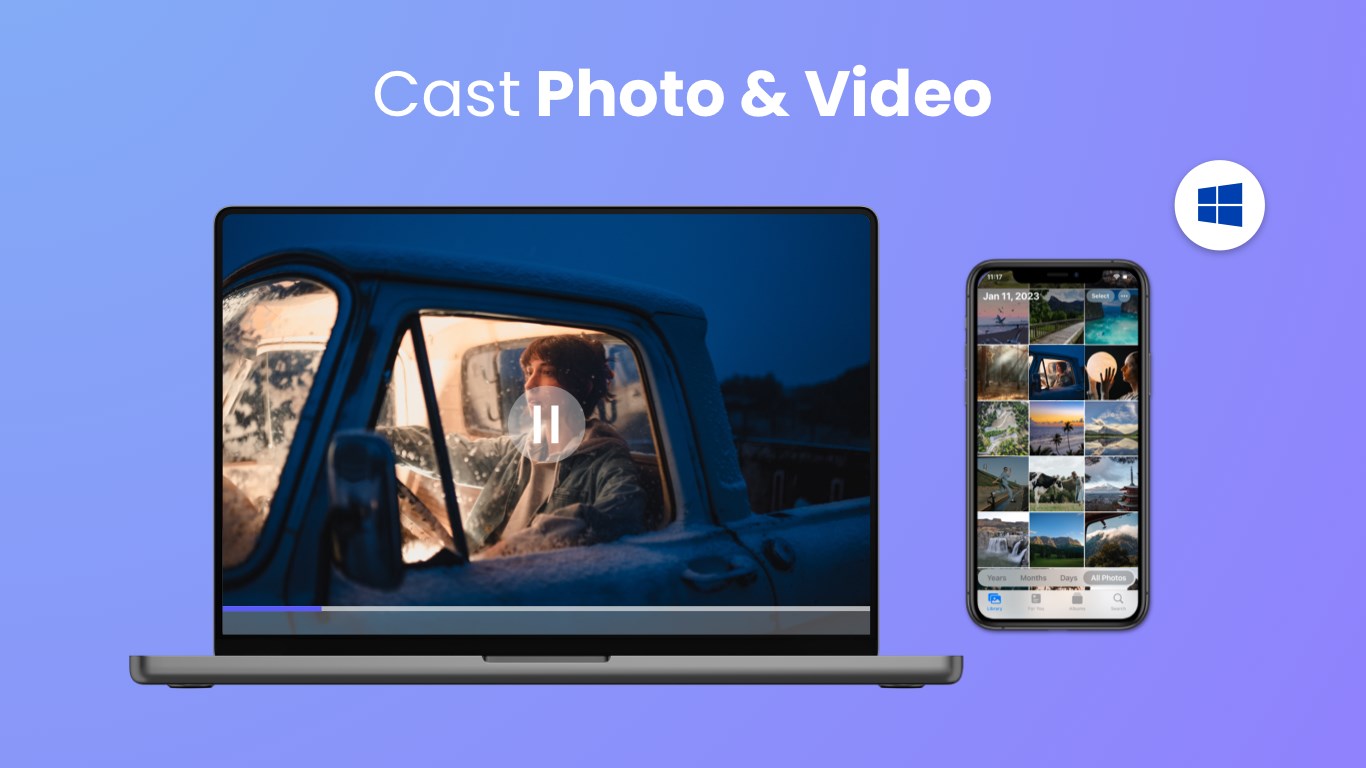
AirMirroring offers versatile options such as mirror mode, cast-only mode, and full-screen display adjustments. Users can toggle between these easily, customizing their projection to fit different scenarios. The app's controls are intuitive—pause, resume, switch devices, or stop mirroring with just a few clicks, mirroring the simplicity of flipping a switch. This ease of use turns what could be a technical chore into a seamless, even enjoyable, process.
What Sets It Apart from Other Screen Mirroring Apps?
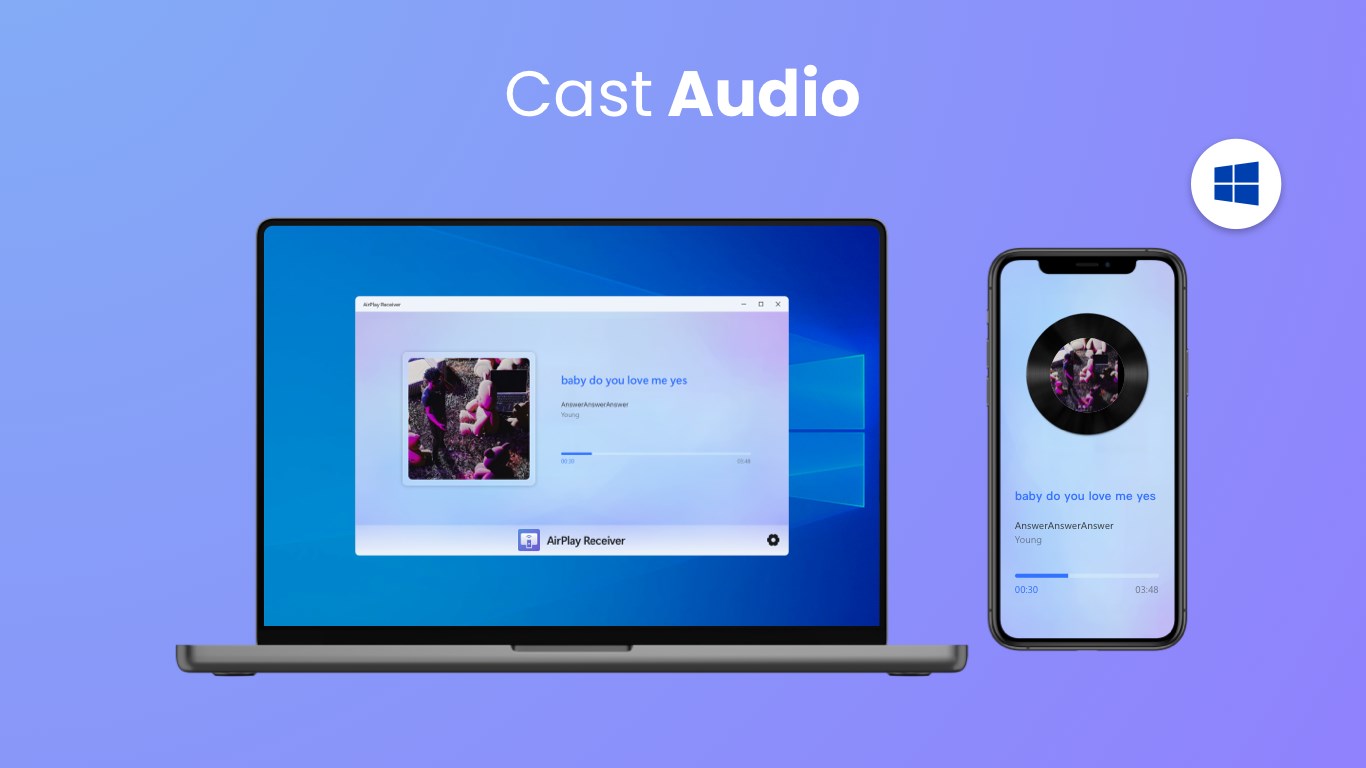
Compared to typical photo & video-focused applications, AirMirroring emphasizes an experience driven by real-time, high-fidelity display and reliable connectivity. Its unique advantage lies in prioritizing stability and ease—it's less about flashy features and more about consistent performance. The ability to support a wide range of devices, combined with the stable connection, helps it stand out as a dependable tool for everyday use. Unlike apps that bombard users with complex settings or struggle with lag, AirMirroring maintains a balanced and fuss-free interface, making it suitable for all levels of users.
Final Thoughts and Recommendations
If you're searching for a straightforward, reliable, and easy-to-use screen mirroring solution on Windows, AirMirroring definitely merits your attention. Its strongest features—simplicity and stable high-quality casting—make it an excellent choice for presentations, media sharing, or casual device mirroring. While it may not boast the flashiest interface or the most advanced customization options, its focus on core performance and user experience makes it a standout in its category.
We recommend it for educators, professionals, or anyone who needs a dependable way to project their device screens without the hassle of complicated setups. Whether for short meetings or extended multimedia sessions, AirMirroring helps you mirror your content smoothly and efficiently—making your digital interactions effortless and enjoyable.
Pros
- User-Friendly Interface
- High Compatibility
- Smooth Casting Performance
- Easy Connection Setup
- Additional Features
Cons
- Limited Free Usage
- Occasional Connection Drops
- Latency Issues on Some Devices
- Lack of Advanced Customization Options
- App Stability in Certain Scenarios










