

- Category Entertainment
- Developer CAI HAO
- Available on PC, Mobile, Xbox console, Surface Hub, HoloLens
- OS Windows 10 version 16299.0 or higher
- languages Arabic, Chinese (Simplified), Chinese (Traditional Chinese), English (United States), French, German, Italian, Japanese, Korean, Portuguese, Russian, Spanish, Thai, Turkish
Seamless Screen Mirroring Made Simple
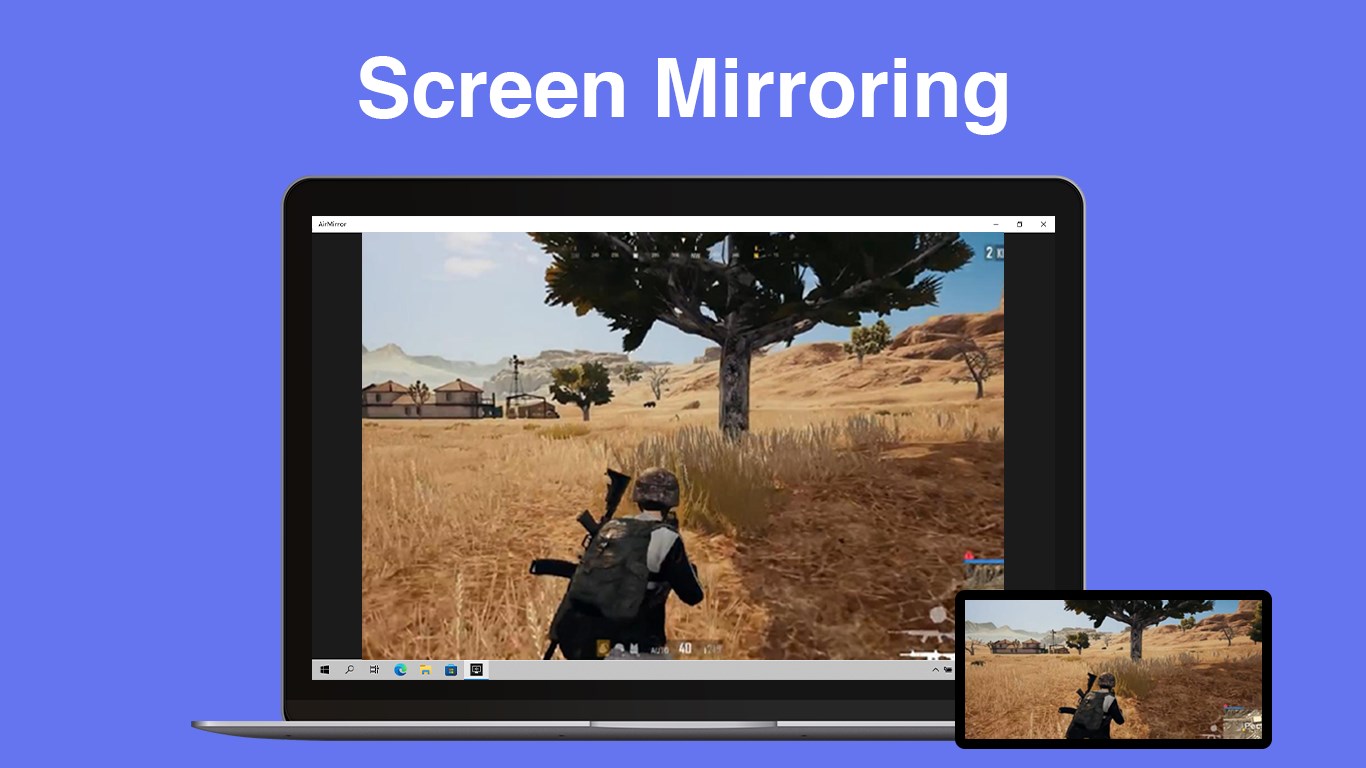
AirPlay - Screen Mirroring for Windows is a streamlined application designed to bridge the gap between Apple devices and Windows PCs, enabling effortless screen sharing with minimal fuss.
About the Developer and Core Features
Developed by CAI HAO and published by Hao Cai, this app aims to bring wireless mirroring capabilities to Windows users seeking easy integration with AirPlay-compatible devices. It stands out with features like high-definition mirroring, quick device discovery, and stable connection management—making your Windows PC a versatile hub for presentations, media sharing, and remote demonstrations. Its primary audience includes professionals, educators, and casual users who want a reliable yet straightforward way to share their screens across different platforms without complex setups.
Starting the Experience: Is It a Mirroring Magic or Just Media?
Imagine this app as your digital window to a world where your iPhone or iPad can seamlessly broadcast onto your Windows screen, turning your PC into a versatile media hub. With a clean, intuitive interface, even first-time users will find themselves up and running in moments—no complicated configurations, just straightforward connection. The smooth operation feels akin to a well-choreographed dance—mirrorings happen swiftly and steadily, adding a layer of confidence to your presentations or media viewing.
High-Definition Mirroring—Clarity in Every Pixel
The app's standout feature is its support for high-definition screen mirroring, which means your content appears sharp and vibrant, even on larger displays. This is especially beneficial during professional presentations or when streaming high-quality videos. The app intelligently adjusts to network conditions to maintain clarity, minimizing lag and ensuring your mirrored content remains crisp and synchronized. Compared to competitors, AirPlay for Windows prioritizes stable, high-res output, delivering a picture-perfect experience that is usually reserved for more expensive solutions.
Device Discovery and Easy Connection—No More Hunting
One of the most user-friendly aspects of this app is its rapid device detection. Once launched, it scans your network and presents available AirPlay devices in a tidy list. Think of it as your own digital concierge, instantly familiar with your environment and guiding you effortlessly through connection. The process is so streamlined that even technophobic users can mirror with confidence—just select your device, and you're ready to go. This simplicity sets it apart in a crowded marketplace, where cumbersome setup often hampers user adoption.
Reliable Performance with Minimal Latency
The app excels in maintaining stable connections, crucial for real-time applications like gaming, remote control, or live presentations. Its optimized streaming engine ensures minimal latency, making your interactions feel natural and responsive. While some apps struggle with drops or delays, this solution emphasizes continuity and dependability, particularly in environments with fluctuating wireless signals. Users can expect a fluid experience—mirror content appears instantly, with very little lag, creating a seamless window into your mobile device.
User Experience and Comparative Edge
The interface design is clean and minimalistic, akin to a tidy workspace—nothing unnecessary to distract or confuse. Navigation is intuitive, with clear buttons for discovering devices and starting mirroring sessions. Performance remains smooth even during extended use, and the app's learning curve is gentle, making it accessible for users of varying tech proficiency. When compared with other entertainment or mirroring apps, this utility shines through its focus on stability and clarity. Unlike some applications that prioritize content recommendation algorithms or personalized suggestions (which are less relevant here), this app's unique advantage lies in its dedicated functionality—direct, high-quality screen sharing without flashy overlays or confusing options. It's a focused tool designed to get the job done efficiently.
Final Recommendation: A Practical Choice for Everyday Mirroring
If you're seeking a straightforward, reliable solution to mirror your iOS or Mac device onto a Windows PC, AirPlay - Screen Mirroring for Windows deserves your attention. It excels in delivering high-definition visuals, quick device detection, and stable connections—all wrapped in an easy-to-use package. While it may not boast advanced content discovery algorithms or deep personalization, its primary strength is consistency and simplicity. I recommend it for professionals needing dependable presentation tools, educators aiming for smooth class demonstrations, or casual users wanting to share media effortlessly. Give it a try, and transform your Windows device into a versatile display platform—your digital mirror awaits!
Pros
- Seamless Screen Mirroring
- Broad Device Compatibility
- Simple User Interface
- High-Quality Streaming
- Low Latency Performance
Cons
- Limited Device Support for Some Features
- Occasional Connection Drops
- Dependency on Wi-Fi Stability
- Limited Customization Options
- Inconsistent Audio Syncing











