



- Category Entertainment
- Developer CQ
- Available on Xbox console, PC, Surface Hub, HoloLens
- OS Windows 10 version 17134.0 or higher
- languages Chinese (Simplified), Chinese (Traditional), English (United States), French, German, Japanese, Russian, Spanish (Spain), Thai
Seamless Screen Mirroring on Windows: An In-Depth Look at AirPlay - Screen Mirroring Receiver
If you've ever dreamt of transforming your Windows PC into a versatile media hub that effortlessly mirrors your Apple devices, then AirPlay - Screen Mirroring Receiver might just be the app you've been waiting for. Designed to bridge Apple's proprietary streaming tech with the Windows environment, this application promises a smooth, user-friendly experience that caters to both casual users and tech enthusiasts alike.
Who's Behind the Curtain? The Dev Team and Core Features
Developed by CQ and published by cjw1115, this app emerges from a team familiar with multimedia applications and cross-platform connectivity. Their main goal? To offer a reliable, easy-to-use AirPlay receiver that unlocks the potential of your Windows device as a mirror portal for iPhones, iPads, and MacBooks.
What makes this app stand out? Here are some key highlights:
- Wireless Mirroring Efficiency: Instantly project screens from your Apple device to Windows without cumbersome cables, ideal for presentations or relaxing movie nights.
- High Definition Support: Supports HD streaming, ensuring clarity and crisp visuals whether you're displaying photos or videos.
- Multi-device Compatibility: Easily connect multiple Apple devices in succession, making it perfect for households or shared workspaces.
- Lightweight and User-Centric Design: The app is designed with simplicity in mind, ensuring minimal setup and quick access for users of all tech levels.
Vibrant, Intuitive, and Smooth: The User Experience
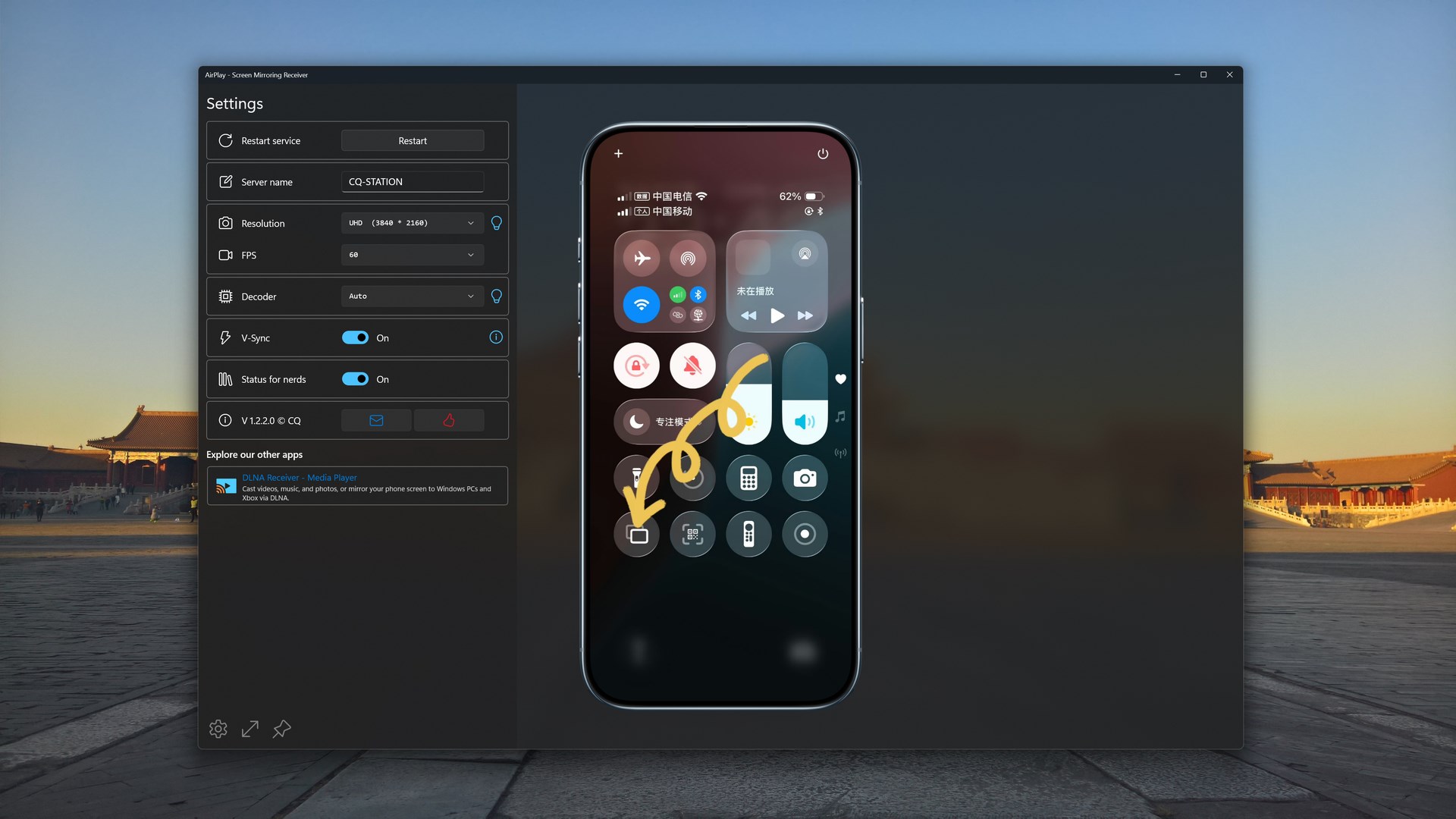
Upon launching AirPlay - Screen Mirroring Receiver, the interface welcomes you with a clean, modern look—think of it as a well-organized control panel in a spaceship cockpit, where every button is within arm's reach. The layout is minimalistic, reducing the intimidation factor for first-time users, while providing quick access to essential functions.
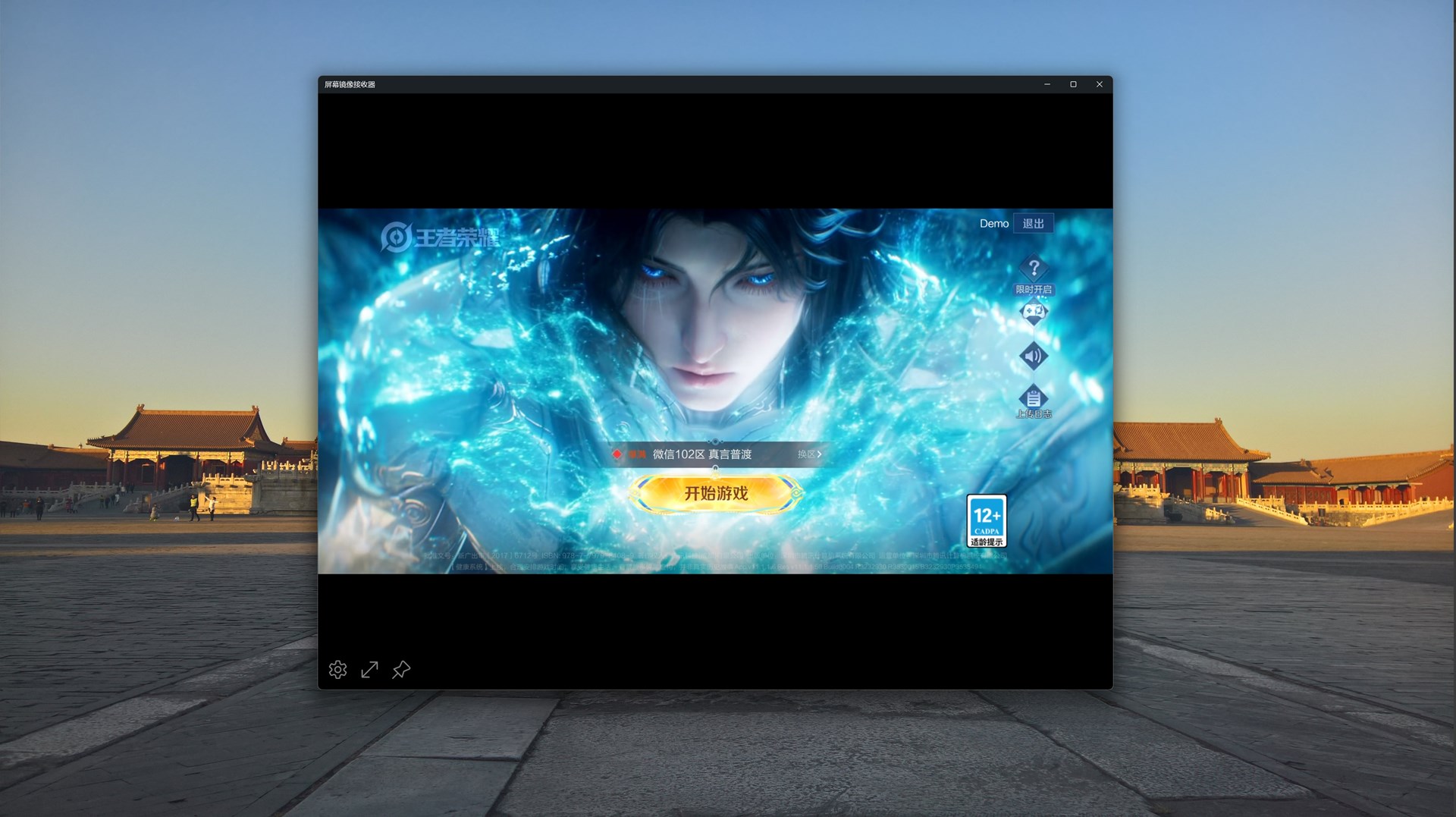
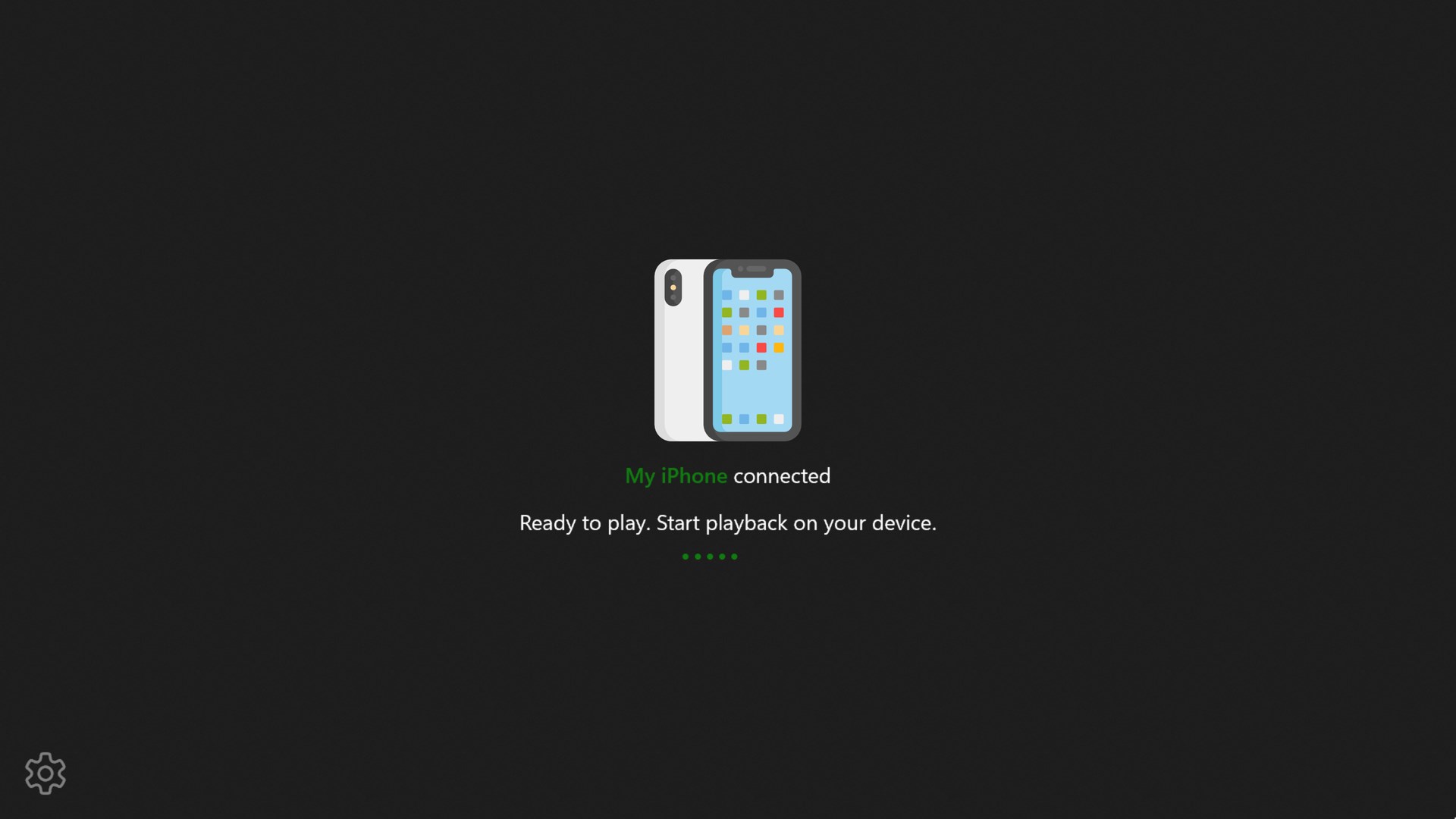
Operation is as smooth as gliding a boat across calm waters. Connecting your Apple device to the PC is achieved with a few taps—no tangled wires, no confusing settings. The screen mirroring process is quick, usually completed within seconds, and maintains stability throughout even when streaming high-res videos or rapid game sequences. This fluidity speaks to the efficiency of the app's underlying architecture, which leverages optimized network protocols.
Learning curve? Very gentle. Basic functionalities are accessible straight off the bat, with optional advanced settings for those who wish to fine-tune quality parameters or device preferences. This approach strikes a perfect balance between ease of use and customization, catering to both tech novices and enthusiasts.
What Sets This App Apart? Unique Selling Points in a Crowded Market
In a landscape bustling with screen mirroring apps, AirPlay - Screen Mirroring Receiver distinguishes itself primarily through its focus on cross-device compatibility and streamlined performance. Unlike many alternatives that either limit features or require complex configurations, this app emphasizes a straightforward, reliable experience that feels almost magical—like a window opening directly from your pocket to your large display.
Two standout features deserve special mention. First, its optimized protocol for HD streaming ensures crystal-clear visuals, elevating the viewing experience beyond basic mirroring. Second, its ability to seamlessly handle multiple devices in sequence—without cumbersome re-pairing—gives it an edge for multi-user environments. This dynamic switching is akin to having a magic switchboard that instantly connects your various Apple devices without missing a beat.
Compared to other entertainment or screen sharing apps, this one offers a more dedicated, polished experience tailored specifically for Apple-to-Windows mirroring. Its focus on maintaining relevance through high personalization doesn't rely on content discovery algorithms but on the straightforwardness and reliability of the connection, which many users highly value in real-world scenarios.
Final Thoughts: Worth a Try and Who Should Use It?
All in all, AirPlay - Screen Mirroring Receiver for Windows is a solid choice for users who seek a hassle-free way to mirror their Apple devices to a Windows PC. Its standout features—particularly the HD support and effortless multi-device handling—make it stand out from the crowd. The app's intuitive design reduces the learning curve, inviting tech novices and experts alike to enjoy a smoother, more integrated Apple-Windows experience.
While it may not replace dedicated professional-grade solutions for major corporate presentations, it certainly fits the bill for everyday use, family sharing, and casual entertainment. For those looking for a reliable, easy-to-use mirroring tool that perfectly balances performance and simplicity, this app is recommended as a go-to option. Give it a shot—you might just find your new favorite media mirror!
Pros
- Easy connectivity and setup
- High-quality screen mirroring
- Cross-platform compatibility
- Low latency performance
- User-friendly interface
Cons
- Limited device support
- Occasional lag or stuttering
- Requires stable Wi-Fi connection
- Limited advanced features
- Potential security concerns











