




- Category Productivity
- Developer [email protected]
- Available on Xbox console, PC, Mobile, Surface Hub, HoloLens
- OS Windows 10 version 15063.0 or higher
- languages Chinese (Simplified), English (United States)
An Introduction to AirReceiver for Windows: Your Wireless Audio Hub
Imagine effortlessly streaming high-quality audio from your favorite devices directly to your Windows PC, transforming it into a versatile speaker system. That's precisely what AirReceiver for Windows offers—a seamless, reliable solution for wireless audio streaming that bridges the gap between your smartphone, tablet, or other compatible devices and your computer.
Who's Behind the Curtain? Developer and Core Offerings
Developed by DevSoftMedia, a team dedicated to simplifying digital experiences, AirReceiver brings together robust functionality with user-friendly design. Their focus is on creating efficient solutions that integrate smoothly into everyday workflows. Main features include:
1. Multi-Protocol Compatibility: Allows streaming via AirPlay, DLNA, and Google Cast, covering a broad spectrum of devices.
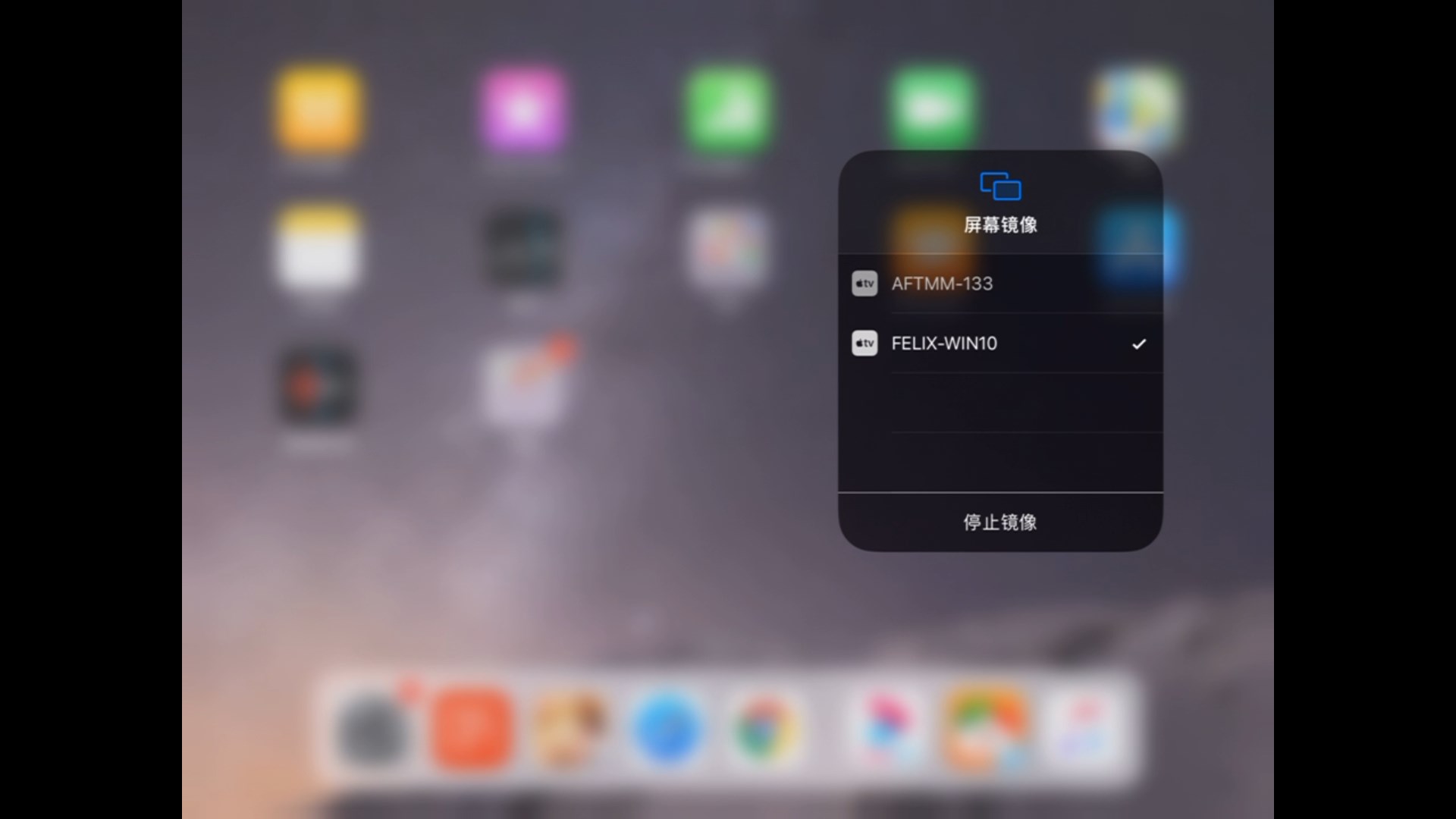
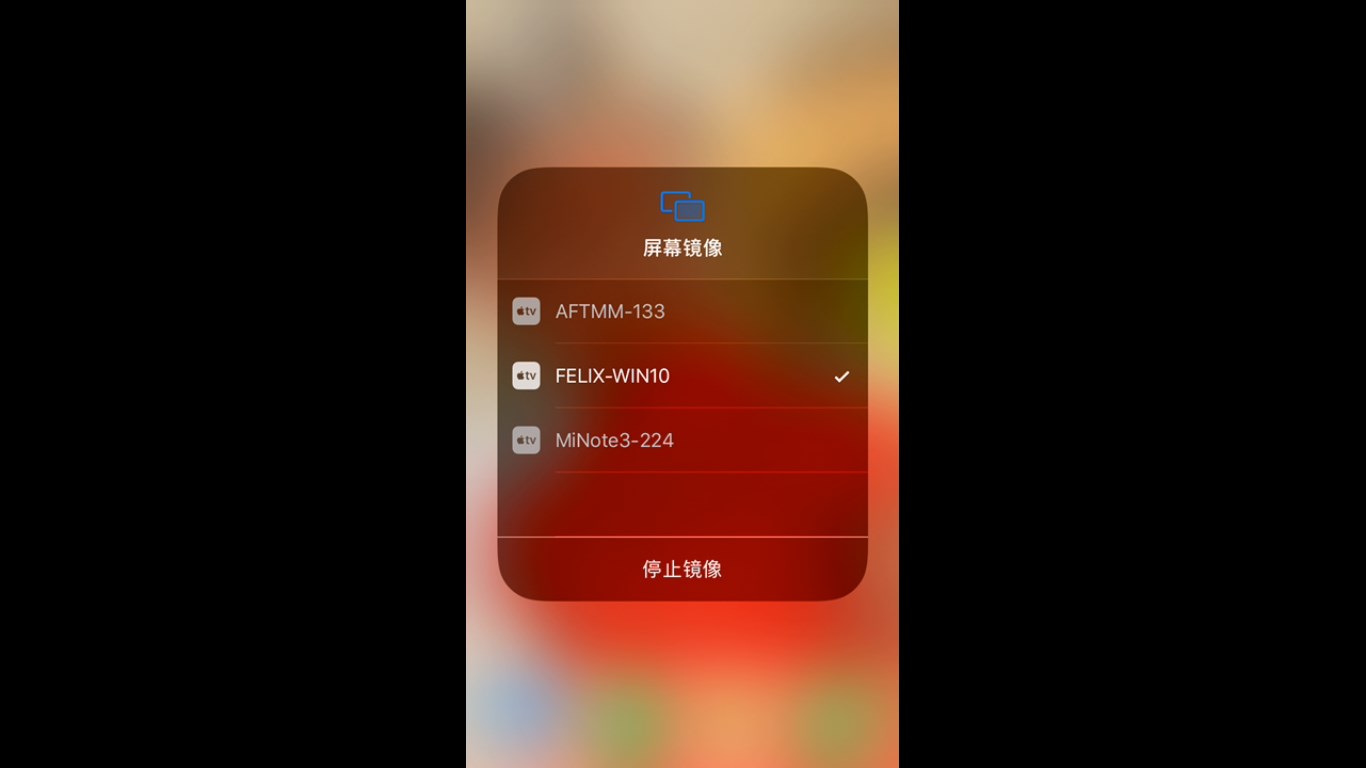
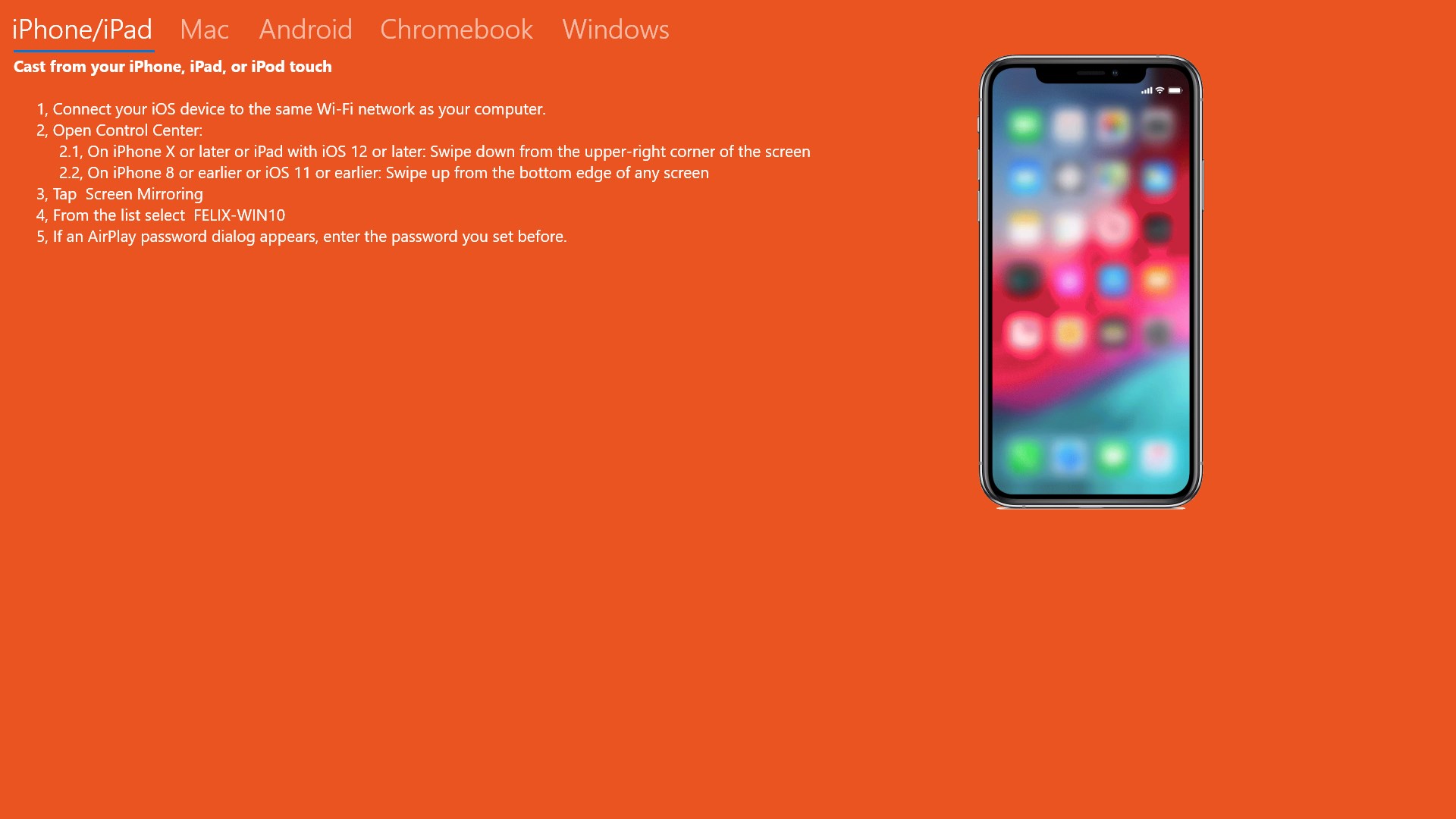
2. Easy Setup and Connectivity: Instantly discover and connect to your devices without complex configurations.
3. Customizable Audio Settings: Fine-tune buffer sizes and audio parameters to optimize performance based on your network conditions.
4. Stream Management: Supports multiple streams simultaneously, ideal for multi-room audio setups.
The target audience includes tech enthusiasts, home audio aficionados, professionals seeking effortless multimedia sharing, and anyone wanting to amplify their PC's media capabilities wirelessly.
Unpacking the Experience: Fun, Fluid, and Functional
Picture this: you're lounging on your sofa, your phone in hand, and with a few taps, your favorite playlist cascades through your PC's speakers, filling the room with vibrant sound. AirReceiver for Windows makes this effortless dance between devices possible—an invisible conductor orchestrating a symphony of connectivity. The user interface is refreshingly straightforward; its clean design guides you seamlessly from setup to streaming, making it feel less like navigating a tech maze and more like hosting a friendly chat.
Core Functionality 1: Versatile Wireless Protocol Support
The standout feature of AirReceiver is its multi-protocol support, functioning as a universal wireless receiver. Whether you're an Apple user relying on AirPlay, a Google ecosystem enthusiast with Cast, or utilize DLNA-enabled devices, this app bridges them all effortlessly. It's akin to having a universal remote for your audio devices—eliminating the need for multiple apps or hardware. This broad compatibility not only simplifies your entertainment setup but also consolidates your wireless media experience into a single, cohesive hub.
Core Functionality 2: Intelligent Stream Management
One of the app's most compelling traits is its ability to handle multiple streams simultaneously without hiccups. Imagine hosting a small DJ stage for different rooms, each playing distinct playlists through your PC. AirReceiver smartly manages these streams, prioritizing audio stability and minimizing latency—comparable to a skilled circus juggler keeping multiple balls in synchronized flight. Fine-tuning options allow users to adjust buffer sizes dynamically, ensuring smooth playback even under irregular network conditions, thereby reducing cognitive load and frustrations.
Quality of User Experience: Design, Ease of Use, and Efficiency
The interface resembles a friendly dashboard—intuitive, neat, and accessible. Setting up devices feels akin to laying out your favorite furniture; straightforward steps guide you without overwhelming options. Its operation is fluid, with foot-tapping responsiveness that makes streaming feel instantaneous. For new users, the learning curve is gentle, thanks to clear labels and helpful prompts, which together lower the barrier to immediate use. This thoughtful design translates into a less stressful, more engaging user experience—streamlining your workflow rather than complicating it.
What Sets AirReceiver Apart? A Closer Look
Compared to other wireless streaming apps, AirReceiver's key advantage lies in its superior workflow integration. The app's design reduces cognitive load by combining multiple protocols into one sleek interface, removing the need to juggle several apps. Its ability to manage multiple streams efficiently ensures that users spend less time troubleshooting and more time enjoying their media. Additionally, its customized buffer controls serve as a refined tool for reducing latency—making it suitable even for real-time audio applications like gaming or live presentations, which demand minimal delay. These features position AirReceiver as a well-balanced solution prioritizing simplicity without sacrificing performance.
Final Verdict and Recommendations
All in all, AirReceiver for Windows is a reliable, user-centric tool that extends your multimedia capabilities seamlessly. If you often find yourself wishing your PC could double as a wireless speaker or want to unify various streaming protocols under one roof, this app is worth trying. Its clean interface, robust multi-stream support, and performance stability make it particularly appealing for home users and professionals alike. I recommend it to anyone looking for an easy yet flexible way to enhance their wireless audio experience—it's one of those quiet heroes of productivity that quietly elevates your digital environment without demanding much in return.
Pros
- User-Friendly Interface
- Supports Multiple Media Formats
- Wide Compatibility
- High-Quality Streaming
- Stable Connection
Cons
- Initial Setup May Be Complex
- Limited Free Features
- Occasional Buffering Issues
- App Clutters Notifications
- Limited Support for Older Devices











