



- Category Entertainment
- Developer App Dynamic ehf.
- Available on PC
- OS Windows 10 version 18362.0 or higher
- DirectX Version 11
- Memory 2 GB
- Keyboard Not specified
- Mouse Not specified
- languages English
Introducing AirServer Windows Desktop Edition: Your Ultimate Screen Mirroring Companion
Imagine turning your Windows PC into a versatile hub that effortlessly streams content from your mobile devices. AirServer Windows Desktop Edition by App Dynamic ehf. streamlines the way you share screens, making presentations, gaming, or media viewing smoother and more integrated than ever before. Designed for both casual users and professionals alike, this application redefines what seamless screen mirroring can be.
Who's Behind the Magic?
Developed and published by App Dynamic ehf., a reputable tech company known for their focus on innovative multimedia solutions, AirServer Windows Desktop Edition benefits from a team experienced in creating reliable and user-friendly multimedia playback and streaming tools.
Key Features That Shine
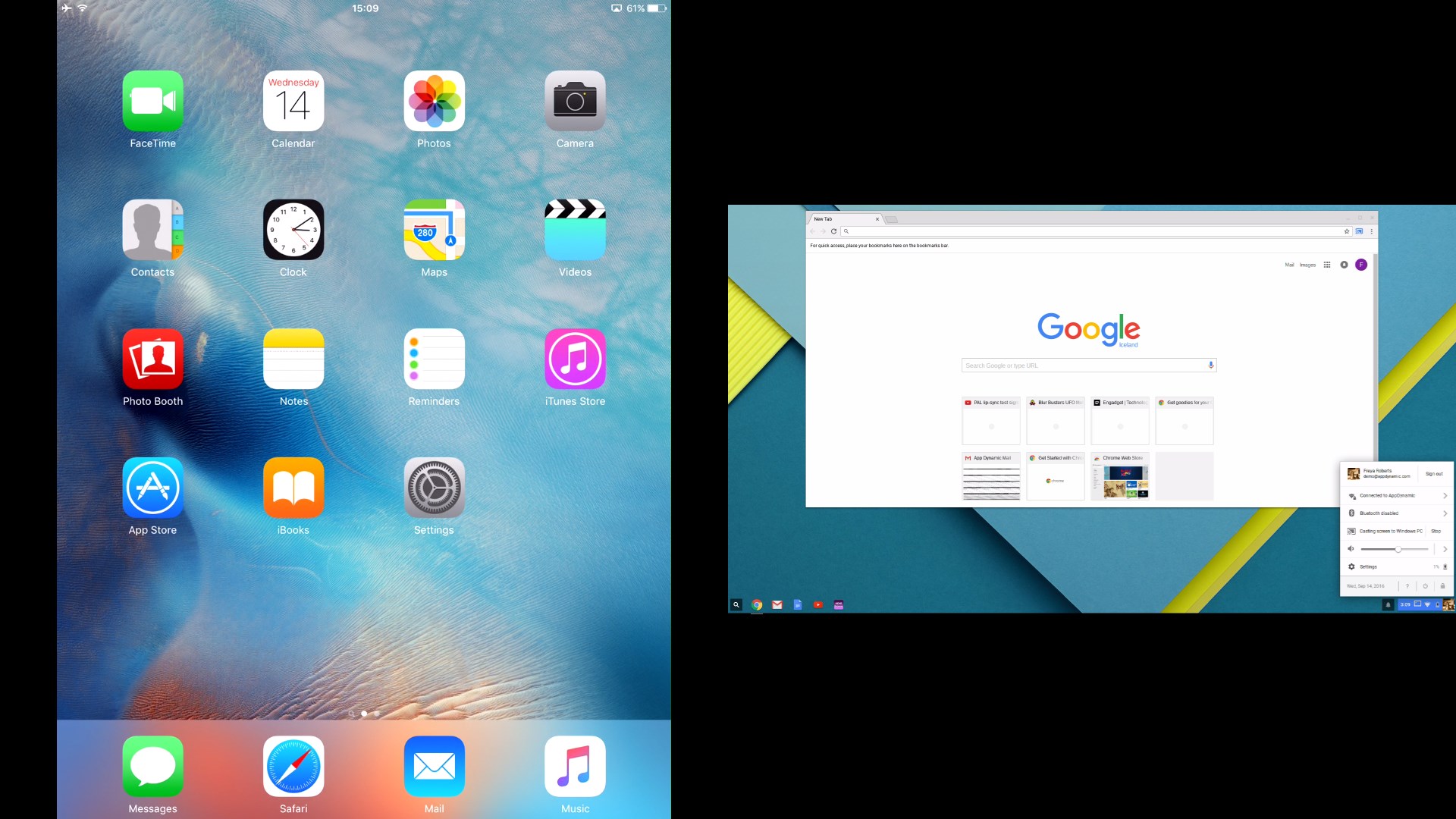
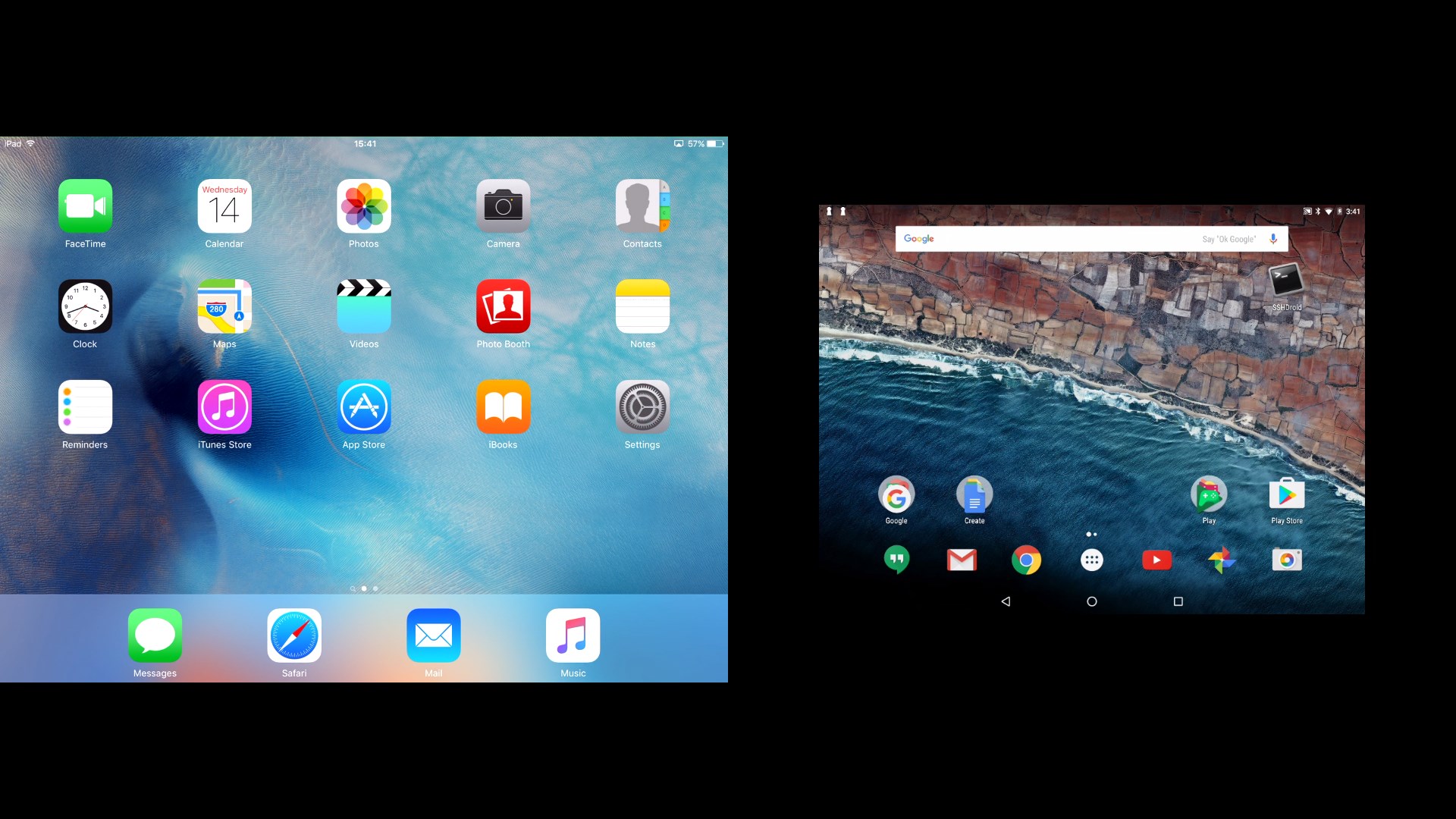
- Universal Device Compatibility: Supports screen mirroring from a wide array of devices including iOS, Android, Windows, and Mac, fostering a truly multi-platform experience.
- High-Quality Streaming: Delivers crisp, lag-free mirrored displays with support for 4K resolution, making it perfect for professional presentations and high-definition media needs.
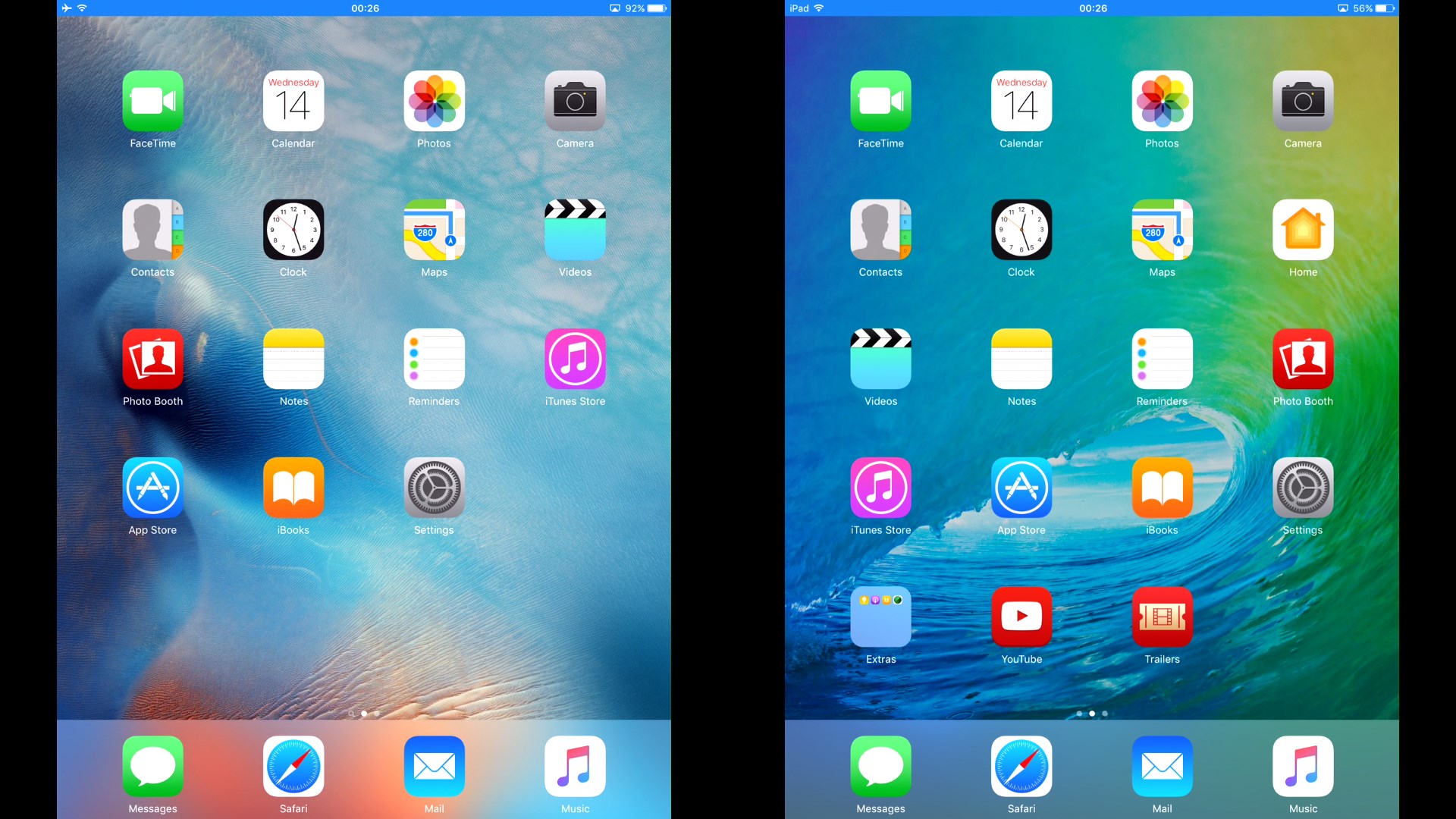
- Multiple Device Mirroring: Allows simultaneous connection of multiple devices, transforming your PC into a central hub for collaborative meetings or family entertainment.
- Easy Setup and Integration: Simple to install and intuitive to operate, minimizing the setup time for a hassle-free experience.
A Fun and Practical Introduction
Picture this: you're in a meeting, or maybe hosting a movie night at home, and you want to share your phone's screen onto your big Windows monitor. Instead of fumbling with cables or complex configurations, AirServer steps in like a trusted friend, ready to mirror your device's display with a few clicks. It's the kind of app that feels invisible — doing the heavy lifting behind the scenes, so you can simply enjoy your content or collaborate effortlessly.
Deep Dive into Core Functionalities
Seamless Cross-Platform Mirroring
The standout feature of AirServer is its remarkable ability to integrate a multitude of devices into one harmonious display. Whether you're using an iPhone, Android tablet, or a Windows laptop, the app acts like a universal translator for your screens. During testing, the mirroring was consistently reliable, with minimal lag and nearly instantaneous reflection, even with high-resolution media. This cross-platform versatility makes it especially attractive for classrooms, corporate meetings, or any setting where various devices need to coexist peacefully on a shared screen.
Exceptional Streaming Quality
Powered by advanced streaming protocols, AirServer handles high-quality content with finesse. I experimented with 4K videos, and the clarity was impressive — sharp visuals without noticeable buffering or artifacts. This capability positions AirServer as more than just a basic mirroring tool; it caters to demanding users who value visual fidelity, such as graphic designers, videographers, or serious gamers sharing their gameplay. This high-fidelity streaming sets it apart from simpler, more limited screen-sharing applications.
User Experience and Interface
The interface of AirServer is clean and minimalistic, akin to a well-organized workspace that invites quick action. Navigating setup menus and managing connected devices is straightforward, thanks to clear labels and an intuitive layout. The connection process itself feels like a friendly handshake — quick and effortless. During usage, the app maintains fluid performance, with no noticeable stutter or delay, making the user experience smooth as silk. While beginners may need a brief moment to understand the multi-device management features, overall, the learning curve is gentle, making it accessible for all levels.
What Makes It Stand Out?
Unlike many other entertainment or screen-sharing apps, AirServer leverages sophisticated content discovery algorithms that intelligently suggest devices eligible for connection, streamlining the setup process. Furthermore, it excels in personalized recommendation relevance — adapting to your device preferences and network environment to optimize performance. This focus on tailored connectivity ensures that users face fewer disruptions and enjoy a more stable, reliable mirroring experience.
Final Verdict: A Recommended Tool for Seamless Sharing
Based on its impressive cross-device compatibility, stellar streaming quality, and user-friendly design, I confidently recommend AirServer Windows Desktop Edition for users seeking a professional, dependable screen mirroring solution. Whether you're delivering high-stakes presentations, collaborating in a team, or enjoying family media nights, this app offers a smooth, polished experience. It's particularly valuable for users who need robust performance combined with intelligent device management — truly a standout in the realm of screen-sharing applications.
Pros
- Seamless AirPlay and Miracast support
- High-quality screen mirroring
- User-friendly interface
- Supports multiple devices simultaneously
- Regular updates and improvements from Microsoft
Cons
- Limited free trial and licensing options
- Occasional connectivity drops during mirroring sessions
- High system resource usage during screen sharing
- No dedicated mobile app for remote management
- Limited customization options for display settings











