

- Category Entertainment
- Available on PC
- OS Windows 10 version 18362.0 or higher
- languages Chinese (Simplified), Chinese (Traditional), English (United States), French, German, Italian, Japanese, Russian, Spanish (Spain)
Introduction to Animation Desk – Draw GIF & Cartoon for Windows
Animation Desk is a versatile drawing application tailored for creating lively GIFs and cartoon animations directly on Windows devices. Its intuitive interface and specialized tools make it an attractive option for both beginners and seasoned animators looking to craft short, expressive animations without diving into complex software.
Developer Overview and Core Features
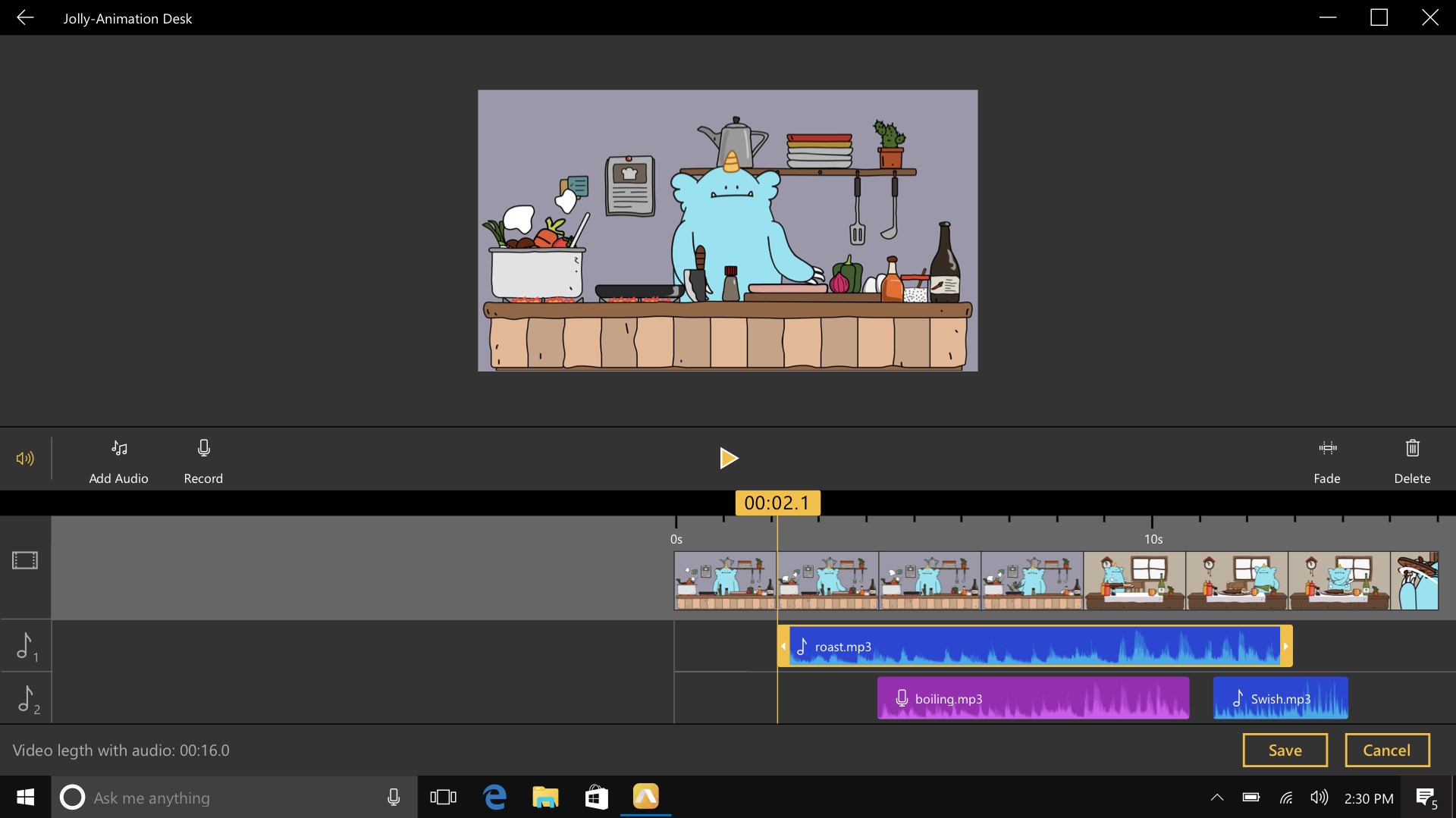
Developed by Kdan Mobile Software Ltd., Animation Desk offers a seamless platform for hand-drawn animations, emphasizing ease of use and creative freedom. The app's notable features include a multi-layer timeline for detailed frame management, a rich collection of brushes and colors to mimic traditional art styles, and the capability to export animations directly as GIFs or videos. Its targeted approach caters to artists, students, and hobbyists eager to visualize stories or concepts through quick, engaging animations.
A Charming Introduction: Like Flipping Through a Sketchbook
Imagine sitting at a cozy corner with your tablet, pens poised, and a blank digital canvas spreading before you — Animation Desk transforms this scene into an immersive creative experience. Whether you're making a funny cartoon, a storytelling gif, or just doodling for fun, the app invites you to explore your imagination with ever-growing ease. It's like having a portable animation studio in your hands; you don't need fancy equipment, just a spark of ideas and a bit of patience.
Core Functionality: Bringing Your Imagination to Life
Multilayer Timeline and Frame Control
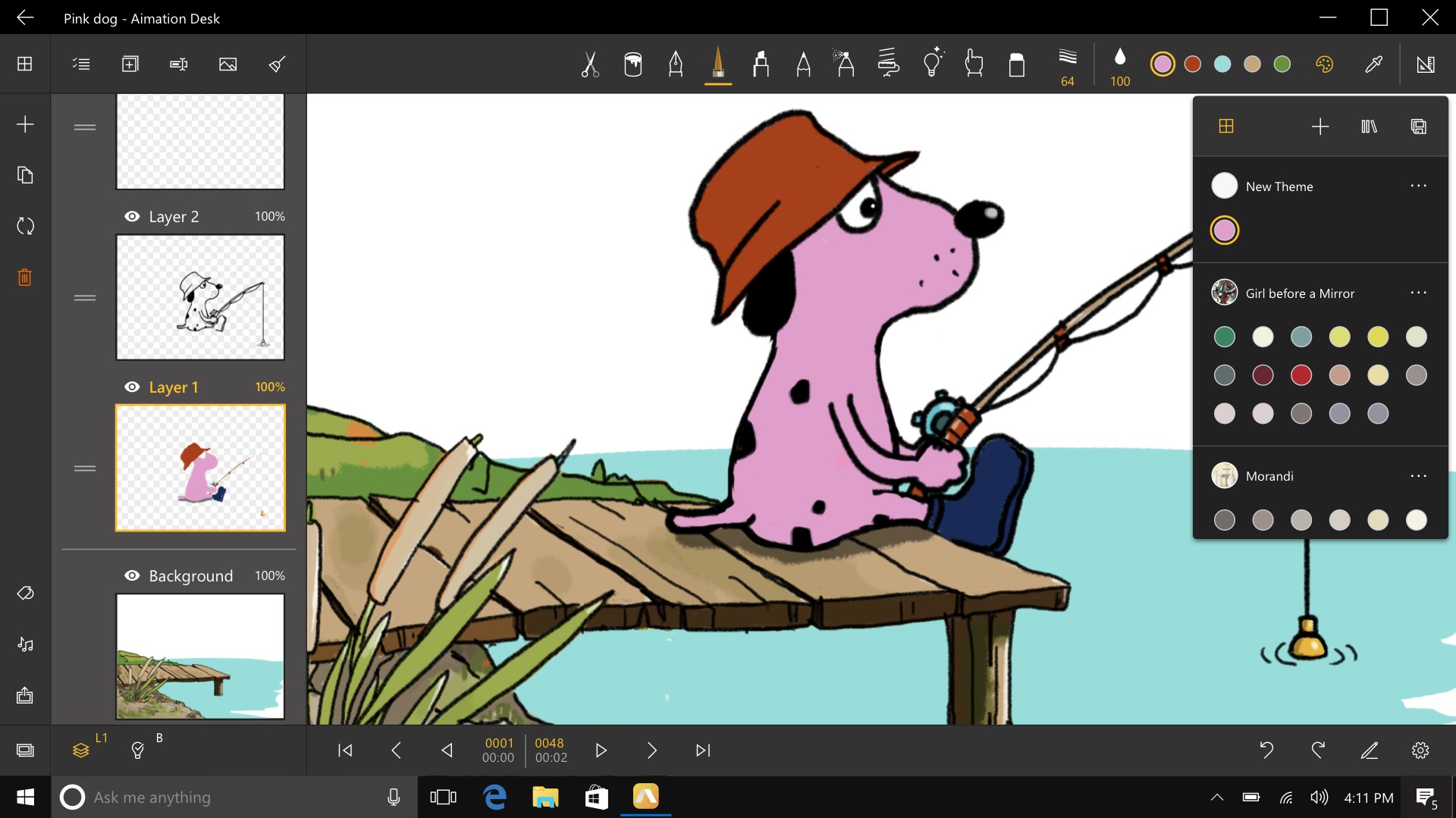
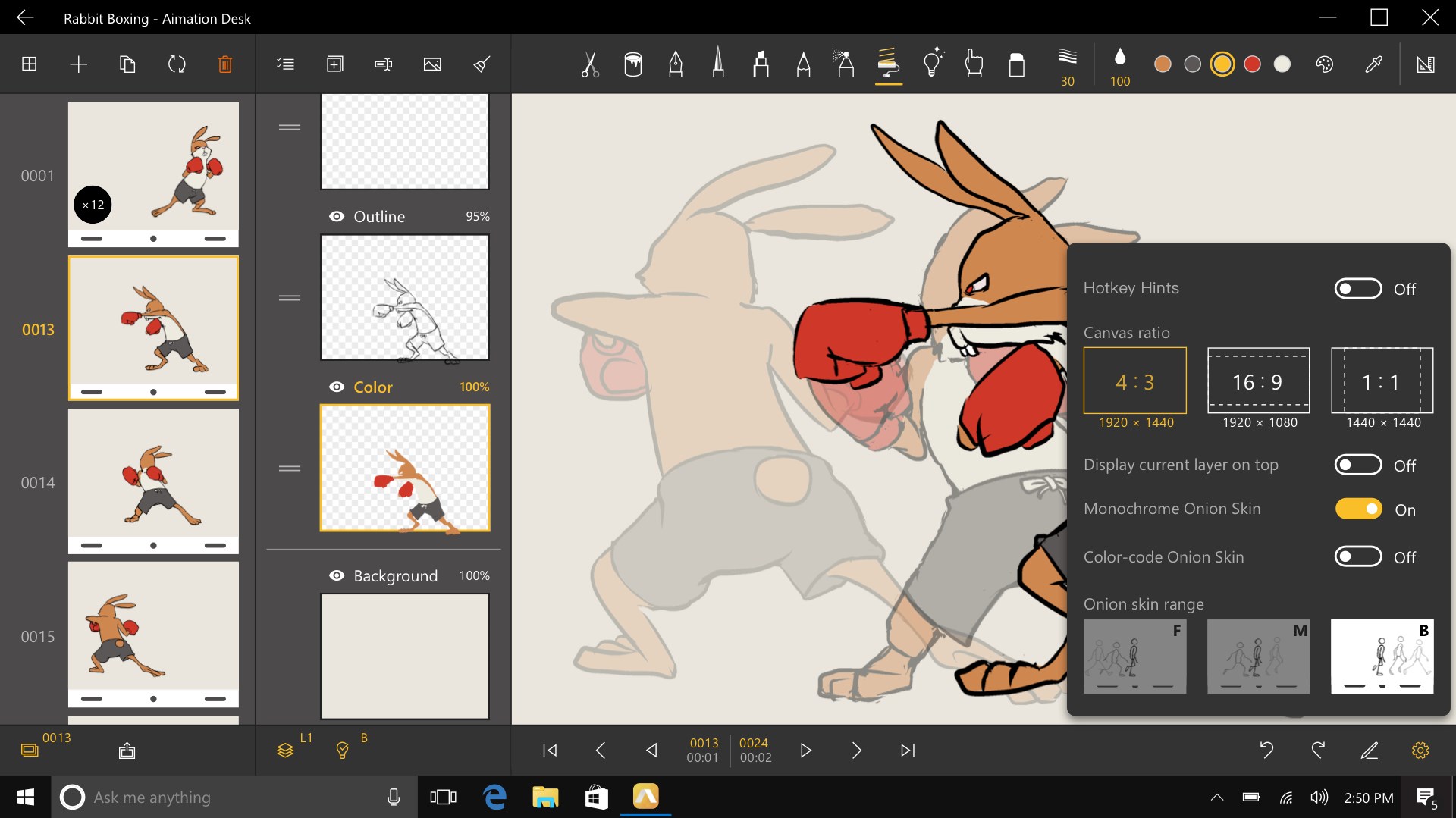
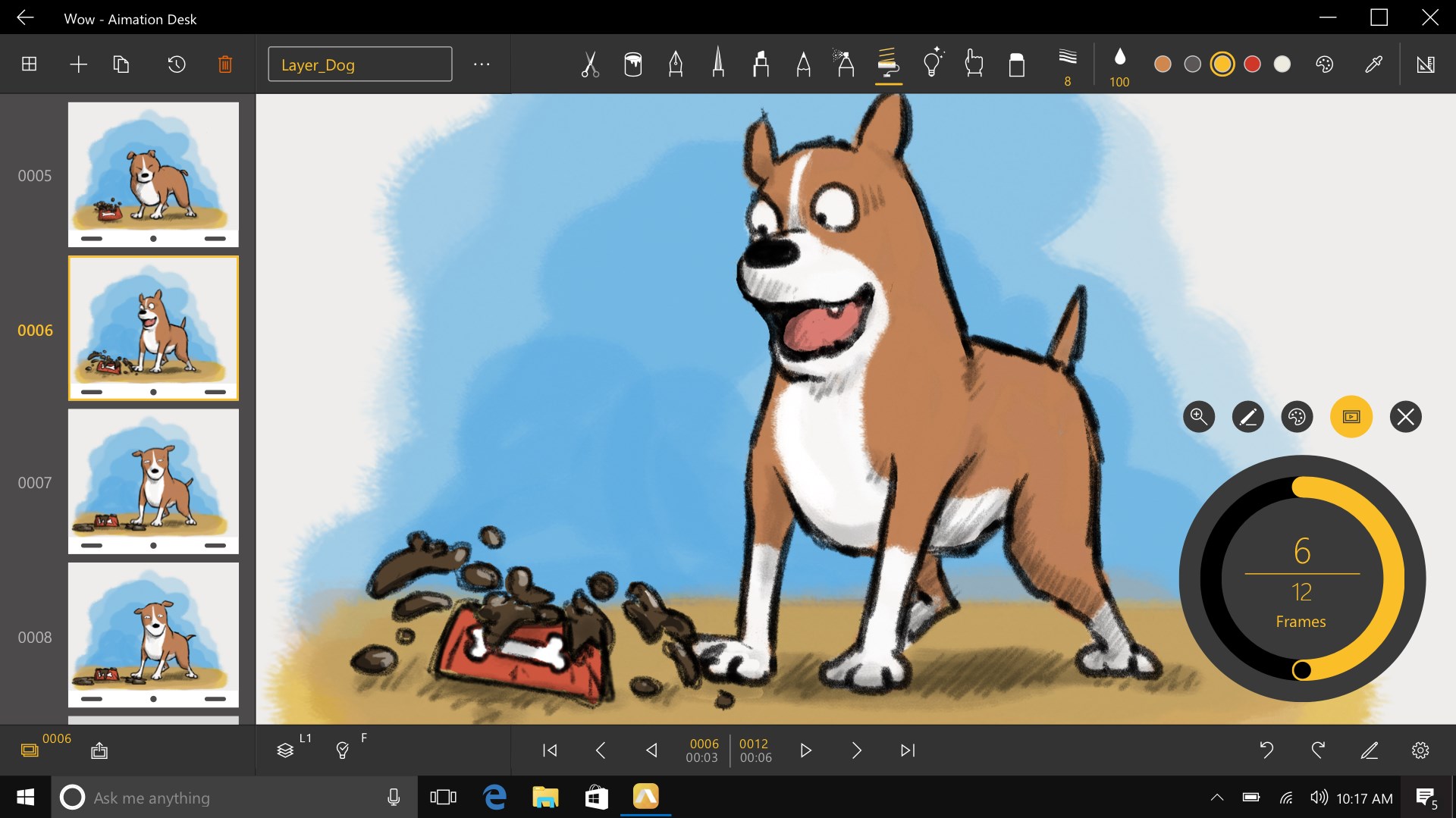
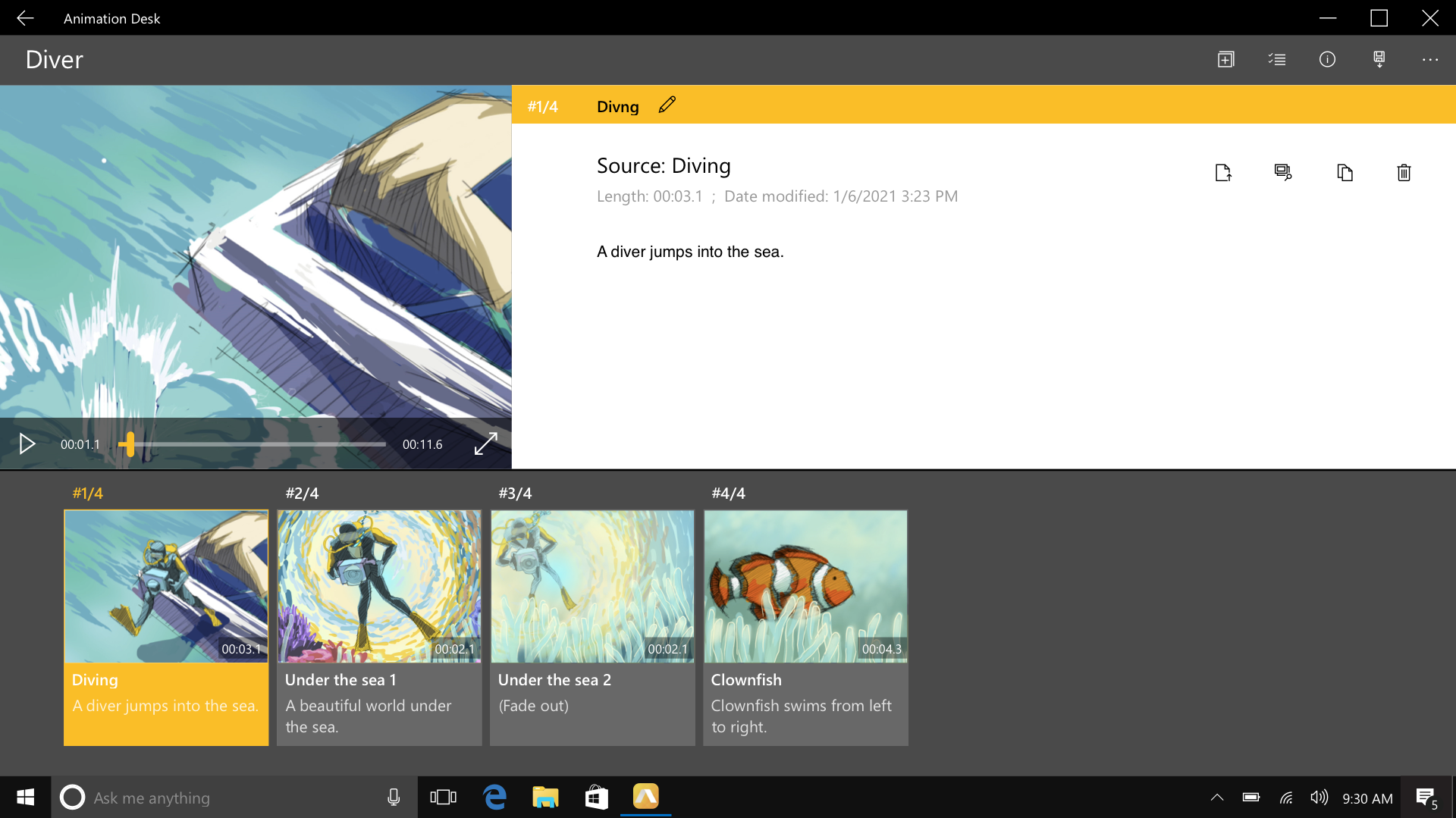
The core of Animation Desk's power lies in its multi-layer timeline, which resembles a well-organized storyboard. Users can add, duplicate, or delete frames with a few taps, enabling smooth frame-by-frame animation. This feature is particularly beneficial for those familiar with traditional animation workflows, allowing detailed control over each element's movement. It's akin to having a digital flipbook that you can build on layer by layer, making complex animations manageable and straightforward.
Rich Artistic Toolbox and Customization
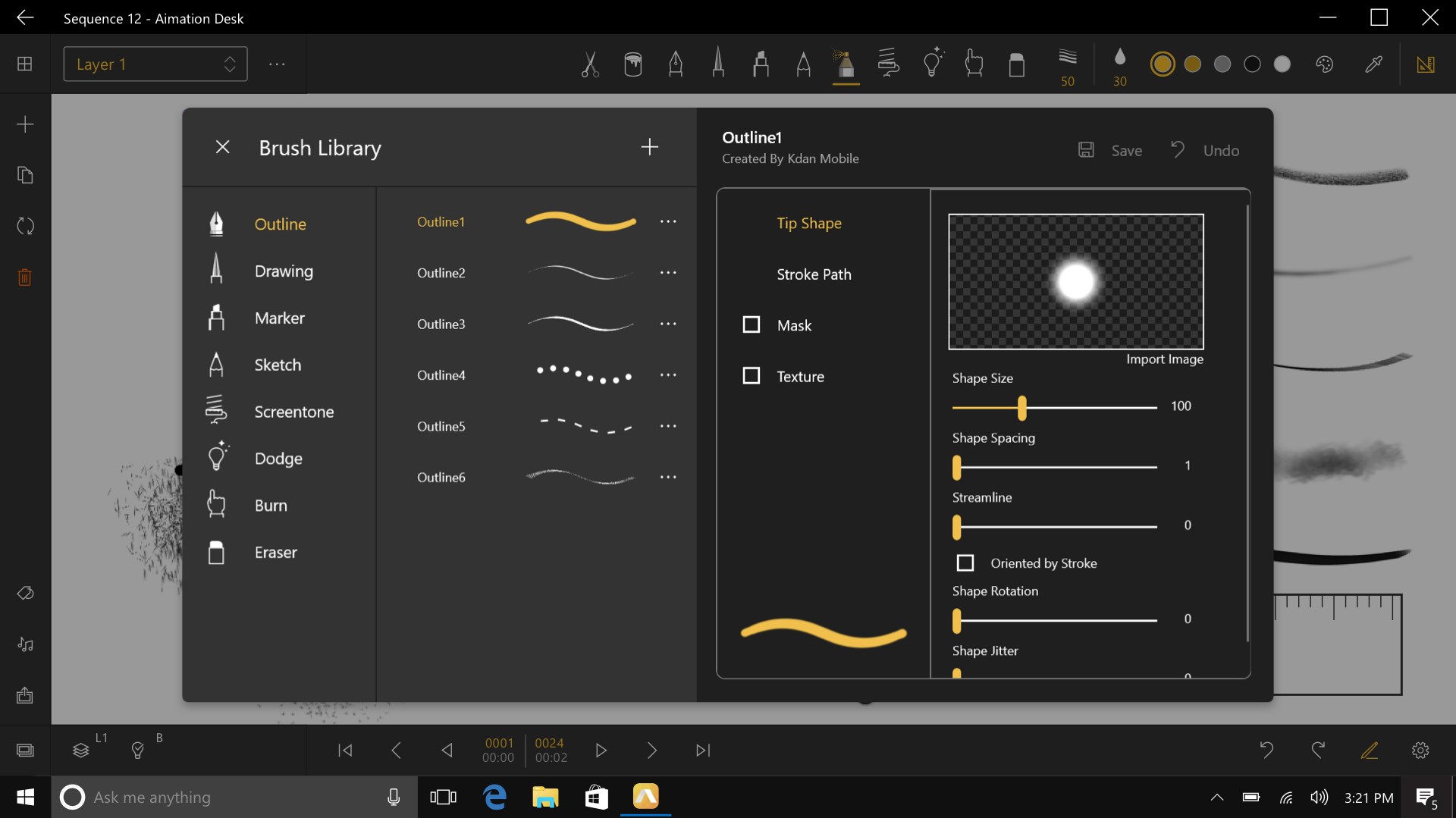
Animation Desk offers an extensive library of brushes, including pencils, inks, and airbrushes, all customizable in terms of size, opacity, and texture. The app's color palette supports vibrant hues and gradient options, making your cartoons pop with personality. The natural feel of the brushes mimics physical tools, which adds a layer of authenticity to your drawings. This feature ensures that whether you're sketching rough ideas or polishing detailed scenes, your creative options are virtually limitless.
User Interface and Experience
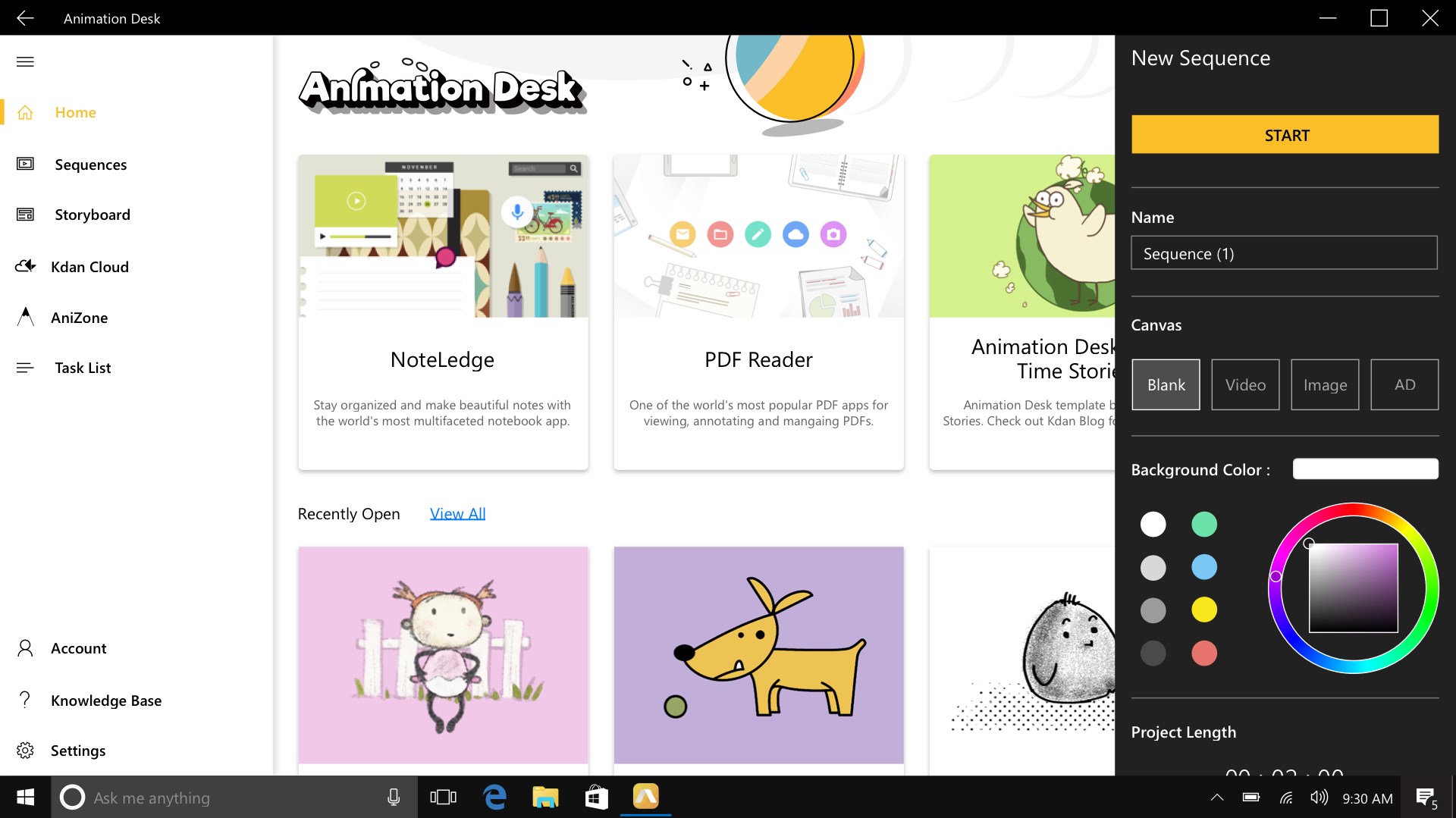
The interface is clean and intuitive, designed much like a traditional artist's workspace, with tools neatly organized for quick access. Navigating between layers, timeline, and drawing mode is smooth, with minimal lag even when working on moderately detailed frames. The learning curve is gentle; newcomers can become productive within a short time, while experienced users appreciate the depth of control. The app also supports undo/redo with precision, preventing frustrations common in digital drawing apps.
What Sets It Apart: Unique Advantages Over Similar Apps
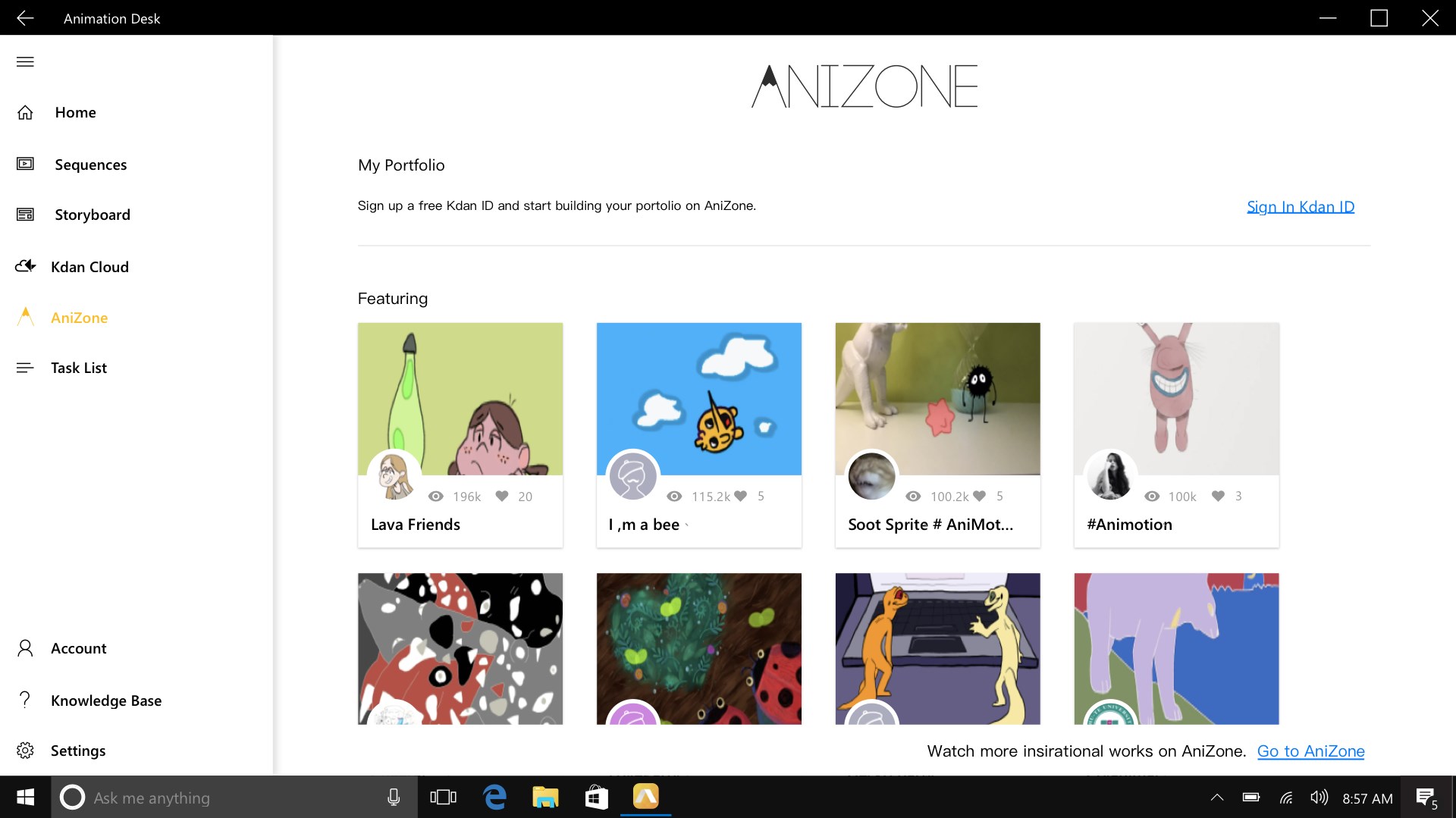
While many animation apps offer similar features, Animation Desk's strongest edge comes from its focus on traditional hand-drawn storytelling combined with modern ease of use. Its intelligent layer management and detailed timeline give users a workflow reminiscent of classic animation studios. Additionally, unlike some competitors that prioritize content discovery or social sharing, Animation Desk emphasizes creative process and animation quality. Its export functions for GIFs and videos are straightforward, allowing creators to share their work effortlessly, full of personality and charm.
Final Thoughts and Recommendations
Animation Desk is a well-rounded, user-friendly animation app that excels in delivering a traditional drawing experience with modern digital convenience. Its most standout feature, the multilayer timeline paired with a rich toolbox, makes it particularly suitable for users passionate about frame-by-frame animation, whether for fun or professional projects. While it may not suit those seeking advanced rigging or 3D features, it shines as a creative playground for quick, expressive animations.
For hobbyists, students, or budding digital artists looking for an easy-to-learn, approachable animation app that captures the essence of traditional drawing, Animation Desk is definitely worth trying. Its blend of simplicity and depth ensures it won't just be a fleeting experiment but a lasting creative companion on your animation journey.
Pros
- Intuitive Drawing Interface
- Wide Range of Tools and Brushes
- Easy GIF Export
- Layer Support
- Built-in Tutorial Resources
Cons
- Limited Advanced Features
- Performance Issues on Some Devices
- Export Quality Restrictions
- Limited Custom Brush Options
- No Direct Cloud Storage Integration











