


- Category Multimedia design
- Developer Appy Monkeys Software Pvt. Ltd.
- Available on PC
- OS Windows 10 version 17763.0 or higher
- Keyboard Integrated Keyboard
- Mouse Integrated Mouse
- Memory 4 GB
- languages English (United States)
Introduction: Bringing Sketchpad Comforts to Your Windows Desk
Animation Sketchpad for Windows by Appy Monkeys Software Pvt. Ltd. is a versatile digital drawing tool tailored specifically for animators, illustrators, and casual creators seeking a straightforward yet feature-rich sketching experience. Unlike complex animation suites, this application emphasizes accessibility and smooth workflow, making it an excellent choice for both beginners and intermediate artists eager to bring their ideas to life without being overwhelmed by excessive options.
User Interface & Overall Experience
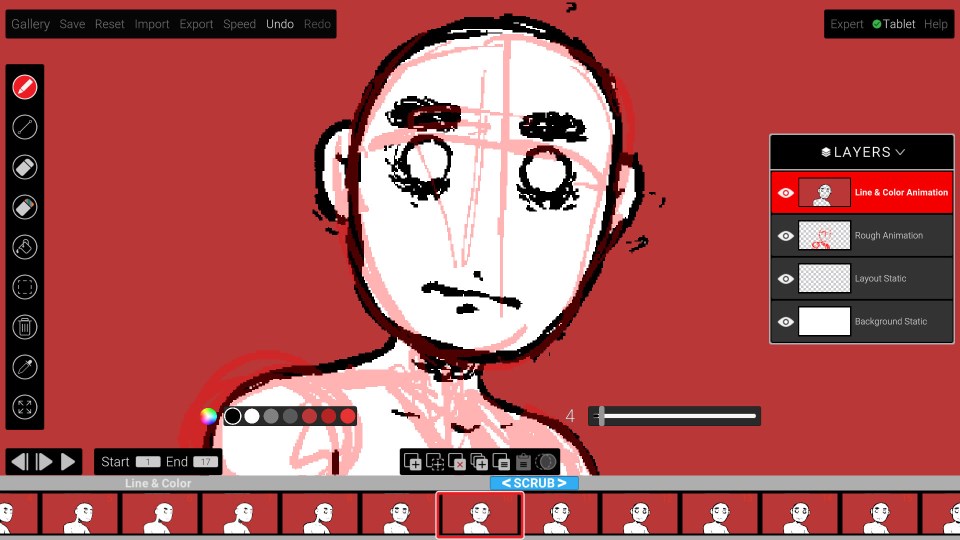
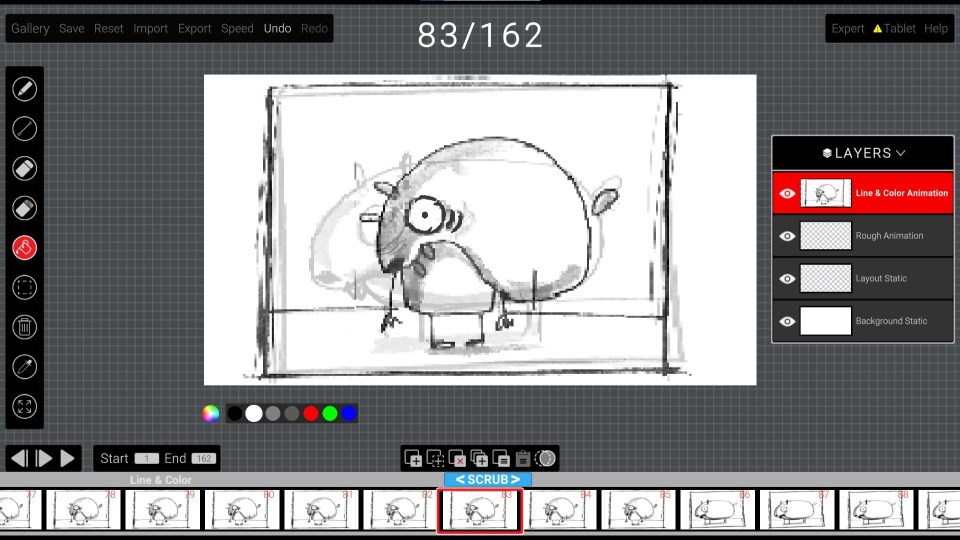
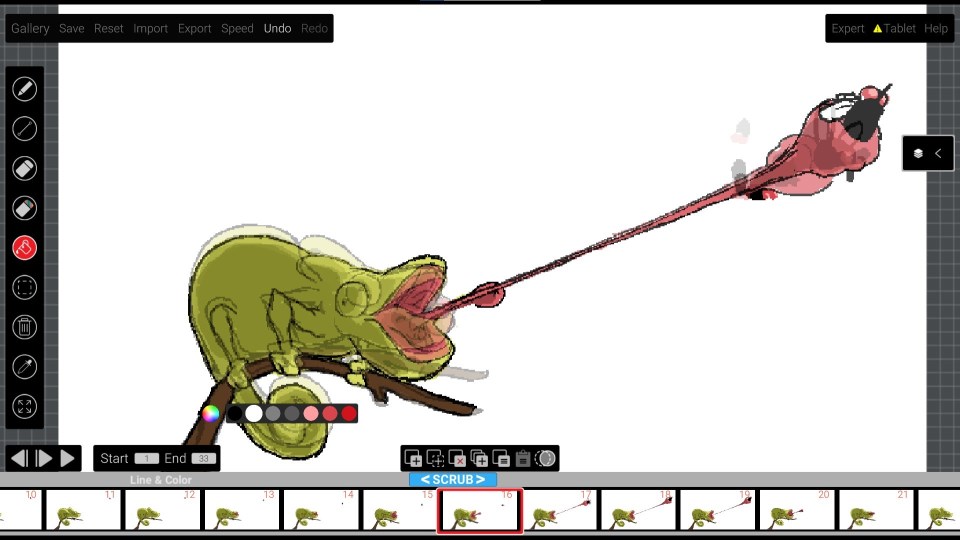
From the moment you launch Animation Sketchpad, its clean and intuitive layout feels like stepping into a well-organized artist's workspace—bright, inviting, and clutter-free. The interface adopts a minimalistic approach, focusing your attention on the canvas while keeping essential tools just a click away. Users report that navigating through panels and access to features feels seamless, thanks to thoughtfully designed menus that prioritize ease of use. The app's responsiveness also stands out; there's virtually no lag when switching tools or zooming into detailed areas, providing a fluid drawing experience akin to sketching on real paper with your favorite pencil.
Core Features That Make a Difference
1. Dynamic Frame Management for Easy Animation Sketching
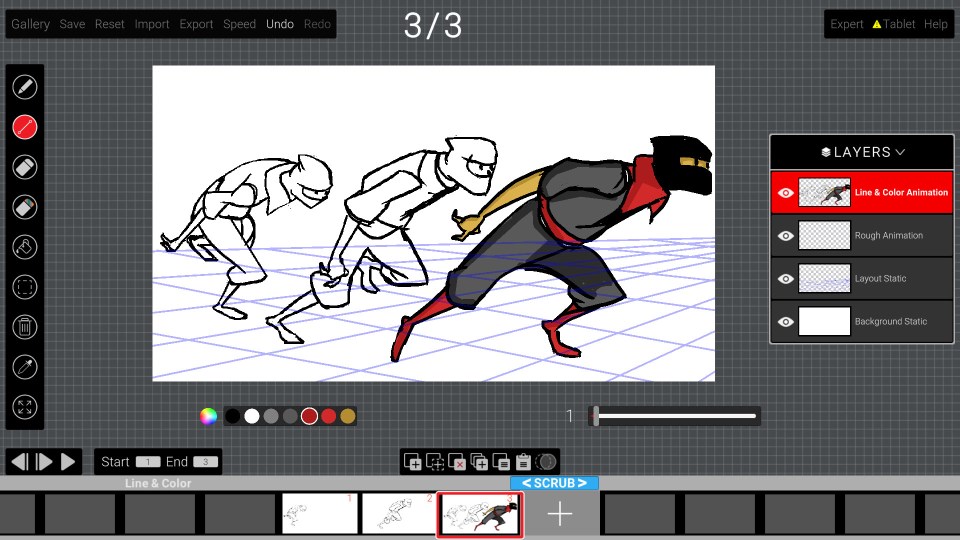
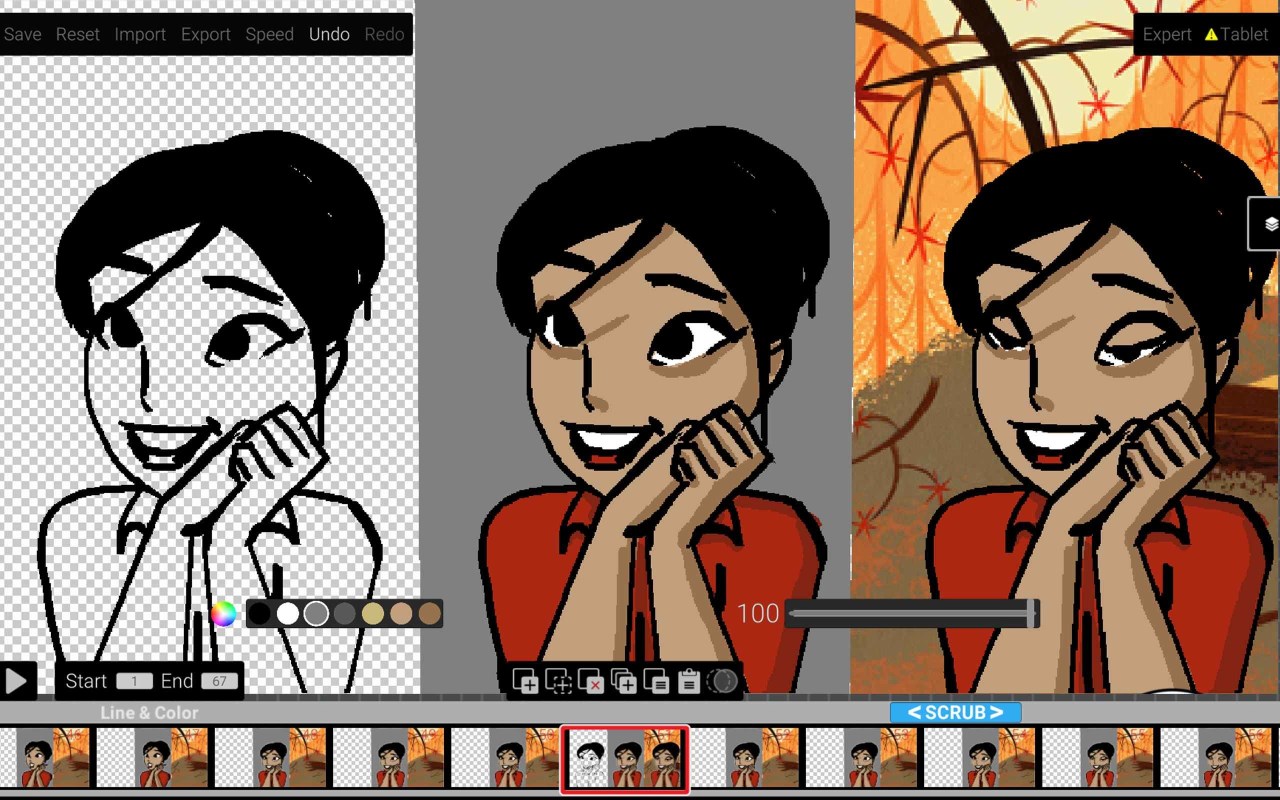
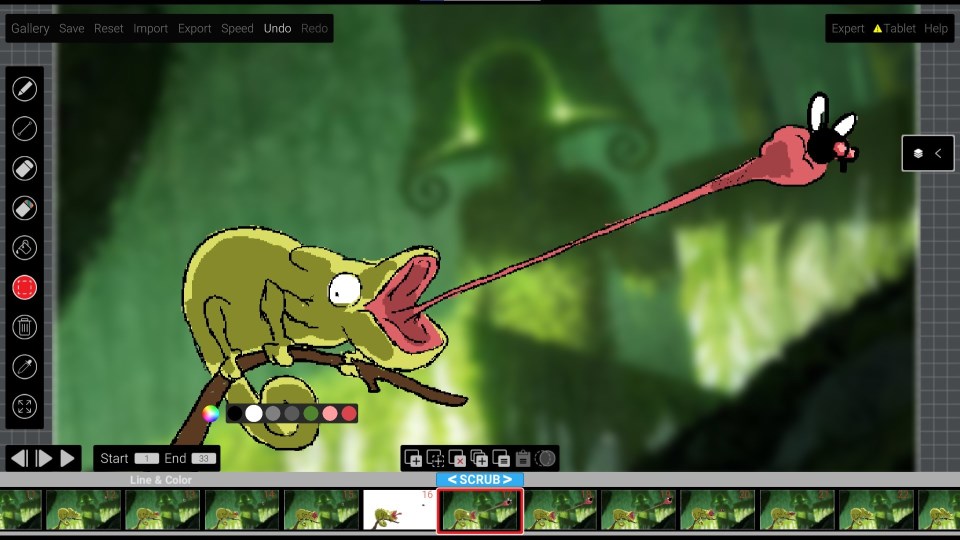
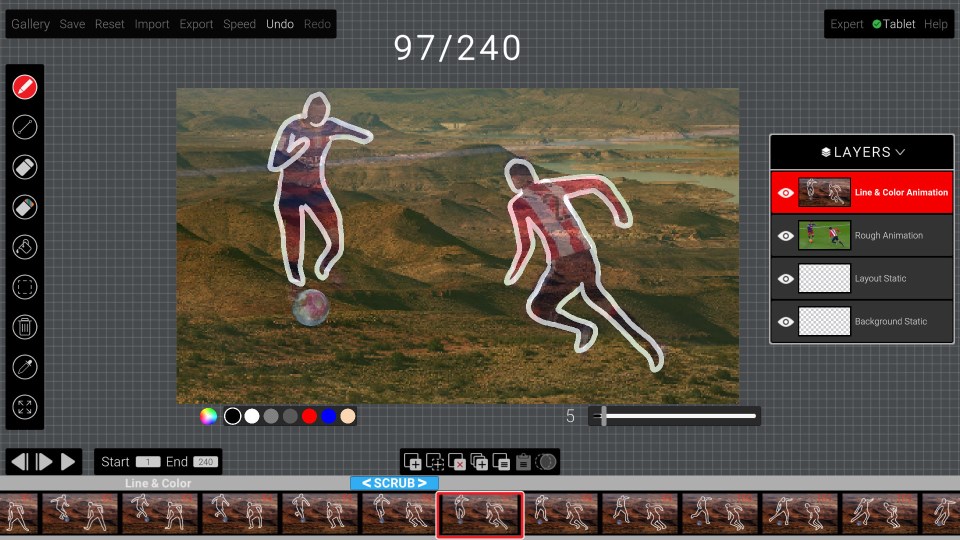
The standout feature of this app is its innovative approach to frame management. Users can create multiple frames or layers with just a few clicks, enabling a straightforward stop-motion or traditional animation workflow. The app supports onion skinning—showing previous and next frames simultaneously—which dramatically simplifies the process of creating smooth, cohesive animations. This feature is particularly potent for beginners learning animation timing and for artists wanting to experiment with motion without jumping to complicated software.
2. Powerful, Yet Simple Drawing Tools
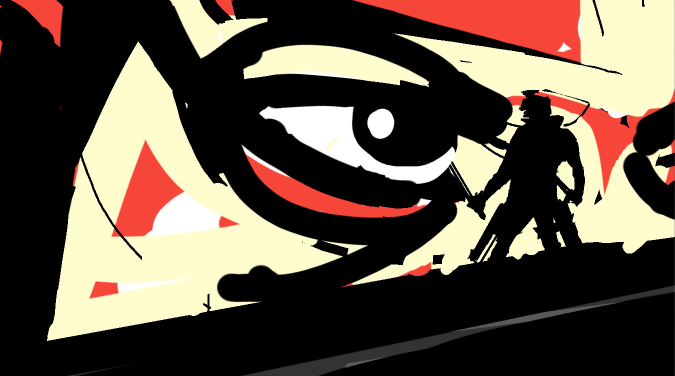
Animation Sketchpad offers an assortment of brushes, pencils, and erasers—each customizable for size and opacity—allowing for detailed sketching and coloring. Its brush engine responds fluidly, whether you're shading delicate eyelashes or bold outlines. Plus, the app supports undo/redo actions infinitely, giving artists the freedom to experiment without fear. The ability to switch effortlessly between tools makes for a seamless creative process, mirroring the tactile feel of traditional drawing but on a digital canvas.
3. Export Options & Compatibility
Once a project is complete, sharing it is effortless. The app provides various export formats, including GIFs, MP4 videos, and image sequences, making it suitable for social media, presentations, or further editing in other software. Its compatibility with Windows' native system files and cloud options ensures your work can be stored and accessed conveniently, which is an essential feature for ongoing projects and collaborative work.
Design, Performance, & Learning Curve
The application's interface is designed with user-friendliness at its core. Beginners might find the basic features immediately accessible, while more advanced users can delve into nuanced adjustments for brushes and frame timing. The app runs smoothly on a range of Windows devices, whether a high-end tablet or a standard desktop, thanks to its optimized performance. The learning curve is gentle; even those new to animation or digital drawing will find themselves creating satisfying results within a short period of guided exploration.
Unique Advantages & Differentiators
Compared to other multimedia design tools, Animation Sketchpad shines through its dedicated focus on animation-friendly drawing—particularly its innovative frame management system with onion skinning. While many drawing apps may require third-party plugins to animate, this app integrates these features natively, making it more streamlined and less daunting. Its simplicity does not sacrifice depth; rather, it offers a smooth entry point with room to grow into more complex projects, making it special in a crowded field of multi-purpose graphic apps.
Should You Try It? Our Recommendation
If you're an aspiring animator or a hobbyist looking for a dependable, easy-to-use animation sketchpad on Windows, Animation Sketchpad is worth exploring. It's especially suitable if you appreciate straightforward tools that help you focus on creativity rather than technical complexity. For professional animators or those needing advanced features like rigging or 3D integration, this might not suffice, but for quick sketches, storyboarding, or learning the ropes of animation, it offers an inviting and efficient platform.
In sum, Animation Sketchpad for Windows expertly balances usability and functionality, making it a noteworthy addition to any digital artist's toolkit. Give it a try—you may find it becomes your go-to app for quick sketches and animated stories!
Pros
- Intuitive drawing interface
- Wide variety of material brushes
- Real-time animation preview
- Export options support common video formats
- Lightweight and responsive app
Cons
- Limited advanced editing tools
- Few tutorial resources available
- Occasional stability issues on older devices
- Basic color palette options
- No support for collaborative editing











