

- Category Multimedia design
- Developer AnywaySoft, Inc.
- Available on PC, Mobile, Surface Hub, HoloLens
- OS Windows 10 version 17134.0 or higher
- Keyboard Not specified
- Mouse Not specified
- Memory Not specified
- languages English (United States)
A Handy Tool for Audio Editing: Any Audio Cutter for Windows
If you've ever needed to quickly snip a segment of your favorite song or cut out unwanted parts from an audio track, Any Audio Cutter: mp3 cutter & audio trimmer for Windows stands out as a straightforward and accessible solution. Brought to you by AnywaySoft, Inc., this application aims to make audio editing simple and efficient, especially for users who need a no-fuss tool to handle basic audio trimming tasks.
Streamlined Design and User-Friendly Interface
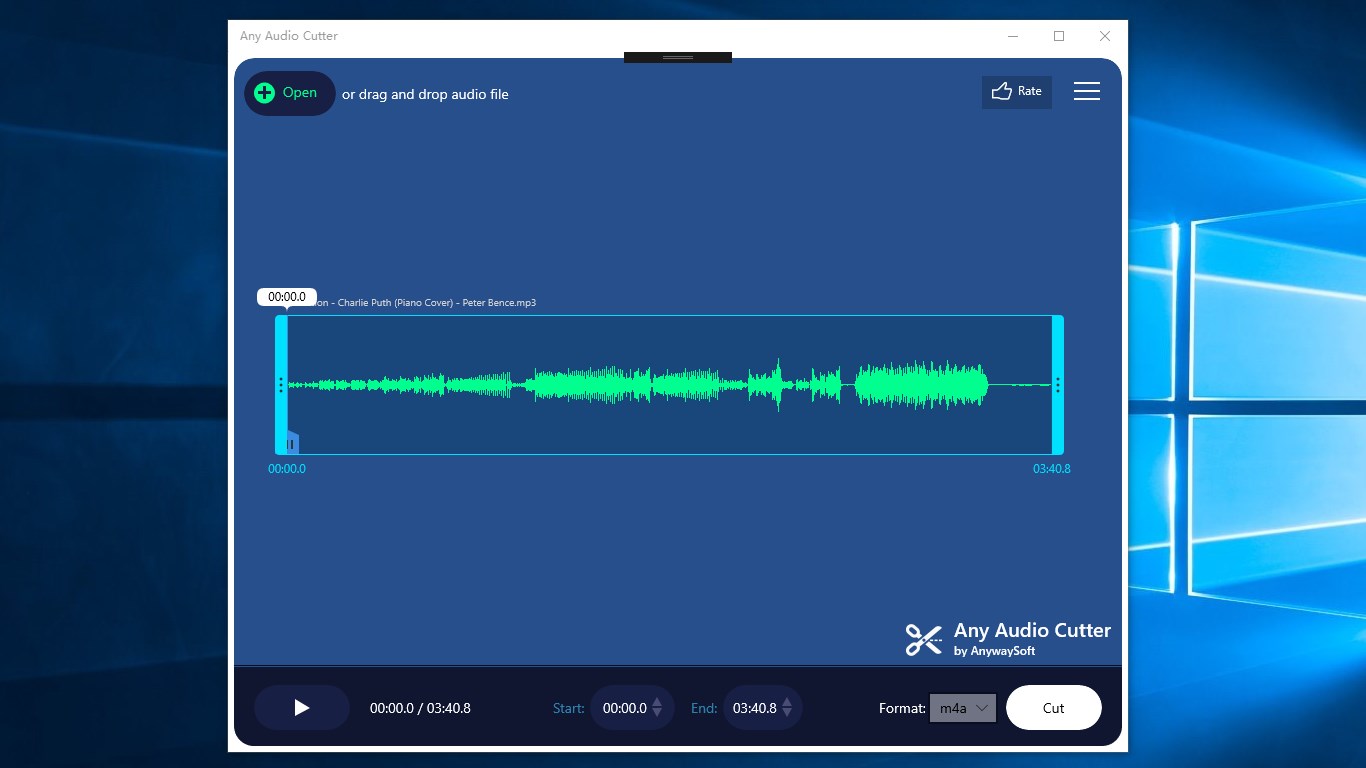
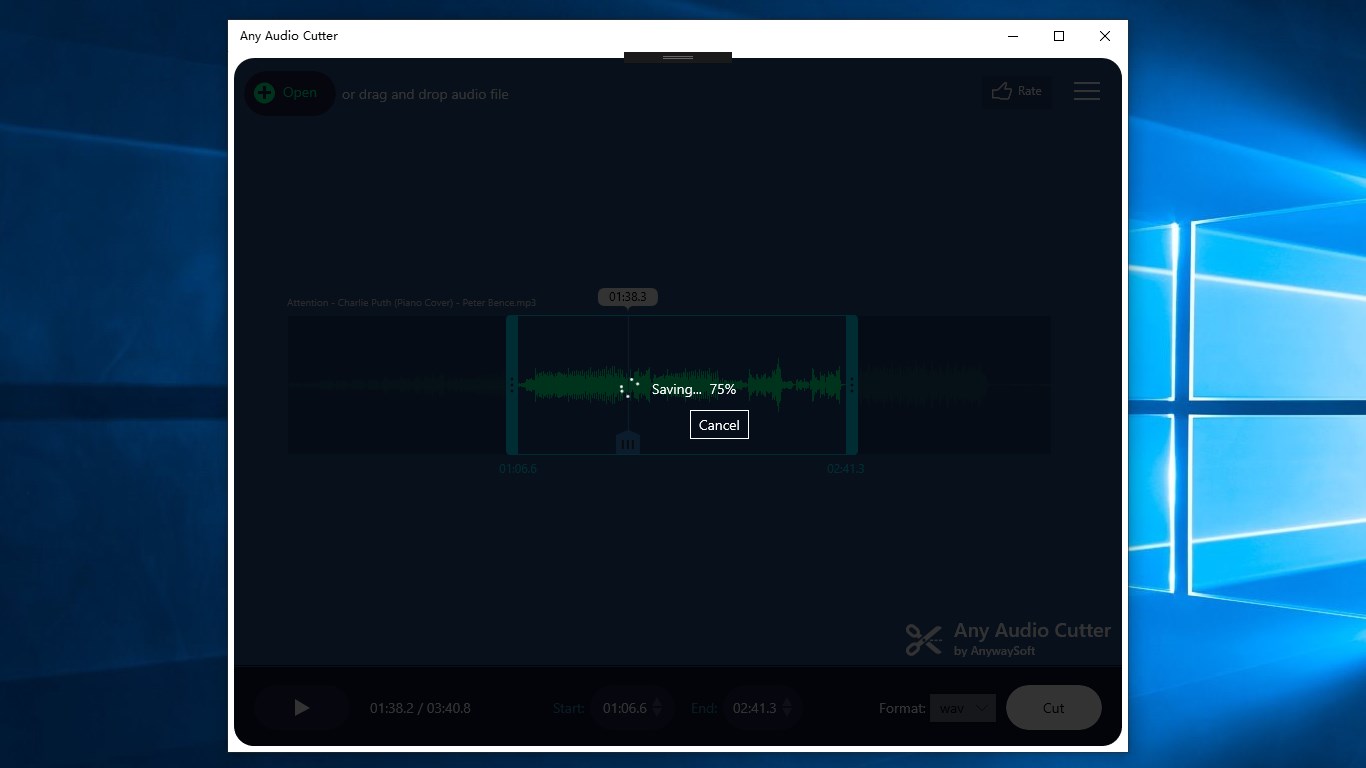
From the moment you launch Any Audio Cutter, you'll notice its clean interface that resembles a well-organized digital workspace rather than a cluttered toolbox. Designed with simplicity in mind, the layout guides users intuitively through file import, editing, and exporting. Whether you're a seasoned audio editor or just starting out, the learning curve remains gentle, making the process of cutting or trimming audio as easy as pie. The responsiveness of the interface ensures smooth operation—even when handling larger files—so you won't be left waiting around for updates or slow reactions.
Core Functionalities That Shine
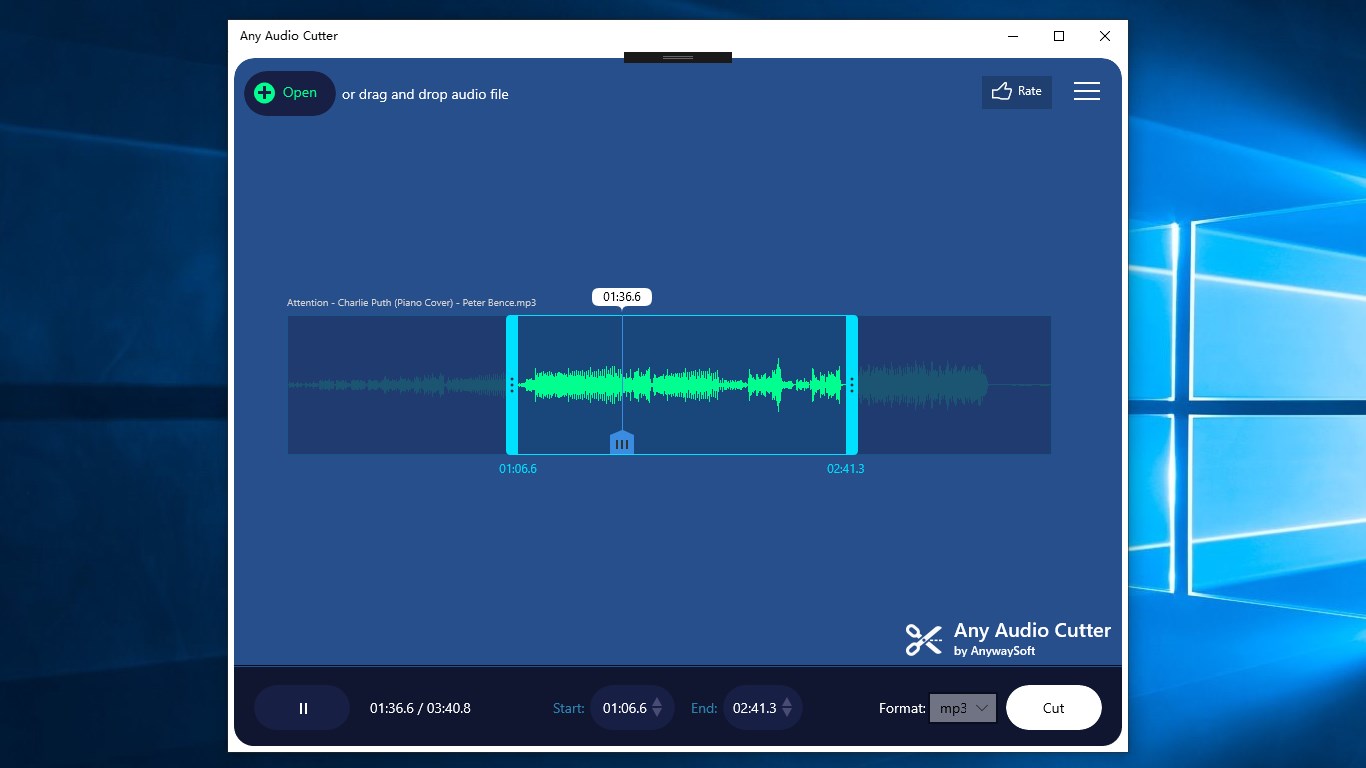
**Precise Cutting and Trimming:** The application's standout feature is its high precision in audio segment selection. Using a waveform visualizer, users can pinpoint exact start and end points, allowing for meticulous edits—like slicing a single chorus from a song or removing background noise. This granularity ensures the output feels seamless and professional.
**Batch Processing Capabilities:** Unlike many basic audio tools, Any Audio Cutter supports batch processing, enabling you to trim multiple files simultaneously. This is particularly beneficial for podcasters or content creators working with numerous audio clips, saving significant time and effort. Think of it as having a personal assistant efficiently handling repetitive tasks so you can focus on more creative aspects.
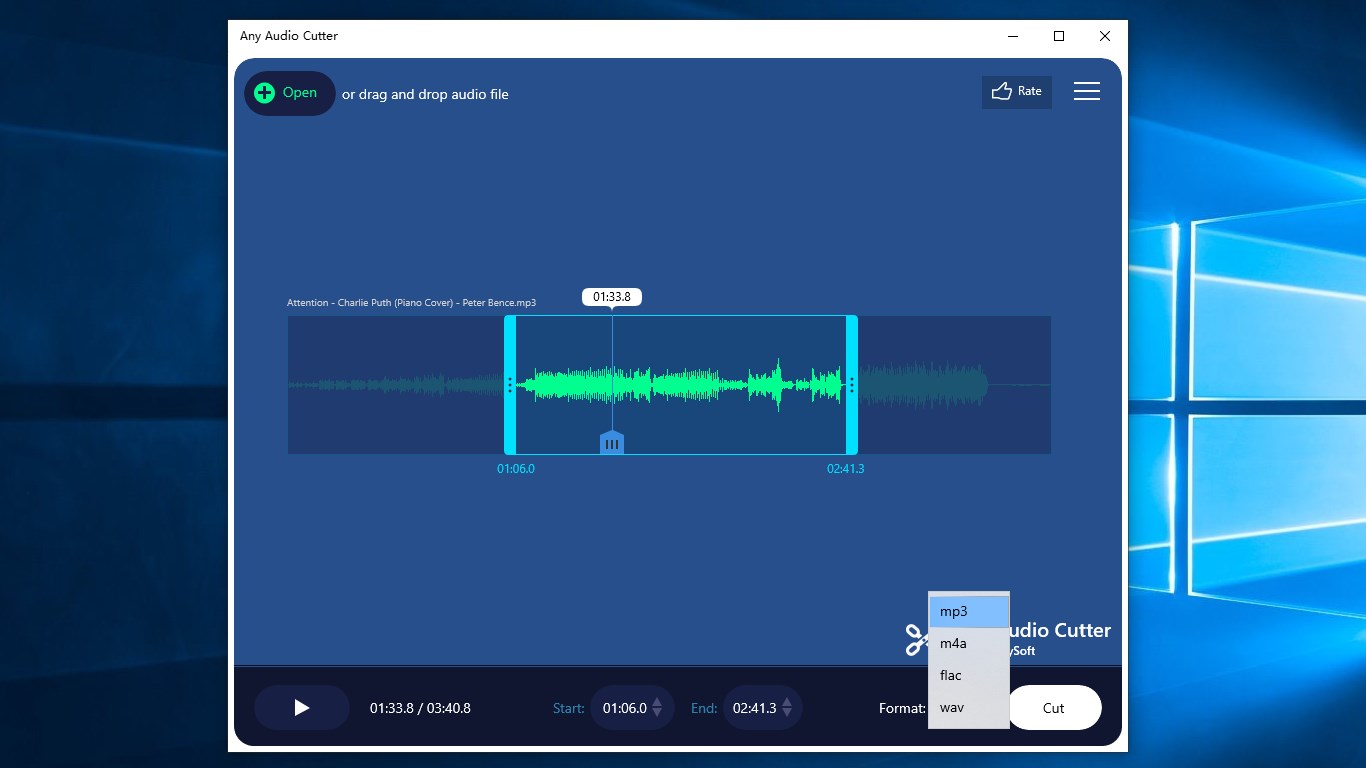
**Multiple Format Support & Export Options:** Whether your audio files are in MP3, WAV, or AAC formats, this tool manages them effortlessly. After editing, you can export your clips in various formats, tailoring the output to suit different devices or platforms, adding a layer of versatility that enhances its appeal.
Exceptional Differentiators in a Crowded Market
While the market is flooded with multimedia editing apps, Any Audio Cutter carves out its niche through its simplicity paired with effectiveness. Its most distinctive trait is the combination of high-precision waveform editing with batch processing—something that many free or low-cost tools lack. This simplifies the often tedious task of editing numerous audio files, making it not just a basic cutter but a streamlined workflow facilitator. Compared to more complex or feature-heavy programs, this app's minimalistic design reduces the learning curve, offering a quick start for users who just need reliable trimming without additional fuss.
Final Thoughts: Is It Worth a Try?
Overall, Any Audio Cutter: mp3 cutter & audio trimmer for Windows is a solid choice for users seeking an easy-to-use yet capable audio trimming solution. Its intuitive interface, precision editing, and batch processing set it apart from many basic audio tools. While it might not replace professional audio editing software for complex projects, it certainly shines in quick, accurate edits for casual users, content creators, or anyone who wants to tidy up audio files without diving into complicated features.
With its straight-forward workflow and targeted functionalities, I recommend giving this app a try if your primary need is reliable audio cutting with minimal hassle. It's a practical tool that proves less is often more—delivering exactly what you need, efficiently and effectively.
Pros
- User-friendly interface
- Supports multiple audio formats
- Fast processing speed
- No need for internet connection
- Built-in audio preview
Cons
- Limited editing features
- Occasional export errors
- Ads displayed during use
- Limited editing precision
- No batch processing support











