
- Category Music
- Developer AnywaySoft, Inc.
- Available on PC, Mobile, Surface Hub, HoloLens
- OS Windows 10 version 17134.0 or higher
- Keyboard Not specified
- Mouse Not specified
- Memory Not specified
- languages English (United States)
An Overview of Any Sound Recorder: Your Portable Audio Companion for Windows
In the bustling world of digital audio, finding a reliable and easy-to-use sound recorder can feel like searching for a needle in a haystack. Enter Any Sound Recorder by AnywaySoft, Inc.—a Windows app designed for users who need quick, high-quality audio recordings without any fuss. Whether you're a student capturing lecture snippets, a journalist recording interviews, or a hobbyist documenting your melodies, this app positions itself as a versatile tool tailored to diverse audio recording needs.
Developer and Core Features
Developed and published by AnywaySoft, Inc., a company dedicated to user-friendly software solutions, Any Sound Recorder aims to streamline the recording process with a suite of straightforward yet powerful functions. The app's primary highlights include:
- Multi-format Recording: Support for various audio formats ensures compatibility across different devices and editing platforms.
- High-Quality Audio Capture: Delivers crisp and clear recordings even in noisy environments, thanks to optimized recording algorithms.
- Intuitive User Interface: Minimalist design makes setup and operation accessible for both beginners and seasoned users.
- Voice Activation and Scheduling: Useful tools for automating recordings, particularly for interviews or scheduled lectures.
Designed with a broad user base in mind, from casual users to professionals, the app's features cater to anyone seeking a reliable voice or audio recorder on Windows.
Vivid Experience: A Review in Action
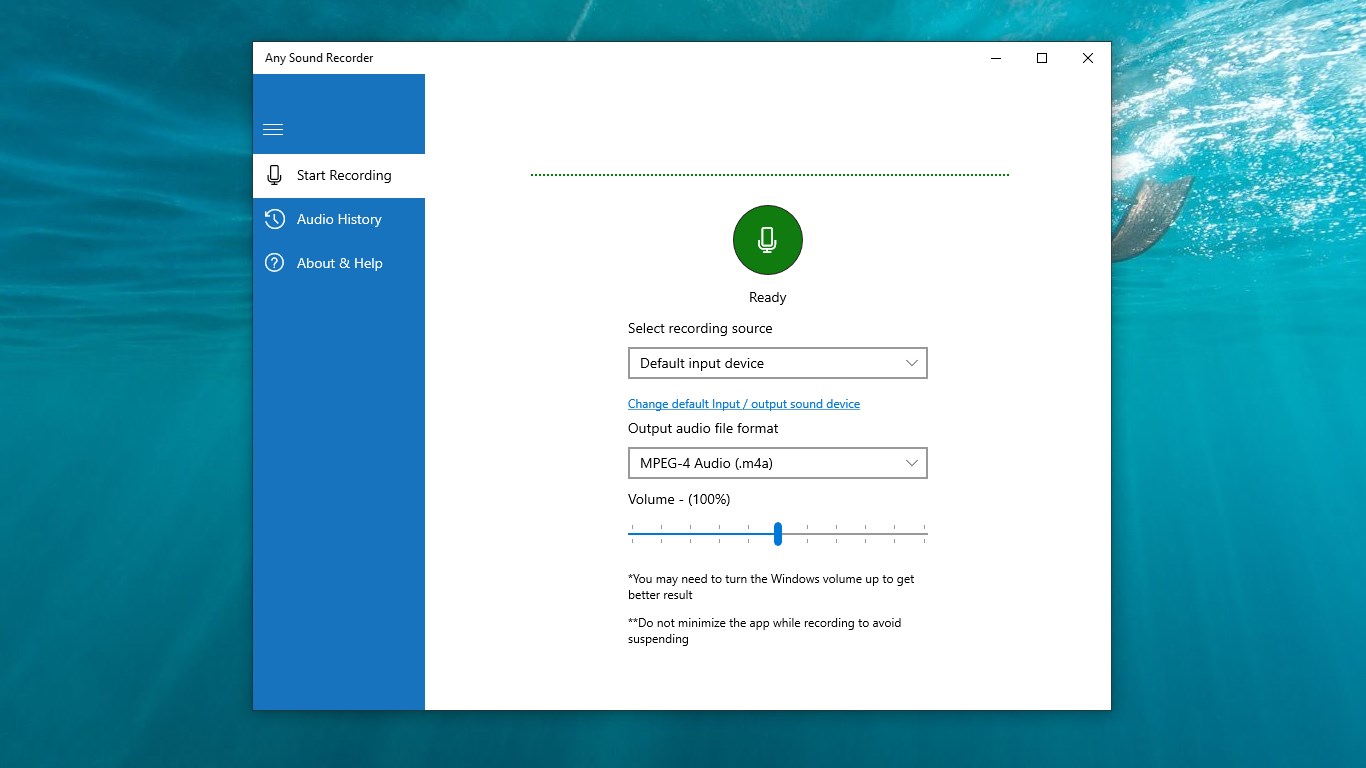
Imagine yourself sitting in a cozy coffee shop, a warm latte in hand, ready to capture the soothing acoustic guitar strumming from the next table. As you launch Any Sound Recorder, you're greeted with a sleek, uncluttered interface—almost like an artist's canvas—making you feel confident and eager to record. The process is nearly instantaneous: press the big red button, and your environment's symphony is soon stored in pristine quality. It's akin to carrying a mini recording studio in your pocket, without the bulky equipment.
Design and User Interaction
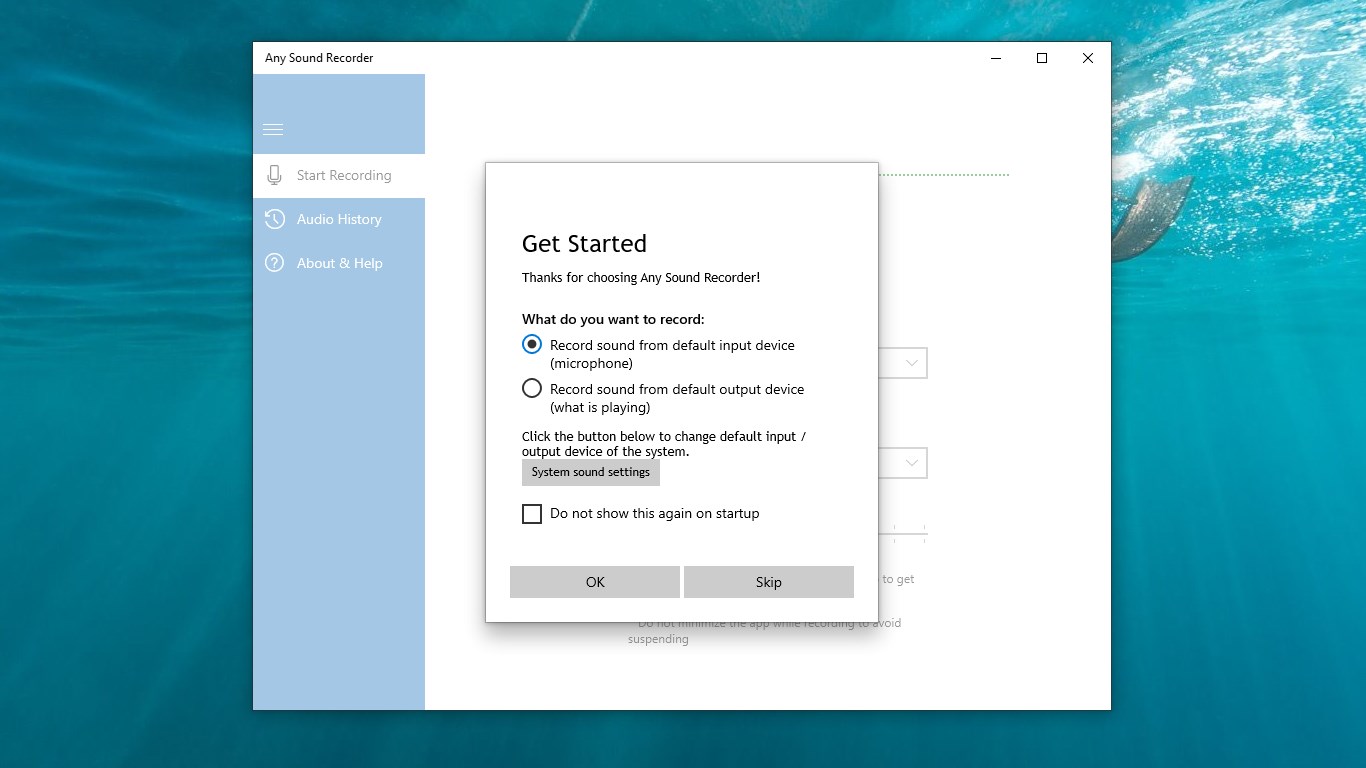
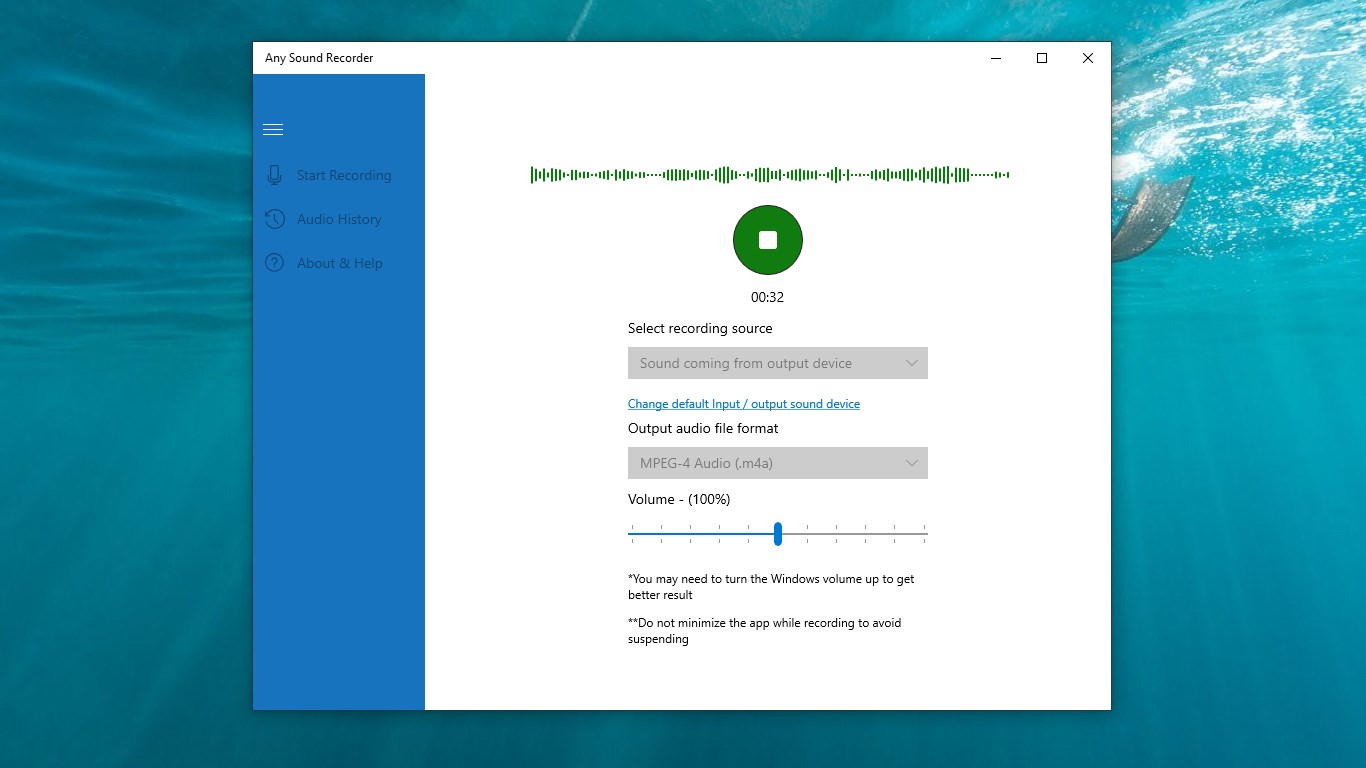
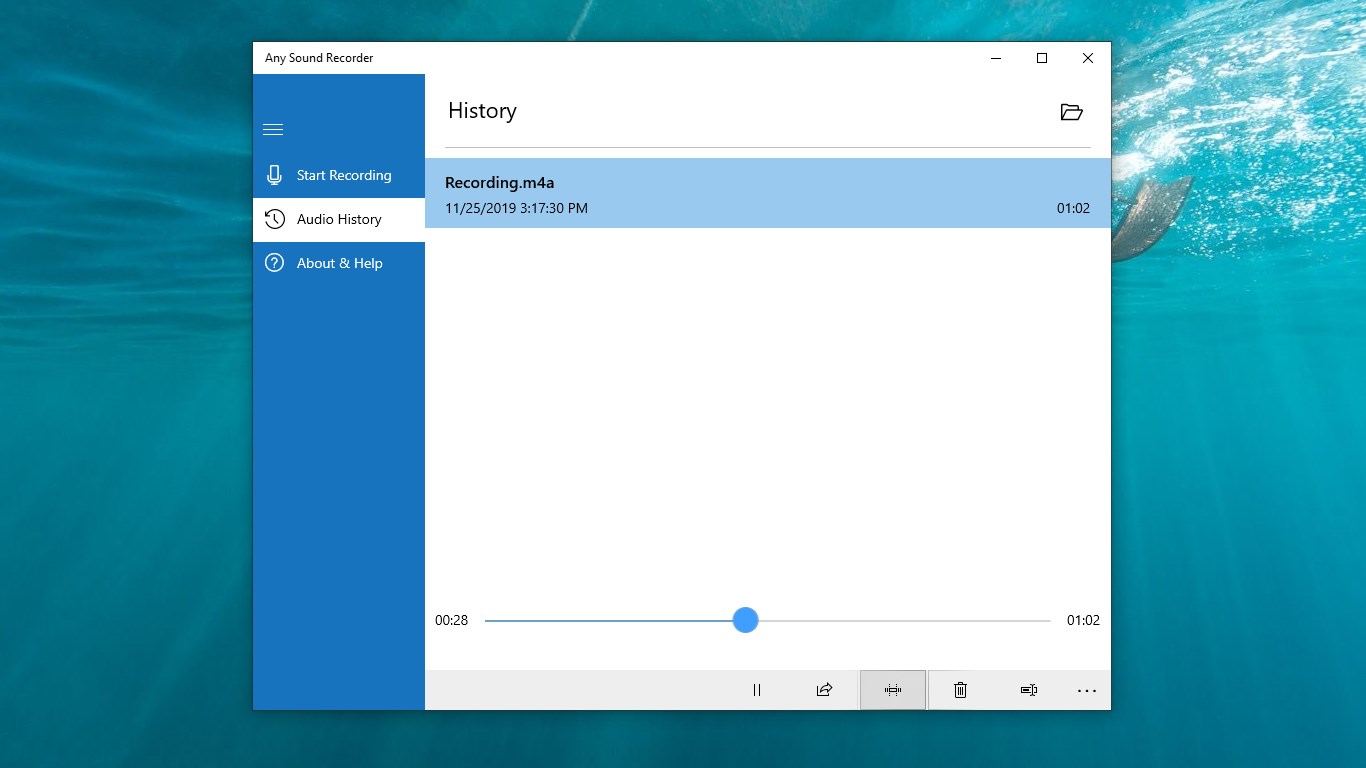
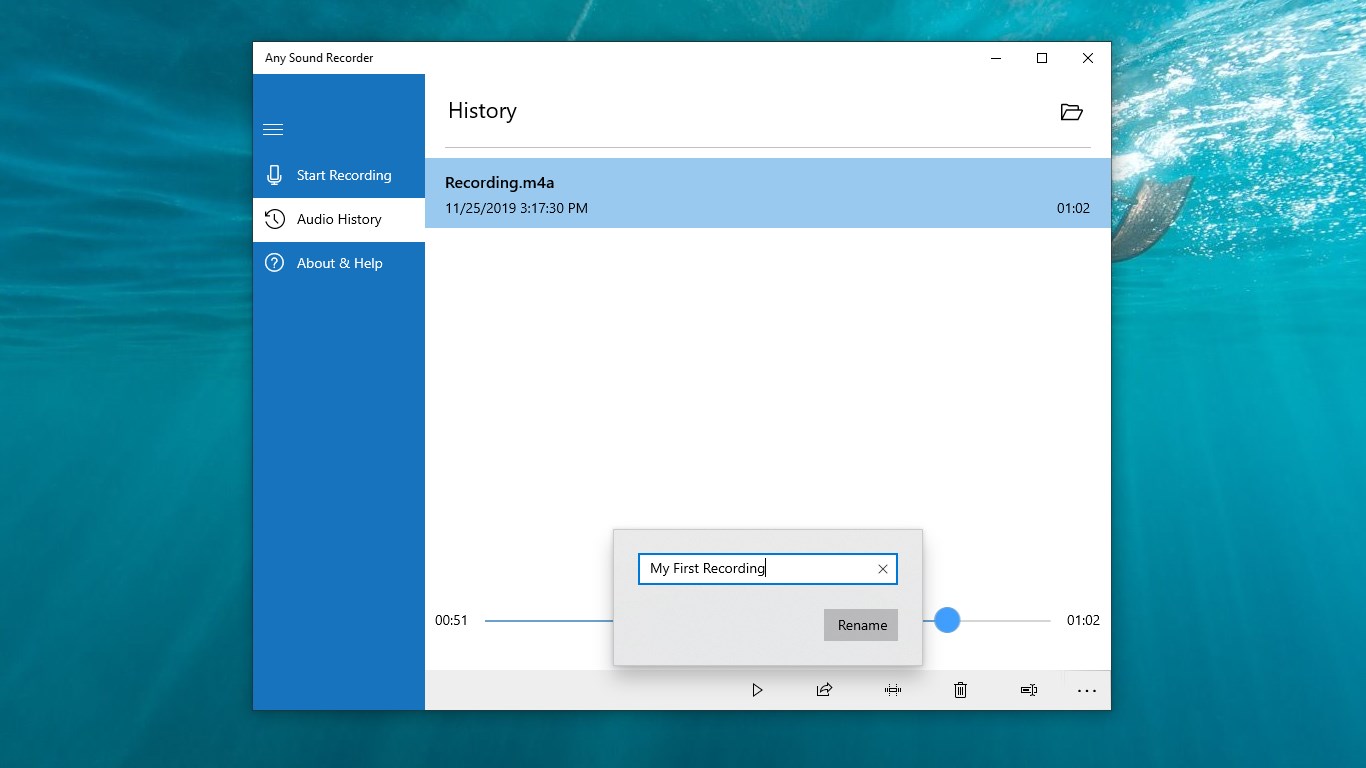
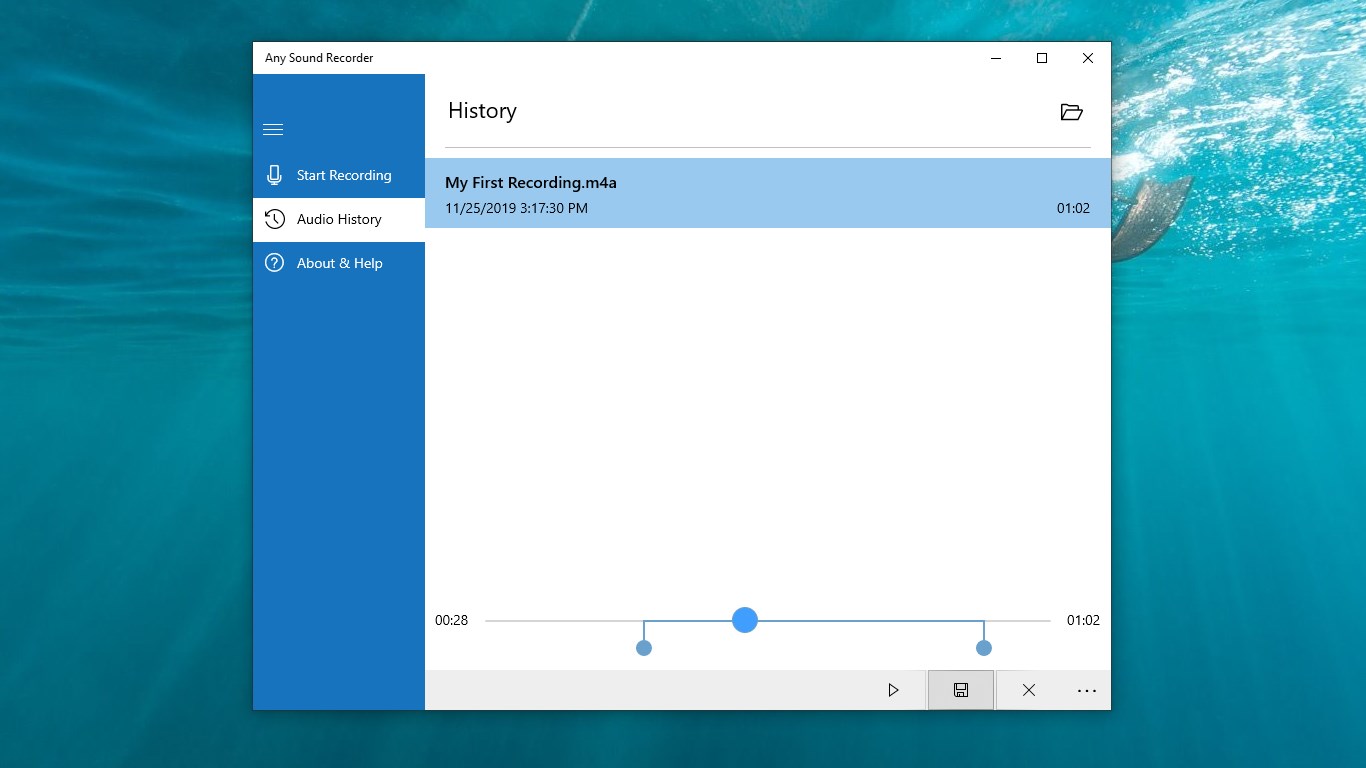
The app's interface exemplifies simplicity and clarity. Large icons, straightforward menus, and logical layout make navigation a breeze. Setup time is minimal—it's almost as if the app anticipates your needs, reducing the learning curve to a gentle slope. The responsiveness is prompt, with minimal lag helping you capture spontaneous moments without frustration. Whether you're adjusting input levels or selecting output formats, the process feels smooth, like gliding across a well-oiled machine.
Core Functionalities: Power at Your Fingertips
One of the standout features is the multi-format recording capability, which sets it apart from many basic voice recorders that limit you to MP3 or WAV. This flexibility ensures your recordings can be directly integrated into other audio editing or production workflows. Moreover, the high-quality capture provides a sense of professionalism—your voice recordings sound almost studio-mic ready, making the app suitable for podcasting, voice memos, or professional dictations.
Another compelling aspect is the voice activation feature. Think of it as your silent recording assistant that listens discreetly in the background, only sparing you the effort of manually starting and stopping. This is especially useful for capturing interviews or meetings where constant manual control is cumbersome. Scheduled recordings further elevate convenience, allowing you to set it and forget it—perfect for early morning lectures or late-night inspirations.
Unique Advantages: Standing Out Among Peers
Compared to other Windows-based audio apps, Any Sound Recorder's real-time Tolerance to Input Latency and its ability to assess rhythm pattern variety provide notable advantages. This means it can adapt to different microphones and environmental conditions without sacrificing audio quality, akin to a seasoned conductor harmonizing with diverse instruments. Its proficiency in assessing rhythm patterns allows it to better capture musical or rhythmic recordings, setting it apart from generic recorders that might struggle with timing and rhythm fidelity.
These features make it particularly appealing for users who not only need simple voice memos but also require nuanced, rhythmically sensitive recordings—such as musicians or audio engineers. Its balanced combination of flexibility, quality, and ease of use creates a true niche position in the voice and audio recording landscape.
Final Verdict and Usage Recommendations
I would recommend Any Sound Recorder for anyone seeking a straightforward, reliable, and versatile audio recorder for Windows. Its emphasis on multi-format support, high-quality capture, and intelligent features like voice activation make it suitable for both casual and semi-professional use. If you value features that handle rhythmic nuance and input latency resilience, this app truly shines.
While it may not replace full-fledged audio editing software, its strength lies in quick, high-fidelity recordings that you can trust. For users who need an efficient, no-fuss tool that adapts well across various recording situations, Any Sound Recorder is worth trying out. It's like bringing a professional-grade tape recorder into today's digital realm—simple to operate yet capable of capturing the intricacies of sound with clarity.
Pros
- Intuitive User Interface
- High-Quality Audio Recording
- Multiple Recording Formats
- Built-in Editing Tools
- Cloud Integration
Cons
- Limited Editing Features
- No Recording Scheduler
- Occasional App Crashes
- Limited Export Options
- Basic UI Customization











