

- Category Productivity
- Developer Apache OpenOffice
- Available on PC
- OS Windows 10 version 0.0 or higher
- Keyboard Integrated Keyboard
- Mouse Integrated Mouse
- languages English (United States), German, French, Polish, Portuguese (Portugal), Portuguese (Brazil), Spanish, English (United Kingdom), Italian, Danish, Japanese, Finnish, Korean, Lithuanian, Norwegian (Bokmål), Dutch, Russian, Chinese (Simplified), Chinese (Traditional), Swedish, Bulgarian, Turkish, Catalan, Czech, Hungarian, Hindi, Hebrew, Vietnamese, Greek, Thai, Tamil, Scottish Gaelic, Basque, Serbian, Khmer, Slovenian, Slovak, Galician
Apache OpenOffice for Windows: A Robust Open-Source Office Suite
Apache OpenOffice is a comprehensive, free, open-source office productivity solution that aims to provide users with a reliable alternative to commercial office suites on the Windows platform.
About the Developer and Core Features
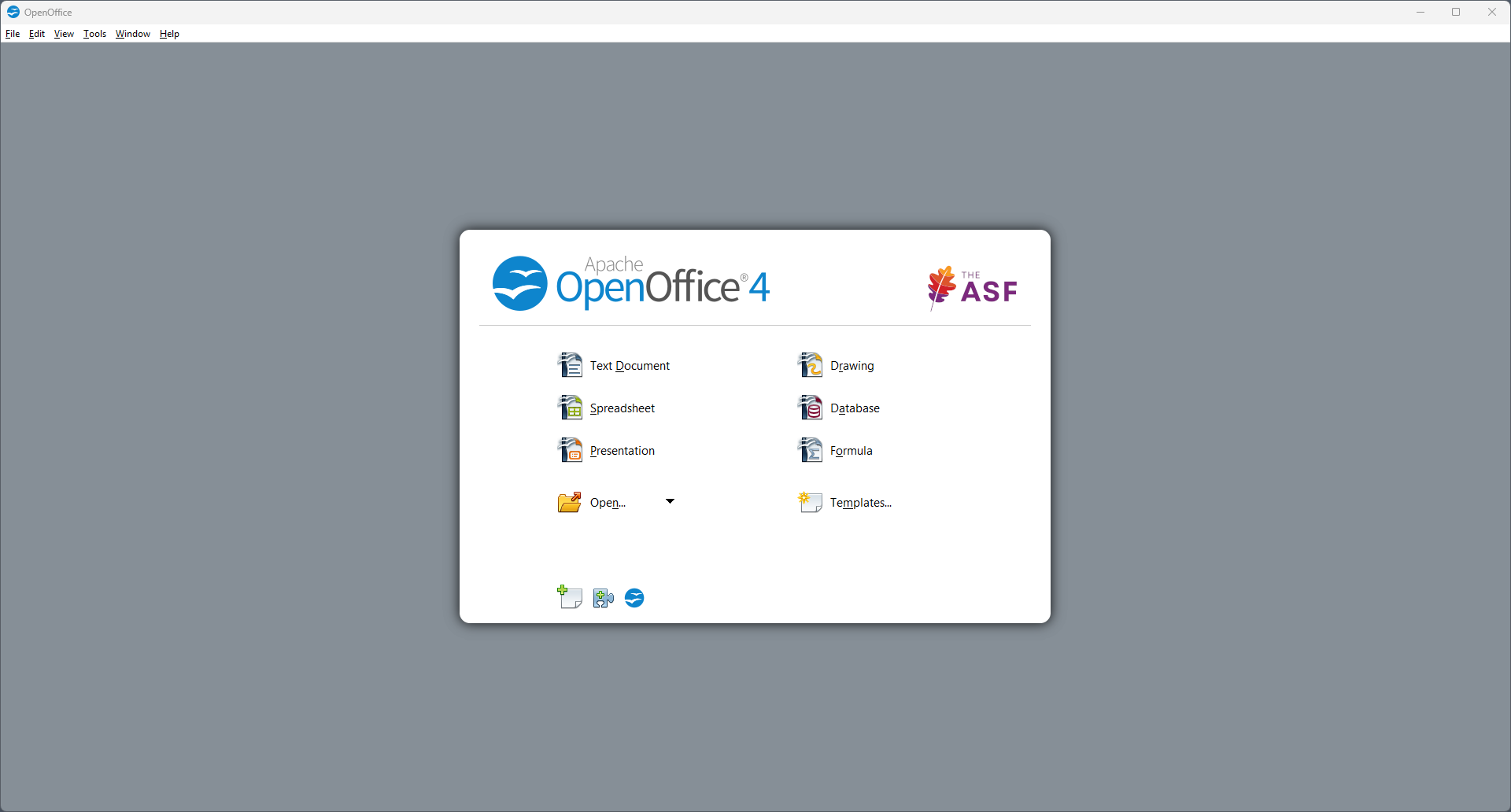
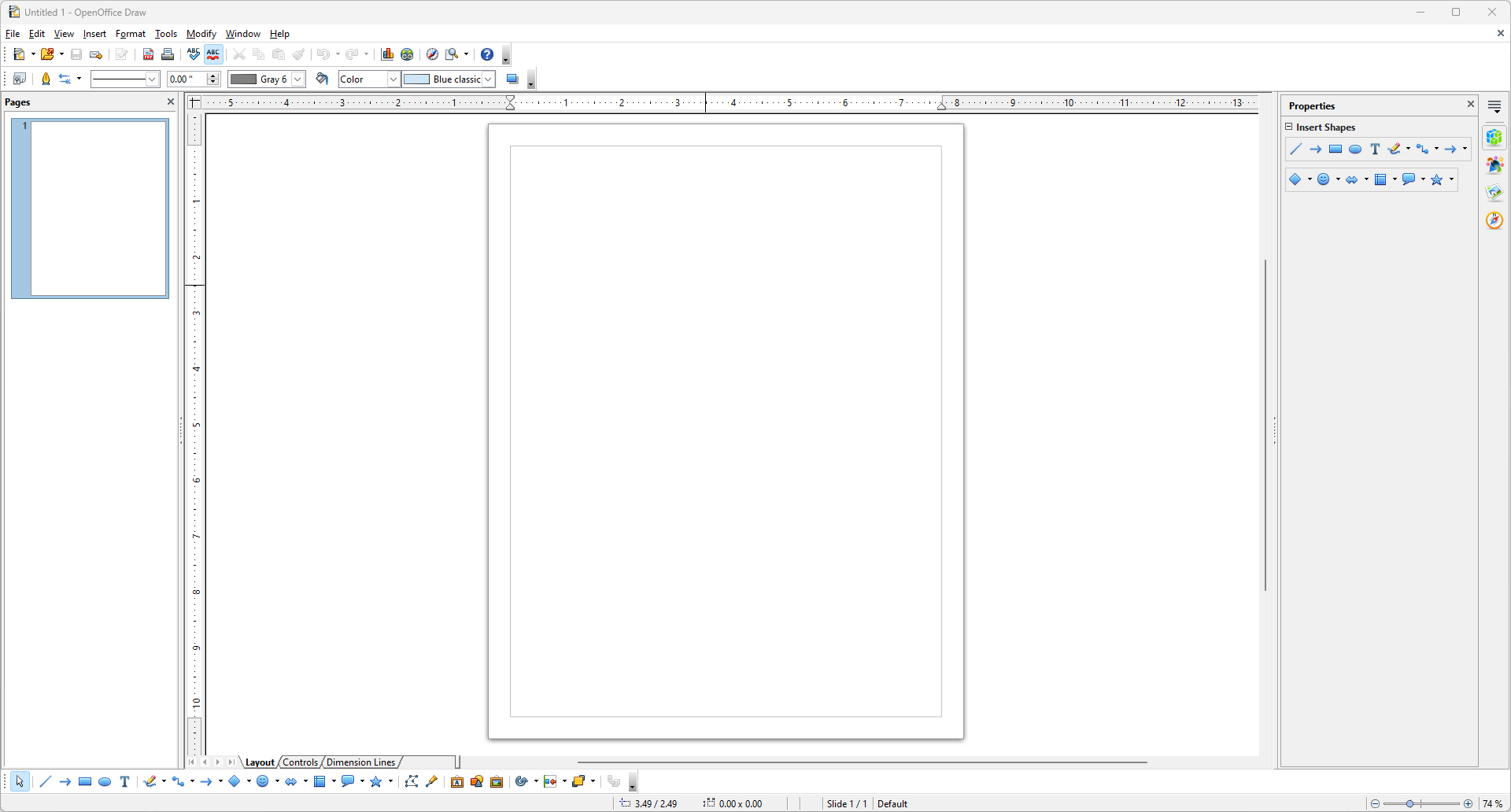
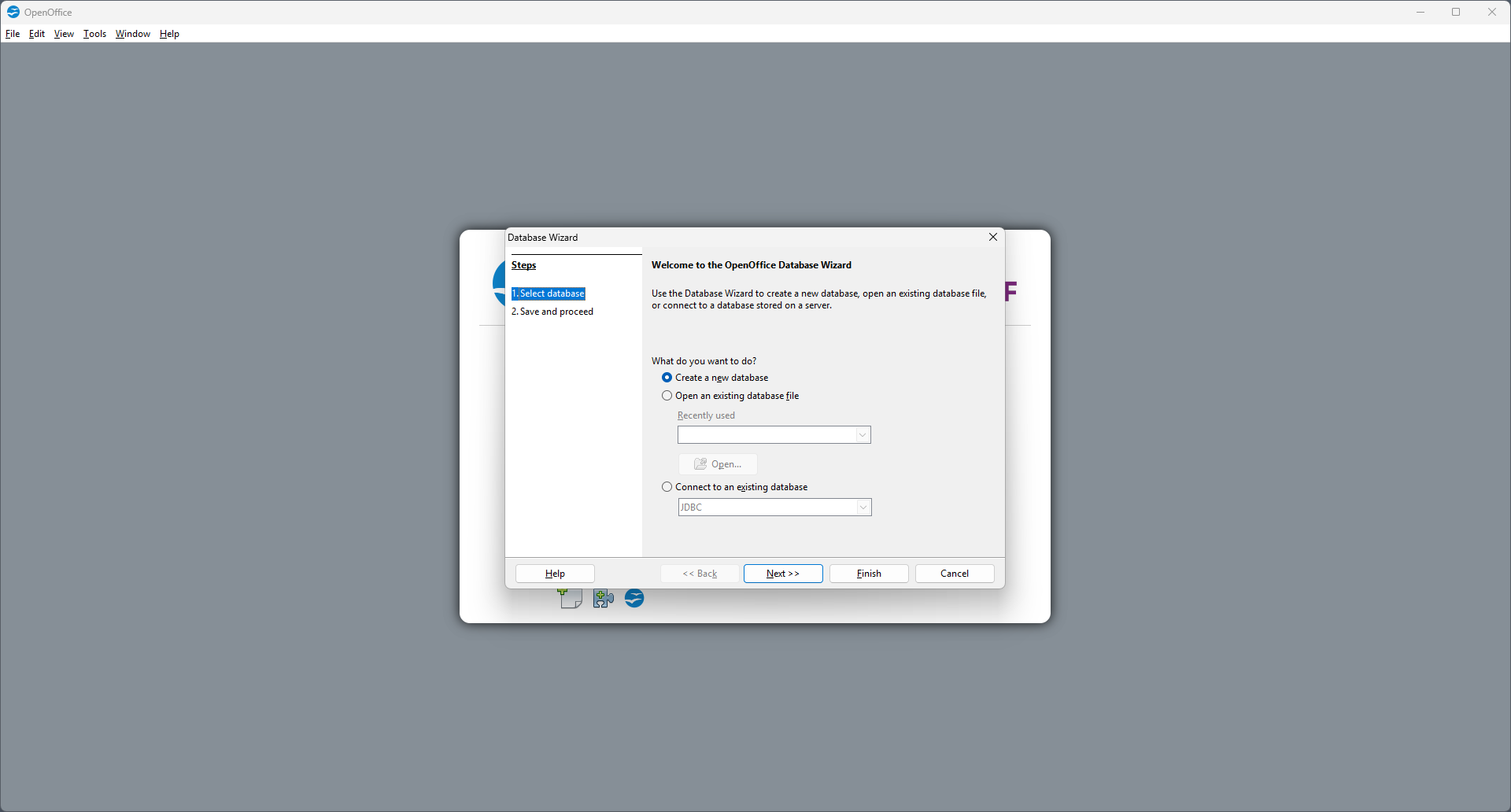
Developed by the Apache Software Foundation, Apache OpenOffice brings decades of open-source community effort into a cohesive office suite. Its standout features include a word processor (Writer), spreadsheet application (Calc), presentation tool (Impress), drawing program (Draw), and data management component (Base). These tools work seamlessly together, offering a unified experience for various document and data handling needs. Notably, Apache OpenOffice emphasizes compatibility with multiple file formats, supports extensions for customization, and maintains a strong focus on privacy and data control.
Engaging Opening: The Quiet Giant of Office Suites
Imagine sitting down at your computer, opening a familiar yet unexpectedly powerful suite of tools, like a well-crafted Swiss Army knife—versatile, dependable, and ready for any task. That's Apache OpenOffice: an unassuming but formidable companion that's been quietly powering countless offices, students, and hobbyists worldwide. Its open-source nature means you're not locked into a vending machine of proprietary features; instead, you get a flexible, customizable workspace that emphasizes stability and community-driven development.
Deep Dive into Core Functionalities
Seamless Document Creation with Writer
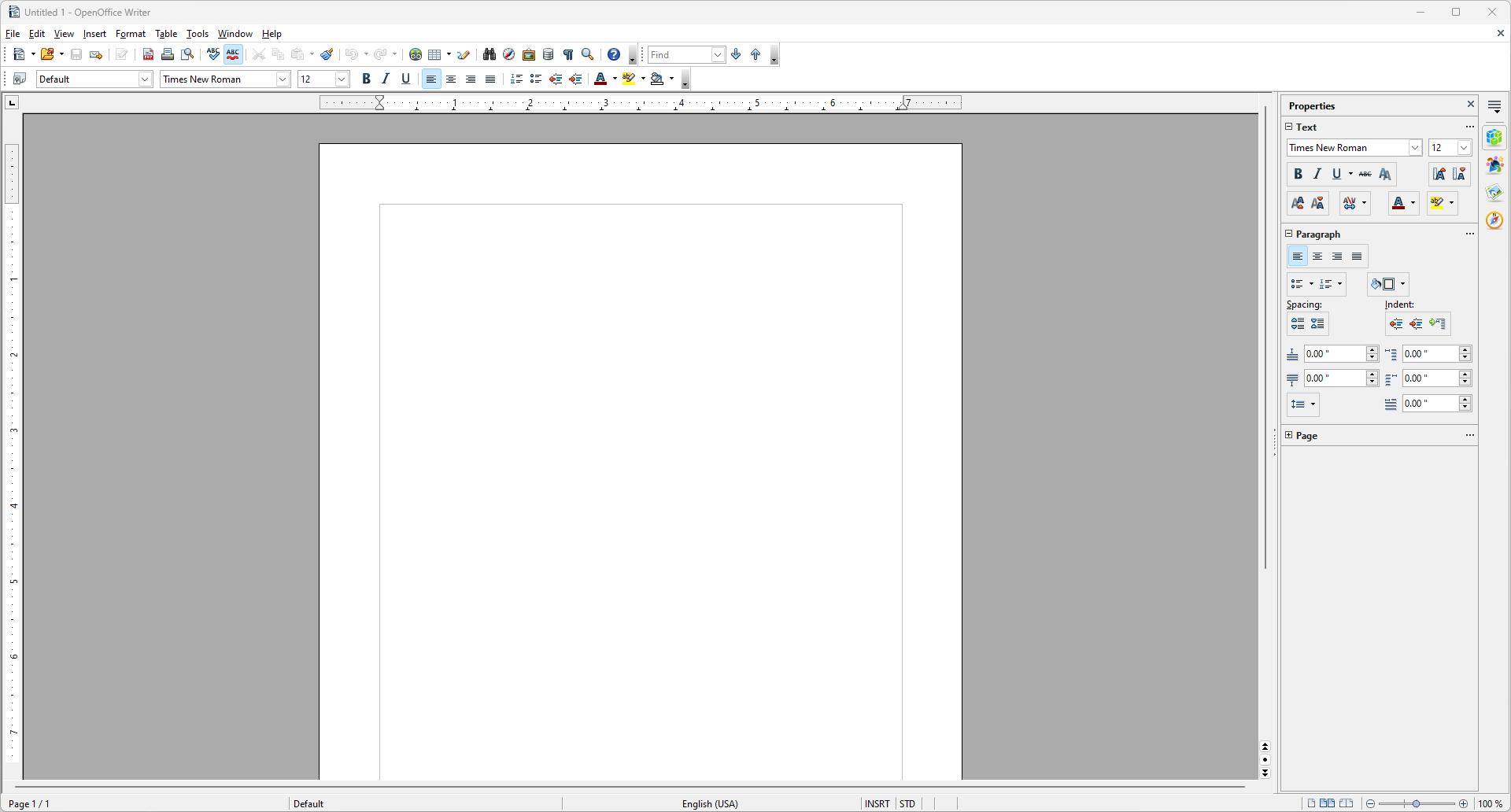
Apache OpenOffice Writer, the suite's flagship word processor, offers an intuitive environment akin to assembling a detailed scrapbook. Its interface is straightforward—ribbons and menus are familiar enough for newcomers, yet it offers depth for seasoned users. Advanced styling, a comprehensive template library, and compatibility with formats like Microsoft Word make document creation feel like assembling a puzzle where every piece fits naturally. Plus, the built-in collaboration tools, such as track changes and comments, facilitate teamwork without the need for cloud dependencies.
Powerful Data Handling with Calc
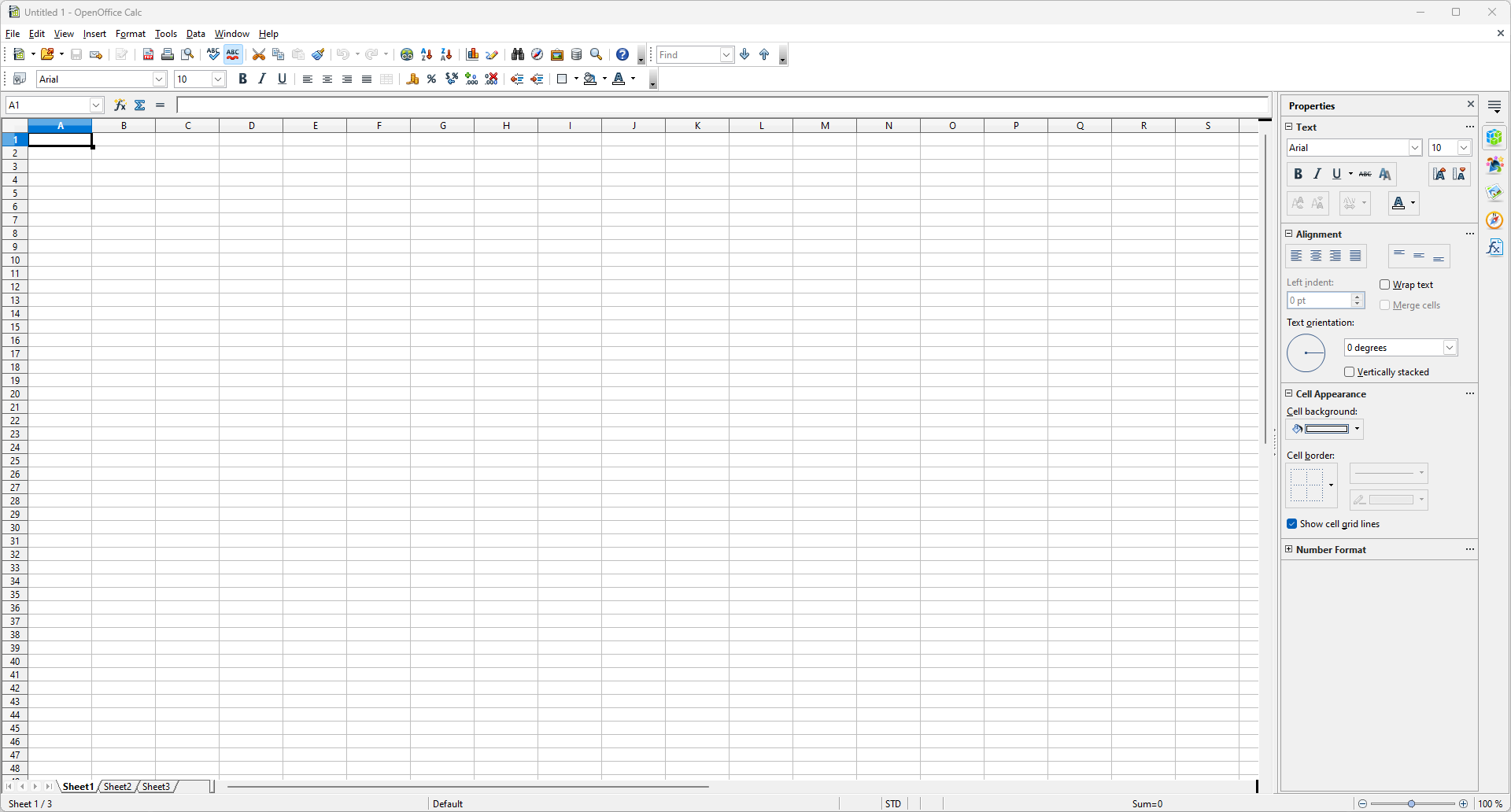
Calc, Apache OpenOffice's spreadsheet component, is designed for data analysis and visualization. Its formula engine can handle complex calculations, akin to having a reliable calculator that never runs out of batteries, even on intricate financial models or scientific data sets. Pivot tables, charting features, and extensive data validation options equip users like seasoned analysts or students, allowing them to turn raw data into actionable insights effortlessly. The interface remains uncluttered, helping users focus on logic rather than navigation clutter.
Presentation and Design with Impress
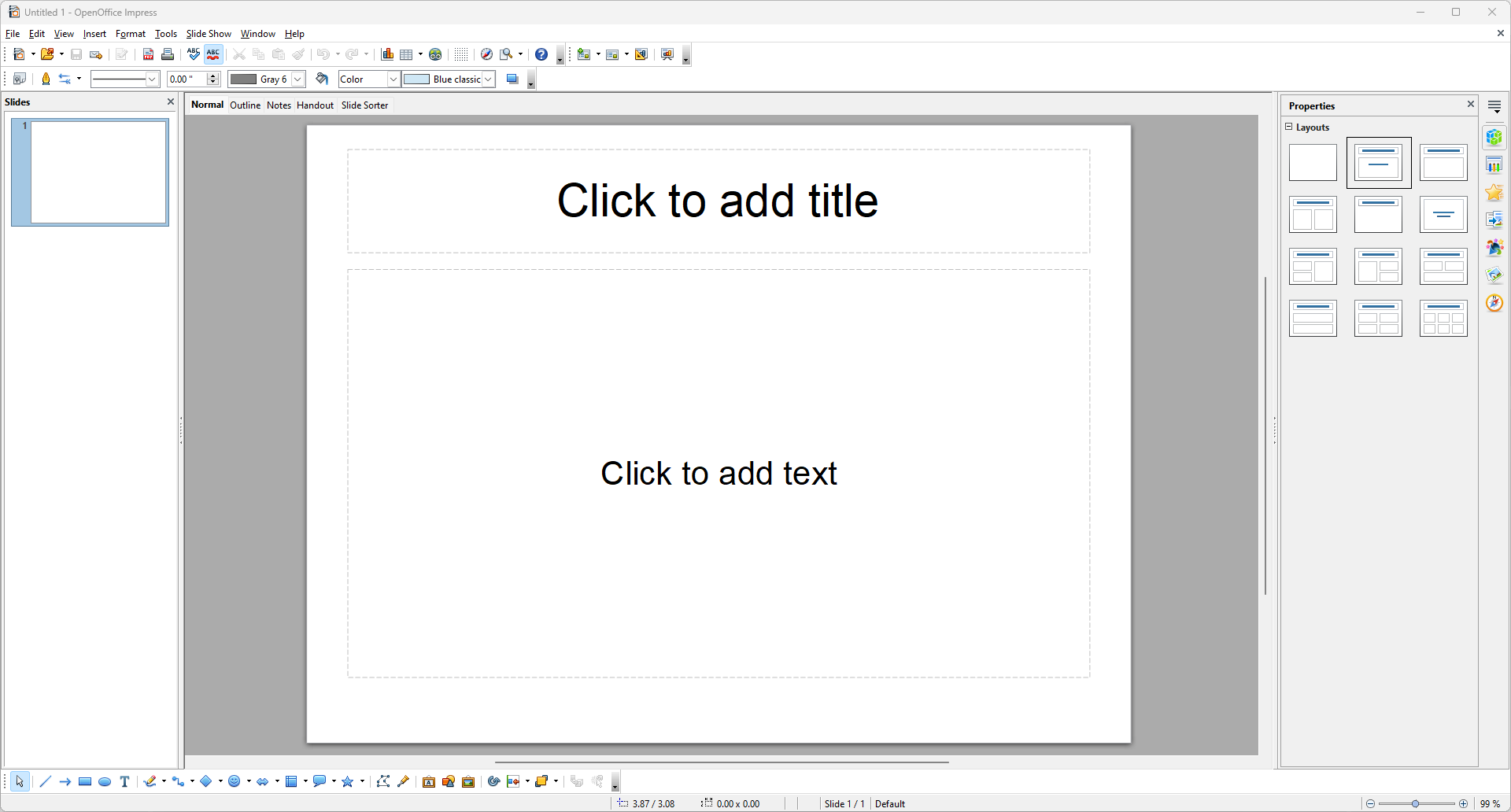
Impress transforms static slides into engaging visual stories—think of it as the storyteller's canvas. Its slide transition effects, multimedia support, and pre-designed templates are easy to customize, making presentation creation as approachable as assembling a photo album. While it might not boast the same extensive effects catalog as commercial competitors, its stability and straightforward design make it a reliable choice for classroom lectures, business pitches, or casual sharing.
Evaluating the User Experience and Unique Advantages
The interface design of Apache OpenOffice is practical, leaning towards classic and functional—think of it as a well-organized desk that's easy to navigate. Operational smoothness is generally solid on modern Windows machines, with responsive menus and quick rendering, even when handling large documents or complex spreadsheets. Learning curves are modest; users familiar with other office suites will feel at home quickly, and extensive online documentation supports newcomers.
Where Apache OpenOffice shines against other productivity tools is in its workflow integration and cognitive load management. Unlike some feature-heavy suites that present a barrage of options, OpenOffice adopts an efficient, minimalist approach, reducing the mental effort needed to find and learn features. Its open architecture allows for customization and extension, making it adaptable for specialized workflows without bloating the interface. This balance between simplicity and capability helps users stay focused on their core tasks, rather than wading through layers of unnecessary complexity.
Final Recommendation: A Trustworthy Choice for Diverse Users
In terms of suitability, Apache OpenOffice is ideal for students, small businesses, and hobbyists who prioritize stability, privacy, and cost-free access. It's less suitable for users needing real-time collaboration features or the latest visual effects, but for those who value a straightforward, dependable office environment, it remains an excellent option. Its biggest strengths—compatibility, extensibility, and low cognitive load—make it a true workhorse in the realm of free office software.
Overall, I recommend giving Apache OpenOffice a try if you're seeking an open, customizable, and stable office suite that handles everyday document and data tasks efficiently—think of it as your reliable, no-frills workhorse that gets the job done without fuss.
Pros
- Free and open-source software
- Comprehensive suite of office tools
- Cross-platform compatibility
- Supports multiple file formats
- Customizable with extensions
Cons
- User interface feels outdated
- Limited real-time collaboration features
- Occasional compatibility issues with newer Microsoft Office files
- Less frequent updates and improvements
- Limited advanced features for power users











