

- Category Music
- Available on PC
- OS Windows 11 version 26100.0 or higher
- DirectX Version 11
- languages Arabic, Catalan, Chinese (Simplified), Chinese (Traditional), Chinese (Traditional, Hong Kong SAR), Croatian, Czech, Danish, Dutch, English (Australia), English (United Kingdom), English (United States), Finnish, French, French (Canada), German, Greek, Hebrew, Hindi, Hungarian, Indonesian, Italian, Japanese, Korean, Malay, Norwegian (Bokmål), Polish, Portuguese (Brazil), Portuguese (Portugal), Romanian, Russian, Slovak, Slovenian, Spanish, Spanish (Latin America), Swedish, Thai, Turkish, Ukrainian, Vietnamese
Apple Music for Windows: Seamless Music Streaming with a Touch of Elegance
Apple Music for Windows is a dedicated desktop application that brings Apple's premium music experience directly to Windows users, offering a sleek interface and rich features to elevate your listening journey.
About the App
Designed to provide a seamless integration of Apple Music's extensive library with Windows PCs, this app serves as a bridge between Apple's ecosystem and Microsoft's platform. Developed by Apple Inc., it aims to offer a familiar yet optimized music experience for Windows users.
- Main Features Highlights:
- Access to over 100 million songs with personalized playlists and recommendations
- Lossless and spatial audio support for audiophile-grade listening
- Offline playback capabilities for on-the-go listening without internet
- Integration with Apple's curated playlists, radio stations, and exclusive content
- Target Users: Music enthusiasts, Apple ecosystem users on Windows, new subscribers wanting a premium streaming experience, and audiophiles seeking high-fidelity sound.
Engaging Usability and User Experience
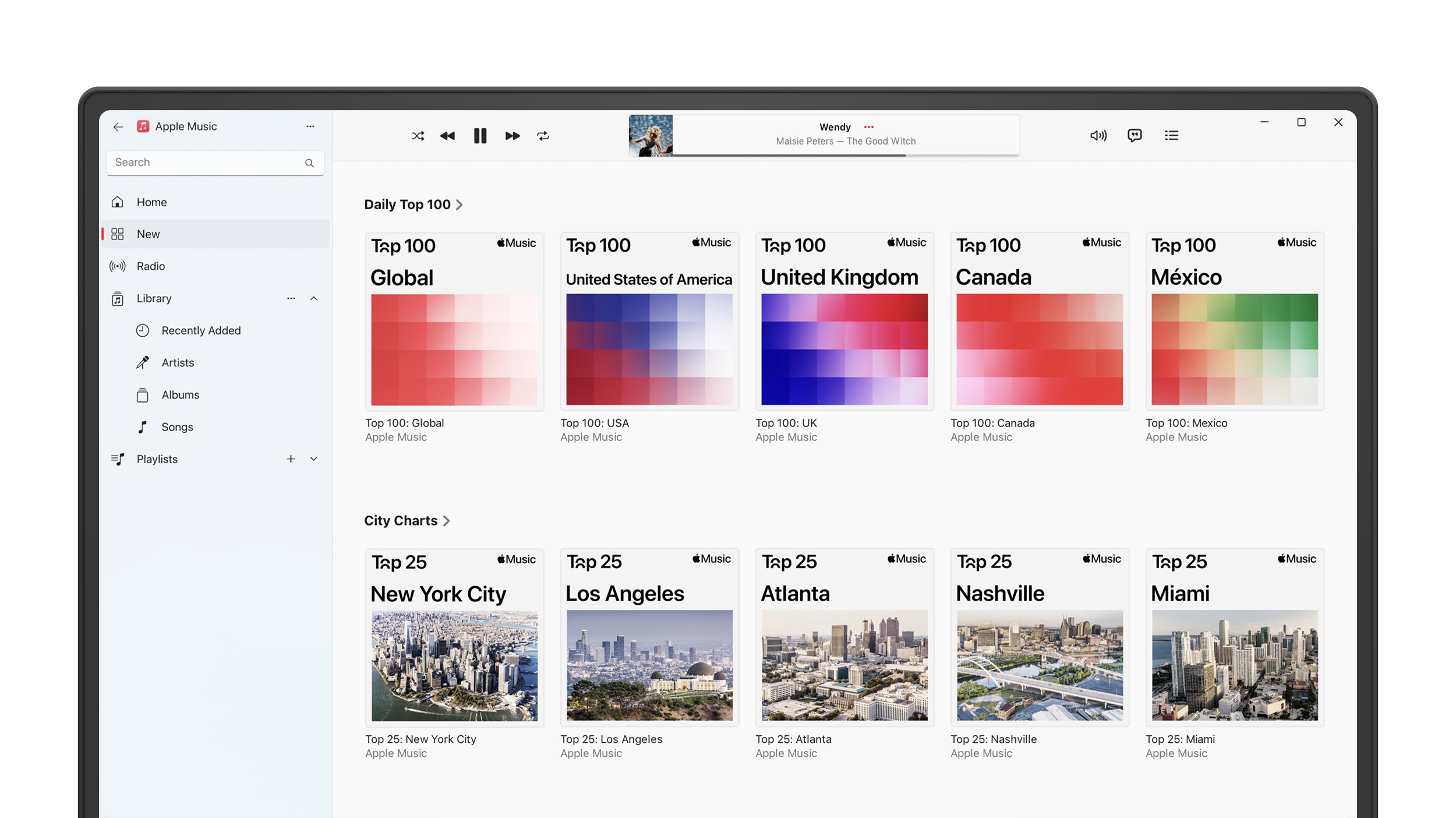
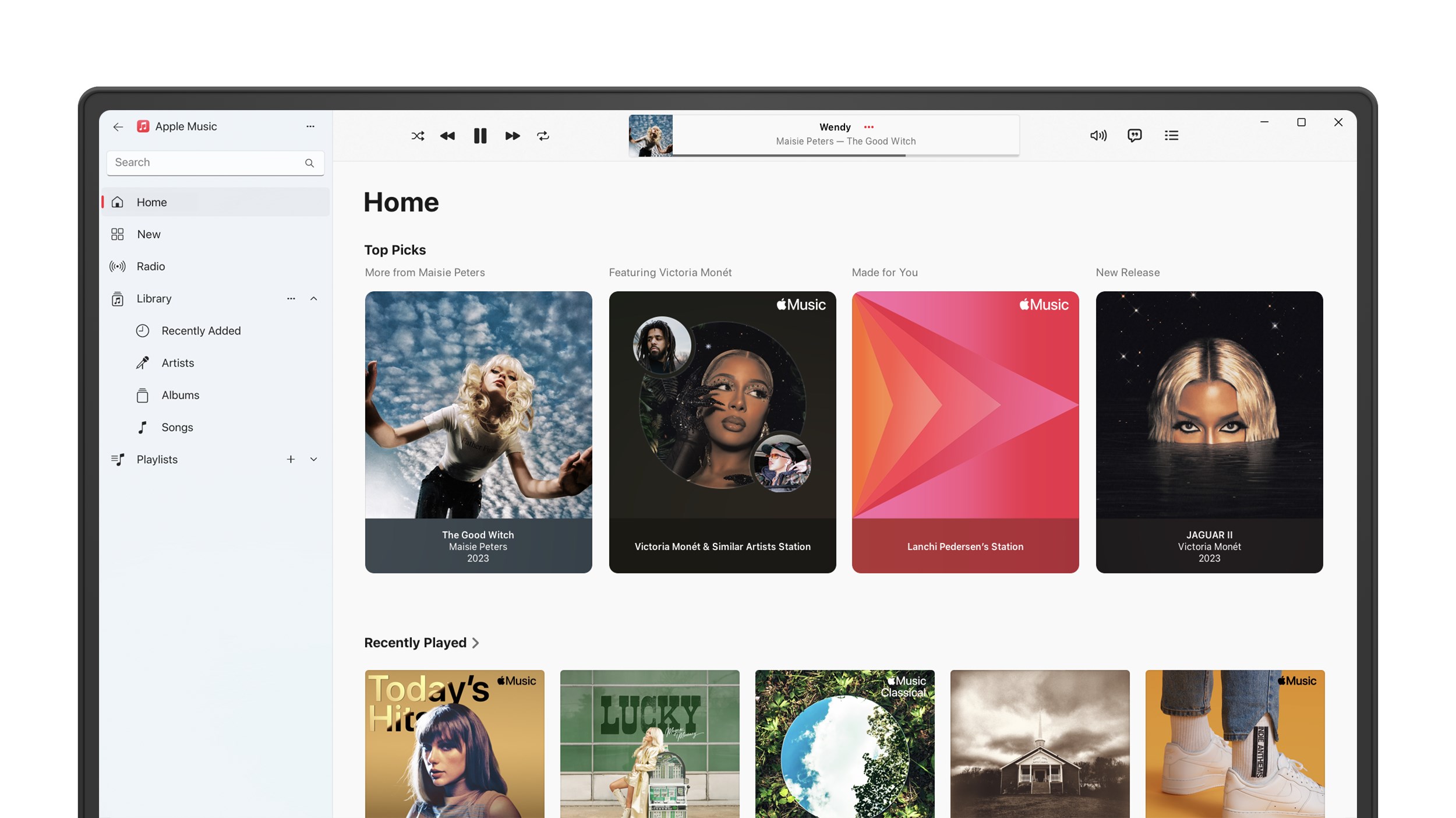
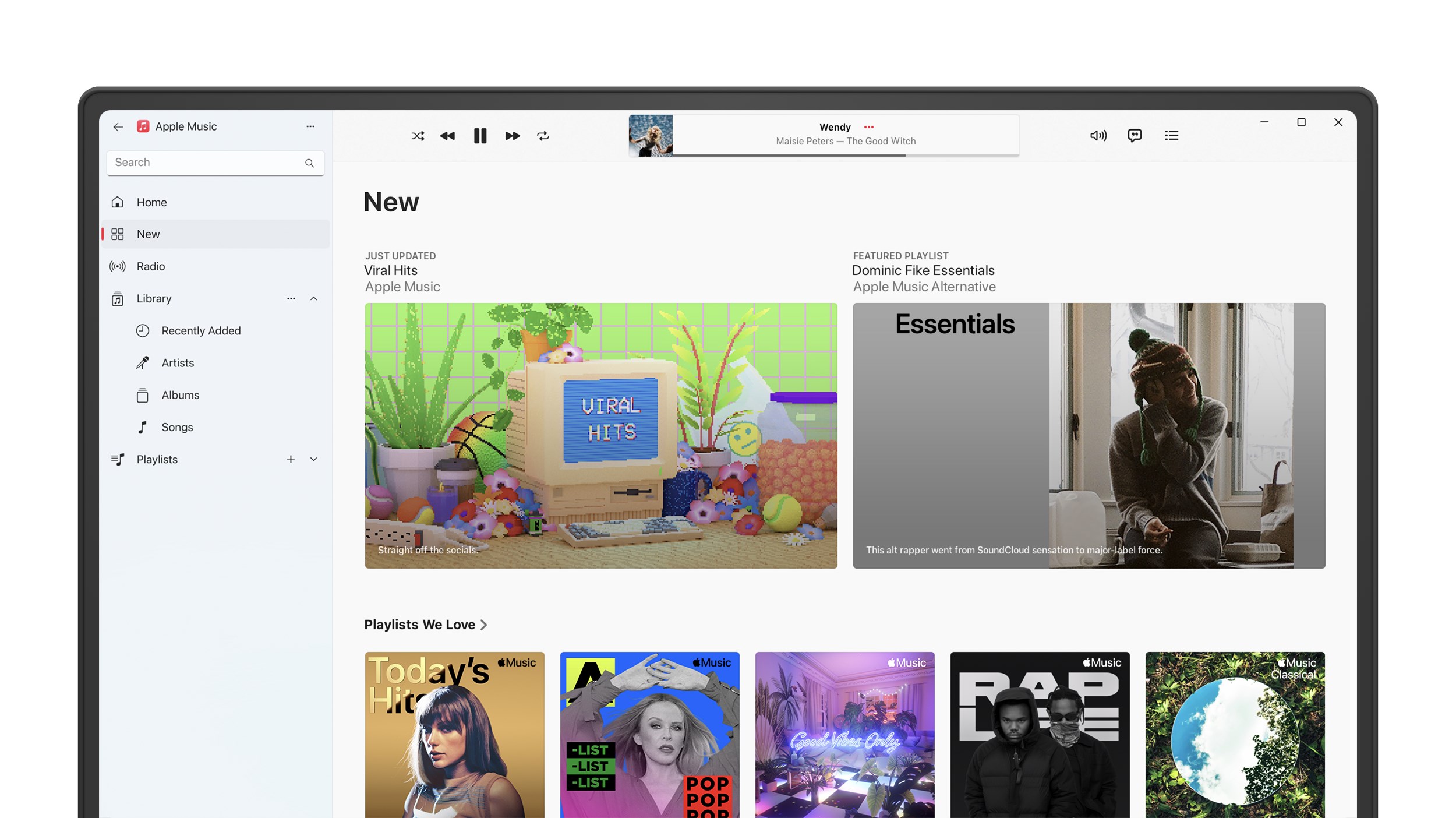
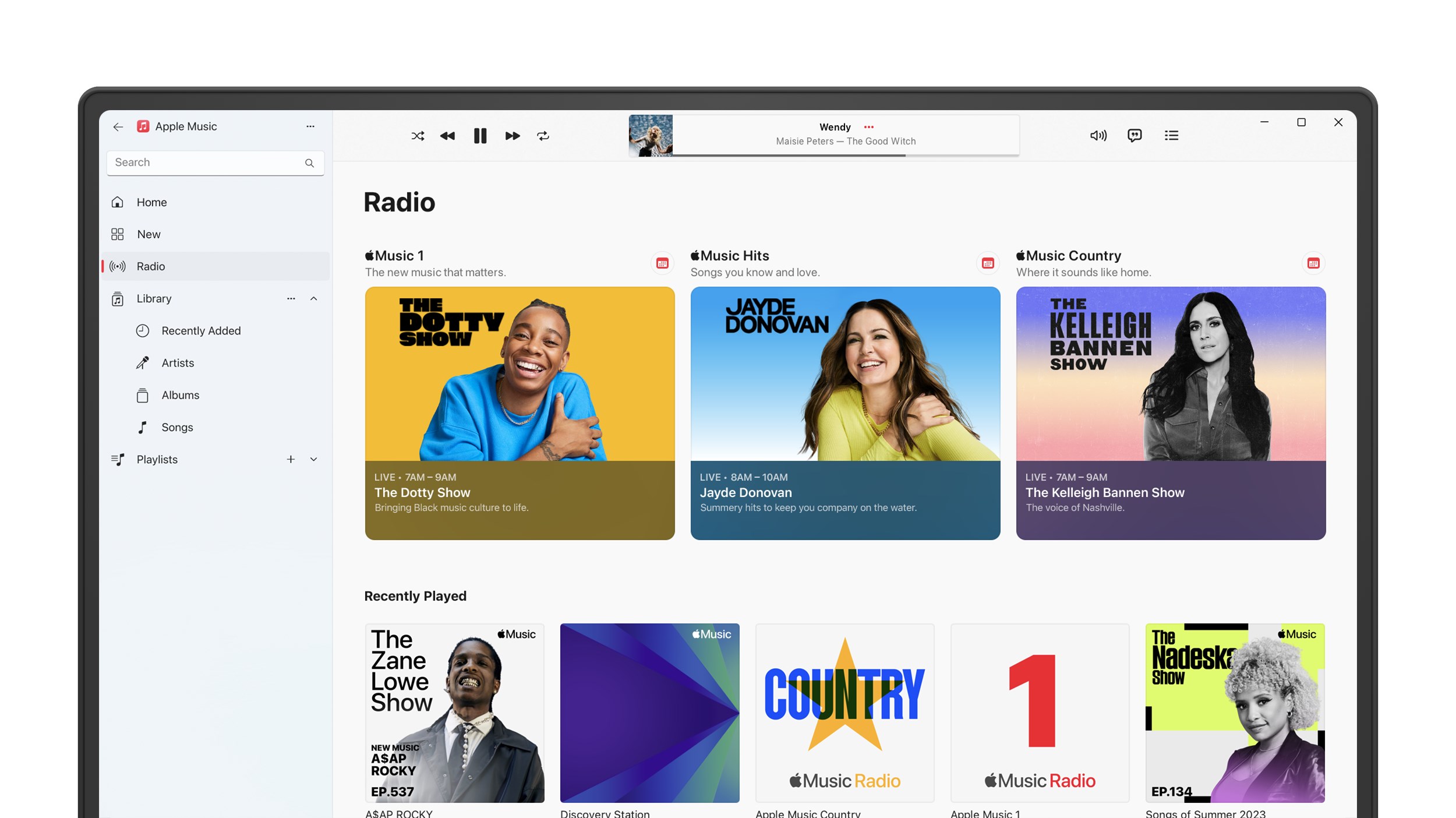
Imagine settling into your favorite cozy nook, ready to explore a universe of sound—you open Apple Music for Windows, and instantly, a polished interface greets you like an old friend. The app's design is intuitive, with a clean layout that makes browsing your library, playlists, and recommendations feel effortless. Navigating through genres, charts, and radio stations is akin to strolling through a well-organized music library—everything is at your fingertips, and the fluid transitions make the experience delightful rather than clunky.
Intuitive Interface and Smooth Performance
The app sports a modern, minimalistic look reminiscent of Apple's aesthetic philosophy—sleek, unobtrusive, and user-friendly. Responsiveness is notable; clicking on playlists or switching between sections feels immediate, with minimal lag. The app's performance on a standard Windows machine remains steady, even during high-demand scenarios like streaming high-resolution lossless tracks, thanks to its efficient resource management.
Learning curve? Very mild. Even new users can master playlist creation and navigation within minutes, which means less time fiddling and more time enjoying your favorite tunes.
Performance Highlights – Standing Out from the Crowd
What makes Apple Music on Windows stand apart? One standout feature is its support for high-fidelity audio—aptly tailored for audiophiles keen to experience music as originally intended. The app's ability to assess and adapt to latency tolerance during streaming ensures seamless playback, especially important when dealing with high-bitrate and lossless formats. Unlike many competitors, Apple Music on Windows evaluates your network robustness to optimize playback quality, reducing interruptions and maintaining rhythm pattern consistency—a boon for those who crave rhythm stability and audio clarity.
Another differentiator is its curated, quality-rich content. The exclusive access to Apple's curated playlists, live radio stations, and Beats 1 Radio makes it more than just a music app; it's an immersive cultural hub catering to diverse musical tastes.
Final Recommendations and Usage Tips
If you're already embedded in the Apple ecosystem or desire a music service that emphasizes sound quality and curated content, Apple Music for Windows is a strong contender. Its ease of use, high-quality audio support, and thoughtful streaming optimizations provide a polished experience worth exploring.
For best results, ensure your internet connection is stable if streaming high-resolution files, and experiment with its audio settings to tailor sound fidelity to your preferences. While it may not replace simpler music players for casual listening, it excels as a comprehensive solution for dedicated music fans eager to explore a vast ocean of sound with clarity and sophistication.
Overall, I'd recommend giving it a try if premium sound quality and curated content resonate with you—think of it as your personal DJ, ready to deliver your next favorite song whenever you're in the mood.
Pros
- Intuitive User Interface
- High-Quality Audio Streaming
- Extensive Music Library
- Offline Playback Functionality
- Seamless Integration with Apple Ecosystem
Cons
- Limited Customization Options
- Occasional Playback Glitches
- Requires Subscription for Full Features
- Limited Cross-Platform Compatibility
- Data Consumption During Streaming










