
- Category Entertainment
- Available on PC
- OS Windows 11 version 26100.0 or higher
- DirectX Version 11
- languages Arabic, Catalan, Chinese (Simplified), Chinese (Traditional), Chinese (Traditional, Hong Kong SAR), Croatian, Czech, Danish, Dutch, English (Australia), English (United Kingdom), English (United States), Finnish, French, French (Canada), German, Greek, Hebrew, Hindi, Hungarian, Indonesian, Italian, Japanese, Korean, Malay, Norwegian (Bokmål), Polish, Portuguese (Brazil), Portuguese (Portugal), Romanian, Russian, Slovak, Slovenian, Spanish, Spanish (Latin America), Swedish, Thai, Turkish, Ukrainian, Vietnamese
Introducing Apple TV for Windows: Bringing a Cinema Experience to Your Desktop
Imagine transforming your Windows PC into a mini home theater, seamlessly streaming the latest shows and movies with just a few clicks. Apple TV for Windows offers a dedicated app that bridges the Apple ecosystem with your Windows device, making high-quality entertainment more accessible than ever.
Basic Information and Key Highlights
Developed by Apple Inc., this application is designed to let Windows users access the Apple TV+ streaming service and their purchased content effortlessly. Its main features include:
- Direct streaming of Apple TV+ content — watch original movies, series, and exclusives within a sleek interface.
- Integration with Apple ID and purchased library — access your stored purchases, iTunes library, and personalized recommendations all in one place.
- Multi-device synchronization — pick up watching on your Windows PC and continue seamlessly across other Apple devices.
- Enhanced content discovery — tailored recommendations and curated collections aid in exploring new titles suited to your taste.
The app is aimed at Windows users who are invested in or interested in the Apple ecosystem, looking for a simplified, high-quality way to enjoy Apple TV+ content without switching devices.
Immersive Viewing Experience with a User-Friendly Interface
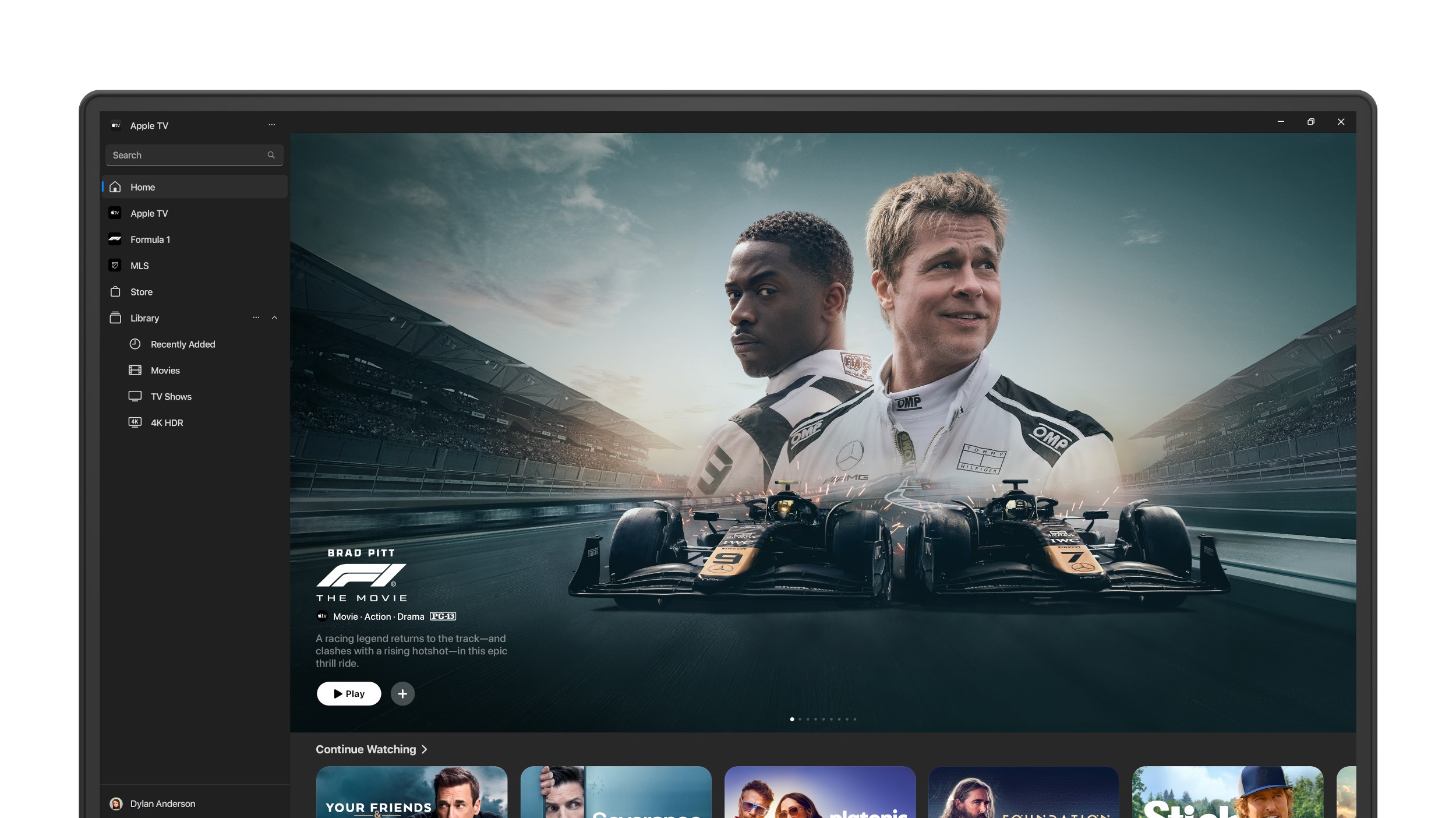
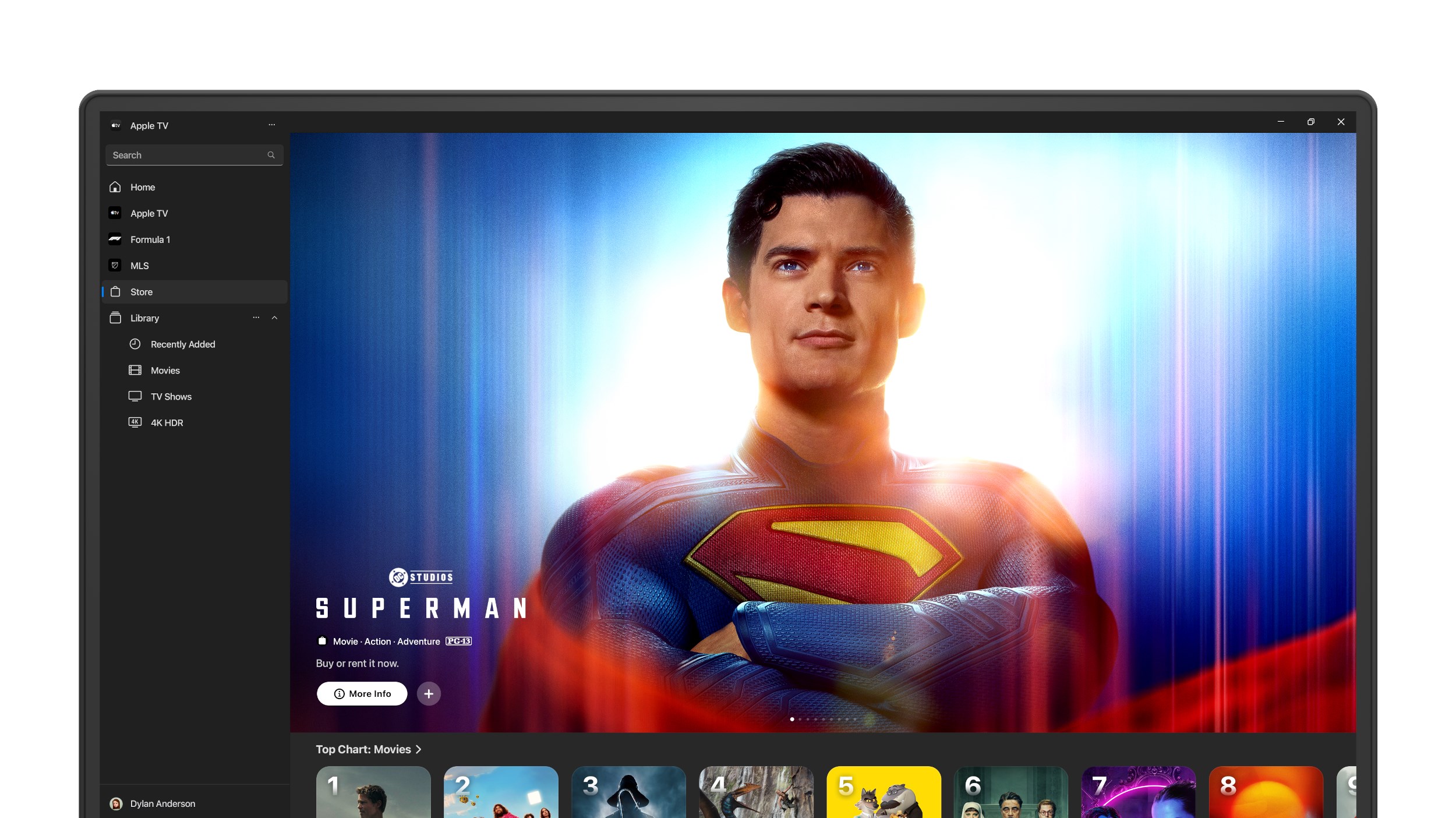
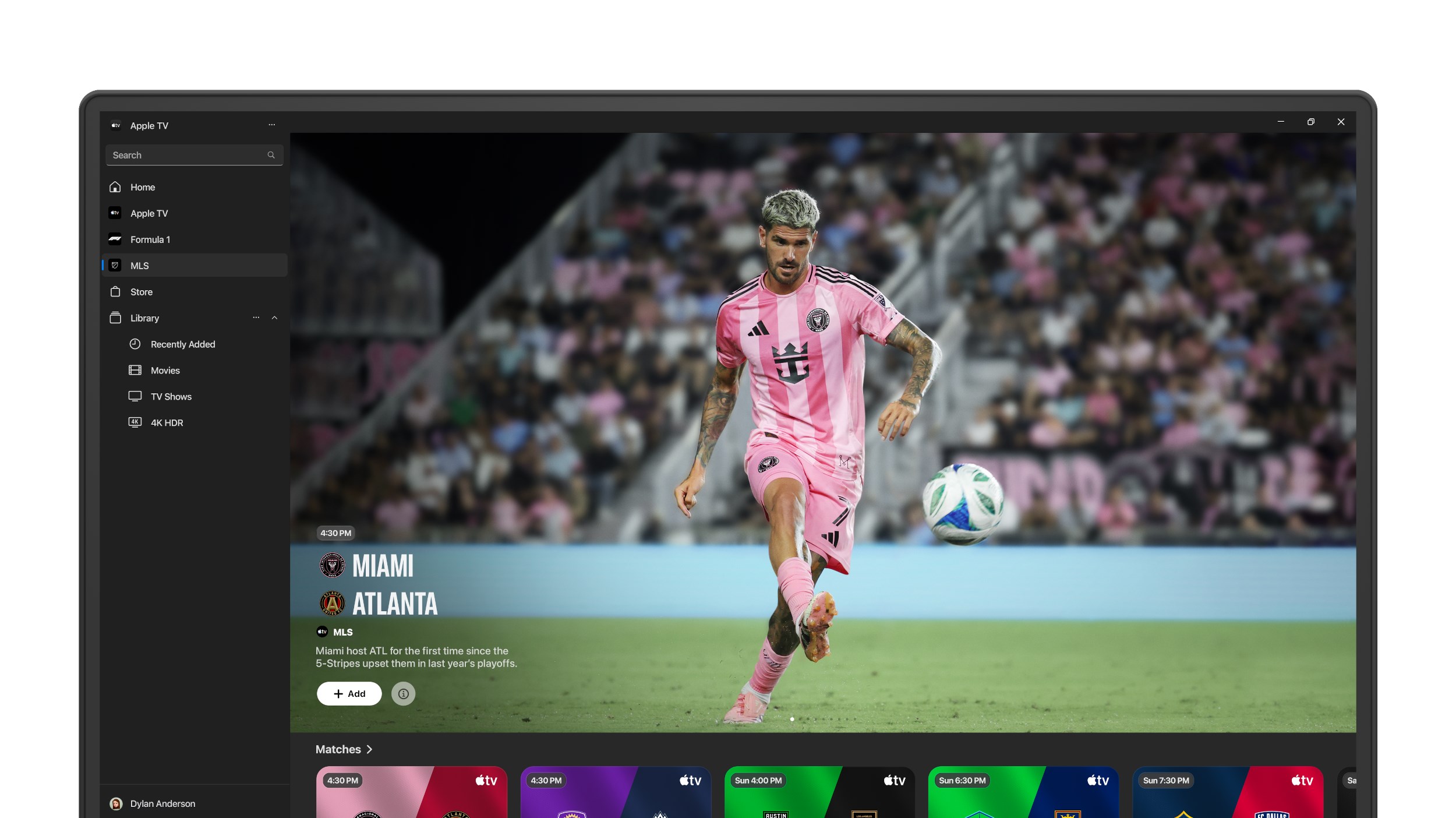
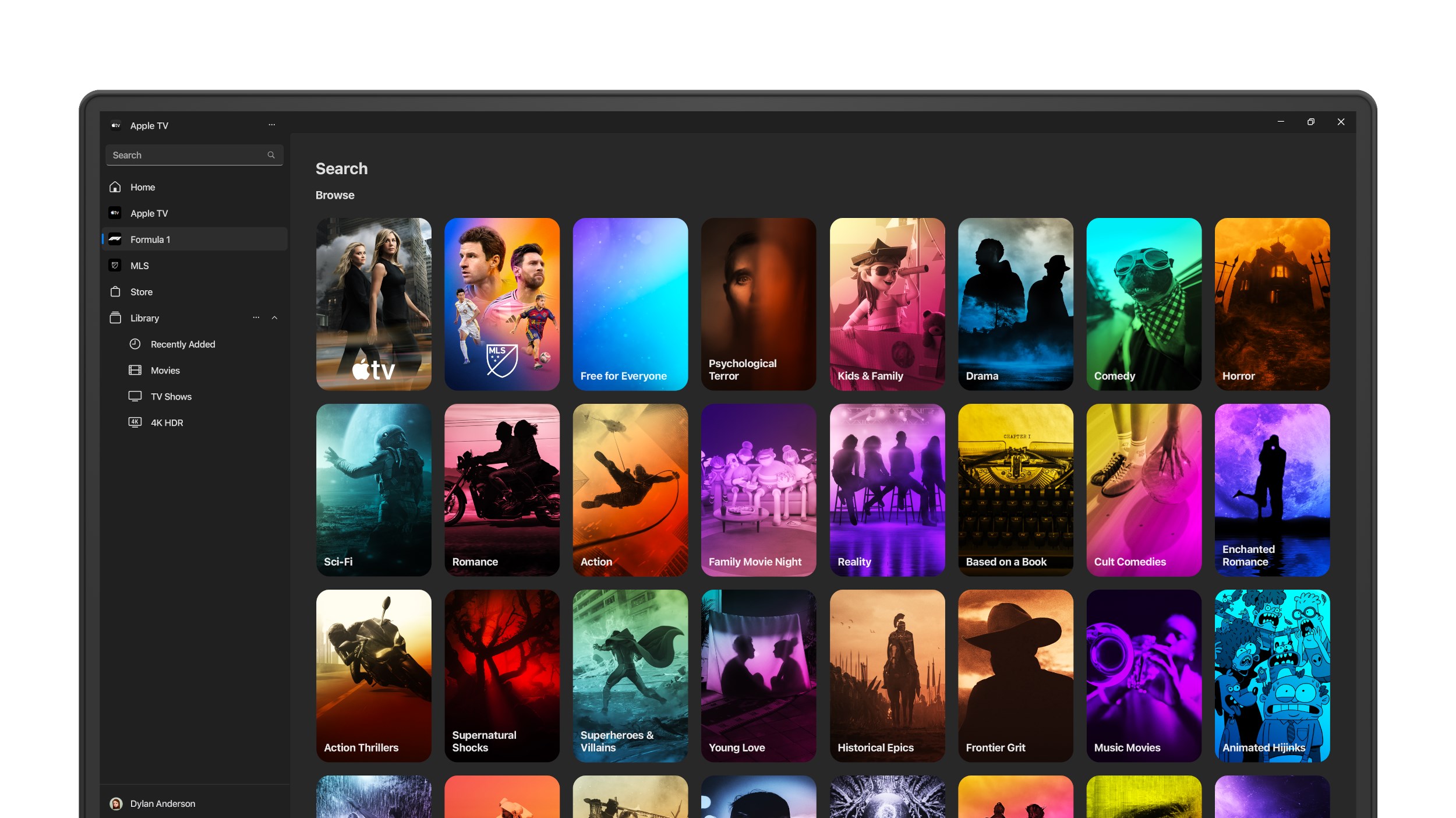
Imagine sitting back after a long day, and within seconds, you're inside a cozy cinema. The interface design of Apple TV for Windows feels like a well-tuned remote control — intuitive, minimalistic, and aesthetically pleasing. Navigating through menus is smooth as silk, thanks to optimized responsiveness and clean layout, making content discovery a breeze.
The app's layout prioritizes visual content, with large thumbnails and a prominent playback window that doesn't overwhelm. Transitioning between browsing titles, accessing your library, or exploring recommendations feels seamless, almost like flipping through a well-curated catalog in a high-end theater lobby.
Core Functionalities That Elevate Your Streaming Game
Personalized Content Discovery and Recommendations
One of the app's standout features is its smart content discovery algorithm. Unlike typical streaming apps that bombard you with popular titles, this app excels at curating suggestions tailored specifically to your viewing history and preferences. Think of it as your digital film consultant, quietly recommending hidden gems and new releases that align perfectly with your taste. This personalized approach helps turn casual browsing into an engaging adventure, preventing the endless scroll fatigue often found elsewhere.
Solid Integration with Apple Ecosystem
Another brilliance lies in its seamless integration. Logging into your Apple ID grants instant access to your purchased content and iTunes library, just like having your personal media rack right within the software. Multi-device syncing ensures that your watching progress, favorites, and recommendations are consistent across devices, echoing the convenience of a well-connected home entertainment system rather than a fragmented app experience.
Content Playback and Navigation
Once you hit ‘play,' the app offers smooth, high-quality video playback with minimal buffering. Its navigation controls are straightforward—pause, rewind, fast-forward—feeling natural like handling a dedicated remote. The app also supports features like subtitles and multiple audio tracks, enhancing accessibility and user control. The learning curve is gentle; even novice users find themselves comfortably exploring features within minutes.
Unique Selling Points and Overall Recommendation
What truly sets Apple TV for Windows apart from similar entertainment apps is its sophisticated content personalization and seamless ecosystem integration. The personalized recommendations leverage Apple's content algorithms, making each viewing session feel like your own private cinema tailored by a knowledgeable curator—less randomness, more relevance. This focus on relevance means less time searching and more time enjoying, a true boon for busy viewers.
Compared to other entertainment options, like Netflix or Hulu, this app benefits from Apple's curated approach and superior integration with purchased content. It provides a more cohesive, personalized experience that feels less like a generic streaming service and more like a tailored entertainment hub.
For users deeply invested in Apple's ecosystem or seeking a media platform that emphasizes content relevance and ecosystem harmony, this app earns a solid recommendation. Casual users and Apple fans alike will find it a valuable addition to their digital entertainment toolkit, particularly if they value personalized discovery and seamless device syncing.
In conclusion, Apple TV for Windows is a thoughtfully designed application that balances elegance with practicality. It excels in personalized recommendations and ecosystem integration, making it more than just another streaming app—it's a gateway to a curated, seamless entertainment experience right on your PC. While it may not replace more extensive entertainment suites for everyone, those who prioritize tailored content and Apple device continuity will find it well worth exploring.
Pros
- User-friendly interface
- High-quality streaming
- Large content library
- Seamless integration with Apple ecosystem
- Offline downloads available
Cons
- Limited device compatibility
- High subscription cost
- Some content region restrictions
- Occasional buffering issues
- Limited features for non-Apple devices











