
- Category Books & reference
- Developer Optimilia Studios
- Available on PC, Mobile, Xbox console, Surface Hub, HoloLens
- OS Windows 10 version 17763.0 or higher
- Keyboard Not specified
- Mouse Not specified
- languages Chinese (Simplified), English (United States), Hindi, Hungarian, Portuguese (Brazil), Ukrainian
Introducing Aquile Reader: A Modern E-Book Companion for Windows
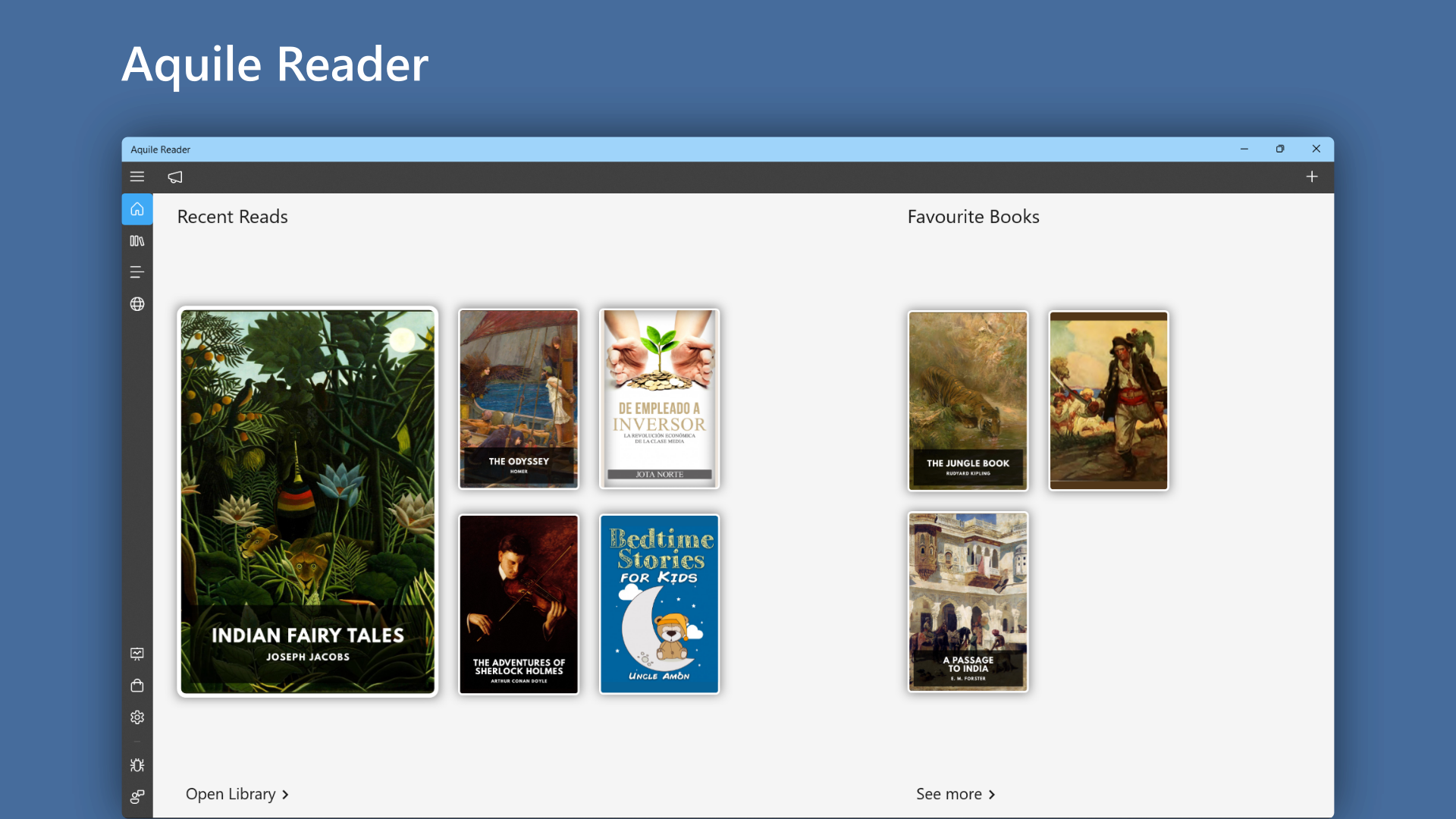
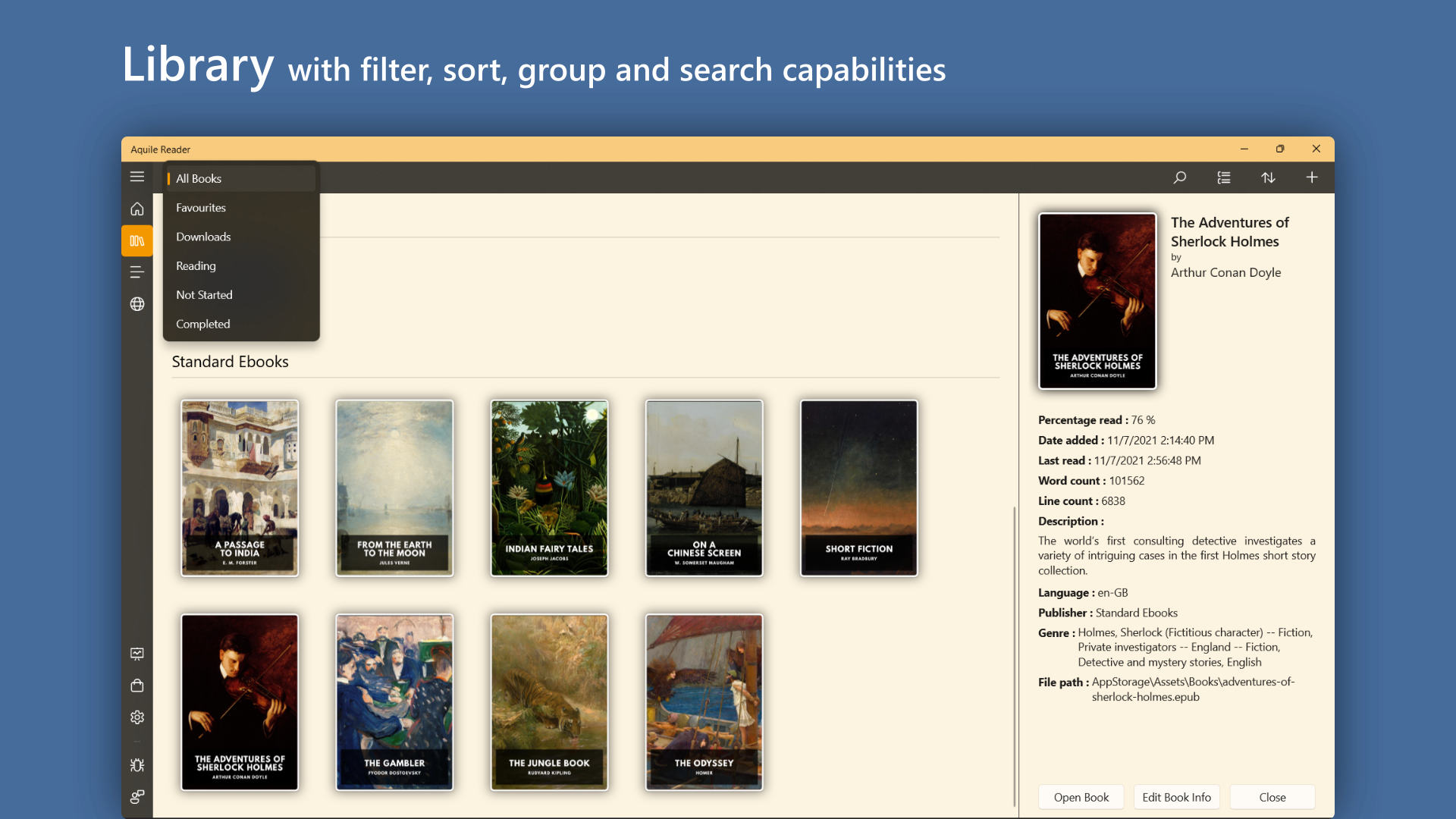
Imagine holding a sleek, intuitive bookshelf right on your desktop, ready to cater to your reading whims—this is precisely what Aquile Reader offers. Designed with the modern reader in mind, it transforms the way we access EPUB and PDF files on Windows, blending functionality with elegant simplicity.
About the Developer and Core Highlights
Developed and published by Optimilia Studios, Aquile Reader is a dedicated e-book reader crafted to enhance your digital reading experience. Its main features include intuitive navigation, customizable viewing options, and seamless format support—making every reading session comfortable and immersive. The app aims to serve students, professionals, and avid book lovers alike who seek a straightforward yet powerful reading tool for their Windows devices.
Reading Experience That Engages the Mind
From the moment you open Aquile Reader, it greets you with a clean, clutter-free interface that feels more like unwrapping a treasured book than launching a software. Its straightforward design is like flipping open a well-loved hardcover, inviting you to dive in without distraction. Navigating between pages or chapters is silky smooth, thanks to optimized rendering that minimizes lag. Whether you're reading an EPUB novel or PDF technical document, the app handles it with grace—no janky scrolling or unexpected crashes to disrupt your flow.
Core Functionality: Navigating Content with Ease
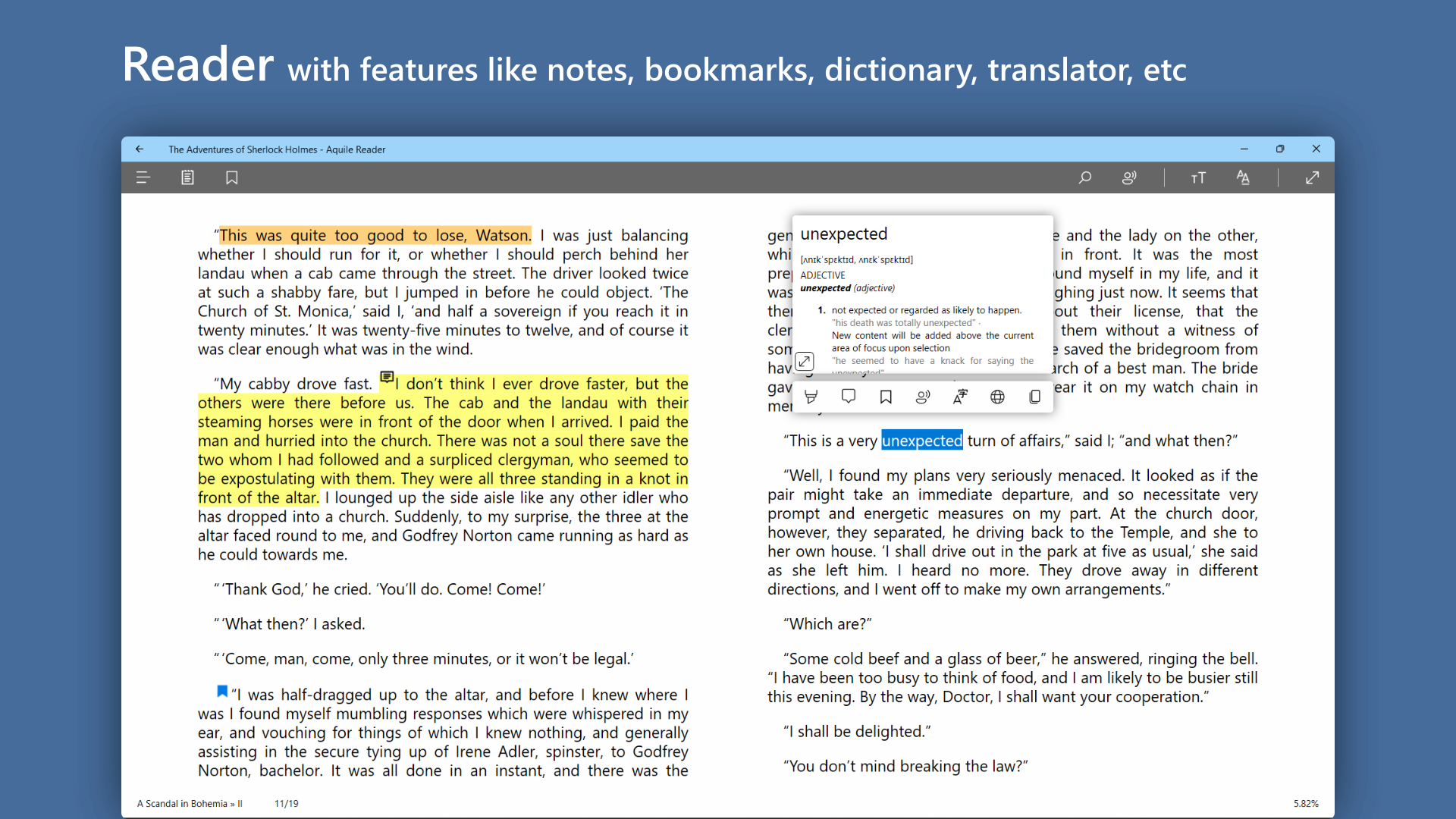
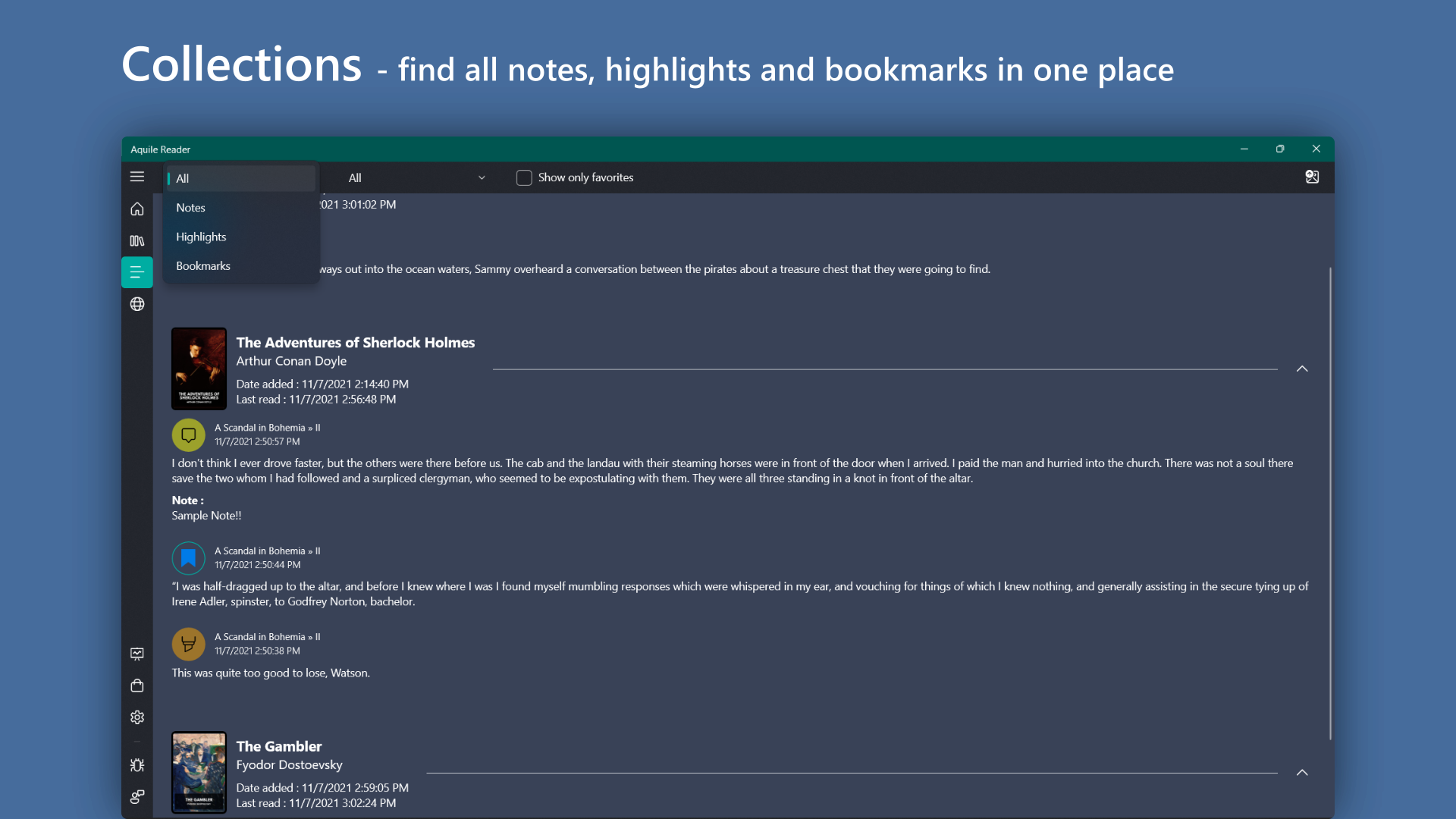
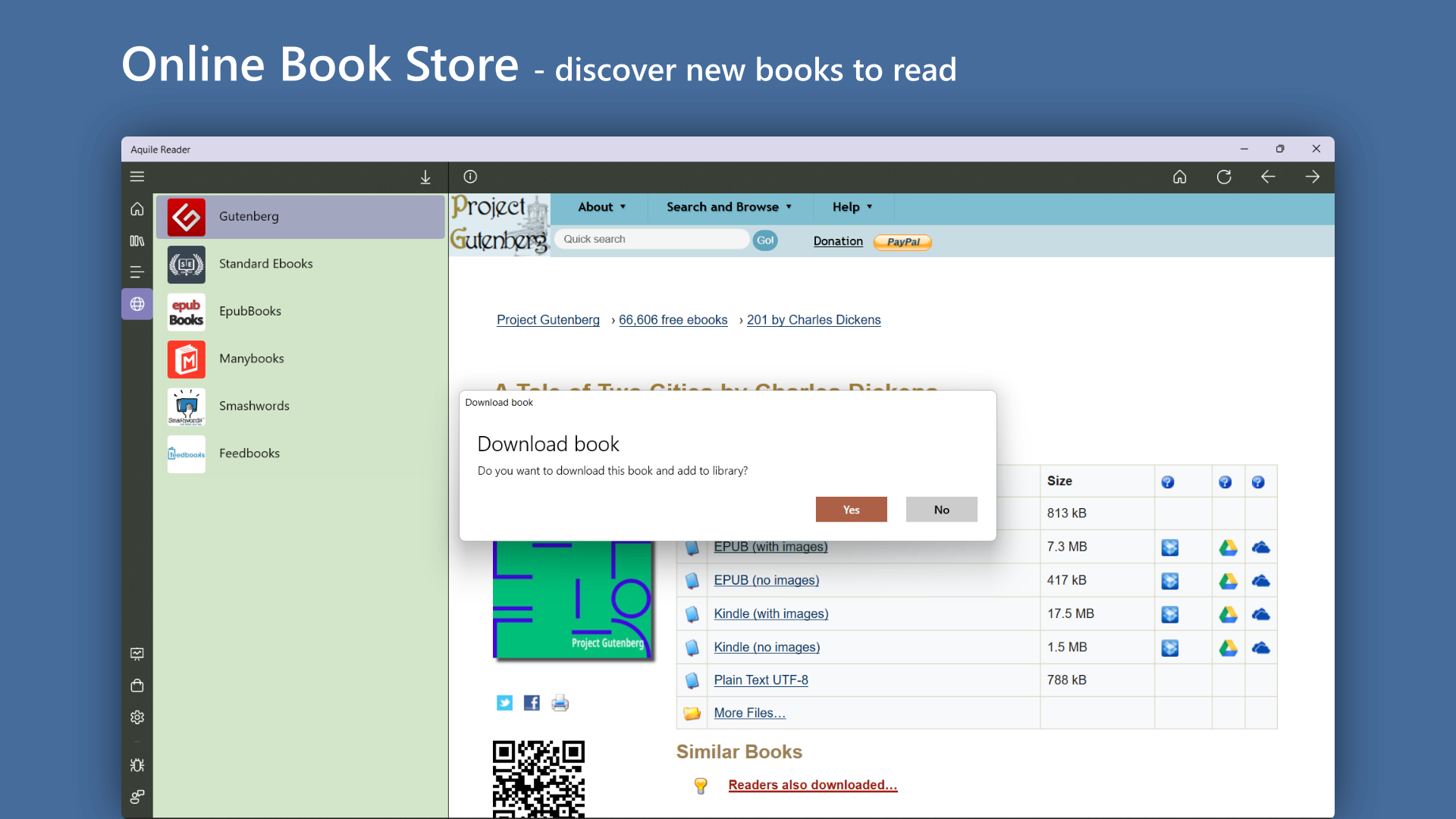
One of Aquile Reader's standout features is its highly responsive navigation system. You can effortlessly jump between chapters using a sidebar, making it ideal for lengthy texts or multi-part documents. The app also supports bookmarks, which act like sticky notes in your personal library—keeping your favorite passages or critical notes at your fingertips. The dual support for EPUB and PDF formats is another win, allowing users to switch between formats as needed without switching applications or losing formatting integrity.
Customization and Visual Comfort
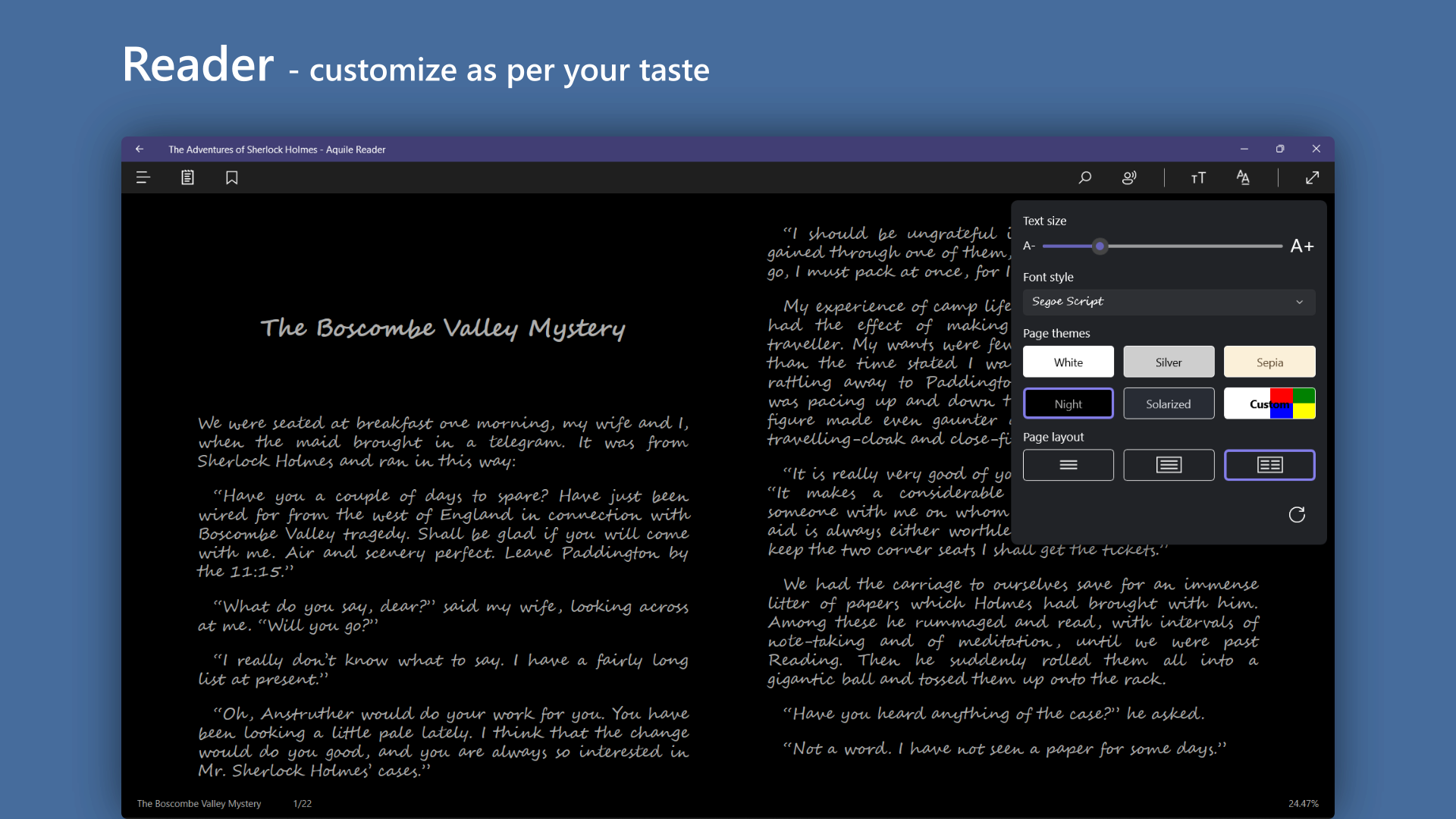
Readers often find themselves battling eye strain after long sessions, but Aquile Reader addresses this with a suite of customization options. You can adjust font types, sizes, background colors, and even enable a dark mode—turning your screen into a cozy reading nook, whether day or night. The interface's clarity and simplicity make it easy to learn, with settings accessible within a few clicks. Its layout feels more like adjusting a favorite pair of glasses—tailored precisely so you see the world (or your book) your way.
Unique Selling Point: Format Flexibility and User Control
Unlike many other e-book readers that restrict users to specific formats or complex interfaces, Aquile Reader's strength lies in its robust format support and user-centric controls. The app's ability to handle EPUB and PDF seamlessly, coupled with customizable viewing options, offers a flexible reading environment. This is particularly beneficial for students or professionals who need to annotate PDFs or switch between different document types regularly. Its design ensures that users are not just passive consumers but active participants in their reading journey.
Final Thoughts: Is It a Must-Try?
All in all, Aquile Reader stands out as a thoughtfully designed, user-friendly application. While it may not boast a flood of flashy features, its focus on core usability—smooth navigation, format versatility, and visual comfort—makes it a reliable companion for daily reading. I'd recommend it to anyone who wants a straightforward, efficient way to enjoy their ebooks and documents on Windows without the clutter of unnecessary bells and whistles. Whether you're an academic, a casual reader, or a professional needing quick access to PDFs, Aquile Reader deserves a spot on your desktop toolbox.
Pros
- Wide format support
- User-friendly interface
- Customizable reading experience
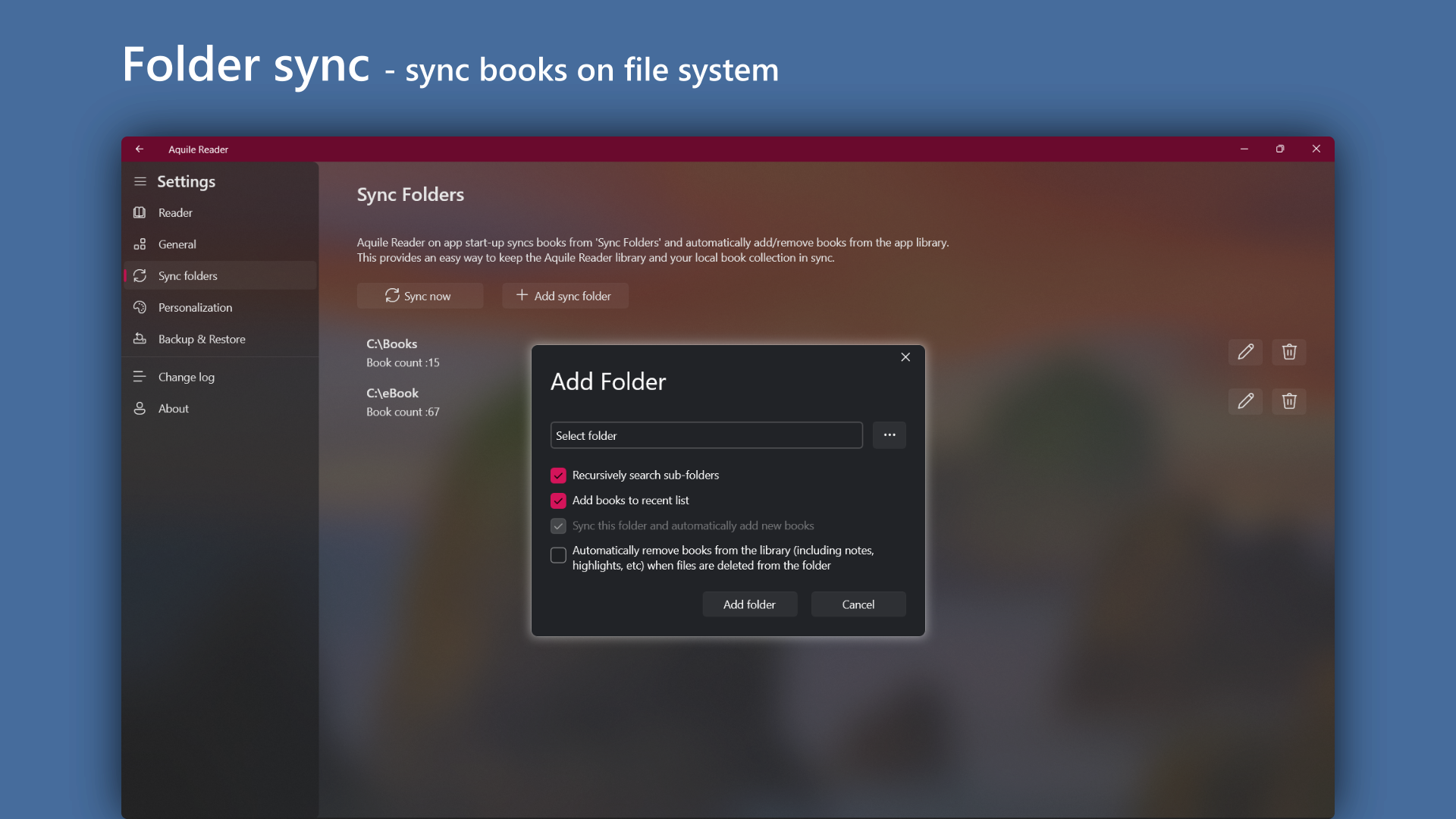
- Built-in file management
- Syncing and cloud integration
Cons
- Limited annotation features
- Occasional UI lag on older devices
- Inconsistent page rendering in PDFs
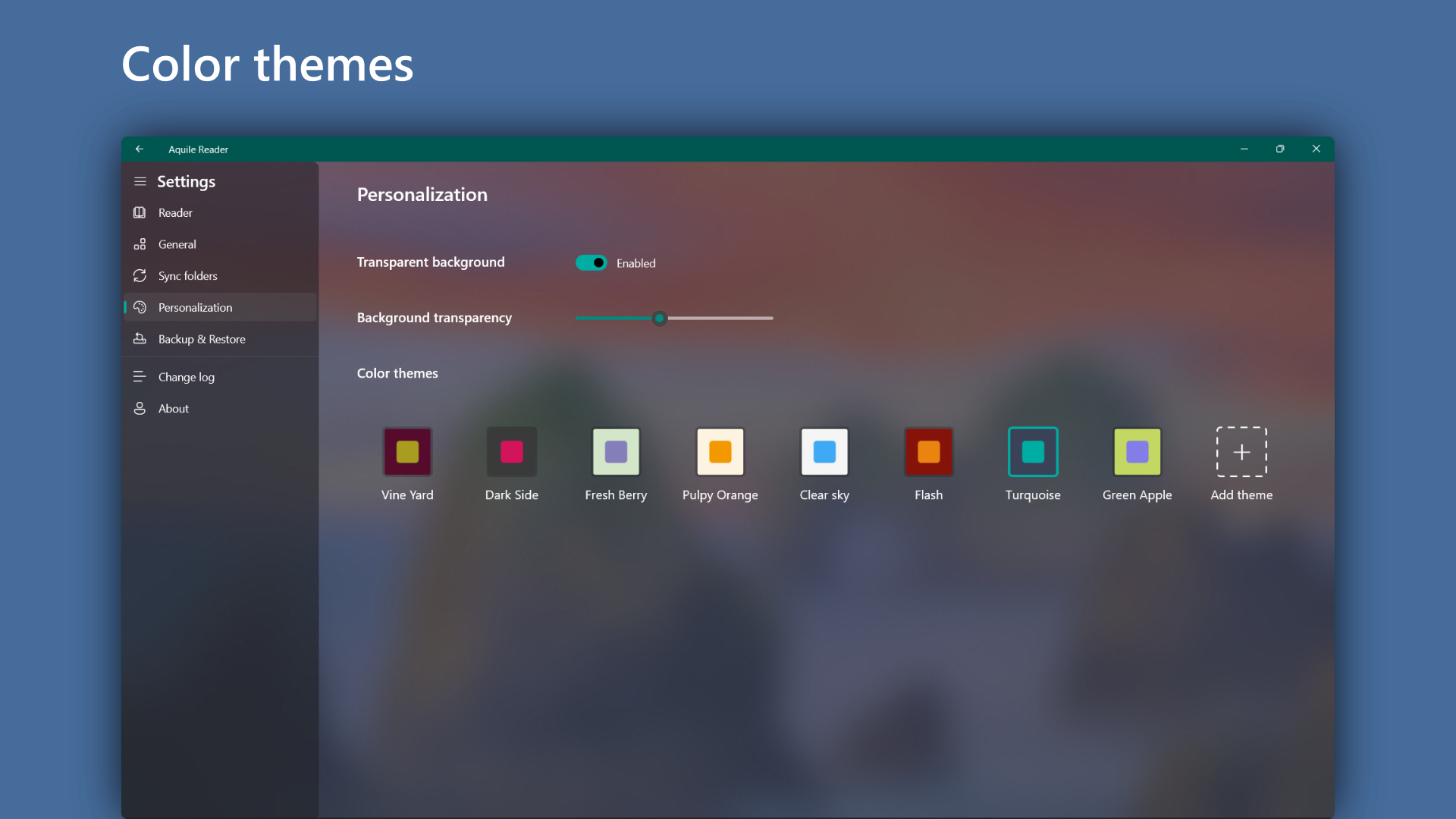
- Lack of background customization options
- Absence of annotation sharing features