


- Category Multimedia design
- Developer Ambient Design Ltd.
- Available on PC
- OS Windows 10 version 17763.0 or higher
- Keyboard Integrated Keyboard
- Mouse Integrated Mouse
- Memory 1 GB
- languages Dutch, English, French, German, Italian, Japanese, Portuguese, Russian, Spanish
Introduction: A Digital Canvas for Artistic Freedom
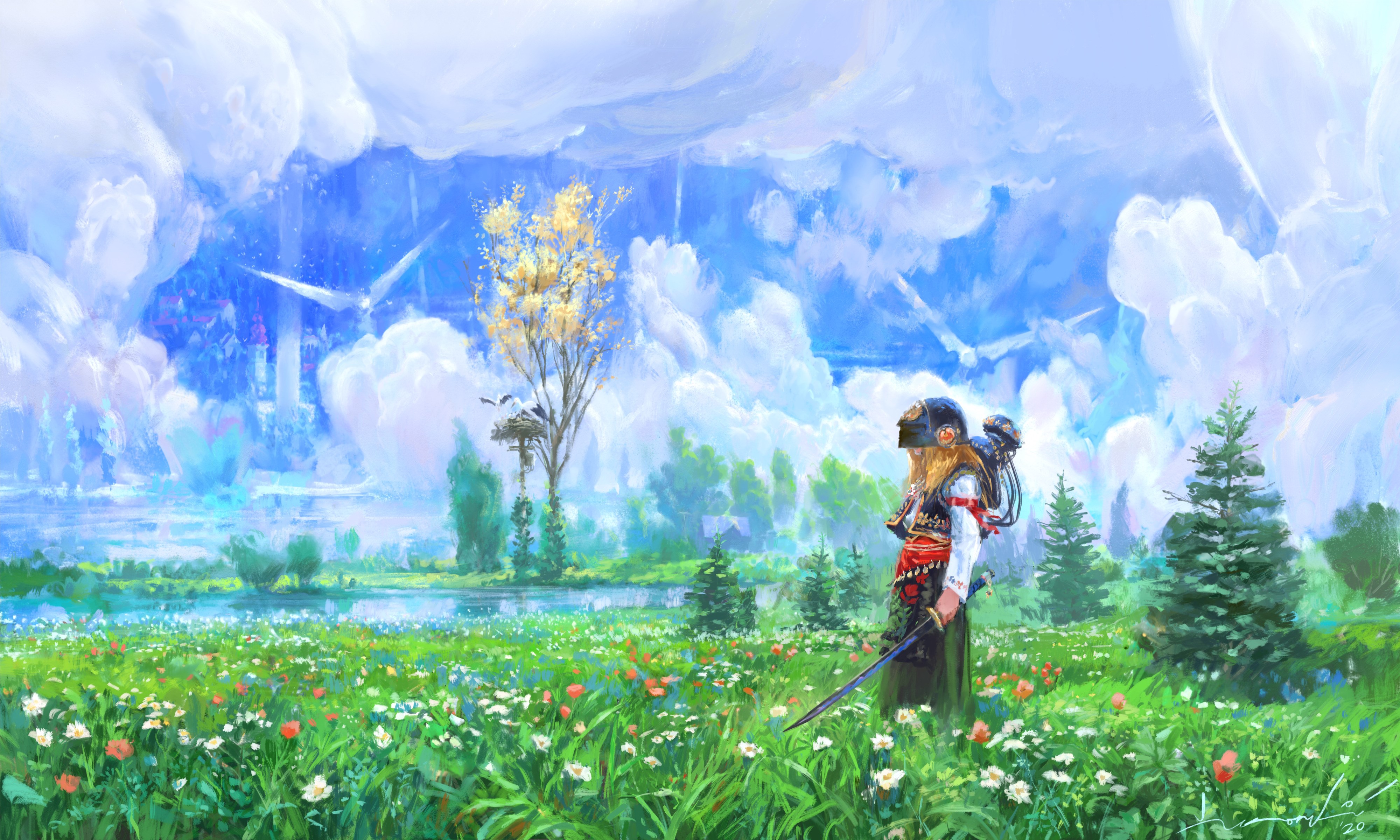
ArtRage Vitae for Windows emerges as an intuitive yet powerful digital painting tool, designed to mimic real-world art mediums with remarkable fidelity. Its developer, Ambient Design Ltd., has crafted this application to appeal to both hobbyists and professional artists seeking a natural drawing experience. With a focus on realistic textures and versatile tools, Vitae aims to bridge the gap between traditional art and digital creation, offering a seamless platform to bring your creative ideas to life.
Core Features That Shine Bright
Realistic Painting Mediums and Textures
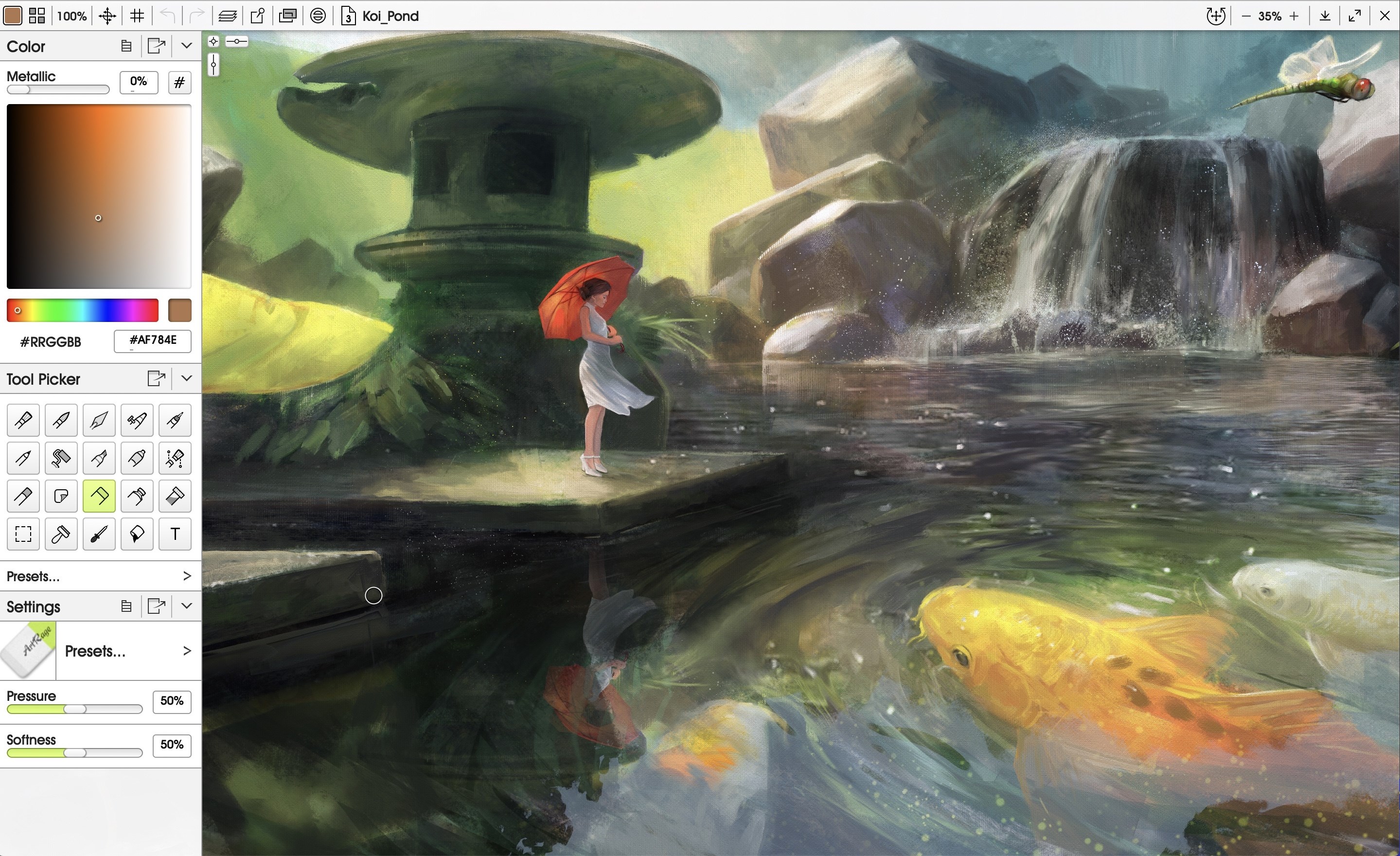
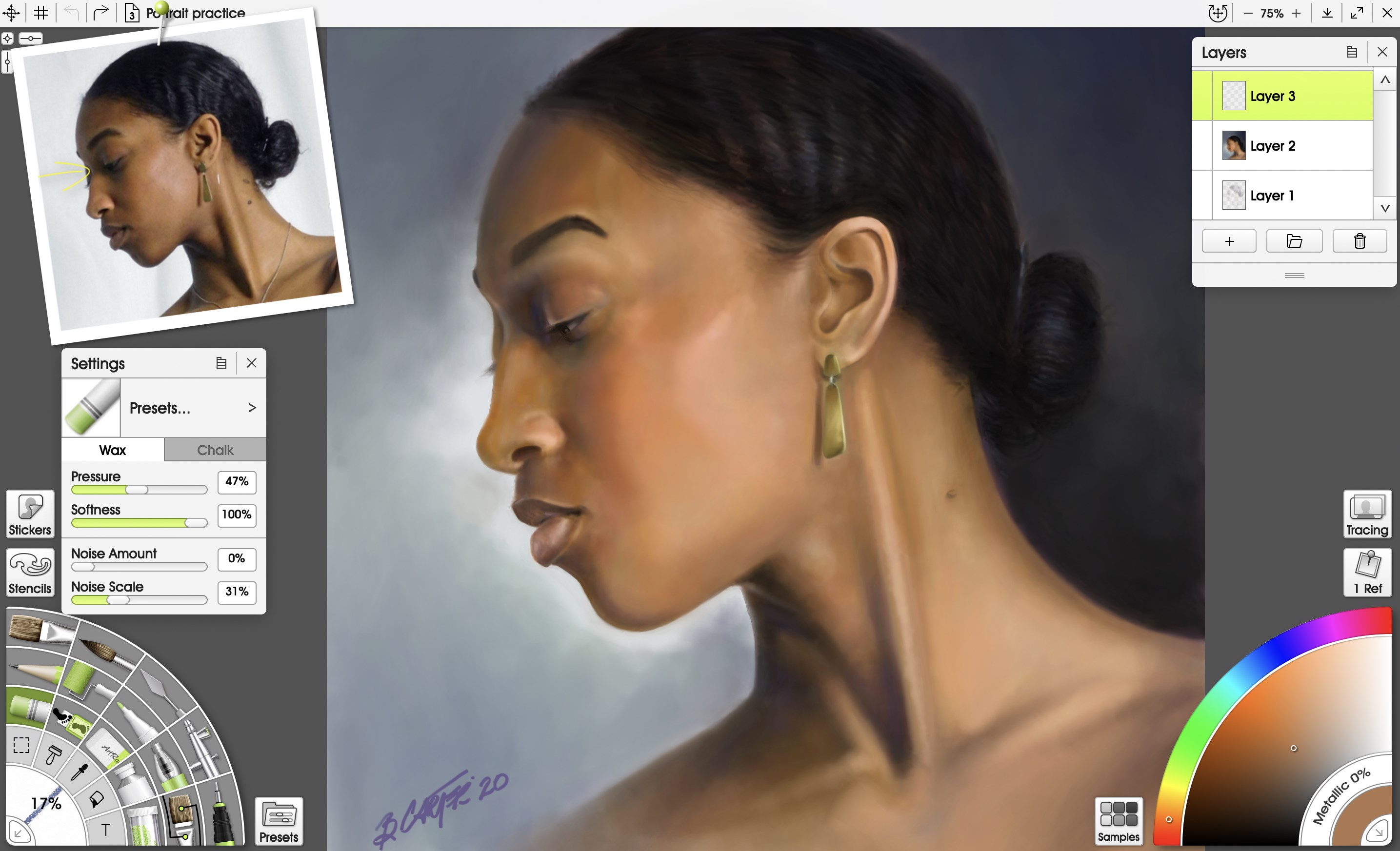
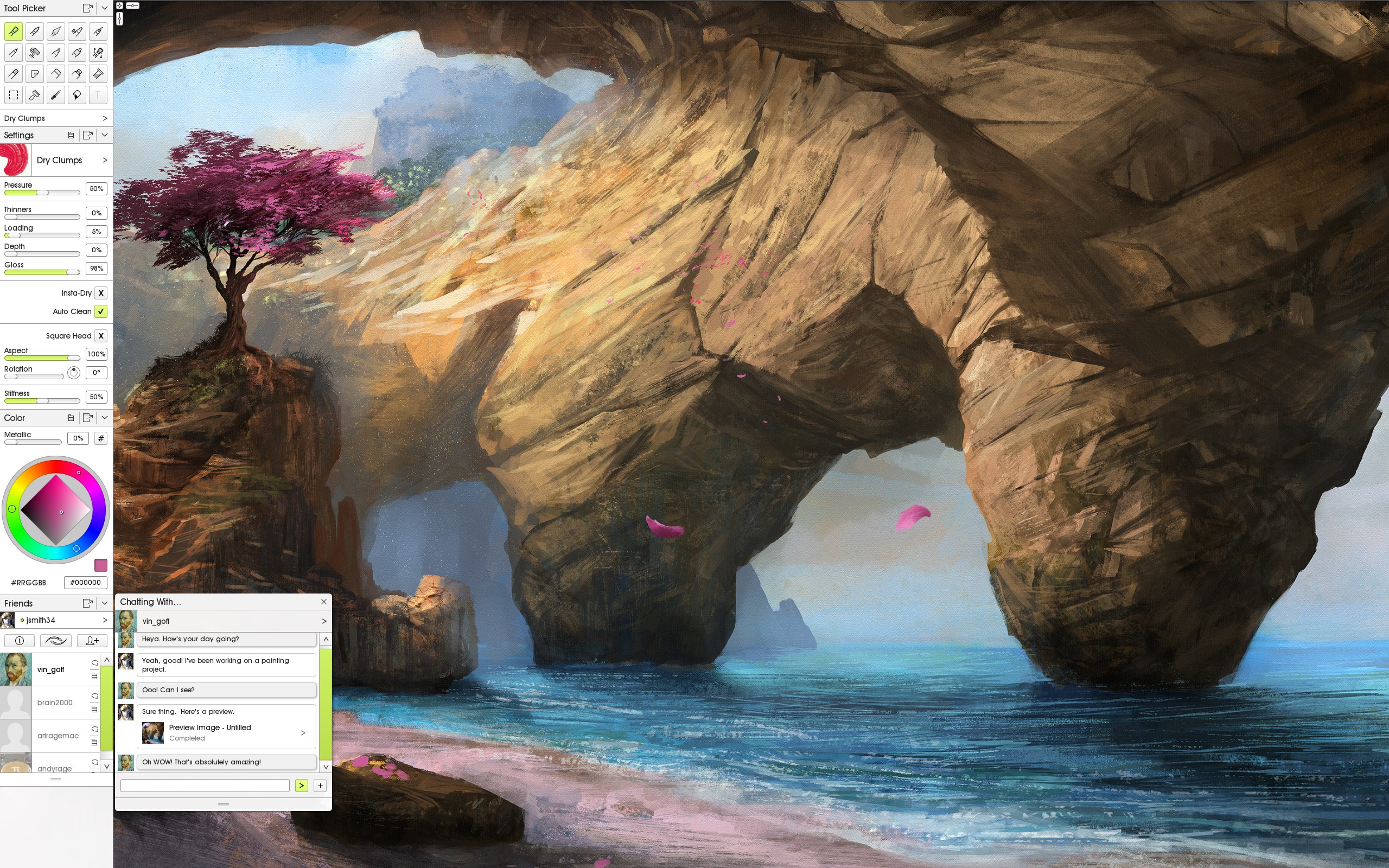
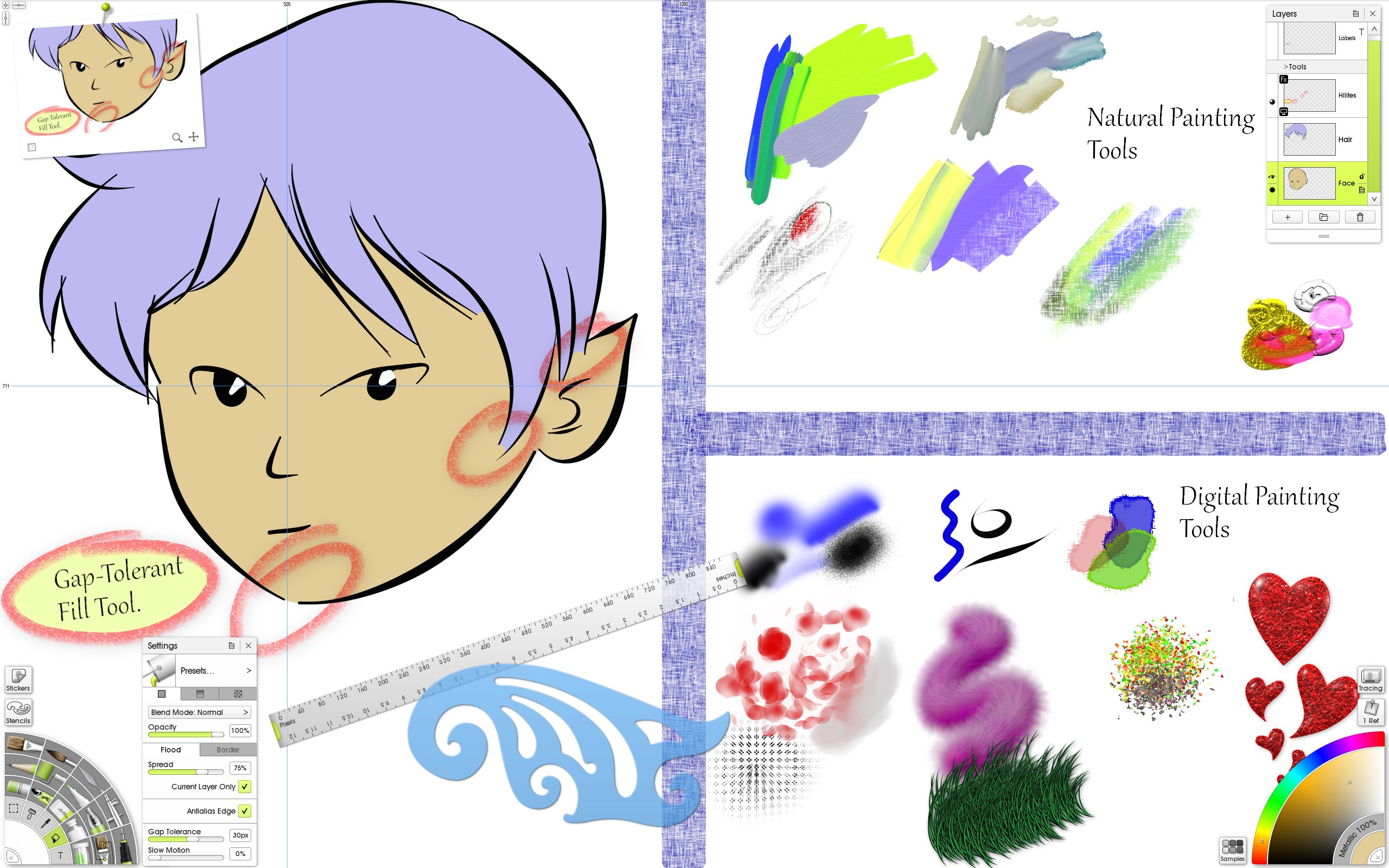
At the heart of Vitae lies its impressive suite of natural media tools, including oil paints, watercolors, pencils, and pastels. These tools are engineered to simulate the behavior and blending characteristics of their physical counterparts, making digital art feel as tactile as working on canvas or paper. The ability to layer, smudge, and blend paints with intuitive controls provides artists with a true-to-life experience, transforming pixels into textured masterpieces.
Intuitive and Flexible Brush System
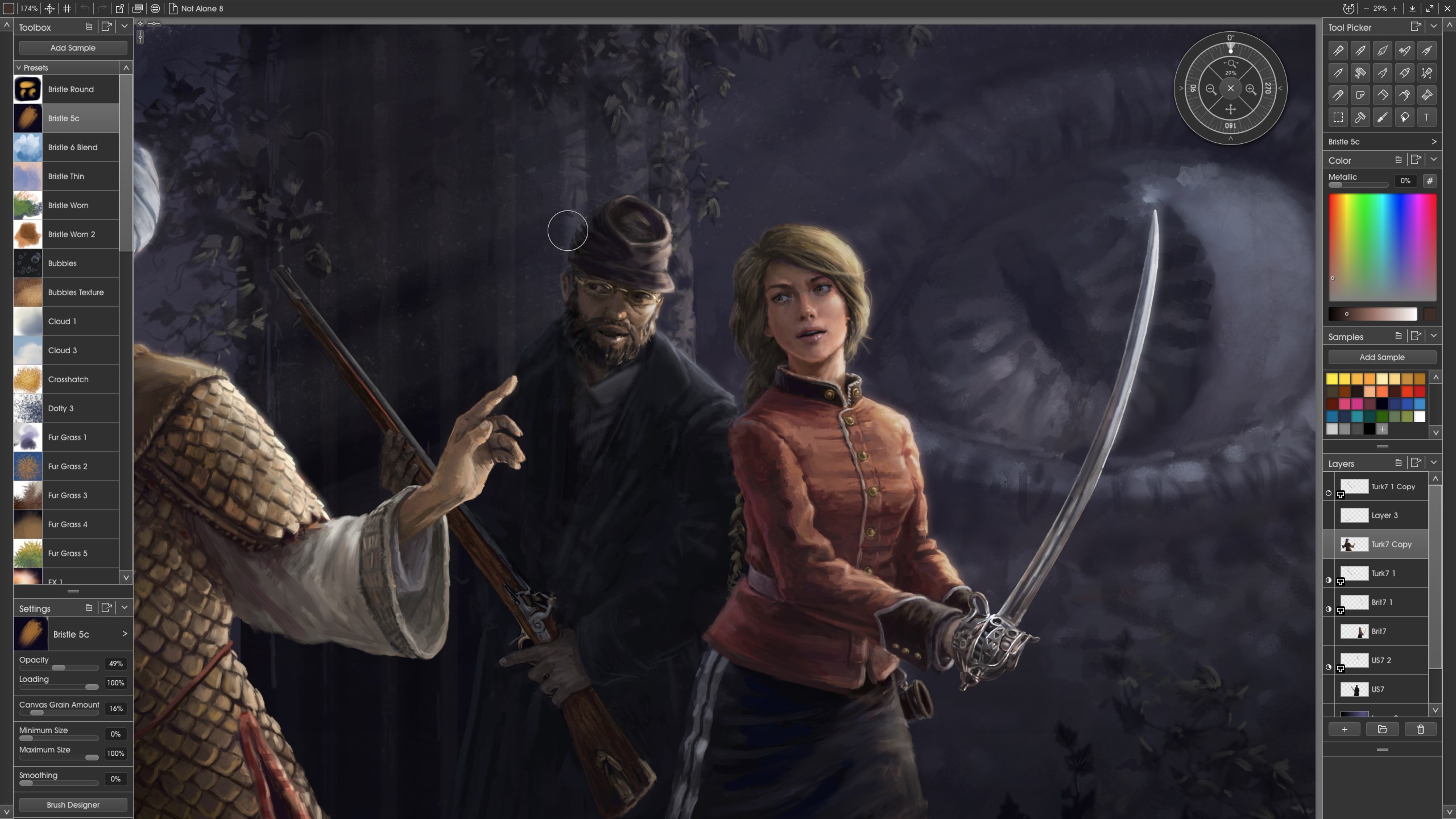
The application's brush engine is highly customizable, allowing users to tweak brush size, stiffness, texture, and flow settings. Whether you're aiming for delicate pencil lines or broad strokes of oil paint, Vitae's brush dynamics respond fluidly to pen pressure and tilt, providing a natural drawing experience. This flexibility ensures that both detailed illustrations and sweeping backgrounds can be achieved effortlessly.
Seamless Workflow and User-Friendly Interface
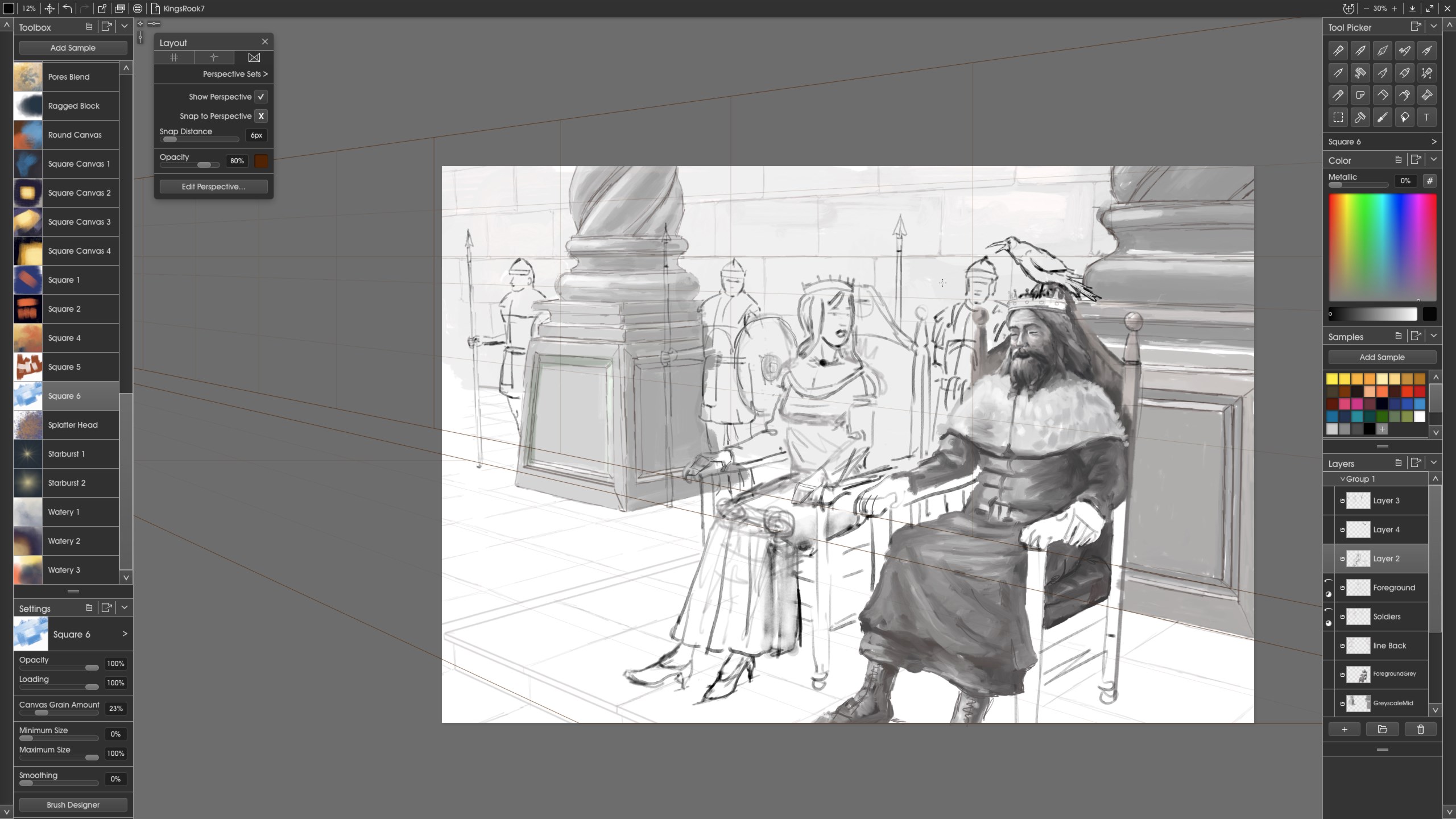
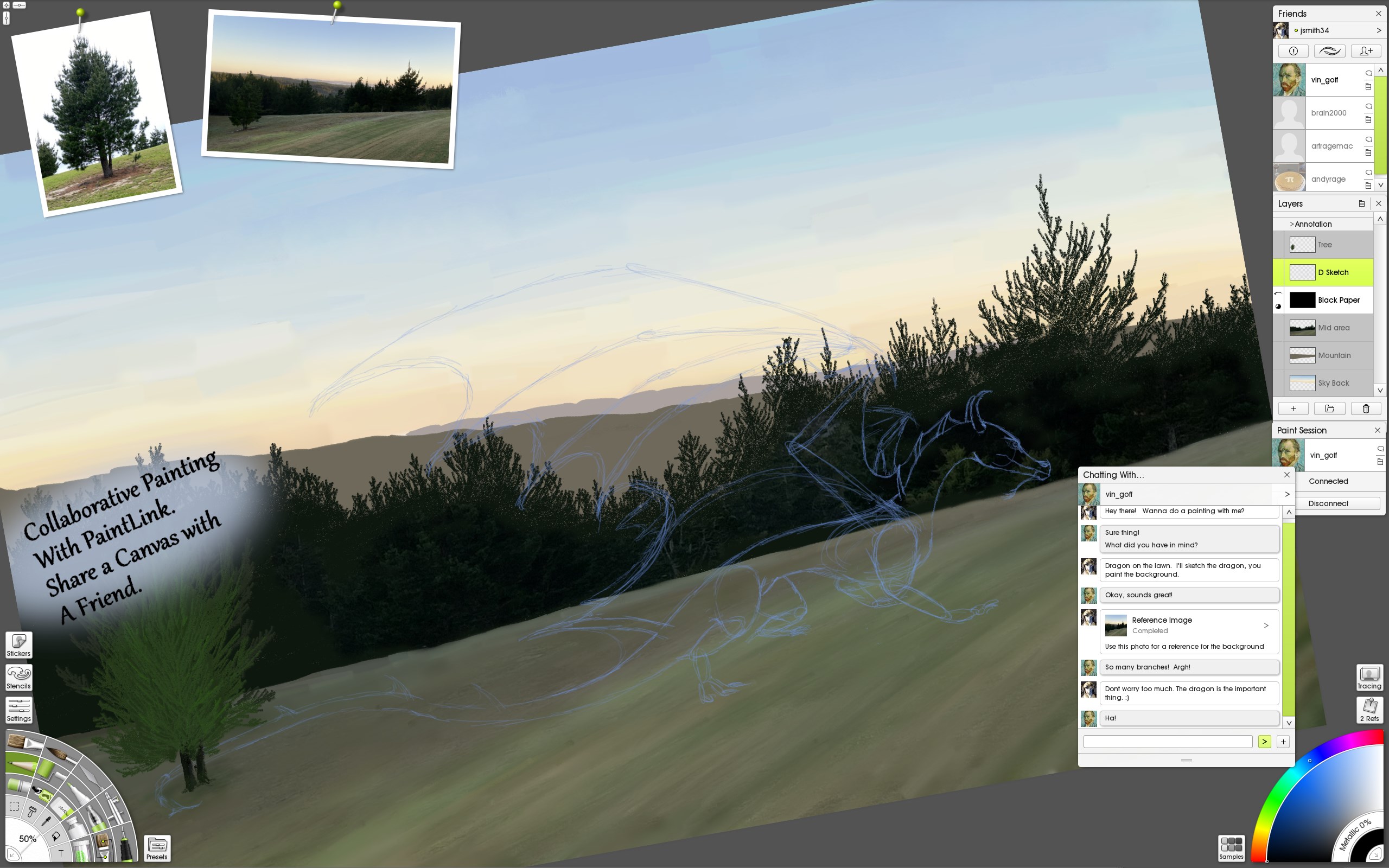
Vitae's interface adopts a clean, minimalistic design that reduces clutter and helps artists focus on creation. The workspace is highly customizable, and common tools are easily accessible via a thoughtfully organized toolbar. The app runs smoothly on Windows systems, with responsive performance that minimizes lag even during complex projects. The learning curve is gentle enough for beginners, yet robust enough for seasoned artists seeking advanced control.
Design, Usability, and Learning Curve
The interface of ArtRage Vitae feels like opening a well-organized artist's studio—professional yet inviting. Navigation is straightforward; tools are logically arranged, enabling a natural flow from sketching to finishing details. The app responds precisely to stylus input, with minimal latency, making drawing sessions feel fluid and responsive. Beginners will appreciate the extensive tutorials and help resources, while experienced artists will enjoy the depth of customization options available.
Distinctiveness in a Crowded Market
Compared to other multimedia design applications like Clip Studio Paint or Krita, Vitae distinguishes itself with its uncanny ability to emulate physical art mediums. Its focus on tactile realism—especially the layered oil and watercolor effects—sets it apart. While many digital painting programs offer diverse brushes, Vitae's approach makes the digital workspace feel more like working on real canvas or paper, cultivating an authentic artistic environment. Additionally, its streamlined interface minimizes distractions, allowing artists to immerse themselves fully in their work.
Final Verdict and Recommendations
Overall, ArtRage Vitae offers a compelling digital painting experience characterized by its realistic media simulation and user-friendly design. It's particularly recommended for artists who value traditional textures in their digital art or those seeking an accessible yet detailed creative environment. For hobbyists wanting a more tactile interaction or professionals aiming for quick prototyping with authentic medium effects, Vitae provides a balanced combination of power and simplicity. While it may not boast the extensive animation or vector tools of some larger programs, its focus on painting authenticity makes it a valuable addition to any artist's toolkit—definitely worth exploring for anyone serious about digital artistry.
Pros
- Intuitive User Interface
- Wide Range of Digital Art Tools
- High-Resolution Support
- Seamless Layer Management
- Regular Updates and Improvements
Cons
- Performance Issues on Lower-End Devices
- Learning Curve for Advanced Features
- Limited Animation Tools
- Occasional Stability Fluctuations
- File Compatibility Constraints










