

- Category Productivity
- Developer Ashampoo GmbH
- Available on PC
- OS Windows 10 version 0.0 or higher
- languages English, Bulgarian, Chinese (Simplified), Chinese (Traditional Chinese), Danish, German, Finnish, French, Greek, Italian, Catalan, Korean, Latvian, Dutch, Norwegian, Polish, Portuguese, Portuguese (Brazil), Romanian, Russian, Serbian, Slovak, Slovenian, Spanish, Czech, Turkish, Hungarian
Introducing Ashampoo Burning Studio 27: Your Reliable CD/DVD/Blu-ray Companion
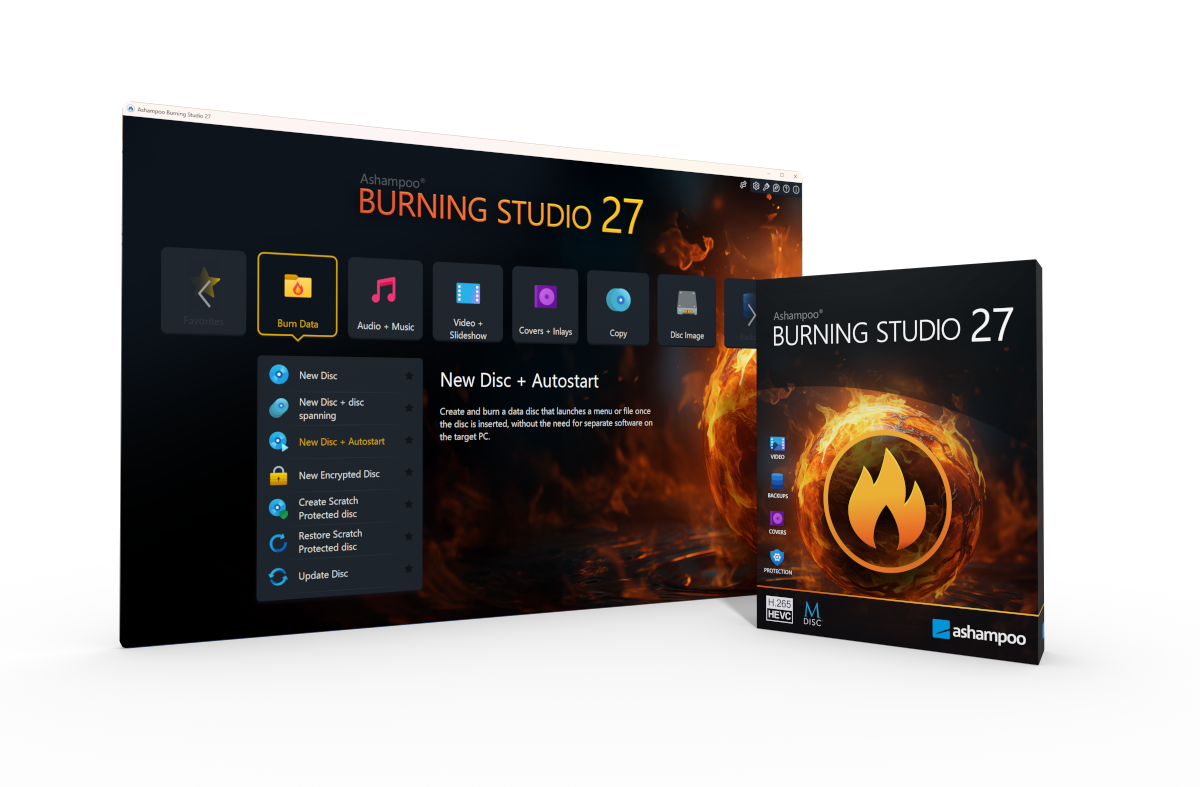
Ashampoo Burning Studio 27 for Windows is a comprehensive burning utility designed to streamline disc creation and management, making data backup and multimedia compilation a straightforward task for both novices and experienced users.
Developed by Ashampoo GmbH: A Pioneer in Digital Utilities
Created by Ashampoo GmbH, a German software company renowned for their user-centric approach and reliable utilities, this application embodies their commitment to delivering quality and ease of use in digital management tools.
Key Highlights of Ashampoo Burning Studio 27
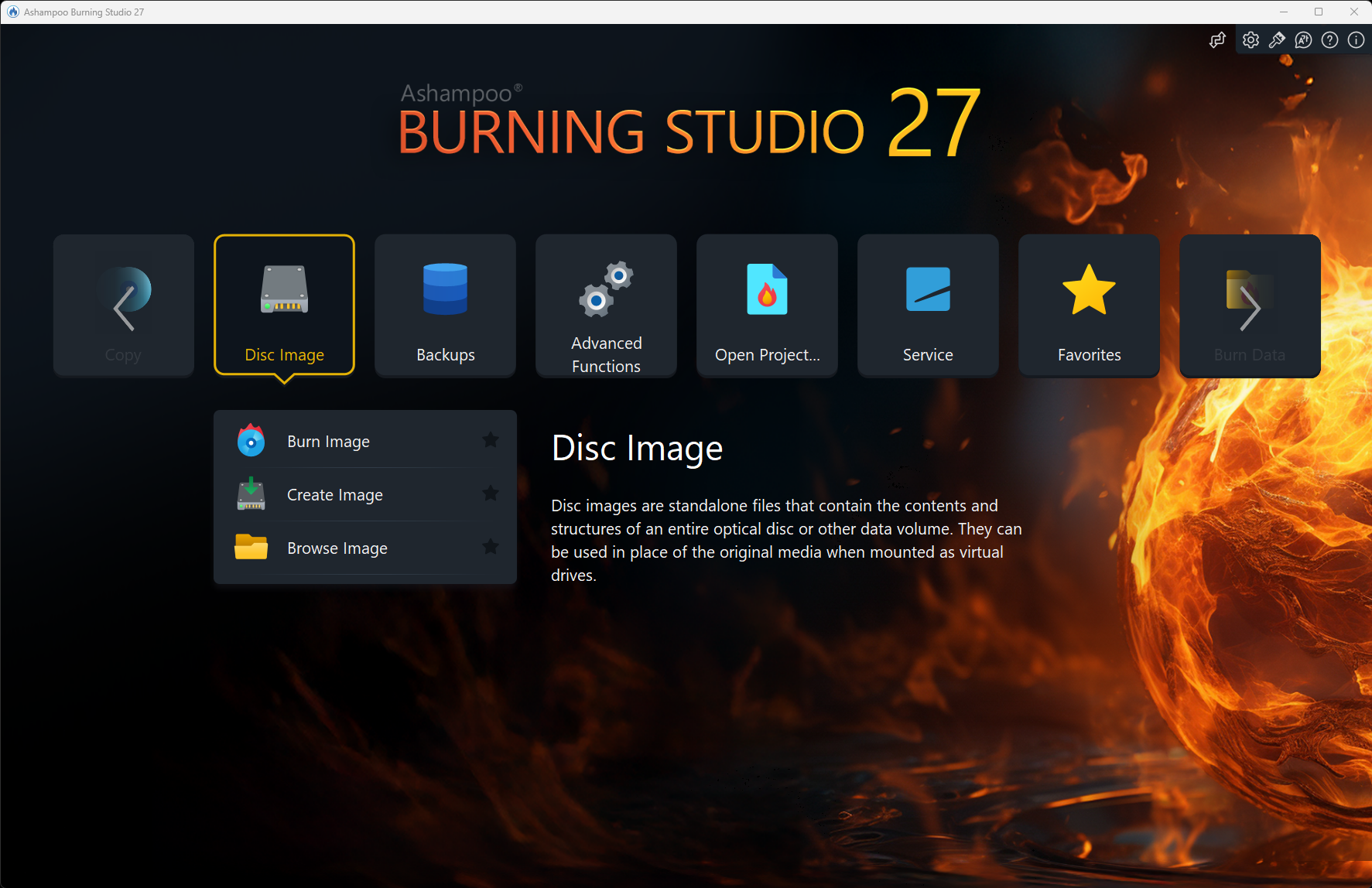
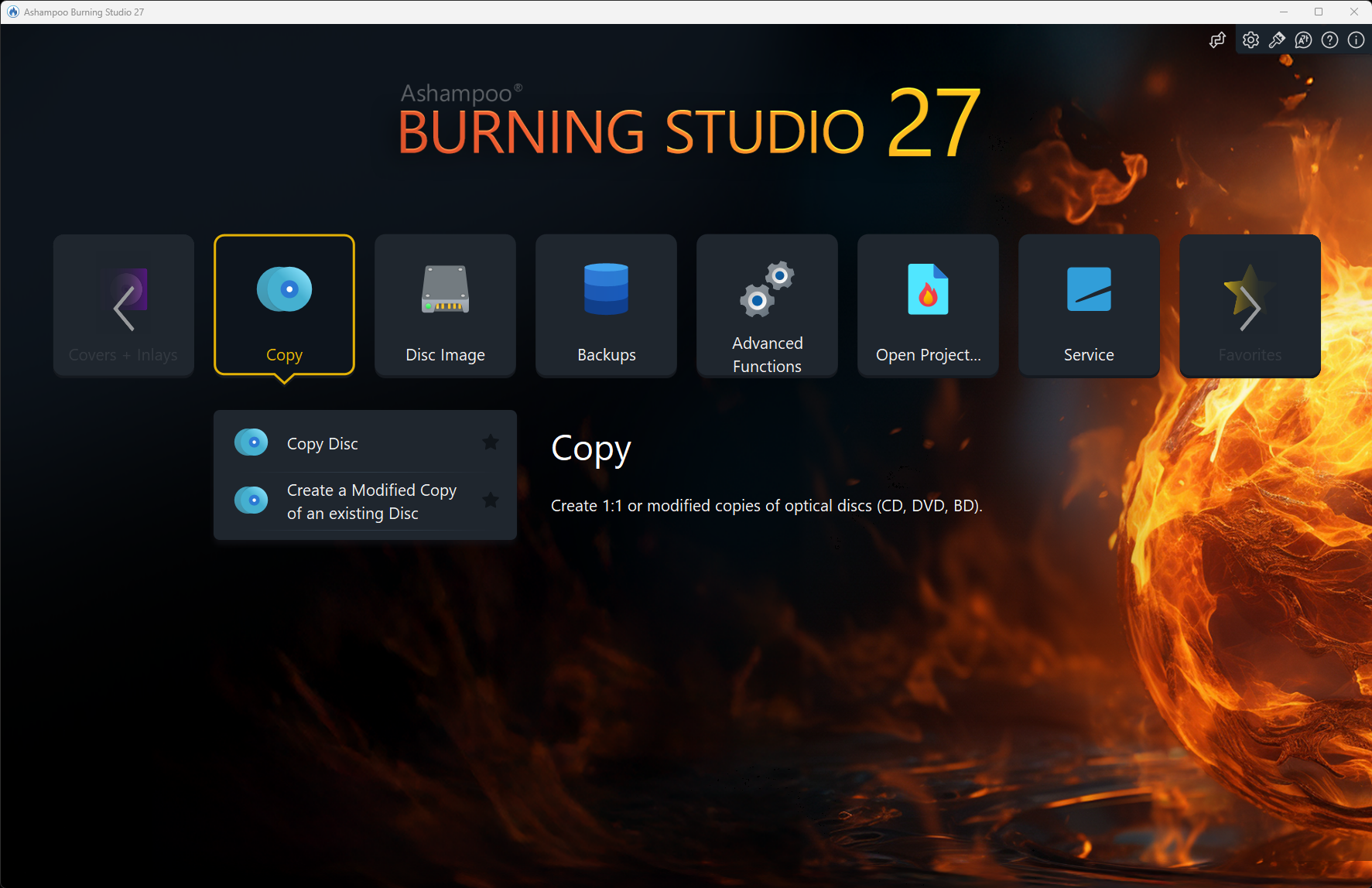
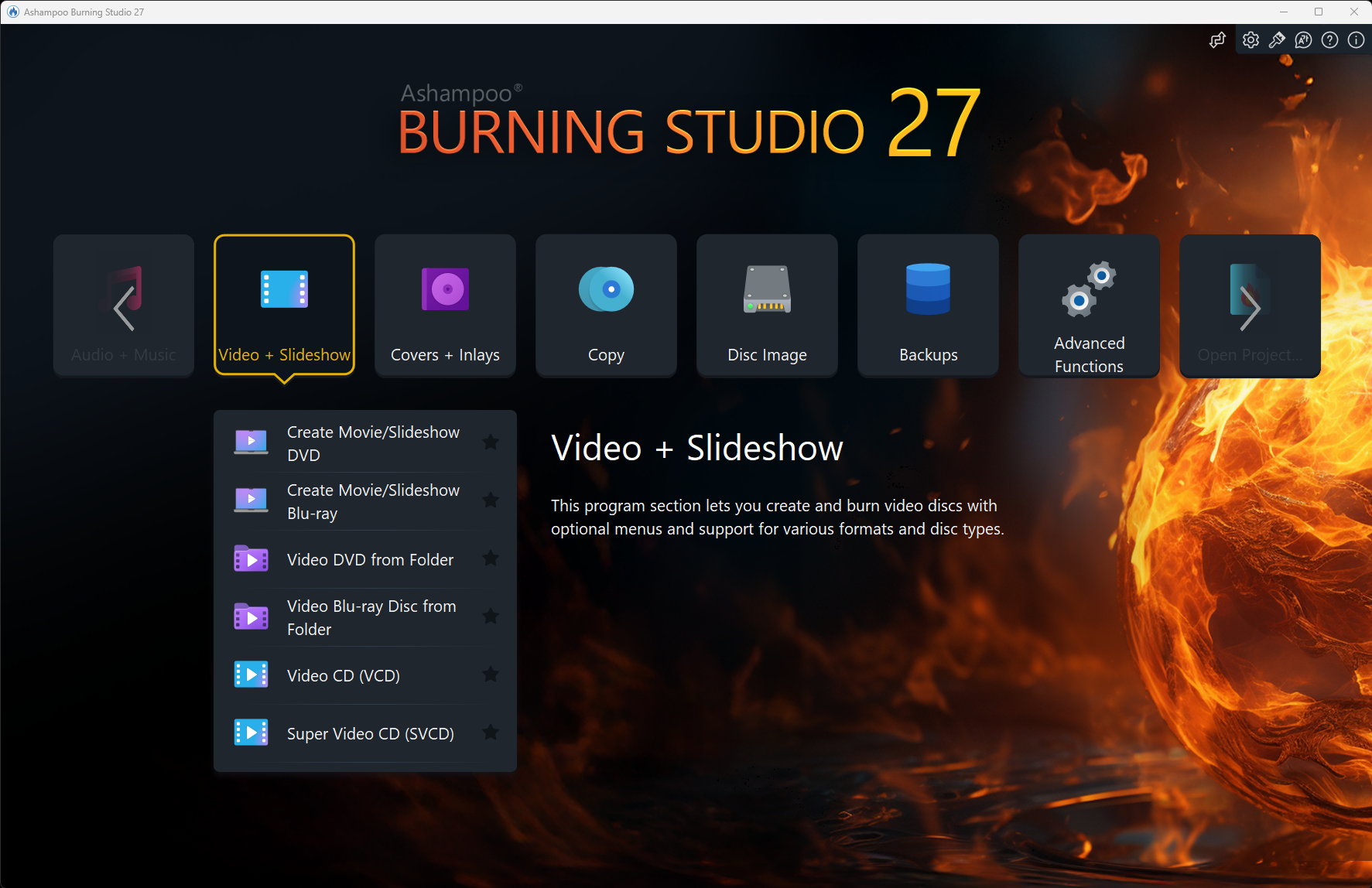
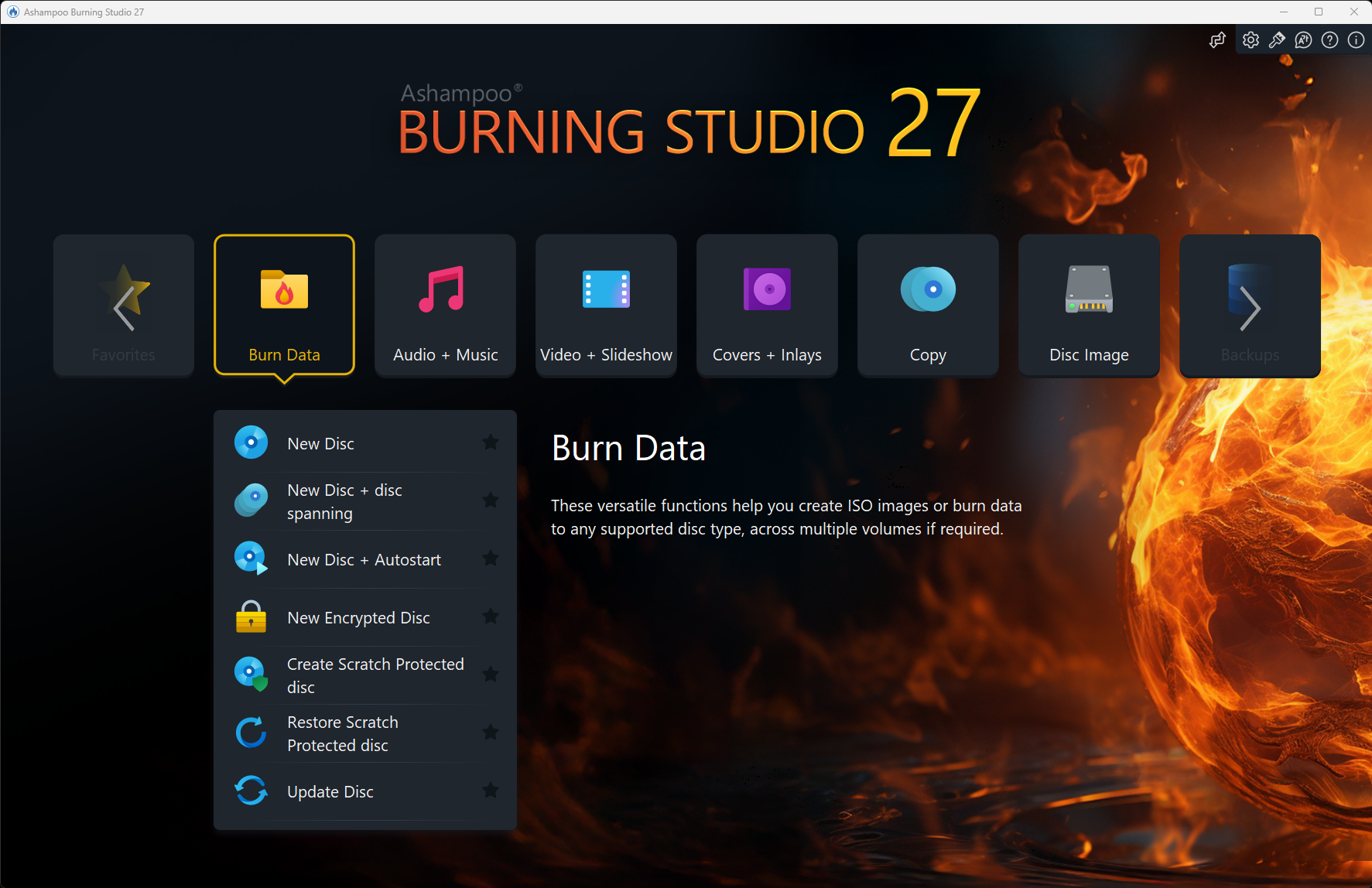
- Versatile Disc Burning: Supports burning data, music, videos, and creating disc images across various formats.
- Intuitive Template and Design Features: Simplifies the creation of professional-looking discs with templates for labels, menus, and covers.
- Multimedia File Management: Efficiently organizes and converts multimedia files for optimal burning and playback compatibility.
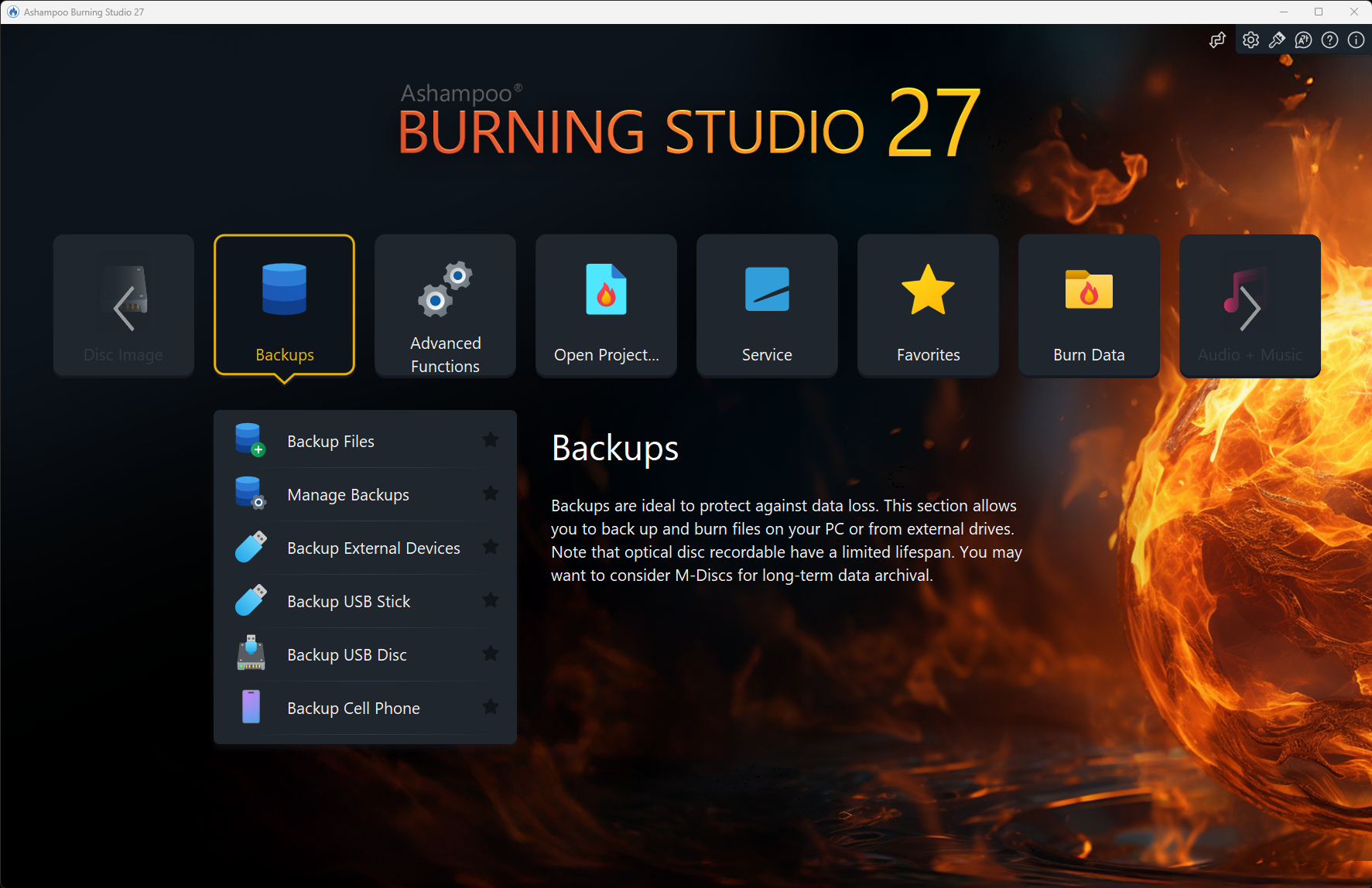
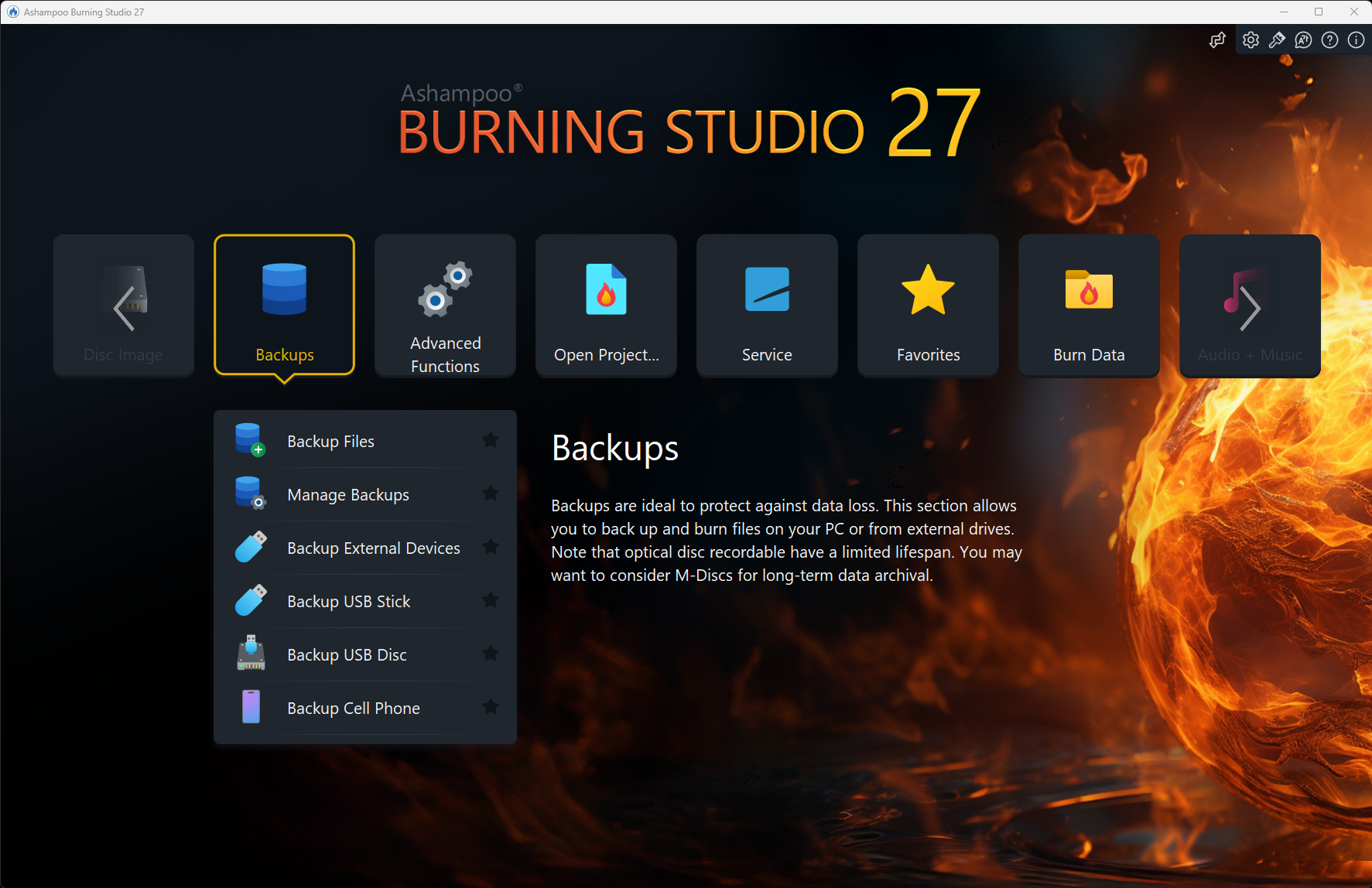
- Robust Data Backup and Recovery: Ensures secure data backup with options for multiple discs and offers recovery features in case of failures.
The target audience spans from casual users seeking reliable backup solutions and multimedia enthusiasts to small businesses needing efficient disc management without complexity.
A Fun and Reliable Burn: Setting the Stage
Imagine transforming your pile of digital memories into tangible discs—like sewing together a quilt from your favorite photographs or compiling a playlist on a sleek, polished CD. Ashampoo Burning Studio 27 cuts through the tech jargon, offering a tool that feels more like crafting than complicated tech troubleshooting. Whether it's burning a movie night DVD or archiving important files, this software promises to be your dependable partner—no fuss, no frills, just results you can count on.
Core Functionality 1: Data and Media Burning — Simplified and Efficient
At its core, Ashampoo Burning Studio 27 excels in turning digital files into physical discs with minimal effort. The streamlined wizard guides you step-by-step, akin to having a friendly guide escorting you through a well-lit path. You can burn data disks for backups, create audio CDs from your favorite MP3s, or design DVD slideshows with embedded menus. The software intelligently detects disc capacities, preventing awkward "buffering" moments, just like a seasoned chef knowing exactly how much ingredients to add.
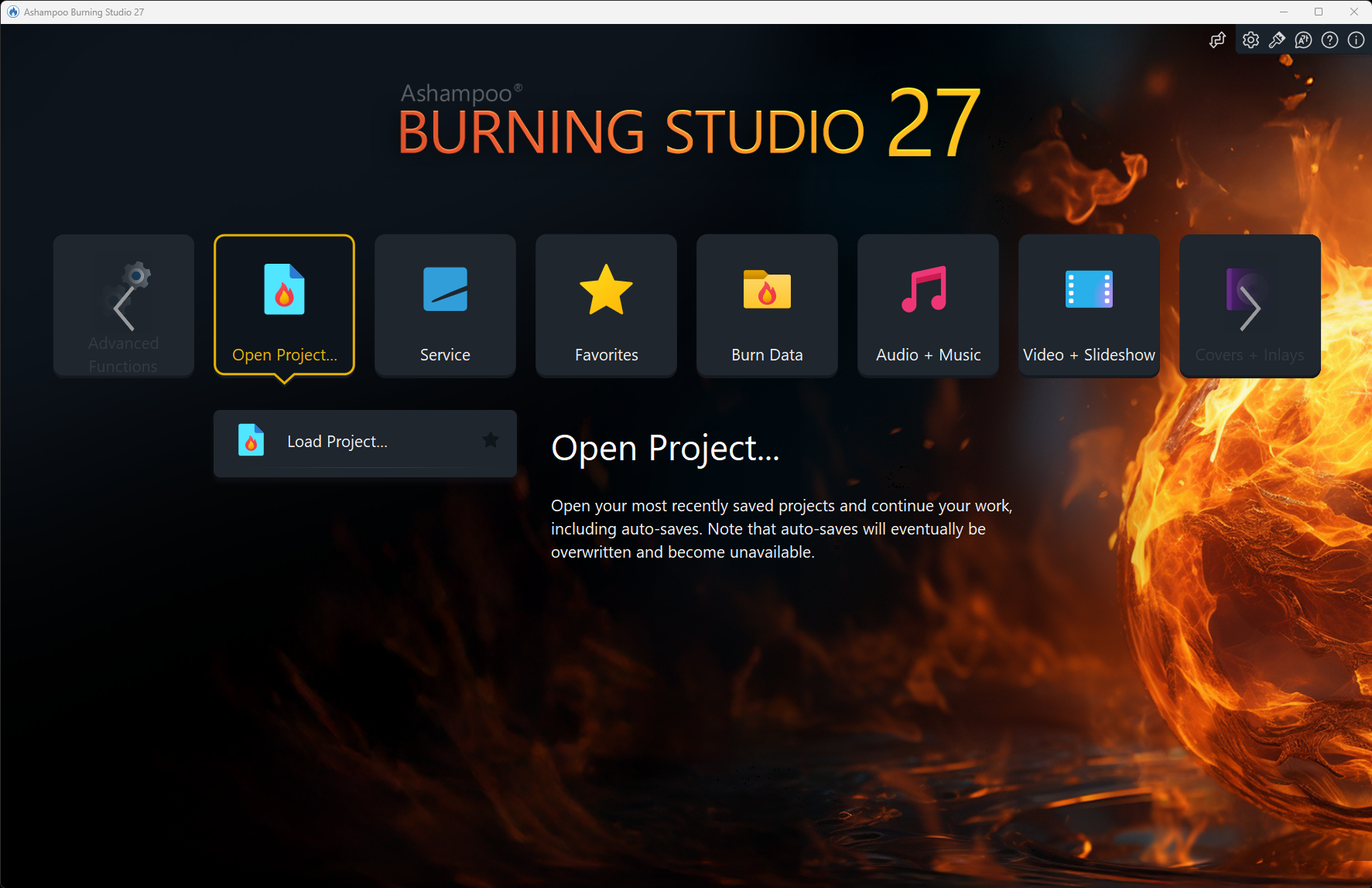
The interface is clean, with drag-and-drop support making file organization a breeze. The conversion process for different multimedia formats is smooth, reducing cognitive load—so you won't feel like you're juggling too many balls at once. This simplicity is particularly valuable compared to other products that burden users with overly complex features, ensuring you focus on what truly matters: your content.
Core Functionality 2: Disc Labeling and Design — Creating Professional Touches Effortlessly
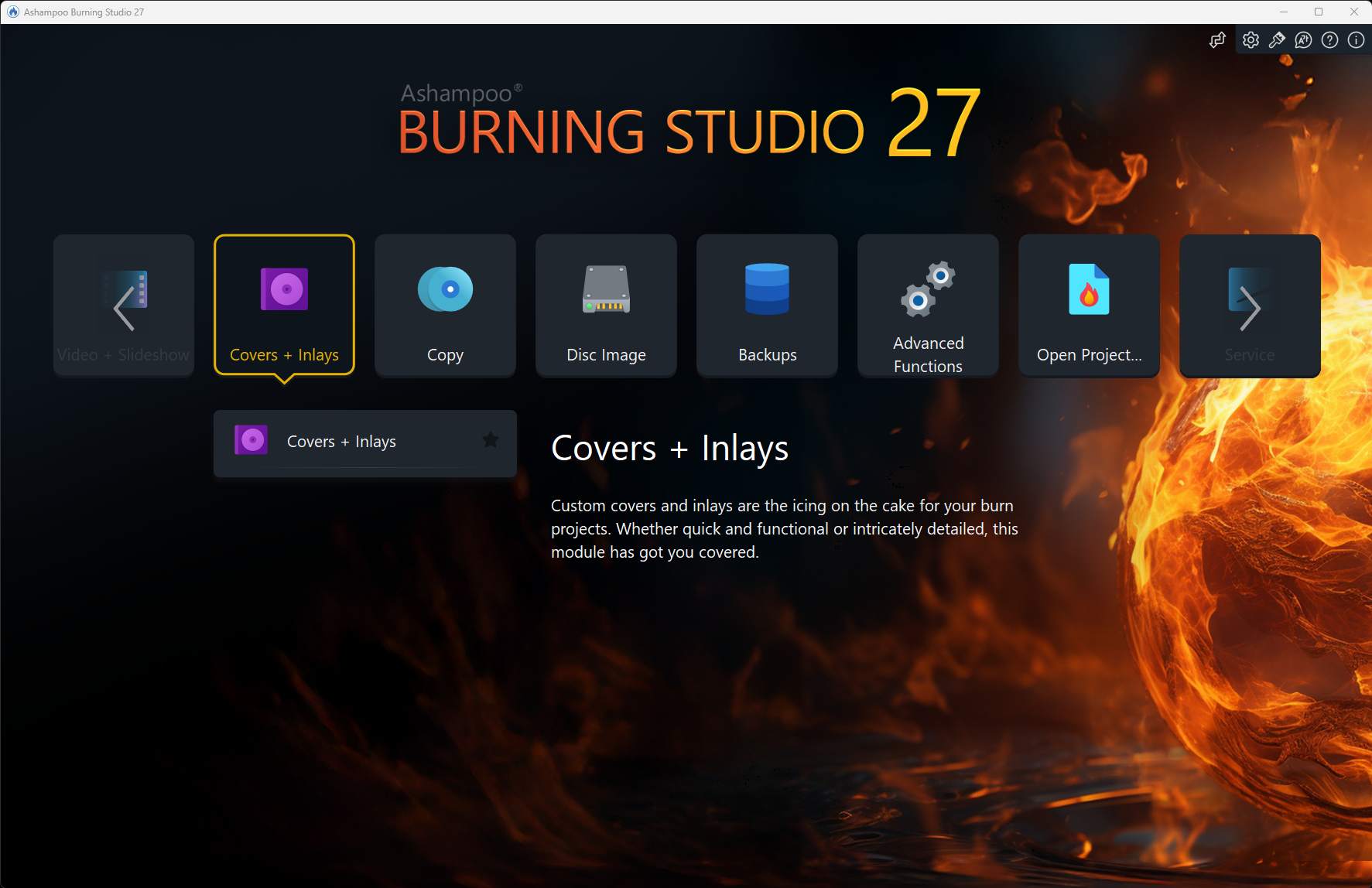
One of the app's standout features is its template-driven design system for disc labels, cases, and covers. Think of it as your digital Photoshop for physical media—minus the overwhelming options. You can choose from a variety of professional templates, customize images and texts, and export high-quality designs in seconds. It feels like having a graphic designer by your side, guiding each stroke with precision.
The interface here continues its user-friendly streak: labels preview in real-time, giving instant feedback, which reduces the frustration often associated with design software. This component is particularly useful for users who want personalized touches without spending hours fiddling with complex tools, making it a key differentiator from bulkier, more complicated design suites.
User Experience: Seamless, Intuitive, and Low-Pressure
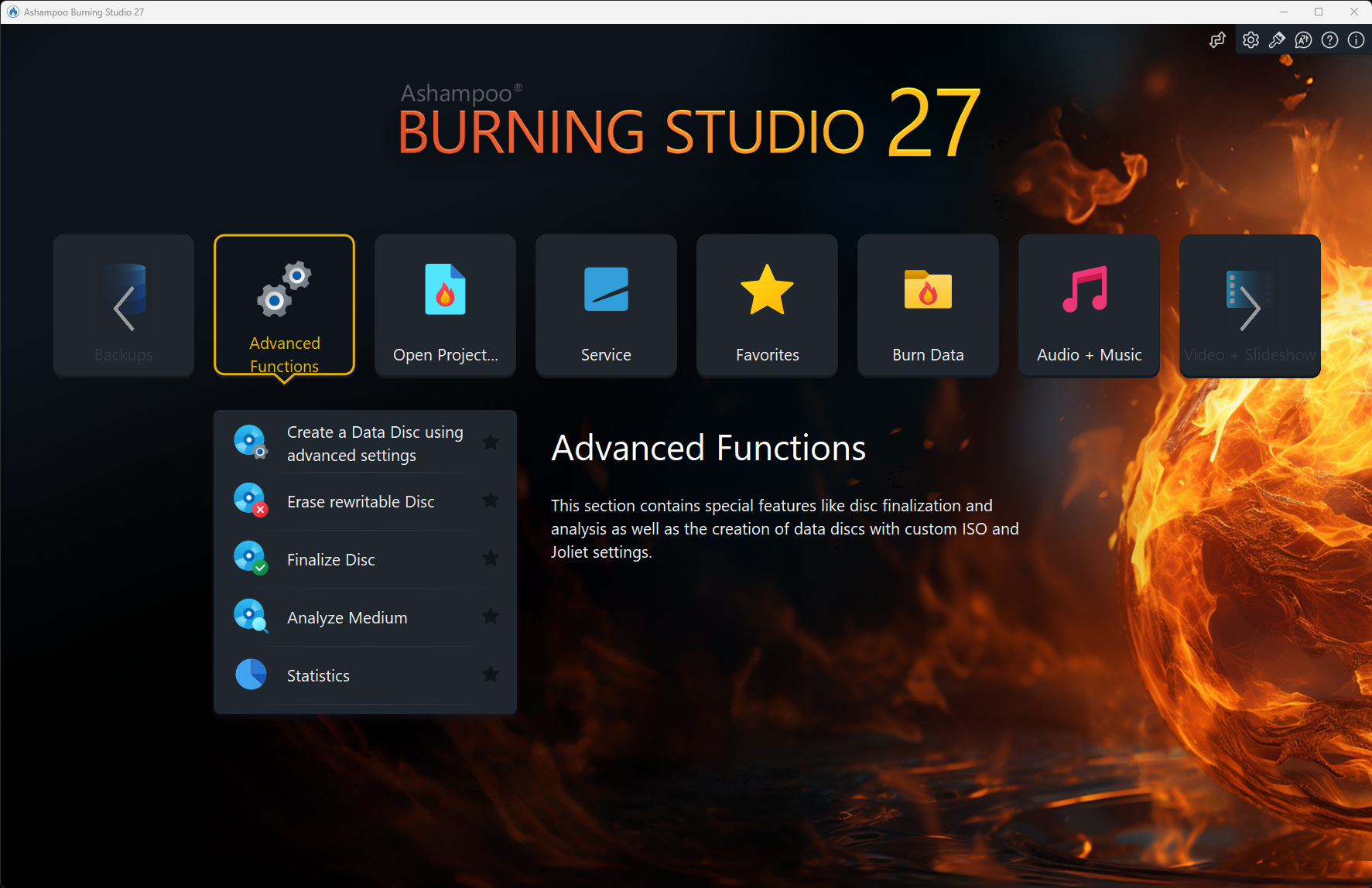
From a usability standpoint, Ashampoo Burning Studio 27 strikes a balance that's as satisfying as a well-oiled machine. The layout is intuitive; functions are logically grouped, and the learning curve is shallow. Beginners can hop in and produce quality discs after a few minutes of exploration, while seasoned users appreciate the efficiency and quick access to advanced options. Navigation feels fluid, whether you're adding files, customizing menus, or verifying burns—like driving a familiar car that responds instantly to your commands.
The app's minimal cognitive load stands out. Advanced features are available but not invasively front and center, allowing users to focus on their immediate goals—be it backing up large files or creating multimedia discs—without being overwhelmed by unnecessary complexities.
Unique Selling Points: Workflow Integration & Simplified Complexity
The true strength of Ashampoo Burning Studio 27 lies in its harmonious blend of workflow efficiency and features tailored to reduce cognitive demands. Unlike some tools overwhelmed by multi-layered menus and obscure options, this application emphasizes straightforwardness. Its built-in templates and guided workflows act like a well-organized toolbox—each tool in its place, ready when you need it. This reduces mental effort while ensuring high-quality outputs—akin to having a trusted assistant who anticipates your needs.
Furthermore, it integrates seamlessly with Windows workflows, allowing quick access from context menus or file explorers, thus enhancing productivity without disrupting your session. Such thoughtful integration ensures users aren't forced to switch between multiple applications or navigate confusing interfaces, placing Ashampoo Burning Studio 27 ahead of many rivals in user-centric design.
Final Recommendation: A Solid Choice for Everyday Disc Management
If you're looking for a reliable, straightforward burning application that combines effective multimedia management, professional labeling features, and a gentle learning curve, Ashampoo Burning Studio 27 warrants serious consideration. It's especially suited for users who value ease of use and workflow efficiency over overwhelming feature bloat. For casual backups, multimedia projects, or small-scale disc production, this software delivers dependable results without fuss. I'd recommend it for those seeking a no-nonsense solution that acts more like a helpful assistant than an intimidating jungle of options.
Pros
- User-friendly interface
- Supports a wide range of formats
- Fast burning speeds
- Built-in multimedia editing tools
- Reliable data verification process
Cons
- Limited drag-and-drop functionality
- Occasional compatibility issues with new hardware
- Help documentation could be more comprehensive
- Occasional minor crashes during large projects
- Limited cloud storage integration











