

- Category Productivity
- Developer SoftMaker Software GmbH
- Available on PC
- OS Windows 10 version 0.0 or higher
- languages Bulgarian, Chinese, Danish, English, German, Estonian, Finnish, French, Greek, Italian, Japanese, Kazakh, Korean, Latvian, Lithuanian, Dutch, Polish, Portuguese, Portuguese (Brazil), Russian, Swedish, Slovenian, Spanish, Turkish, Ukrainian, Hungarian
An Efficient Office Suite for Windows: Ashampoo Office 9
In a world where productivity tools are the backbone of daily workflows, Ashampoo Office 9 offers a streamlined and user-friendly alternative for Windows users seeking reliable office software without the bloat. Combining core functionalities with an intuitive interface, it aims to bridge the gap between simplicity and efficiency, making it suitable for students, professionals, and small business users alike.
Who Stands Behind Ashampoo Office 9?
Developed by SoftMaker Software GmbH and published by Ashampoo, a well-established name in the software industry, Ashampoo Office 9 benefits from a legacy of creating practical and accessible productivity tools. This collaboration ensures that the suite is backed by robust expertise and a focus on delivering a smooth user experience.
Core Features that Make It Stand Out
- Optimized Compatibility: Seamlessly read, edit, and create documents compatible with Microsoft Office formats, reducing worries about file exchanges.
- Lightweight, Fast, and Responsive: Designed to launch quickly and operate smoothly, even on modest hardware, thanks to efficient coding and minimal resource consumption.
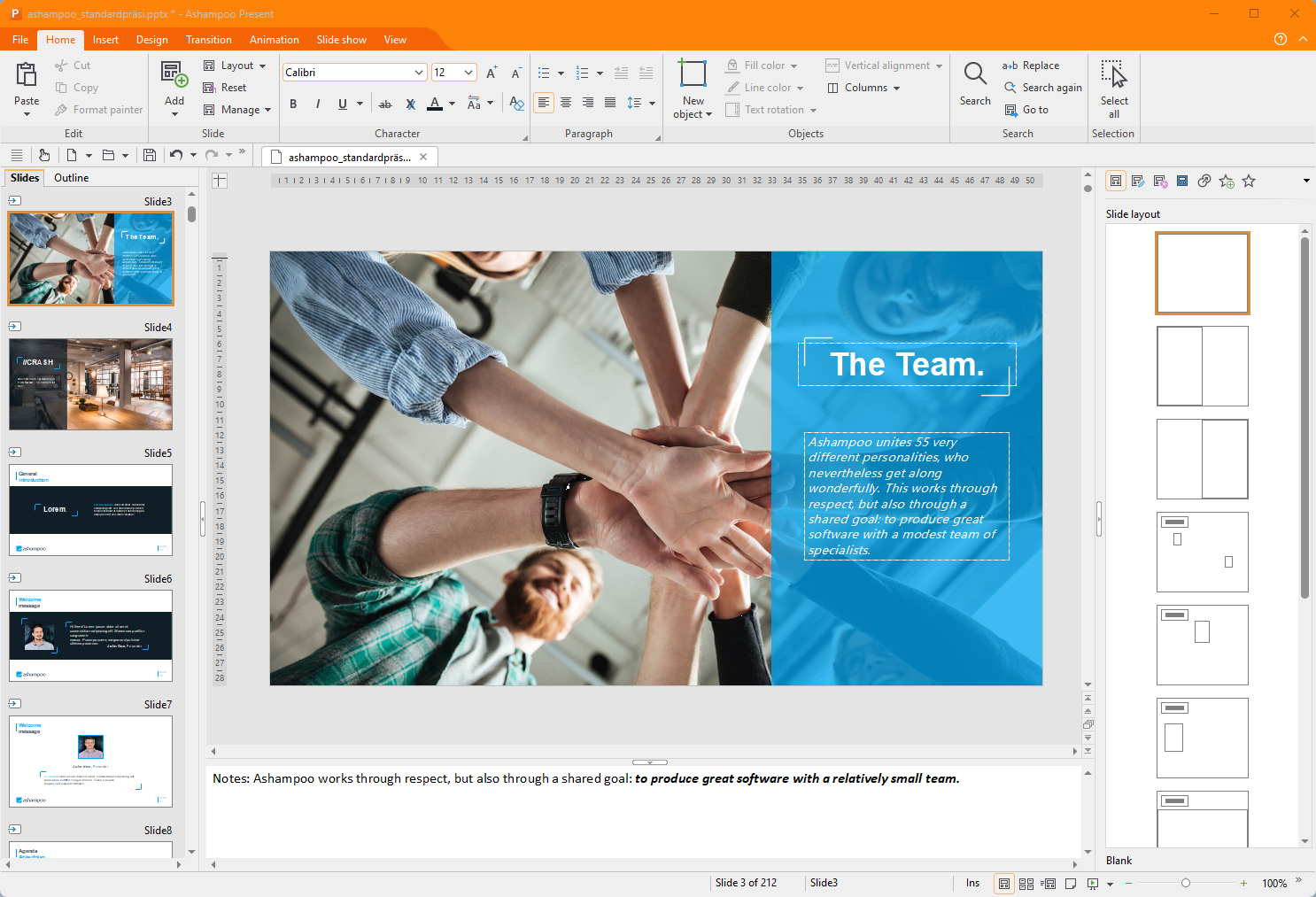
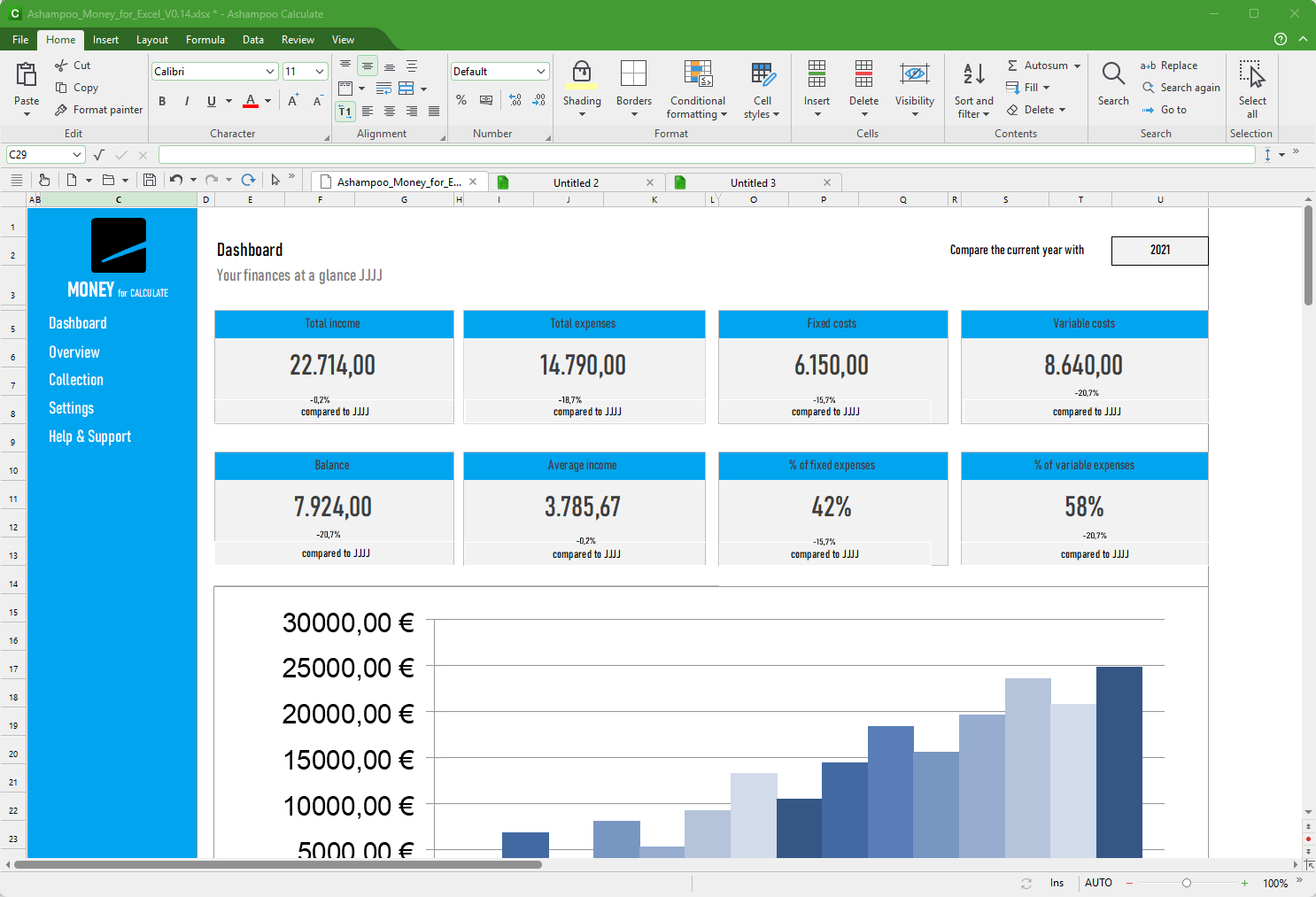
- Intuitive User Interface: Clean, modern design with familiar layout elements that ease the transition for users migrating from other office suites.
- Advanced PDF Integration: Built-in PDF editing and creation features that allow for direct manipulation without the need for external tools.
Engaging the User: A Closer Look at Ashampoo Office 9
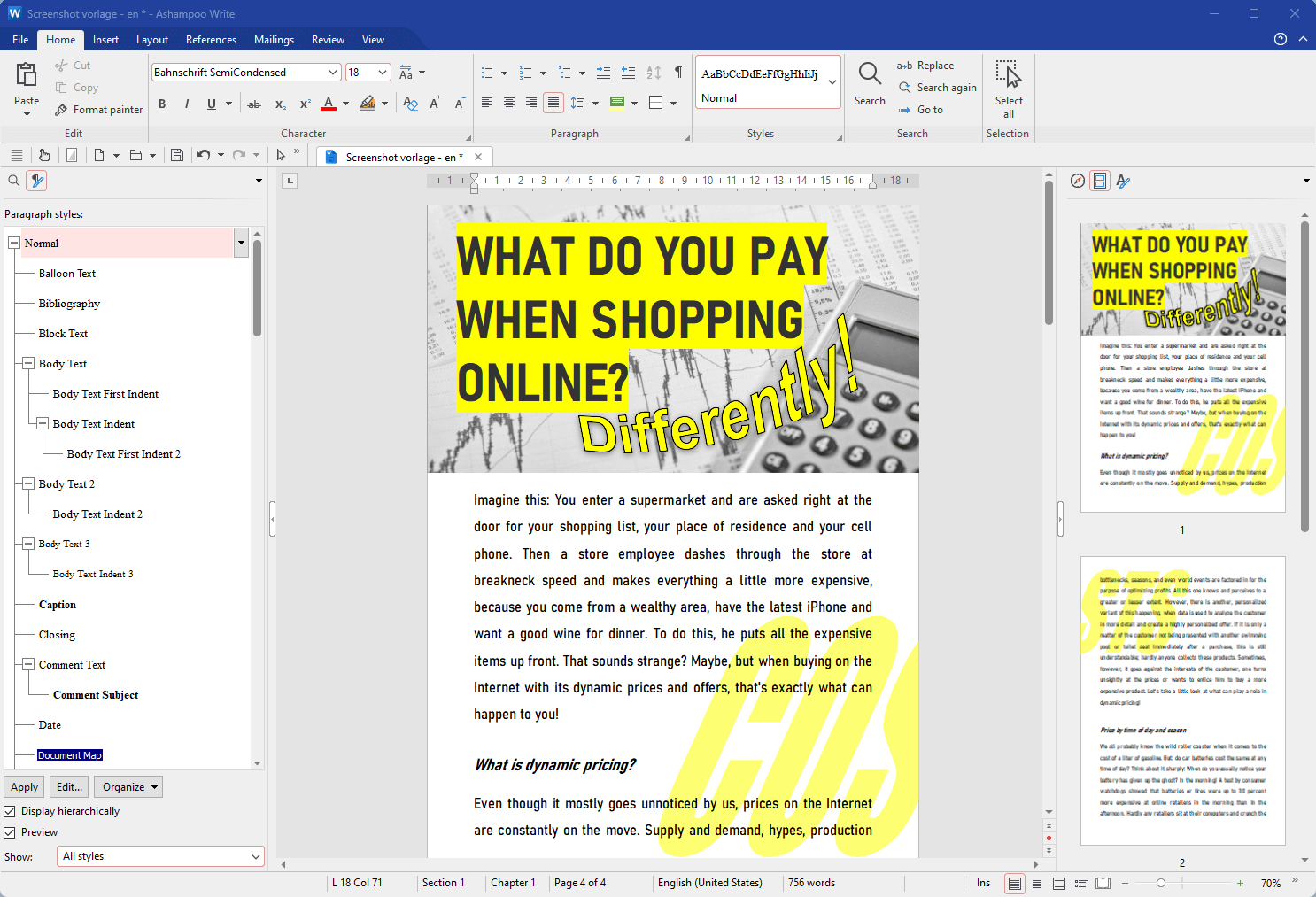
Imagine opening up a sleek, clutter-free workspace where everything you need is right at your fingertips. Ashampoo Office 9 feels much like walking into a well-organized home office—no distraction, just focus. Its straightforward design invites both newcomers and seasoned users to dive in without a steep learning curve, transforming routine document tasks into a pleasant experience.
Document Editing and Compatibility
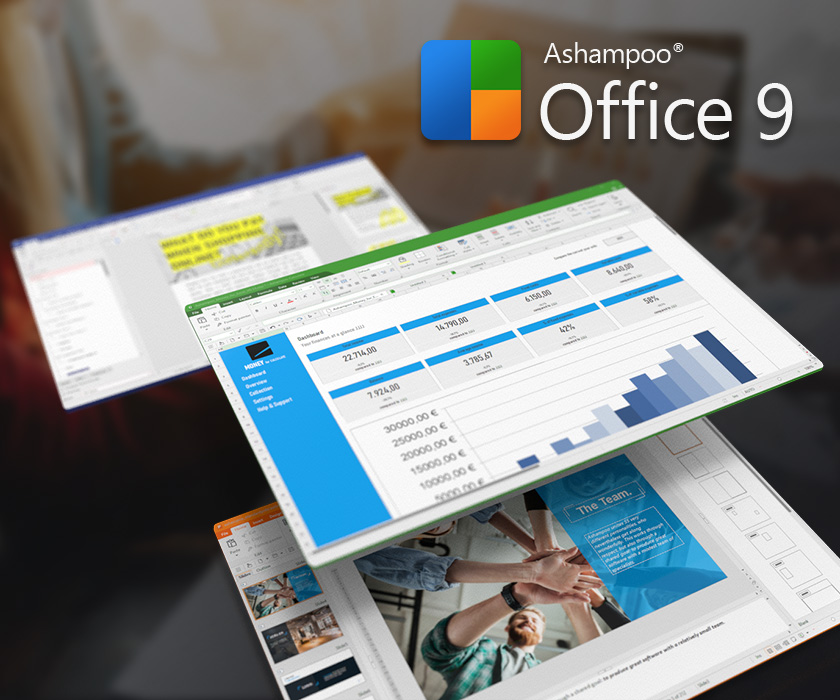
The heart of Ashampoo Office 9 lies in its word processor, spreadsheet, and presentation modules—akin to a well-chored trio of productivity specialists. The word processor provides a familiar ribbon interface, akin to a trusted colleague, allowing users to draft and format documents with ease. Compatibility with Microsoft Office formats means you can effortlessly collaborate or exchange files without worrying about missing fonts or misaligned layouts. This feature addresses the common frustration of working across different office suites, ensuring your workflow remains uninterrupted and efficient.
Streamlined PDF Handling
Another standout feature is the suite's integrated PDF tools. Unlike other office applications that require third-party add-ons, Ashampoo Office 9 includes built-in capabilities to edit, annotate, and convert PDFs directly within the environment. Whether it's updating a client report or preparing slides for a presentation, this function acts like a Swiss Army knife—compact yet versatile, saving users the hassle of juggling multiple programs.
Design, Performance, and User Experience
The interface embodies modern minimalism: clear menus, logical layout, with a palette that's easy on the eyes. Setup and daily operations are snappy, thanks to its lightweight nature; even older hardware can run it smoothly, likening it to a well-tuned car that purrs along without faltering. The learning curve is gentle—users familiar with standard office tools will find themselves productive within minutes. The absence of excessive feature clutter keeps cognitive load low, allowing users to prioritize actual content creation over menu hunting.
A Unique Place in the Productivity Arena
Compared to heavyweight suites like Microsoft Office or Google Workspace, Ashampoo Office 9 takes a different approach: it focuses on essential features optimized for workflow integration and speed. Its PDF editing capability and reliable format compatibility directly address common productivity bottlenecks, making it stand out. It reduces cognitive overload by offering a straightforward interface that doesn't overwhelm users with excessive options—ideal for those who prefer simplicity without sacrificing power.
Final Thoughts and Recommendations
If you're seeking a dependable, no-nonsense office suite that gets the job done efficiently, Ashampoo Office 9 is worth considering. It excels in document compatibility and PDF handling—its standout features that cater to everyday tasks without over-complicating things. Perfect for students, small business owners, or anyone tired of feature bummification, this suite strikes a balance between usability and functionality.
While it may lack some of the advanced collaboration features found in cloud-based solutions, its speed, simplicity, and focused capabilities make it a solid choice for those who prefer a desktop-based, lightweight, and reliable productivity partner. I recommend giving it a try if your workflow demands straightforward tools that reduce hassle and keep you moving forward efficiently.
Pros
- Intuitive User Interface
- Strong Compatibility
- Enhanced Performance
- Rich Set of Features
- Affordable Pricing
Cons
- Limited Cloud Integration
- Few Advanced Collaboration Tools
- Occasional Compatibility Glitches
- Limited Template Options
- Mobile Version Less Feature-Rich











