
Frequently Asked Questions
How do I start playing Asphalt 8 for the first time?
Download the app from your app store, open it, follow the on-screen tutorial, and select a career event to begin racing.
What are the main features of Asphalt 8 that I should know about?
It offers over 300 official speed machines, stunning physics-based graphics, 50+ tracks, multiplayer races with up to 12 players, and extensive customization options.
How can I upgrade or customize my cars in the game?
Go to the Garage, select your vehicle, then tap 'Upgrades' to improve performance or 'Decals' to customize appearance, using in-game currency or items.
What are the different game modes available?
Asphalt 8 features six unique game modes, including career, multiplayer, ghost races, time-trial, drag, and special event modes that enhance replayability.
How do I participate in multiplayer races?
Tap on the Multiplayer option from the main menu, select a race type, then wait for opponents or challenge friends for real-time racing.
Are there any in-app purchases in Asphalt 8?
Yes, you can buy virtual items like car upgrades and decals within the app through the store settings, accessible via Settings > Store.
Can I subscribe for premium benefits, and how?
Yes, go to Settings > Account > Subscriptions to view available plans and subscribe for exclusive rewards and bonuses.
What should I do if the game crashes or freezes?
Try restarting your device, ensure your app is up to date in the app store, or reinstall the app if issues persist.
How can I participate in limited-time events for rewards?
Events are usually promoted in-game; simply tap on the event banner and follow instructions to join and earn rewards.
Is there a way to disable third-party ads or manage ad settings?
You can disable ads by purchasing the ad-free version or adjusting settings in the app under 'Privacy & Ads' if available.
You May Like

Asphalt Legends
for Windows
4.8
Asphalt 8: Airborne
for Windows
4.8
Hill Climb Racing
for Windows
4.7
Beach Buggy Racing
for Windows
4.7
Trailmakers
for Windows
4.6
Trailmakers: Ultimate Edition
for Windows
4.6
Sunset Bike Racing - Motocross
for Windows
4.6
Drift Legends 2
for Windows
4.5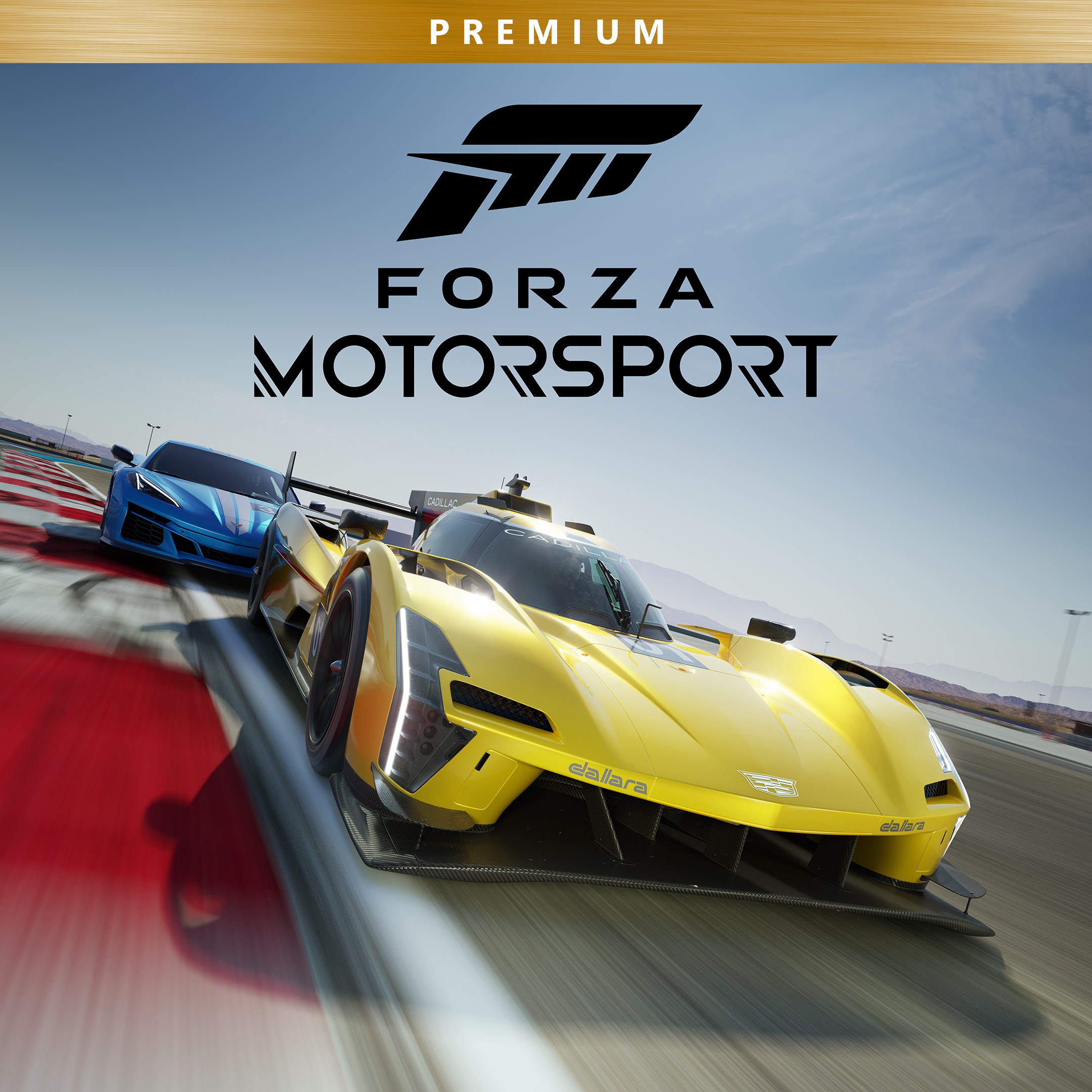
Forza Motorsport Premium Edition
for Windows
4.3
Forza Horizon 5 Standard Edition
for Windows
4.2
Forza Motorsport Standard Edition
for Windows
4.2
Disney Speedstorm
for Windows
4.2